WAN 2.1 V2V 480p LoRA generates unlimited 480p video-to-video edits with custom LoRA support for tailored styles. Ready-to-use REST inference API, best performance, no coldstarts, affordable pricing.
Bereit
$0.2pro Durchlauf·~50 / $10
BeispieleAlle anzeigen
The family of three just took a selfie. They lean in together, smiling and relaxed. The daughter holds the phone and shows the screen. All three look at it with interest. They laugh softly, pointing at the photo. Their faces are close, full of warmth. The background is still the same scenic place. Candid, joyful, cinematic style
An orca breaches Arctic waters. Slow 360° orbital camera sweep around the whale. Crystal-clear sea spray hangs in the air. Soft pastel polar sunset light lights the scene. High-definition visuals, cinematic HDR.
A figure runs along a cliff edge at sunset. Drone-style overhead aerial dolly‑out reveals sweeping coastline. Warm golden hour lighting, crashing waves, wind-flattened grass. High-resolution realism, cinematic scale.
Golden sunlight flickers through the trees as a deer dashes through a dense forest. The camera chases low from behind, dodging between trunks. Dust and pollen glow in the backlight. Leaves swirl in the air. High frame-rate motion blur, natural tones, immersive movement.
The petals start to fall around her as she slowly walks along the path, her skirt and hair fluttering softly. The sun glimmers through the branches, casting warm highlights on the scene as she pauses to look up at the sky.
An elegant young man walking confidently through an urban street at dusk, realistic textures on his leather jacket, subtle facial expressions, soft city lights reflecting on wet pavement, natural human motion captured in smooth video frames, slightly muted color palette with warm tones, crisp detail suitable for cinematic video scenes.
A majestic waterfall cascades down a cliff, water splashing and mist rising, sunlight piercing through the vapor to form a rainbow, camera slowly pushes in, cinematic, ultra-wide angle, 4K, hyper-detailed.
The camera slowly pans as the girl walks along the rooftop edge, her hair swaying gently in the breeze. The city lights begin to flicker on as twilight deepens, creating a sense of quiet solitude. The sky turns from orange to deep purple.
A young child laughs with pure joy as they chase shimmering soap bubbles in a sunny park. The camera follows them at a low angle, capturing their delighted expression as they reach out to pop a bubble. Vibrant colors, shallow depth of field, slow motion as a bubble pops.
A medieval knight in ornate steel armor stands in a dimly lit armory. Sunbeams cut through a high window. He slowly lowers his helmet into place, his eyes filled with determination visible for a moment before disappearing into shadow. Extreme close-up, slow motion, dramatic chiaroscuro lighting, cinematic, 8K.
Ähnliche Modelle

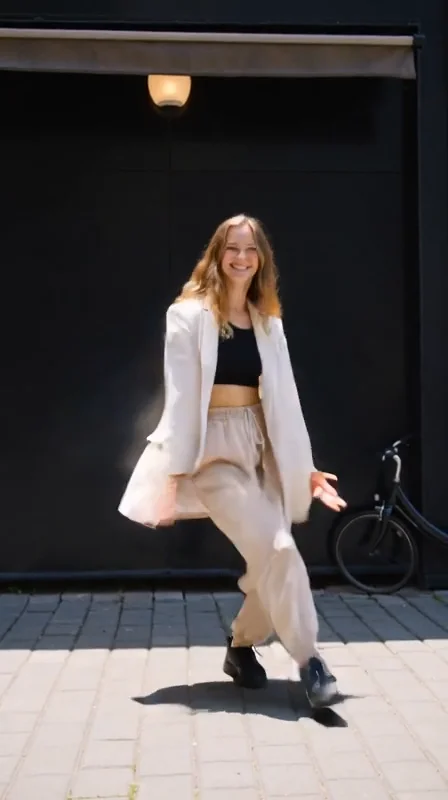
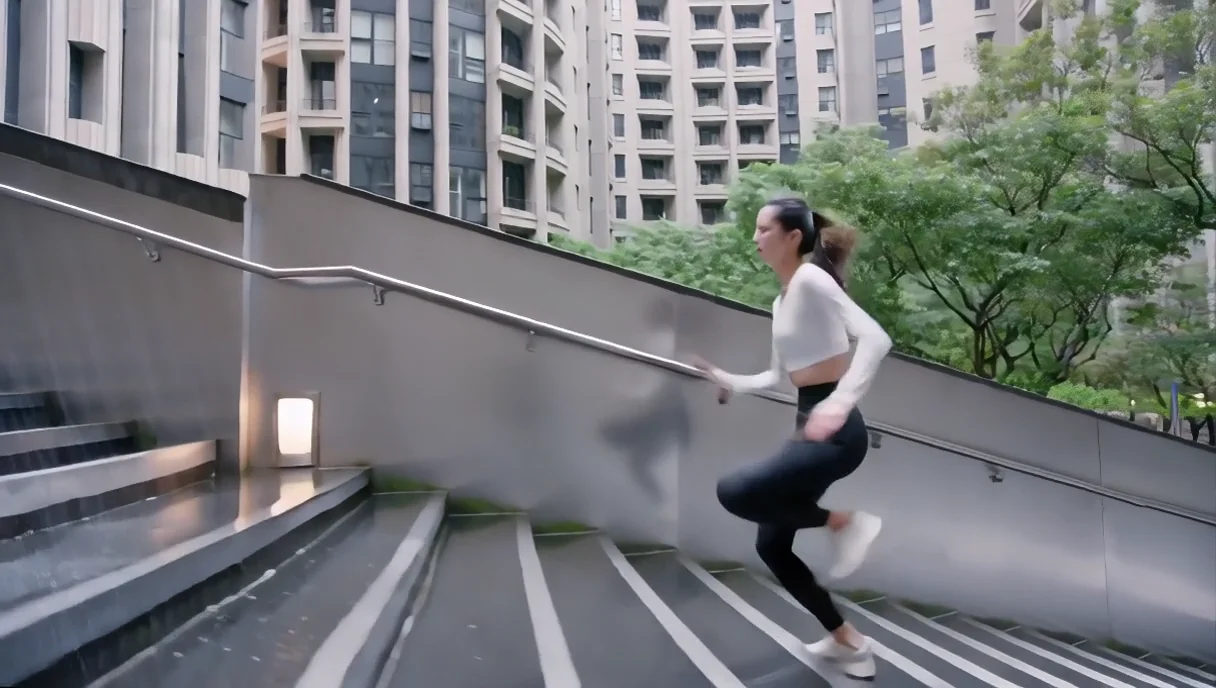
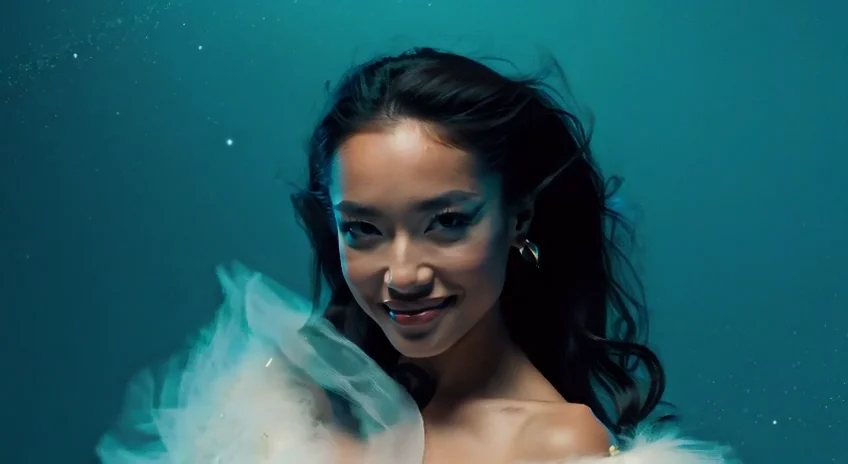

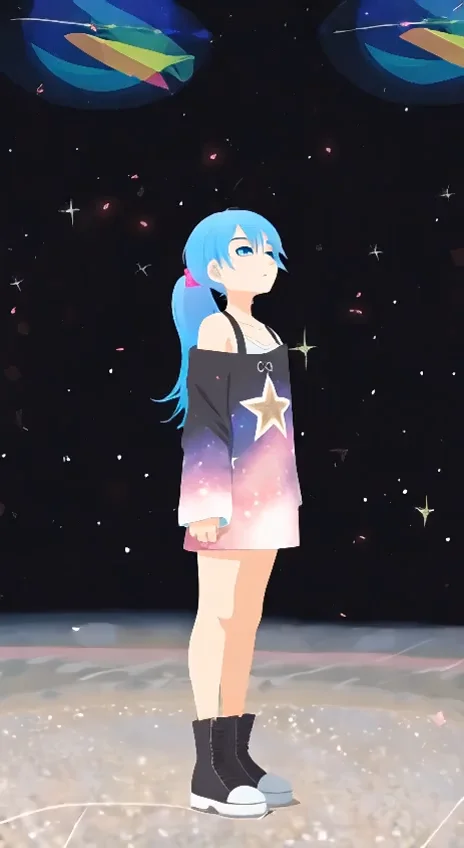
README
Wan 2.1 V2V 480p LoRA — wavespeed-ai/wan-2.1/v2v-480p-lora
Wan 2.1 V2V 480p LoRA is a video-to-video model designed for prompt-guided edits while preserving the original motion and timing of an input video. Upload a source video, describe what should change, and tune the edit strength to control how closely the output follows the original footage. It supports up to 3 LoRAs to enforce a consistent style, character look, or branded aesthetic across the transformed clip.
Key capabilities
- Video-to-video transformation anchored to an input video (480p output)
- Prompt-guided edits while keeping motion continuity and pacing
- Strength control to balance preservation vs. transformation
- LoRA support (up to 3) for stable style/identity steering
- Fine control over motion behavior via flow_shift
Use cases
- Restyle a video while preserving the original motion (cinematic, anime, illustration looks)
- Apply a “house style” consistently across multiple clips using LoRAs
- Enhance mood and lighting (golden hour, noir, neon) without re-animating motion
- Brand-safe content refresh: keep composition, change textures/colors/details
- Creative remixing for social clips and rapid iteration
Pricing
| Duration | Price per video |
|---|---|
| 5s | $0.20 |
| 10s | $0.30 |
Inputs
- video (required): source video to transform
- prompt (required): what to change and how the result should look
- negative_prompt (optional): what to avoid (artifacts, jitter, unwanted elements)
- loras (optional): up to 3 LoRA items for style/identity steering
Parameters
- num_inference_steps: sampling steps
- duration: output duration (seconds)
- strength: how strongly to transform the input video (lower = preserve more; higher = change more)
- guidance_scale: prompt adherence strength
- flow_shift: motion/flow behavior tuning
- seed: random seed (-1 for random; fixed for reproducible results)
LoRA (up to 3 items):
-
loras: list of LoRA entries (max 3)
-
path: owner/model-name or a direct.safetensors URL
-
scale: LoRA strength
Prompting guide (V2V)
To get stable edits, write prompts that separate “preserve” from “change”:
Template: Keep the same camera motion and timing from the input video. Change [style/lighting/wardrobe/environment]. Keep faces natural and consistent. Avoid flicker and warping.
Example prompts
- Keep the original motion and composition. Make the video candid and cinematic with warm sunlight, natural skin texture, gentle film grain, and soft depth of field.
- Preserve timing and camera movement. Restyle the scene into a clean anime look with crisp edges and consistent shading, no flicker.
- Keep the same scene and people. Change the color grade to sunset golden hour, add subtle lens flare, maintain realistic shadows.
Wan 2.1 v2v 480p Lora API — Quick start
Grab a WaveSpeedAI API key, then call POST https://api.wavespeed.ai/api/v3/wavespeed-ai/wan-2.1/v2v-480p-lora with your input as JSON. The endpoint returns a prediction id. Start polling the result endpoint around every 2 seconds, increase the interval for long-running tasks, and stop on any terminal status. On completed, read output values from data.outputs. Examples for Wan 2.1 v2v 480p Lora below.
HTTP example
set -euo pipefail

: "${WAVESPEED_API_KEY:?Set WAVESPEED_API_KEY}"

REQUEST_BODY=$(cat <<'JSON'
{
    "prompt": "A cinematic shot of a city at sunset, soft golden light",
    "video": "https://interactive-examples.mdn.mozilla.net/media/cc0-videos/flower.mp4",
    "num_inference_steps": 30,
    "duration": 5,
    "strength": 0.9,
    "guidance_scale": 5,
    "flow_shift": 3,
    "seed": -1
}
JSON
)

# 1. Submit the prediction.
SUBMIT_RESPONSE=$(curl --silent --show-error --fail-with-body \
  -X POST "https://api.wavespeed.ai/api/v3/wavespeed-ai/wan-2.1/v2v-480p-lora" \
  -H "Content-Type: application/json" \
  -H "Authorization: Bearer $WAVESPEED_API_KEY" \
  -d "$REQUEST_BODY")

TASK=$(printf '%s' "$SUBMIT_RESPONSE" | jq 'if has("data") then .data else . end')
PREDICTION_ID=$(printf '%s' "$TASK" | jq -r '.id')
if [ -z "$PREDICTION_ID" ] || [ "$PREDICTION_ID" = "null" ]; then
  printf 'Submission response did not contain a prediction id
' >&2
  exit 1
fi
RESULT_URL=$(printf '%s' "$TASK" | jq -r '.urls.get // empty')
if [ -z "$RESULT_URL" ]; then
  RESULT_URL="https://api.wavespeed.ai/api/v3/predictions/$PREDICTION_ID/result"
fi

# 2. Poll until the prediction finishes.
while true; do
  RESPONSE=$(curl --silent --show-error --fail-with-body "$RESULT_URL" \
    -H "Authorization: Bearer $WAVESPEED_API_KEY")
  RESULT=$(printf '%s' "$RESPONSE" | jq 'if has("data") then .data else . end')
  STATUS=$(printf '%s' "$RESULT" | jq -r '.status')
  case "$STATUS" in
    completed) printf '%s\n' "$RESULT" | jq '.outputs'; break ;;
    failed|cancelled|timeout) printf '%s\n' "$RESULT" | jq . >&2; exit 1 ;;
    created|processing) sleep 2 ;;
    *) printf 'Unexpected status: %s
' "$STATUS" >&2; exit 1 ;;
  esac
done
Node.js example
const submitUrl = "https://api.wavespeed.ai/api/v3/wavespeed-ai/wan-2.1/v2v-480p-lora";
const apiKey = process.env.WAVESPEED_API_KEY;
if (!apiKey) throw new Error('Set WAVESPEED_API_KEY');

async function requestJson(url, options = {}) {
  const response = await fetch(url, options);
  if (!response.ok) throw new Error(await response.text());
  return response.json();
}

// 1. Submit the prediction.
const body = await requestJson(submitUrl, {
  method: "POST",
  headers: {
    "Authorization": `Bearer ${apiKey}`,
    "Content-Type": "application/json",
  },
  body: JSON.stringify({
        "prompt": "A cinematic shot of a city at sunset, soft golden light",
        "video": "https://interactive-examples.mdn.mozilla.net/media/cc0-videos/flower.mp4",
        "num_inference_steps": 30,
        "duration": 5,
        "strength": 0.9,
        "guidance_scale": 5,
        "flow_shift": 3,
        "seed": -1
}),
});
const task = body.data ?? body;
if (!task.id) throw new Error("Submission response did not contain a prediction id");
const resultUrl = task.urls?.get ||
  `https://api.wavespeed.ai/api/v3/predictions/${task.id}/result`;

// 2. Poll until the prediction finishes.
while (true) {
  const resultBody = await requestJson(resultUrl, {
    headers: { "Authorization": `Bearer ${apiKey}` },
  });
  const result = resultBody.data ?? resultBody;
  if (result.status === "completed") {
    console.log(result.outputs);
    break;
  }
  if (["failed", "cancelled", "timeout"].includes(result.status)) throw new Error(JSON.stringify(result));
  if (!["created", "processing"].includes(result.status)) throw new Error("Unexpected status: " + result.status);
  await new Promise(resolve => setTimeout(resolve, 2000));
}
Python example
import json
import os
import time
from urllib.request import Request, urlopen

api_key = os.environ["WAVESPEED_API_KEY"]
headers = {"Authorization": f"Bearer {api_key}", "Content-Type": "application/json"}
payload = {
    "prompt": "A cinematic shot of a city at sunset, soft golden light",
    "video": "https://interactive-examples.mdn.mozilla.net/media/cc0-videos/flower.mp4",
    "num_inference_steps": 30,
    "duration": 5,
    "strength": 0.9,
    "guidance_scale": 5,
    "flow_shift": 3,
    "seed": -1
}

def request_json(url, data=None):
    request = Request(url, data=data, headers=headers, method="POST" if data else "GET")
    with urlopen(request) as response:
        return json.load(response)

# 1. Submit the prediction.
body = request_json("https://api.wavespeed.ai/api/v3/wavespeed-ai/wan-2.1/v2v-480p-lora", json.dumps(payload).encode())
task = body.get("data", body)
if not task.get("id"):
    raise RuntimeError("Submission response did not contain a prediction id")
result_url = task.get("urls", {}).get("get") or f"https://api.wavespeed.ai/api/v3/predictions/{task['id']}/result"

# 2. Poll until the prediction finishes.
while True:
    result_body = request_json(result_url)
    result = result_body.get("data", result_body)
    status = result.get("status")
    if status == "completed":
        print(result.get("outputs", []))
        break
    if status in {"failed", "cancelled", "timeout"}:
        raise RuntimeError(result)
    if status not in {"created", "processing"}:
        raise RuntimeError(f"Unexpected status: {status}")
    time.sleep(2)
Wan 2.1 v2v 480p Lora API — Frequently asked questions
What is the Wan 2.1 v2v 480p Lora API?
Wan 2.1 v2v 480p Lora is a WaveSpeedAI model for AI inference, exposed as a REST API on WaveSpeedAI. WAN 2.1 V2V 480p LoRA generates unlimited 480p video-to-video edits with custom LoRA support for tailored styles. Ready-to-use REST inference API, best performance, no coldstarts, affordable pricing. You can call it programmatically or try it from the playground above.
How do I call the Wan 2.1 v2v 480p Lora API?
POST your input parameters to the model's REST endpoint (shown in the API tab of this playground) with your WaveSpeedAI API key in the Authorization header. Submission returns a prediction ID. Poll the result endpoint starting around every 2 seconds, increase the interval for long-running tasks, and stop on any terminal status. The playground generates production-oriented Python, JavaScript, and cURL examples with timeouts, transient-error handling, and safe GET retries. Full request/response shape is documented at https://wavespeed.ai/docs/docs-api/wavespeed-ai/wan-2.1-v2v-480p-lora.
How much does Wan 2.1 v2v 480p Lora cost per run?
Wan 2.1 v2v 480p Lora starts at $0.20 per run. That figure is the base price — the final charge scales with the parameters you set in the form (output size, length, count, references, or whatever knobs this model exposes), so a higher-quality or larger output costs more than a minimal one. The exact cost for your current input is shown live next to the Generate button before you submit, and the actual per-call charge is recorded on the prediction afterwards.
What inputs does Wan 2.1 v2v 480p Lora accept?
Key inputs: `prompt`, `video`, `duration`, `seed`, `guidance_scale`, `num_inference_steps`. The full JSON schema (types, defaults, allowed values) is rendered above the Generate button and mirrored in the API reference at https://wavespeed.ai/docs/docs-api/wavespeed-ai/wan-2.1-v2v-480p-lora.
How long does Wan 2.1 v2v 480p Lora take to generate?
Median end-to-end generation time on WaveSpeedAI is around 153 seconds per request, based on recent successful runs. Queue time varies with global demand; live status is visible in the prediction record.
Can I use Wan 2.1 v2v 480p Lora outputs commercially?
Commercial usage rights depend on the model's license, set by its provider (WaveSpeedAI). The license summary appears on the model card above; see WaveSpeedAI's Terms of Service for platform-level conditions.