WAN 2.1 Text-to-Video generates high-quality 720P videos from text prompts with an ultra-fast pipeline for unlimited AI videos. Ready-to-use REST inference API, best performance, no coldstarts, affordable pricing.
Bereit
$0.225pro Durchlauf·~44 / $10
BeispieleAlle anzeigen
Close-up tracking shot, a lone man wrapped in heavy winter gear, fur-lined hood, goggles and a frost-covered coat, trudges through deep snow as a blinding blizzard howls around him. The snow whips from side to side, partially obscuring the landscape. His figure advances against the wind. Harsh, isolated, cinematic
photo-realistic young chimpanzee with reddish-brown fur, wearing a mint-green turtleneck and blue denim overalls. The setting is outdoors, with a softly blurred lake and greenery in the background. The camera remains stationary and focused on the chimp's upper body in a close-up shot. The chimp stays completely still except for its eyes, which move as follows: Start with the chimpanzee looking towards the camera. Its eyes shift quickly to looking straight ahead. Pause for a moment as it holds that glance. The eyes then shift back. This continues for a few times. Facial expression remains neutral throughout, with a slightly awkward or concerned look in the eyes
这是一张充满活力的照片,捕捉到了日本姬路城堡的壮丽景色。图像的特点是前景中的樱花枝,装饰着精致的白色花朵,有些盛开,有些含苞待放。樱花清晰可见,花瓣精致,细节精致。树枝很细,略微弯曲,质地自然,稍粗糙。在背景中,标志性的姬路城堡,也被称为Shirasagi城堡,被突出显示。这座城堡是联合国教科文组织世界遗产,以其令人惊叹的建筑而闻名。该建筑是一种充满活力的暖橙色,边缘和屋顶上可见错综复杂的木制品和金色装饰。阳光投下柔和的阴影,增强了樱花和城堡的质感和深度。整体构图和谐,花朵的柔和粉红色与城堡的浓郁橙色形成了美丽的对比。镜头缓缓推进,从樱花树慢慢转向城堡,展现出樱花与城堡之间细腻的层次感。光线逐渐变化,营造出日出或日落时分的温暖氛围,使整个画面更加生动。
A female warrior in silver armor is walking through a dense enchanted forest, her cape flowing with the wind, glowing fireflies around her, mysterious light rays piercing through trees, fantasy cinematic look, back view, dramatic camera tilt.
A high school girl in uniform is riding a bicycle under cherry blossoms, petals floating in the wind, soft lighting with warm tones, peaceful atmosphere, back view, shallow depth of field.
A young man in a colorful streetwear outfit is skateboarding down a graffiti-covered alleyway, his movements fast and smooth, golden hour sunlight reflecting off metal walls, urban vibe, dynamic handheld camera motion with occasional slow-downs.
A chibi-style girl with oversized eyes and bubble pigtails is jumping happily on a pastel-colored floating island, surrounded by bouncing jelly creatures, toy-like materials and lighting, cute playful mood, wide-angle lens.
A futuristic soldier in a sleek exosuit is sprinting across a neon-lit battlefield, energy pulses glowing on his armor, explosions in the distance, gritty sci-fi tone, third-person tracking shot with depth-of-field blur.
A humanoid android with a transparent skull and glowing neural circuits is standing in a sterile lab chamber, connected to floating data streams and robotic arms, her eyes tracking the camera slowly, sleek chrome surfaces, high-tech sterile ambiance, smooth panning shot.
A girl with bangs and a vintage camera is walking along an old railway under cloudy skies, faded autumn leaves falling around her, soft film grain and warm tones, nostalgic atmosphere, shallow depth-of-field, handheld camera movements.
A demonic warrior with flaming horns and cracked molten skin is stomping through a burning battlefield, ashes flying through the air, heavy metal soundtrack vibe, slow motion sparks, intense close-up on glowing eyes, dark epic fantasy tone.
A pink-haired elf girl in armor is standing on a floating island surrounded by magic circles, sky filled with multiple moons, glowing particles drifting by, fantasy anime tone, dramatic lighting from below, camera tilt as she draws her sword.
Ähnliche Modelle

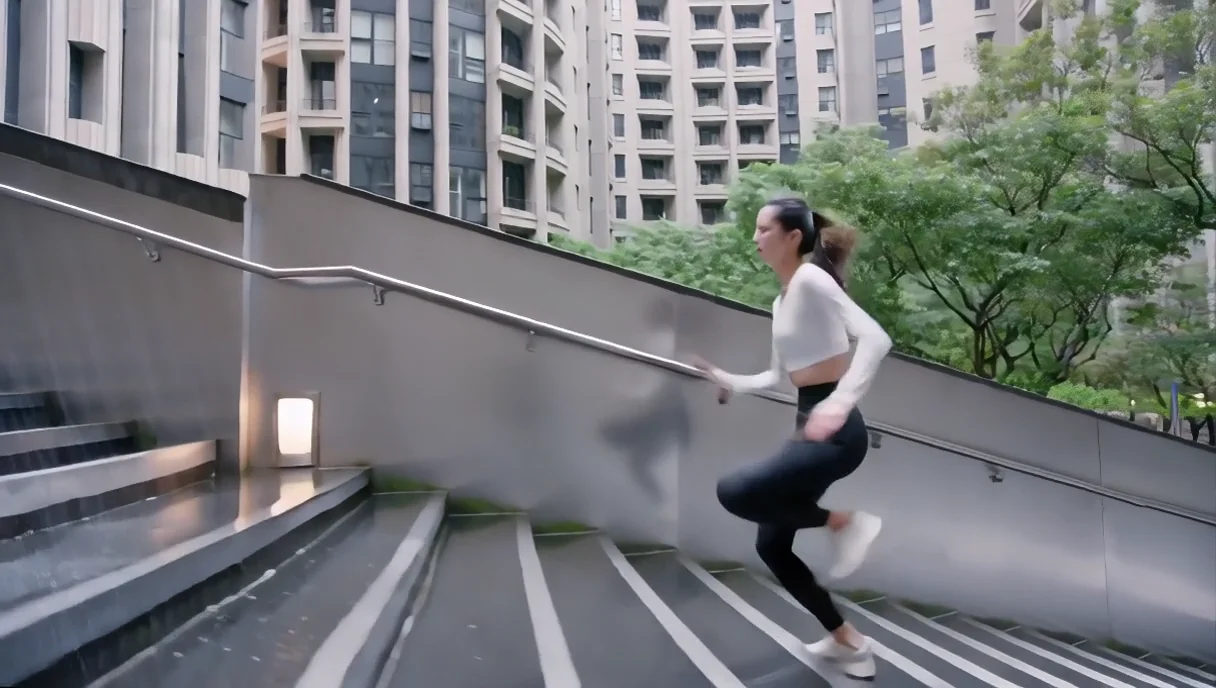
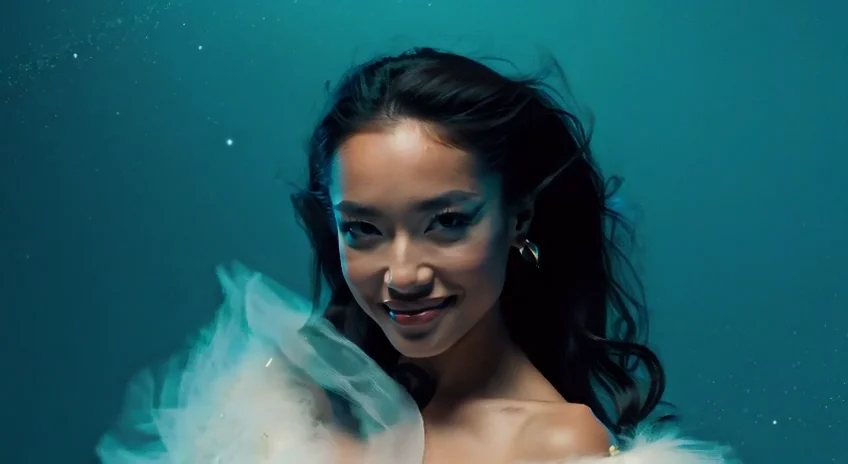

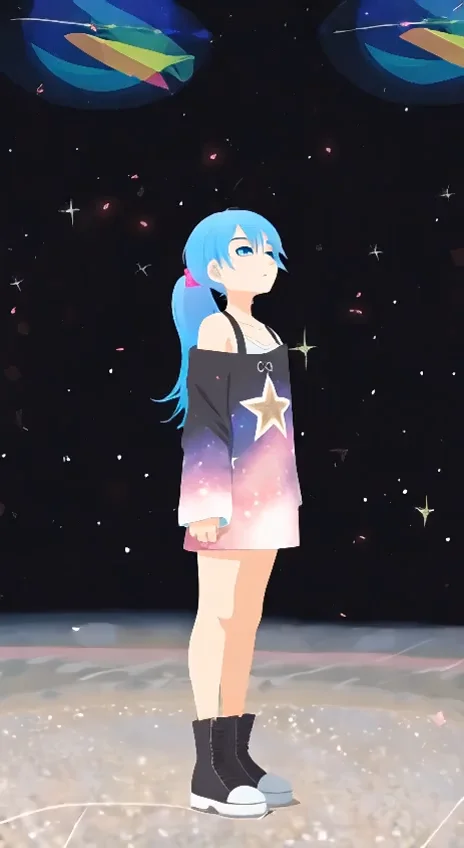

README
Wan 2.1 Text-to-Video 720p Ultra Fast
Wan 2.1 Text-to-Video 720p Ultra Fast is a lightning-fast text-to-video generation model optimized for speed and efficiency. Generate HD 720p videos from text descriptions in seconds — perfect for rapid iteration, previews, and high-volume video creation.
Why It Stands Out
- Ultra-fast processing: Optimized for speed without sacrificing quality.
- HD 720p output: Generate crisp videos in landscape (1280×720) or portrait (720×1280).
- Prompt Enhancer: Built-in AI-powered prompt optimization for better results.
- Negative prompt support: Exclude unwanted elements for cleaner outputs.
- Fine-tuned control: Adjust guidance scale and flow shift for precise results.
- Reproducibility: Use the seed parameter to recreate exact results.
Parameters
| Parameter | Required | Description |
|---|---|---|
| prompt | Yes | Text description of the video you want to generate. |
| negative_prompt | No | Elements to avoid in the output. |
| size | No | Output resolution: 1280×720 or 720×1280 (default: 1280×720). |
| num_inference_steps | No | Quality/speed trade-off (default: 30). |
| duration | No | Video length: 5 or 10 seconds (default: 5). |
| guidance_scale | No | Prompt adherence strength (default: 5). |
| flow_shift | No | Motion flow control (default: 5). |
| seed | No | Set for reproducibility; -1 for random. |
How to Use
- Write a prompt describing the scene, action, and style you want. Use the Prompt Enhancer for AI-assisted optimization.
- Add a negative prompt (optional) — specify elements to exclude.
- Select size — choose landscape (1280×720) or portrait (720×1280).
- Set duration — choose 5 or 10 seconds.
- Adjust parameters (optional) — fine-tune guidance scale and flow shift.
- Click Run and wait for your video to generate.
- Preview and download the result.
Best Use Cases
- Rapid Prototyping — Quickly test video concepts before committing to higher quality models.
- Batch Processing — Generate multiple videos efficiently at scale.
- Content Previews — Create quick previews for client approval.
- Social Media Content — Produce videos for TikTok, Reels, and Shorts.
- Creative Exploration — Experiment with different prompts at minimal cost.
Pricing
| Duration | Price |
|---|---|
| 5 seconds | $0.225 |
| 10 seconds | $0.3375 |
Pro Tips for Best Quality
- Be detailed in your prompt — describe subject, action, environment, lighting, and mood.
- Include camera movement keywords like "tracking shot," "close-up," or "wide angle."
- Use negative prompts to reduce artifacts like blur, distortion, or unwanted motion.
- Choose portrait (720×1280) for mobile-first platforms like TikTok.
- Start with Ultra Fast for testing, then upgrade to standard models for final delivery.
Notes
- Processing time is optimized for speed — expect quick turnaround.
- Higher num_inference_steps produces better quality but increases generation time.
- Please ensure your prompts comply with content guidelines.
Wan 2.1 T2v 720p Ultra Fast API — Quick start
Grab a WaveSpeedAI API key, then call POST https://api.wavespeed.ai/api/v3/wavespeed-ai/wan-2.1/t2v-720p-ultra-fast with your input as JSON. The endpoint returns a prediction id. Start polling the result endpoint around every 2 seconds, increase the interval for long-running tasks, and stop on any terminal status. On completed, read output values from data.outputs. Examples for Wan 2.1 T2v 720p Ultra Fast below.
HTTP example
set -euo pipefail

: "${WAVESPEED_API_KEY:?Set WAVESPEED_API_KEY}"

REQUEST_BODY=$(cat <<'JSON'
{
    "prompt": "A cinematic shot of a city at sunset, soft golden light",
    "size": "1280*720",
    "num_inference_steps": 30,
    "duration": 5,
    "guidance_scale": 5,
    "flow_shift": 5,
    "seed": -1
}
JSON
)

# 1. Submit the prediction.
SUBMIT_RESPONSE=$(curl --silent --show-error --fail-with-body \
  -X POST "https://api.wavespeed.ai/api/v3/wavespeed-ai/wan-2.1/t2v-720p-ultra-fast" \
  -H "Content-Type: application/json" \
  -H "Authorization: Bearer $WAVESPEED_API_KEY" \
  -d "$REQUEST_BODY")

TASK=$(printf '%s' "$SUBMIT_RESPONSE" | jq 'if has("data") then .data else . end')
PREDICTION_ID=$(printf '%s' "$TASK" | jq -r '.id')
if [ -z "$PREDICTION_ID" ] || [ "$PREDICTION_ID" = "null" ]; then
  printf 'Submission response did not contain a prediction id
' >&2
  exit 1
fi
RESULT_URL=$(printf '%s' "$TASK" | jq -r '.urls.get // empty')
if [ -z "$RESULT_URL" ]; then
  RESULT_URL="https://api.wavespeed.ai/api/v3/predictions/$PREDICTION_ID/result"
fi

# 2. Poll until the prediction finishes.
while true; do
  RESPONSE=$(curl --silent --show-error --fail-with-body "$RESULT_URL" \
    -H "Authorization: Bearer $WAVESPEED_API_KEY")
  RESULT=$(printf '%s' "$RESPONSE" | jq 'if has("data") then .data else . end')
  STATUS=$(printf '%s' "$RESULT" | jq -r '.status')
  case "$STATUS" in
    completed) printf '%s\n' "$RESULT" | jq '.outputs'; break ;;
    failed|cancelled|timeout) printf '%s\n' "$RESULT" | jq . >&2; exit 1 ;;
    created|processing) sleep 2 ;;
    *) printf 'Unexpected status: %s
' "$STATUS" >&2; exit 1 ;;
  esac
done
Node.js example
const submitUrl = "https://api.wavespeed.ai/api/v3/wavespeed-ai/wan-2.1/t2v-720p-ultra-fast";
const apiKey = process.env.WAVESPEED_API_KEY;
if (!apiKey) throw new Error('Set WAVESPEED_API_KEY');

async function requestJson(url, options = {}) {
  const response = await fetch(url, options);
  if (!response.ok) throw new Error(await response.text());
  return response.json();
}

// 1. Submit the prediction.
const body = await requestJson(submitUrl, {
  method: "POST",
  headers: {
    "Authorization": `Bearer ${apiKey}`,
    "Content-Type": "application/json",
  },
  body: JSON.stringify({
        "prompt": "A cinematic shot of a city at sunset, soft golden light",
        "size": "1280*720",
        "num_inference_steps": 30,
        "duration": 5,
        "guidance_scale": 5,
        "flow_shift": 5,
        "seed": -1
}),
});
const task = body.data ?? body;
if (!task.id) throw new Error("Submission response did not contain a prediction id");
const resultUrl = task.urls?.get ||
  `https://api.wavespeed.ai/api/v3/predictions/${task.id}/result`;

// 2. Poll until the prediction finishes.
while (true) {
  const resultBody = await requestJson(resultUrl, {
    headers: { "Authorization": `Bearer ${apiKey}` },
  });
  const result = resultBody.data ?? resultBody;
  if (result.status === "completed") {
    console.log(result.outputs);
    break;
  }
  if (["failed", "cancelled", "timeout"].includes(result.status)) throw new Error(JSON.stringify(result));
  if (!["created", "processing"].includes(result.status)) throw new Error("Unexpected status: " + result.status);
  await new Promise(resolve => setTimeout(resolve, 2000));
}
Python example
import json
import os
import time
from urllib.request import Request, urlopen

api_key = os.environ["WAVESPEED_API_KEY"]
headers = {"Authorization": f"Bearer {api_key}", "Content-Type": "application/json"}
payload = {
    "prompt": "A cinematic shot of a city at sunset, soft golden light",
    "size": "1280*720",
    "num_inference_steps": 30,
    "duration": 5,
    "guidance_scale": 5,
    "flow_shift": 5,
    "seed": -1
}

def request_json(url, data=None):
    request = Request(url, data=data, headers=headers, method="POST" if data else "GET")
    with urlopen(request) as response:
        return json.load(response)

# 1. Submit the prediction.
body = request_json("https://api.wavespeed.ai/api/v3/wavespeed-ai/wan-2.1/t2v-720p-ultra-fast", json.dumps(payload).encode())
task = body.get("data", body)
if not task.get("id"):
    raise RuntimeError("Submission response did not contain a prediction id")
result_url = task.get("urls", {}).get("get") or f"https://api.wavespeed.ai/api/v3/predictions/{task['id']}/result"

# 2. Poll until the prediction finishes.
while True:
    result_body = request_json(result_url)
    result = result_body.get("data", result_body)
    status = result.get("status")
    if status == "completed":
        print(result.get("outputs", []))
        break
    if status in {"failed", "cancelled", "timeout"}:
        raise RuntimeError(result)
    if status not in {"created", "processing"}:
        raise RuntimeError(f"Unexpected status: {status}")
    time.sleep(2)
Wan 2.1 T2v 720p Ultra Fast API — Frequently asked questions
What is the Wan 2.1 T2v 720p Ultra Fast API?
Wan 2.1 T2v 720p Ultra Fast is a WaveSpeedAI model for video generation, exposed as a REST API on WaveSpeedAI. WAN 2.1 Text-to-Video generates high-quality 720P videos from text prompts with an ultra-fast pipeline for unlimited AI videos. Ready-to-use REST inference API, best performance, no coldstarts, affordable pricing. You can call it programmatically or try it from the playground above.
How do I call the Wan 2.1 T2v 720p Ultra Fast API?
POST your input parameters to the model's REST endpoint (shown in the API tab of this playground) with your WaveSpeedAI API key in the Authorization header. Submission returns a prediction ID. Poll the result endpoint starting around every 2 seconds, increase the interval for long-running tasks, and stop on any terminal status. The playground generates production-oriented Python, JavaScript, and cURL examples with timeouts, transient-error handling, and safe GET retries. Full request/response shape is documented at https://wavespeed.ai/docs/docs-api/wavespeed-ai/wan-2.1-t2v-720p-ultra-fast.
How much does Wan 2.1 T2v 720p Ultra Fast cost per run?
Wan 2.1 T2v 720p Ultra Fast starts at $0.23 per run. That figure is the base price — the final charge scales with the parameters you set in the form (output size, length, count, references, or whatever knobs this model exposes), so a higher-quality or larger output costs more than a minimal one. The exact cost for your current input is shown live next to the Generate button before you submit, and the actual per-call charge is recorded on the prediction afterwards.
What inputs does Wan 2.1 T2v 720p Ultra Fast accept?
Key inputs: `prompt`, `duration`, `size`, `seed`, `guidance_scale`, `num_inference_steps`. The full JSON schema (types, defaults, allowed values) is rendered above the Generate button and mirrored in the API reference at https://wavespeed.ai/docs/docs-api/wavespeed-ai/wan-2.1-t2v-720p-ultra-fast.
How long does Wan 2.1 T2v 720p Ultra Fast take to generate?
Median end-to-end generation time on WaveSpeedAI is around 136 seconds per request, based on recent successful runs. Queue time varies with global demand; live status is visible in the prediction record.
Can I use Wan 2.1 T2v 720p Ultra Fast outputs commercially?
Commercial usage rights depend on the model's license, set by its provider (WaveSpeedAI). The license summary appears on the model card above; see WaveSpeedAI's Terms of Service for platform-level conditions.