Google Veo 3.1 Lite Image-to-Video transforms static images into high-fidelity 720p or 1080p videos with natively generated audio. Supports many interpolation use cases, landscape and portrait aspect ratios, and customizable duration. Ready-to-use REST inference API, best performance, no coldstarts, affordable pricing.
Bereit
$0.3pro Durchlauf·~33 / $10
BeispieleAlle anzeigen
A couple sharing a bicycle glides slowly down a park path on a breezy afternoon. Camera pulls back in a wide tracking shot as they move through dappled light filtering through trees. The woman's hat brim flutters, she turns slightly to look at him. He smiles without looking back. Shallow depth of field, golden overcast sky, 24fps cinematic grade, quiet intimacy.
Ähnliche Modelle

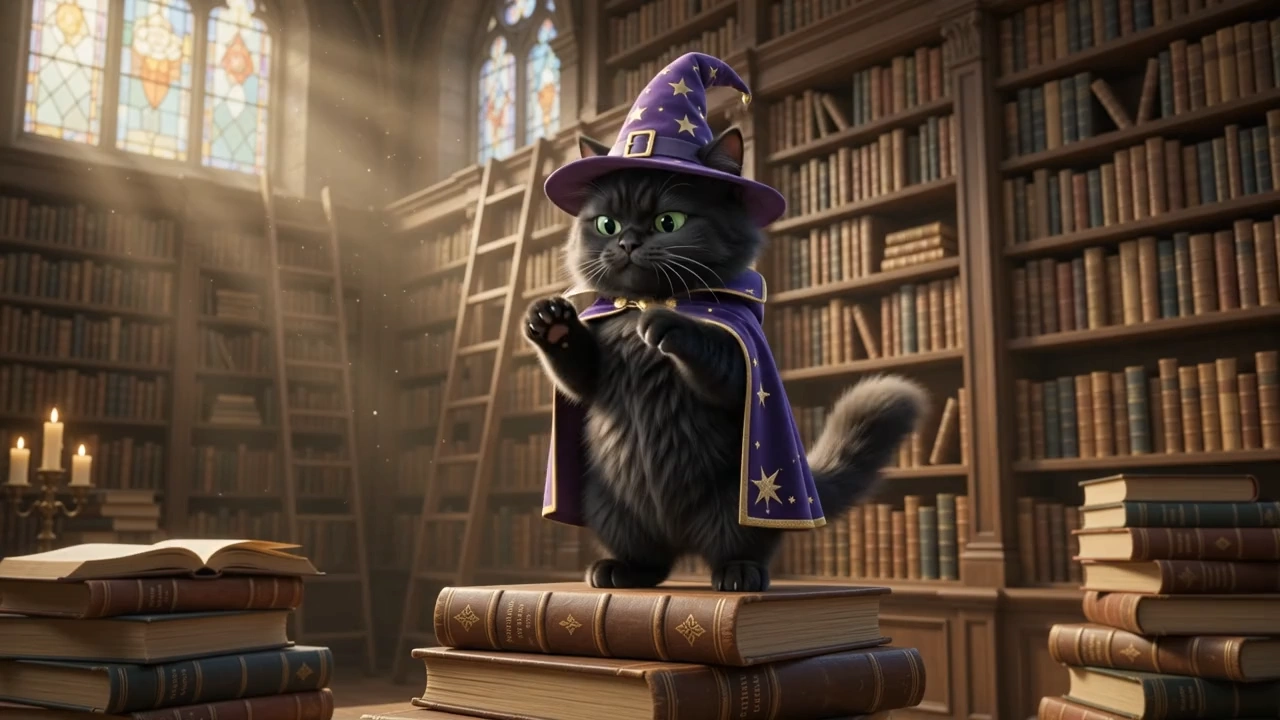
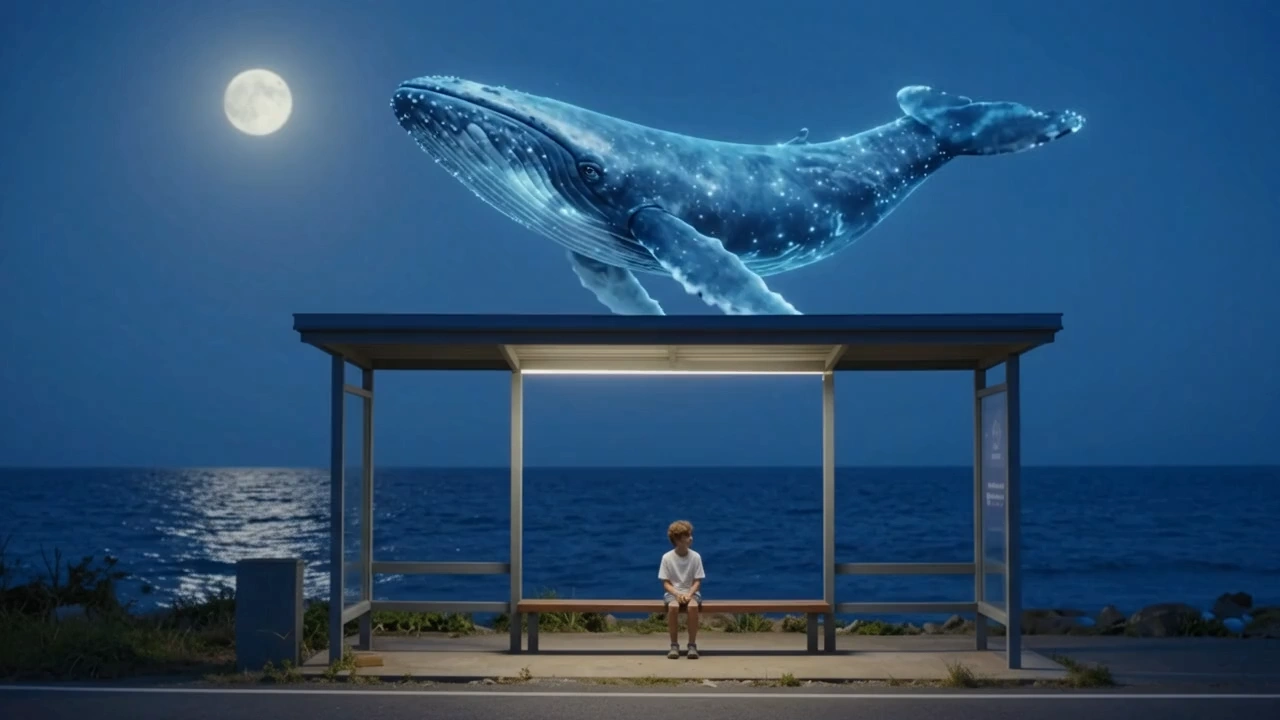
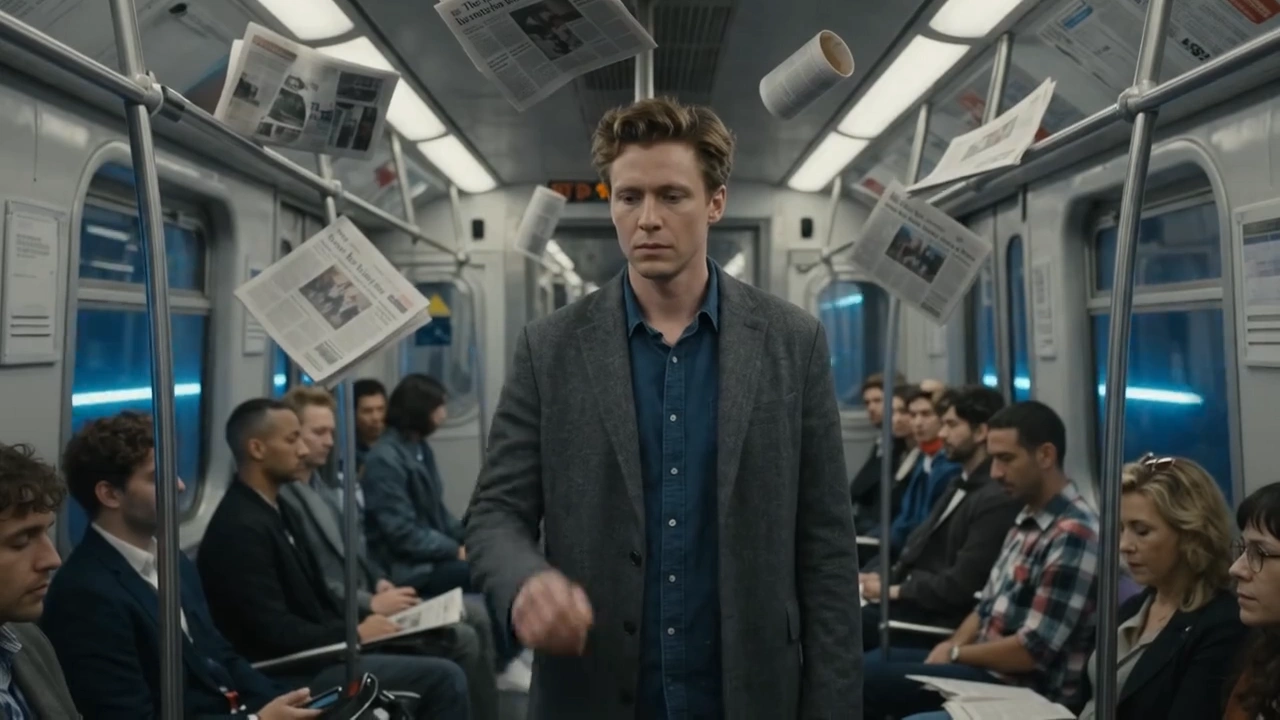
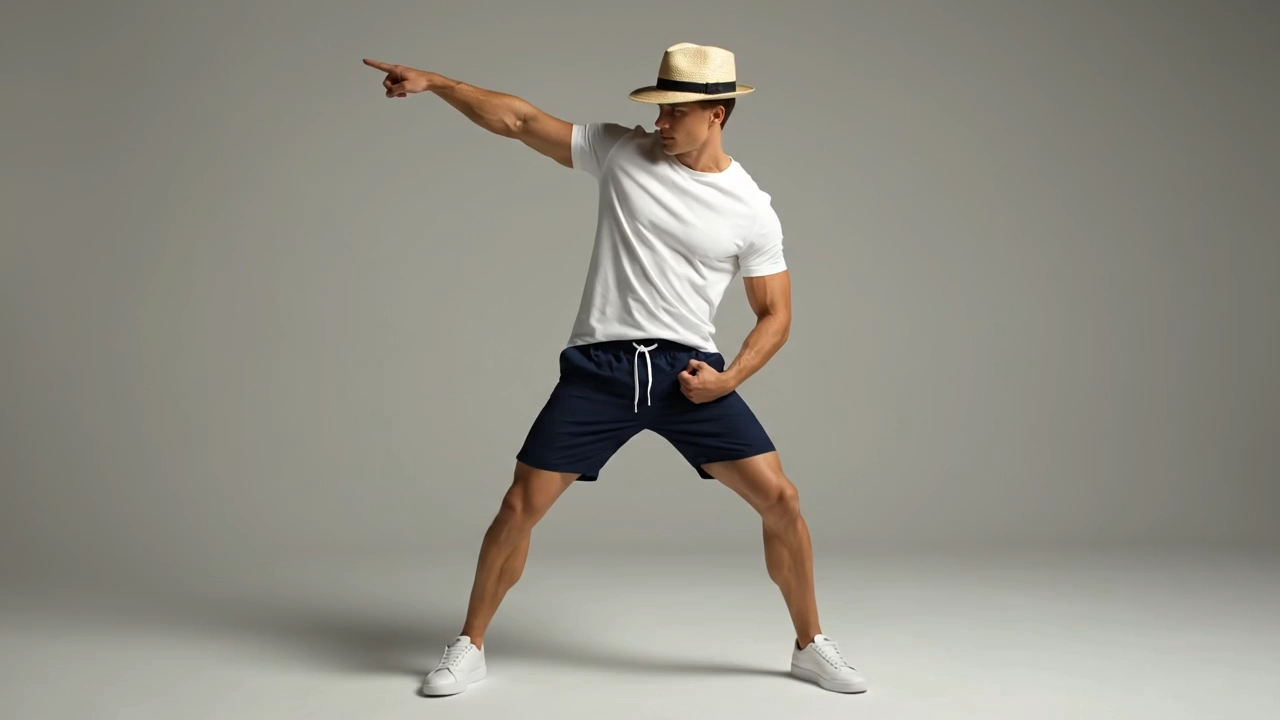

README
Veo 3.1 Lite Text-to-Video
Veo 3.1 Lite is Google's efficient text-to-video model, generating high-quality cinematic video from natural language prompts at accessible pricing. With optional synchronized audio generation, negative prompt control, multiple aspect ratios, and resolution up to 1080p, it delivers strong results for a wide range of creative and production workflows.
- Need maximum quality? Try Veo 3 Text-to-Video
Why Choose This?
-
High-quality video generation Produces detailed, visually coherent video with accurate motion, lighting, and scene composition from text descriptions.
-
Negative prompt support Specify what you don't want in the video for more precise control over the output.
-
Resolution options Generate at 720p or 1080p to match your quality and budget requirements.
-
Flexible aspect ratios Supports multiple orientations for social, cinematic, and broadcast formats.
-
Reproducible results Use the seed parameter to lock in a specific output for exact reproduction.
-
Prompt Enhancer Built-in tool to automatically improve your scene descriptions for richer output.
Parameters
| Parameter | Required | Description |
|---|---|---|
| prompt | Yes | Text description of the scene, motion, camera style, and atmosphere. |
| aspect_ratio | No | Output aspect ratio. Default: 16:9. |
| duration | No | Clip length in seconds. Default: 6. |
| resolution | No | Output resolution: 720p or 1080p. Default: 720p. |
| negative_prompt | No | Elements to exclude from the generated video. |
| seed | No | Random seed for reproducible results. |
How to Use
- Write your prompt — describe the scene, characters, camera movement, lighting, and atmosphere. Use the Prompt Enhancer for better results.
- Select aspect ratio — choose the format that fits your target platform.
- Set duration — choose your desired clip length in seconds.
- Select resolution — 720p for standard output, 1080p for higher-quality results.
- Add negative prompt (optional) — specify elements you want to exclude from the output.
- Set seed (optional) — fix the seed to reproduce a specific result in future runs.
- Submit — generate, preview, and download your video.
Pricing
| Resolution | Cost per 6s |
|---|---|
| 720p | $0.30 |
| 1080p | $0.48 |
Billing Rules
- 720p: $0.05 per second
- 1080p: $0.08 per second (1.6× base rate)
Best Use Cases
- Cinematic Storytelling — Render atmospheric, narrative-driven scenes from detailed text descriptions.
- Social Media Content — Generate platform-optimized video clips with synchronized audio.
- Marketing & Advertising — Produce high-quality promotional video content without a film crew.
- Concept Visualization — Bring creative ideas and moods to life quickly for pitching and review.
- Audio-Visual Content — Use audio generation for fully immersive ambient scenes.
Pro Tips
- Be specific in your prompt — include camera angle, lighting style, subject behavior, and atmosphere.
- Use negative_prompt to avoid common artifacts like unwanted motion or specific visual elements.
- Use 720p to rapidly test and iterate on prompts before committing to a 1080p final render.
- Fix the seed once you find a result you like to iterate consistently across resolution changes.
Notes
- Only prompt is required; all other parameters are optional.
- 4K output is not supported on this model.
- You will only be charged if your video is successfully generated.
- Please follow Google's content usage policies when crafting prompts.
Related Models
- Veo 3.1 Lite Image-to-Video — Animate a reference image into a cinematic video clip with Veo 3.1 Lite.
Veo3.1 Lite Image To Video API — Quick start
Grab a WaveSpeedAI API key, then call POST https://api.wavespeed.ai/api/v3/google/veo3.1-lite/image-to-video with your input as JSON. The endpoint returns a prediction id; poll the prediction endpoint until status flips to completed, then read the output URL from data.outputs[0]. Examples for Veo3.1 Lite Image To Video below.
HTTP example
# Submit the prediction
curl -X POST "https://api.wavespeed.ai/api/v3/google/veo3.1-lite/image-to-video" \
  -H "Content-Type: application/json" \
  -H "Authorization: Bearer $WAVESPEED_API_KEY" \
  -d '{
    "prompt": "A cinematic shot of a city at sunset, soft golden light",
    "image": "https://example.com/your-input.jpg",
    "aspect_ratio": "16:9",
    "duration": 8,
    "resolution": "720p",
    "negative_prompt": "blurry, low quality, distorted",
    "seed": 0
}'

# Response includes a prediction id. Poll for the result:
curl -X GET "https://api.wavespeed.ai/api/v3/predictions/{request_id}/result" \
  -H "Authorization: Bearer $WAVESPEED_API_KEY"

# When status is "completed", read the output from data.outputs[0].
Node.js example
// npm install wavespeed
const WaveSpeed = require('wavespeed');

const client = new WaveSpeed(); // reads WAVESPEED_API_KEY from env

const result = await client.run("google/veo3.1-lite/image-to-video", {
        "prompt": "A cinematic shot of a city at sunset, soft golden light",
        "image": "https://example.com/your-input.jpg",
        "aspect_ratio": "16:9",
        "duration": 8,
        "resolution": "720p",
        "negative_prompt": "blurry, low quality, distorted",
        "seed": 0
});

console.log(result.outputs[0]); // → URL of the generated output
Python example
# pip install wavespeed
import wavespeed

output = wavespeed.run(
    "google/veo3.1-lite/image-to-video",
    {
    "prompt": "A cinematic shot of a city at sunset, soft golden light",
    "image": "https://example.com/your-input.jpg",
    "aspect_ratio": "16:9",
    "duration": 8,
    "resolution": "720p",
    "negative_prompt": "blurry, low quality, distorted",
    "seed": 0
}
)

print(output["outputs"][0])  # → URL of the generated output
Veo3.1 Lite Image To Video API — Frequently asked questions
What is the Veo3.1 Lite Image To Video API?
Veo3.1 Lite Image To Video is a Google model for video generation from images, exposed as a REST API on WaveSpeedAI. Google Veo 3.1 Lite Image-to-Video transforms static images into high-fidelity 720p or 1080p videos with natively generated audio. Supports many interpolation use cases, landscape and portrait aspect ratios, and customizable duration. Ready-to-use REST inference API, best performance, no coldstarts, affordable pricing. You can call it programmatically or try it from the playground above.
How do I call the Veo3.1 Lite Image To Video API?
POST your input parameters to the model's REST endpoint (shown in the API tab of this playground) with your WaveSpeedAI API key in the Authorization header. Submission returns a prediction ID; poll the prediction endpoint until status flips to "completed", then read the output URL from the result. The playground generates a ready-to-paste code sample in Python, JavaScript, or cURL for whatever inputs you've set. Full request/response shape is documented at https://wavespeed.ai/docs/docs-api/google/google-veo3.1-lite-image-to-video.
How much does Veo3.1 Lite Image To Video cost per run?
Veo3.1 Lite Image To Video starts at $0.30 per run. That figure is the base price — the final charge scales with the parameters you set in the form (output size, length, count, references, or whatever knobs this model exposes), so a higher-quality or larger output costs more than a minimal one. The exact cost for your current input is shown live next to the Generate button before you submit, and the actual per-call charge is recorded on the prediction afterwards.
What inputs does Veo3.1 Lite Image To Video accept?
Key inputs: `prompt`, `image`, `aspect_ratio`, `resolution`, `duration`, `seed`. The full JSON schema (types, defaults, allowed values) is rendered above the Generate button and mirrored in the API reference at https://wavespeed.ai/docs/docs-api/google/google-veo3.1-lite-image-to-video.
How do I get started with the Veo3.1 Lite Image To Video API?
Sign up for a free WaveSpeedAI account to claim starter credits, copy your API key from /accesskey, then call the endpoint shown in the API tab of the playground. The playground also auto-generates a code sample in Python, JavaScript, or cURL for the parameters you've set.
Can I use Veo3.1 Lite Image To Video outputs commercially?
Commercial usage rights depend on the model's license, set by its provider (Google). The license summary appears on the model card above; see WaveSpeedAI's Terms of Service for platform-level conditions.