SeedVR2 vs Topaz: Which Upscaler Is Better?
Long time no see! Hi, I’m Dora. I kept seeing SeedVR2 mentioned in creative communities I follow. At first I scrolled past it. Then it kept showing up. After the third time someone posted a before/after comparison in a Discord server I’m in, I figured I should actually spend time with it — and compare it properly to Topaz Video AI, which I’d been using steadily for about a year.
What I didn’t expect was that the comparison would end up being less about output quality and more about how each tool thinks about who you are.
SeedVR2 vs Topaz: What’s the Real Difference
The easy answer is: one is a model, the other is a product. This distinction is becoming more common as newer AI video generation models like Seedance 2.0 emerge alongside polished commercial software. But that framing actually tells you almost everything.
Model-first workflow vs product-first workflow
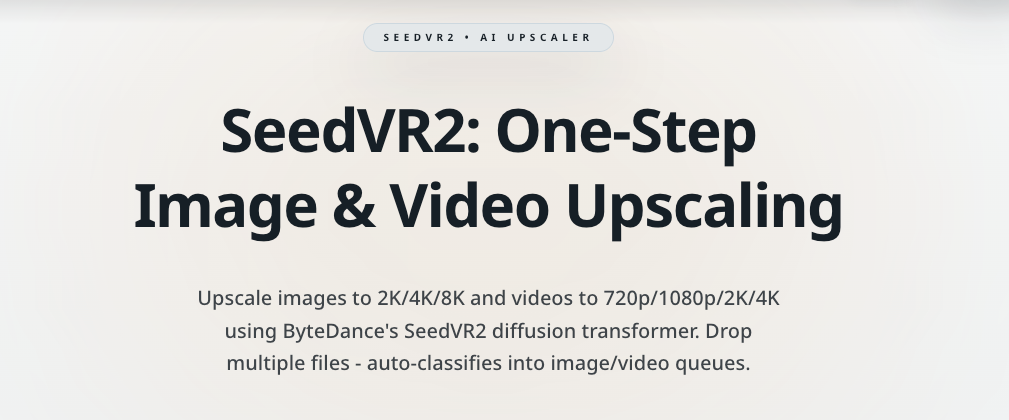
SeedVR2 is a diffusion transformer model developed by ByteDance’s research team. It’s open-source, licensed under Apache 2.0, and designed to perform video restoration in a single inference step — which is technically interesting, since most diffusion-based approaches require multiple passes. The SeedVR2 research paper on arXiv lays out the adaptive window attention mechanism at its core, which dynamically adjusts to different output resolutions rather than using a fixed window size.
To actually use SeedVR2, you need to run it. That usually means ComfyUI, some familiarity with model weights and VRAM management, and a willingness to troubleshoot. It’s not a scary process if you’ve done it before — but it is a process.
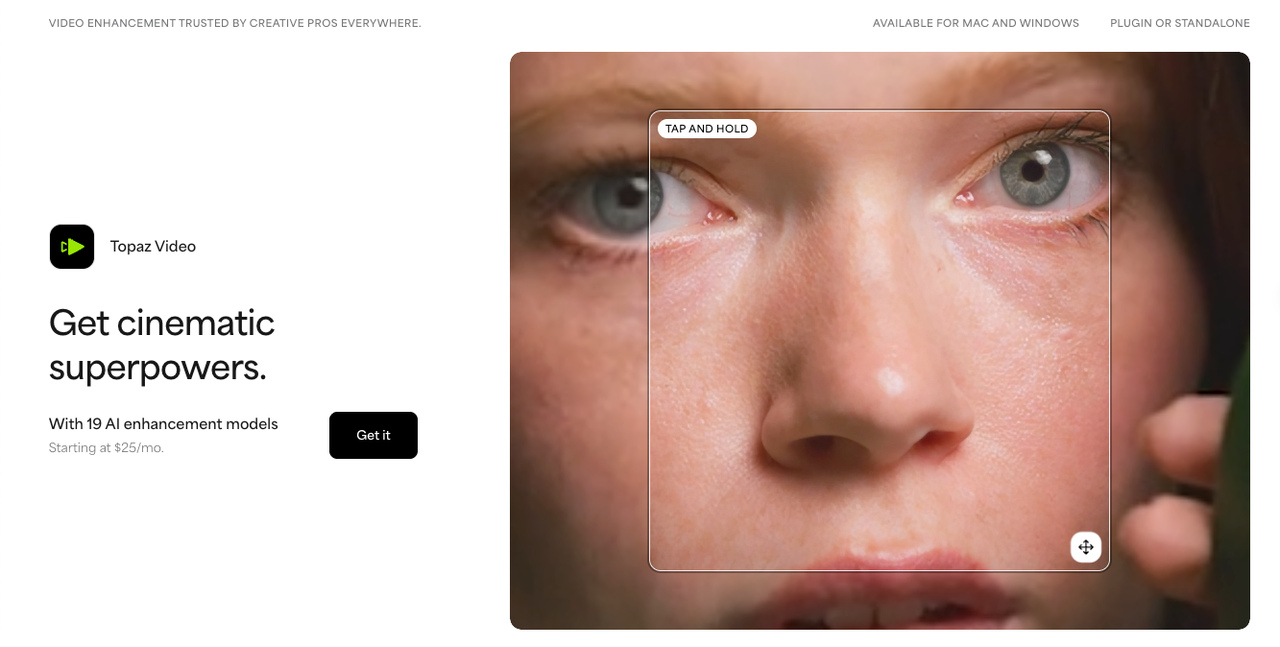
Topaz Video AI is a desktop application. You install it, open it, drop in a video, and pick a model preset. The company has been building AI-powered video tools since around 2018, and the software reflects years of refinement around workflow convenience. There’s no pipeline to configure. The complexity is handled for you.
Who each one is built for
This is where I stopped trying to rank them on a single axis.
SeedVR2 is built for people who want access to the model itself — not a wrapper around it. That means you control the batch size, the VRAM allocation, the color correction method (LAB, wavelet, or wavelet adaptive), the denoise strength. You can modify the pipeline. You can chain it with other nodes in ComfyUI. If something breaks, you’re reading GitHub issues to figure out why.
Topaz is built for people who want a result, not a research environment. It handles frame interpolation, deinterlacing, stabilization, and upscaling in one app. The Topaz Video AI product page describes it as software for creative professionals — and that’s accurate. It runs locally, processes fast on modern hardware, and integrates as a plugin with editing software. It’s designed not to require tinkering.
Neither of those is criticism. They’re just genuinely different orientations.
Output Comparison
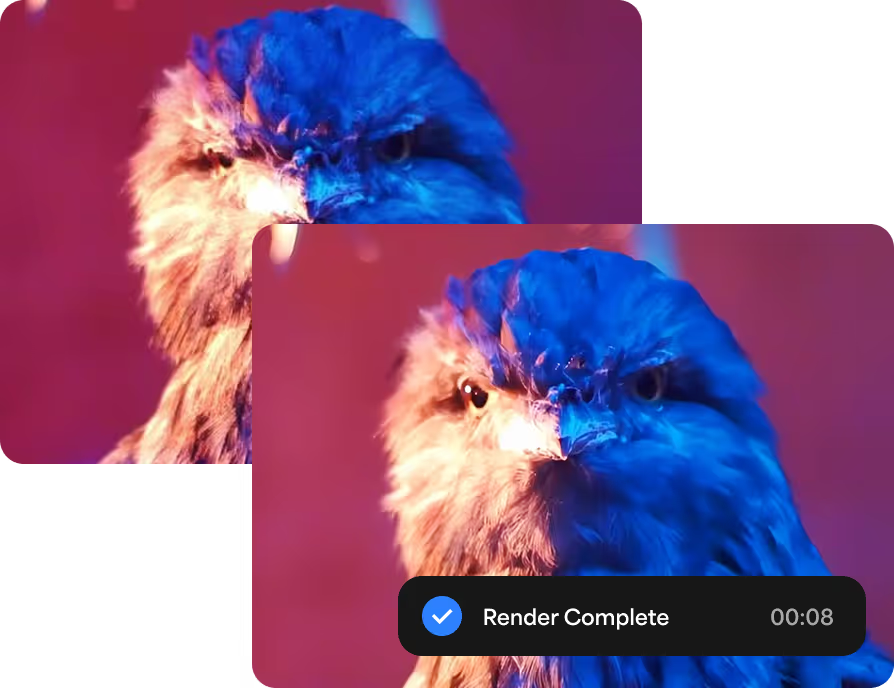
I ran both on the same source clips — a 720p talking-head video, a compressed nature clip with fast motion, and some older archival-style footage with visible grain.
Motion consistency
SeedVR2 handled the fast-motion clip well when I set batch size high enough. The model uses temporal context across frames, and the documentation is clear that a batch size of at least 5 is needed for temporal consistency — ideally more if VRAM allows. When I tried a lower batch size out of curiosity, I got visible flicker. It’s the same type of issue many creators run into when learning how creators fix flicker and jitter in AI-generated video. Bumping it up fixed that.
Topaz’s motion handling felt more automatic. The Proteus model in particular smoothed out the compressed nature footage without obvious artifacts. I didn’t have to think about temporal settings — the software made reasonable choices.
Detail retention
Both tools preserved fine texture well. SeedVR2 on FP16 weights with LAB color correction produced sharp edges without looking over-processed. Topaz was slightly smoother — sometimes in a way that felt like it was softening micro-detail in favor of overall cleanliness.
Neither over-sharpened aggressively. I’d seen reports of SeedVR2 producing harsh edges in some workflows, but with the right denoise setting, I didn’t notice it.
Stability across different footage types
The archival footage was where I noticed the biggest gap. Topaz has dedicated models for the older video — Dione for interlaced content, specific presets for film grain and VHS artifacts. That specialization shows. SeedVR2 handled it reasonably, but without the same degree of content-aware tuning.
For AI-generated video content, SeedVR2 felt more comfortable. That’s consistent with what many creators notice when looking at comparisons between modern AI video models. It seemed calibrated for the kind of artifacts that show up in generative output.
Workflow Comparison
Online / hosted access vs installed software
SeedVR2 can be accessed through hosted platforms if you don’t want to run it locally — though the model itself is designed for local use via ComfyUI. Topaz Video AI is a downloaded desktop application; there’s also a cloud rendering option that offloads processing if your hardware is limited.
Setup complexity vs convenience
I won’t pretend SeedVR2 setup is trivial. On my machine with 16GB VRAM, I used FP8 models with BlockSwap to stay within memory limits. The ComfyUI SeedVR2 integration on GitHub is well-documented, but you’re still managing a technical stack. Model quantization options (Q4_K_M GGUF, FP8, FP16) affect both quality and resource use, and choosing between them takes some trial.
Topaz: open the app, pick a preset, process. That’s most of the workflow. For editors who don’t want to think about inference pipelines, this matters a lot.
Where SeedVR2 Has an Edge
Flexibility
Because SeedVR2 is an open model running inside a node-based environment, it’s composable. You can route specific parts of the pipeline differently, apply it selectively to portions of a video, or combine it with other restoration steps. That kind of control isn’t available in Topaz, which is intentionally more closed.
The Hugging Face model repository for SeedVR2 gives you direct access to multiple model variants, quantizations, and community-contributed workflows. That ecosystem grows fast.
Experimental workflows
If you’re building something — a custom pipeline, an automated restoration process, a research prototype — SeedVR2 fits into that kind of work. It’s a component you can build around, not a finished product you’re working inside of.
There’s also the cost structure. Open-source models don’t have per-minute processing fees. Once you’ve got the hardware (or a cloud instance), the marginal cost of running SeedVR2 is low compared to subscription-based tools.
Where Topaz Still Wins
Ease of use
Topaz Video AI has been around long enough that the rough edges are mostly gone. The interface is clear. The model presets are labeled for real use cases (portraits, archival footage, animation). You can preview results before committing to a full render.
For someone who needs to upscale footage without learning a new technical system, Topaz removes nearly all friction.
Reliability for non-technical users
Topaz also has customer support, regular software updates, and a user base that produces tutorials, forum posts, and guides. If something doesn’t work, you can usually find an answer quickly.
SeedVR2’s support is community-driven through GitHub and Discord. That works fine if you’re comfortable in those spaces — less well if you just need something to work by Friday.
It’s worth noting that Topaz’s approach to running large models locally has also improved significantly. As covered by Ars Technica’s technology reporting, AI software increasingly runs efficiently on consumer hardware — and Topaz has invested in that optimization over several release cycles.
Bottom Line: Which One Should You Pick?
Best for creators
If you’re a video creator who wants quality upscaling without a learning curve, Topaz is the easiest path. You’ll get consistent results, sensible defaults, and a workflow that doesn’t interrupt your editing process.
Best for technical users
If you’re comfortable with ComfyUI, curious about diffusion models, or building automated pipelines, SeedVR2 gives you far more flexibility. The open architecture means you can adapt it to unusual workflows that commercial software won’t accommodate.
Best for faster production workflows
For high-volume work where you need things processed reliably and quickly, Topaz scales better right now. It’s designed for production, not experimentation. SeedVR2 is catching up — the v2.5 release was a significant architectural improvement — but it still requires more hands-on involvement per project.
I keep both around. Topaz handles the work that needs to be shipped. SeedVR2 goes on clips where I have time to experiment and want more control over the result.
There’s something interesting about that split — the idea that the same task, done under different constraints, calls for a different kind of tool. I’m still figuring out exactly where that line sits for my workflow.
Maybe that’s the more honest answer to “which one is better.”
Related Articles

Canva AI Is Built for Designers — Here's What Developers Should Use Instead

We Tested Freepik AI for a Week — Here's Why We Still Use WaveSpeedAI

Leonardo AI Looks Great on Paper — But Here's What It Can't Do That WaveSpeedAI Can
Real-ESRGAN vs Topaz: Which Upscaler Wins?
SeedVR2 Online: How to Use It