SeedVR2 Online: How to Use It
Hello, I’m Dora. Someone mentioned SeedVR2 in a Discord thread I was following. They said they’d “used it online.” So I searched. And immediately hit a wall of Gradio demos, third-party wrappers, API playgrounds, and at least one sketchy-looking site that was definitely not related to ByteDance’s research team.
Here’s the thing nobody says upfront: there’s no single “SeedVR2 Online” product. That phrase means at least three different things depending on where you land. And if you don’t know which one you’re actually using, your results — and your expectations — will be off.
Let me untangle this.
What “SeedVR2 Online” Usually Means
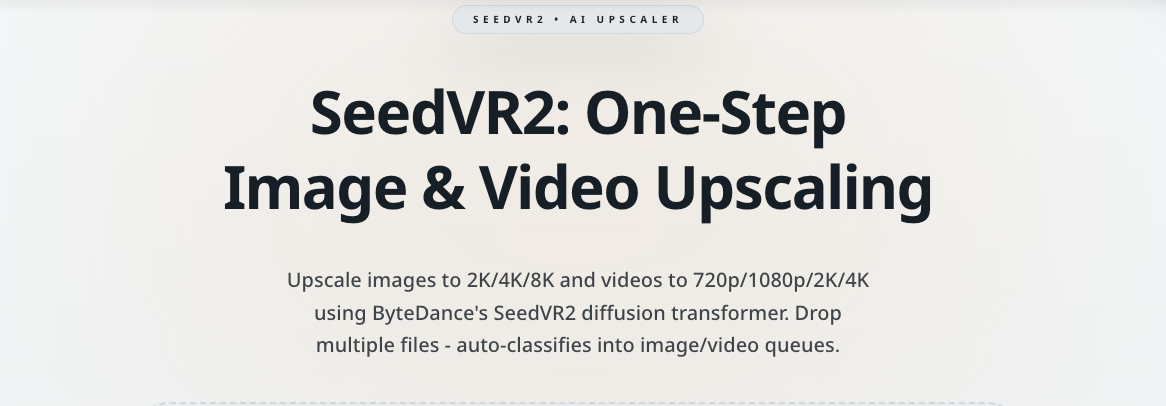
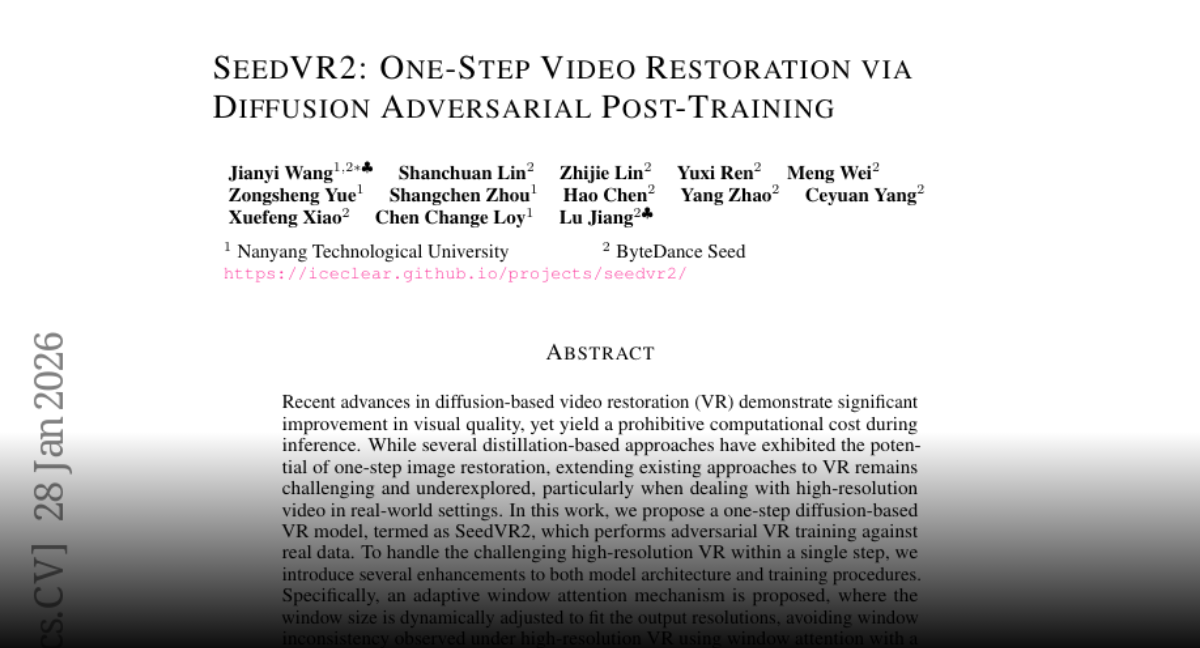
SeedVR2 is a video restoration model developed by the ByteDance Seed team. It was accepted at ICLR 2026 and the research code is publicly available. It’s a one-step Diffusion Transformer designed for generic video restoration, capable of handling high-resolution inputs through an adaptive window attention mechanism. That’s the actual thing.
But “SeedVR2 online” as a search phrase pulls up something different from the model itself. Similar confusion happens with newer AI video generation models like Seedance 2.0, where people often search for an “online version” instead of the underlying model. It pulls up access points to the model. And they’re not the same.
Hosted Demo, Wrapper, or Workflow Service
When someone says they used SeedVR2 online, they likely mean one of these:
A hosted Gradio demo. ByteDance published an official demo on Hugging Face Spaces. It runs the SeedVR2-3B model and supports both image and video inputs through an API-style interface. This is the closest thing to an “official” online version — but it’s a research demo, not a product. The queue times can be long. Availability isn’t guaranteed.
A third-party wrapper. Developers have built ComfyUI nodes, Replicate deployments, and standalone tools around the same underlying model. These run on someone else’s infrastructure, sometimes for free, sometimes with credits or paywalls. They may look polished. They are not ByteDance products.
A platform integration. Some AI generation platforms have added SeedVR2 as one option in their model catalog. You’re running the same model weights, but through someone else’s interface and billing system.
Why Users Get Confused About What Is “Official”
The confusion is understandable. Similar uncertainty appears when people read comparisons between modern AI video models and assume each one has a single official interface. The model is open-source under Apache 2.0. That means anyone can host it, wrap it, and call it SeedVR2. There’s no trademark gate or certification process.
So when you search for “SeedVR2 online,” you might land on:
- The real Hugging Face Space run by ByteDance-Seed
- A community ComfyUI deployment
- A third-party video upscaling service that happens to use SeedVR2 as its engine
- Something that has SeedVR2 in the name but is unrelated
Before you upload footage, it’s worth spending 30 seconds checking which one you’re actually on.
When SeedVR2 Online Is Worth Trying
I’ll be direct. Online access to SeedVR2 makes sense in specific situations. Outside those, it can frustrate more than it helps.
Fast Testing
If you’ve seen output examples and want to know whether the model’s style fits your footage — try it online first. You don’t need to install anything. You don’t need a GPU. You can upload a short clip and see what comes back.
This is genuinely useful. I tested the Hugging Face demo on a short piece of degraded footage I’d been meaning to clean up. The turnaround was slow, but the result told me everything I needed to know before committing to a local setup.
No Local Setup Needed
Running SeedVR2 locally requires serious hardware. The official documentation notes that one H100-80GB GPU can handle 720p videos up to 100 frames, and four H100-80GB cards are needed for 1080p or 2K resolution. Most people don’t have that. Online access bridges that gap — at the cost of flexibility, speed, and control.
If you’re a creator who just needs occasional video cleanup without building a local pipeline, online options are reasonable to explore.
How to Use SeedVR2 Online
Input and Output Basics
Most online access points follow the same general pattern:
- Upload your source video (usually MP4, sometimes frames)
- Set a target resolution or upscale multiplier
- Submit and wait
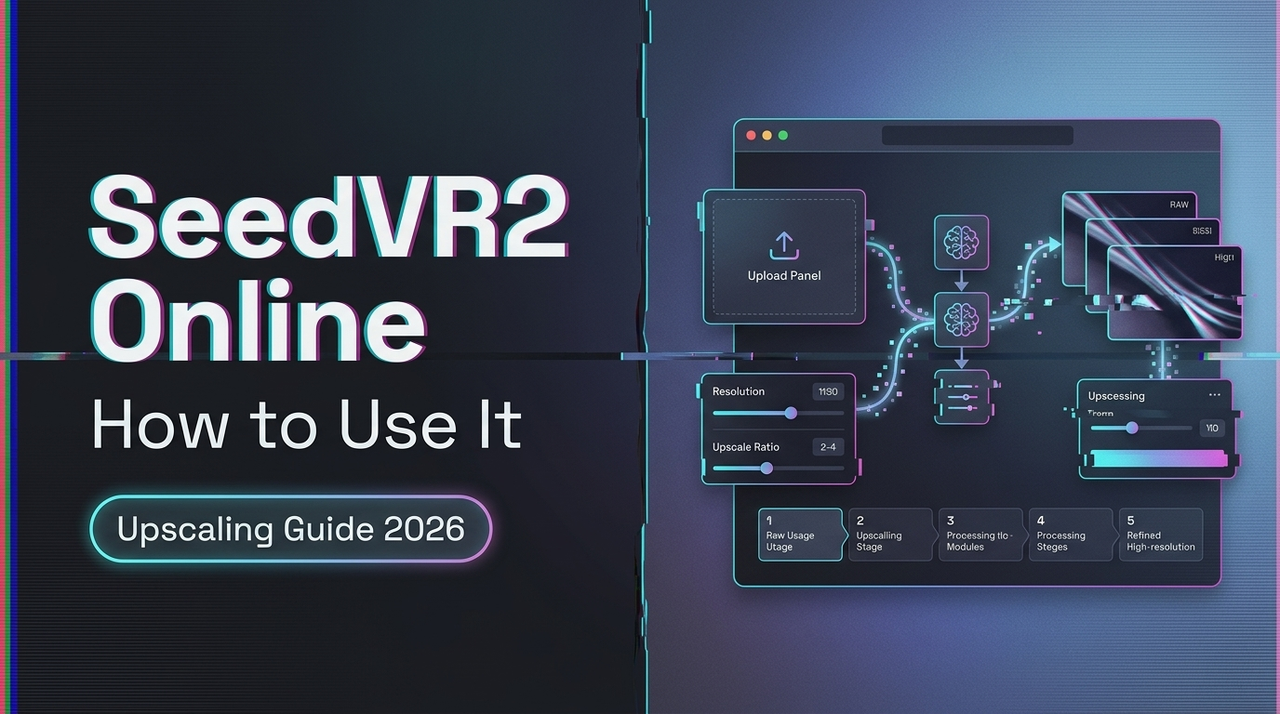
The output is a restored version of your clip — sharper, with reduced noise and compression artifacts, scaled to your target resolution.
What you probably won’t control online: batch size, attention window size, model variant (3B vs 7B), or post-processing options like wavelet color correction. Those settings live in the local tools.
Settings to Pay Attention To
If the interface gives you options, a few are worth understanding:
Resolution target. The model is designed for high-resolution output. Don’t enter a target lower than your source — you’ll get unnecessary processing with no visual gain.
Color correction mode. Some wrappers expose this. The ComfyUI implementation offers several color matching options, including a “lab” mode described as full perceptual color matching for highest fidelity to the original, and a “wavelet” mode for frequency-based natural colors. If you see these, “wavelet” is usually the safer pick for unfamiliar footage.
Clip length. Keep your test clips short — under 30 seconds if you can. Long clips slow the queue for everyone and are harder to troubleshoot if something looks off.
What You Can and Cannot Expect From It
Performance Limits
Online tools throttle. Especially free ones. If you’re on a shared demo hosted on limited compute, expect:
- Queues during peak hours
- Processing times of several minutes for even short clips
- Occasional timeouts or dropped jobs
This is a queue and infrastructure problem, not a model problem.
Quality Expectations
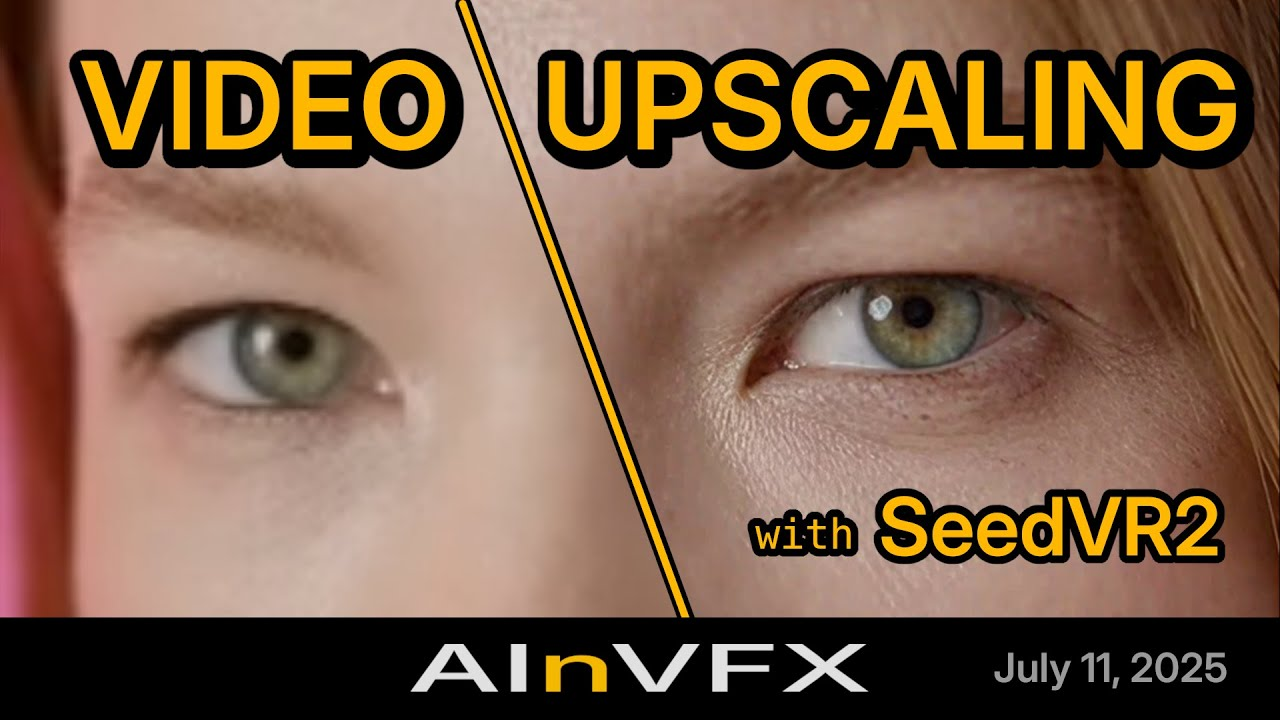
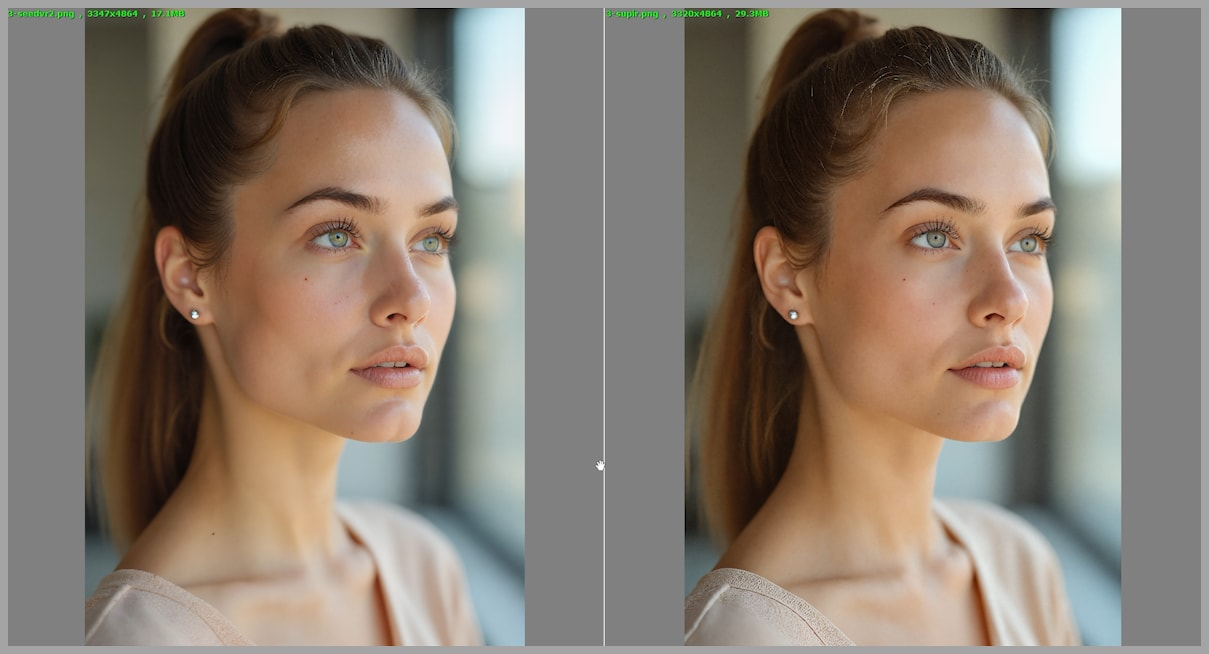
The model itself is capable. ByteDance-Seed’s own model card notes that it can sometimes overly generate details on inputs with very light degradations — for instance, 720p AIGC videos — leading to oversharpened results occasionally. Motion artifacts can also appear in generative video pipelines, which is why many creators learn how creators fix flicker and jitter in AI-generated video when working with restoration models. That’s a real limitation worth knowing before you process anything you care about.
For footage with genuine degradation — noise, blur, compression artifacts — results are often noticeably better. For already-clean footage, the model might actually make things look less natural.
Why Online Use Is Not the Same as Full Workflow Use
The gap is significant. Local deployments through ComfyUI, for example, let you control batch size, swap between the 3B and 7B model variants, enable GGUF quantization for lower VRAM usage, and chain SeedVR2 with other nodes in a pipeline. That level of control doesn’t exist in most online interfaces.
If you’re building a repeatable process — say, processing footage from a regular shoot — online access will hit its ceiling quickly.
SeedVR2 Online vs API vs Workflow Setup
| Category | Online Demo | API / Platform | Local Workflow |
|---|---|---|---|
| Setup required | None | Minimal | Significant |
| Speed | Slow (shared) | Medium | Fast (your GPU) |
| Control | Low | Medium | High |
| Cost | Free / Credits | Pay-per-use | Hardware cost |
| Reliability | Variable | More stable | Stable |
| Batch processing | No | Sometimes | Yes |
Best for Quick Use
Online demos and hosted platforms make sense for one-off tests, quick comparisons, and situations where you don’t have access to a capable local machine. The SeedVR2-3B Hugging Face Space hosted by ByteDance-Seed is the closest thing to an official touchpoint if you want to try the model without committing to anything.
Best for Repeatable Production Use
If you’re processing footage regularly, the ComfyUI-SeedVR2_VideoUpscaler node is the tool most creators have landed on. It’s community-built but actively maintained, with GGUF quantization support that makes it accessible on consumer GPUs. For reference, the official model weights and architecture details are documented in the ByteDance-Seed/SeedVR repository on GitHub.
Firsthand Verdict
I’ve run SeedVR2 both through the Hugging Face demo and locally through ComfyUI. They’re not the same experience.
The online demo is useful for exactly one thing: deciding whether SeedVR2 is worth your time. It answered that question for me in one session. But I wouldn’t use it for anything I actually needed to ship.
Who Should Try It
You, if:
- You want to test whether the model suits your footage before installing anything
- You occasionally restore a clip and don’t need a repeatable pipeline
- You don’t have local GPU resources and are fine with slower turnaround
Who Should Skip It
You, if:
- You’re processing more than a handful of clips per week
- You need consistent results . You can reproduce
- You care about controlling output sharpness, color matching, or model size
For anyone seriously interested in where this model sits in the research landscape, the original SeedVR2 paper on arXiv (2506.05301) is worth a read — it’s more accessible than most academic papers and explains the one-step restoration approach clearly.
The phrase “SeedVR2 online” will probably keep confusing people for a while. There’s no single product to point to. There’s a model, a few official demos, and a growing number of community tools built around it. That’s not a bad thing — it just means you need to know which door you’re actually walking through before you decide whether it’s worth your time. Bye,my dears~
Related Articles

Canva AI Is Built for Designers — Here's What Developers Should Use Instead

We Tested Freepik AI for a Week — Here's Why We Still Use WaveSpeedAI

Leonardo AI Looks Great on Paper — But Here's What It Can't Do That WaveSpeedAI Can
Real-ESRGAN vs Topaz: Which Upscaler Wins?
SeedVR2 vs Topaz: Which Upscaler Is Better?