PixVerse V6 Just Dropped: Camera Control, Native Audio, and Multi-Shot Video Generation
PixVerse V6 launches with 20+ cinematic lens controls, multi-shot video with native audio, 15-second 1080p stability, and CLI for developer workflows. Here's what V6 brings and the best AI video models you can use right now.
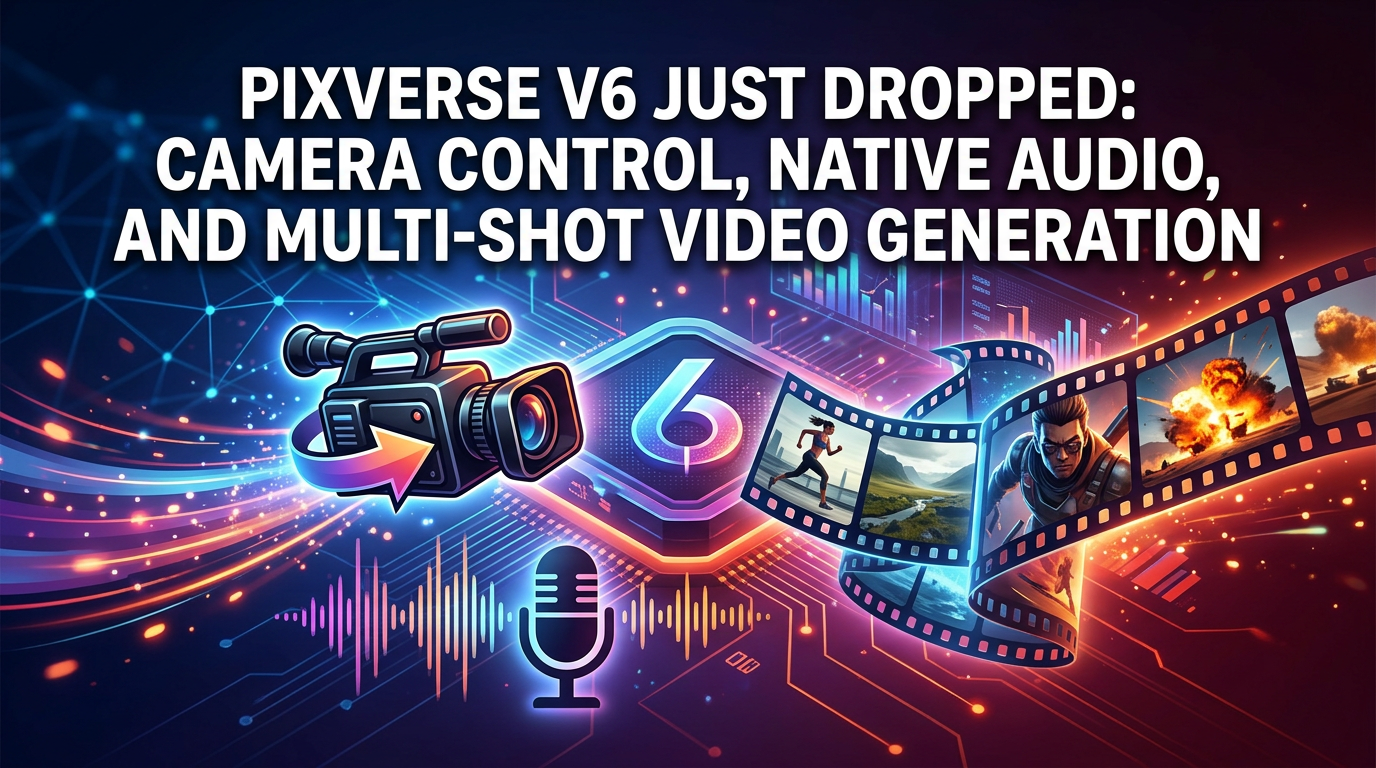
PixVerse V6 Just Launched: AI Video Gets Cinematic Camera Control and Native Audio
PixVerse just shipped V6 — and it’s a meaningful step forward from the already impressive V5.6. Released on March 30, 2026, V6 transforms AI video generation from “generate a clip and hope” into something closer to a professional production workflow, with precise camera control, multi-shot video support, native audio integration, and 15-second 1080p stability.
For creators and developers who’ve been pushing against the limits of current AI video tools, here’s what V6 brings to the table.
What’s New in PixVerse V6
20+ Cinematic Lens Controls
V6 introduces over 20 cinematic lens controls — not just basic pan/tilt/zoom, but actual cinematography tools: focal length, aperture, depth of field, lens distortion, chromatic aberration, and vignetting. You can emulate specific camera lenses and add stylistic effects that were previously impossible in AI-generated video.
This is a significant differentiation. Most AI video models give you a text prompt and hope the model interprets “dolly zoom” correctly. V6 gives you explicit control surfaces for camera behavior.
Multi-Shot Video With Native Audio
V6 supports multi-shot video generation with native audio — meaning you can generate a sequence of connected scenes with synchronized sound in a single workflow. Previous versions (and most competitors) generate single shots without audio, requiring separate tools for sound design and scene assembly.
Native audio integration eliminates the most tedious part of AI video post-production: manually syncing sound to generated footage.
Enhanced Character Performance
V6 addresses the “uncanny valley” problem with multi-image reference functionality. Upload multiple reference images of a character, and the model maintains consistent appearance across shots — reducing visual drift that plagued earlier versions.
Character animations are also smoother: finer control over speed, timing, and trajectory, with realistic physics simulations for fabric, hair, and environmental interactions.
15-Second 1080p Stability
V6 maintains visual coherence and temporal consistency across 15-second clips at 1080p — a duration and resolution combination that challenges many competing models. Longer clips mean fewer cuts needed in post-production, and 1080p means the output is production-ready without upscaling.
CLI and Developer Workflows
V6 ships with CLI support designed for developer and agentic workflows — a signal that PixVerse is targeting the API/pipeline market, not just the consumer creator market. This matters for teams building automated video generation into their products.
How V6 Compares to V5.6
| Feature | V5.6 | V6 |
|---|---|---|
| Camera control | Basic | 20+ cinematic lens controls |
| Audio | None | Native audio integration |
| Multi-shot | Single shot only | Multi-shot sequences |
| Character consistency | Good | Enhanced with multi-reference |
| Max duration | 15 seconds | 15 seconds (improved stability) |
| Resolution | Up to 4K | 1080p with better coherence |
| Developer tools | API | CLI + agentic workflow support |
V5.6 was about raw quality — 4K, physics, multi-character consistency. V6 is about production workflow — camera language, audio, multi-shot, and developer integration.
What This Means for the AI Video Landscape
PixVerse V6 is pushing AI video generation toward professional production. The 20+ lens controls and native audio are capabilities that put it in competition with not just other AI video generators, but with traditional video production workflows.
The question is: how does it compare to other top-tier models?
The Best AI Video Models Available Right Now on WaveSpeedAI
While PixVerse V6 is new and impressive, WaveSpeedAI already hosts a comprehensive lineup of production-ready AI video models:
For Cinematic Quality
- Seedance 1.5 Pro — Best motion dynamics with physics-aware rendering
- Kling Video O3 Pro — MVL technology with synchronized voiceover and ambient audio
- Google Veo 3.1 — Native 1080p with built-in dialogue, ambient sound, and music
For Audio-Integrated Video
- LTX 2.3 — The only DiT model generating synchronized audio and video in a single pass
- Vidu Q3 — Built-in sound effects and background music generation
For Human-Centric Content
- daVinci MagiHuman — 15B open-source model optimized for lip sync and human motion
- InfiniteTalk — Multi-character lip sync up to 10 minutes
For Complete Ecosystems
- Wan 2.6 Collection — Text-to-video, image-to-video, reference-to-video, video extend, and editing in one family
PixVerse on WaveSpeedAI
WaveSpeedAI currently offers PixVerse V5.6 for both text-to-video and image-to-video. When V6 becomes available via API, expect it on WaveSpeedAI alongside 100+ other video models.
FAQ
What is PixVerse V6?
The latest version of PixVerse’s AI video generation model, launched March 30, 2026, featuring 20+ cinematic lens controls, multi-shot video with native audio, enhanced character consistency, and CLI support for developer workflows.
How is V6 different from V5.6?
V6 adds cinematic camera controls, native audio integration, and multi-shot sequencing. V5.6 focused on 4K rendering, physics simulation, and multi-character consistency.
Is PixVerse V6 available on WaveSpeedAI?
Not yet. WaveSpeedAI currently offers PixVerse V5.6. V6 API support is expected when PixVerse makes it available to third-party platforms.
What are the best alternatives to PixVerse V6?
Seedance 1.5 Pro for motion quality, Kling O3 Pro for cinematic production with audio, Google Veo 3.1 for native 1080p with dialogue — all available on WaveSpeedAI.
The AI Video Production Bar Just Went Up
PixVerse V6 pushes AI video closer to professional production — camera language, native audio, multi-shot sequencing. Whether you wait for V6 or build with the models available today, the tools for creating production-quality AI video have never been better.
Related Articles

Introducing Phota Edit on WaveSpeedAI

Introducing Phota Enhance on WaveSpeedAI

Introducing Phota Text-to-Image on WaveSpeedAI
Suno vs MiniMax Music vs Google Lyria 3: AI Music Generation Compared