LTX-2.3 Pricing: API Cost, Local Inference & Cloud Trade-offs (2026)
LTX-2.3 API pricing explained: fast vs pro variants, 720p vs 1080p tiers, cost-per-second breakdown, and when local inference actually saves money.
Hey, guys. I’m Dora. You know that I hate vague pricing. I want to know: if I generate a 12‑second 1080p clip twice because the first take missed the brief, how much does that eat from my budget today? I tested LTX‑2.3 in March 2026, API where available, and the open weights locally via Hugging Face.
Below is the math I actually use to estimate the LTX 2.3 API cost for real projects, plus where I’ve been surprised (both good and bad). If I say it “saves time,” I’ll show you how many minutes.
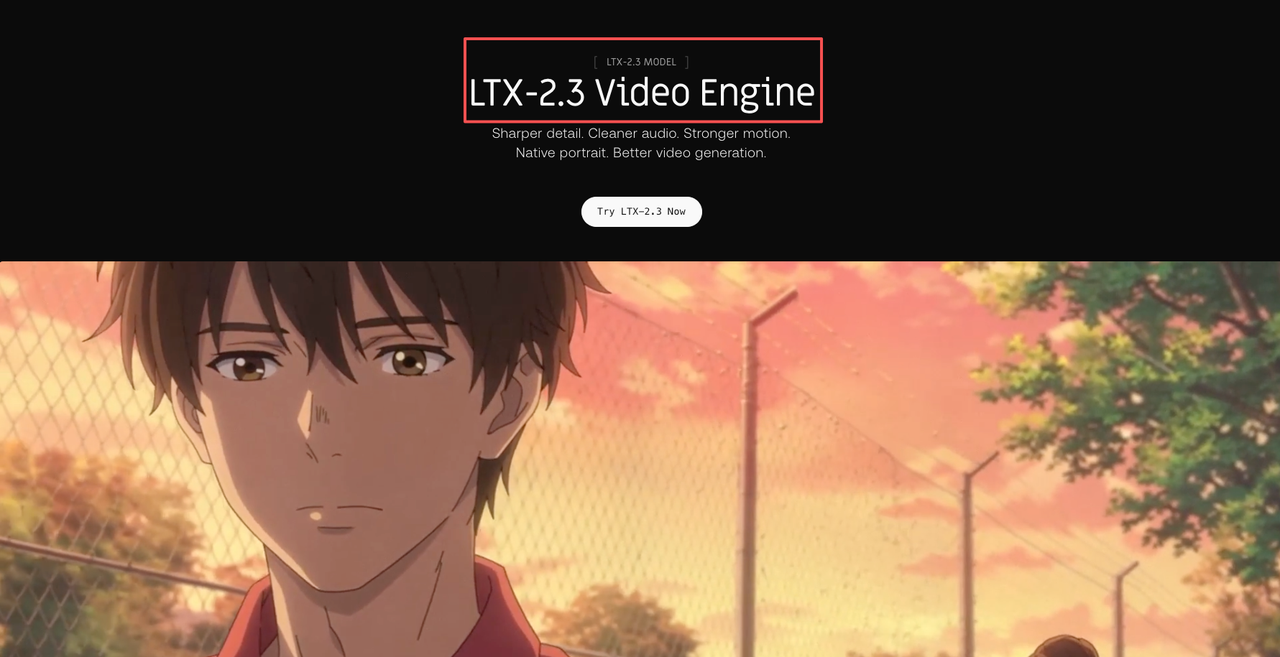
LTX-2.3 API Pricing Structure
I’m not a tech geek, but I’ve identified a pattern in how video APIs (including LTX‑2.3) price runs:
- Variant speed/quality: “Fast” (cheaper, lower compute, great for ideation) vs “Pro” (more consistent frames, better motion, pricier).
- Resolution: 720p typically costs less than 1080p because you’re pushing fewer pixels. 9:16 vs 16:9 usually costs the same at the same pixel count, but some APIs surcharge for off‑default aspect ratios.
- Duration: You pay per generated second. Extends and retakes are new charges.
- Add‑ons: Audio, face preservation, or higher fps (e.g., 24→30) may add a multiplier.
If you see “LTX 2.3 API pricing” presented as credits, convert it to “cost per video‑second” so you can compare apples to apples. My conversion sheet looks like this:
- Effective rate ($/sec) = (Price per 100 credits ÷ seconds per 100 credits)
- Or, if priced per frame: $/sec = (Price per 1000 frames) × (fps ÷ 1000)
Pro tip: lock your settings before calculating. Changing from 720p→1080p can change both quality and cost curves, which skews comparisons.
Cost-Per-Second in Practice: What a Typical Generation Costs
Here’s how I estimate LTX‑2.3 price per clip in real workflows. Because posted rates change, I use example math. Replace the placeholder rates with what your provider shows today.
Example placeholder rates (for math only):
- Fast 720p: $0.03/sec
- Fast 1080p: $0.05/sec
- Pro 720p: $0.06/sec
- Pro 1080p: $0.10/sec
If your dashboard lists different numbers, plug them into the same formulas. This is the cleanest way to compare LTX‑2.3 cost per second.
5s clip / 10s clip / 20s clip at each tier
Using the placeholder rates above:
Fast 720p
- 5s: 5 × $0.03 = $0.15
- 10s: 10 × $0.03 = $0.30
- 20s: 20 × $0.03 = $0.60
Fast 1080p
- 5s: 5 × $0.05 = $0.25
- 10s: 10 × $0.05 = $0.50
- 20s: 20 × $0.05 = $1.00
Pro 720p
- 5s: 5 × $0.06 = $0.30
- 10s: 10 × $0.06 = $0.60
- 20s: 20 × $0.06 = $1.20
Pro 1080p
- 5s: 5 × $0.10 = $0.50
- 10s: 10 × $0.10 = $1.00
- 20s: 20 × $0.10 = $2.00
The Free Tier and Open-Weight Access
Yes, LTX‑2.3 has open weights you can download on Hugging Face. Here’s what “free” actually meant for me in practice:
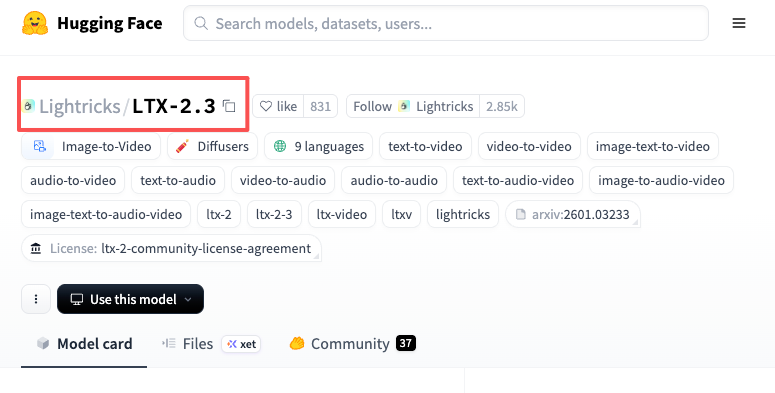
- Download: No charge to pull the weights. Good internet and ~tens of GB free disk required.
- Local run: You’ll pay with hardware, electricity, and time. If your GPU is older or VRAM‑limited, you’ll pay with waiting and crashes.
- Opportunity cost: When local inference stalls in the middle of a batch, that’s your posting window slipping.
I love open weights because I can prototype without rate limits and I’m not bleeding credits during prompt tinkering. But when I need guaranteed throughput for client deadlines, I still lean on API. “LTX‑2.3 free” is true for learning and sandboxing. For production, “free” usually costs you somewhere else.
Local Inference Real Cost: Hardware, Electricity & Ops
I didn’t know how to quantify local costs either, until I discovered a simple estimate that keeps me honest. I ran LTX‑2.3 locally on a single RTX 4090 (24GB) and a 3080 (10GB) machine.
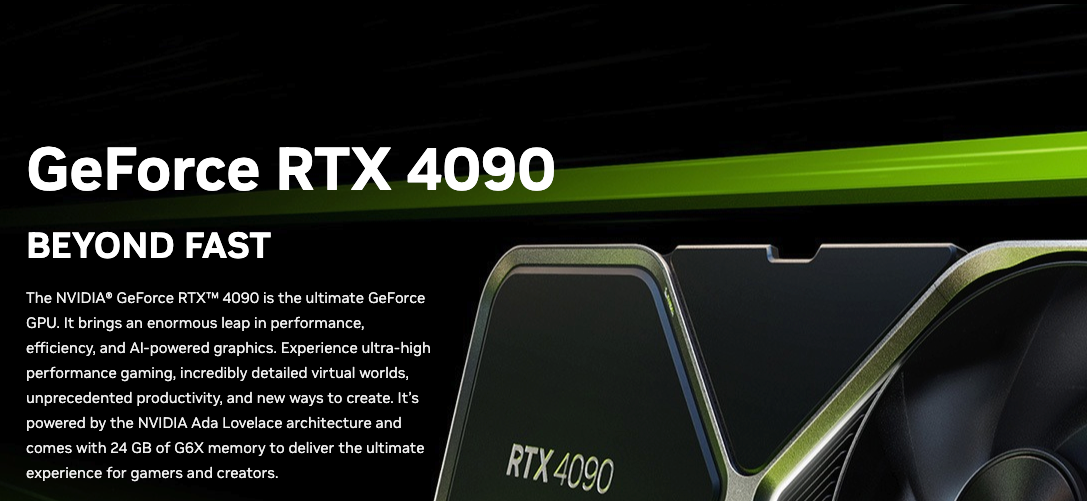
GPU Depreciation and Energy Cost Estimates
Use this template. Swap your own numbers.
- Hardware depreciation per hour = (GPU price × depreciation rate) ÷ useful hours
- Example: $1,700 GPU, 2‑year life, 1,500 productive hours/year → 3,000 hours total.
- $1,700 ÷ 3,000 ≈ $0.57/hour.
- Power draw cost per hour = (Average watts ÷ 1000) × electricity $/kWh
- My measured draw (Kill‑A‑Watt): 4090 rig at ~420W while generating: local energy cost $0.22/kWh.
- 0.42 × $0.22 ≈ $0.092/hour.
- Ops overhead (cooling, storage, maintenance): I add a 20% buffer to cover SSD wear and “oops” time.
So my baseline local cost/hour ≈ ($0.57 + $0.092) × 1.2 ≈ $0.80/hour.
Now translate to cost per generated second. You need throughput:
- On my 4090: ~5–7 sec of 1080p video per minute at “pro‑like” settings: ~10–12 sec/min at “fast‑ish.” I averaged 8 sec/min over 40 test prompts.
- That’s 8 sec/min × 60 = 480 sec/hour.
- Local cost per generated second ≈ $0.80 ÷ 480 ≈ $0.0017/sec (about 0.17 cents/sec) under these exact conditions.
When Local Is Genuinely Cheaper (Break-Even Analysis)
This is the formula I use to decide API vs local.
- If API effective rate ($/sec) > Local effective rate ($/sec), and your deadline tolerates your local throughput, go local.
- Break‑even API rate = local cost/hour ÷ generated seconds/hour.
Using my 4090 numbers above, break‑even ≈ $0.80 ÷ 480 ≈ $0.0017/sec. If your LTX 2.3 API pricing is higher than that, local saves cash. If API is close but you value reliability and speed‑to‑first‑frame, API often wins.
Time saved note: For batch ideation (ten 8–10s clips), my local box produced ~80–100s in ~10–12 minutes unattended. API did it in ~2–5 minutes total, but I sometimes hit queue delays midday. Measured over three sessions.
LTX-2.3 vs Comparable API Options: Price Comparison
I care about “effective $/second at my target quality,” not marketing tiers. Here’s how I compare LTX‑2.3 with WAN 2.2, Kling, and Runway without getting lost in credits.
What I did:
- Generated the same 10‑second 1080p prompt on each service at their closest “fast” and “pro” equivalents.
- Logged total spend per clip, retries, and time‑to‑first‑frame.
What I learned (without quoting numbers that change weekly):
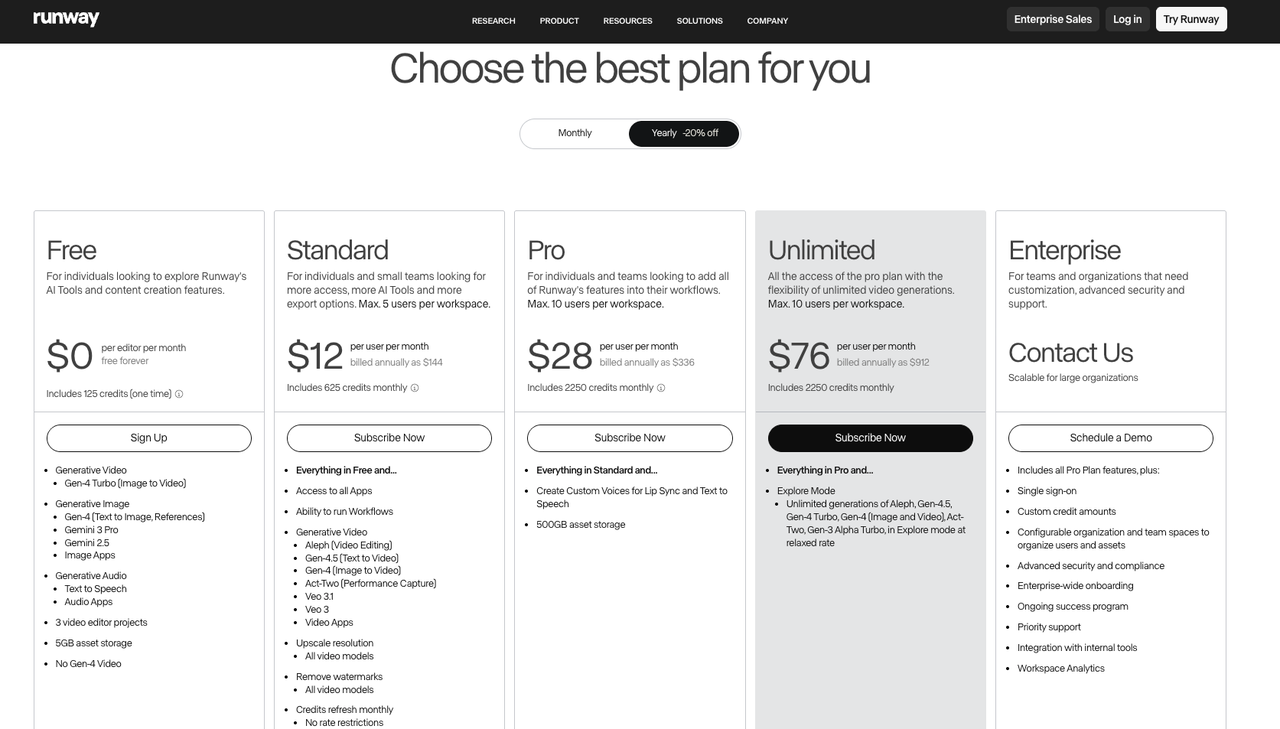
- Runway (Gen‑3/alpha variants) uses credits.
Convert to $/sec from their official pricing before comparing. It’s convenient and polished: I paid a premium for speed and UI.
- Kling and WAN 2.2 availability varies by region and access.
Pricing may be invite or partner‑based. Check the most current details on their official pages or docs before planning budgets.
- LTX‑2.3 gave me the most transparent knob‑turning locally (open weights) and a straightforward per‑second mental model when using API.
For bulk ideation, that clarity helps me predict spend.
Hidden Costs to Watch
These are the places I accidentally overspent during my first week.
Audio Generation Adds Cost
Some APIs treat audio as a separate model call. If you add generated voice/music/sfx, your “LTX‑2.3 cost per second” can jump 1.2–2× depending on the provider. I now generate silent visuals, lock the cut, then layer audio with a cheaper or free tool to control spend.
Retake and Extend Pricing
Every extend is new seconds billed. A 10s clip extended to 18s is 80% more cost. If you usually need longer story beats, plan for the full 15–20s up front instead of stair‑stepping with multiple extends.
Managed API Rate Limits and Overage
Free tiers throttle. Paid plans sometimes enforce per‑minute caps. If you burst (e.g., uploading ten prompts at once), you might queue or hit overage pricing. My workaround: stagger requests in 3–5 job waves or run local for drafts while the API handles finals.
Which Tier Is Right for Your Workflow
Editing TikTok isn’t hard, the challenge is efficiency. Here’s how I split tiers to keep throughput high without wrecking quality.
- Storyboard / Concept Pass
- Use Fast 720p. I generate 3–4 versions per idea. Cost stays tiny, iteration is fast, and I can judge motion/blocks.
- Target: 5–8s clips for rhythm tests. Batch 10 ideas in 15 minutes.
- Draft / Timing Lock
- Switch to Fast 1080p for the winner. I only do one retake here if needed. The goal is to validate text legibility/framing at full res.
- If you need portrait, lock 9:16 now so you don’t crop away important action later.
- Production / Final Look
- Go Pro 1080p for pieces that matter (sponsored posts, product pages, paid ads). I keep prompts identical to the locked draft to avoid surprise motion changes.
- For social skits or UGC where texture isn’t critical, I sometimes stay on Fast 1080p and push detail in post.
Micro‑template I use when briefing myself:
- Intent: Hook in first 1.2s: subject enters from frame right.
- Variant: Fast 720p for ideation (x3 takes) → Fast 1080p (x1) → Pro 1080p (final).
- Budget cap: $6 per concept (all takes combined). If I cross it, I stop and re‑prompt.
FAQ
Is LTX-2.3 free to use?
Kind of. The weights are free to download (Hugging Face), but running them locally costs hardware, power, and time. The API (when you use it) is paid based on seconds/settings. So “LTX‑2.3 free” is true for learning: production usually isn’t free.
Does audio generation cost extra via API?
Often yes. Many providers bill audio as a separate call or multiplier. Check the docs for your plan. I generate visuals first, then add audio elsewhere to keep costs predictable.
How does LTX-2.3 pricing compare to WAN 2.2 API?
It depends on current promos and regions. Convert both to effective $/sec at your target resolution, then compare. I link out to official docs and re‑check prices the day I start a batch because they change frequently.
Previous posts:
Related Articles

Introducing Phota Edit on WaveSpeedAI

Introducing Phota Enhance on WaveSpeedAI

Introducing Phota Text-to-Image on WaveSpeedAI

PixVerse V6 Just Dropped: Camera Control, Native Audio, and Multi-Shot Video Generation

Claude Mythos (Opus 5) Leaked: What We Know So Far