
LTX-2.3 Portrait Video Guide: 9:16 Workflows for Social & Mobile (2026)
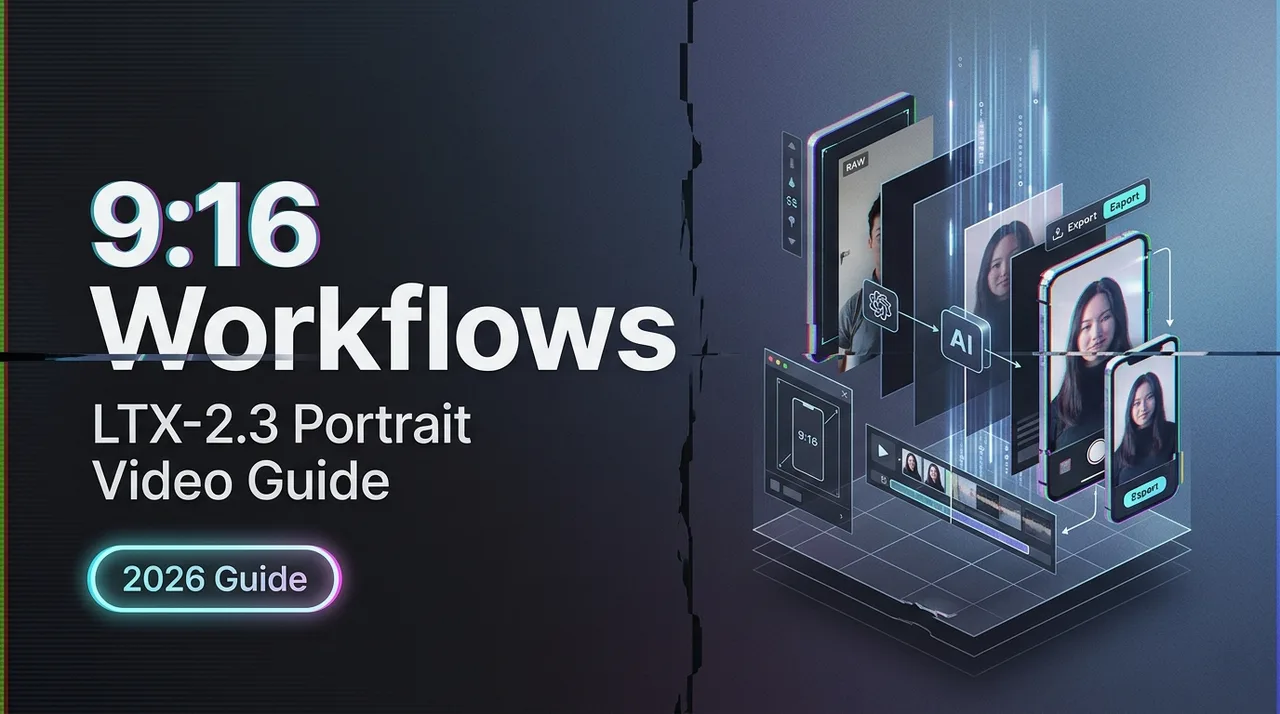
LTX-2.3 natively generates 9:16 portrait video up to 1080×1920 — no cropping. Here's how to configure, prompt, and batch-produce social-ready vertical clips in 2026.
Hi, I’m Dora!
I’ve been waiting for a video model that treats portrait as a first-class format, not an afterthought. Most tools still generate landscape and let you crop down. LTX-2.3 changes that — it generates vertical video up to 1080×1920, trained on portrait-orientation data, not cropped from landscape. For social teams running TikTok and Reels workflows, that distinction matters more than it sounds.
Why Native Portrait Support Matters (vs Crop-from-Landscape)
What “Trained on Portrait Data” Means for Output Quality
When a model generates 16:9 and you crop to 9:16, it wasn’t composing for vertical. Subjects end up off-center, sky fills the bottom third, and motion paths feel wrong on a phone screen.
LTX-2.3 is available both as an open-source model and through the LTX API LTX, with portrait support built into the training pipeline — not bolted on. The model has seen vertical-first composition during training, which means subject placement, motion arcs, and camera movement are all calibrated for tall-frame viewing.
The 9:16 portrait support delivers greatly improved quality for vertical portrait videos, perfect for social media and mobile. That’s not marketing language — it’s a structural difference in how the model weights handle aspect-ratio-specific spatial relationships.
Resolution and Frame Rate Settings for 9:16
1080×1920 Configuration in ComfyUI and via API
The practical default is 720p (736×1280) for 9:16. If you have a powerful GPU such as an RTX 5090 or better, try 1088×1920 for full 1080p quality.
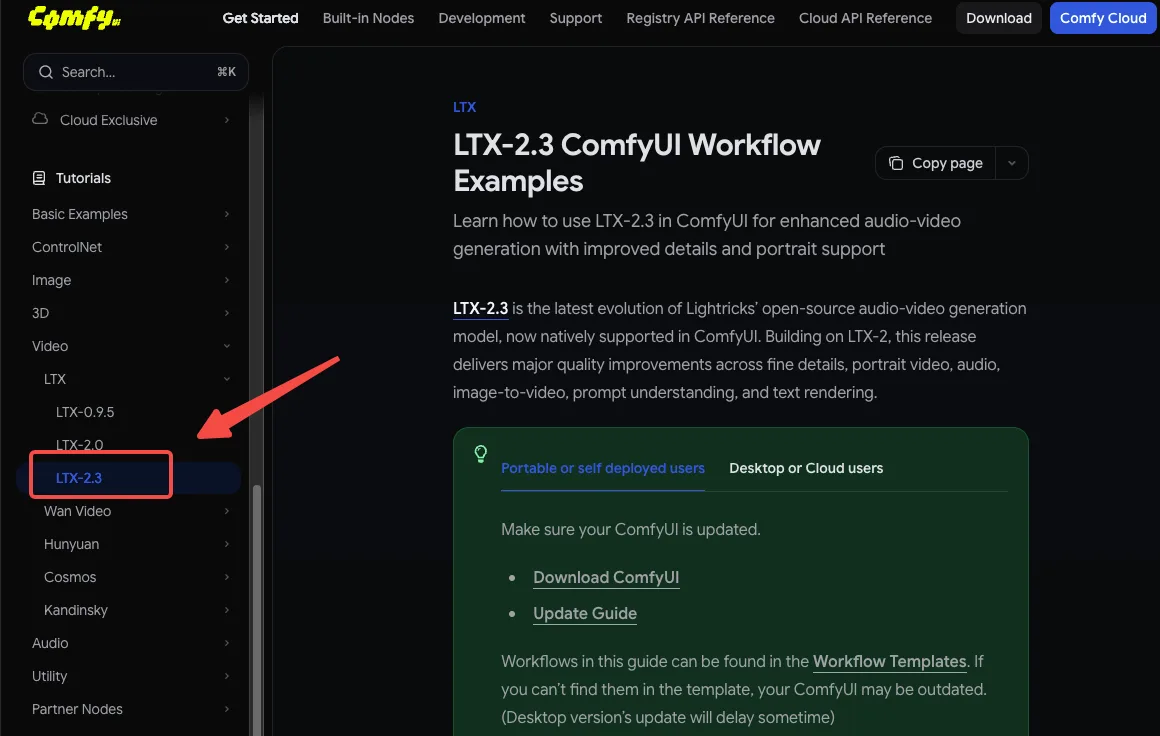
In ComfyUI with the official LTXVideo nodes, set your resolution node to 768×1280 for a good VRAM/quality balance on a 24GB card. For API users, the LTX API documentation accepts aspect_ratio: "9:16" alongside your resolution parameter — manual dimension math required.
Via API (minimal config):
model: ltx-2-3-pro
resolution: 1080p
aspect_ratio: 9:16
fps: 24
24 vs 48 FPS for Social Platforms: Which to Use
LTX-2.3 introduced 24/48 FPS as new frame rate options alongside the existing 25/50 FPS.
For social: use 24fps for most content. TikTok and Reels both transcode on upload, and 24fps gives you the most headroom without inflating file size. Encode once at 48fps and downconvert later if needed — it gives you the most flexibility in post. Save 48fps for content where motion smoothness is a selling point (dance, product reveals, slow-motion emulation).
Prompting for Vertical Composition
Vertical-First Framing Language
The model responds to framing language. For portrait output, lead with orientation cues before describing the subject:
- ✅
vertical frame, close-up portrait, subject centered in upper half... - ✅
phone-screen composition, full-body vertical shot, negative space below... - ❌
wide establishing shot, panoramic landscape...(pulls toward horizontal composition)
Subject Placement and Avoiding Landscape-Bias Outputs
Even with native portrait training, the model can drift toward horizontal compositions when prompted with wide-scene language. If your subject keeps drifting to center-wide instead of upper-vertical: add explicit vertical anchors like tall frame , vertical negative space , or portrait orientation, face in upper third .
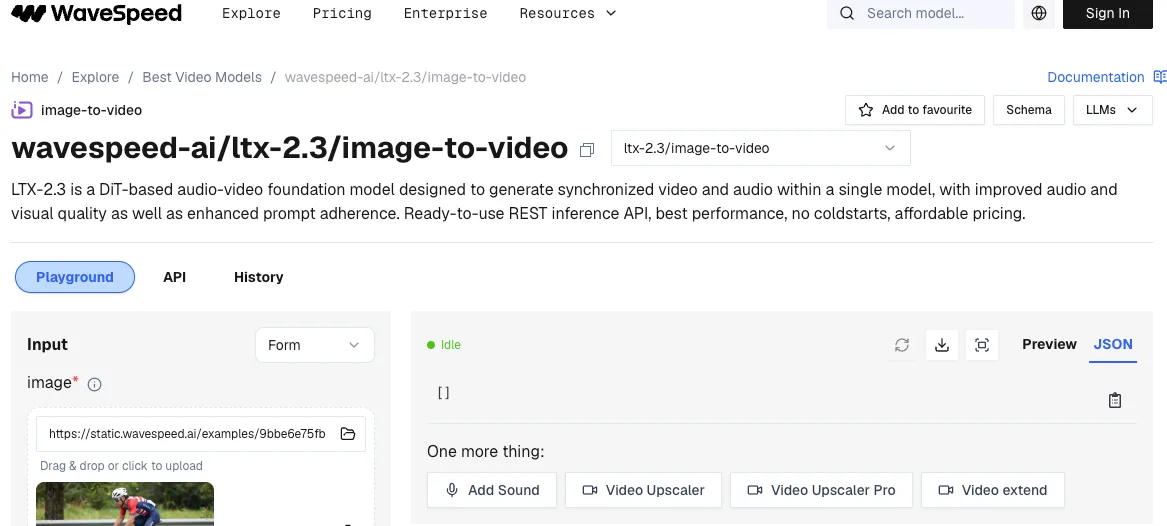
For talking-head or avatar content, WaveSpeed’s LTX-2.3 implementation notes that portrait clips work best when you describe motion relative to a vertical axis — camera tilts, vertical pans, and rising shots all reinforce the tall frame.
Audio in Portrait Workflows: What to Include and What to Skip
When Native Audio Adds Value for Social (Ambient, Sound-on Content)
Sound effects, ambient noise, and dialogue are synchronized from generation — a dedicated audio-to-video endpoint lets you provide an audio clip and generate matching visuals.
Use native audio when: your content is sound-on (ambient scenes, nature clips, crowd energy). LTX-2.3’s audio improvements make atmospheric sound genuinely usable without post-processing — reduced artifacts, cleaner dialogue.
When to Skip Audio and Add in Post
Skip native audio for voiceover-led content, music sync, branded sound, or anything requiring precise audio editing. Generate video only, then layer audio in your NLE. The Pro variant is required for audio-to-video, retake, and extend endpoints — if you’re only generating video for a music track you’re adding in post, the Fast variant saves cost and time.
Batch Production Workflow for Social Teams
Storyboard-to-Clip Pipeline for High-Volume Output
For teams generating 20+ clips per day, the practical pipeline is:
- Script → storyboard with portrait-specific framing notes per shot
- Batch prompts via LTX API — the API is stateless, so parallel requests run independently
- QC pass — flag subject drift or landscape-bias outputs for regeneration. If the composition is usable but a face looks soft or loses fine detail after generation, a face enhancement tool can be useful for the final cleanup pass.
- Audio layer in post if music-led
Using Fast Variant for Drafts, Pro for Finals
Start with Fast to explore compositions quickly, then switch to Pro for the final render. Fast is optimized for speed and low cost — best for rapid prototyping, brainstorming, storyboarding, and quick iteration. Pro delivers higher fidelity with better motion stability and visual detail.
Typical batch cost pattern: run 10 Fast drafts to lock composition and timing, then one Pro render for delivery. This cuts iteration cost by roughly 60% compared to running Pro throughout.
Extend-Video for Longer Sequences Without Regeneration
The v1/extend endpoint extends video duration by generating additional frames. For portrait sequences longer than 8–10 seconds, extend rather than regenerate — it preserves subject consistency across the extended clip. Set a context window of 2–3 seconds from the clip tail for the smoothest seam.
Limitations and Common Failures
Subject Drift in Long Vertical Clips
Beyond 12–15 seconds, portrait clips can show subject drift — the model gradually shifts subject position toward center-frame. Mitigation: use Extend-Video in shorter segments (8s + 8s) rather than one 16-second generation.
When Cropped-and-Refined Landscape Still Beats Native Portrait
Native portrait isn’t always the right call. For wide-action content (sports, crowd scenes, vehicle shots), landscape generation followed by a smart crop still produces better horizontal composition and natural motion. The model works best at widescreen aspect ratios such as 16:9 or 21:9 — portrait formats can produce distorted results for some content types. Test both approaches before committing to portrait for every content type.
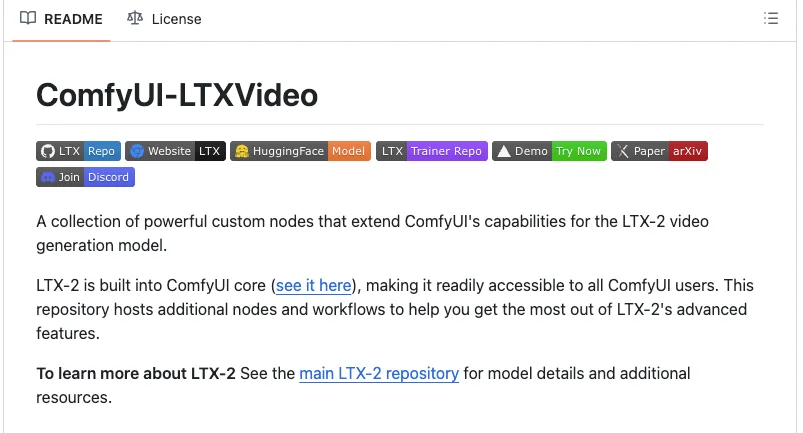
The ComfyUI-LTXVideo GitHub repository includes reference workflows for both paths — useful for side-by-side comparison without rebuilding nodes from scratch.
FAQ
Q1: What is the max resolution for LTX-2.3 portrait output?
LTX-2.3 supports text-to-video, image-to-video, and audio-to-video generation at up to 1080p, including native portrait (9:16) video. In practice, 1080×1920 is the ceiling for portraits. For most social workflows, 720p (736×1280) is the practical default — it’s faster, cheaper, and platforms transcode anyway.
Q2: Does portrait mode require different LoRAs than landscape?
No. LTX-2.3 supports LoRA fine-tuning, allowing you to customize the model for specific styles, characters, or use cases. LoRAs trained on landscape data generally transfer to portrait generation — framing behavior is controlled by your prompt and resolution settings, not the LoRA weights themselves. That said, LoRAs trained on portrait-specific data will produce more consistent vertical compositions.
Q3: How does LTX-2.3 portrait quality compare to Kling for social content?
Direct benchmarks vary by content type. LTX-2.3’s advantage is open weights, API access, and native portrait training — Kling remains cloud-only with less transparency around training data. For ambient and scene-driven portrait content, LTX-2.3 is competitive at 1080p. For highly stylized human subjects, Kling’s closed model still has an edge in some categories. Test on your specific content type before deciding.
Q4: Can I batch-generate portrait clips via API?
Yes. The LTX API is engineered for real-world workloads with predictable performance at any volume — stable outputs, consistent fidelity, and infrastructure-grade reliability. Portrait and landscape requests use the same endpoint. Add aspect_ratio: "9:16" to your requested body. See the LTX API changelog for current parameter specs.
Q5: Does the LTX Desktop app support portrait generation?
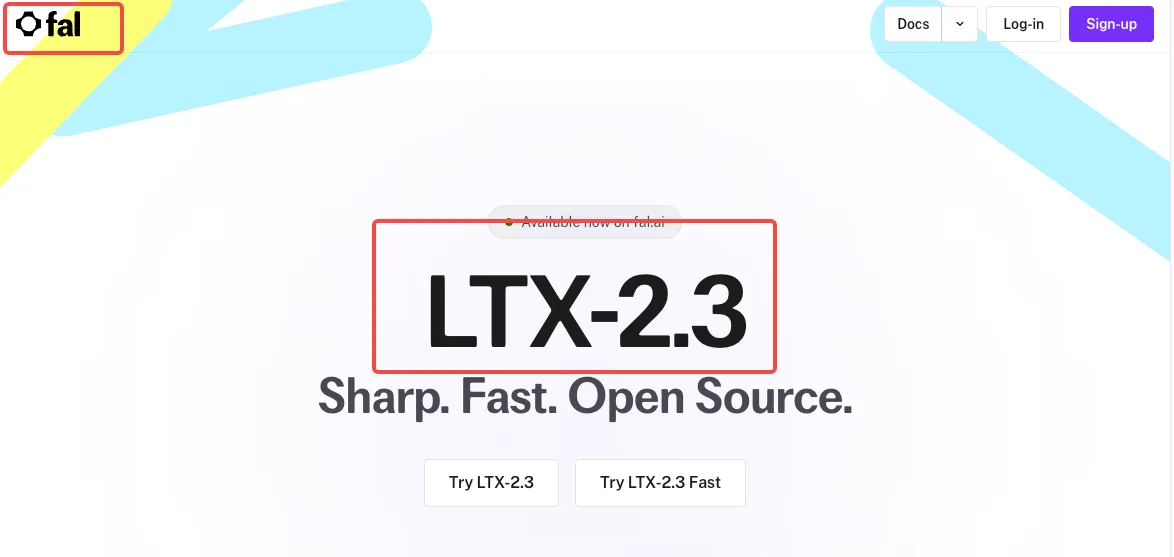
LTX Desktop is a full video editor built on the LTX-2.3 engine, running locally on your hardware with open weights and no cloud dependency. Portrait generation is supported — set resolution to a 9:16 ratio in the output settings. Note that the fal.ai LTX-2.3 platform offers a serverless alternative if local VRAM is a constraint for 1080p portrait renders.
Conclusion
LTX-2.3’s native portrait support is a genuine training-level change, not a crop workaround. For social teams, that means better subject placement, more natural motion, and fewer composition fixes at the output stage.
The practical rules are simple: 720p for most deliveries, Fast for drafts and Pro for finals, Extend for anything over 12 seconds. For wide-action content, landscape-then-crop still wins — use the right tool for the shot.
The pipeline you build now will carry forward. Get the workflow right, and the quality improvements will follow on their own.
Previous posts:
Related Articles
/filters:quality(82)/media/images/1773962750383987480_n3hqzHRZ.webp)
AI Lip Sync Dialogue Scenes with Seedance 2.5: Prompts and Settings
How to Make an AI Short Drama with Seedance 2.5, Wan 3.0 and Kling 4.0
How to Keep the Same Character Across AI Video Shots
Multi-Shot Action Scenes with Kling 4.0: Long Takes, Keyframes and Extends
Vertical 9:16 AI Video Settings for Shorts and Reels