Free Sora Watermark Remover: Best Tools
Discover the best free Sora watermark remover tools, what they handle well, and where free options still fall short in real edits.
Hi, I’m Dora. Last October, I generated a short clip with Sora for a social media post — nothing fancy, maybe 8 seconds of abstract motion. Downloaded it. Opened it. There it was: that little animated cloud logo, drifting across the corner like it owned the place.
I’m not a Pro subscriber. So that watermark wasn’t going anywhere on its own.
Here’s the thing — unless you’re on the $200/month Pro plan, all Sora exports include a visible, moving watermark. If you’re comparing Sora with other AI video models before committing to a workflow, it helps to see how models like Kling and Seedance compare to Sora in real video generation tests. After cleanup, isolate subjects with WaveSpeed’s AI Background Remover. It’s baked in. And within a week of Sora 2’s release, third-party programs that could remove the watermark had already become widely available. So tools exist. The question is whether the free versions are actually usable — or just bait for an upgrade prompt.
I spent about two weeks running test clips through the most talked-about free options. This is what I found.
What a Free Sora Watermark Remover Can Realistically Do
Let me set expectations up front, because a lot of review posts skip this part.
What free tools handle well
Simple backgrounds are where free tools shine. Static watermarks sitting over sky, smooth walls, or blurred backgrounds — those get cleaned up surprisingly well. The AI inpainting fills the gap with surrounding pixels, and when there’s not much variation in that area, the result looks natural.
Most free tools also handle small watermarks competently. If the logo is compact and positioned in a corner, removal tends to be clean. Processing speed is decent too — most web-based tools return results in under two minutes for short clips.
Where free options usually fail
Moving watermarks is genuinely hard.If you’re exploring alternatives to Sora entirely, this guide explains what Seedance 2.0 is and how this newer AI video model works. Sora’s visible watermark is designed to move, which means frame-by-frame tracking is required — and free tiers rarely offer the full motion-tracking algorithms needed for this. You’ll often see smearing, ghosting, or a faint trace of the original logo drifting through the clip.
Complex backgrounds are the other failure point. Watermarks sitting over faces, text, or fast-moving content tend to leave blur patches or mismatched reconstruction. Basic tools can introduce blur or artifacts even when AI-based software minimizes quality loss — so the gap between tool tiers is real.
Export limits are also where free tools quietly disappoint. Several cap resolutions at 720p, limit clip length to 30–60 seconds, or add their own branding to the output. Which is… something.
How I Evaluated These Free Tools
I kept this methodical, even when it got boring.
Test clip types
I ran three clip types through each tool: a 10-second clip with the Sora watermark over a plain background, the same clip with the watermark crossing a face, and a 15-second clip with light motion in the background. Not exhaustive, but representative of what most people are working with.
Speed, cleanliness, export limits
I clocked processing time, zoomed in on the removal area at 200% to assess blur or pixel damage, and checked what resolution the free tier actually lets you export. These are the three things that matter in day-to-day use — not theoretical feature lists.
Best Free Sora Watermark Remover Tools
Best for quick cleanup: Media.io
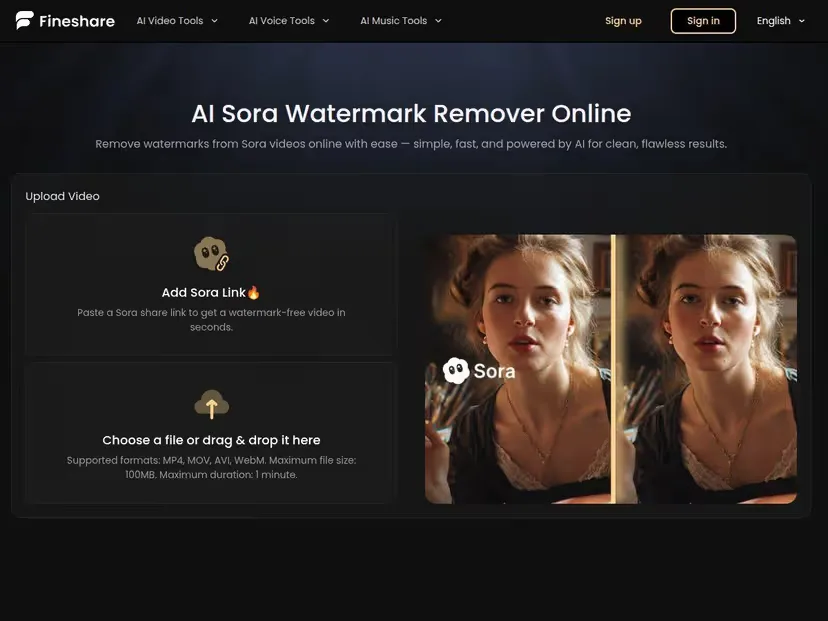
Media.io’s video watermark remover is browser-based, requires no account for basic use, and handles MP4/MOV without complaint. The free tier lets you process short clips and export them in decent quality. For static or near-static watermarks on clean backgrounds, it performed well in my tests — the inpainting was smooth and the turnaround was fast, usually under 90 seconds.
The catch: longer clips and higher-resolution exports push you toward paid tiers pretty quickly. And on my motion-background test, there was visible smearing around the logo area. Not terrible. Not clean either.
Best for simple backgrounds: Cleanup.pictures
I know this is technically an image tool, but hear me out — for very short clips (under 5 seconds) or still frames extracted from a Sora video, Cleanup.pictures is genuinely impressive. The brush-based interface is minimal. You paint over the watermark, the AI reconstructs underneath. For uniform backgrounds it’s almost spooky how good it is.
The free version is fully functional but limits exports to 720p. That’s fine for social posts, not fine for anything going into a proper edit. Worth knowing.
Best if you want fewer export restrictions: Clipfly
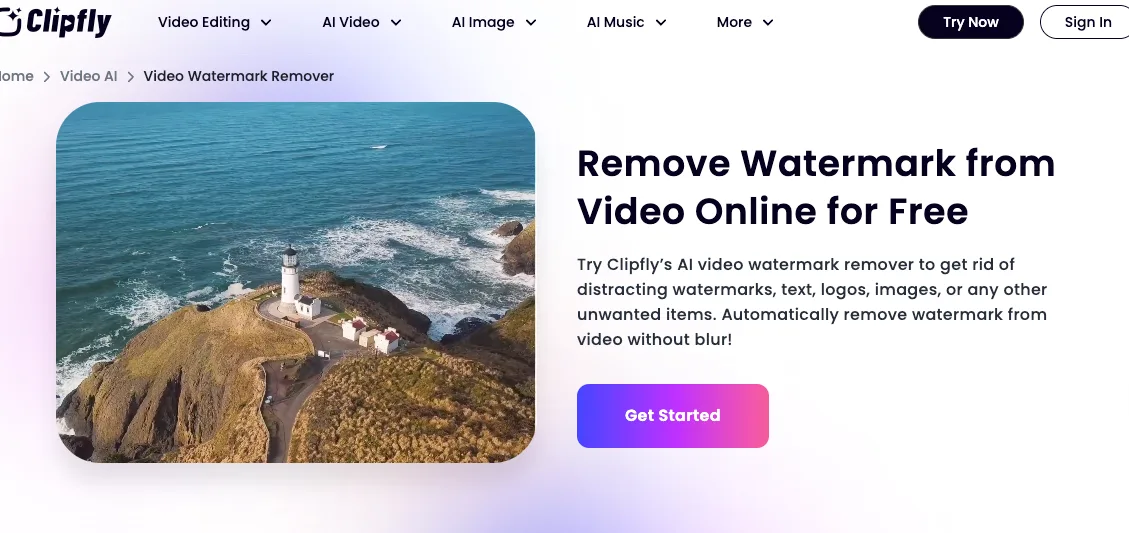
Clipfly’s video watermark remover uses motion tracking to follow the Sora watermark across frames. In my tests, it handled moving watermarks better than most free tools — not perfectly, but the ghosting was minimal on simple backgrounds. You get 20 free credits on signup, which covers a handful of clips before you hit a wall.
The tradeoff: clips must be under 60 seconds and 500MB. That’s generous enough for most Sora outputs.
Comparison Table
| Tool | Moving watermark | Simple background | Export quality (free) | Free limit | No signup needed |
|---|---|---|---|---|---|
| Media.io | ⚠️ Partial | ✅ Good | 720p–1080p | Short clips | ✅ Yes |
| Cleanup.pictures | ❌ Image only | ✅ Excellent | 720p | Unlimited images | ✅ Yes |
| Clipfly | ✅ Better than most | ✅ Good | 1080p | 20 credits | ❌ Required |
| Vmake.ai | ✅ Yes | ✅ Good | 1080p | Limited free tier | ❌ Required |
| Pixelbin | ⚠️ Partial | ✅ Good | 1080p | Limited | ✅ Yes |
Quick note on Vmake: I saw real user reviews, specifically mentioning Sora watermark removal as a use case, and processing times around 30–60 seconds. The free tier is stingy, but the quality-per-credit ratio is solid. If you’d rather generate videos directly instead of fixing exports later, here’s a step-by-step guide showing how to generate AI videos with Seedance 2.0.
Which Free Tool Should You Try First?
For beginners
Go to Media.io. No account, drag-and-drop, fast results. You’ll know within five minutes whether it’s good enough for your clip. If it is, great — you’re done. If not, you’ll have a clearer sense of what you actually need.
For fast social edits
Clipfly is worth the sign up hassle if you’re processing multiple clips. The motion tracking makes a real difference on Sora’s animated watermark, and 20 credits stretches reasonably far for short social-format videos.
When free tools are not enough
I’ll be honest about this: if your clip has a complex background, runs longer than 30 seconds, or needs clean 4K export, free tools are going to frustrate you. The removal artifacts show up. The resolution caps bite. You’ll spend more time patch-fixing than the clip is worth.
At that point, the actual solution is either upgrading to Sora Pro — which, per OpenAI’s official help documentation, removes the watermark at the source for Pro users — or budgeting for a paid removal tool. Some creators just recrop the footage to exclude the watermark area. That’s a legitimate workaround for wide shots.
Real Drawbacks I Saw During Testing
No sugarcoating here.
Blur patches
Every free tool left some blur on complex backgrounds. It’s not always obvious at normal viewing size, but zoom in and it’s there — a slightly smudged square where the logo used to be. On plain backgrounds this fades. In detailed backgrounds it lingers.
Smearing around text or motion
The Sora watermark moves. It drifts. That’s intentional — UC Berkeley professor Hany Farid noted that visible watermarks on AI video are predictably circumvented, and OpenAI’s moving design is partly an attempt to make that harder. Free tools often can’t track the trajectory cleanly across every frame, which leaves a faint smear trail on anything with motion in the background. If your clip has camera movement or busy visuals, you’ll see it.
One thing worth keeping in mind: even after removing the visible watermark, the underlying provenance signals don’t disappear. Sora videos embed C2PA metadata alongside the visible watermark — and while that metadata can be stripped separately, the video’s origin isn’t truly erased just because the logo is gone. For anyone concerned about content authenticity standards, the C2PA specification explains how these signals work and persist across edits.
So what’s the bottom line? Free Sora watermark removers work — within limits. For quick, low-stakes social edits on clean footage, Media.io or Clipfly will get you there. For anything more demanding, the ceiling on free tools arrives fast and arrives loud.
Pick your test clip. Run it. You’ll know within a few minutes what tier of solution you actually need.
Related Articles
GPT Image 2.5 Review 2027: Quality, Editing, Speed, and Cost
GPT Image 2.5 vs GPT Image 2: Is It Worth Upgrading?
Grok Imagine Video Pricing and Cost per Clip
H3 Max Benchmark: Speed, Quality, and Prompt Tests
K2 Horizon Review 2027: What the Open Model Family Includes