
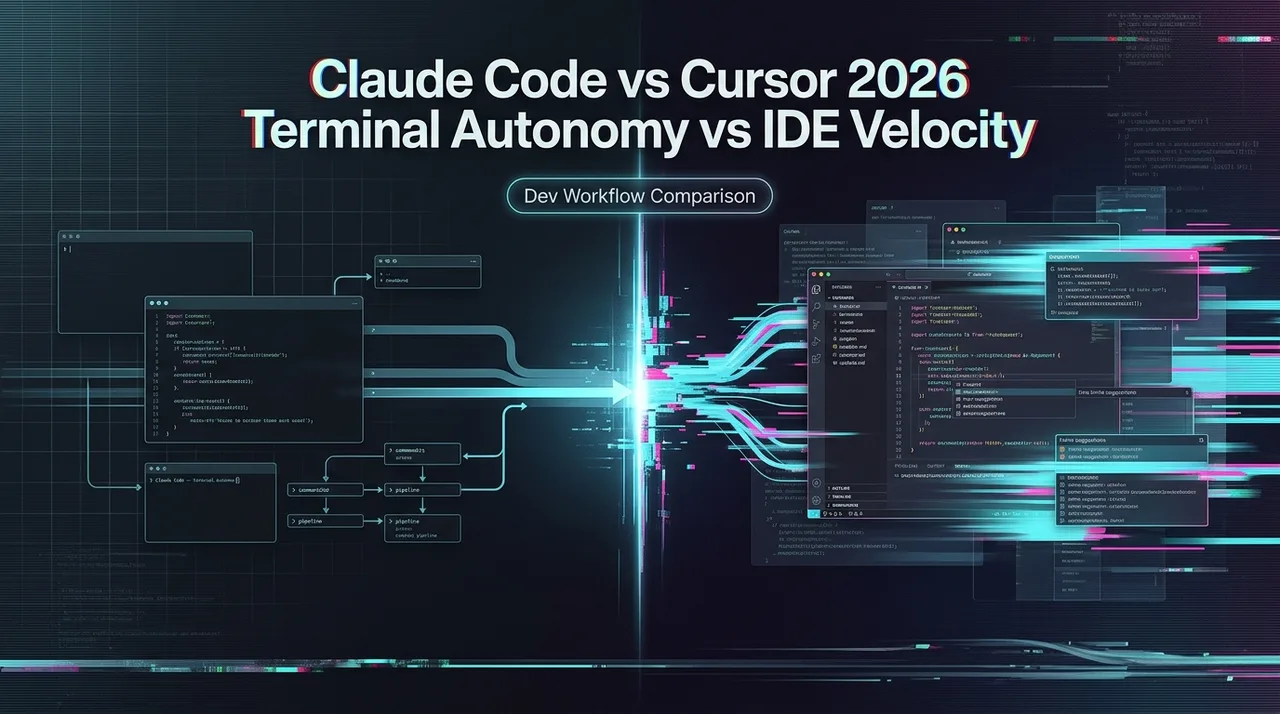
Claude Code vs Cursor 2026: Terminal Autonomy vs IDE Velocity
Claude Code vs Cursor in 2026: real benchmarks, pricing breakdowns, and a clear decision framework. Terminal autonomy vs IDE velocity — which matches how your team actually builds?
Hey guys! This is Dora, who has been using Cursor for about two years and Claude Code for the last eight months. And I’ll be honest — the comparison I’d write today looks nothing like what I would’ve said in mid-2025. The tool landscape shifted fast. So did the context around both.
Use either tool with WaveSpeedAI as the backend — OpenAI-compatible endpoint, 290+ models, transparent per-token pricing. Browse LLMs → · Open the Playground →
The Claude Code source leak didn’t just lift the hood — it exposed the entire engine and changed this comparison in a way most people haven’t fully processed yet. For the first time, we can see under the hood of what was previously treated as a black box — and it reframes the whole debate.
What the Claude Code Leaked Source Changes About This Comparison
On March 31, 2026, security researcher Chaofan Shou discovered that Anthropic’s Claude Code had its entire source code exposed through a source map file published to the npm registry — roughly 1,900 TypeScript files, 512,000+ lines of code, and approximately 40 built-in tools.
What the leak confirmed: Claude Code is not a model wrapper with a nice CLI. It uses a modular system prompt with cache-aware boundaries, approximately 40 tools in a plugin architecture, a 46,000-line query engine, and React + Ink terminal rendering using game-engine techniques. Multi-agent orchestration fits in a prompt rather than a framework — which, as developers who analyzed the source noted, makes LangChain look like a solution in search of a problem.
Two Fundamentally Different Architectural Philosophies
Before the leak, the Claude Code vs Cursor debate was mostly vibes and benchmarks. Now it’s architectural. The leaked source made explicit something that was always true but hard to articulate: these tools aren’t competing products, they’re competing philosophies about where AI belongs in the development loop.
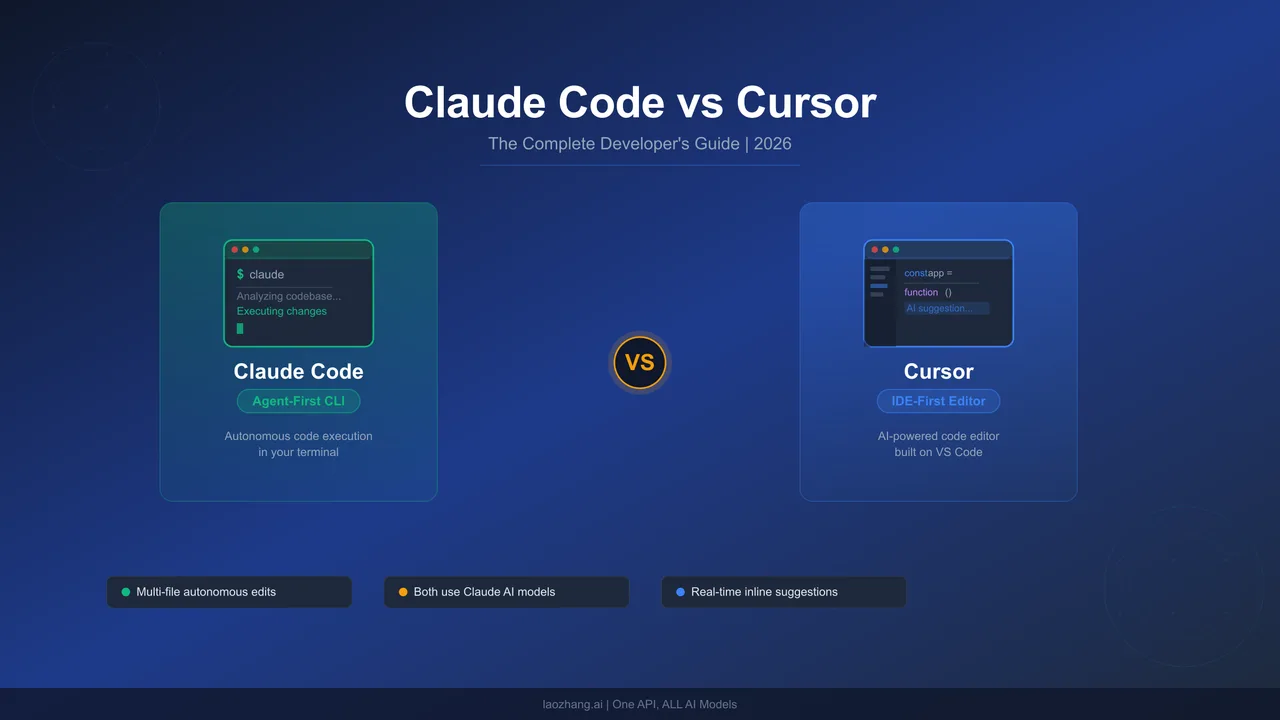 Claude Code’s entire claude code architecture is built around execution autonomy. The permission system, the tool pipeline, the three-layer memory compression — every design decision points toward “Claude finishes the task.” The 46,000-line query engine doesn’t exist to make the chat feel nice. It exists to run loops: read error, apply fix, retest, iterate, without a human in every step. The CLAUDE.md file isn’t a config file in the traditional sense — it’s a runtime constitution, loaded at session start, giving the agent standing context it doesn’t have to rediscover every time.
Cursor’s architecture points in the opposite direction. Supermaven’s tab completion is optimized for sub-100ms response time because the design assumption is that a human is sitting at the keyboard, accepting or rejecting each suggestion. Composer mode’s visual diffs exist because the architecture assumes you want to review before committing. The multi-model routing exists because the design philosophy is “you choose the right tool for each moment,” not “the agent handles it.”
What This Means for the Decision
The practical implication: if you’re choosing between these tools purely on benchmark scores or feature lists, you’re asking the wrong question. The right question is where you want AI to sit in your workflow.
If AI is a collaborator that hands you suggestions and waits — Cursor is built for that. If AI is an executor you assign tasks to and walk away — Claude Code is built for that. The architectural contrast is now explicit: Claude Code = execution-layer autonomy. Cursor = editor-layer velocity. The leak just gave us proof instead of inference.
Feature Comparison at a Glance
The model flexibility gap is real. Cursor lets you switch models mid-session. Claude Code locks you to Anthropic’s lineup — a plan change is required if you want to shift models. For teams building multi-model workflows or using aggregation APIs, that’s a material constraint.
Performance — What Independent Benchmarks Show
Benchmark Scores: Where the Gap Actually Lives
Claude Code achieved a 72.5% resolution rate on SWE-bench Verified as of March 2026. Independent tests using Cursor with Claude Sonnet as the backend show resolution rates in the 55–62% range, suggesting Claude Code’s agentic framework adds significant value beyond raw model performance.
Developer Blake Crosley conducted a blind test of 36 identical coding tasks. Claude Code won 67% on code quality, correctness, and completeness. Cursor performed better on generation speed for smaller tasks, but Claude Code’s outputs required significantly less manual revision — its autonomous debugging loop eliminated an average of two manual iteration cycles per task.
Token Efficiency and What It Costs in Practice
Token efficiency tells a similar story. Independent testing found Claude Code uses 5.5x fewer tokens than Cursor for identical tasks. A benchmark task that consumed 188K tokens in Cursor’s agent was completed by Claude Code in just 33K tokens.
The cost-efficiency ratio breaks down by task type. For complex multi-file work, Claude Code delivered 8.5 accuracy points per dollar versus Cursor’s 6.2. For simple utility function work, Cursor delivered 42 accuracy points per dollar versus Claude Code’s 31. The pattern is consistent: Claude Code wins on hard problems; Cursor wins on high-frequency simple ones.
Pricing — What You Actually Pay Under Heavy Use
Both tools start at $20/month for Pro. The similarity ends there.
Cursor’s credit system replaced request-based billing last year. Credits deplete based on which model you use — heavy users reported $10–20 daily overages, and one team’s $7,000 annual subscription depleted in a single day. Enable spend limits immediately if you’re on Cursor.
Claude Code’s limits work differently: a 5-hour rolling window handles burst usage, and a 7-day weekly ceiling caps total compute hours. The limits are more predictable, but power users on Pro can find all-day coding sessions bump into the rolling window.
The practical reality: many experienced developers subscribe to both at roughly $40/month total. At that price point, you’re buying two complementary tools rather than paying twice for the same thing.
When Claude Code Is the Right Choice
Claude Code earns its place when the task genuinely requires deep reasoning across a large codebase or autonomous multi-step execution:
- Complex multi-file refactors where you need the model to understand architectural implications across the full project, not just the files you hand it
- Autonomous debugging loops — Claude Code reads the error, applies a fix, reruns the test, and iterates without waiting for you
- Terminal-native workflows and senior engineers comfortable handing over full execution to an agent
- “Last resort” use cases — a pattern that comes up repeatedly in developer discussions: other tools failed, Claude Code solved it
Claude Code’s 14-point accuracy gap over Cursor in Rust (72% vs 58%) was the starkest divergence in independent benchmarks. The agentic loop proved particularly effective for Rust’s compile-fix cycle: Claude Code attempts compilation, parses the error output, reasons about type system constraints, and iterates — often completing three to four compile-fix cycles autonomously.
When Cursor Is the Right Choice
Cursor’s strengths are just as real — they’re just different in kind:
- Daily feature work with fast inline autocomplete — Supermaven’s tab completion is fast enough to feel predictive, not reactive
- Developers uncomfortable in the terminal, or teams where onboarding friction matters
- Visual diff review as a required workflow step — Composer mode lets you review changes file by file before accepting anything
- Simple high-frequency tasks where cost per task matters more than first-pass accuracy, and where Cursor’s 42 accuracy-points-per-dollar advantage is real

The “Use Both” Workflow — Why More Teams Are Adopting It
The 2026 AI coding survey shows experienced developers using 2.3 tools on average. These tools are not mutually exclusive — they each have a sweet spot.
The task-routing split most teams land on:
→ Claude Code for: architectural refactors, multi-file debugging, greenfield scaffolding, anything touching 5+ files simultaneously, agentic tasks you want to run and walk away from
→ Cursor for: daily feature iteration, inline suggestions during active editing, quick bug fixes, anything where you want visual diffs before committing
The math works: Cursor Pro at $20 + Claude Code Pro at $20 = $40/month for a setup that covers both daily velocity and hard-problem depth. Most developers who try both for a week report the routing becomes intuitive quickly — you reach for Claude Code when Cursor hesitates, and you stay in Cursor when you want to stay in flow.
How Model Flexibility Factors Into the Decision
This is the underrated variable in the comparison. Cursor supports Claude, GPT, Gemini, and xAI models — switchable mid-session. If one provider is slow or down, you switch without leaving your editor. If a specific task genuinely performs better on GPT-5.4, you route it there.
Claude Code is locked to Anthropic’s model lineup. This isn’t just a preference issue — it’s a planning constraint. Teams building multi-model workflows, or procurement leads managing multiple API relationships, need to account for the fact that Claude Code’s ceiling is Anthropic’s ceiling.
What Multi-Model Teams Should Actually Consider
For teams that want to access multiple providers through a unified surface — say, routing research tasks to Gemini’s 2M context window while keeping code execution on Claude — Cursor’s native model switching is a genuine advantage. You don’t need an external aggregation layer; the routing is built in.
The tradeoff: when you use Claude models through Cursor, you get Claude-quality output but not Claude Code’s harness depth. The 5.5x token efficiency gap from Ian Nuttall’s analysis holds regardless of which model Cursor calls — because the efficiency comes from Claude Code’s architecture, not from the model itself. Platforms like WaveSpeed AI exist precisely to help teams navigate this kind of multi-model access question, letting you test different model combinations against your actual workflows before committing to a toolchain.
When Claude Mythos / Capybara eventually hits the API, Claude Code users get that upgrade automatically. Cursor users can also access it — through Anthropic’s API, as a selectable model. The difference is in tool depth: Claude Code’s agentic harness, built specifically around Anthropic’s models, is likely to extract more from a new Anthropic flagship than a model-agnostic IDE will.
FAQ
Is Claude Code better than Cursor for large codebases?
For large codebase analysis and multi-file refactoring, yes. Claude Code’s 1M token context window is the highest available among these tools. On tasks requiring simultaneous modification of five or more files, Claude Code’s performance is more consistent — its agentic loop naturally handles multi-file coordination by reading, planning, editing, and verifying in sequence. Cursor’s effective context window under load is significantly smaller than its advertised 200K.
Does Claude Code have autocomplete like Cursor?
No. Claude Code has no inline tab completion. It operates through a conversational loop in the terminal. If inline autocomplete is a core part of your workflow, Cursor or Copilot is the right choice — Claude Code won’t replace that experience.
Can Cursor use Claude models, and does that make it equivalent to Claude Code?
Cursor can route requests to Claude models, but it’s not equivalent. A benchmark task that consumed 188K tokens in Cursor’s agent was completed by Claude Code in just 33K tokens — nearly 6x more efficient. The agentic harness — the 40+ tools, the three-layer memory system, the multi-agent orchestration — is what separates Claude Code from a model call wrapped in an IDE.
Which is cheaper for heavy daily use?
Claude Code has more predictable costs due to its rolling window limits. Cursor’s credit system can produce surprises — monthly overages can reach 15–30% above subscription cost for heavy users. For predictable budgeting, Claude Code wins. For occasional use or teams that stick to Auto mode, Cursor’s $20 Pro tier is competitive.
Can I use Claude Code and Cursor at the same time?
Yes — and most power users do. They serve different layers of the development workflow. The $40/month combined cost is the most common setup among developers who’ve used both seriously.
Previous Posts:
- Claude Code architecture Deep Dive: What the Leaked Source Reveals
- Cursor vs Claude Code: Which AI Coding Tool Should You Choose in 2026?
- Claude Code Leaked Source: BUDDY, KAIROS & Every Hidden Feature Inside
- claw-code vs Claude Code: What’s Actually Different?
- What Is claw-code? The Claude Code Rewrite Explained
Related Articles
/filters:quality(82)/media/images/1790934318687045151_6DhqzIS1.webp)
Best AI Video APIs for High-Volume Workflows in 2027
/filters:quality(82)/media/images/1790879706333726948_TmjHVhrF.webp)
Introducing AI Cinema Studio on WaveSpeedAI: Direct Cinematic AI Video Shots
/filters:quality(82)/media/images/1790934887466368319_r2GQZ8hr.webp)
LTX Studio Review 2027: Does the Video Workflow Hold Up?
/filters:quality(82)/media/images/1790935090456133598_u9CLU4dm.webp)
Segmind Review 2027: Can Its Media APIs Scale?
/filters:quality(82)/media/images/1790935248497016685_6cZjDPeF.webp)
Best Shotstack Alternatives in 2027 for Video APIs
/filters:quality(82)/media/images/1790935438012010745_IjwFOnwG.webp)