
TripoSplat: Image-to-3D Gaussian Splatting for Builders
TripoSplat turns a single image into a 3D Gaussian splat. What builders should know about formats, rendering, and production fit.
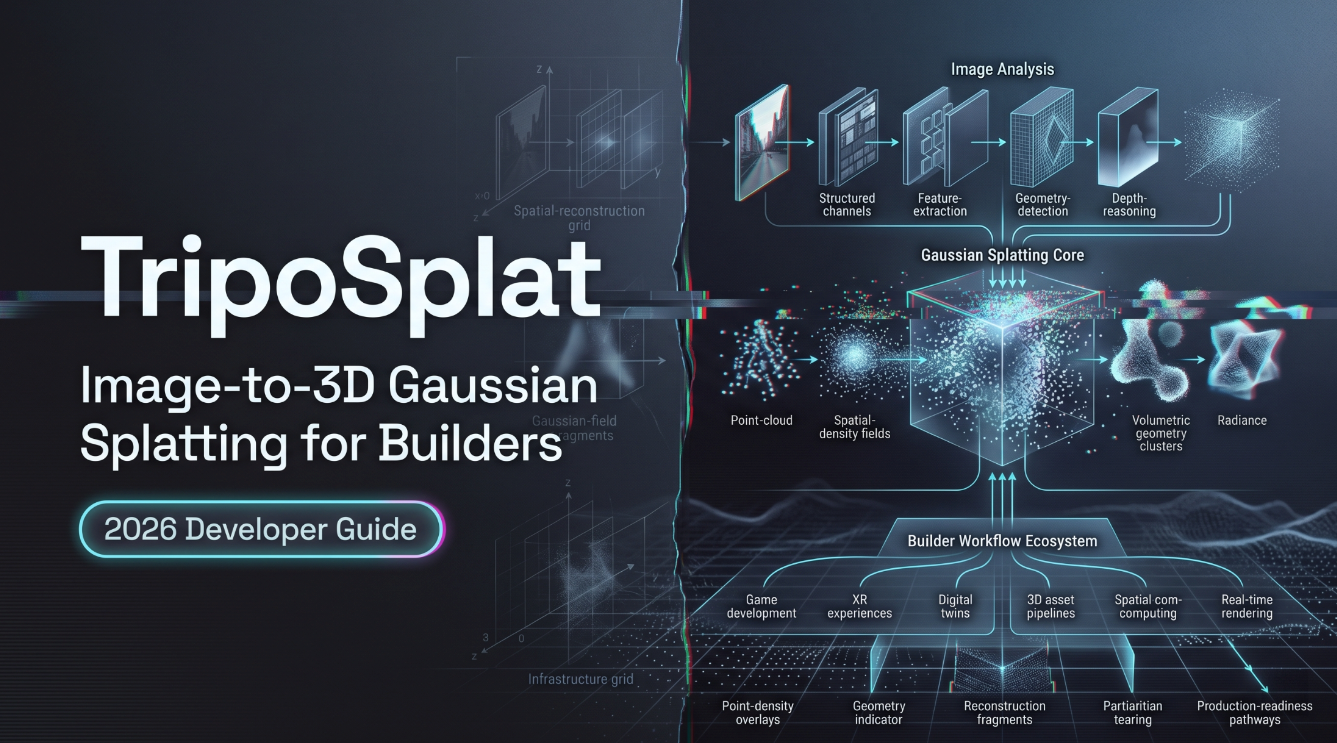
Last week a teammate dropped a single product photo in Slack and asked: “Can we get a 3D preview of this by tomorrow?” Not a game-ready asset. Not something to ship into Unreal with proper UVs. Just a rotatable preview the client could spin around in a browser.
If you’re the person who keeps getting that exact ask — a 3D thing from one image, fast, good enough to look at — and you’ve been weighing whether TripoSplat is the right tool to sit in that slot of your pipeline, this is for you. I spent a few sessions putting it through real inputs, not curated demo shots. The piece documents what it actually outputs, where it slots in cleanly, and the gaps you need to know about before you commit a workflow to it.
One thing up front. TripoSplat is not a mesh generator. The output is a Gaussian splat. That distinction decides almost everything below.
What TripoSplat Actually Outputs
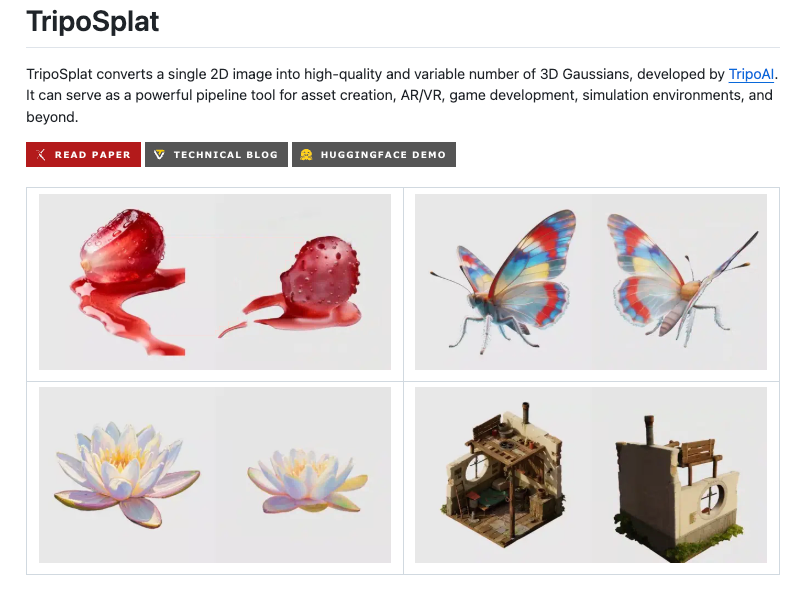
TripoSplat is an open-source model from TripoAI / VAST AI Research, released under MIT. You feed it one RGB image. You get back a 3D Gaussian splat — exportable as .ply or .splat. That’s the whole interface, more or less.
But the format is where most evaluation mistakes happen. So.
Gaussian Splats vs Traditional Meshes
A mesh is vertices, edges, faces, UV maps. It’s what every game engine, every CAD tool, every animation rig was built around. You can retopologize it, paint textures on it, rig it, collide against it.
A Gaussian splat is something else entirely. It’s a cloud of thousands of small 3D Gaussian primitives — each with a position, a color, an opacity, and a shape — that together approximate how the object looks from any angle. Rendering is real-time and visually rich. But there’s no surface in the traditional sense. No polygons to subdivide, no UVs to unwrap, no skeleton to bind to.
So when I say TripoSplat produces a 3D asset, I mean the visual of a 3D asset. Spin it, render it, drop it into a splat-aware viewer. What you can’t do is hand it to your character TD and ask for a rig.
.ply and .splat Formats Explained
.ply is the older, more general point-cloud format — widely readable, supported by Blender, MeshLab, and most splat-aware tools. .splat is the newer format that emerged with Gaussian splatting itself, more compact and tuned for the use case. TripoSplat exports both. Pick .splat for web viewers and modern splat renderers. Pick .ply when your downstream tool prefers it or when you want a format that’s been around long enough to be debuggable.
Either way, what’s inside is the same: a set of Gaussians, not a mesh.
The Single-Image to 3D Pipeline
Feed-Forward Generation Process
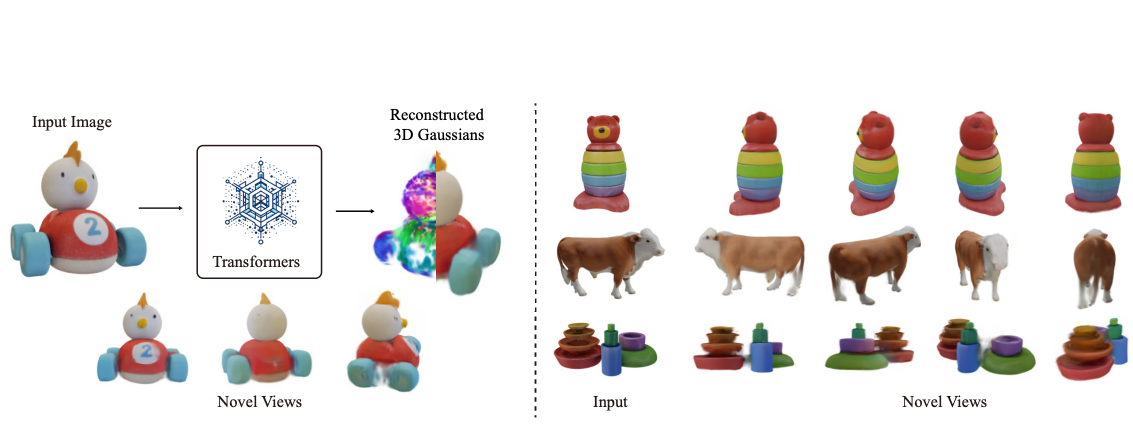
The architecture is feed-forward. One image goes in, one splat comes out, no per-asset optimization loop. Internally the pipeline runs a DINO-family vision backbone on the input, generates triplane features, and the splat decoder produces the Gaussian primitives. The original paper from the TripoSplat authors covers the architecture properly if you want it from the source.
What matters operationally: this isn’t photogrammetry. You don’t need calibrated cameras, multiple angles, or a COLMAP pass. One photo, one inference call. That’s also why it can’t see what it can’t see — the back of the object is hallucinated from priors, not reconstructed from data. This is a critical point that I’ll come back to.
Gaussian Count and Quality vs Cost Tradeoff
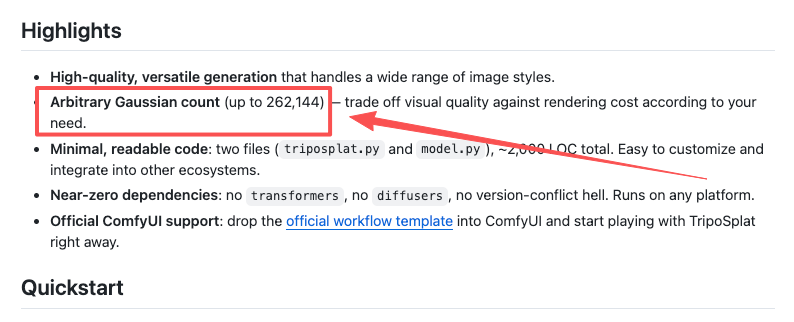
TripoSplat lets you set the Gaussian count directly. Per the official repo, the upper limit is 262,144 Gaussians. You can go lower. Most of my tests sit in the 65K–130K range and look fine for previews.
Higher count means more visual fidelity in detail-dense areas. It also means a bigger file, more memory to render, and more cost to store. The model’s density-control logic concentrates Gaussians where the input image actually carries detail, so the budget isn’t wasted on flat backgrounds. In practice, I keep a low-count version for in-browser preview and only re-decode at high count when someone needs to look at it on a workstation.
One fewer switch. Sounds small. Adds up fast.
Where TripoSplat Fits (and Where It Doesn’t)
Strong Use Cases (Preview, AR/VR, Rapid Prototyping)
The use cases I’d commit a workflow to:
- Concept previews. A designer wants to spin a stylized character around to check silhouette. Splats are perfect — fast to generate, fast to render, no cleanup.
- AR/VR placement experiments. Gaussian splats render well on modern hardware, and “good enough to look at from arm’s length in a headset” is exactly the bar splats clear.
- Marketing and e-commerce visuals. Static product photo → rotatable 3D viewer on a product page. Splat renderers in the browser handle this well.
- 3D-as-reference for 2D pipelines. Generate a splat, render it from new angles, use those renders as ControlNet inputs or reference for further 2D work.
When You Still Need Mesh-Based Assets
The use cases where TripoSplat alone isn’t enough:
- Game-ready assets. Engines like Unreal and Unity now support splat rendering, but rigging, collision, physics, and animation still want meshes. You can convert splats to meshes via separate tooling (the ComfyUI template has an optional GLB mesh export path), but the result is not the same as a model authored as a mesh from the start. No proper UVs, no clean topology.
- CAD or manufacturing workflows. Splats are visual approximations. They are not dimensionally accurate surfaces.
- Anything that needs the unseen side to be correct. Single-image input means the back is invented. For hero assets viewed from all angles, multi-view reconstruction or manual modeling still wins.
The most common mistake is treating a single-image model as a perfect 3D scanner. It isn’t. It’s a fast preview generator that happens to produce something you can rotate.
Access and Integration Considerations
Local, ComfyUI, and Hosted Options
Three realistic paths to running TripoSplat:
Local. Clone the repo, download the ~3.8 GB weights from Hugging Face, run inference on your own GPU. Best for teams that already have GPU infrastructure and want full control. The codebase is small — two files, around 2,000 lines — which is unusually clean for this category.
ComfyUI. As of v0.23.0, ComfyUI ships a native TripoSplat workflow template — background removal, vision conditioning, sampling, splat decoding, and export all wired up. If your team already lives in ComfyUI, this is the lowest-friction entry point.
Hosted inference. A few platforms expose TripoSplat behind an API. If you’re already running other generation models through a unified provider like the WaveSpeedAI model catalog, check whether TripoSplat is listed before adding another vendor account — model availability changes, and consolidating where you can is usually worth a minute of checking.
What to Verify Before Pipeline Commitment
Before you wire TripoSplat into anything that production depends on, I’d verify five things on your own inputs, not on the demo gallery:
- Generation latency on a representative image, at the Gaussian count you actually need.
- Behavior on inputs the demo doesn’t showcase — busy backgrounds, semi-transparent objects, dark scenes.
- The exact viewer or engine path you’ll use. Splat support is improving fast but isn’t uniform across versions.
- Storage and bandwidth at the count you settle on. A 250K Gaussian asset isn’t free to serve.
- The mesh-export route if you’ll ever need one. Test it before you tell anyone it exists.
This conclusion has an expiration date — models update fast.
FAQ
Is TripoSplat free for commercial use?
The model weights and inference code are MIT-licensed, per the GitHub repository. That license generally permits commercial use. If you access it through a hosted API instead of running it locally, the host’s terms also apply — check those separately.
Can I open a .splat or .ply file in Unreal or Unity directly?
Both engines now support Gaussian splat rendering, but typically through plugins or recent native additions rather than as a default file import. Verify the version of the engine and plugin combination against the specific .splat/.ply flavor TripoSplat outputs before assuming a drop-in works.
Does TripoSplat need multiple photos like photogrammetry?
No. Single image in, splat out. That’s the design. The tradeoff is that the unseen sides are generated from learned priors, not from observed data — fine for previews, not fine when you need the back to be accurate.
How long does single-image generation take on a hosted demo vs a local GPU?
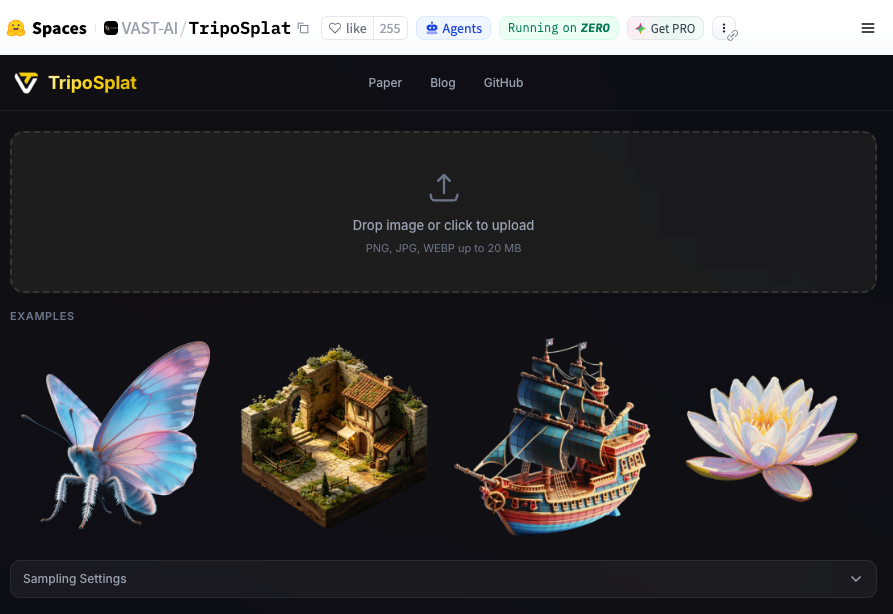
Generation time depends on the Gaussian count, the number of inference steps, the GPU, and — for hosted demos — queue length at the moment you submit. The public Hugging Face Space is the most direct way to feel the time on your own image; results from a fixed Hugging Face Space and a local high-end GPU won’t be comparable, so test both if it matters.
Conclusion
TripoSplat is a clean, narrowly-scoped tool. Single image, Gaussian splat, MIT-licensed, multiple ways to access it. It belongs in your pipeline if your job description includes “produce 3D previews from photos, fast.” It does not replace mesh-based authoring, and pretending it does is the fastest way to disappoint someone downstream.
Run it on your own inputs before you write it into a workflow doc. That’ll tell you more than anything I say.
Previous posts: