
TripoSplat vs Hunyuan 3D: Should You Generate Gaussian Splats or a Mesh in 2026?
TripoSplat outputs Gaussian splats, Hunyuan 3D outputs meshes. A builder's guide to choosing for your 3D pipeline.

Last Tuesday around 11 PM, I had two browser tabs open. Left side: a TripoSplat job spitting out a .splat file from one product photo. Right side: Hunyuan 3D 3.1 grinding through a GLB with PBR maps from the same image. I was prototyping a WebGL viewer for an AR prototype and genuinely could not decide which output to wire in. They both took a single image. They both finished in minutes. But what came out the other end was so structurally different that “which is better” turned out to be the wrong question entirely.
The real question — and the one most 3D selection conversations skip — is what kind of asset do you actually need downstream. That single choice cascades into your renderer, your editing tool, your maintenance cost, and whether your output is even installable in the engine you use. Let me walk through what I learned.
Two Fundamentally Different 3D Output Paradigms
TripoSplat = Gaussian Splats
TripoSplat, open-sourced by VAST AI Research in May 2026 under MIT, takes a single 2D image and outputs 3D Gaussian splats — a point-based radiance field where the “geometry” is millions of anisotropic Gaussian primitives instead of triangles. There’s no mesh, no UV map, no faces. You get a .ply or .splat file, and you render it through a 3DGS-capable viewer.
The headline detail: TripoSplat supports an arbitrary Gaussian count up to 262,144, so you can dial visual fidelity against file size at generation time. Stylized characters and props are where it really shines — the adaptive density control puts more Gaussians where surface detail matters and stays sparse on flat areas, so you’re not paying file-size cost for empty space.
Hunyuan 3D = Mesh / GLB Output
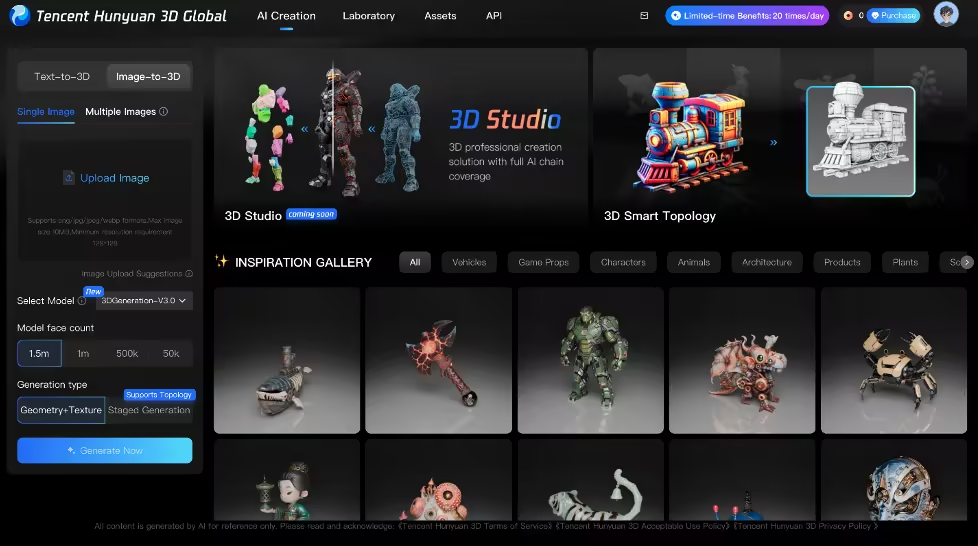
Hunyuan 3D (2.1, 2.5, 3.0, 3.1) is the opposite world. It runs a two-stage pipeline — Hunyuan3D-DiT for geometry, Hunyuan3D-Paint for textures — and outputs a traditional polygon mesh with PBR materials. According to Tencent’s official Hunyuan3D-2.1 release, this includes albedo, normal, metallic, and roughness maps. Default export is GLB, but you can also save trimesh objects to OBJ, FBX, STL, or USDZ. Pro edition can push up to ~1.5M polygons; Rapid edition stays leaner for high-volume pipelines.
So one returns a cloud of colored Gaussians. The other returns triangles with texture maps. Everything downstream flows from that split.
Head-to-Head Comparison
I won’t bury this in prose — here’s how the two paradigms actually differ on the things that decide selection:
| Dimension | TripoSplat (Gaussian Splats) | Hunyuan 3D (Mesh / GLB) |
|---|---|---|
| Output format | .ply, .splat | .glb, .obj, .fbx, .stl, .usdz |
| Geometry primitive | Anisotropic 3D Gaussians (up to 262,144) | Triangle mesh (up to ~1.5M polygons on Pro) |
| Material system | Baked color + opacity per Gaussian | PBR (albedo, normal, metallic, roughness) |
| Editability in DCC tools | Limited — needs Gaussian-aware editor | Full — Blender, Maya, 3ds Max all work natively |
| Rendering compatibility | Needs 3DGS-capable renderer | Any modern engine / viewer out of the box |
| Single-image input | Yes | Yes (multi-view optional on 3.1 Pro) |
| License posture | MIT, commercial use OK | Open-source weights, some regional license limits |
| Best fit | Real-time radiance rendering, AR/VR, stylized look | Game assets, e-commerce, 3D printing, animation |
One sentence of positioning: TripoSplat is a radiance-field representation; Hunyuan 3D is a traditional 3D asset. That alone explains 80% of the downstream decisions. The rest is about what your team and your pipeline already know how to handle.
When Each Paradigm Wins
Splats for Speed and Real-Time Use
If your final renderer is a Gaussian splatting viewer — splats win on day one.
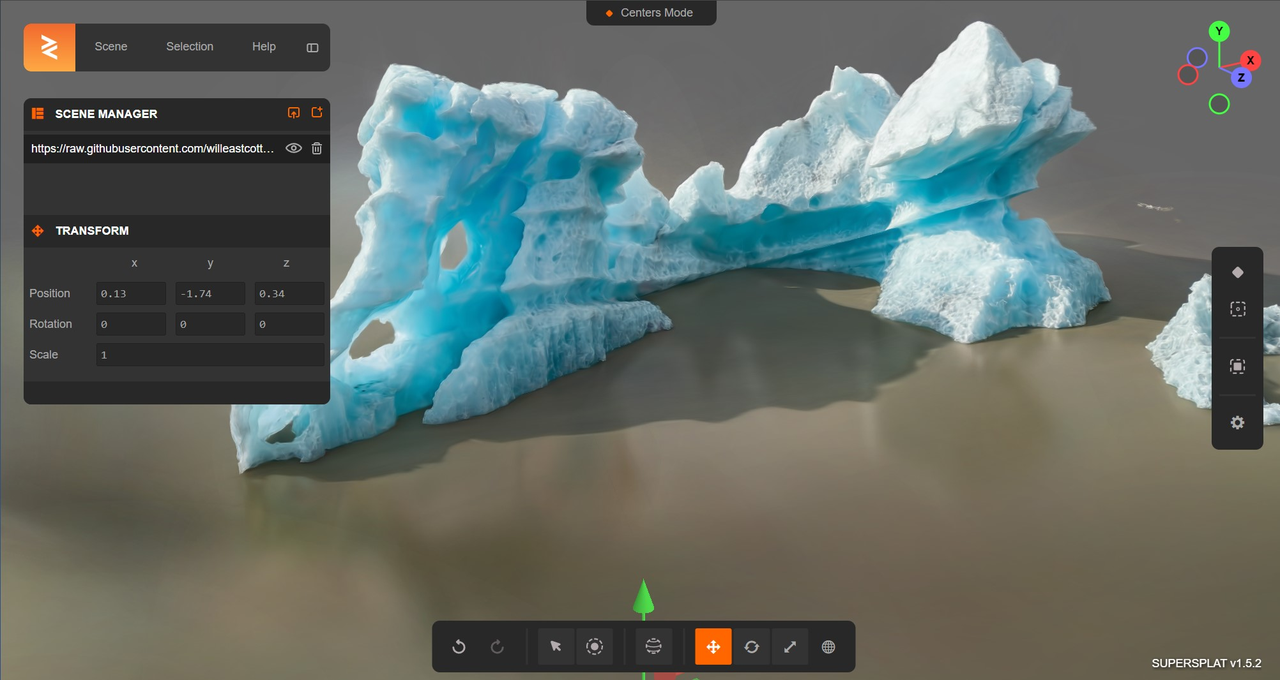
The format renders photorealistic radiance directly without a meshing detour. For AR previews, web-based product views, novel view synthesis, virtual production, and anything where you’d otherwise be fighting normal maps to fake light response, Gaussians can carry visual richness that a mid-poly mesh just can’t replicate.
In my AR prototype tests, a 100k-Gaussian TripoSplat asset rendered at a steady 60fps on an iPhone 14 browser, while an equivalent-fidelity 300k-poly mesh from Hunyuan dropped frames on the same device until I retopologized it.
The catch: you cannot retopologize a splat. You cannot rig one. You cannot send it to a colleague using stock Blender and expect them to do anything useful with it without plugins. Splats are wonderful at being viewed, frustrating at being modified.
Meshes for Production and Customization Needs
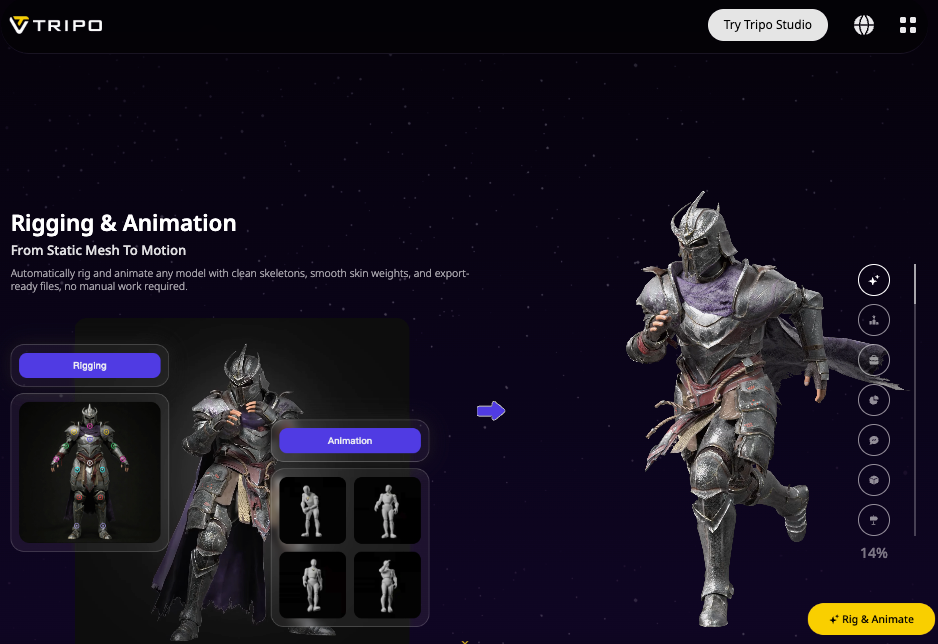
Mesh wins the second someone downstream needs to touch the asset. Game engines, rigging pipelines, animation rigs, 3D printing, e-commerce platforms that expect glTF — all of these consume triangles. Hunyuan 3D’s PBR output drops straight into Unity, Unreal, or any glTF-compliant viewer with no conversion. If your team already has a .glb ingest pipeline and a retopology step, Hunyuan slides right in.
It’s also the safer pick when the asset’s life is measured in years rather than a one-off demo. Mesh tooling has 30 years of maturity behind it. Splat tooling is two years old. That gap matters when you need to hand the asset to a junior artist or fork it into an unrelated project six months later.
Production Pipeline Implications
Engine Support and Viewer Compatibility
This is where the practical asymmetry gets stark. A GLB from Hunyuan loads in literally every modern viewer. A .splat from TripoSplat needs a renderer that speaks 3DGS — which now includes Unreal plugins, Unity packages, Chaos Vantage 3.3.0, Blender add-ons, and web viewers, but does not include most existing in-house tools your team probably built two years ago.
A bare-bones comparison of how you’d hand each output off:
// Hunyuan 3D → just load the GLB anywhere
const loader = new GLTFLoader();
loader.load('hunyuan_output.glb', (gltf) => {
  scene.add(gltf.scene); // PBR materials already wired
});

// TripoSplat → needs a 3DGS-aware viewer (e.g. SparkJS)
import { SplatViewer } from '@sparkjs/splat-viewer';
const viewer = new SplatViewer(canvas);
await viewer.loadSplat('triposplat_output.splat');
viewer.render(); // anisotropic Gaussians, no triangles involved
Same single-image input. Completely different downstream code path. Budget the integration cost honestly: GLB ingestion is usually zero net-new work; splat ingestion is a viewer dependency that has to live in your stack from now on.
Post-Processing and Maintenance Cost
Mesh assets are cheap to maintain — decimate, re-UV, retexture, swap shaders, done. Gaussian splats are harder: they’re great as-is, but if you want to modify them (relight, edit geometry, isolate parts, fix artifacts on the back side), the tooling is still catching up. Chaos Vantage 3.3.0 added splat relighting in real-time, which is great, but you still can’t easily separate a character’s arm from their body in a splat the way you can in a mesh.
There’s also a less obvious cost: file size at scale. A 200k-Gaussian asset typically runs 40–80MB. The same character as a Hunyuan low-poly GLB with 2K PBR maps lands around 8–15MB. Multiply that by a 500-asset catalog and the bandwidth math starts to matter.
Decision Framework for Builders
I’ll keep this concrete. Ask these four questions in order, and the answer falls out:
- Does your renderer support 3D Gaussian splatting natively? No → use Hunyuan 3D. Yes → keep going.
- Will anyone downstream need to edit, rig, or retopologize the asset? Yes → Hunyuan 3D. No → keep going.
- Is photorealistic radiance / novel view rendering the core value of the output? Yes → TripoSplat. No → either works; default to Hunyuan for portability.
- Is the asset disposable (demo, A/B test, prototype) or long-lived (catalog, game, IP)? Disposable → TripoSplat is faster to wire up if your viewer supports it. Long-lived → mesh, every time.
Splats are not the future of 3D. Meshes are not the past. They’re two valid representations that solve different problems. Pick the one your pipeline already speaks — and if you find yourself wanting both for different projects, that’s not a contradiction, it’s a healthy production stack.
FAQ
Can I convert a TripoSplat Gaussian splat into a Hunyuan-style mesh afterward?
Sort of, but it’s lossy. There are research pipelines (Gaussian Opacity Fields, SuGaR) that extract a triangle mesh from a 3DGS, and as of mid-2026 a few tools in the TripoSplat ecosystem on ComfyUI experiment with this. But you’ll lose the radiance richness that made you pick splats in the first place. If you know you need a mesh, generate one with Hunyuan from the start.
Which has lower rendering cost for a web viewer?
Depends on the splat count. A 50k-Gaussian TripoSplat output can run smoother in a browser than a 500k-polygon Hunyuan mesh, especially on mid-range mobile devices. But a low-poly Hunyuan output with simple PBR will beat a 200k-Gaussian splat on older WebGL hardware. Test both with your actual target devices.
Do both accept single-image input, or does one need more views?
Both accept single-image input. TripoSplat is explicitly single-image-only. Hunyuan 3D works from a single image but also supports multi-view input on Pro / 3.1 for higher fidelity reconstruction — useful when you have multiple product photos.
Which is easier to wire into an existing automated 3D pipeline?
If your pipeline already moves .glb files around, Hunyuan 3D is plug-and-play — and ComfyUI’s native Hunyuan3D-2 workflows make batching straightforward. TripoSplat is easy too, but only if your downstream renderer already speaks 3DGS. If it doesn’t, “easy” turns into “rebuild the viewer first.”
Conclusion
I ended up shipping the AR prototype with Hunyuan 3D because the rest of our pipeline already spoke GLB. But for a separate Gaussian splat web showcase I’m working on right now, TripoSplat was the obvious pick — and saved me a meshing step entirely. The honest takeaway from that 11 PM tab-switching session: this isn’t a contest. It’s two different answers to two different questions, and the smartest builders I know are using both, just for different jobs.
Previous Posts: