Neta Lumina generates high-quality anime-style images, developed by Neta.art Lab for anime illustrations and character art. Ready-to-use REST inference API, best performance, no coldstarts, affordable pricing.
就绪
$0.01每次运行·~100 / $1
示例查看全部
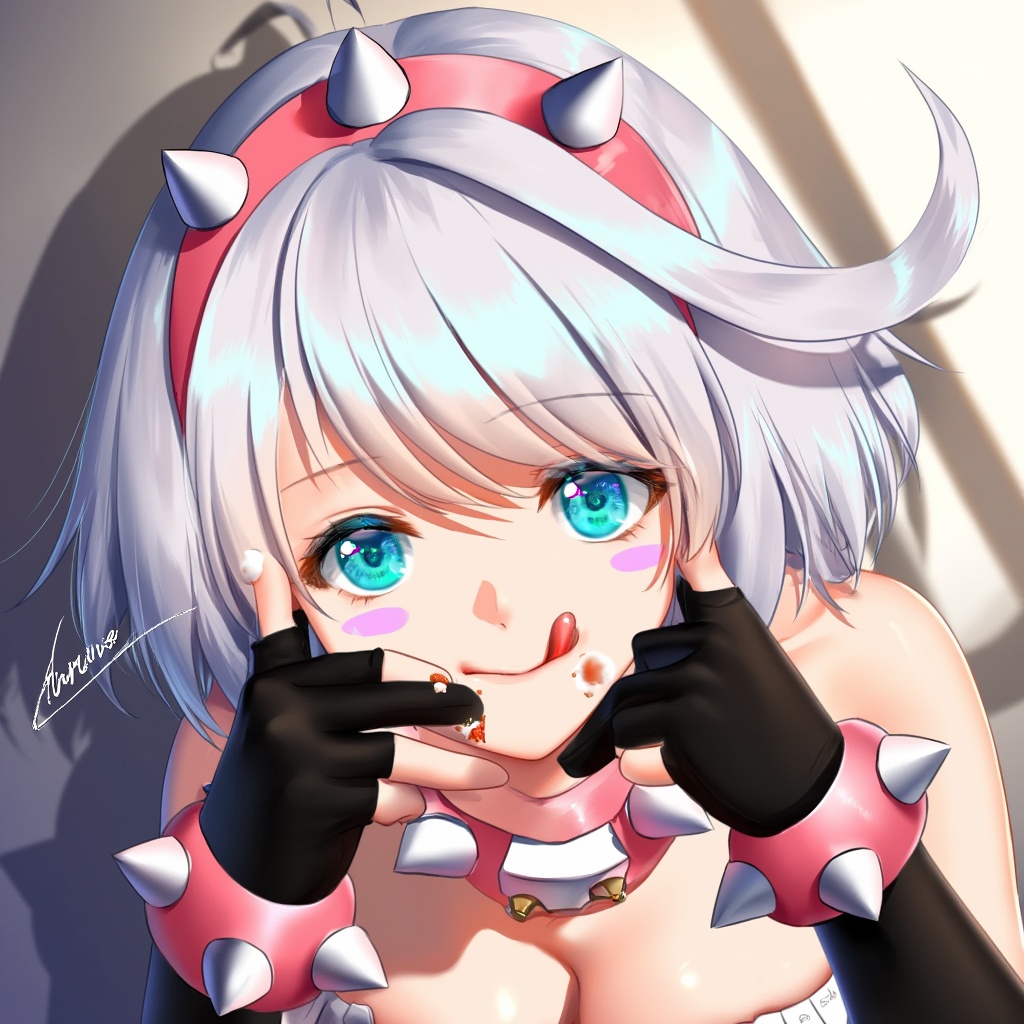
foreshortening, This artwork by (@haneru:1.0) features character:#elphelt valentine in a playful and dynamic pose. The illustration showcases her upper body with a foreshortened perspective that emphasizes her outstretched hand holding food near her face. She has short white hair with a prominent ahoge (cowlick) and wears a pink hairband. Her blue eyes gaze directly at the viewer while she sticks out her tongue playfully, with some food smeared on her face as she licks her lips. Elphelt wears black fingerless gloves that extend to her elbows, adorned with bracelets, and her outfit reveals cleavage, accentuating her large breasts. She has blush stickers on her cheeks and delicate jewelry, adding to her charming expression. The background is softly blurred with shadows, creating a delicate yet slightly meme-like aesthetic. The artist's signature is visible, and the overall composition is high-quality with a sensitive, detailed touch. The playful, mischievous mood is enhanced by the perspective and her teasing expression. masterpiece, best quality, sensitive
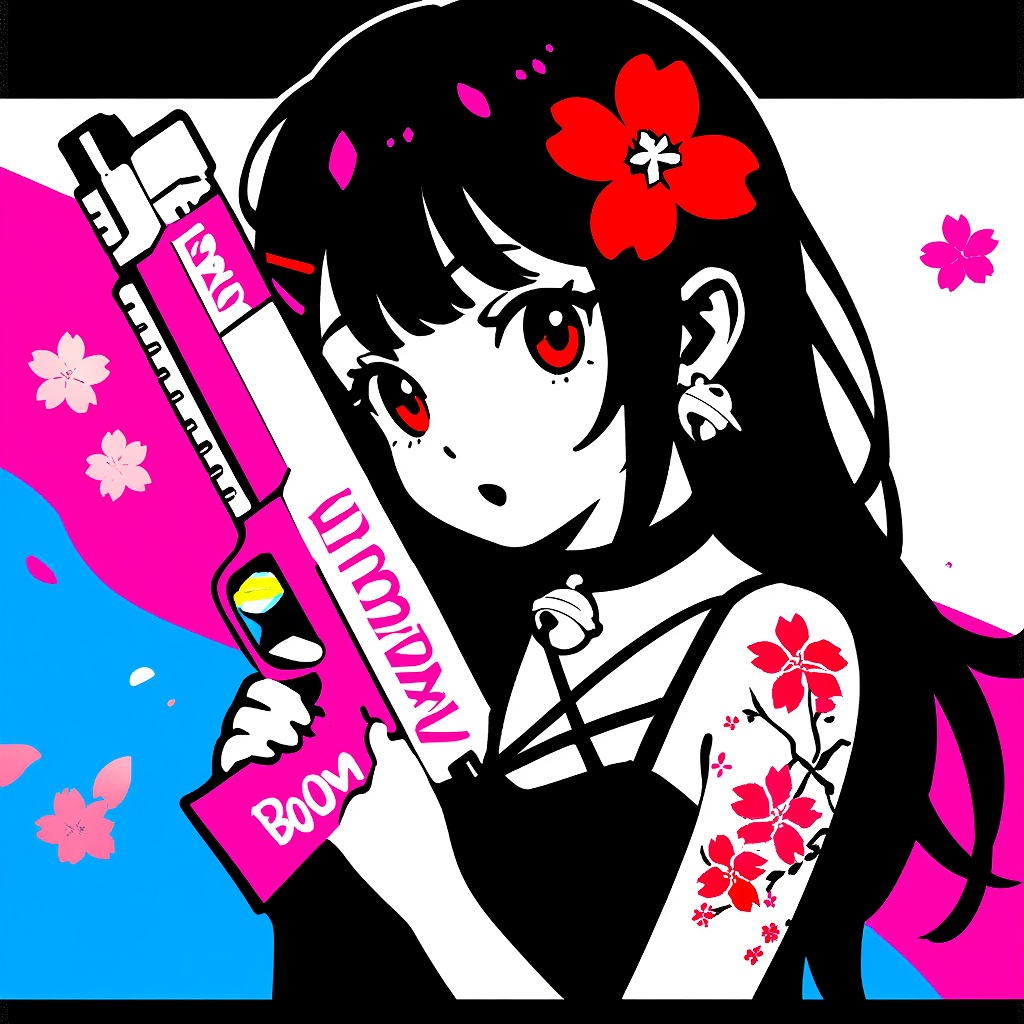
1girl, solo, long hair, black hair, red eyes, geometric pattern, toy gun, pink gun, white gun, "BOOM" text, cherry blossoms, black outfit, strappy outfit, choker, bell, tattoo, cherry blossom tattoo, shoulder tattoo, multicolored background, pink background, blue background, white background, black background, pop art, graffiti, halftone, surprised expression, innocent expression, neon colors, modern anime style, street art, red flower, hair ornament, punk aesthetic, urban fantasy
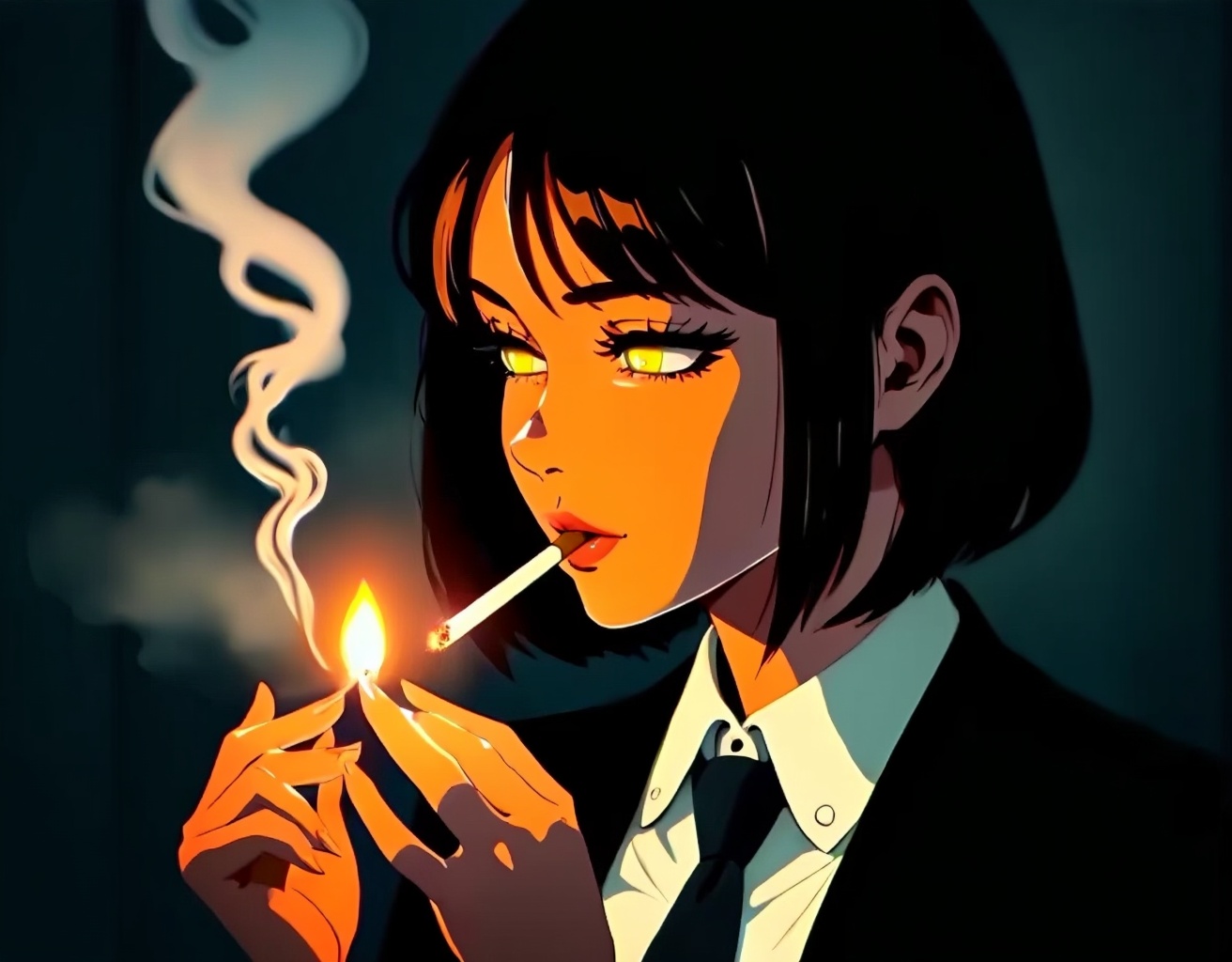
A dramatic and tense anime illustration depicting a young woman with short, dark hair in a dimly lit environment lighting a cigarette in the moment. The character is dressed in a formal suit and tie, and is composed in a style that has a strong noir (movie noir) vibe. Strong contrasts of light and shadow cast stark shadows on her face and hands, adding to the tension of the image. The composition is a close-up portrait, focusing on her glowing eyes and mature, introspective demeanor. The scene is lit with moody ambient lighting and warm highlights from the lighter flame, creating a low-key but moody environment. The character's hands move delicately when lighting the cigarette, appearing extraordinarily focused, showing a private and contemplative moment. The overall color scheme is dominated by deep blacks and grays, complemented by orange highlights cast by the light of the lighter's fire, creating a contrast of warmth and coolness. The painting style is professional, combining film noir aesthetics with anime character design, with a deep background to create a mysterious atmosphere, while highlighting the details of facial expressions and gestures. The drawing style emphasizes realistic light and shadow effects, with extremely refined portrayals of smoke and shadows. The character setting shows a mature and serious personality, suggesting that he or she may be a detective or an elite role in the workplace. The composition as a whole creates an atmosphere of quiet solitude and deep thought.
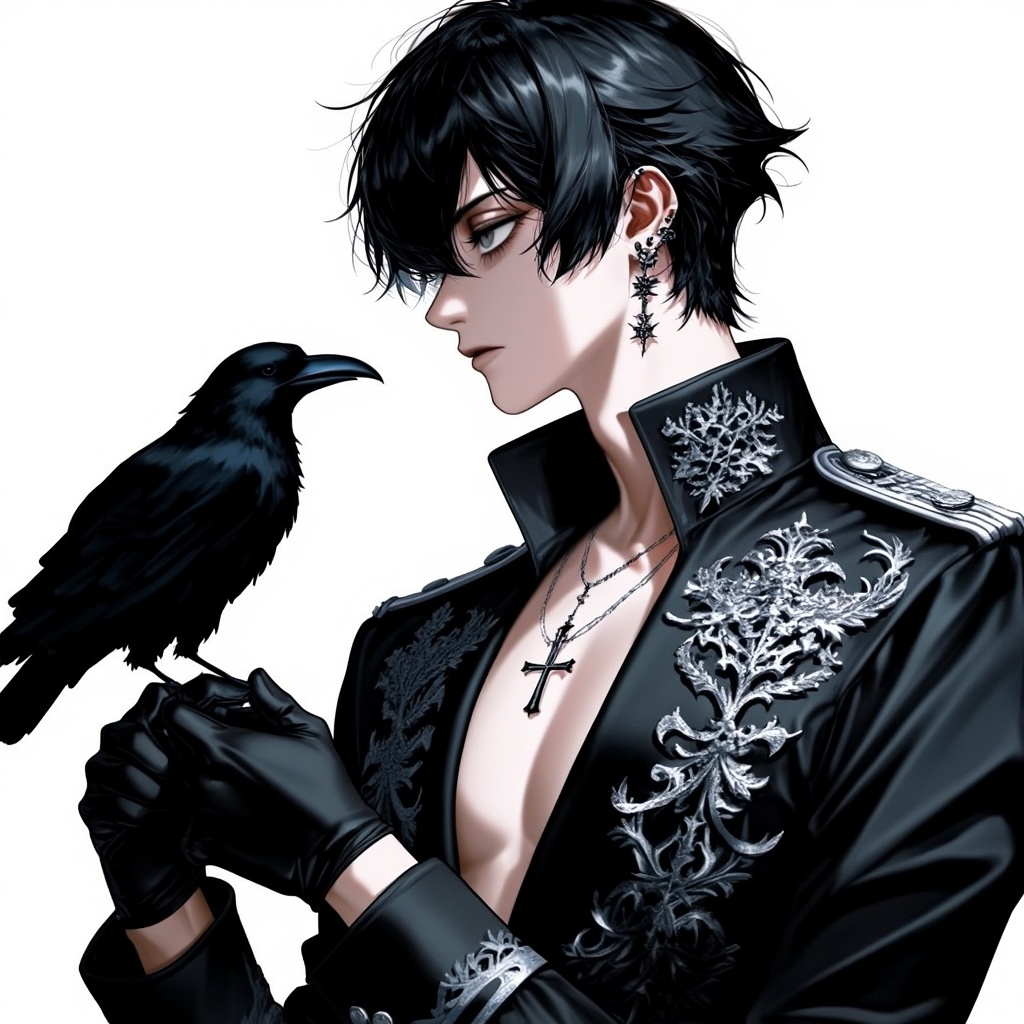
1boy, solo, male, handsome, young man, messy black hair, sharp gray eyes, white background, ornate black military jacket, gothic jacket, silver embroidery, black raven, crow, gloved hands, multiple earrings, silver cross necklace, exposed chest, gothic aesthetic, vampire, cold expression, side profile, dramatic lighting, high detail, black butler, kuroshitsuji
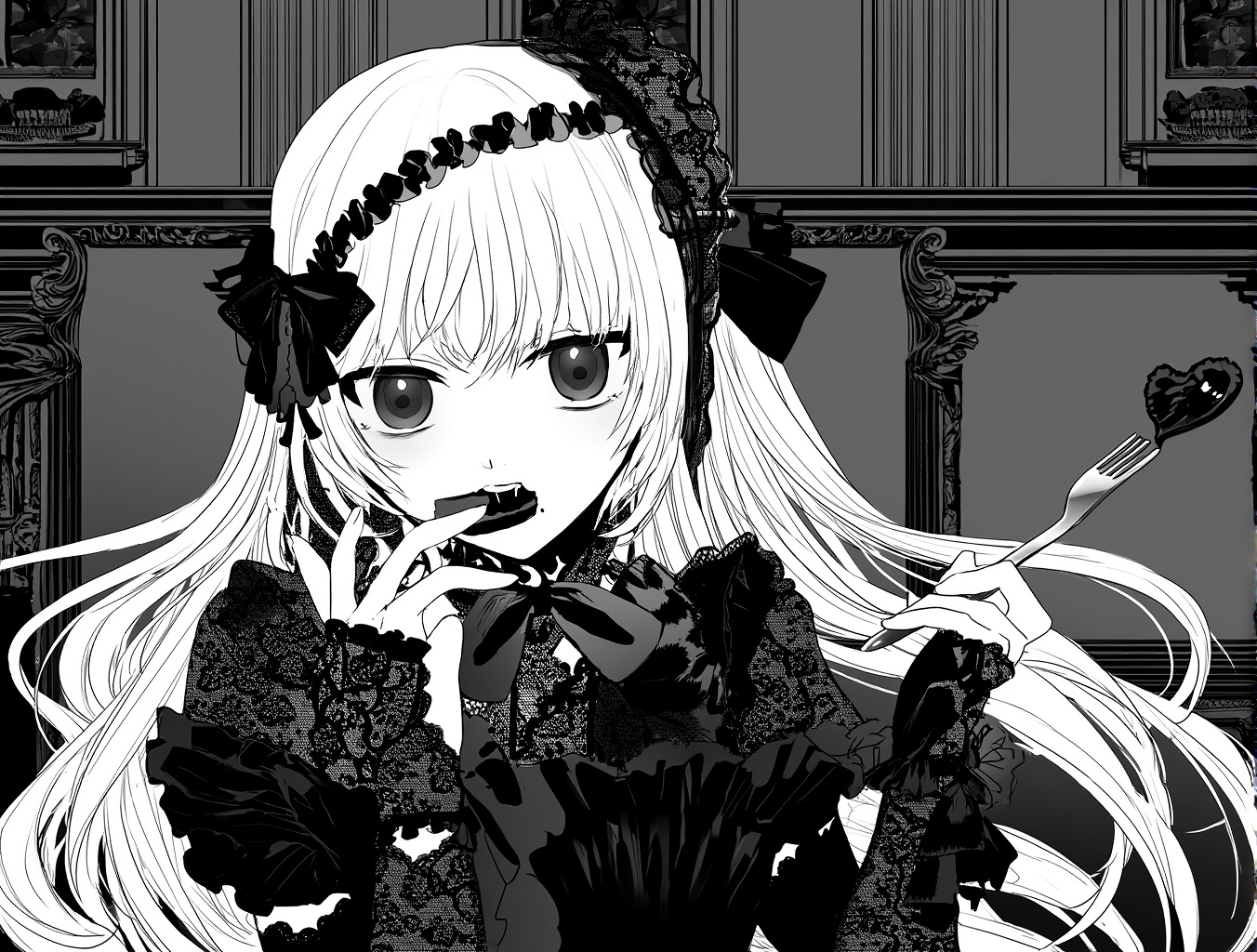
lineart, greyscale, ,1girl, blonde hair, long hair, gothic lolita, black lace, frills, ribbons, cake, eating, open mouth, elegant, teasing expression, silver fork, gloves, vintage interior, romantic lighting, dark aesthetic, detailed outfit, digital art
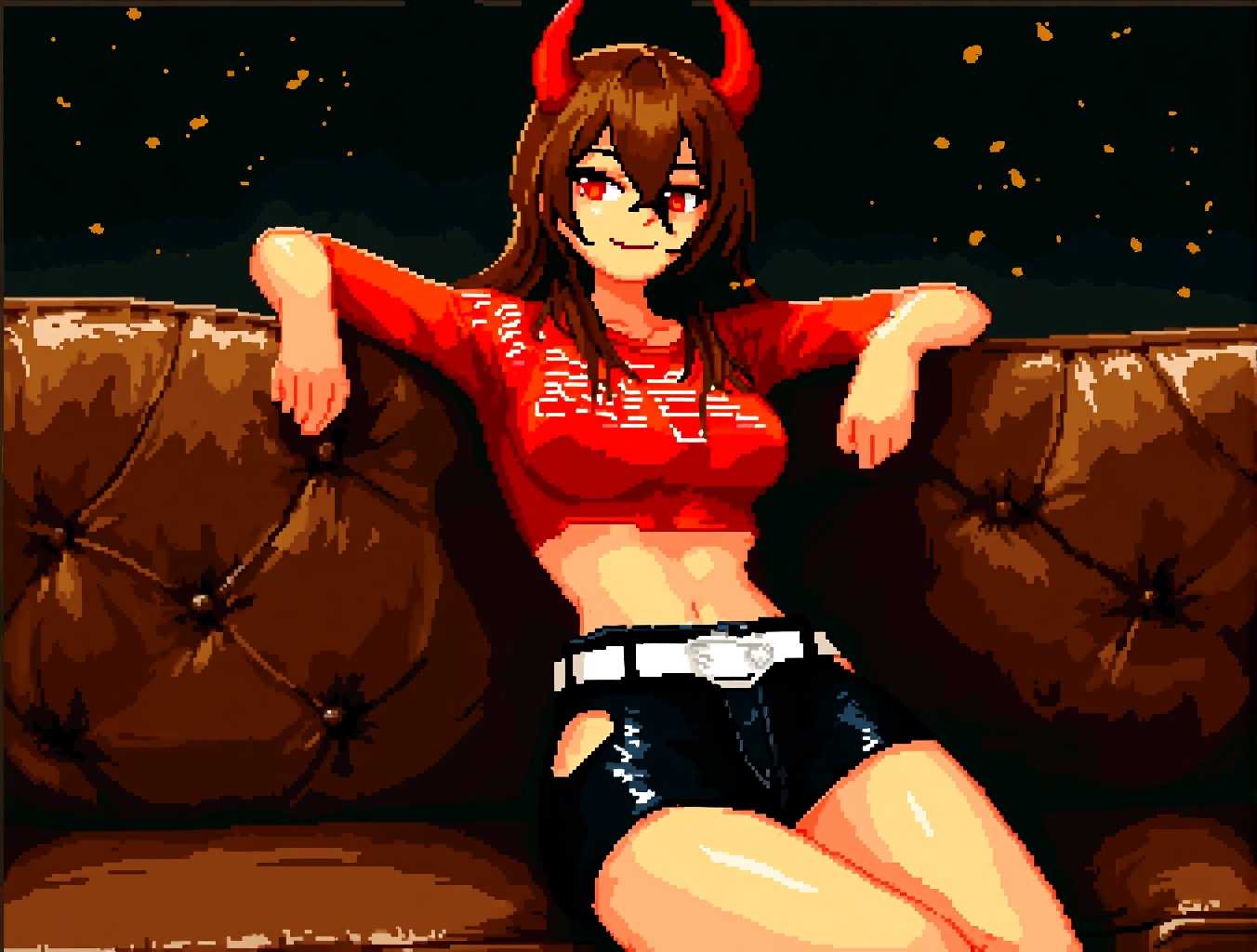
pixel art, 16 bit,Ambient moving comic illustration depicting a young woman with long brown hair and red eyes, lazily leaning on a vintage brown leather couch. She has two striking red devil horns on her head, adding to the supernatural and rebellious vibe. The image is a center shot showing her upper body and legs, her body leaning back with a confident and slightly teasing expression. She is wearing a short red monogrammed top and black high-waisted shorts with a white belt. The lighting is warm and dramatic, with soft highlights and dark shadows emphasizing the texture of the leather and skin. The background is dark and painterly with subtle gold flecks to create an intimate, moody atmosphere. The painting style is semi-realistic, with expressive brushstrokes that emphasize the character's attitude and vibe, giving the overall impression of cool confidence and mystery.
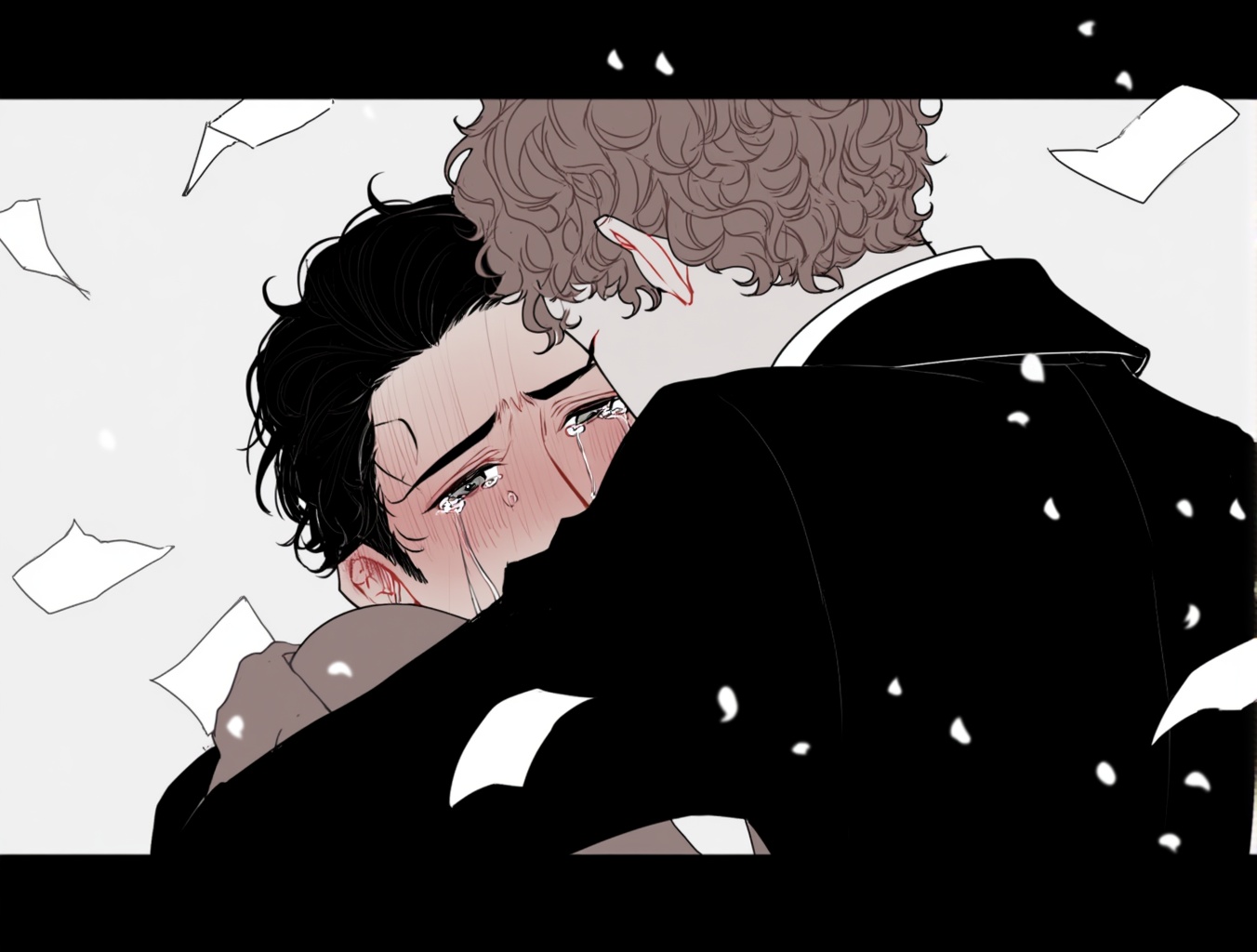
Emotional anime-style illustration of two men embracing tightly in a moment of deep vulnerability and comfort. Close-up composition with a shallow depth of field, framed in cinematic widescreen format. The man facing the viewer has dark, slightly wavy hair and teary eyes filled with relief and sorrow, his expression trembling and flushed. He clutches the other man firmly, burying his face in the crook of his shoulder. The other man has curly light brown hair, only partially visible from behind. Both wear dark formal coats, suggesting a serious or solemn context. Floating white paper-like particles fall gently around them, adding to the poignant and atmospheric mood. Lighting is soft and desaturated, emphasizing the emotional intensity and intimacy of the scene. The illustration conveys themes of reunion, forgiveness, or unspoken grief, rendered in delicate digital linework with muted tones and cinematic storytelling sensibility.
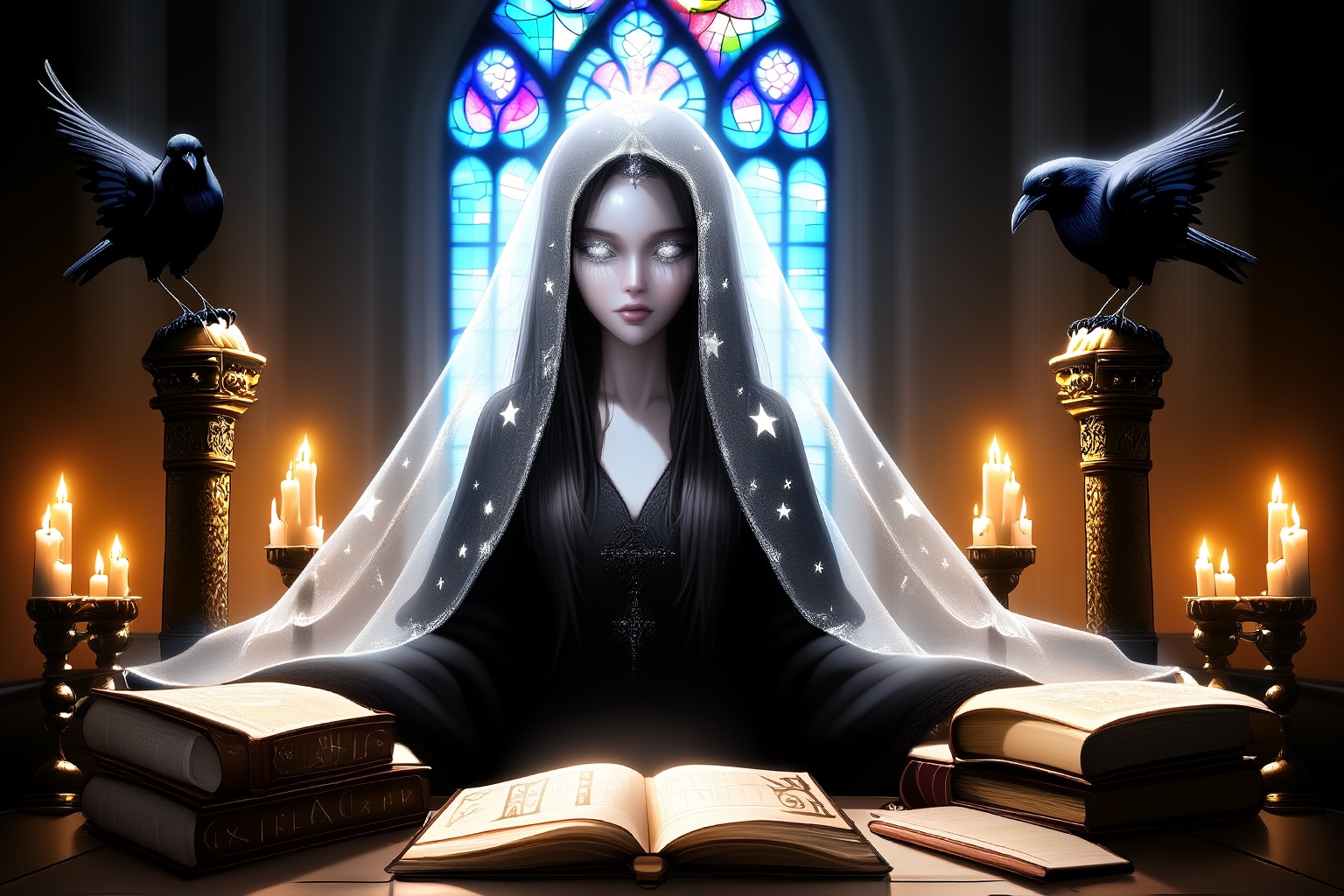
A mysterious oracle sits in a candle-lit cathedral, surrounded by arcane books, glowing runes and ravens perched on gilded pillars; her veil is translucent and embroidered with stars, her eyes shimmer with silver; stained glass windows cast fractured rainbow light onto her pale skin; Renaissance meets dark academia aesthetic, moody lighting, rich texture depth, stylized realism
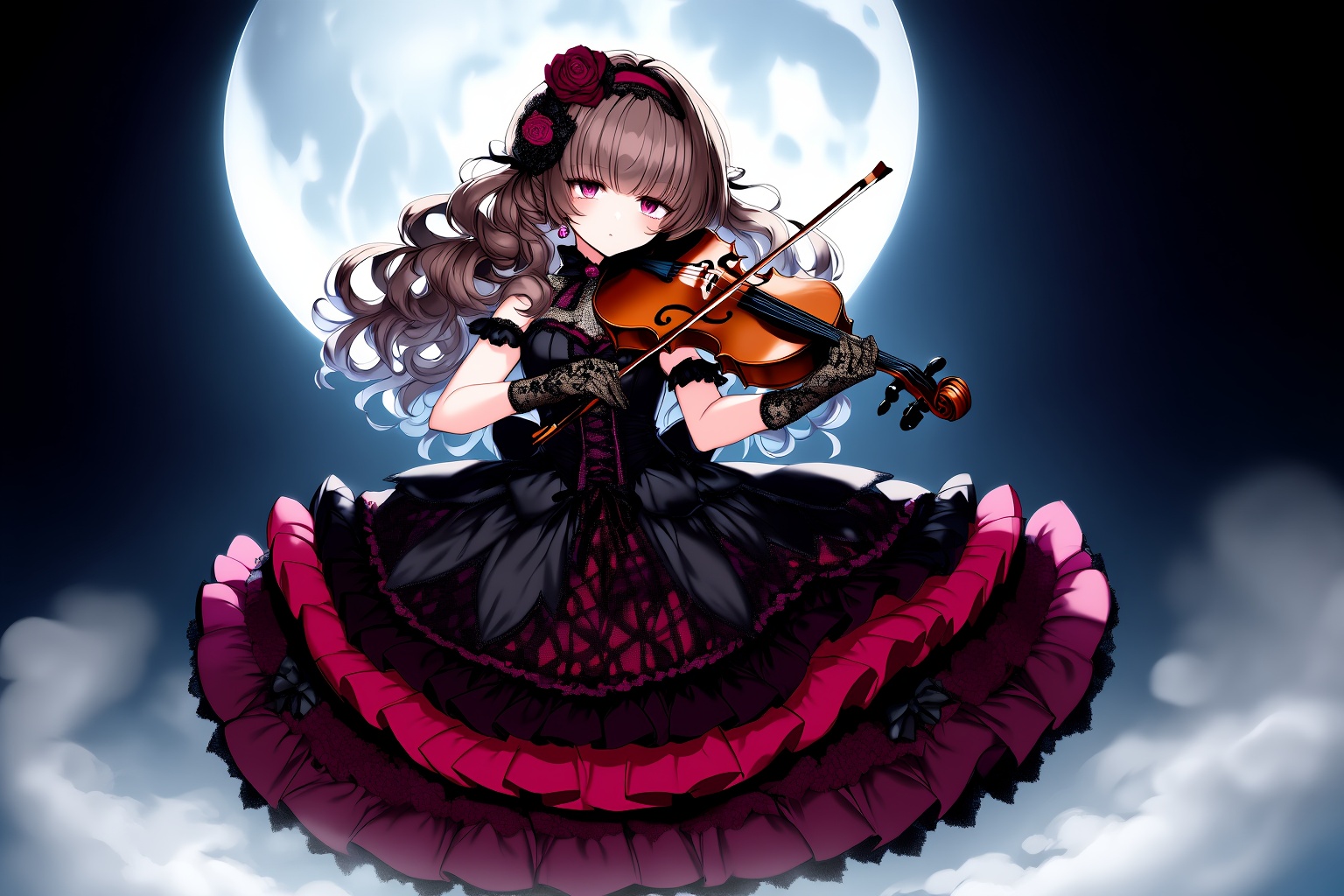
A gothic anime girl playing violin under the moonlight, wearing a frilly black and crimson lolita dress, intricate lace gloves, dark roses in her long curled hair, fog swirling around her feet, gothic anime style, rich shadows and highlights, detailed linework
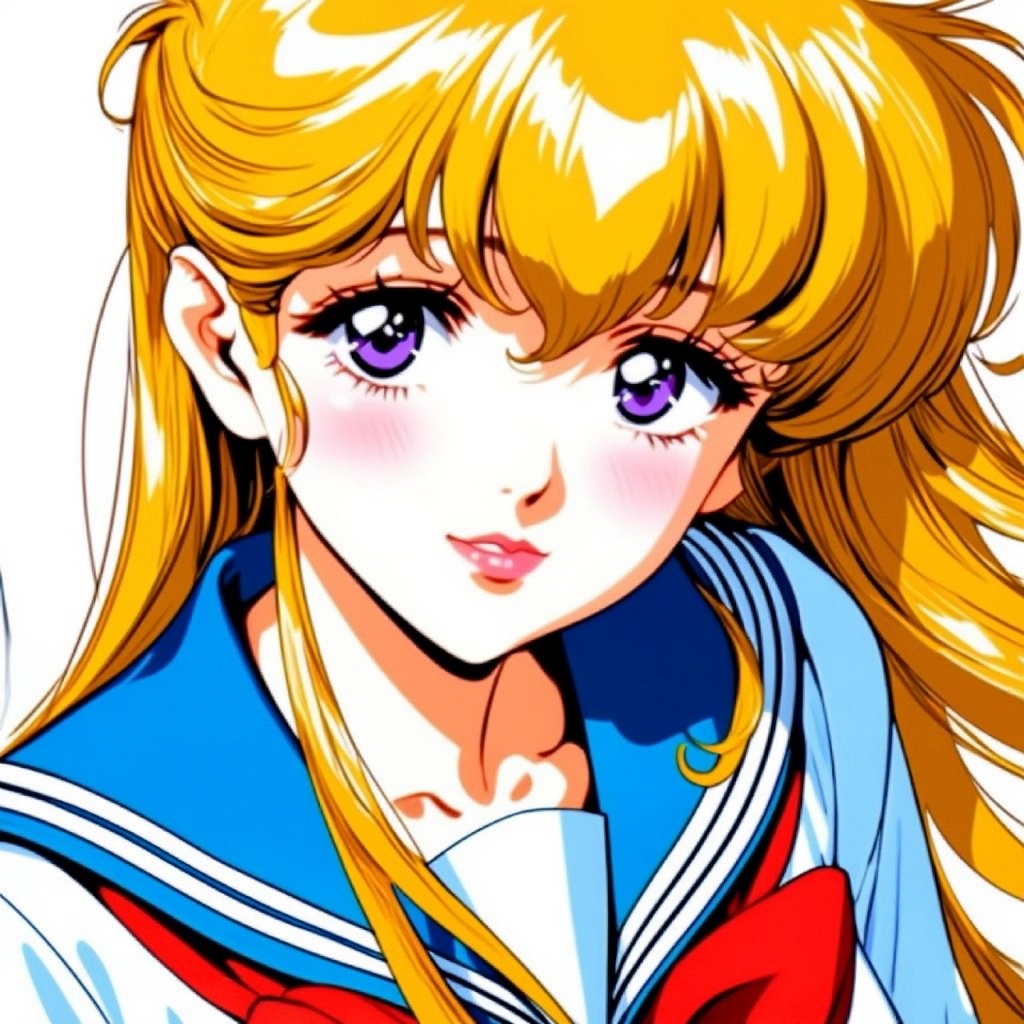
Close-up of a beautiful anime girl with sparkling violet eyes and flowing blonde hair, wearing a sailor school uniform with a red ribbon, gentle blush, soft lighting, classic 90s shoujo anime style, high detail, expressive eyes, delicate line art
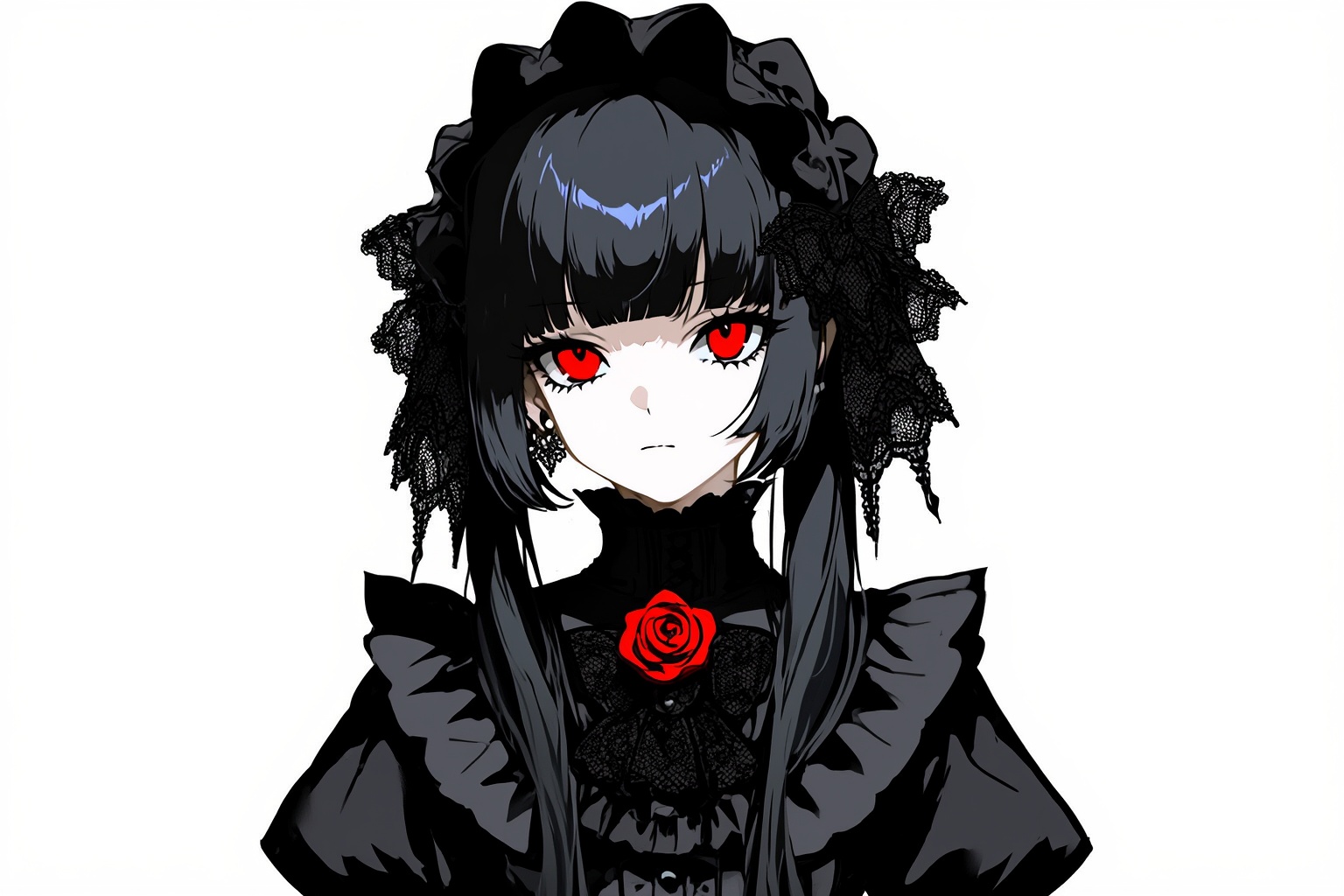
Half-body portrait of a gothic anime girl with pale skin, crimson eyes, long black hair with lace ribbons, wearing a high-collar Victorian dress with ruffles and rose brooch, elegant gothic anime style, sharp shadows, intricate clothing detail
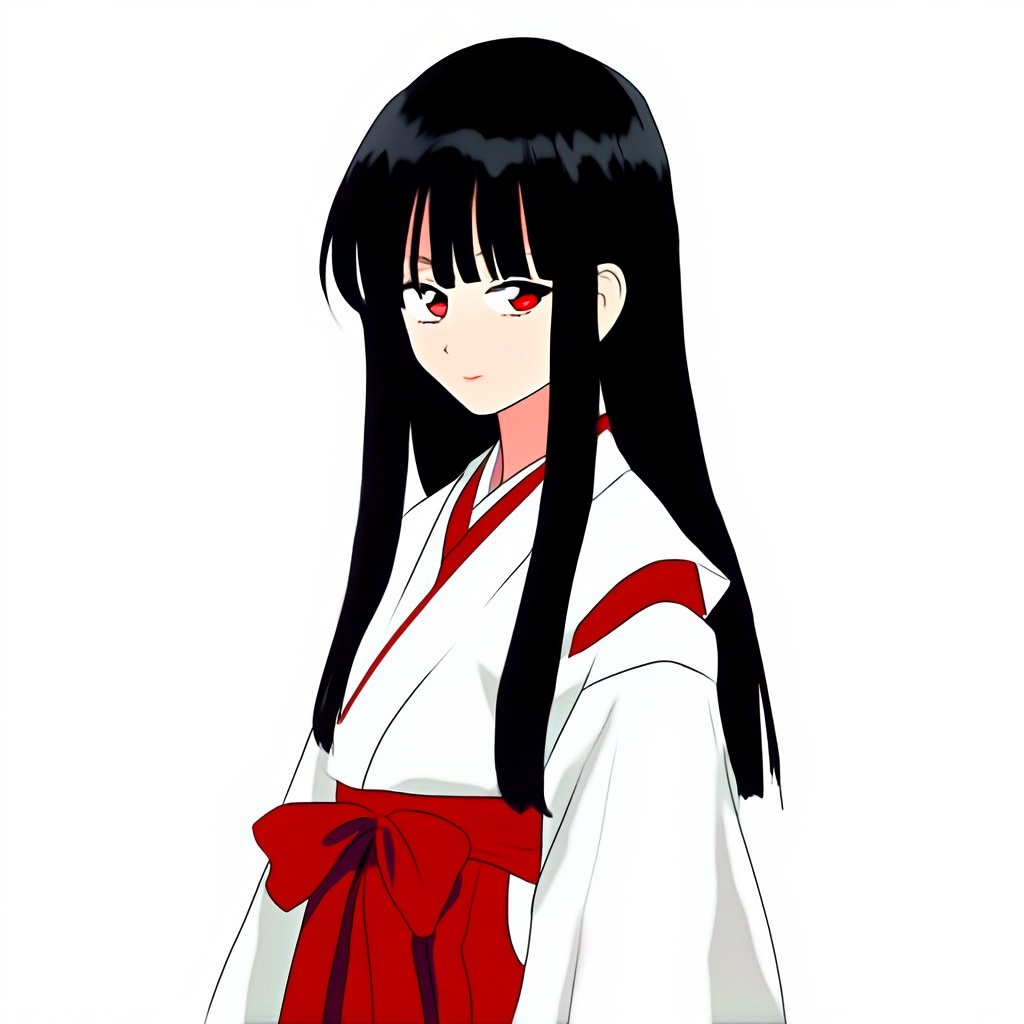
Half-body anime girl with long straight black hair and red eyes, wearing a traditional white and red shrine maiden outfit, serene expression, soft cel shading, classic Japanese anime style, minimal background, clean line art, elegant posture
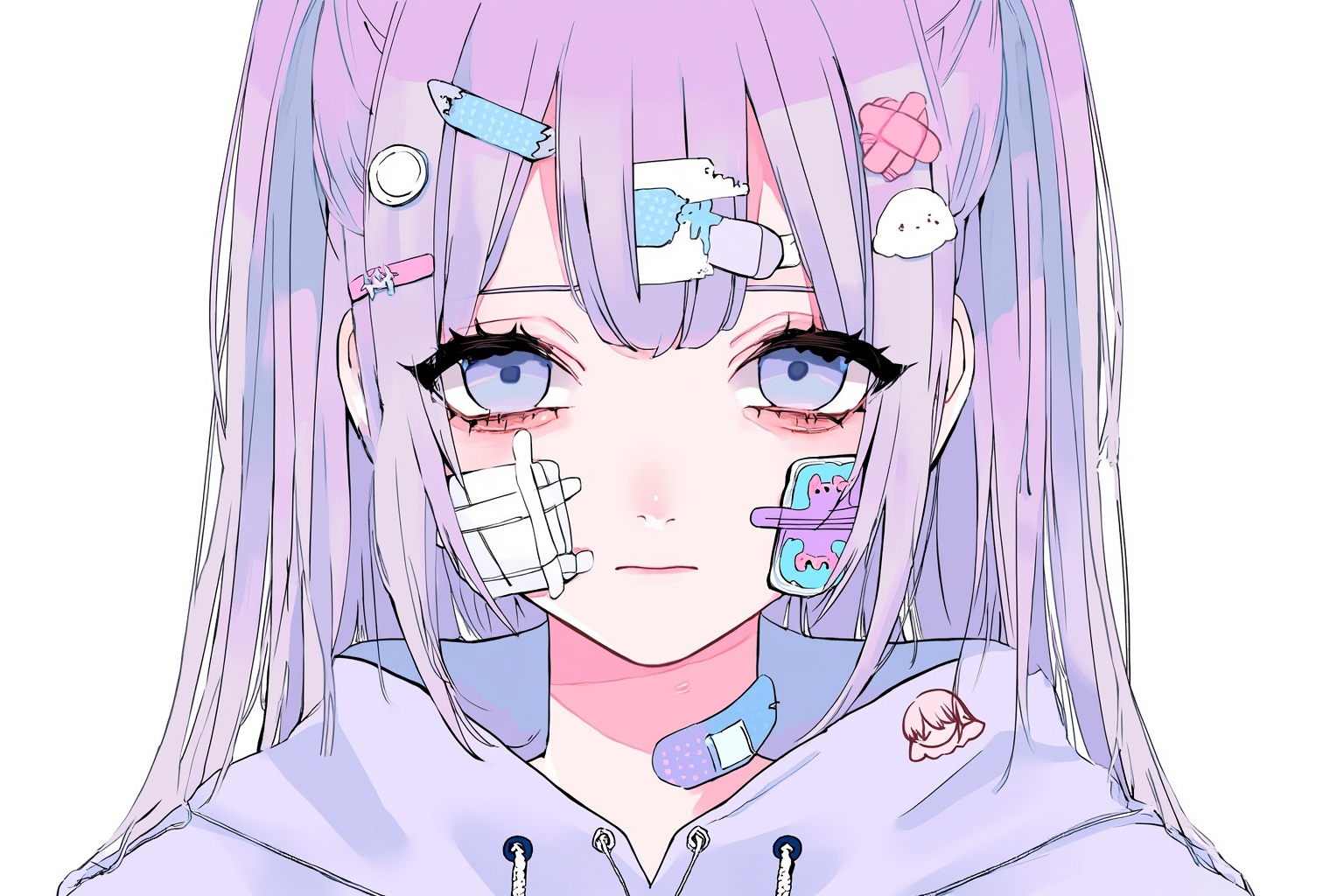
Bust portrait of a pastel-haired anime girl with sad eyes, bandages and small medical accessories on her face, wearing a loose hoodie with cute pins, yami kawaii fashion style, soft pastel colors, detailed line art, expressive and melancholic mood
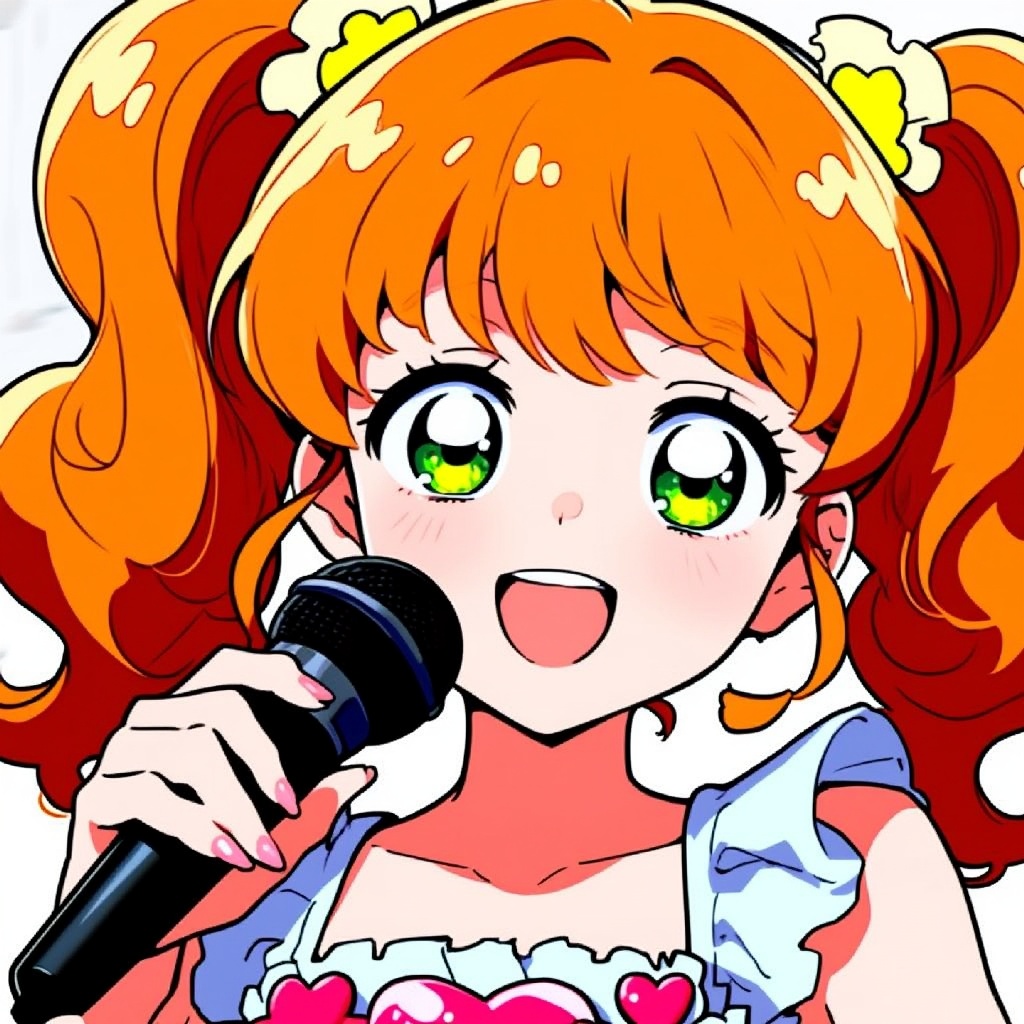
Close-up of a cheerful anime idol girl with wavy orange twin tails and sparkling green eyes, holding a mic, wearing a frilly idol outfit with heart motifs, 90s anime aesthetic, bright cel shading, expressive face, nostalgic anime vibe
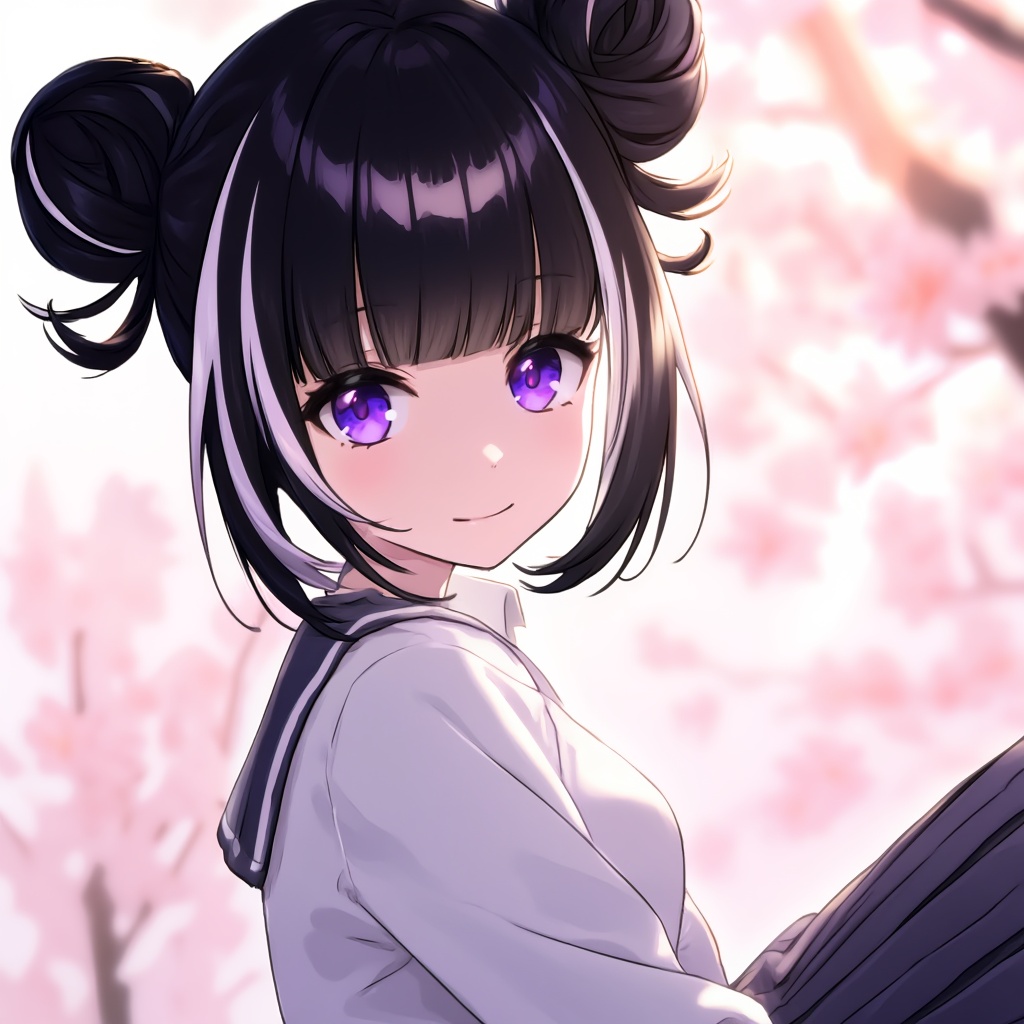
1 girl, solo, bangs, black hair, purple eyes, multicolored hair, virtual youtuber, hair bun, streaked hair, double bun, school uniform, white shirt, pleated skirt, gentle smile, looking at viewer, sitting, upper body, close‑up, soft lighting, depth of field, cherry blossom background, warm lighting, best quality
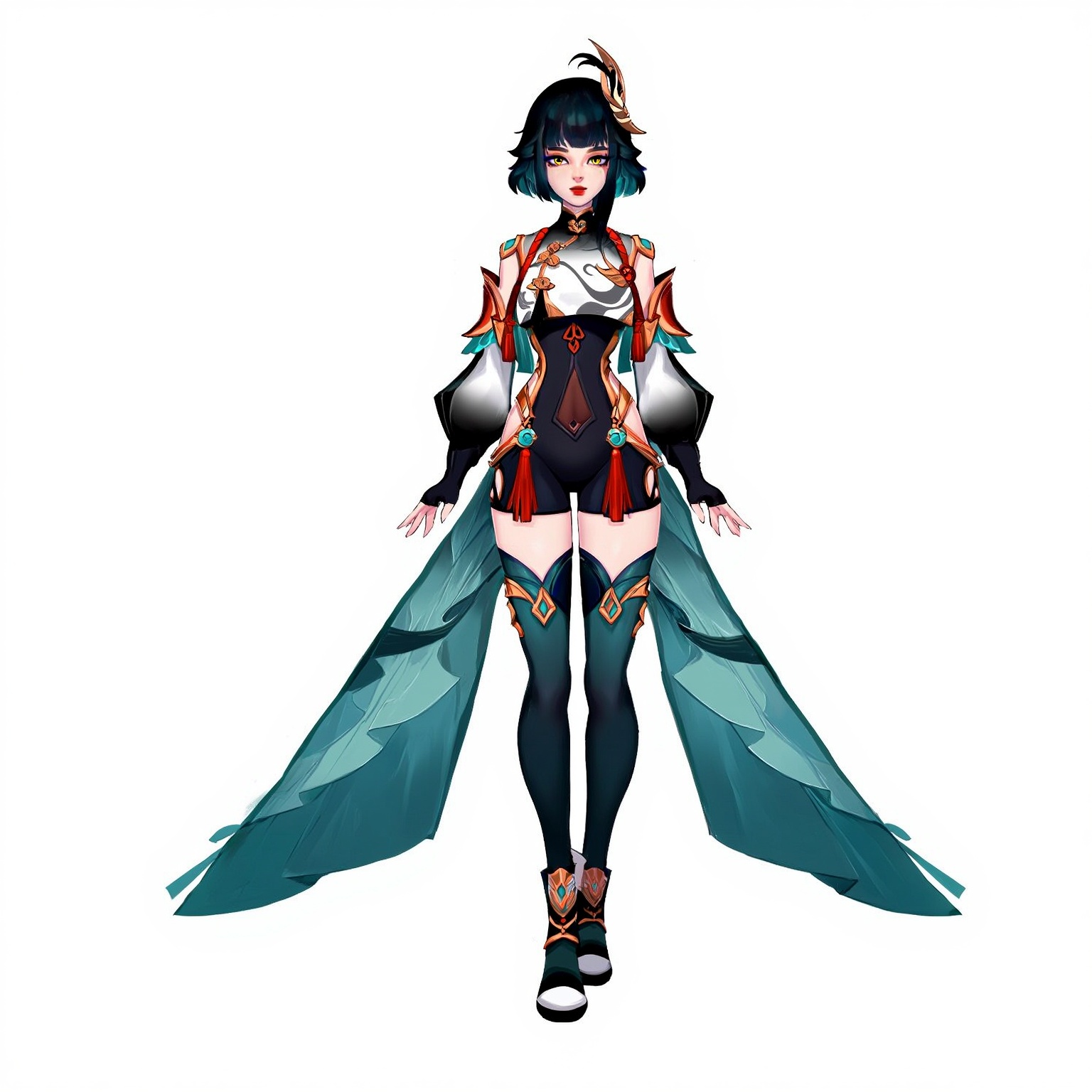
1girl, solo, full body, standing, A beautifully designed anime character standing in a confident pose with detailed costume design and expressive features. Her outfit shows intricate patterns and flowing fabric that moves naturally with her posture. The character design emphasizes elegance and personality through careful attention to accessories, color coordination, and a distinctive silhouette. clean background, character design, full body illustration, best quality
相关模型
README
Neta Lumina
Generate stunning anime and illustration-style images with Neta Lumina — a specialized text-to-image model optimized for character art, dynamic poses, and artistic styles. With support for artist tags, character references, and custom dimensions, it's the perfect tool for anime fans, illustrators, and creative content creators.
Why It Looks Great
- Anime & illustration focus: Optimized for character art, anime styles, and illustrative aesthetics.
- Artist style support: Reference specific artists using tags (e.g., @artistname:1.0) for style guidance.
- Character tags: Use character references for recognizable designs and features.
- Custom dimensions: Precise control over width and height for any aspect ratio.
- Dynamic compositions: Excels at foreshortening, action poses, and expressive perspectives.
- Prompt Enhancer: Built-in tool to refine and expand your descriptions automatically.
- Multiple formats: Export as JPEG, PNG, or WebP.
Parameters
| Parameter | Required | Description |
|---|---|---|
| prompt | Yes | Text description including style tags, character references, and scene details. |
| size | No | Custom dimensions with separate width and height controls. |
| width | No | Output width in pixels (e.g., 1024). |
| height | No | Output height in pixels (e.g., 1024). |
| seed | No | Random seed for reproducibility. Use -1 for random. |
| output_format | No | File format: jpeg, png, or webp. Default: jpeg. |
How to Use
- Write your prompt — include style tags, character references, and scene descriptions.
- Use Prompt Enhancer (optional) — click to automatically enrich your description.
- Set dimensions — adjust width and height sliders to your desired resolution.
- Set seed (optional) — use -1 for random, or a specific number to reproduce results.
- Choose output format — select jpeg, png, or webp based on your needs.
- Run — click the button to generate.
- Download — preview and save your image.
Pricing
Flat rate per image generation.
| Output | Cost |
|---|---|
| Per image | $0.01 |
Best Use Cases
- Character Art — Create original characters or fan art with distinctive anime aesthetics.
- Dynamic Illustrations — Generate action poses, foreshortening, and expressive compositions.
- Style Exploration — Experiment with different artist styles using reference tags.
- Fan Art & Derivatives — Generate art featuring known characters with style variations.
- Concept Art — Rapid character and scene ideation for creative projects.
Example Prompts
- "foreshortening, This artwork by (@haneru:1.0) features character:#elphelt valentine in a playful and dynamic pose. The illustration showcases her upper body with a foreshortened perspective that emphasizes her outstretched hand holding food near her"
- "1girl, silver hair, red eyes, gothic lolita dress, sitting on throne, dramatic lighting, detailed background"
- "dynamic action pose, male warrior, sword slash motion blur, fantasy armor, epic battle scene"
- "cute chibi style, cat ears, pastel colors, simple background, kawaii expression"
- "portrait, detailed eyes, flowing hair, soft lighting, dreamy atmosphere, by (@artistname:0.8)"
Prompt Syntax Tips
| Syntax | Purpose | Example |
|---|---|---|
| (@artist:weight) | Reference artist style | (@haneru:1.0) |
| character:#name | Reference specific character | character:#elphelt valentine |
| 1girl, 1boy | Character count/gender | 1girl, blue hair |
| Descriptive tags | Scene and style details | dynamic pose, foreshortening |
Pro Tips for Best Results
- Use artist tags with weights (0.5-1.5) to control style influence strength.
- Combine character tags with style modifications for unique variations.
- Include composition terms: "foreshortening", "dynamic angle", "close-up", "full body".
- Describe specific features: hair color, eye color, clothing, accessories.
- Square dimensions (1024×1024) work well for portraits; adjust for full-body or scenes.
- Use PNG format for highest quality or WebP for smaller file sizes.
Notes
- Artist and character tags work best when the model has been trained on relevant data.
- Experiment with tag weights to find the right balance of style influence.
- Processing is fast and affordable — ideal for rapid iteration and exploration.
- Generation time may vary based on resolution and current queue load.
Neta Lumina API — Quick start
Grab a WaveSpeedAI API key, then call POST https://api.wavespeed.ai/api/v3/wavespeed-ai/neta-lumina with your input as JSON. The endpoint returns a prediction id; poll the prediction endpoint until status flips to completed, then read the output URL from data.outputs[0]. Examples for Neta Lumina below.
HTTP example
# Submit the prediction
curl -X POST "https://api.wavespeed.ai/api/v3/wavespeed-ai/neta-lumina" \
  -H "Content-Type: application/json" \
  -H "Authorization: Bearer $WAVESPEED_API_KEY" \
  -d '{
    "prompt": "A cinematic shot of a city at sunset, soft golden light",
    "size": "1024*1024",
    "seed": -1,
    "output_format": "jpeg",
    "enable_base64_output": false,
    "enable_sync_mode": false
}'

# Response includes a prediction id. Poll for the result:
curl -X GET "https://api.wavespeed.ai/api/v3/predictions/{request_id}/result" \
  -H "Authorization: Bearer $WAVESPEED_API_KEY"

# When status is "completed", read the output from data.outputs[0].
Node.js example
// npm install wavespeed
const WaveSpeed = require('wavespeed');

const client = new WaveSpeed(); // reads WAVESPEED_API_KEY from env

const result = await client.run("wavespeed-ai/neta-lumina", {
        "prompt": "A cinematic shot of a city at sunset, soft golden light",
        "size": "1024*1024",
        "seed": -1,
        "output_format": "jpeg",
        "enable_base64_output": false,
        "enable_sync_mode": false
});

console.log(result.outputs[0]); // → URL of the generated output
Python example
# pip install wavespeed
import wavespeed

output = wavespeed.run(
    "wavespeed-ai/neta-lumina",
    {
    "prompt": "A cinematic shot of a city at sunset, soft golden light",
    "size": "1024*1024",
    "seed": -1,
    "output_format": "jpeg",
    "enable_base64_output": false,
    "enable_sync_mode": false
}
)

print(output["outputs"][0])  # → URL of the generated output
Neta Lumina API — Frequently asked questions
What is the Neta Lumina API?
Neta Lumina is a WaveSpeedAI model for image generation, exposed as a REST API on WaveSpeedAI. Neta Lumina generates high-quality anime-style images, developed by Neta.art Lab for anime illustrations and character art. Ready-to-use REST inference API, best performance, no coldstarts, affordable pricing. You can call it programmatically or try it from the playground above.
How do I call the Neta Lumina API?
POST your input parameters to the model's REST endpoint (shown in the API tab of this playground) with your WaveSpeedAI API key in the Authorization header. Submission returns a prediction ID; poll the prediction endpoint until status flips to "completed", then read the output URL from the result. The playground generates a ready-to-paste code sample in Python, JavaScript, or cURL for whatever inputs you've set. Full request/response shape is documented at https://wavespeed.ai/docs/docs-api/wavespeed-ai/neta-lumina.
How much does Neta Lumina cost per run?
Neta Lumina starts at $0.010 per run. That figure is the base price — the final charge scales with the parameters you set in the form (output size, length, count, references, or whatever knobs this model exposes), so a higher-quality or larger output costs more than a minimal one. The exact cost for your current input is shown live next to the Generate button before you submit, and the actual per-call charge is recorded on the prediction afterwards.
What inputs does Neta Lumina accept?
Key inputs: `prompt`, `size`, `seed`, `enable_base64_output`, `enable_sync_mode`, `output_format`. The full JSON schema (types, defaults, allowed values) is rendered above the Generate button and mirrored in the API reference at https://wavespeed.ai/docs/docs-api/wavespeed-ai/neta-lumina.
How long does Neta Lumina take to generate?
Average end-to-end generation time on WaveSpeedAI is around 21 seconds per request — measured across recent runs. Queue time scales with global demand; live status is visible in the prediction record.
Can I use Neta Lumina outputs commercially?
Commercial usage rights depend on the model's license, set by its provider (WaveSpeedAI). The license summary appears on the model card above; see WaveSpeedAI's Terms of Service for platform-level conditions.