Kling 2.6 Pro delivers top-tier text-to-video generation with smooth motion, cinematic visuals, strong prompt adherence, and native audio for ready-to-share clips. Ready-to-use REST inference API, best performance, no cold starts, affordable pricing.
Ocioso
$0.35por execução·~28 / $10
ExemplosVer todos
Scene: A stand-up comedy stage with a bright spotlight focused at the center, and the audience seats faintly visible in the background. Subject: A stand-up comedian holding a microphone stands at center stage, looking relaxed and confident. Audio: The comedian, humorous male voice, delivers a quick joke: "My gym trainer said the first step is the hardest... Lies! The first step is easy. It's the 5,000th step that's trying to murder you!" He shrugs dramatically after the punchline. Background includes audience laughter and applause. Camera: Focuses mainly on the comedian's facial expressions.
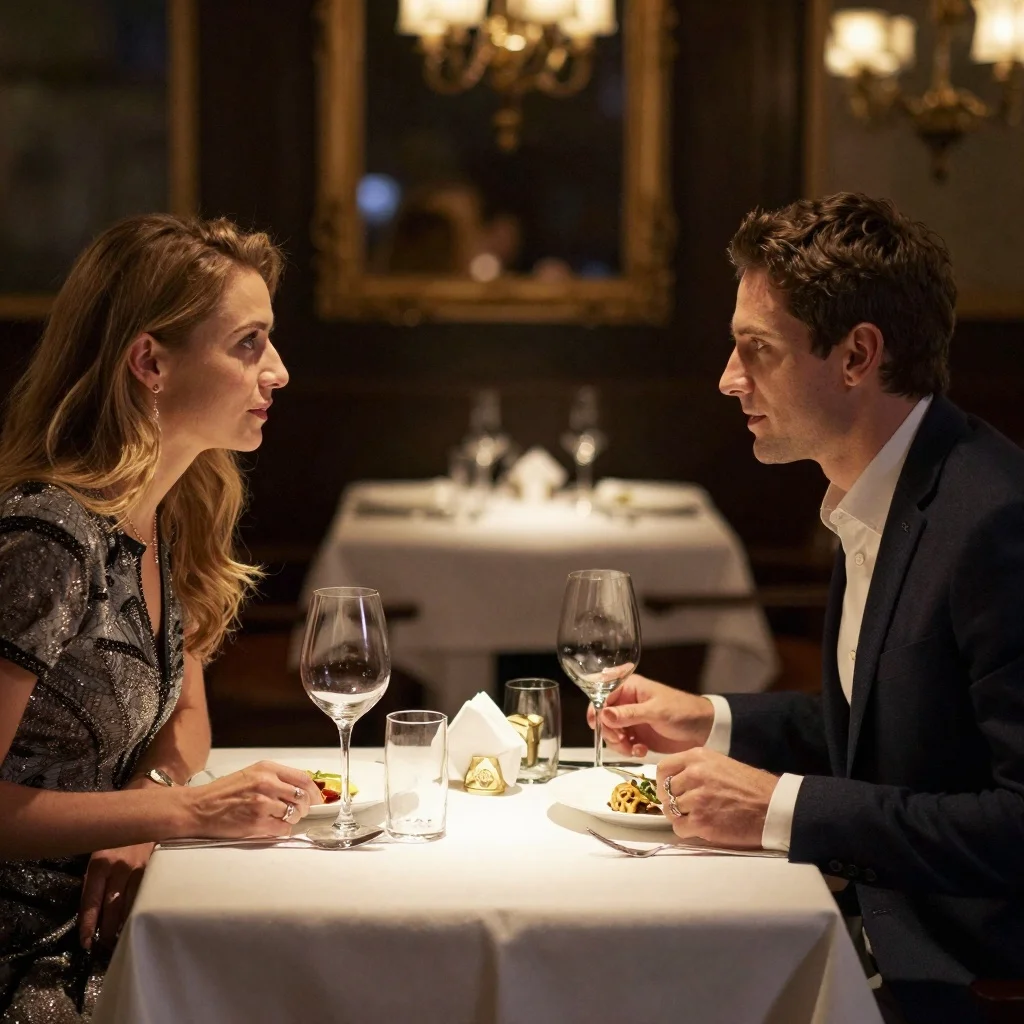
Scene: A modern industrial-style recording studio with brick walls covered in acoustic panels and fully equipped audio gear. Subject: A 30-year-old American male host sits speaking into a microphone, while across from him a Black female guest holds a handheld mic. Audio: The male host, calm and steady voice, says: "Today we're excited to have Dr. Sarah Miller from Stanford AI Lab. Sarah, your research on neural networks is groundbreaking." Immediately, the female guest, warm gentle voice, responds: "Thank you for having me." Camera: The shot switches back and forth between the two speakers.
In the afternoon room, sunlight filters through the blinds, creating striped patches of light, and a cat lies on the windowsill. The cat breathes slowly, its body rising and falling with each breath. In the background, the distant, muffled chirping of birds and the rustling of falling leaves are overlaid. The camera focuses on the patches of light on the floor that rise and fall with the breath, creating a serene atmosphere.
In front of the main grandstand on an F1 circuit, race cars roar past at high speed, flags along the track whipping in the wind. Two nearly side-by-side cars are sprinting toward the finish. The commentator shouts excitedly: "Final lap! He's on the inside! Oh what a move! They are side by side to the line! Unbelievable!" Engine roars and tire-screeching sounds fill the background. A dynamic tracking shot tightly following the two cars, capturing intense motion and adrenaline.
Scene: A livehouse venue with blue stage lights illuminating the performance area. A tall barstool is placed at the center of the stage, surrounded by an audience. Subject: A short-haired female singer sits on the barstool, holding an acoustic guitar and performing live. Audio: The short-haired female singer, emotional female voice, sings: "And I will try to fix you, all night long..." As she reaches the chorus, she looks out toward the audience. Background includes soft audio feedback and the clinking of glasses. Camera: Cuts between close-up shots of her fingers strumming the guitar and her expressive face as she sings.
Modelos relacionados





README
Kling 2.6 Audio — Text-to-Video
Kling 2.6 Audio Text-to-Video turns a text prompt directly into a fully scored clip: camera motion, character action, and soundtrack (voice, ambience, SFX) are generated in one pass, so the scene looks and sounds like it belongs together.
🌟 Model Highlights
- Joint audio–video generation – Visuals and sound are created together, not bolted on after the fact.
- Character-aware voices – Speech that matches who’s on screen, with timing aligned to the action you describe.
- Scene-driven sound design – Ambient noise and effects that follow the camera and events in the shot.
- Script-to-scene pipeline – Start from a natural-language prompt; Kling handles shots, motion, and soundscape.
🧩 Parameters
-
prompt* – Describe what happens in the scene: characters, camera moves, environment, and audio mood (e.g. “Close-up of a robot repairing a neon sign, soft synthwave music, quiet city ambience, no dialogue.”)
-
negative_prompt – Things to avoid in both visuals and audio (logo, watermark, heavy text, glitch, noise).
-
cfg_scale – Guidance strength (default 0.5):
-
Lower → looser, more organic; model improvises more.
-
Higher → closer to prompt wording; can look or sound more “forced”.
-
sound –
-
On → generate video with audio (voice / ambience / SFX where appropriate).
-
Off → silent video only (cheaper, same visuals).
-
duration – 5 s or 10 s clips.
🎯 Typical Use Cases
- Social ads or launch teasers with built-in narration and sound design.
- Short story beats, animatics, or previz where visual + audio timing must line up.
- Product explainers with spoken description + on-screen action.
- Cinematic posts and shorts where you want music, ambience, and motion from a single prompt.
💰 Pricing
| Mode | Length | Price |
|---|---|---|
| No Audio | 5 s | $0.35 |
| No Audio | 10 s | $0.70 |
| With Audio | 5 s | $0.70 |
| With Audio | 10 s | $1.40 |
🚀 How to Use
- Write a prompt describing:
- what the camera sees (shots, motion, setting),
- what characters do,
- and, if sound is on, the voice tone, music style, and ambience/SFX you want.
- (Optional) Add a negative_prompt for things you don’t want in either image or audio.
- Tune cfg_scale (start from 0.5; increase only if it’s not following your prompt enough).
- Toggle sound on/off depending on whether you need audio.
- Run the model.
🔎 Tips
- Write prompts like a mini shot list + audio brief: who, where, camera, mood, and sound.
- For clearer narration, explicitly specify “single narrator”, voice gender/age, and language/accents.
- Use negative_prompt for “watermark, text, logo, glitch, noisy audio” to keep outputs clean.
- For platform export (Reels/Shorts/TikTok), pick 9:16; for YouTube/web, use 16:9; for feeds/ads, try 1:1.
Kling v2.6 Pro Text To Video API — Quick start
Grab a WaveSpeedAI API key, then call POST https://api.wavespeed.ai/api/v3/kwaivgi/kling-v2.6-pro/text-to-video with your input as JSON. The endpoint returns a prediction id. Start polling the result endpoint around every 2 seconds, increase the interval for long-running tasks, and stop on any terminal status. On completed, read output values from data.outputs. Examples for Kling v2.6 Pro Text To Video below.
HTTP example
set -euo pipefail

: "${WAVESPEED_API_KEY:?Set WAVESPEED_API_KEY}"

REQUEST_BODY=$(cat <<'JSON'
{
    "prompt": "A cinematic shot of a city at sunset, soft golden light",
    "cfg_scale": 0.5,
    "sound": true,
    "aspect_ratio": "1:1",
    "duration": 5
}
JSON
)

# 1. Submit the prediction.
SUBMIT_RESPONSE=$(curl --silent --show-error --fail-with-body \
  -X POST "https://api.wavespeed.ai/api/v3/kwaivgi/kling-v2.6-pro/text-to-video" \
  -H "Content-Type: application/json" \
  -H "Authorization: Bearer $WAVESPEED_API_KEY" \
  -d "$REQUEST_BODY")

TASK=$(printf '%s' "$SUBMIT_RESPONSE" | jq 'if has("data") then .data else . end')
PREDICTION_ID=$(printf '%s' "$TASK" | jq -r '.id')
if [ -z "$PREDICTION_ID" ] || [ "$PREDICTION_ID" = "null" ]; then
  printf 'Submission response did not contain a prediction id
' >&2
  exit 1
fi
RESULT_URL=$(printf '%s' "$TASK" | jq -r '.urls.get // empty')
if [ -z "$RESULT_URL" ]; then
  RESULT_URL="https://api.wavespeed.ai/api/v3/predictions/$PREDICTION_ID/result"
fi

# 2. Poll until the prediction finishes.
while true; do
  RESPONSE=$(curl --silent --show-error --fail-with-body "$RESULT_URL" \
    -H "Authorization: Bearer $WAVESPEED_API_KEY")
  RESULT=$(printf '%s' "$RESPONSE" | jq 'if has("data") then .data else . end')
  STATUS=$(printf '%s' "$RESULT" | jq -r '.status')
  case "$STATUS" in
    completed) printf '%s\n' "$RESULT" | jq '.outputs'; break ;;
    failed|cancelled|timeout) printf '%s\n' "$RESULT" | jq . >&2; exit 1 ;;
    created|processing) sleep 2 ;;
    *) printf 'Unexpected status: %s
' "$STATUS" >&2; exit 1 ;;
  esac
done
Node.js example
const submitUrl = "https://api.wavespeed.ai/api/v3/kwaivgi/kling-v2.6-pro/text-to-video";
const apiKey = process.env.WAVESPEED_API_KEY;
if (!apiKey) throw new Error('Set WAVESPEED_API_KEY');

async function requestJson(url, options = {}) {
  const response = await fetch(url, options);
  if (!response.ok) throw new Error(await response.text());
  return response.json();
}

// 1. Submit the prediction.
const body = await requestJson(submitUrl, {
  method: "POST",
  headers: {
    "Authorization": `Bearer ${apiKey}`,
    "Content-Type": "application/json",
  },
  body: JSON.stringify({
        "prompt": "A cinematic shot of a city at sunset, soft golden light",
        "cfg_scale": 0.5,
        "sound": true,
        "aspect_ratio": "1:1",
        "duration": 5
}),
});
const task = body.data ?? body;
if (!task.id) throw new Error("Submission response did not contain a prediction id");
const resultUrl = task.urls?.get ||
  `https://api.wavespeed.ai/api/v3/predictions/${task.id}/result`;

// 2. Poll until the prediction finishes.
while (true) {
  const resultBody = await requestJson(resultUrl, {
    headers: { "Authorization": `Bearer ${apiKey}` },
  });
  const result = resultBody.data ?? resultBody;
  if (result.status === "completed") {
    console.log(result.outputs);
    break;
  }
  if (["failed", "cancelled", "timeout"].includes(result.status)) throw new Error(JSON.stringify(result));
  if (!["created", "processing"].includes(result.status)) throw new Error("Unexpected status: " + result.status);
  await new Promise(resolve => setTimeout(resolve, 2000));
}
Python example
import json
import os
import time
from urllib.request import Request, urlopen

api_key = os.environ["WAVESPEED_API_KEY"]
headers = {"Authorization": f"Bearer {api_key}", "Content-Type": "application/json"}
payload = {
    "prompt": "A cinematic shot of a city at sunset, soft golden light",
    "cfg_scale": 0.5,
    "sound": True,
    "aspect_ratio": "1:1",
    "duration": 5
}

def request_json(url, data=None):
    request = Request(url, data=data, headers=headers, method="POST" if data else "GET")
    with urlopen(request) as response:
        return json.load(response)

# 1. Submit the prediction.
body = request_json("https://api.wavespeed.ai/api/v3/kwaivgi/kling-v2.6-pro/text-to-video", json.dumps(payload).encode())
task = body.get("data", body)
if not task.get("id"):
    raise RuntimeError("Submission response did not contain a prediction id")
result_url = task.get("urls", {}).get("get") or f"https://api.wavespeed.ai/api/v3/predictions/{task['id']}/result"

# 2. Poll until the prediction finishes.
while True:
    result_body = request_json(result_url)
    result = result_body.get("data", result_body)
    status = result.get("status")
    if status == "completed":
        print(result.get("outputs", []))
        break
    if status in {"failed", "cancelled", "timeout"}:
        raise RuntimeError(result)
    if status not in {"created", "processing"}:
        raise RuntimeError(f"Unexpected status: {status}")
    time.sleep(2)
Kling v2.6 Pro Text To Video API — Frequently asked questions
What is the Kling v2.6 Pro Text To Video API?
Kling v2.6 Pro Text To Video is a Kuaishou model for video generation, exposed as a REST API on WaveSpeedAI. Kling 2.6 Pro delivers top-tier text-to-video generation with smooth motion, cinematic visuals, strong prompt adherence, and native audio for ready-to-share clips. Ready-to-use REST inference API, best performance, no cold starts, affordable pricing. You can call it programmatically or try it from the playground above.
How do I call the Kling v2.6 Pro Text To Video API?
POST your input parameters to the model's REST endpoint (shown in the API tab of this playground) with your WaveSpeedAI API key in the Authorization header. Submission returns a prediction ID. Poll the result endpoint starting around every 2 seconds, increase the interval for long-running tasks, and stop on any terminal status. The playground generates production-oriented Python, JavaScript, and cURL examples with timeouts, transient-error handling, and safe GET retries. Full request/response shape is documented at https://wavespeed.ai/docs/docs-api/kwaivgi/kwaivgi-kling-v2.6-pro-text-to-video.
How much does Kling v2.6 Pro Text To Video cost per run?
Kling v2.6 Pro Text To Video starts at $0.35 per run. That figure is the base price — the final charge scales with the parameters you set in the form (output size, length, count, references, or whatever knobs this model exposes), so a higher-quality or larger output costs more than a minimal one. The exact cost for your current input is shown live next to the Generate button before you submit, and the actual per-call charge is recorded on the prediction afterwards.
What inputs does Kling v2.6 Pro Text To Video accept?
Key inputs: `prompt`, `aspect_ratio`, `duration`, `negative_prompt`, `cfg_scale`, `sound`. The full JSON schema (types, defaults, allowed values) is rendered above the Generate button and mirrored in the API reference at https://wavespeed.ai/docs/docs-api/kwaivgi/kwaivgi-kling-v2.6-pro-text-to-video.
How long does Kling v2.6 Pro Text To Video take to generate?
Median end-to-end generation time on WaveSpeedAI is around 209 seconds per request, based on recent successful runs. Queue time varies with global demand; live status is visible in the prediction record.
Can I use Kling v2.6 Pro Text To Video outputs commercially?
Commercial usage rights depend on the model's license, set by its provider (Kuaishou). The license summary appears on the model card above; see WaveSpeedAI's Terms of Service for platform-level conditions.