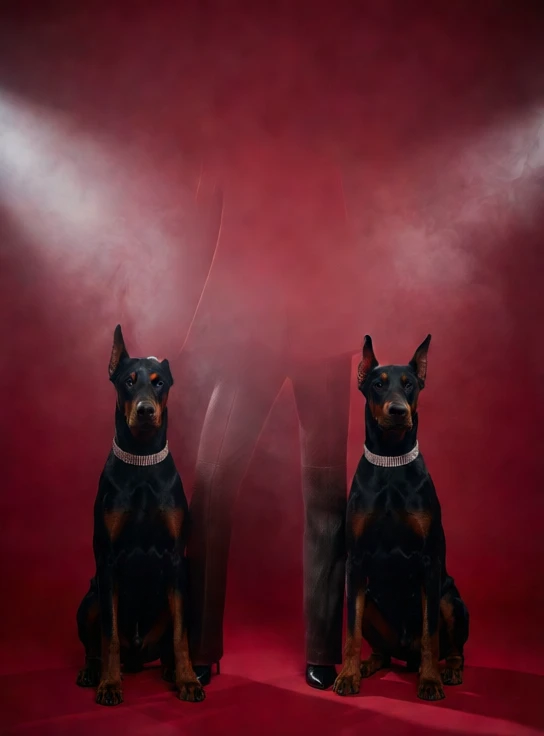
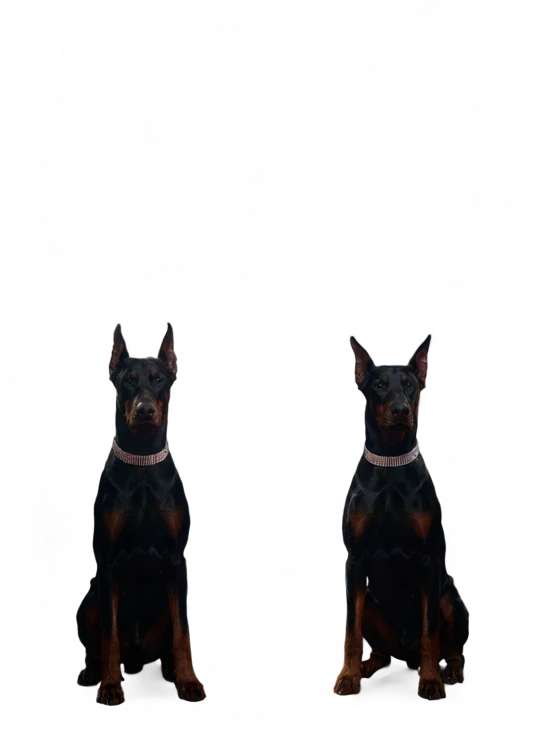
Qwen-Image Layered is a unified image-layer decomposition model for prompt-guided compositing. Provide points, boxes, or rough masks to isolate subjects and regions, and the model splits a single image into multiple RGBA layers with clean alpha, soft edges, and correct occlusion order. Ready-to-use REST inference API with fast response, no cold starts, and affordable pricing.
Idle


$0.025per run·~40 / $1
ExamplesView all



Related Models




README
qwen-image/layered (Image-to-RGBA Layers)
qwen-image/layered is a layered image decomposition model that splits a single image into multiple clean RGBA layers, enabling flexible compositing, background separation, and layer-based creative editing. It supports an optional prompt for better semantic separation and explicit control over the number of output layers.
🌟 Why it stands out
- Controllable layer count: choose exactly how many RGBA layers you want via num_layers.
- Clean RGBA outputs: each layer includes transparency for easy compositing and editing.
- Prompt-guided separation: optionally describe the scene to improve layer grouping in complex images.
- Workflow-friendly: ideal for design iteration, asset cleanup, and creative pipelines.
⚙️ Capabilities
- Image-to-multi-layer RGBA decomposition
- Transparent background handling per layer (RGBA output)
- Optional prompt conditioning for semantic grouping
- Works best on images with clear subjects, strong contrast, and limited heavy occlusion
⚙️ Parameters
| Parameter | Description |
|---|---|
| image* | Input image file or public URL. |
| prompt | Optional caption to guide layer separation (e.g., “a person in front of a building”). |
| num_layers | Number of RGBA layers to generate (e.g., 4). |
💰 Pricing
Reference table:
| num_layers | Total Price |
|---|---|
| 2 | $0.050 |
| 3 | $0.075 |
| 4 | $0.100 |
| 5 | $0.125 |
| 8 | $0.200 |
How to use
- Upload the source image (or provide a public URL).
- Set num_layers to the number of layers you want.
- Optional: add a prompt to improve semantic separation.
- Run the model.
- Download the RGBA layers and composite/edit them in your workflow.
💡 Best Use Cases
- Layer-based editing and compositing workflows
- Background separation and subject isolation
- Poster / banner / creative layout design
- Rapid asset preparation for marketing and social creatives
📝 Notes
- Best results: clear subjects, good lighting, minimal motion blur, and strong foreground/background separation.
- Higher num_layers can help break complex scenes into smaller components, but may also create finer splits that require selection/merging in post.
Qwen Image Layered API — Quick start
Grab a WaveSpeedAI API key, then call POST https://api.wavespeed.ai/api/v3/wavespeed-ai/qwen-image/layered with your input as JSON. The endpoint returns a prediction id. Start polling the result endpoint around every 2 seconds, increase the interval for long-running tasks, and stop on any terminal status. On completed, read output values from data.outputs. Examples for Qwen Image Layered below.
HTTP example
set -euo pipefail

: "${WAVESPEED_API_KEY:?Set WAVESPEED_API_KEY}"

REQUEST_BODY=$(cat <<'JSON'
{
    "image": "https://interactive-examples.mdn.mozilla.net/media/cc0-images/painted-hand-298-332.jpg",
    "num_layers": 4
}
JSON
)

# 1. Submit the prediction.
SUBMIT_RESPONSE=$(curl --silent --show-error --fail-with-body \
  -X POST "https://api.wavespeed.ai/api/v3/wavespeed-ai/qwen-image/layered" \
  -H "Content-Type: application/json" \
  -H "Authorization: Bearer $WAVESPEED_API_KEY" \
  -d "$REQUEST_BODY")

TASK=$(printf '%s' "$SUBMIT_RESPONSE" | jq 'if has("data") then .data else . end')
PREDICTION_ID=$(printf '%s' "$TASK" | jq -r '.id')
if [ -z "$PREDICTION_ID" ] || [ "$PREDICTION_ID" = "null" ]; then
  printf 'Submission response did not contain a prediction id
' >&2
  exit 1
fi
RESULT_URL="https://api.wavespeed.ai/api/v3/predictions/$PREDICTION_ID/result"

# 2. Poll until the prediction finishes.
while true; do
  RESPONSE=$(curl --silent --show-error --fail-with-body "$RESULT_URL" \
    -H "Authorization: Bearer $WAVESPEED_API_KEY")
  RESULT=$(printf '%s' "$RESPONSE" | jq 'if has("data") then .data else . end')
  STATUS=$(printf '%s' "$RESULT" | jq -r '.status')
  case "$STATUS" in
    completed) printf '%s\n' "$RESULT" | jq '.outputs'; break ;;
    failed|cancelled|timeout|deleted) printf '%s\n' "$RESULT" | jq . >&2; exit 1 ;;
    *) sleep 2 ;;
  esac
done
Node.js example
const submitUrl = "https://api.wavespeed.ai/api/v3/wavespeed-ai/qwen-image/layered";
const apiKey = process.env.WAVESPEED_API_KEY;
if (!apiKey) throw new Error('Set WAVESPEED_API_KEY');

async function requestJson(url, options = {}) {
  const response = await fetch(url, options);
  if (!response.ok) throw new Error(await response.text());
  return response.json();
}

// 1. Submit the prediction.
const body = await requestJson(submitUrl, {
  method: "POST",
  headers: {
    "Authorization": `Bearer ${apiKey}`,
    "Content-Type": "application/json",
  },
  body: JSON.stringify({
        "image": "https://interactive-examples.mdn.mozilla.net/media/cc0-images/painted-hand-298-332.jpg",
        "num_layers": 4
}),
});
const task = body.data ?? body;
if (!task.id) throw new Error("Submission response did not contain a prediction id");
const resultUrl = `https://api.wavespeed.ai/api/v3/predictions/${task.id}/result`;

// 2. Poll until the prediction finishes.
while (true) {
  const resultBody = await requestJson(resultUrl, {
    headers: { "Authorization": `Bearer ${apiKey}` },
  });
  const result = resultBody.data ?? resultBody;
  if (result.status === "completed") {
    console.log(result.outputs);
    break;
  }
  if (["failed", "cancelled", "timeout", "deleted"].includes(result.status)) throw new Error(JSON.stringify(result));
  await new Promise(resolve => setTimeout(resolve, 2000));
}
Python example
import json
import os
import time
from urllib.request import Request, urlopen

api_key = os.environ["WAVESPEED_API_KEY"]
headers = {"Authorization": f"Bearer {api_key}", "Content-Type": "application/json"}
payload = {
    "image": "https://interactive-examples.mdn.mozilla.net/media/cc0-images/painted-hand-298-332.jpg",
    "num_layers": 4
}

def request_json(url, data=None):
    request = Request(url, data=data, headers=headers, method="POST" if data else "GET")
    with urlopen(request) as response:
        return json.load(response)

# 1. Submit the prediction.
body = request_json("https://api.wavespeed.ai/api/v3/wavespeed-ai/qwen-image/layered", json.dumps(payload).encode())
task = body.get("data", body)
if not task.get("id"):
    raise RuntimeError("Submission response did not contain a prediction id")
result_url = f"https://api.wavespeed.ai/api/v3/predictions/{task['id']}/result"

# 2. Poll until the prediction finishes.
while True:
    result_body = request_json(result_url)
    result = result_body.get("data", result_body)
    status = result.get("status")
    if status == "completed":
        print(result.get("outputs", []))
        break
    if status in {"failed", "cancelled", "timeout", "deleted"}:
        raise RuntimeError(result)
    time.sleep(2)
Qwen Image Layered API — Frequently asked questions
What is the Qwen Image Layered API?
Qwen Image Layered is a WaveSpeedAI model for image editing, exposed as a REST API on WaveSpeedAI. Qwen-Image Layered is a unified image-layer decomposition model for prompt-guided compositing. Provide points, boxes, or rough masks to isolate subjects and regions, and the model splits a single image into multiple RGBA layers with clean alpha, soft edges, and correct occlusion order. Ready-to-use REST inference API with fast response, no cold starts, and affordable pricing. You can call it programmatically or try it from the playground above.
How do I call the Qwen Image Layered API?
POST your input parameters to the model's REST endpoint (shown in the API tab of this playground) with your WaveSpeedAI API key in the Authorization header. Submission returns a prediction ID. Poll the result endpoint starting around every 2 seconds, increase the interval for long-running tasks, and stop on any terminal status. The playground generates Python, JavaScript, and cURL examples for submitting requests and polling results. Full request/response shape is documented at https://wavespeed.ai/docs/docs-api/wavespeed-ai/qwen-image-layered.
How much does Qwen Image Layered cost per run?
Qwen Image Layered starts at $0.025 per run. That figure is the base price — the final charge scales with the parameters you set in the form (output size, length, count, references, or whatever knobs this model exposes), so a higher-quality or larger output costs more than a minimal one. The exact cost for your current input is shown live next to the Generate button before you submit, and the actual per-call charge is recorded on the prediction afterwards.
What inputs does Qwen Image Layered accept?
Key inputs: `prompt`, `image`, `enable_base64_output`, `enable_sync_mode`, `num_layers`. The full JSON schema (types, defaults, allowed values) is rendered above the Generate button and mirrored in the API reference at https://wavespeed.ai/docs/docs-api/wavespeed-ai/qwen-image-layered.
How long does Qwen Image Layered take to generate?
Reported generation time on WaveSpeedAI is around 13 seconds per request. This is an estimate, not a latency guarantee; queue time and input settings can change the total wait. live status is visible in the prediction record.
Can I use Qwen Image Layered outputs commercially?
Commercial usage rights depend on the model's license, set by its provider (WaveSpeedAI). Check the provider's applicable terms and WaveSpeedAI's Terms of Service before commercial use.