Kandinsky 5 Pro Text-to-Video turns natural-language prompts into coherent 5-second clips with strong prompt adherence and smooth motion. Choose 512p or 1024p output across common aspect ratios for social posts, ads, and concept shots. Built for stable production use with a ready-to-use REST API, no cold starts, and predictable pricing.
Idle
$0.2per run·~50 / $10
ExamplesView all
A man sits alone on a park bench in the rain. A stranger sits beside him, offers an umbrella. They share a quiet moment, then smile at each other.
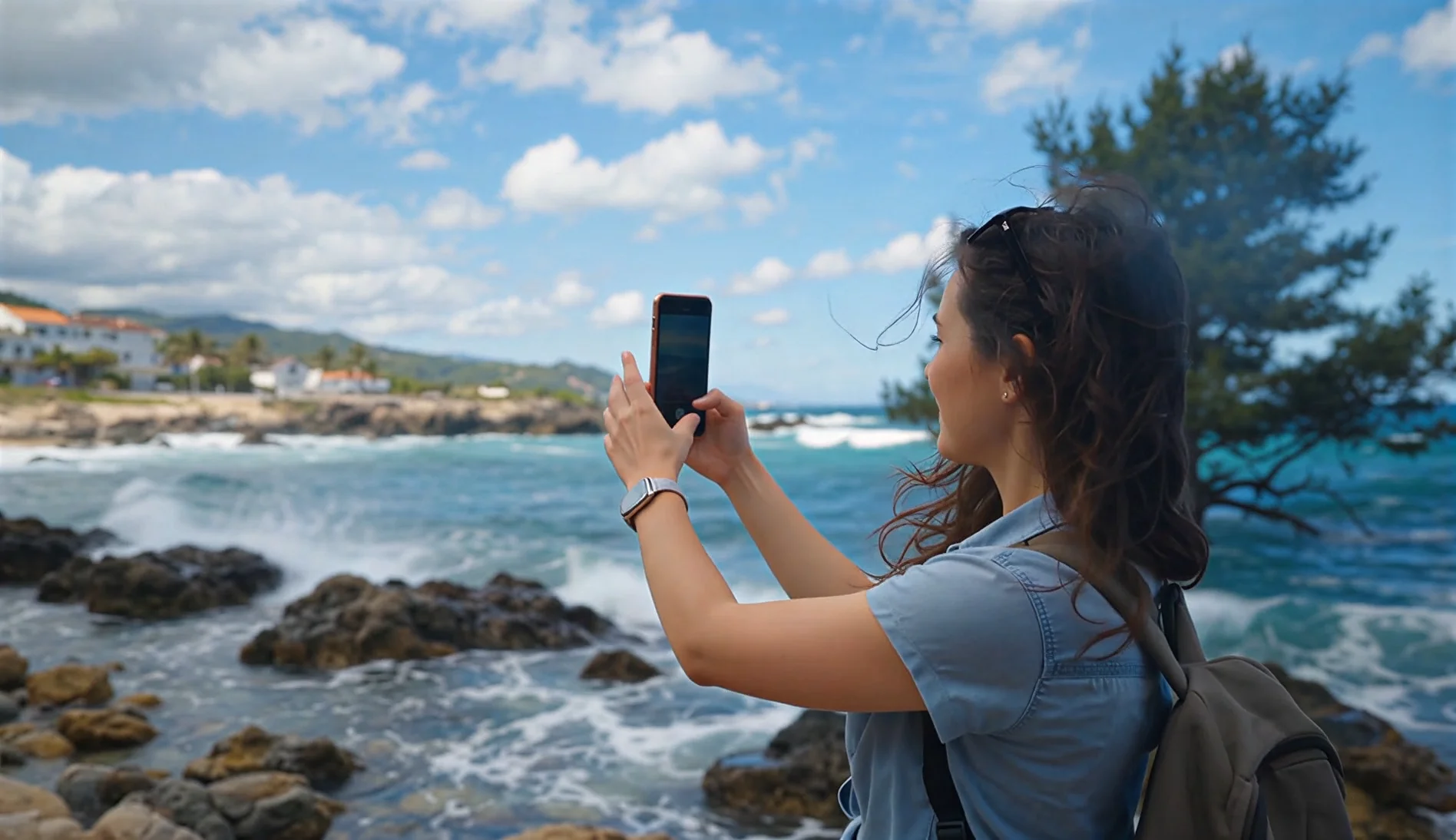
A woman sits alone at a cafe table, checking her phone repeatedly, glancing at the door. Two coffee cups on the table, one untouched. She sighs and looks out the window.
Related Models





README
Kandinsky 5 Pro Text-to-Video
Kandinsky 5 Pro Text-to-Video is a production-ready text-to-video model that generates dynamic 5-second MP4 clips from a single prompt. It’s optimized for fast iteration and clean, prompt-faithful motion, with simple controls for resolution and aspect ratio.
Why it stands out
-
5-second text-to-video generation Turn a prompt into a complete short clip—ideal for rapid concept testing and social-ready outputs.
-
Two resolution tiers Choose 512P for faster, cheaper drafts or 1024P for sharper detail.
-
Creator-friendly aspect ratios Built-in framing for 3:2, 1:1, and 2:3 to match common feed and creative formats.
-
Fast, stable inference Designed for predictable performance in real-world pipelines and batch experimentation.
Parameters
| Parameter | Description |
|---|---|
| prompt* | The text prompt describing subject, action, scene, and style. |
| resolution | Output resolution: 512P (default) or 1024P. |
| aspect_ratio | Output aspect ratio: 3:2 (default), 1:1, or 2:3. |
| duration | Fixed at 5 seconds. |
How to use
- Write a clear prompt describing the subject, action, environment, and style.
- Select aspect_ratio for your delivery format (landscape, square, or portrait).
- Choose resolution: 512P for quick drafts, 1024P for final detail.
- Run the model and download the generated MP4.
Prompt tips
- Use clear verbs for motion: “walks,” “turns,” “sparks fly,” “camera pans slowly.”
- Keep the structure simple: subject → action → scene → lighting → style.
- For stronger coherence, describe one main shot rather than multiple scene changes.
Pricing
All videos are 5 seconds.
| Resolution | Price per second | Price per 5s video |
|---|---|---|
| 512P | $0.04 | $0.20 |
| 1024P | $0.04 | $0.20 |
Use Cases
- Social media short clips and creative testing
- Storyboarding and previsualization
- Marketing concept drafts and ad iterations
- Stylized motion scenes for presentations and demos
Kandinsky5 Pro Text To Video API — Quick start
Grab a WaveSpeedAI API key, then call POST https://api.wavespeed.ai/api/v3/wavespeed-ai/kandinsky5-pro/text-to-video with your input as JSON. The endpoint returns a prediction id. Start polling the result endpoint around every 2 seconds, increase the interval for long-running tasks, and stop on any terminal status. On completed, read output values from data.outputs. Examples for Kandinsky5 Pro Text To Video below.
HTTP example
set -euo pipefail

: "${WAVESPEED_API_KEY:?Set WAVESPEED_API_KEY}"

REQUEST_BODY=$(cat <<'JSON'
{
    "prompt": "A cinematic shot of a city at sunset, soft golden light",
    "resolution": "512p",
    "aspect_ratio": "3:2",
    "duration": 5
}
JSON
)

# 1. Submit the prediction.
SUBMIT_RESPONSE=$(curl --silent --show-error --fail-with-body \
  -X POST "https://api.wavespeed.ai/api/v3/wavespeed-ai/kandinsky5-pro/text-to-video" \
  -H "Content-Type: application/json" \
  -H "Authorization: Bearer $WAVESPEED_API_KEY" \
  -d "$REQUEST_BODY")

TASK=$(printf '%s' "$SUBMIT_RESPONSE" | jq 'if has("data") then .data else . end')
PREDICTION_ID=$(printf '%s' "$TASK" | jq -r '.id')
if [ -z "$PREDICTION_ID" ] || [ "$PREDICTION_ID" = "null" ]; then
  printf 'Submission response did not contain a prediction id
' >&2
  exit 1
fi
RESULT_URL="https://api.wavespeed.ai/api/v3/predictions/$PREDICTION_ID/result"

# 2. Poll until the prediction finishes.
while true; do
  RESPONSE=$(curl --silent --show-error --fail-with-body "$RESULT_URL" \
    -H "Authorization: Bearer $WAVESPEED_API_KEY")
  RESULT=$(printf '%s' "$RESPONSE" | jq 'if has("data") then .data else . end')
  STATUS=$(printf '%s' "$RESULT" | jq -r '.status')
  case "$STATUS" in
    completed) printf '%s\n' "$RESULT" | jq '.outputs'; break ;;
    failed|cancelled|timeout|deleted) printf '%s\n' "$RESULT" | jq . >&2; exit 1 ;;
    *) sleep 2 ;;
  esac
done
Node.js example
const submitUrl = "https://api.wavespeed.ai/api/v3/wavespeed-ai/kandinsky5-pro/text-to-video";
const apiKey = process.env.WAVESPEED_API_KEY;
if (!apiKey) throw new Error('Set WAVESPEED_API_KEY');

async function requestJson(url, options = {}) {
  const response = await fetch(url, options);
  if (!response.ok) throw new Error(await response.text());
  return response.json();
}

// 1. Submit the prediction.
const body = await requestJson(submitUrl, {
  method: "POST",
  headers: {
    "Authorization": `Bearer ${apiKey}`,
    "Content-Type": "application/json",
  },
  body: JSON.stringify({
        "prompt": "A cinematic shot of a city at sunset, soft golden light",
        "resolution": "512p",
        "aspect_ratio": "3:2",
        "duration": 5
}),
});
const task = body.data ?? body;
if (!task.id) throw new Error("Submission response did not contain a prediction id");
const resultUrl = `https://api.wavespeed.ai/api/v3/predictions/${task.id}/result`;

// 2. Poll until the prediction finishes.
while (true) {
  const resultBody = await requestJson(resultUrl, {
    headers: { "Authorization": `Bearer ${apiKey}` },
  });
  const result = resultBody.data ?? resultBody;
  if (result.status === "completed") {
    console.log(result.outputs);
    break;
  }
  if (["failed", "cancelled", "timeout", "deleted"].includes(result.status)) throw new Error(JSON.stringify(result));
  await new Promise(resolve => setTimeout(resolve, 2000));
}
Python example
import json
import os
import time
from urllib.request import Request, urlopen

api_key = os.environ["WAVESPEED_API_KEY"]
headers = {"Authorization": f"Bearer {api_key}", "Content-Type": "application/json"}
payload = {
    "prompt": "A cinematic shot of a city at sunset, soft golden light",
    "resolution": "512p",
    "aspect_ratio": "3:2",
    "duration": 5
}

def request_json(url, data=None):
    request = Request(url, data=data, headers=headers, method="POST" if data else "GET")
    with urlopen(request) as response:
        return json.load(response)

# 1. Submit the prediction.
body = request_json("https://api.wavespeed.ai/api/v3/wavespeed-ai/kandinsky5-pro/text-to-video", json.dumps(payload).encode())
task = body.get("data", body)
if not task.get("id"):
    raise RuntimeError("Submission response did not contain a prediction id")
result_url = f"https://api.wavespeed.ai/api/v3/predictions/{task['id']}/result"

# 2. Poll until the prediction finishes.
while True:
    result_body = request_json(result_url)
    result = result_body.get("data", result_body)
    status = result.get("status")
    if status == "completed":
        print(result.get("outputs", []))
        break
    if status in {"failed", "cancelled", "timeout", "deleted"}:
        raise RuntimeError(result)
    time.sleep(2)
Kandinsky5 Pro Text To Video API — Frequently asked questions
What is the Kandinsky5 Pro Text To Video API?
Kandinsky5 Pro Text To Video is a WaveSpeedAI model for video generation, exposed as a REST API on WaveSpeedAI. Kandinsky 5 Pro Text-to-Video turns natural-language prompts into coherent 5-second clips with strong prompt adherence and smooth motion. Choose 512p or 1024p output across common aspect ratios for social posts, ads, and concept shots. Built for stable production use with a ready-to-use REST API, no cold starts, and predictable pricing. You can call it programmatically or try it from the playground above.
How do I call the Kandinsky5 Pro Text To Video API?
POST your input parameters to the model's REST endpoint (shown in the API tab of this playground) with your WaveSpeedAI API key in the Authorization header. Submission returns a prediction ID. Poll the result endpoint starting around every 2 seconds, increase the interval for long-running tasks, and stop on any terminal status. The playground generates Python, JavaScript, and cURL examples for submitting requests and polling results. Full request/response shape is documented at https://wavespeed.ai/docs/docs-api/wavespeed-ai/kandinsky5-pro-text-to-video.
How much does Kandinsky5 Pro Text To Video cost per run?
Kandinsky5 Pro Text To Video starts at $0.2 per run. That figure is the base price — the final charge scales with the parameters you set in the form (output size, length, count, references, or whatever knobs this model exposes), so a higher-quality or larger output costs more than a minimal one. The exact cost for your current input is shown live next to the Generate button before you submit, and the actual per-call charge is recorded on the prediction afterwards.
What inputs does Kandinsky5 Pro Text To Video accept?
Key inputs: `prompt`, `aspect_ratio`, `resolution`, `duration`. The full JSON schema (types, defaults, allowed values) is rendered above the Generate button and mirrored in the API reference at https://wavespeed.ai/docs/docs-api/wavespeed-ai/kandinsky5-pro-text-to-video.
How long does Kandinsky5 Pro Text To Video take to generate?
Reported generation time on WaveSpeedAI is around 395 seconds per request. This is an estimate, not a latency guarantee; queue time and input settings can change the total wait. live status is visible in the prediction record.
Can I use Kandinsky5 Pro Text To Video outputs commercially?
Commercial usage rights depend on the model's license, set by its provider (WaveSpeedAI). Check the provider's applicable terms and WaveSpeedAI's Terms of Service before commercial use.