Vidu Image-to-Video creates smooth transition videos from specified start and end images, producing seamless image-to-video outputs for presentations and storytelling. Ready-to-use REST inference API, best performance, no coldstarts, affordable pricing.
Idle
$0.4per run·~25 / $10
ExamplesView all
A 28-year-old woman with freckles and long, wavy auburn hair, wearing a worn leather jacket and a simple white t-shirt. She is sitting by the window of a moving train, a thoughtful and slightly melancholic expression on her face as she gazes at the passing autumn landscape of rolling hills and colorful forests. The soft, golden hour light streams through the window, illuminating dust motes in the air. Cinematic, shallow depth of field, 4K, hyperrealistic.
The beautiful woman walked forward confidently and generously.
Medium shot of a woman with windswept hair, wearing a flowing, white linen dress, standing on a cliffside overlooking a dramatic, churning sea in Scotland. She slowly turns her head to look back over her shoulder towards the camera, a subtle, thoughtful expression on her face. The sky is overcast, creating a soft, diffused light that highlights the texture of her dress and the natural landscape. The video should have a slightly desaturated, moody color grade and a gentle slow-motion effect. The feeling is one of romanticism, introspection, and a deep connection to nature, reminiscent of a Burberry or Alexander McQueen campaign.
The boy walked forward confidently and generously.
Two people hugging each other.
The lady is drinking coffee.
Zoom in.
A woman is skateboarding forward.
A young woman in her early 20s, with short blonde hair, wearing a bright yellow raincoat. She is walking alone down a cobblestone street in a historic European city at dusk, holding a clear umbrella. The streetlights cast a warm, shimmering glow on the wet pavement, creating beautiful reflections. Her expression is calm and contemplative as she looks at the city lights. Shot from a distance to capture the atmosphere, moody, and romantic.
A young boy, around 8 years old, sitting in a cozy window seat, completely engrossed in a thick fantasy book. Sunlight streams through the window, illuminating dust particles floating in the air and creating a magical, dreamlike atmosphere. His face shows a mixture of wonder and concentration. The shot is a gentle, steady close-up. Soft focus, warm color palette, quiet and peaceful mood.
A master woodworker, an older man with calloused hands and a leather apron covered in sawdust, meticulously carves an intricate detail into a piece of dark walnut wood. The workshop is filled with the scent of sawdust and varnish, with tools neatly organized on the walls. Warm, low-key lighting from a single overhead lamp illuminates his focused work. Macro shot focusing on his hands and the carving tool. Extremely detailed, realistic, peaceful and patient mood.
Related Models
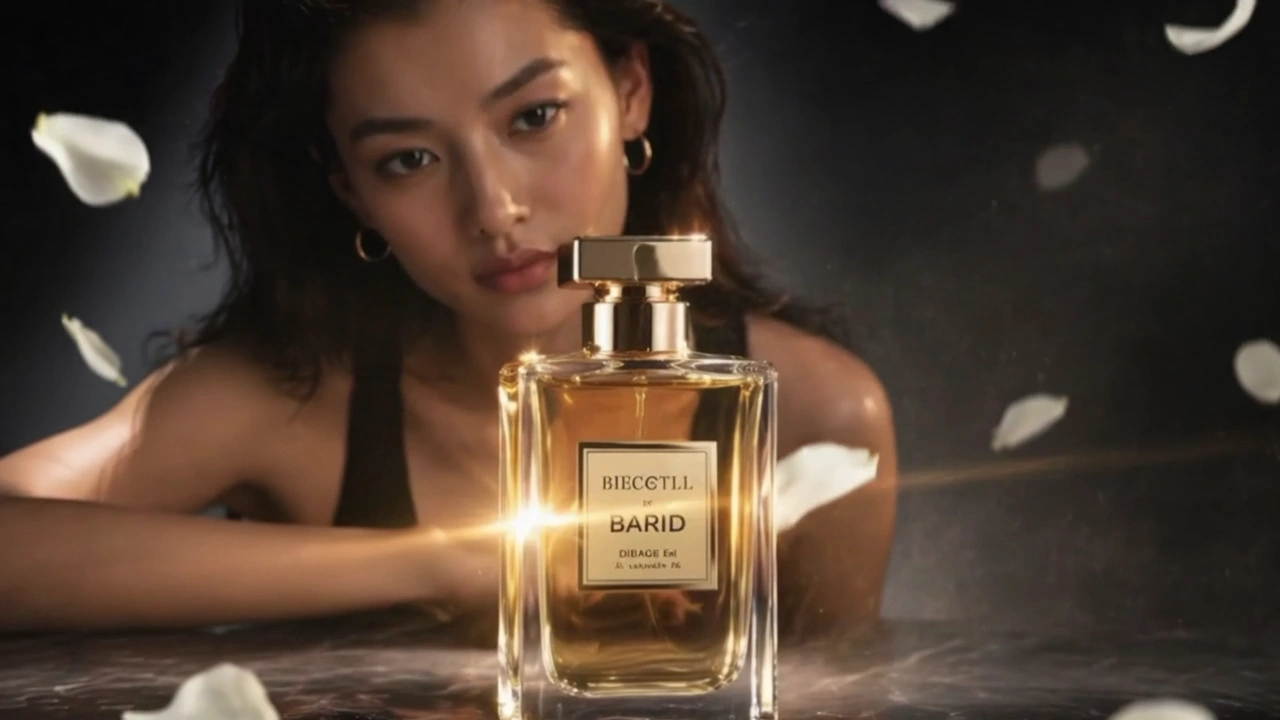
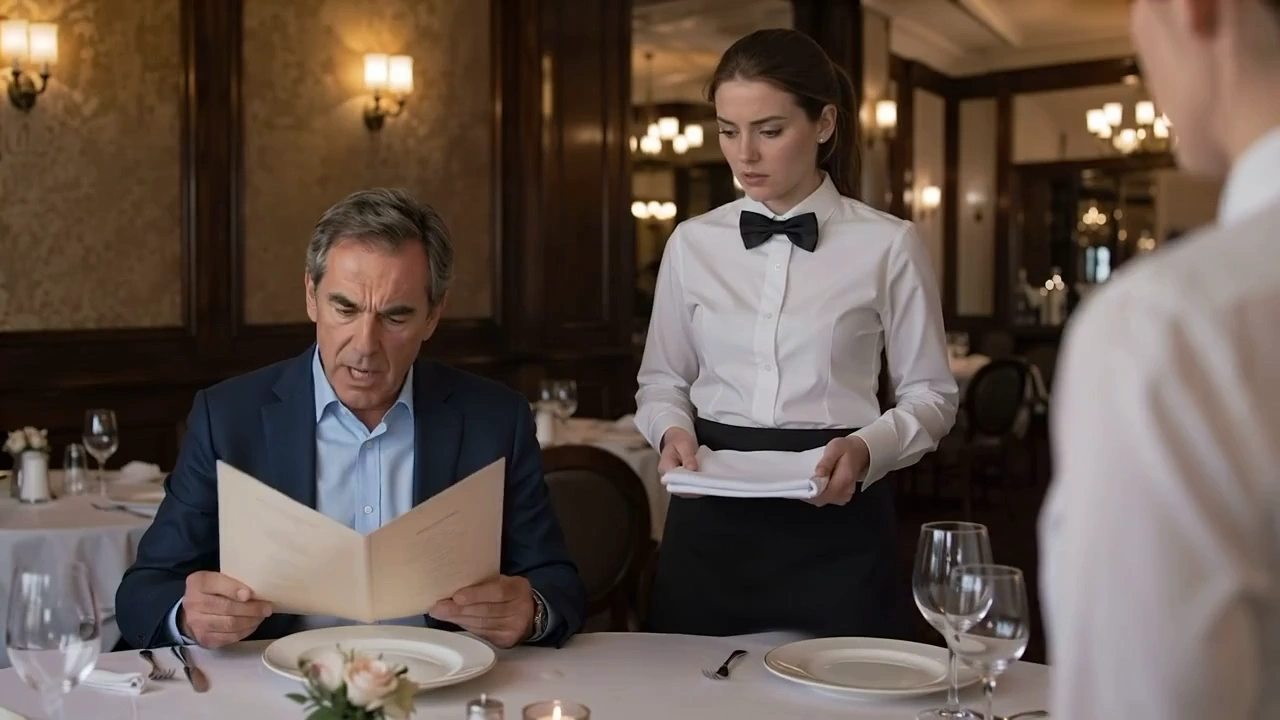


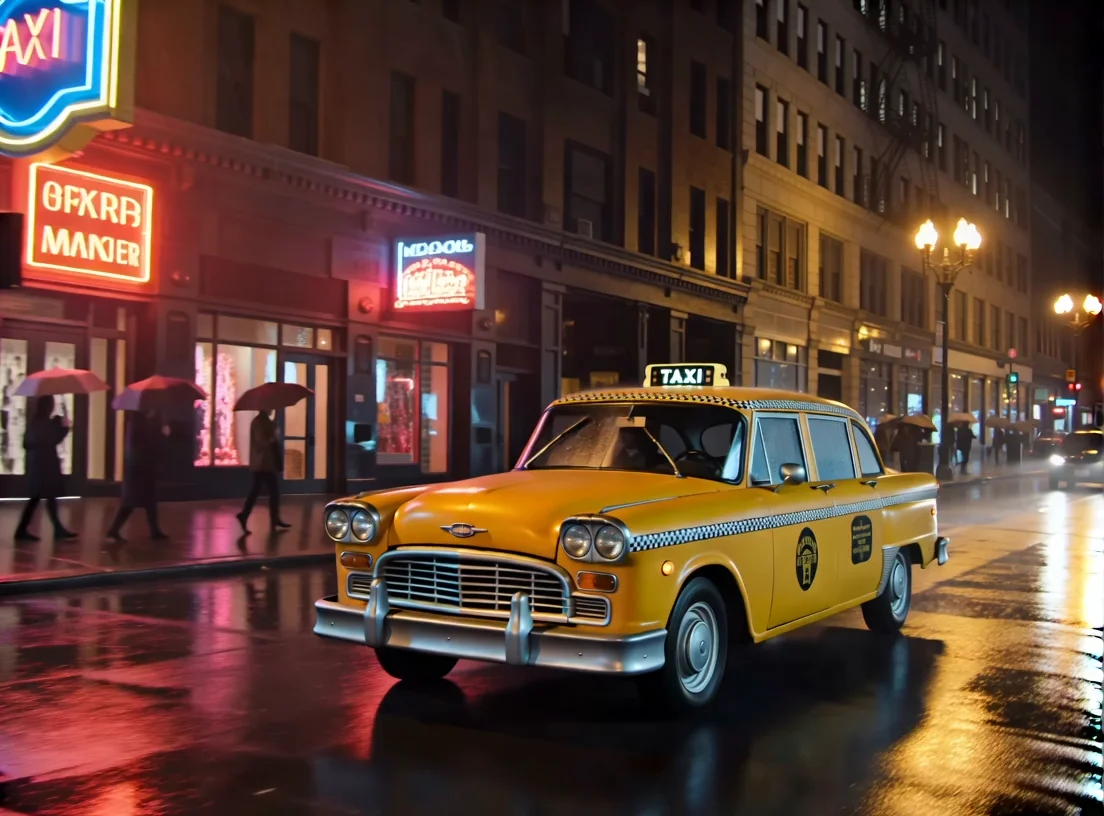
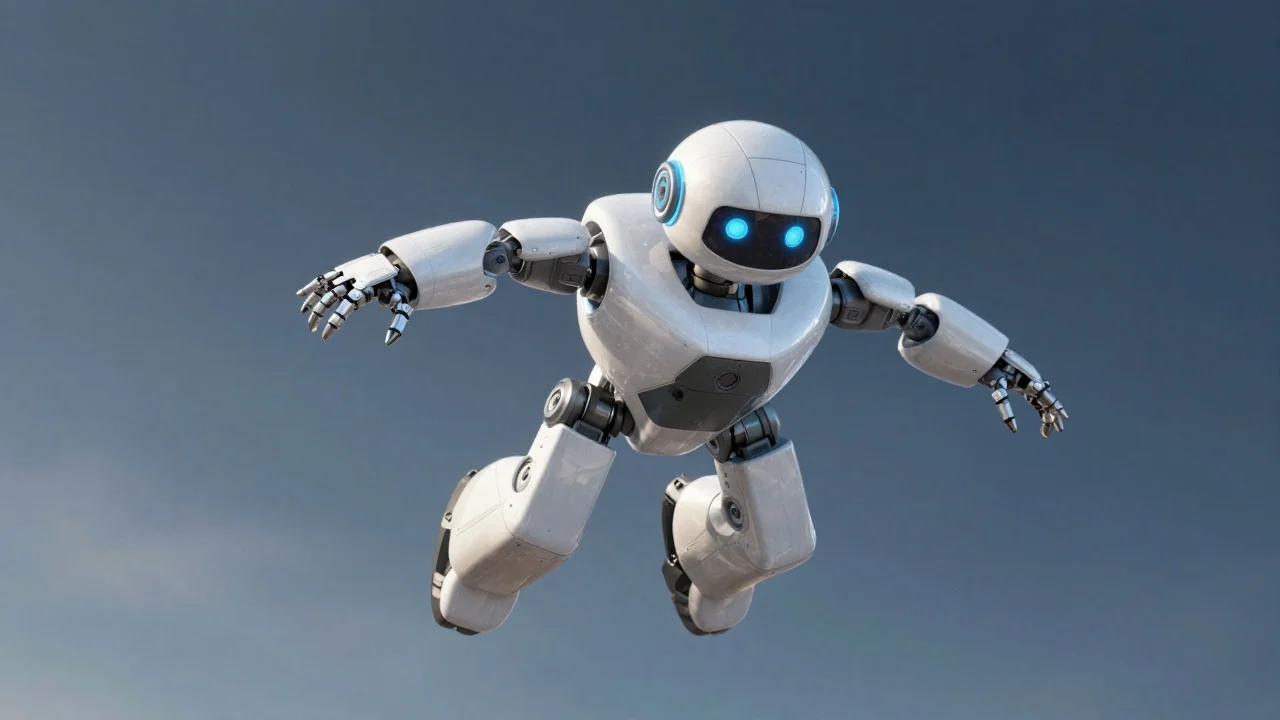
README
Vidu Image-to-Video Q1
Vidu Image-to-Video Q1 is a high-quality image-to-video generation model that transforms static images into dynamic, cinematic videos. Simply provide an image and describe the motion you want — the model brings your photo to life with smooth, natural animation.
Why It Stands Out
- Image-driven generation: Start from any image and animate it into a coherent video while preserving the original style.
- Prompt-guided motion: Describe the action, camera movement, or atmosphere you want and watch your vision unfold.
- Prompt Enhancer: Built-in AI-powered prompt optimization helps craft better descriptions for improved results.
- Reproducibility: Use the seed parameter to recreate exact results or explore variations.
Parameters
| Parameter | Required | Description |
|---|---|---|
| prompt | Yes | Text description of desired motion and style. |
| image | Yes | Source image (upload or public URL). |
| seed | No | Set for reproducibility; leave empty for random. |
How to Use
- Upload your source image — drag and drop a file or paste a public URL.
- Write a prompt describing the motion, mood, and style you want. Use the Prompt Enhancer for AI-assisted optimization.
- Set a seed (optional) for reproducible results.
- Click Run and wait for your video to generate.
- Preview and download the result.
Best Use Cases
- Social Media Content — Turn photos into engaging video posts for TikTok, Reels, and Shorts.
- Marketing & Advertising — Animate product images and hero shots without expensive video production.
- Storytelling & Art — Bring illustrations, portraits, and artwork to life.
- E-commerce — Create dynamic product showcases from static photography.
- Personal Projects — Animate family photos, travel shots, or creative artwork.
Pricing
| Output | Price |
|---|---|
| Per video | $0.40 |
Pro Tips for Best Quality
- Use high-resolution, well-lit source images for optimal results.
- Be specific in your prompt — describe camera movement, subject actions, and atmospheric details.
- For portraits, describe subtle movements like blinking, breathing, or hair movement for natural results.
- Fix the seed when iterating to compare the effect of different prompts.
Notes
- Ensure uploaded image URLs are publicly accessible.
- Processing time varies based on current queue load.
- Please ensure your prompts comply with content guidelines.
Image To Video Q1 API — Quick start
Grab a WaveSpeedAI API key, then call POST https://api.wavespeed.ai/api/v3/vidu/image-to-video-q1 with your input as JSON. The endpoint returns a prediction id. Start polling the result endpoint around every 2 seconds, increase the interval for long-running tasks, and stop on any terminal status. On completed, read output values from data.outputs. Examples for Image To Video Q1 below.
HTTP example
set -euo pipefail

: "${WAVESPEED_API_KEY:?Set WAVESPEED_API_KEY}"

REQUEST_BODY=$(cat <<'JSON'
{
    "prompt": "A cinematic shot of a city at sunset, soft golden light",
    "image": "https://interactive-examples.mdn.mozilla.net/media/cc0-images/painted-hand-298-332.jpg"
}
JSON
)

# 1. Submit the prediction.
SUBMIT_RESPONSE=$(curl --silent --show-error --fail-with-body \
  -X POST "https://api.wavespeed.ai/api/v3/vidu/image-to-video-q1" \
  -H "Content-Type: application/json" \
  -H "Authorization: Bearer $WAVESPEED_API_KEY" \
  -d "$REQUEST_BODY")

TASK=$(printf '%s' "$SUBMIT_RESPONSE" | jq 'if has("data") then .data else . end')
PREDICTION_ID=$(printf '%s' "$TASK" | jq -r '.id')
if [ -z "$PREDICTION_ID" ] || [ "$PREDICTION_ID" = "null" ]; then
  printf 'Submission response did not contain a prediction id
' >&2
  exit 1
fi
RESULT_URL="https://api.wavespeed.ai/api/v3/predictions/$PREDICTION_ID/result"

# 2. Poll until the prediction finishes.
while true; do
  RESPONSE=$(curl --silent --show-error --fail-with-body "$RESULT_URL" \
    -H "Authorization: Bearer $WAVESPEED_API_KEY")
  RESULT=$(printf '%s' "$RESPONSE" | jq 'if has("data") then .data else . end')
  STATUS=$(printf '%s' "$RESULT" | jq -r '.status')
  case "$STATUS" in
    completed) printf '%s\n' "$RESULT" | jq '.outputs'; break ;;
    failed|cancelled|timeout|deleted) printf '%s\n' "$RESULT" | jq . >&2; exit 1 ;;
    *) sleep 2 ;;
  esac
done
Node.js example
const submitUrl = "https://api.wavespeed.ai/api/v3/vidu/image-to-video-q1";
const apiKey = process.env.WAVESPEED_API_KEY;
if (!apiKey) throw new Error('Set WAVESPEED_API_KEY');

async function requestJson(url, options = {}) {
  const response = await fetch(url, options);
  if (!response.ok) throw new Error(await response.text());
  return response.json();
}

// 1. Submit the prediction.
const body = await requestJson(submitUrl, {
  method: "POST",
  headers: {
    "Authorization": `Bearer ${apiKey}`,
    "Content-Type": "application/json",
  },
  body: JSON.stringify({
        "prompt": "A cinematic shot of a city at sunset, soft golden light",
        "image": "https://interactive-examples.mdn.mozilla.net/media/cc0-images/painted-hand-298-332.jpg"
}),
});
const task = body.data ?? body;
if (!task.id) throw new Error("Submission response did not contain a prediction id");
const resultUrl = `https://api.wavespeed.ai/api/v3/predictions/${task.id}/result`;

// 2. Poll until the prediction finishes.
while (true) {
  const resultBody = await requestJson(resultUrl, {
    headers: { "Authorization": `Bearer ${apiKey}` },
  });
  const result = resultBody.data ?? resultBody;
  if (result.status === "completed") {
    console.log(result.outputs);
    break;
  }
  if (["failed", "cancelled", "timeout", "deleted"].includes(result.status)) throw new Error(JSON.stringify(result));
  await new Promise(resolve => setTimeout(resolve, 2000));
}
Python example
import json
import os
import time
from urllib.request import Request, urlopen

api_key = os.environ["WAVESPEED_API_KEY"]
headers = {"Authorization": f"Bearer {api_key}", "Content-Type": "application/json"}
payload = {
    "prompt": "A cinematic shot of a city at sunset, soft golden light",
    "image": "https://interactive-examples.mdn.mozilla.net/media/cc0-images/painted-hand-298-332.jpg"
}

def request_json(url, data=None):
    request = Request(url, data=data, headers=headers, method="POST" if data else "GET")
    with urlopen(request) as response:
        return json.load(response)

# 1. Submit the prediction.
body = request_json("https://api.wavespeed.ai/api/v3/vidu/image-to-video-q1", json.dumps(payload).encode())
task = body.get("data", body)
if not task.get("id"):
    raise RuntimeError("Submission response did not contain a prediction id")
result_url = f"https://api.wavespeed.ai/api/v3/predictions/{task['id']}/result"

# 2. Poll until the prediction finishes.
while True:
    result_body = request_json(result_url)
    result = result_body.get("data", result_body)
    status = result.get("status")
    if status == "completed":
        print(result.get("outputs", []))
        break
    if status in {"failed", "cancelled", "timeout", "deleted"}:
        raise RuntimeError(result)
    time.sleep(2)
Image To Video Q1 API — Frequently asked questions
What is the Image To Video Q1 API?
Image To Video Q1 is a Vidu model for video generation from images, exposed as a REST API on WaveSpeedAI. Vidu Image-to-Video creates smooth transition videos from specified start and end images, producing seamless image-to-video outputs for presentations and storytelling. Ready-to-use REST inference API, best performance, no coldstarts, affordable pricing. You can call it programmatically or try it from the playground above.
How do I call the Image To Video Q1 API?
POST your input parameters to the model's REST endpoint (shown in the API tab of this playground) with your WaveSpeedAI API key in the Authorization header. Submission returns a prediction ID. Poll the result endpoint starting around every 2 seconds, increase the interval for long-running tasks, and stop on any terminal status. The playground generates production-oriented Python, JavaScript, and cURL examples with timeouts, transient-error handling, and safe GET retries. Full request/response shape is documented at https://wavespeed.ai/docs/docs-api/vidu/vidu-image-to-video-q1.
How much does Image To Video Q1 cost per run?
Image To Video Q1 starts at $0.40 per run. That figure is the base price — the final charge scales with the parameters you set in the form (output size, length, count, references, or whatever knobs this model exposes), so a higher-quality or larger output costs more than a minimal one. The exact cost for your current input is shown live next to the Generate button before you submit, and the actual per-call charge is recorded on the prediction afterwards.
What inputs does Image To Video Q1 accept?
Key inputs: `prompt`, `image`, `seed`. The full JSON schema (types, defaults, allowed values) is rendered above the Generate button and mirrored in the API reference at https://wavespeed.ai/docs/docs-api/vidu/vidu-image-to-video-q1.
How long does Image To Video Q1 take to generate?
Median end-to-end generation time on WaveSpeedAI is around 83 seconds per request, based on recent successful runs. Queue time varies with global demand; live status is visible in the prediction record.
Can I use Image To Video Q1 outputs commercially?
Commercial usage rights depend on the model's license, set by its provider (Vidu). The license summary appears on the model card above; see WaveSpeedAI's Terms of Service for platform-level conditions.