Imagen3 Fast is Google's top text-to-image model, creating richly detailed, beautifully lit images. Ready-to-use REST inference API, best performance, no coldstarts, affordable pricing.
Idle
$0.018per run·~55 / $1
ExamplesView all
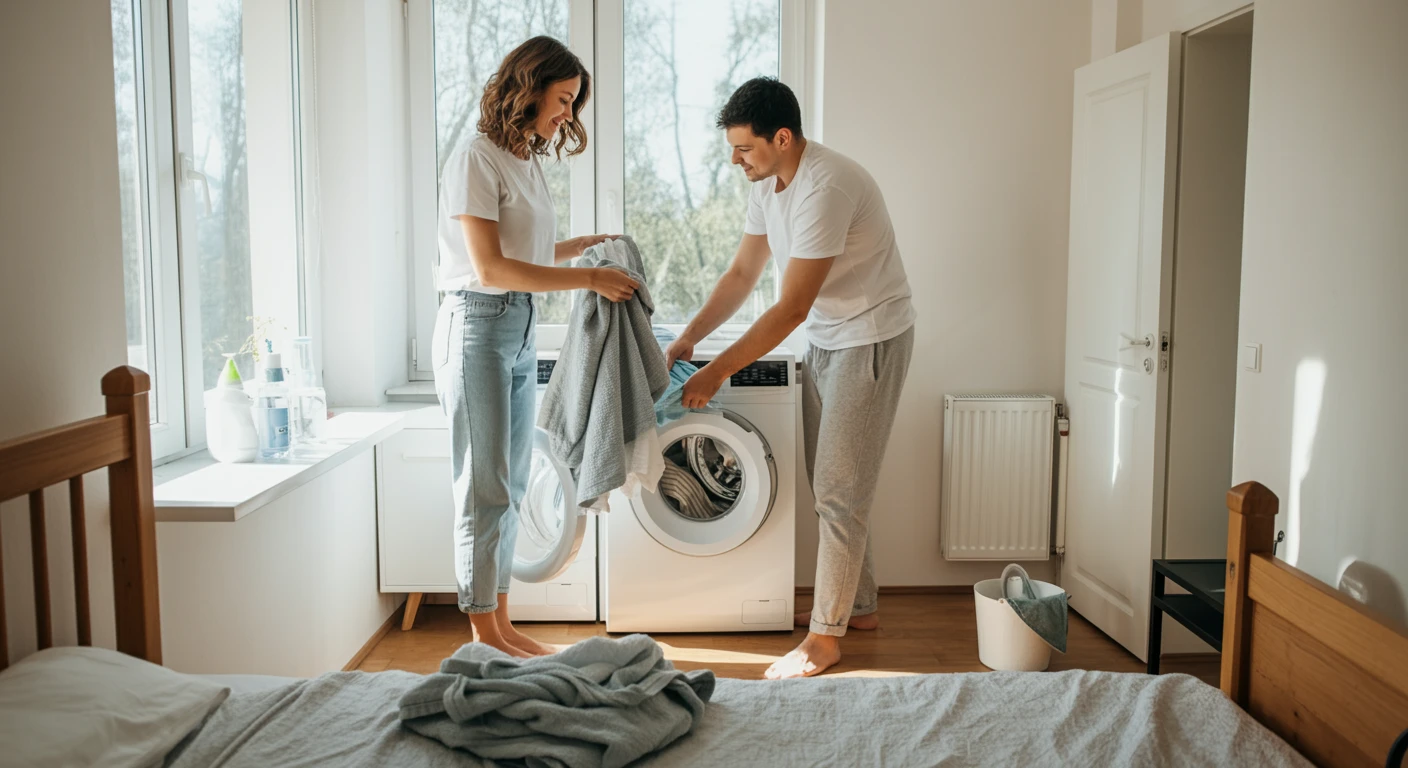
A couple folding laundry together in a sunlit bedroom, casual clothes, sense of routine

A cat sitting on a windowsill during a rainy afternoon, water droplets on glass, peaceful atmosphere
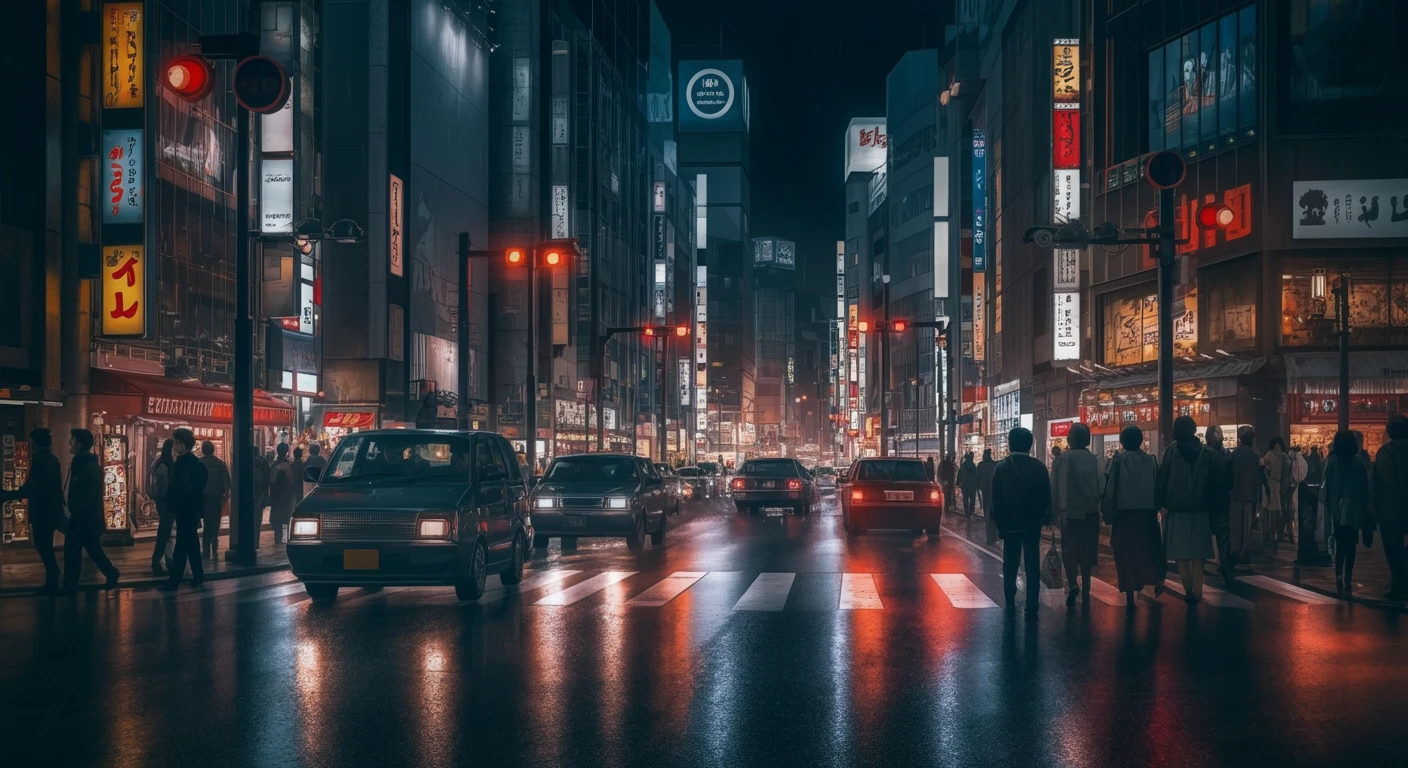
Busy Tokyo street at night, realistic pedestrians, cars, and signage, wet pavement reflections
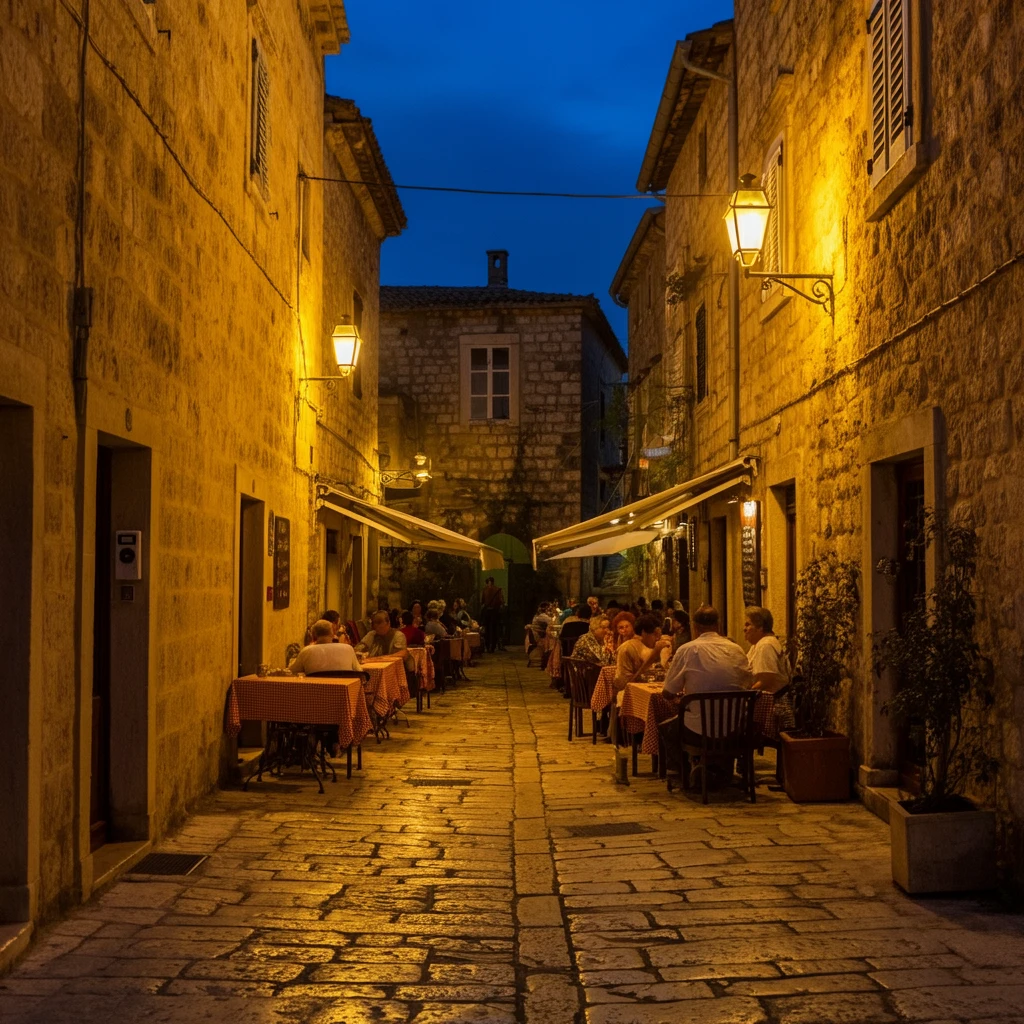
Old European street with stone buildings and people dining outdoors, natural lighting, tourist snapshot vibe

Construction workers on a high-rise building at dawn, safety gear and realistic dust/light atmosphere

A couple grocery shopping together, smiling, in a brightly lit supermarket, candid realism

A young man tying his shoelaces on a city sidewalk in the morning, coffee in hand, realistic urban background

A woman brushing her teeth in a messy but cozy bathroom, foggy mirror, early morning light

A young man in a vintage suit gazes quietly out the window of a moving train. Fields and hills blur past as the camera stays focused on his reflection in the glass, revealing a sense of longing and quiet introspection.

A girl looks out of a car window as the road stretches across an open desert, wind plays with her hair, the camera sits at the passenger-side window, capturing fleeting moments of the passing landscape, dreamy, natural light, subtle camera shake.

A girl riding a vintage bicycle along a countryside road on a sunny summer day, her skirt fluttering in the breeze, wildflowers bloom along the path, the camera glides beside her at a diagonal angle, sun flares leak through the lens, lighthearted and cinematic realism.

A young woman stands on a beach during sunset, the sky glowing with hues of orange and purple, her silhouette framed against the waves, gentle wind moves her hair and dress, the camera slowly circles around her, hyperrealistic visuals, soft and emotional tone.
Related Models





README
Google Imagen 3 Fast
Generate high-quality images at speed with Google Imagen 3 Fast. This optimized model delivers Google's renowned image generation capabilities with faster processing — perfect for rapid iteration, batch generation, and everyday creative work.
Looking for maximum quality? Try Google Imagen 3 for premium output.
Why It Looks Great
- Google quality: Powered by Google's state-of-the-art Imagen technology.
- Fast generation: Speed-optimized for rapid turnaround.
- Batch support: Generate up to 4 images per request.
- Negative prompts: Exclude unwanted elements for precise control.
- Flexible aspect ratios: Multiple format options for any use case.
- Prompt Enhancer: Built-in tool to refine your descriptions automatically.
- Reproducible results: Use the seed parameter to recreate exact outputs.
Parameters
| Parameter | Required | Description |
|---|---|---|
| prompt | Yes | Text description of the image you want to generate. |
| aspect_ratio | No | Output format: 16:9, 9:16, 1:1, 4:3, 3:4, etc. Default: 16:9. |
| num_images | No | Number of images to generate (1-4). Default: 1. |
| negative_prompt | No | Elements to avoid in the generated image. |
| seed | No | Random seed for reproducibility. Leave empty for random. |
How to Use
- Write your prompt — describe the image you want to create.
- Use Prompt Enhancer (optional) — click to automatically enrich your description.
- Set aspect ratio — choose the format that fits your needs.
- Choose number of images — generate 1-4 variations at once.
- Add negative prompt (optional) — specify elements to exclude.
- Set seed (optional) — for reproducible results.
- Run — click the button to generate.
- Download — preview and save your images.
Pricing
Flat rate per image generated.
| Output | Cost |
|---|---|
| Per image | $0.018 |
| 4 images (max batch) | $0.072 |
Best Use Cases
- Rapid Prototyping — Generate multiple variations quickly to explore ideas.
- Lifestyle & Scenes — Create authentic everyday moments and scenarios.
- Batch Generation — Produce multiple images efficiently in single requests.
- Content Creation — Generate visuals for social media, blogs, and marketing.
- Concept Exploration — Test different prompts and styles at speed.
Example Prompts
- "A couple folding laundry together in a sunlit bedroom, casual clothes, sense of routine"
- "Golden retriever playing fetch on a beach at sunset, action shot, joyful energy"
- "Cozy coffee shop corner with plants, morning light through windows, warm atmosphere"
- "Professional headshot of a smiling businesswoman, neutral background, studio lighting"
- "Minimalist workspace with laptop, succulent plant, and coffee cup, clean aesthetic"
Pro Tips for Best Results
- Use batch generation (num_images: 4) to explore variations efficiently.
- Include mood and atmosphere: "sense of routine", "joyful energy", "warm atmosphere".
- Negative prompts help avoid unwanted elements: "blur", "distortion", "watermark".
- Use the same seed with different prompts to maintain consistency.
- Fast mode is ideal for iteration — find your best prompt, then consider premium for finals.
- Match aspect ratio to your platform: 16:9 for YouTube, 9:16 for Stories, 1:1 for Instagram.
Notes
- Maximum 4 images per generation request.
- Fast mode prioritizes speed while maintaining Google's quality standards.
- Processing time is optimized for rapid turnaround.
- For highest quality output, consider the standard Imagen 3 model.
Imagen3 Fast API — Quick start
Grab a WaveSpeedAI API key, then call POST https://api.wavespeed.ai/api/v3/google/imagen3-fast with your input as JSON. The endpoint returns a prediction id. Start polling the result endpoint around every 2 seconds, increase the interval for long-running tasks, and stop on any terminal status. On completed, read output values from data.outputs. Examples for Imagen3 Fast below.
HTTP example
set -euo pipefail

: "${WAVESPEED_API_KEY:?Set WAVESPEED_API_KEY}"

REQUEST_BODY=$(cat <<'JSON'
{
    "prompt": "A cinematic shot of a city at sunset, soft golden light",
    "aspect_ratio": "1:1",
    "num_images": 1
}
JSON
)

# 1. Submit the prediction.
SUBMIT_RESPONSE=$(curl --silent --show-error --fail-with-body \
  -X POST "https://api.wavespeed.ai/api/v3/google/imagen3-fast" \
  -H "Content-Type: application/json" \
  -H "Authorization: Bearer $WAVESPEED_API_KEY" \
  -d "$REQUEST_BODY")

TASK=$(printf '%s' "$SUBMIT_RESPONSE" | jq 'if has("data") then .data else . end')
PREDICTION_ID=$(printf '%s' "$TASK" | jq -r '.id')
if [ -z "$PREDICTION_ID" ] || [ "$PREDICTION_ID" = "null" ]; then
  printf 'Submission response did not contain a prediction id
' >&2
  exit 1
fi
RESULT_URL=$(printf '%s' "$TASK" | jq -r '.urls.get // empty')
if [ -z "$RESULT_URL" ]; then
  RESULT_URL="https://api.wavespeed.ai/api/v3/predictions/$PREDICTION_ID/result"
fi

# 2. Poll until the prediction finishes.
while true; do
  RESPONSE=$(curl --silent --show-error --fail-with-body "$RESULT_URL" \
    -H "Authorization: Bearer $WAVESPEED_API_KEY")
  RESULT=$(printf '%s' "$RESPONSE" | jq 'if has("data") then .data else . end')
  STATUS=$(printf '%s' "$RESULT" | jq -r '.status')
  case "$STATUS" in
    completed) printf '%s\n' "$RESULT" | jq '.outputs'; break ;;
    failed|cancelled|timeout) printf '%s\n' "$RESULT" | jq . >&2; exit 1 ;;
    created|processing) sleep 2 ;;
    *) printf 'Unexpected status: %s
' "$STATUS" >&2; exit 1 ;;
  esac
done
Node.js example
const submitUrl = "https://api.wavespeed.ai/api/v3/google/imagen3-fast";
const apiKey = process.env.WAVESPEED_API_KEY;
if (!apiKey) throw new Error('Set WAVESPEED_API_KEY');

async function requestJson(url, options = {}) {
  const response = await fetch(url, options);
  if (!response.ok) throw new Error(await response.text());
  return response.json();
}

// 1. Submit the prediction.
const body = await requestJson(submitUrl, {
  method: "POST",
  headers: {
    "Authorization": `Bearer ${apiKey}`,
    "Content-Type": "application/json",
  },
  body: JSON.stringify({
        "prompt": "A cinematic shot of a city at sunset, soft golden light",
        "aspect_ratio": "1:1",
        "num_images": 1
}),
});
const task = body.data ?? body;
if (!task.id) throw new Error("Submission response did not contain a prediction id");
const resultUrl = task.urls?.get ||
  `https://api.wavespeed.ai/api/v3/predictions/${task.id}/result`;

// 2. Poll until the prediction finishes.
while (true) {
  const resultBody = await requestJson(resultUrl, {
    headers: { "Authorization": `Bearer ${apiKey}` },
  });
  const result = resultBody.data ?? resultBody;
  if (result.status === "completed") {
    console.log(result.outputs);
    break;
  }
  if (["failed", "cancelled", "timeout"].includes(result.status)) throw new Error(JSON.stringify(result));
  if (!["created", "processing"].includes(result.status)) throw new Error("Unexpected status: " + result.status);
  await new Promise(resolve => setTimeout(resolve, 2000));
}
Python example
import json
import os
import time
from urllib.request import Request, urlopen

api_key = os.environ["WAVESPEED_API_KEY"]
headers = {"Authorization": f"Bearer {api_key}", "Content-Type": "application/json"}
payload = {
    "prompt": "A cinematic shot of a city at sunset, soft golden light",
    "aspect_ratio": "1:1",
    "num_images": 1
}

def request_json(url, data=None):
    request = Request(url, data=data, headers=headers, method="POST" if data else "GET")
    with urlopen(request) as response:
        return json.load(response)

# 1. Submit the prediction.
body = request_json("https://api.wavespeed.ai/api/v3/google/imagen3-fast", json.dumps(payload).encode())
task = body.get("data", body)
if not task.get("id"):
    raise RuntimeError("Submission response did not contain a prediction id")
result_url = task.get("urls", {}).get("get") or f"https://api.wavespeed.ai/api/v3/predictions/{task['id']}/result"

# 2. Poll until the prediction finishes.
while True:
    result_body = request_json(result_url)
    result = result_body.get("data", result_body)
    status = result.get("status")
    if status == "completed":
        print(result.get("outputs", []))
        break
    if status in {"failed", "cancelled", "timeout"}:
        raise RuntimeError(result)
    if status not in {"created", "processing"}:
        raise RuntimeError(f"Unexpected status: {status}")
    time.sleep(2)
Imagen3 Fast API — Frequently asked questions
What is the Imagen3 Fast API?
Imagen3 Fast is a Google model for image generation, exposed as a REST API on WaveSpeedAI. Imagen3 Fast is Google's top text-to-image model, creating richly detailed, beautifully lit images. Ready-to-use REST inference API, best performance, no coldstarts, affordable pricing. You can call it programmatically or try it from the playground above.
How do I call the Imagen3 Fast API?
POST your input parameters to the model's REST endpoint (shown in the API tab of this playground) with your WaveSpeedAI API key in the Authorization header. Submission returns a prediction ID. Poll the result endpoint starting around every 2 seconds, increase the interval for long-running tasks, and stop on any terminal status. The playground generates production-oriented Python, JavaScript, and cURL examples with timeouts, transient-error handling, and safe GET retries. Full request/response shape is documented at https://wavespeed.ai/docs/docs-api/google/google-imagen3-fast.
How much does Imagen3 Fast cost per run?
Imagen3 Fast starts at $0.018 per run. That figure is the base price — the final charge scales with the parameters you set in the form (output size, length, count, references, or whatever knobs this model exposes), so a higher-quality or larger output costs more than a minimal one. The exact cost for your current input is shown live next to the Generate button before you submit, and the actual per-call charge is recorded on the prediction afterwards.
What inputs does Imagen3 Fast accept?
Key inputs: `prompt`, `aspect_ratio`, `seed`, `negative_prompt`, `enable_base64_output`, `num_images`. The full JSON schema (types, defaults, allowed values) is rendered above the Generate button and mirrored in the API reference at https://wavespeed.ai/docs/docs-api/google/google-imagen3-fast.
How long does Imagen3 Fast take to generate?
Median end-to-end generation time on WaveSpeedAI is around 22 seconds per request, based on recent successful runs. Queue time varies with global demand; live status is visible in the prediction record.
Can I use Imagen3 Fast outputs commercially?
Commercial usage rights depend on the model's license, set by its provider (Google). The license summary appears on the model card above; see WaveSpeedAI's Terms of Service for platform-level conditions.