
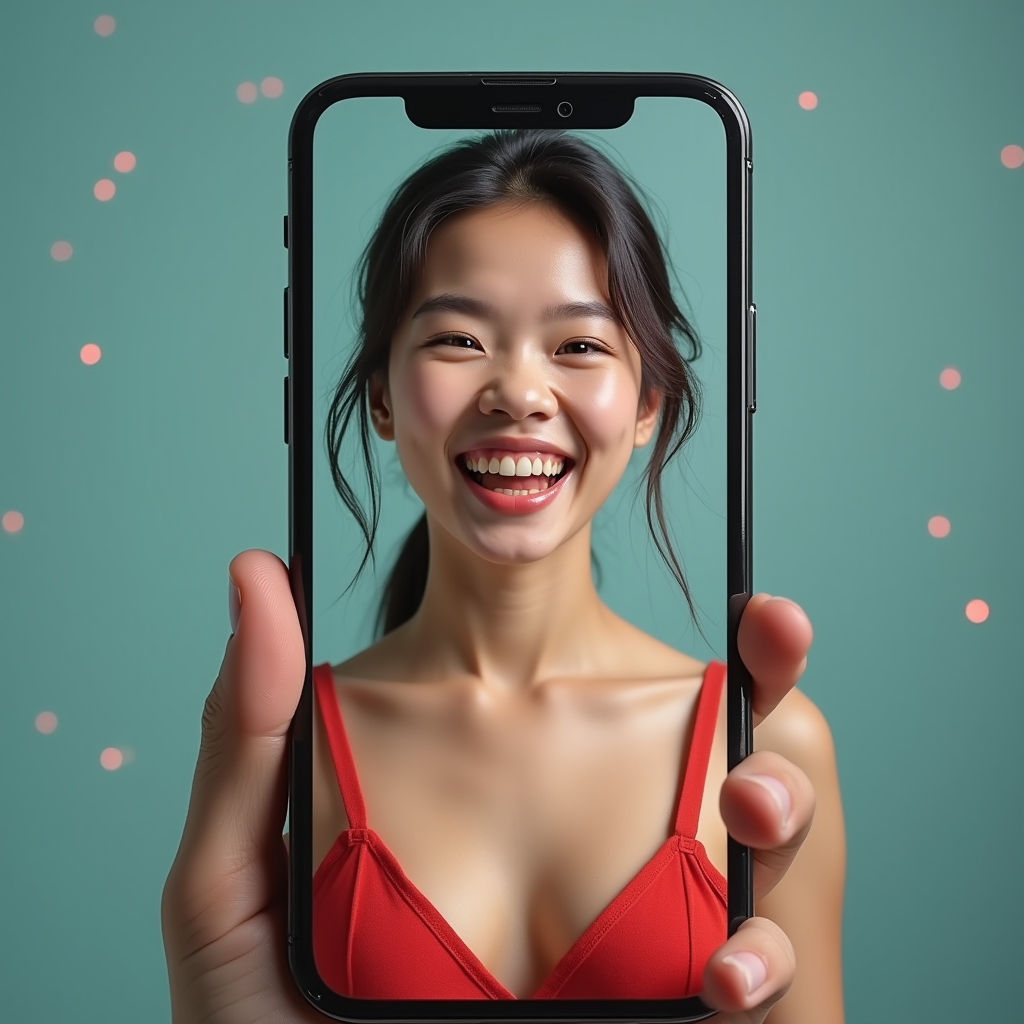
AI Fat Filter — Realistic Weight Gain Photo Effect API
See what you would look like heavier with the AI fat filter. Upload a photo and get a realistic, anatomically aware weight-gain transformation — adjustable intensity, instant generation.
How the AI Fat Filter Works
Realistic body transformation powered by advanced image-to-image AI models that understand human anatomy — not simple image warping.
Anatomically Aware Transformation
Unlike simple distortion tools that stretch pixels, the AI understands anatomy and applies weight gain naturally — adding volume to cheeks, neck, arms, and body proportionally. The result looks like a genuine photo, not a warped image.
Adjustable Intensity
The filter supports adjustable intensity levels, from a subtle change to a dramatic transformation. Dial in exactly the effect you want for the funniest or most realistic result with a single parameter.

Identity & Context Preservation
The AI preserves your identity, clothing, background, and overall photo quality. The transformation is applied naturally across all visible body parts while keeping everything else intact.
AI Fat Filter on WaveSpeed vs. Simple Distortion Tools
See why developers choose WaveSpeed over simple distortion hacks.
Performance at a Glance
AI fat filter on WaveSpeed delivers fast, reliable results at scale.
Examples

Young woman turning to smile at camera, breeze catching her scarf, soft bokeh background.

Dancer performing a graceful pirouette, flowing dress creating motion trails, spotlight.

Butterfly emerging from chrysalis in close-up, wings slowly unfurling, soft natural light.

Detective walking through foggy city streets, trench coat collar up, film noir atmosphere.
Integrate in Minutes
Production-ready SDKs for Python and JavaScript. REST API with full OpenAPI spec. Webhook support for async jobs.
- Adjustable intensity with a single parameter
- Photorealistic output, not pixel warping
- Python & JavaScript SDKs + REST API
Get Any Tool You Want
1000+ models across image, video, audio, and 3D — all through one API.


FAQ
The AI uses advanced image-to-image diffusion models that understand human anatomy. It realistically adds weight to face and body while preserving your identity, clothing, background, and overall photo quality. The transformation is applied naturally across all visible body parts.
Yes. The filter supports adjustable intensity levels, from a subtle change to a dramatic transformation. You can dial in exactly the effect you want for the funniest or most realistic result.
The filter works best with single-person photos where the face and body are clearly visible. For group photos, it will attempt to apply the effect to the primary subject. For best results, crop to a single person before uploading.
Yes. Unlike simple distortion tools that just stretch the image, our AI understands anatomy and applies weight gain naturally -- adding volume to cheeks, neck, arms, and body proportionally. The result looks like a genuine photo, not a warped image.
Each fat filter transformation costs just $0.05 per image via the WaveSpeed API. No subscription needed -- pay only for what you generate. Perfect for app developers building entertainment features at scale.