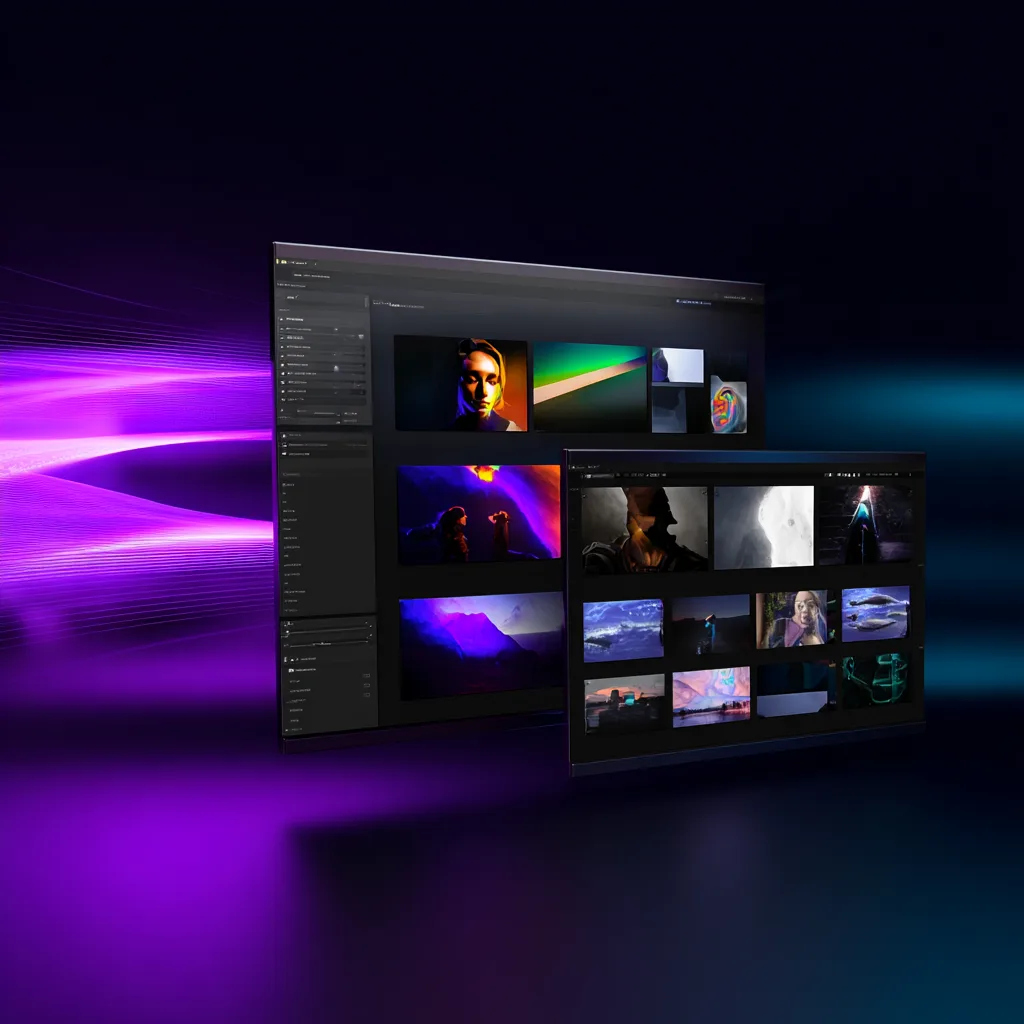
WaveSpeed Desktop— Free AI App for Image & Video Generation
Run 600+ AI models from your desktop for image generation, video creation, face swap, enhancement, and built-in free tools without an API key.
Why Use WaveSpeed Desktop?
Free AI tools built into your desktop
No subscriptions, no uploads. These essential tools run locally on your machine — completely free forever.
Upscale videos locally with native GPU acceleration. No upload needed, process directly on your desktop.
Enhance image resolution offline with full privacy. All processing happens on your machine.
Remove backgrounds instantly without internet. Perfect for batch processing large folders.
Erase unwanted objects with one click. Works offline, saves directly to your local drive.
Your files stay on your computer
All generated images are saved directly to your local drive. No cloud dependency — your work is always accessible, even offline.
- Local-first storage - Files saved instantly to your drive
- Work offline - No internet required after download
- Smart organization - Find files by keyword, date, or project
- Easy backup - Export or sync to any cloud service you choose
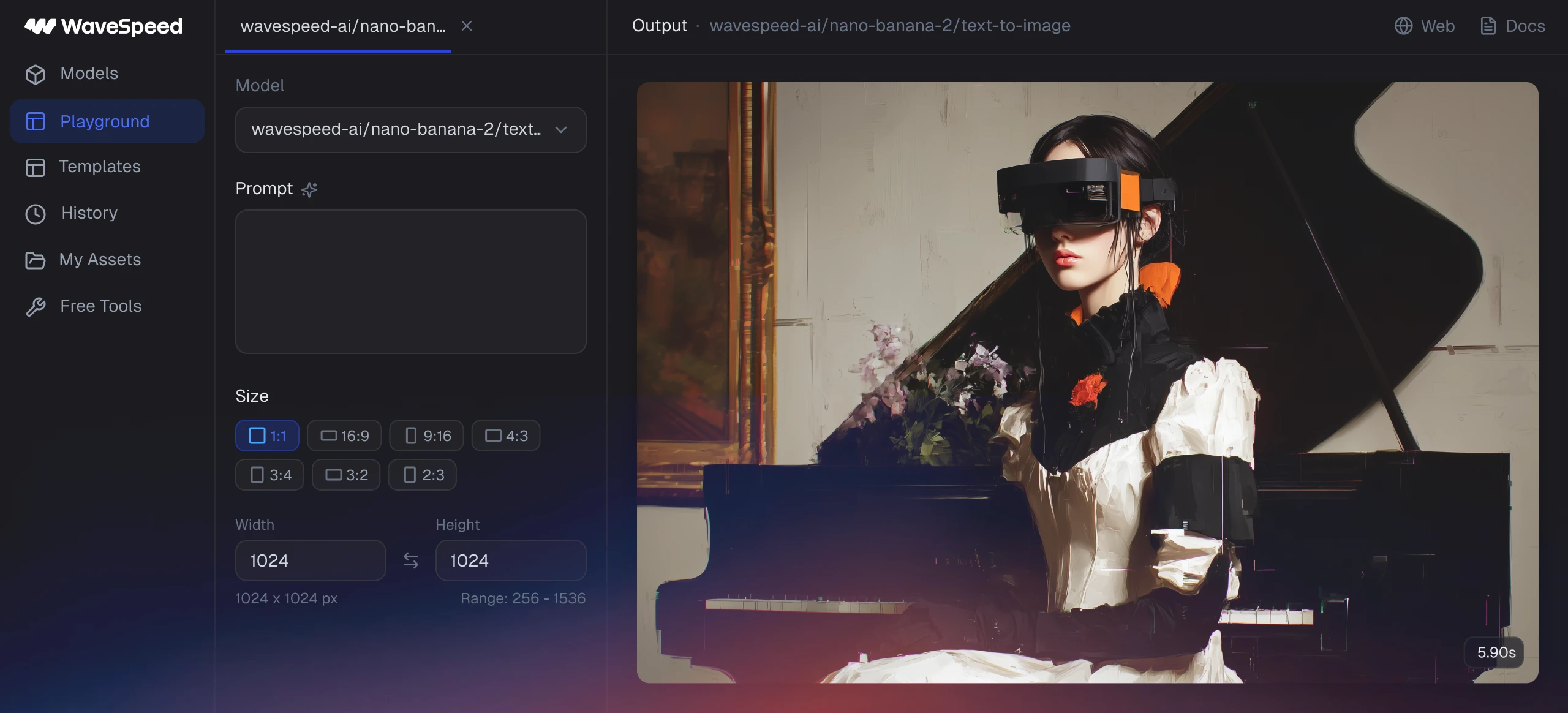
Generation is completed (1/3)
The generated image has been stored in your computer.
Save workflows as reusable templates
Create once, reuse forever. Save your best generation settings as local templates and apply them to new projects with one click.
- One-click templates - Save prompts, settings, and presets locally
- Batch apply - Use templates across multiple files instantly
- Shareable presets - Export and share with your team
- Organized library - Group templates by brand or project
Desktop vs Web vs API
Choose the WaveSpeed experience that matches how you create: download the desktop app for built-in tools, use the web app for quick generation, or connect the API for production workflows.
Desktop app
- Scenario
- Local editing, saved workflows, and repeat creative work
- Speed
- Fast desktop access after download
- Account
- Download and start with built-in tools
- Setup
- Free download
- API key
- Not needed for built-in tools
Web app
- Scenario
- Fast browser creation and sharing generated results
- Speed
- Fastest for one-off browser generation
- Account
- Use a WaveSpeed web account
- Setup
- Sign in online
- API key
- Not required for normal web use
API
- Scenario
- Production apps, automation, and server-side generation
- Speed
- Best for automated production pipelines
- Account
- Developer account required
- Setup
- Developer account
- API key
- Required
System requirements
Download WaveSpeed Desktop for the platform you use most. The app supports Mac, Windows, Linux, and Android.
12 built-in free tools
Start without an API key. WaveSpeed Desktop includes free tools for generation, enhancement, conversion, face swap, and common media cleanup tasks.
Image Generator
Create images from prompts directly in the desktop app.
Video Generator
Generate short AI videos from text or image ideas.
Face Swap
Swap faces in images with simple local-first controls.
Background Remover
Remove image backgrounds for products, portraits, and assets.
Image Enhancer
Improve image clarity and resolution from your desktop.
Video Enhancer
Upscale and enhance videos with desktop processing.
Image Eraser
Erase unwanted objects from images without extra setup.
Object Remover
Clean up visual distractions from generated or uploaded media.
Video Upscaler
Increase video resolution for sharper exports.
Image Converter
Convert image files between common formats.
Video Converter
Convert video files for editing, sharing, or publishing.
Audio Converter
Convert audio files for media workflows.
Built for desktop speed and privacy
1M+ creators and teams ship faster with WaveSpeed Desktop — no uploads, no waiting.




“WaveSpeed Desktop keeps everything local — no upload lag, no data risk. Our editors finish twice as many shots per day.”

Sarah Chen
Lead Content Editor
“Batch background removal runs offline on my laptop. Perfect for travel shoots with spotty internet.”

Michael Rodriguez
Commercial Photographer
“We standardized templates across the team. New hires get productive on day one — no cloud permissions needed.”

Jessica Kim
Creative Ops Manager