


image-to-image

Flux ControlNet Union Pro 2.0 enables simultaneous Canny, Depth, Soft Edge, Pose, and Grayscale conditioning for precise image control. Ready-to-use REST inference API, best performance, no coldstarts, affordable pricing.
Idle

이 요청에는 $0.03 실행당가 필요합니다.
$1으로 이 모델을 약 33회 실행할 수 있습니다.
추가 안내:
예시전체 보기
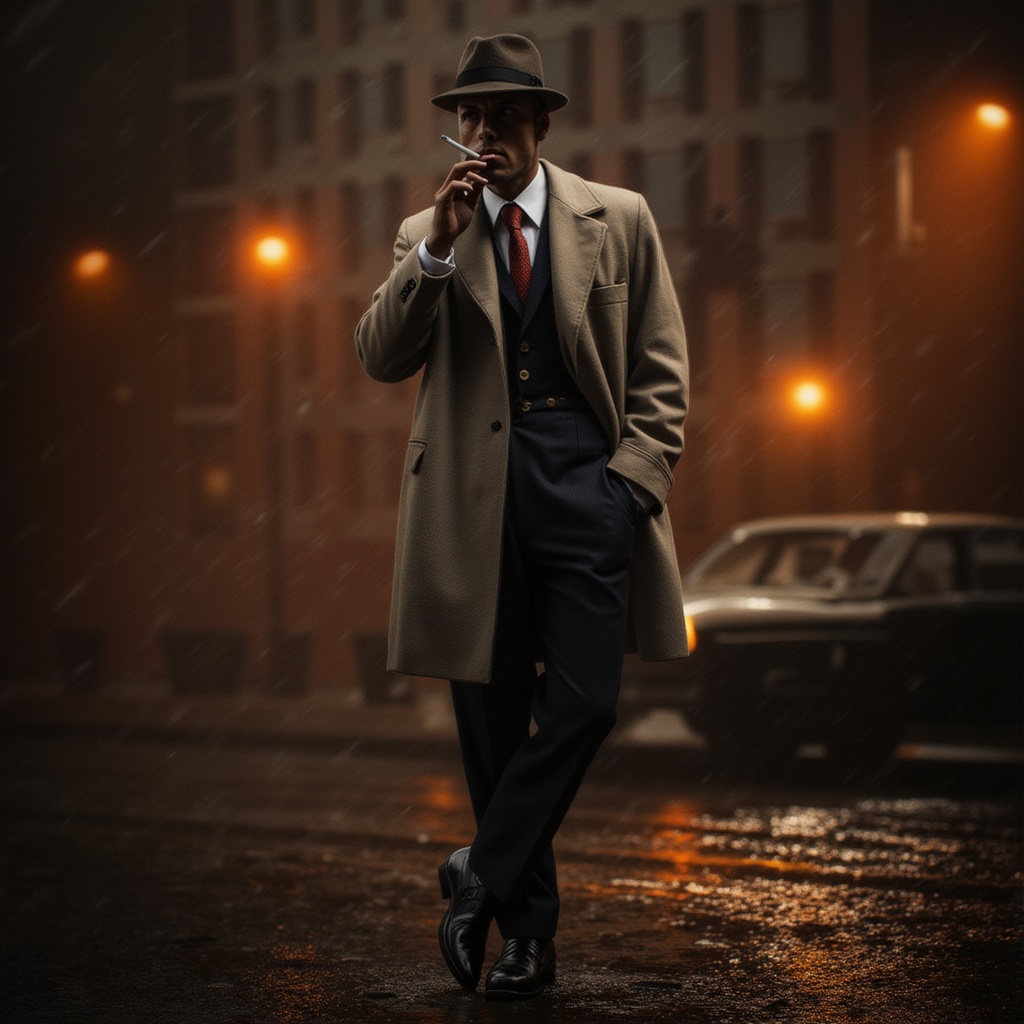
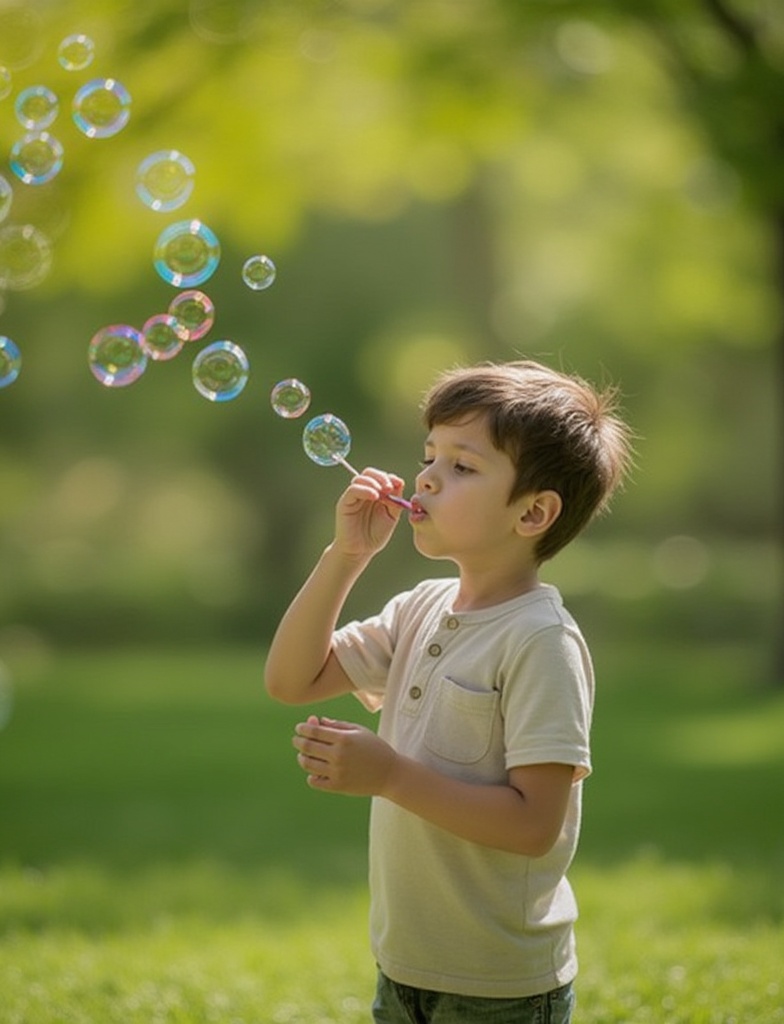
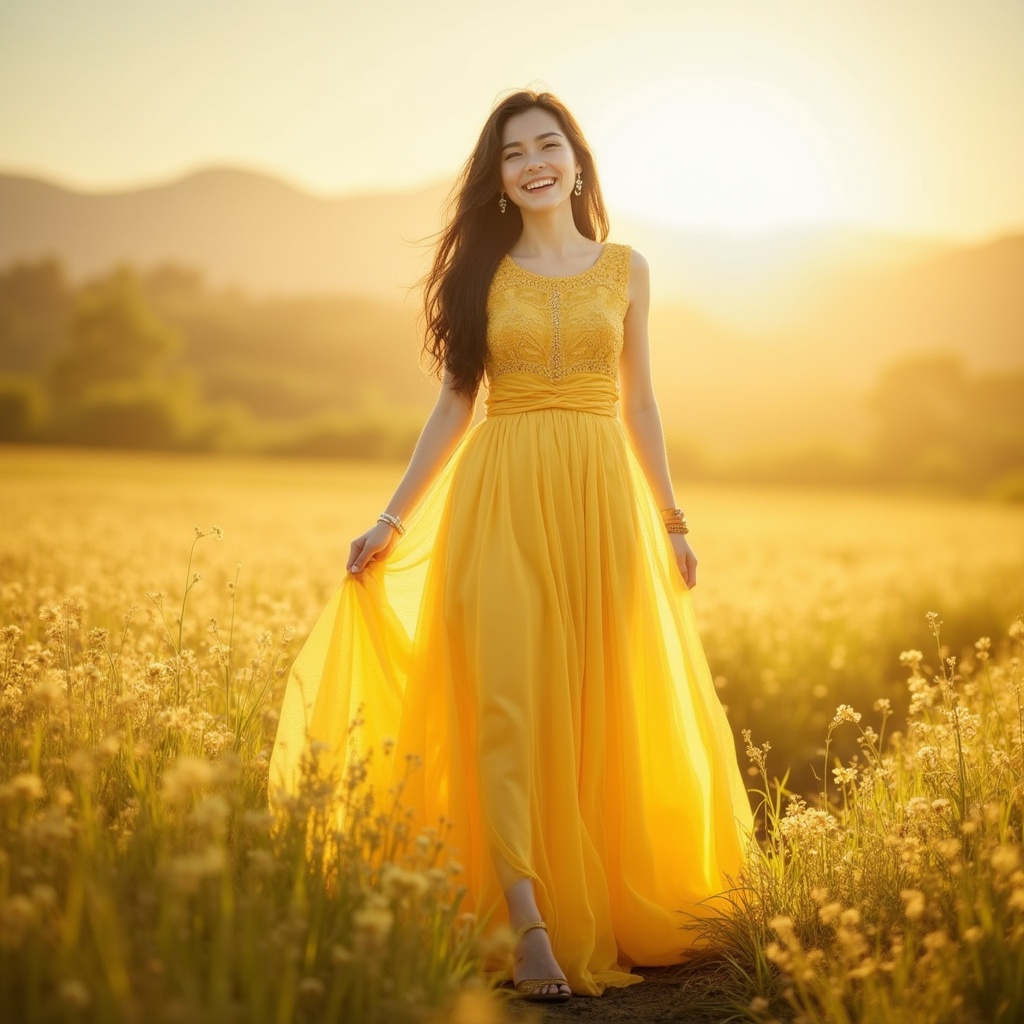
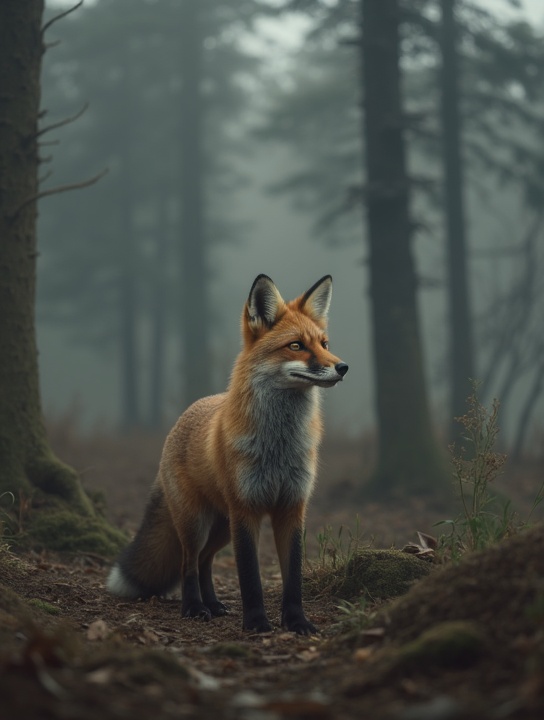
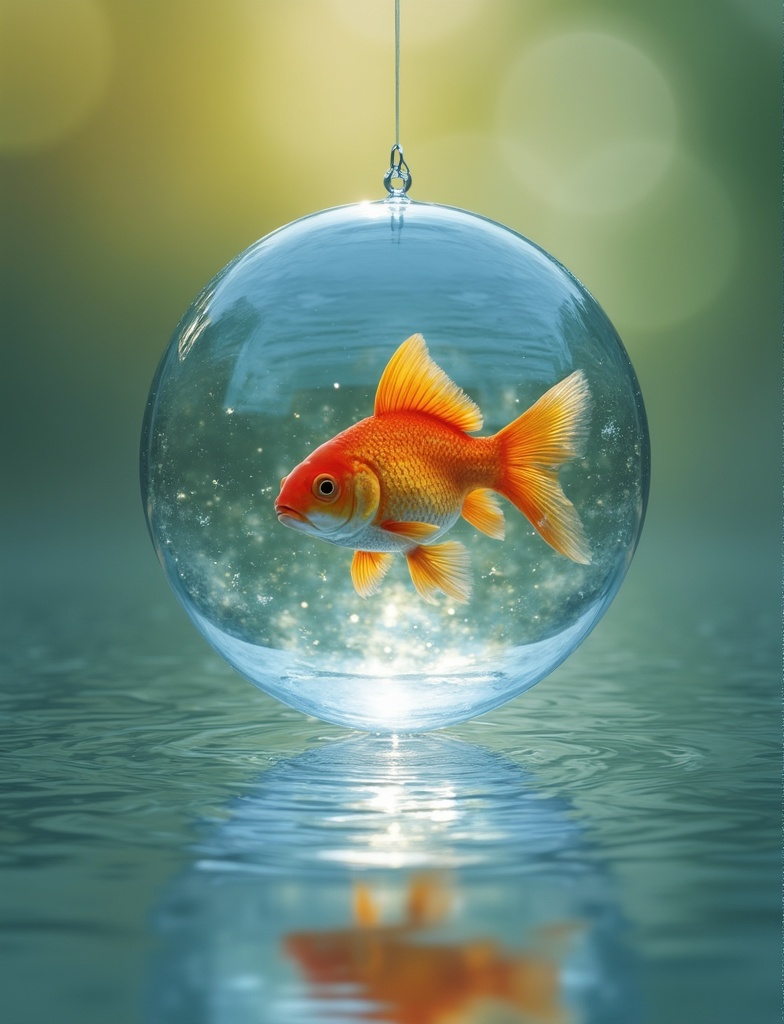
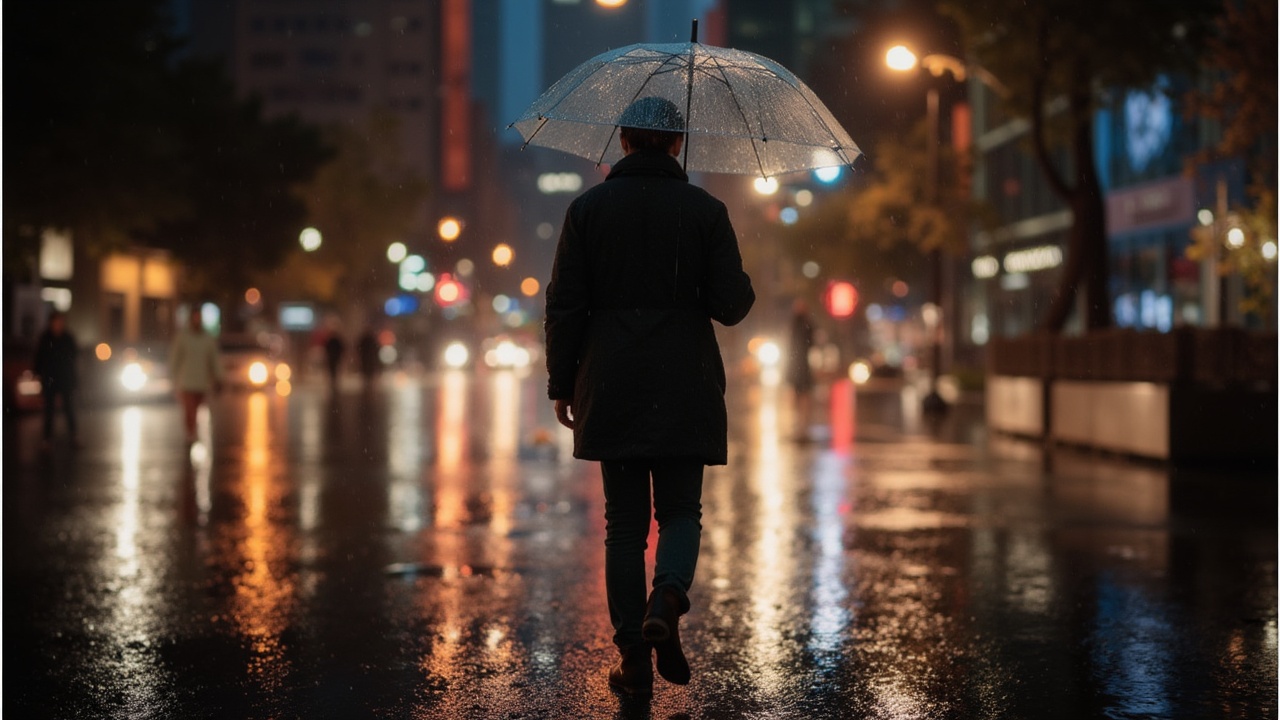
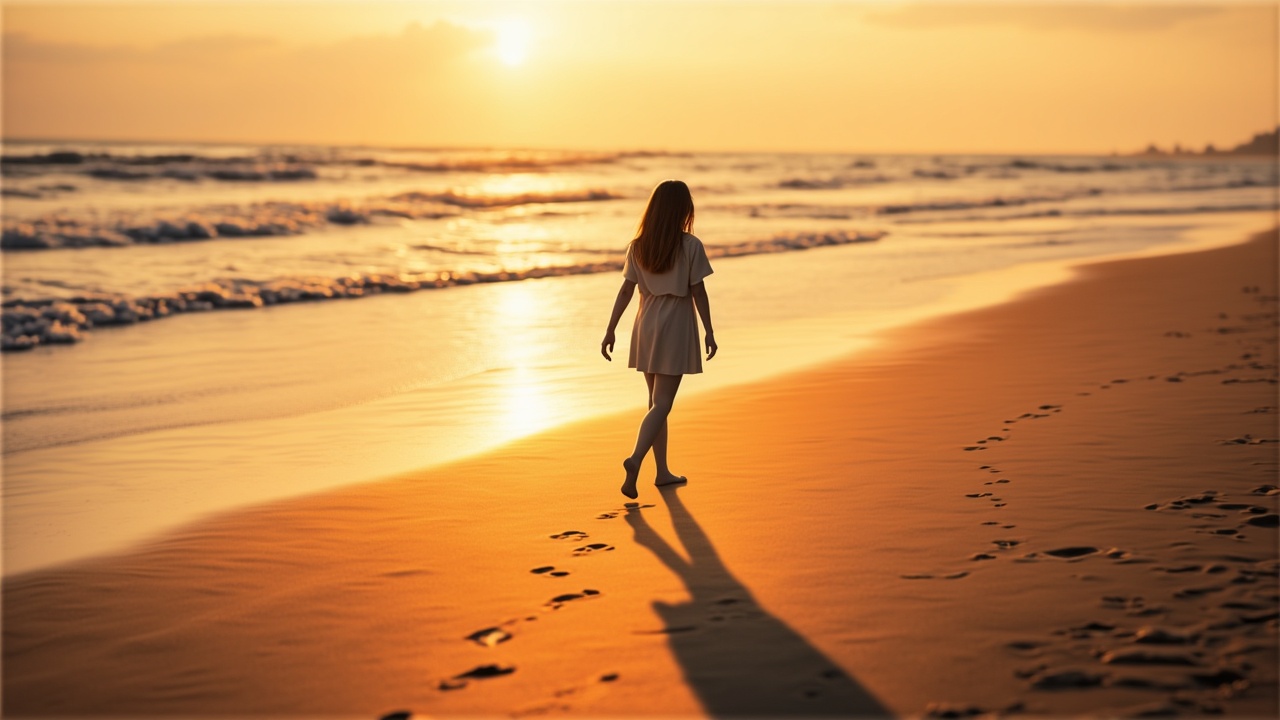

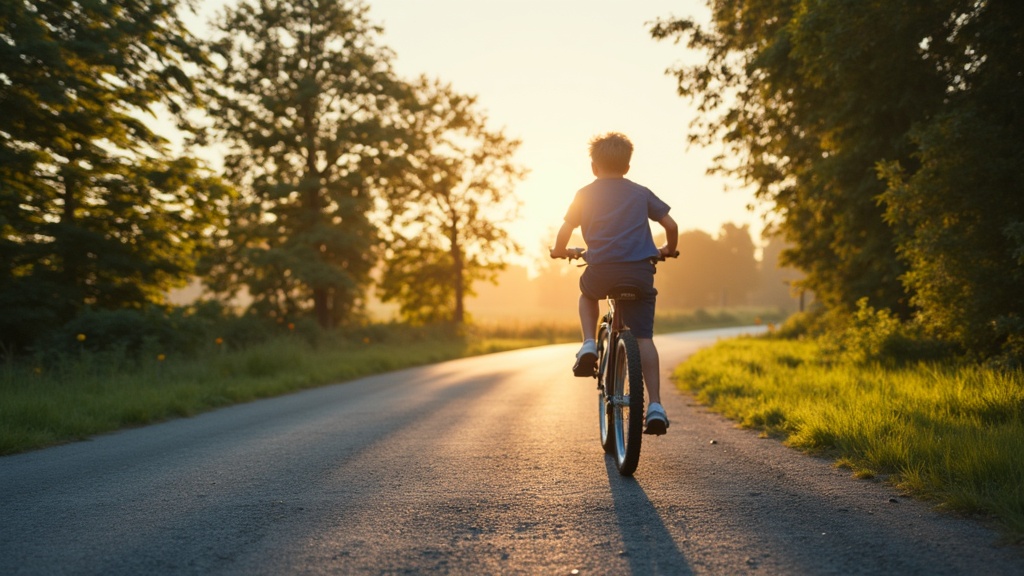
README
FLUX ControlNet Union Pro 2.0 — wavespeed-ai/flux-controlnet-union-pro-2.0
FLUX ControlNet Union Pro 2.0 is a ControlNet-guided image generation model that lets you lock in structure using a control image while still following your text prompt for style and details. Upload a control_image (e.g., pose/shape/edge-like guidance), describe what you want to create, and the model generates images that respect the control geometry—ideal for pose fidelity, layout consistency, and repeatable compositions. It also supports optional LoRAs (up to 3) to further steer style.
Key capabilities
- ControlNet-guided generation using a required control_image
- Strong structure fidelity: keeps pose/layout consistent across generations
- Prompt-driven styling: change appearance, materials, lighting, and mood while keeping geometry
- Fine control over when/how much control is applied via conditioning and guidance range
- LoRA support (up to 3) for consistent styles or specialized looks
Use cases
- Pose-locked character generation from a silhouette/pose control image
- Recreating the same composition in multiple art styles for A/B creative testing
- Storyboarding with consistent framing and character blocking
- Product mockups with fixed layout and controllable styling
- Batch generation with a “house style” using LoRAs while keeping geometry stable
Pricing
| Output | Price |
|---|---|
| Per image | $0.03 |
Inputs
- prompt (required): what to generate (subject, scene, style)
- control_image (required): the structural guide image
Parameters
Core:
- prompt: text instruction for content and style
- control_image: structural guidance image
- width / height: output size
- num_inference_steps: sampling steps (higher can improve detail but increases latency)
- guidance_scale: prompt adherence strength
- seed: fixed value for reproducibility; change for variation
- num_images: number of outputs per run
- output_format: jpeg or png
- enable_base64_output: return BASE64 instead of URL (API only)
- enable_sync_mode: wait for generation and return results directly (API only)
ControlNet:
- controlnet_conditioning_scale: strength of control_image guidance (higher = stricter structure)
- control_guidance_start: when control starts applying (0–1 timeline)
- control_guidance_end: when control stops applying (0–1 timeline)
LoRA (up to 3 items):
-
loras: list of LoRA entries (max 3)
- path: owner/model-name or a direct .safetensors URL
- scale: LoRA strength (start moderate and adjust)
Prompting guide
A reliable pattern is “structure + subject + style”:
Template: Using the control image for pose/layout, generate [subject] in [scene]. Style: [style cues]. Lighting: [lighting cues]. Keep composition consistent with the control image.
Example prompts
- Using the control image for pose, generate a robot giving a speech at a podium, cinematic lighting, shallow depth of field, high detail, realistic materials.
- Using the control image for layout, generate a fantasy wizard on a stage, glowing runes, volumetric fog, dramatic rim light, illustrated style.
- Using the control image for silhouette, generate a sleek product hero shot with glossy reflections and a clean studio background.