Kling V1 AI Multi-Shot delivers top-tier image-to-image generation with cinematic visuals, accurate prompt adherence, and multi-shot consistency for ready-to-share images. Ready-to-use REST inference API, best performance, no coldstarts, affordable pricing.
待機中
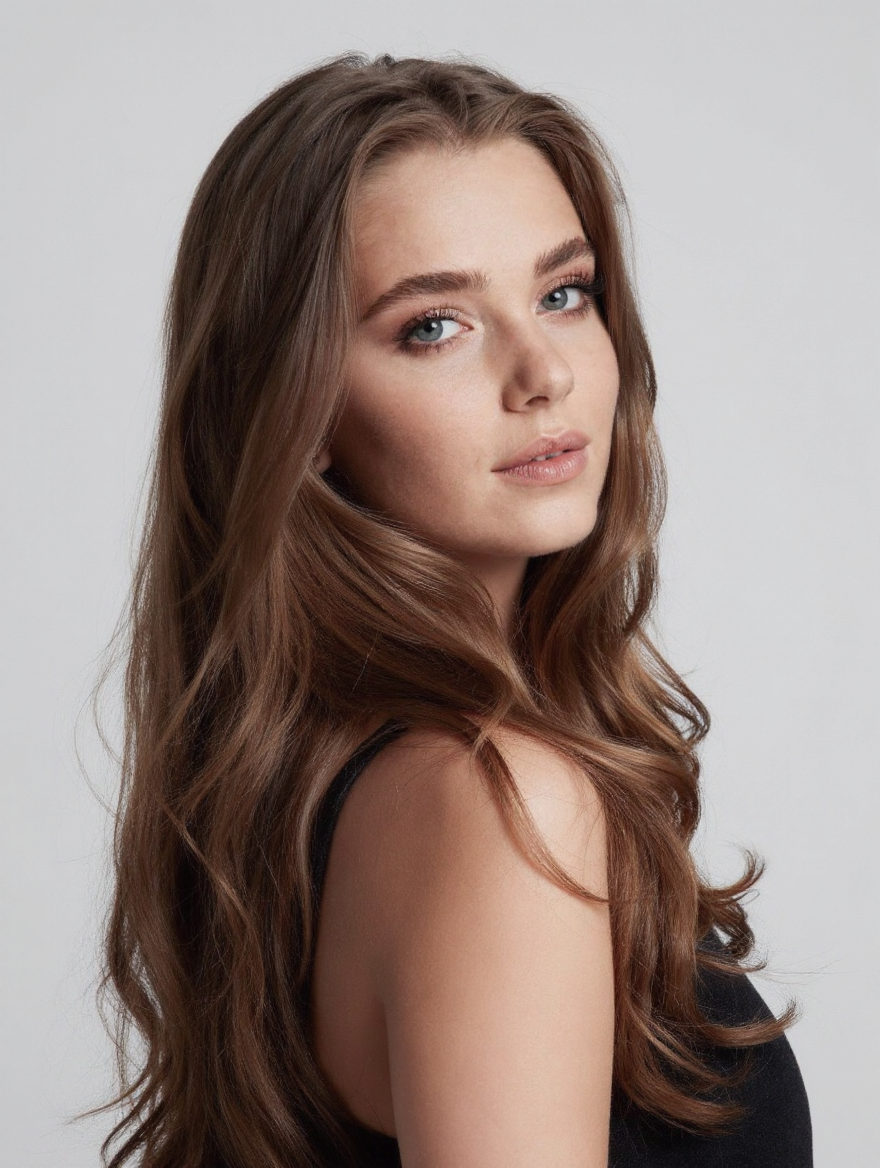
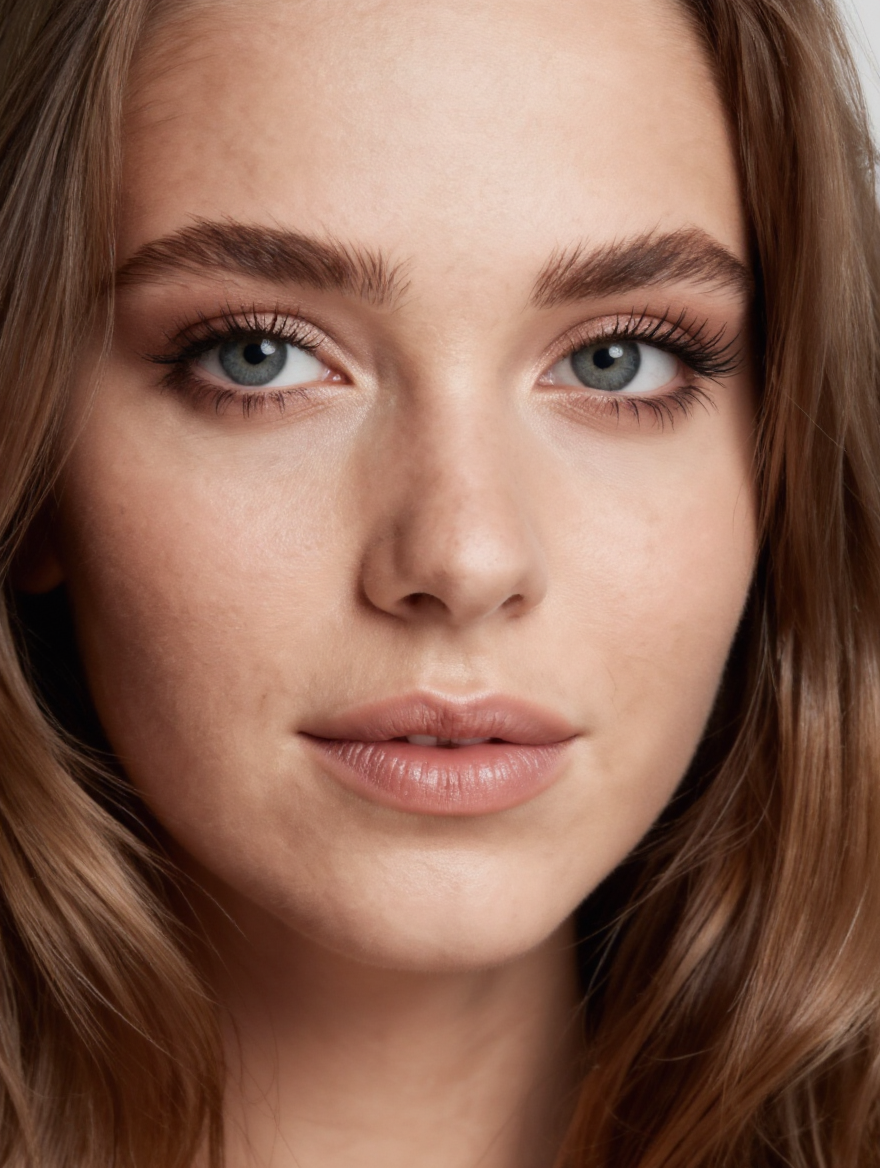
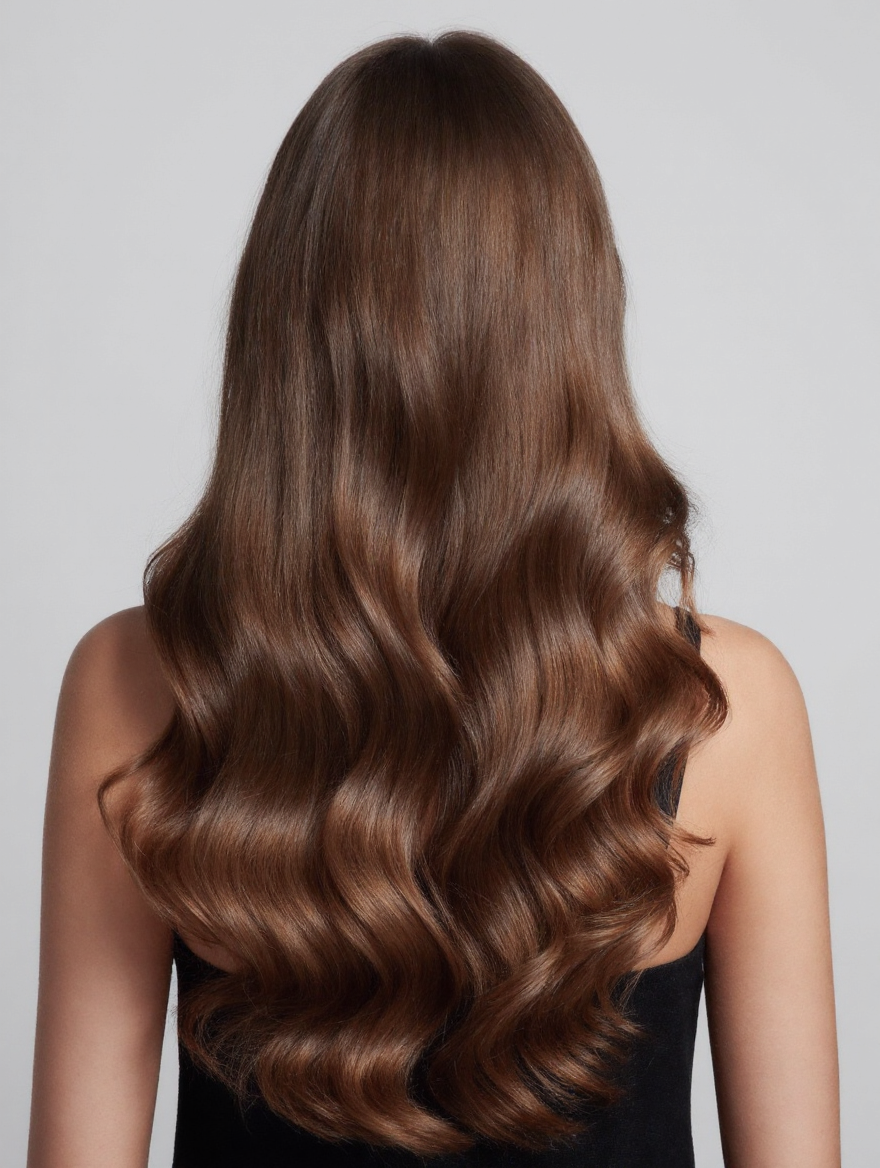
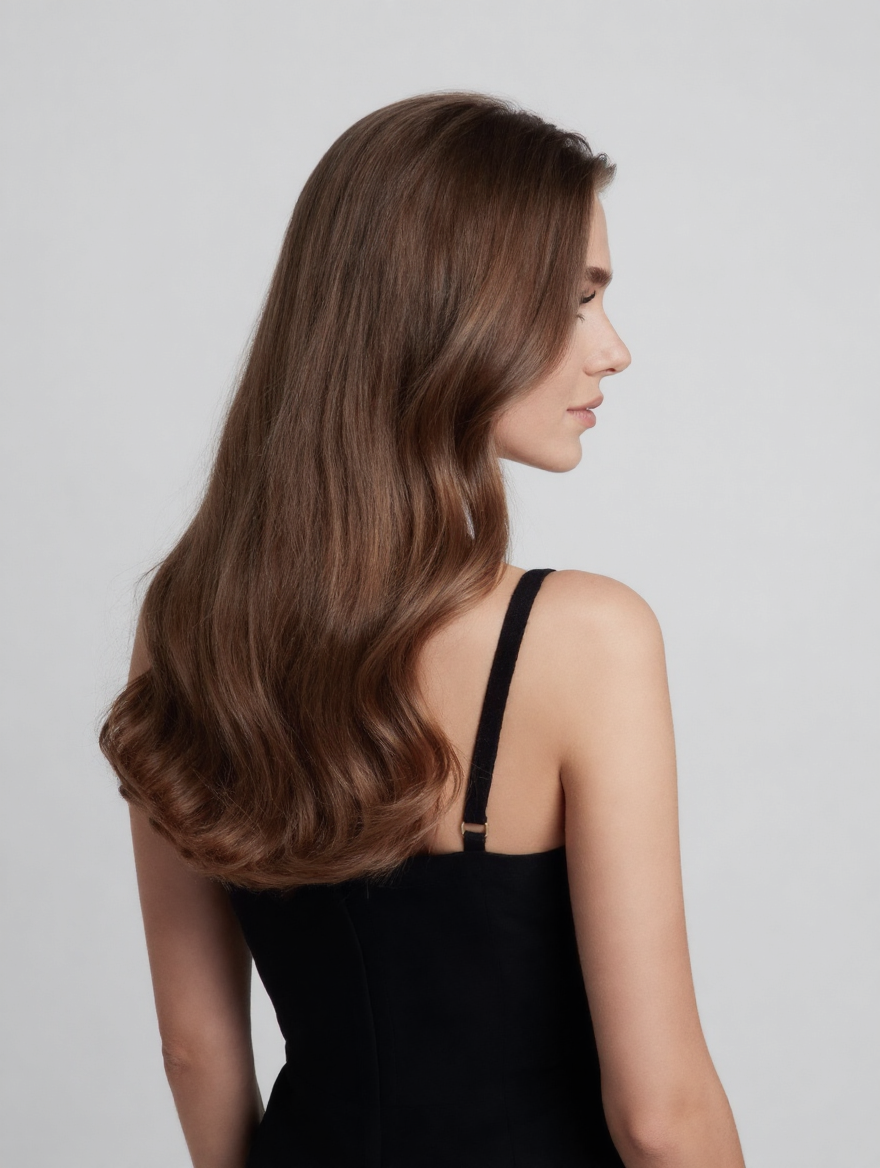
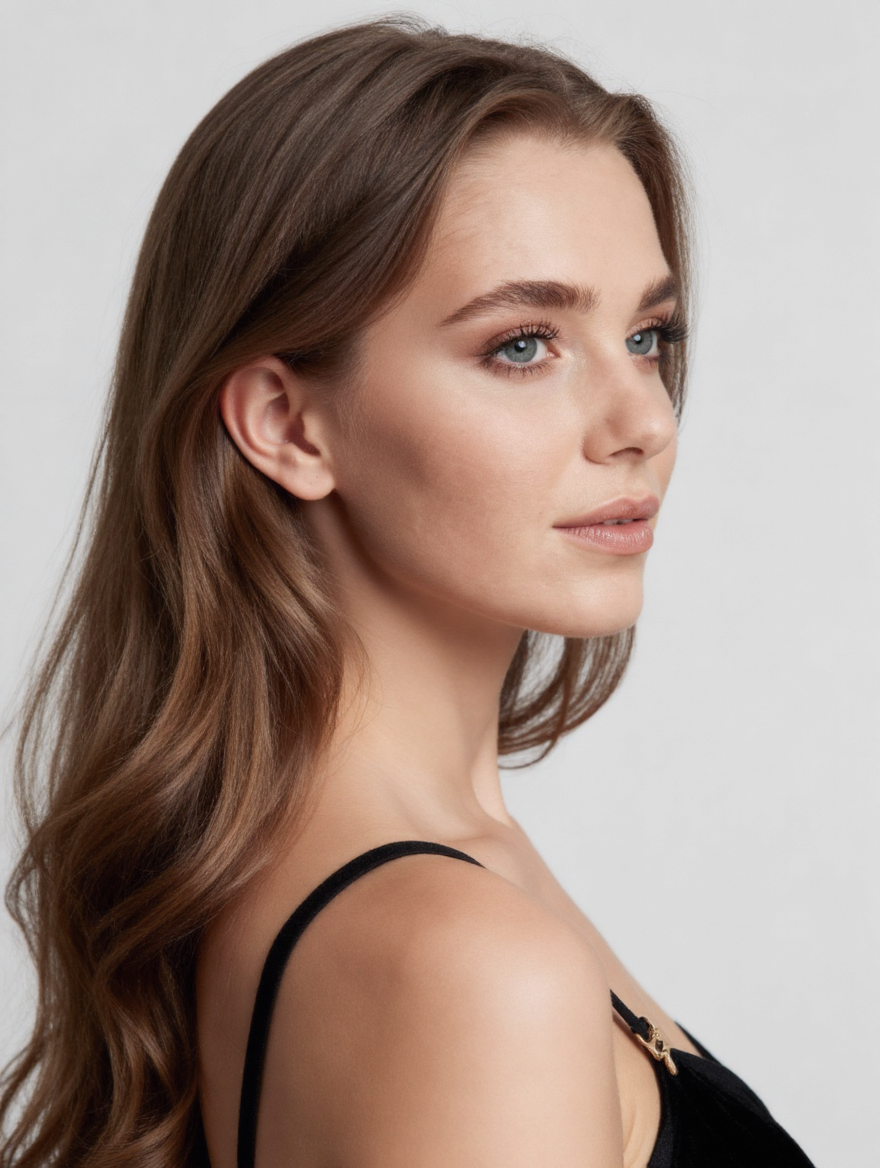
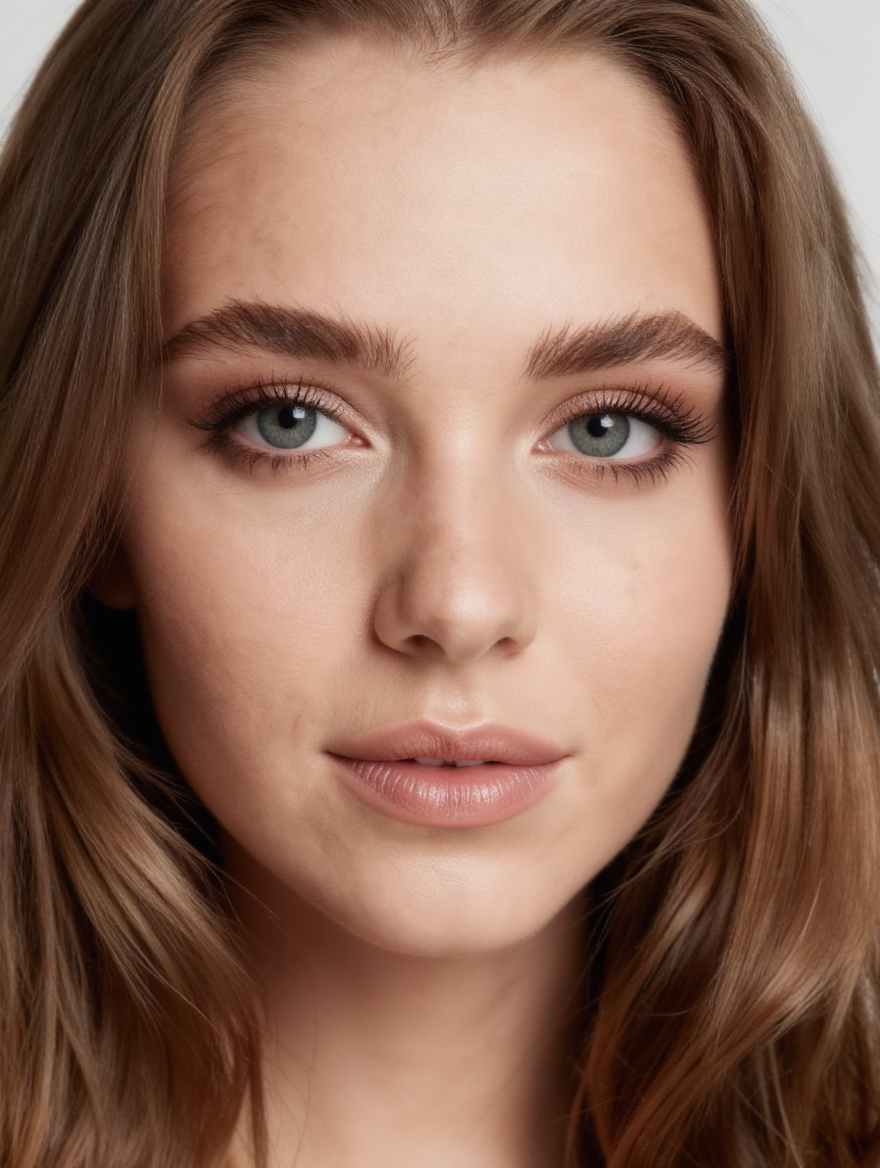
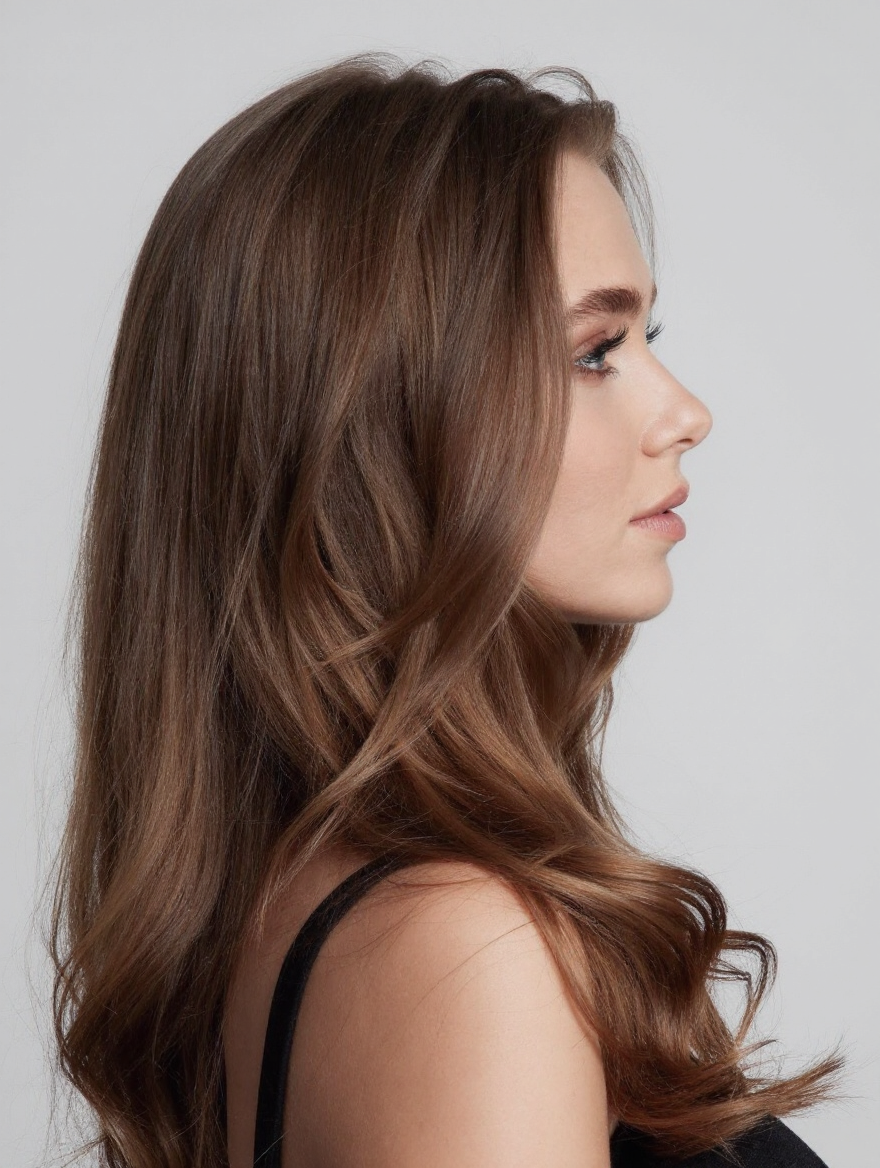
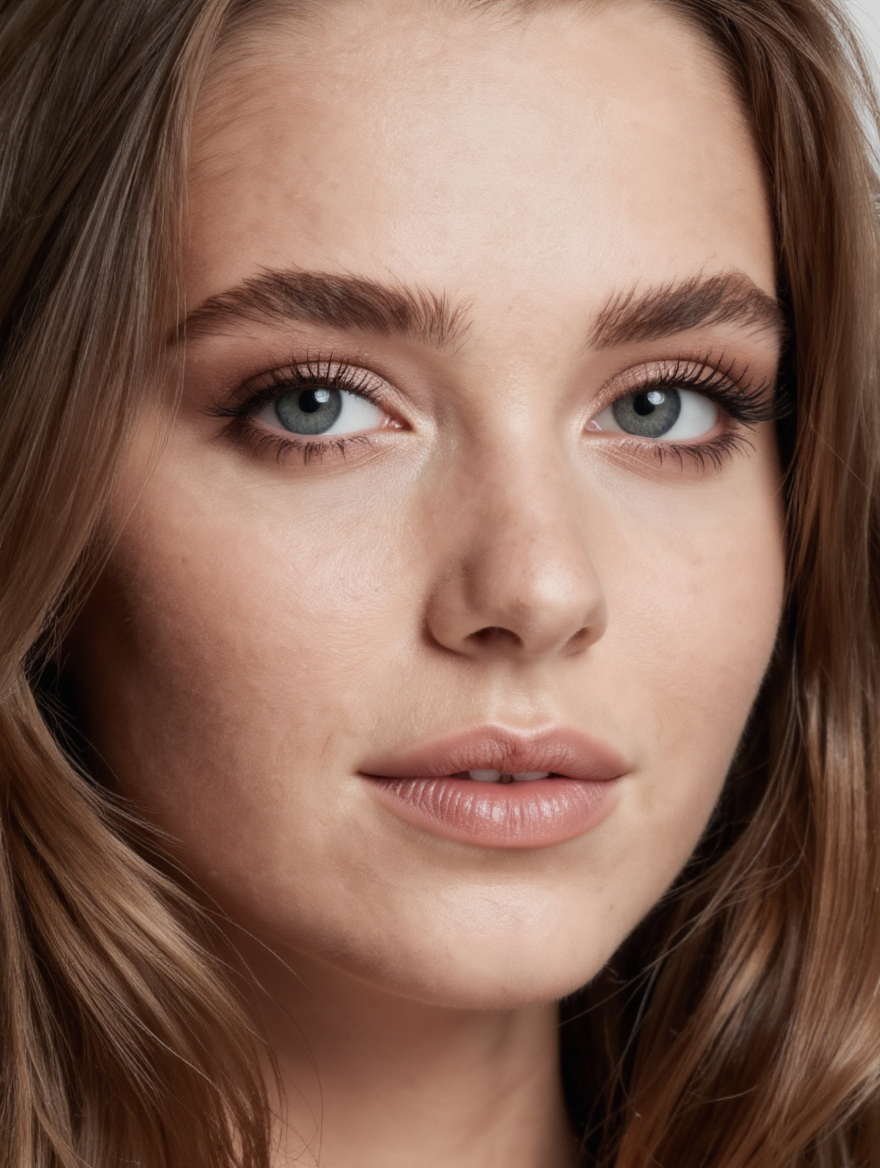
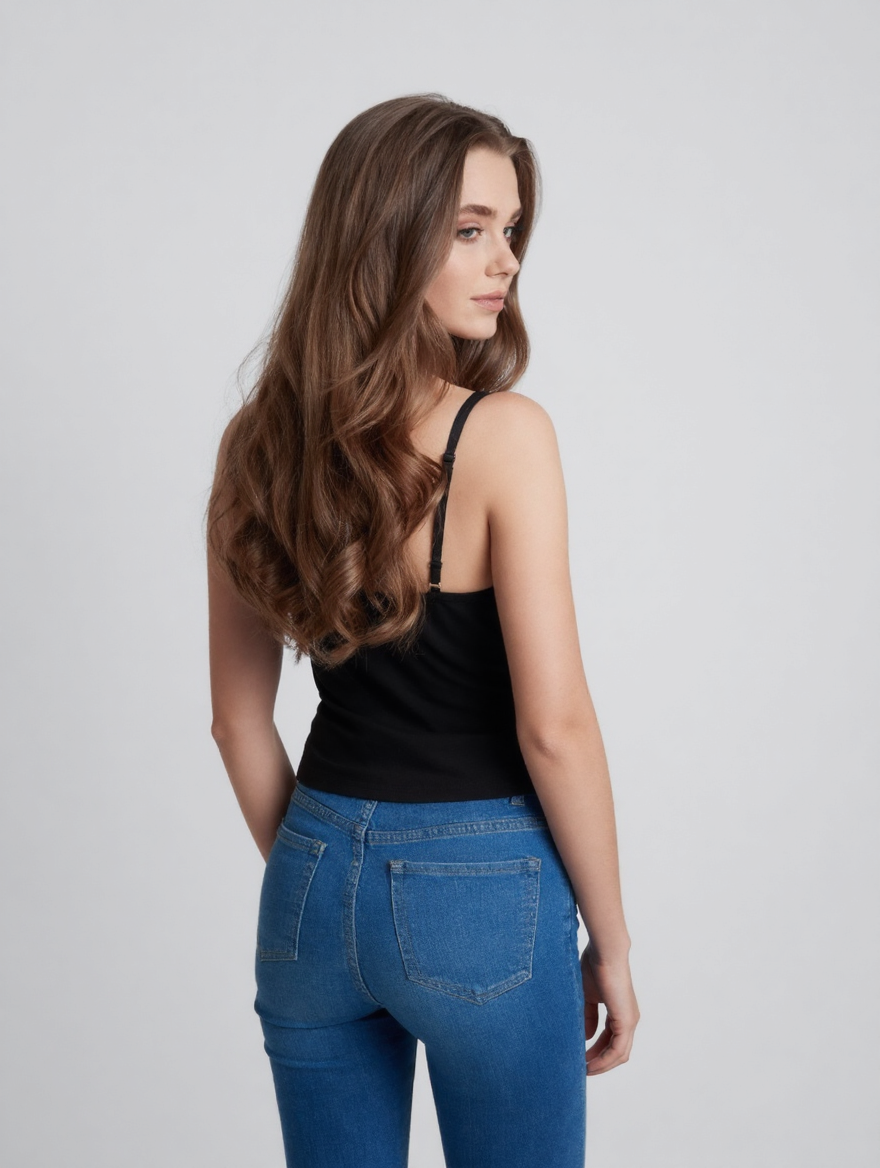
このリクエストには1回あたりで$0.07の費用がかかります。
$1でおよそ14回実行できます。
もうひとつお知らせ:
サンプルすべて表示
関連モデル
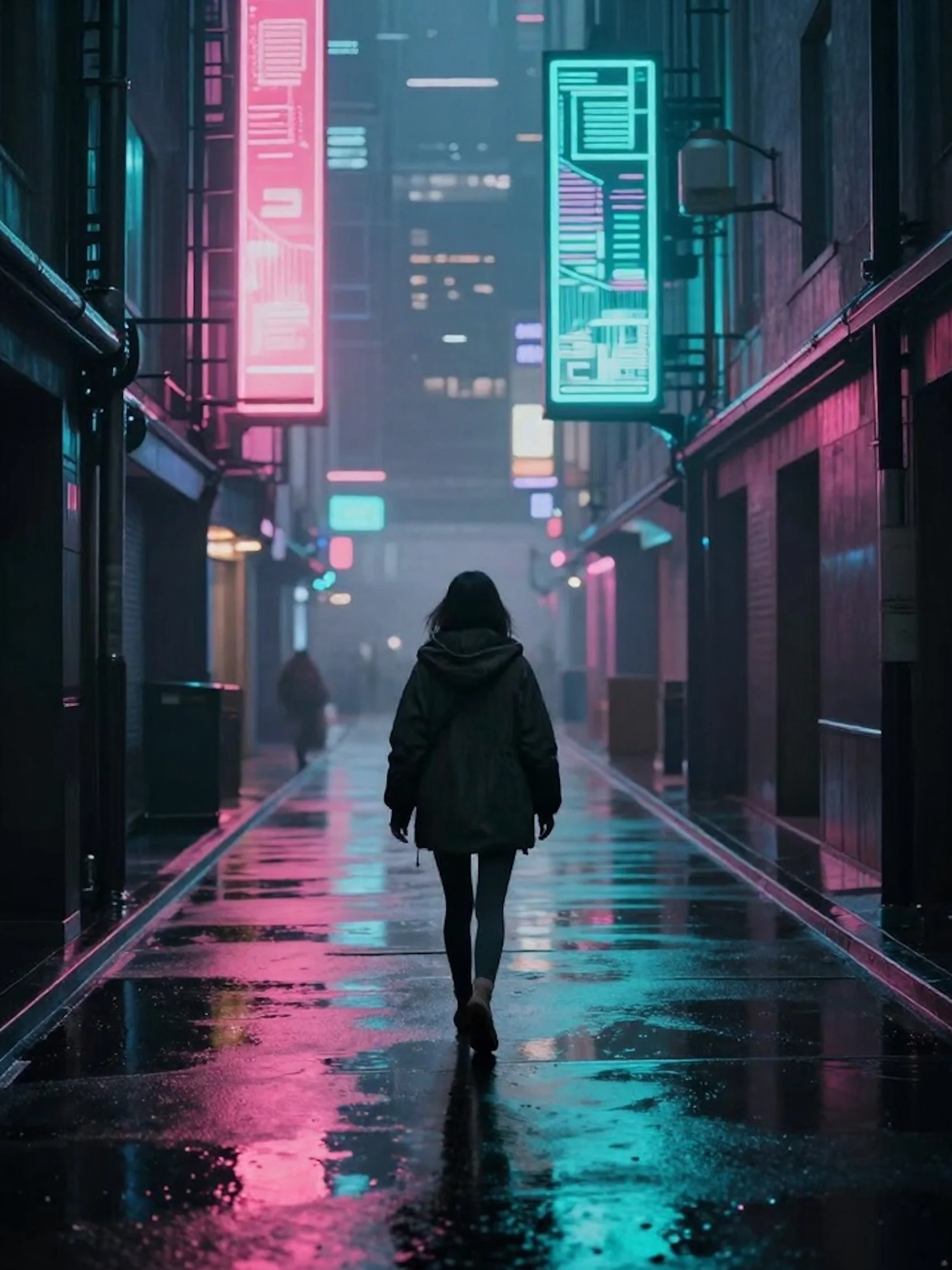
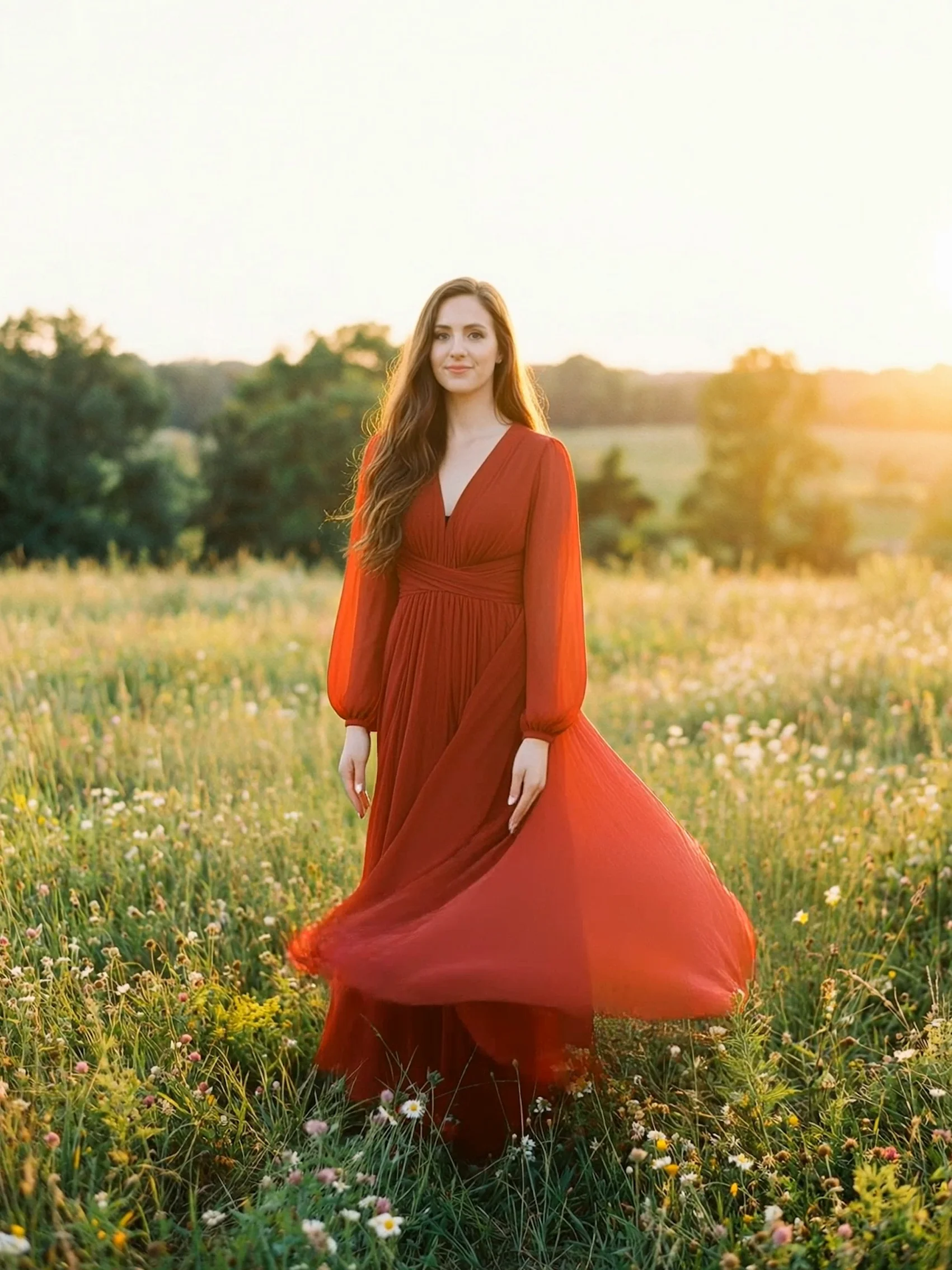
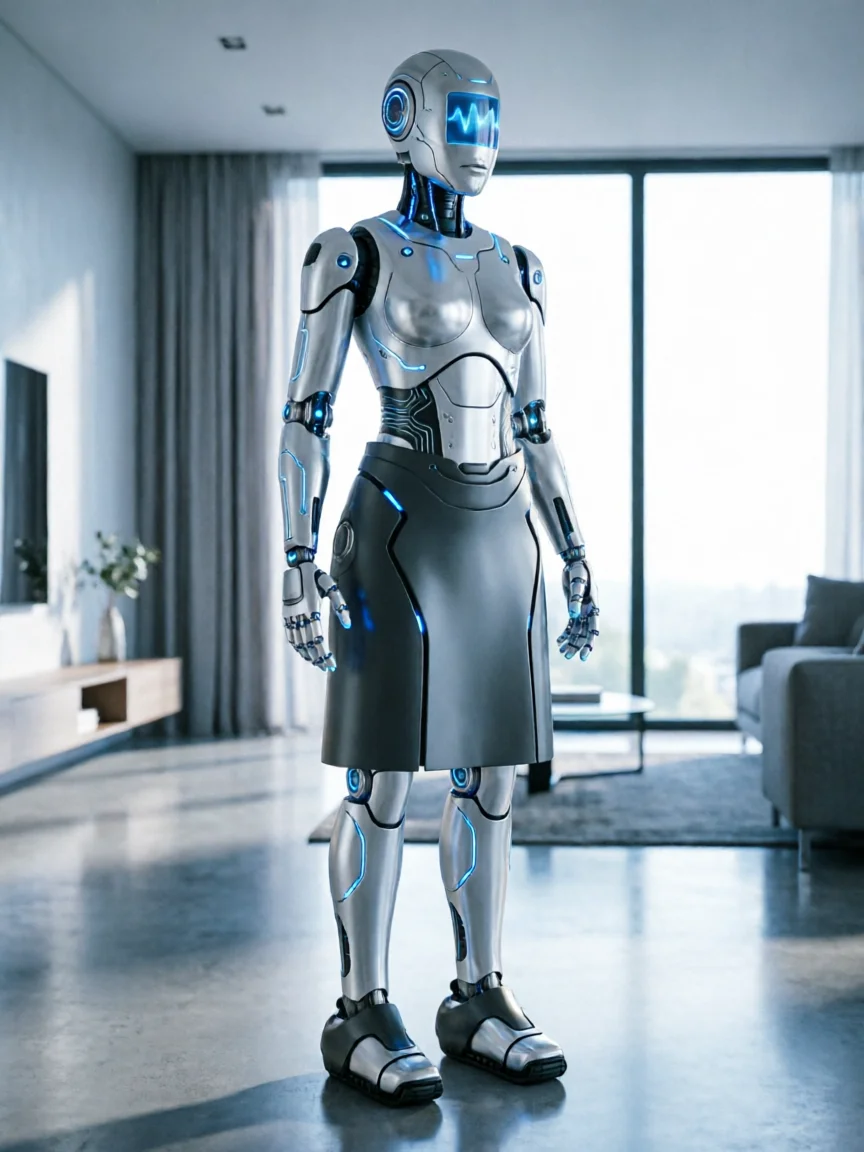
README
Kling V1 AI Multi-Shot
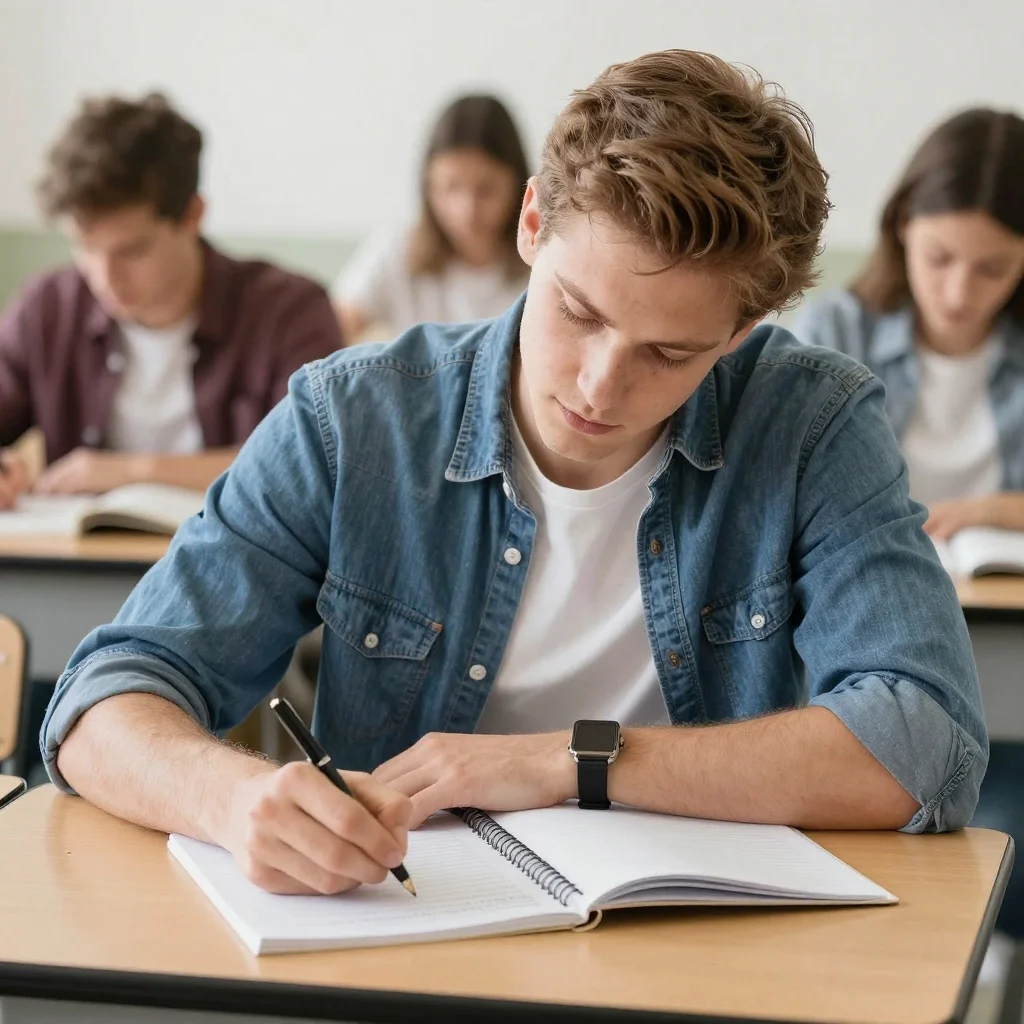
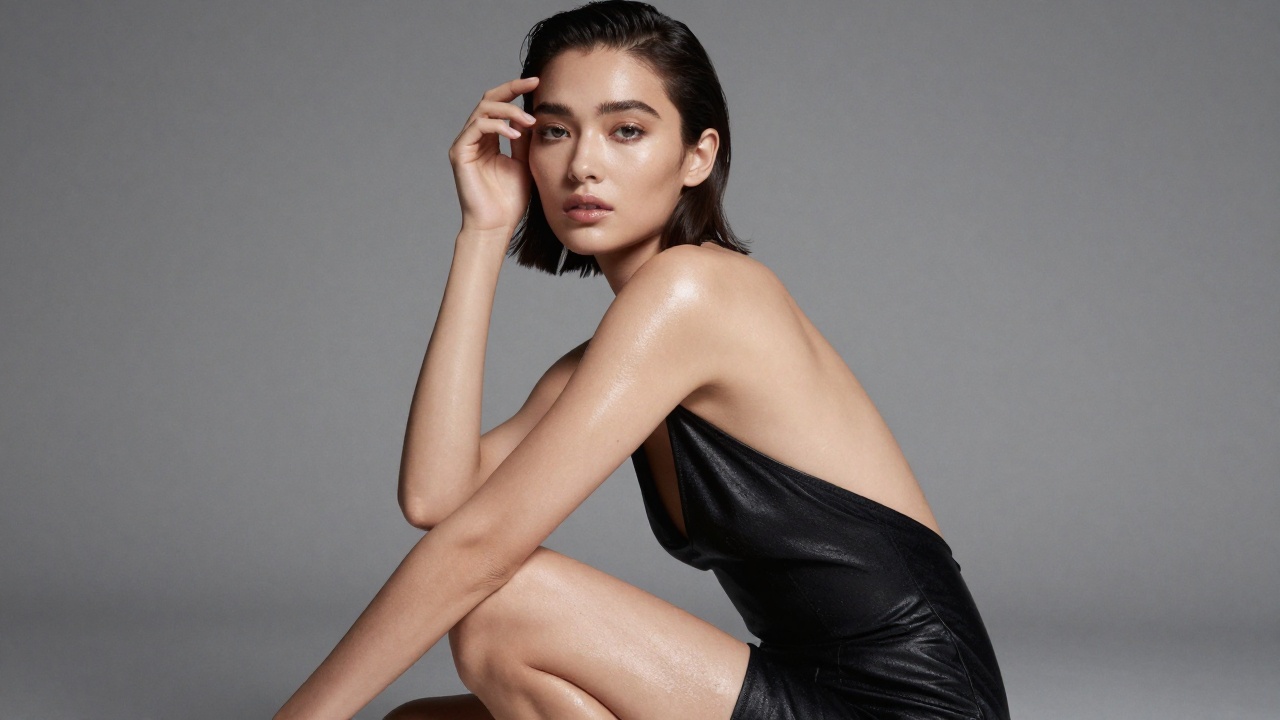
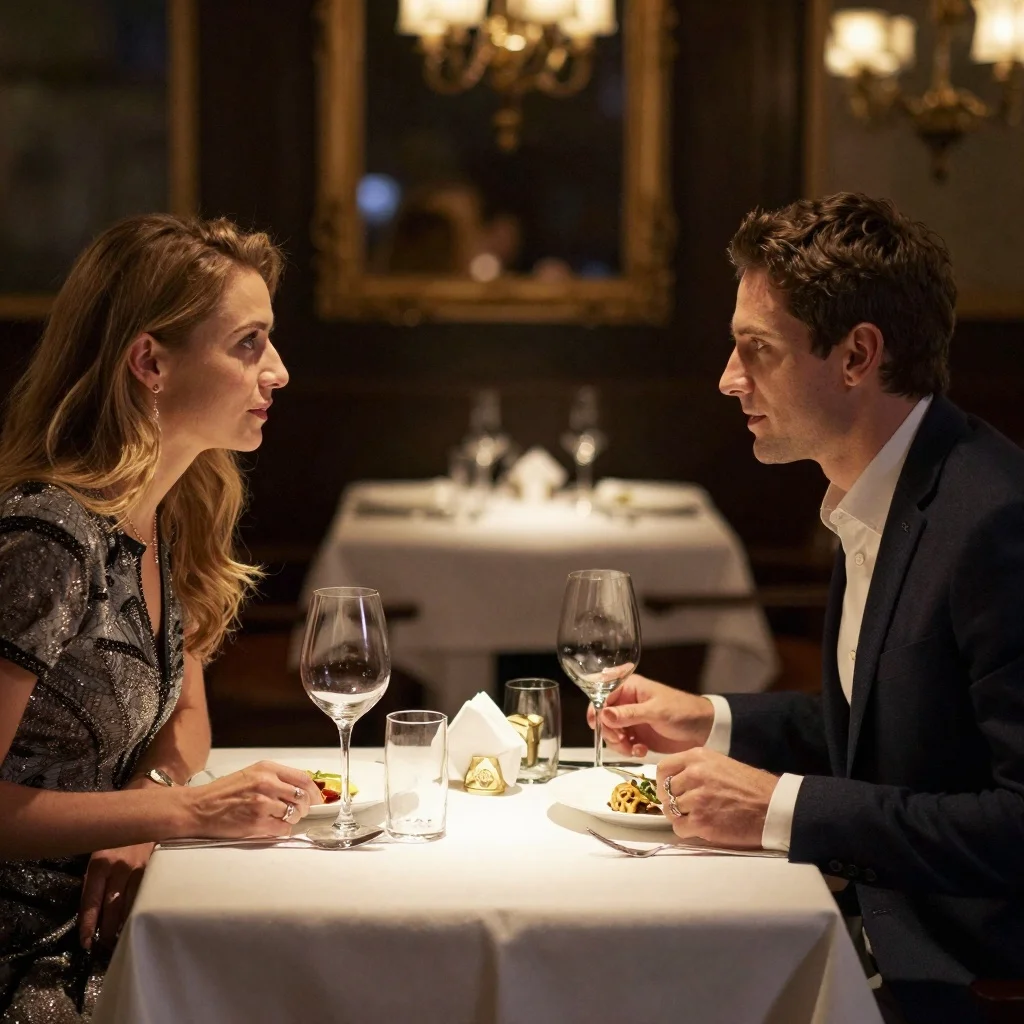
Kling V1 AI Multi-Shot automatically generates multiple dynamic camera angles and perspectives from a single image. Upload one photo and the model creates a professional multi-shot video sequence with cinematic camera movements, smooth transitions, and consistent visual quality across all shots.
Why Choose This?
-
One image, multiple shots Automatically generates varied camera angles and perspectives from a single input.
-
Cinematic camera movements Professional-grade pans, zooms, and transitions between shots.
-
Visual consistency Maintains lighting, composition, and character identity across all generated shots.
-
Zero configuration No complex parameters — just upload an image and run.
-
Ready-to-use output Generated sequences are ready for immediate use in projects.
Parameters
| Parameter | Required | Description |
|---|---|---|
| image | Yes | Source image to generate multi-shot video from (URL or upload) |
Input Requirements
- Supported formats: JPG, JPEG, PNG
- Maximum file size: 10MB
- Minimum dimensions: 300px (width and height)
- Aspect ratio range: 1:2.5 to 2.5:1
How to Use
- Upload your image — provide a source image meeting the input requirements.
- Run — the model automatically generates optimal multi-shot sequences.
- Download — receive multiple shot variations with different camera angles.
Pricing
| Output | Cost |
|---|---|
| Per generation | $0.07 |
Best Use Cases
- Product Videos — Multiple viewing angles from a single product photo.
- Character Showcases — Dynamic perspectives for character presentations.
- Real Estate — Virtual tour-style sequences from property images.
- E-commerce — Professional product demonstrations with varied angles.
- Marketing & Social Media — Cinematic content from still imagery.
Pro Tips
- Use high-resolution source images for best quality across all shots.
- Images with clear subjects produce more varied and dynamic shot compositions.
- Ensure the source image meets the aspect ratio range (1:2.5 to 2.5:1).
- Works best with portraits, product images, and scenes with clear focal points.
Notes
- Only image is required — no additional parameters needed.
- The model automatically determines camera angles and shot compositions.
- Ensure uploaded image URLs are publicly accessible.
Related Models
- Kling V2.6 Standard Image-to-Video — Single-shot image-to-video generation.
- Kling V2.6 Pro Image-to-Video — Pro quality image-to-video generation.