Vidu Q2 Text-to-Video turns text prompts into high-quality videos with exceptional visual fidelity and diverse motion. Ready-to-use REST inference API, best performance, no coldstarts, affordable pricing.
Siap
$0.1per run·~10 / $1
ContohLihat semua
Style: anime, hand-drawn aesthetic, emotional lighting. Setting: high-school rooftop at sunset, wind blowing. Beats: [0–2.0s] two students stand apart, sky painted orange; [2.0–3.8s] girl’s hair and skirt sway, eyes shimmering; [3.8–5.0s] she smiles, mouths “thank you” as petals drift away. Lighting: soft sunset gradient, rim light on hair strands, cinematic depth. Negative: no crowd, no modern city ads, no noise artifacts.
Style: anime fantasy, glowing particle FX, fluid camera. Setting: a girl in a dark forest surrounded by floating runes. Beats: [0–1.5s] she opens her eyes, blue glyphs ignite around; [1.5–3.5s] hair rises, cloak flutters, runes orbit her body; [3.5–5.0s] camera pulls back as a massive energy ring bursts outward. Look: luminous blues and golds, strong rim lighting, spark trails. Negative: no smoke fog covering face, no flickering frame skip.
Style: Western fantasy animation, DreamWorks-style with soft realism. Setting: deep forest at dawn, glowing mushrooms and rays of light. Beats: [0–2.0s] a small elf wakes, blinking in sunlight through canopy; [2.0–4.0s] she touches a wilted flower—energy spark revives it; [4.0–6.5s] animals gather, curious and gentle; [6.5–8.0s] camera rises as forest glows emerald and gold. Lighting: natural volumetric rays, slight particle bloom, ethereal tone. Negative: no modern elements, no excessive motion blur, no shadows hiding face.
A continuous medium shot on a misty train platform. A younger hand lets go of an older person's hand. The younger person steps onto the train just as the doors close. As the train begins to pull away slowly, the camera slowly pushes in on the older person left standing alone on the platform, watching the train depart, their face full of emotion as steam from the train blows past them. Melancholy, minimalist piano melody. The loud, mournful sound of a steam train whistle, and the rhythmic chugging of the wheels.
A wizard's hand quickly sketches a circle in the air with a glowing finger; the circle flashes brightly and a real, tiny blue bird flies out of it. Mystical whoosh, fantasy sound effect, high-pitched harp arpeggio.
Model Terkait
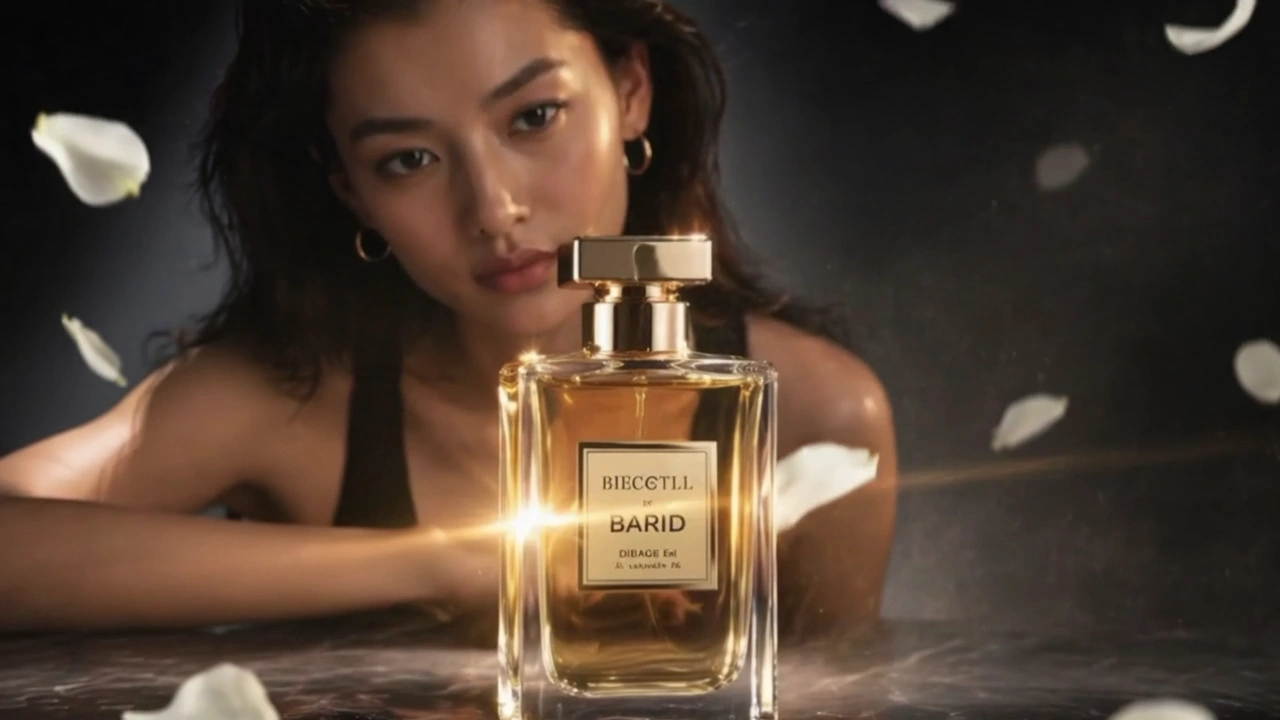
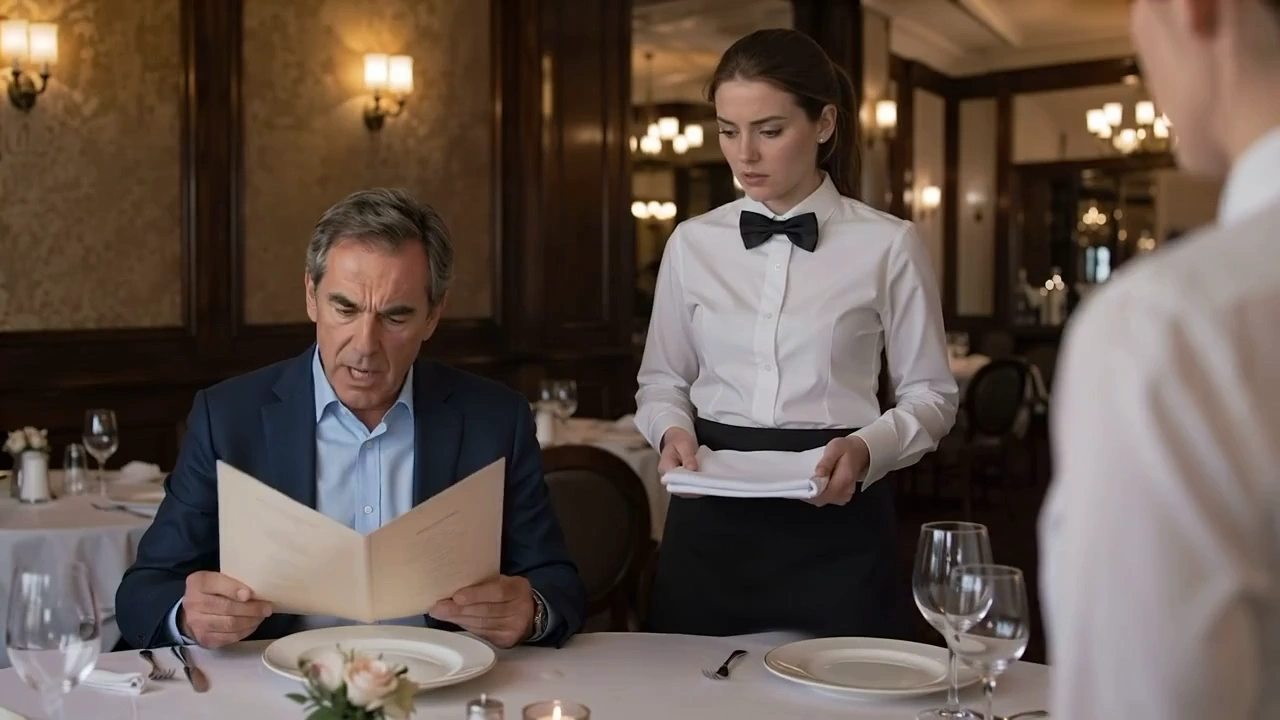

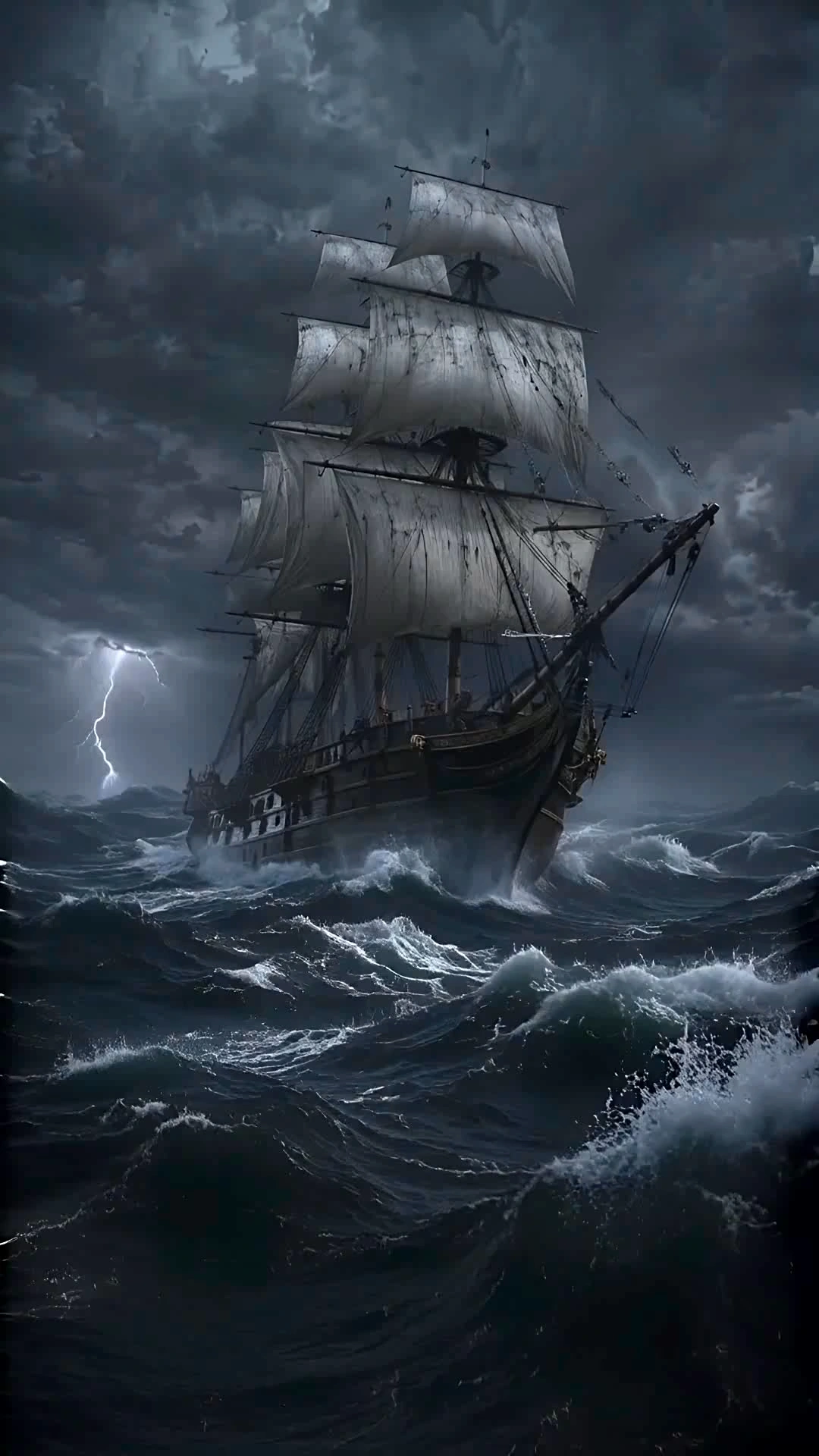
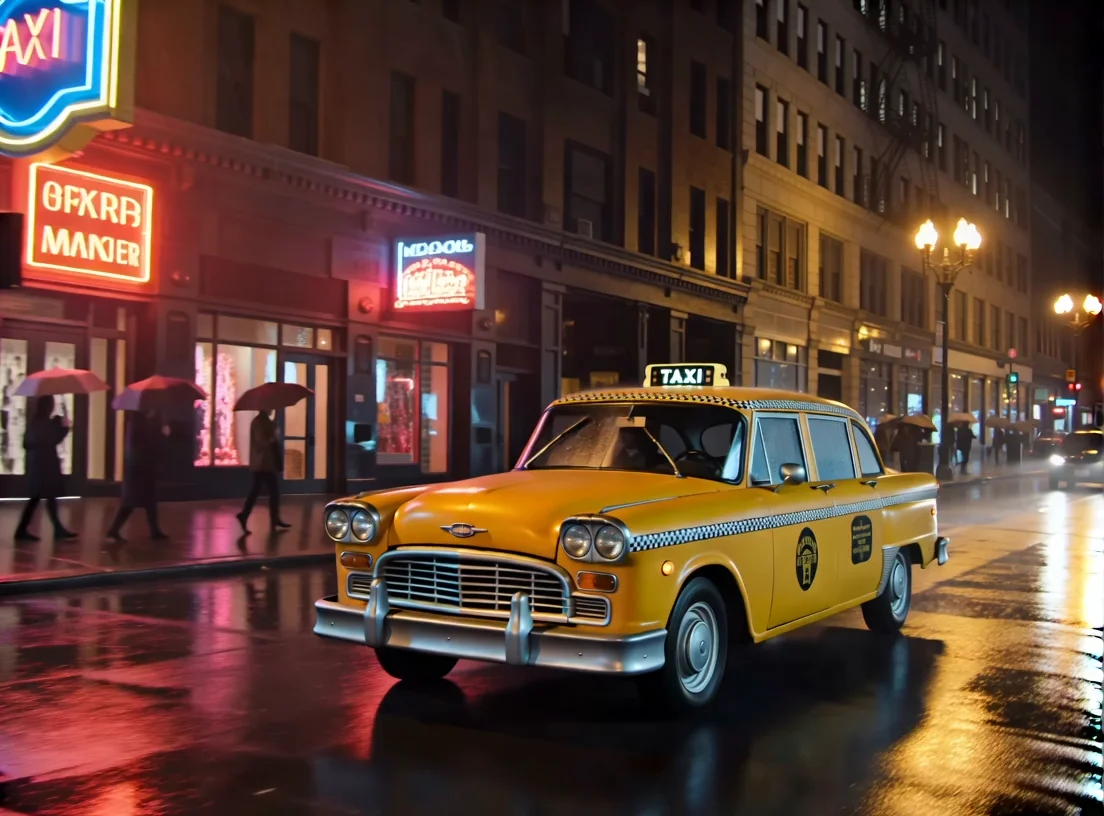

README
Vidu Q2 Text-to-Video
Vidu Q2 Text-to-Video turns your text prompts into short cinematic clips with coherent motion, balanced lighting, and reliable scene composition. It supports style presets, multiple aspect ratios, motion intensity control, and optional background music — ideal for ads, social posts, explainers, and animation creation.
Why Choose This?
-
Fast, stable motion Clear details and smooth camera paths without flicker or artifacts.
-
Style presets Choose between general and animate modes for different creative directions.
-
Animation optimized Specifically tuned for high-quality animation creation.
-
Motion amplitude control Dial in subtle vs. energetic movement to match your vision.
-
Optional background music Auto-generate BGM for instant, shareable clips.
Parameters
| Parameter | Required | Description |
|---|---|---|
| prompt | Yes | Describe subject, setting, lighting, camera, and action |
| style | No | Style preset: general or animate |
| resolution | No | Output resolution: 540p, 720p, or 1080p |
| duration | No | Video length in seconds (1–10) |
| aspect_ratio | No | Aspect ratio: 4:3 or 3:4 |
| movement_amplitude | No | Motion intensity: low, medium, or high |
| bgm | No | Enable background music generation |
| seed | No | Random seed for reproducibility (-1 for random) |
How to Use
- Write your prompt — describe subject, camera, lighting, and motion.
- Pick a style — general for realistic, animate for animation.
- Choose resolution — 540p, 720p, or 1080p based on quality needs.
- Set aspect ratio — 4:3 or 3:4 for your target platform.
- Set duration — choose video length from 1 to 10 seconds.
- Adjust movement amplitude — low for subtle, high for dynamic.
- Enable BGM (optional) — add background music automatically.
- Run — submit and download your video.
Pricing
| Resolution | Duration | Price |
|---|---|---|
| 540p | 1s | $0.05 |
| 540p | 2s | $0.06 |
| 540p | 3s | $0.07 |
| 540p | 4s | $0.08 |
| 540p | 5s | $0.09 |
| 540p | 6s | $0.10 |
| 540p | 7s | $0.11 |
| 540p | 8s | $0.12 |
| 540p | 9s | $0.22 |
| 540p | 10s | $0.32 |
| 720p | 1s | $0.075 |
| 720p | 2s | $0.10 |
| 720p | 3s | $0.125 |
| 720p | 4s | $0.15 |
| 720p | 5s | $0.175 |
| 720p | 6s | $0.20 |
| 720p | 7s | $0.225 |
| 720p | 8s | $0.25 |
| 720p | 9s | $0.35 |
| 720p | 10s | $0.45 |
| 1080p | 1s | $0.10 |
| 1080p | 2s | $0.15 |
| 1080p | 3s | $0.20 |
| 1080p | 4s | $0.25 |
| 1080p | 5s | $0.30 |
| 1080p | 6s | $0.35 |
| 1080p | 7s | $0.40 |
| 1080p | 8s | $0.45 |
| 1080p | 9s | $0.55 |
| 1080p | 10s | $0.60 |
Billing Rules
540p: $0.05 for 1s, +$0.01/s up to 8s, then $0.22 for 9s, $0.32 for 10s
720p: $0.075 for 1s, +$0.025/s up to 8s, then $0.35 for 9s, $0.45 for 10s
1080p: $0.10 for 1s, +$0.05/s up to 8s, then $0.55 for 9s, $0.60 for 10s
Best Use Cases
- Animation Creation — Specifically optimized for high-quality animated content.
- Social Media Ads — Create engaging video ads from text descriptions.
- Explainer Videos — Generate concept visualizations and explainers.
- Quick Concept Reels — Rapid iteration on creative ideas.
- Marketing Content — Produce promotional clips without filming.
Pro Tips
- Start with subject + action + camera (e.g., "tracking shot of...", "handheld close-up...").
- Add lighting details (e.g., "neon backlight", "golden-hour sun").
- Use movement_amplitude instead of stuffing the prompt with motion words — cleaner results.
- Keep style words minimal; let the style preset and resolution do the heavy lifting.
- Use animate style for cartoon/anime content, general for realistic scenes.
Notes
- Maximum duration is 10 seconds per generation.
- The style parameter optimizes the model for specific scenarios, but the final effect still depends on your prompt.
- Ensure your prompts comply with content guidelines.
Related Models
- Vidu Q2 Turbo Image-to-Video — Fast image-to-video generation.
- Vidu Q2 Pro Image-to-Video — High-quality image-to-video generation.
Text To Video Q2 API — Quick start
Grab a WaveSpeedAI API key, then call POST https://api.wavespeed.ai/api/v3/vidu/text-to-video-q2 with your input as JSON. The endpoint returns a prediction id. Start polling the result endpoint around every 2 seconds, increase the interval for long-running tasks, and stop on any terminal status. On completed, read output values from data.outputs. Examples for Text To Video Q2 below.
HTTP example
set -euo pipefail

: "${WAVESPEED_API_KEY:?Set WAVESPEED_API_KEY}"

REQUEST_BODY=$(cat <<'JSON'
{
    "prompt": "A cinematic shot of a city at sunset, soft golden light",
    "style": "general",
    "resolution": "720p",
    "duration": 5,
    "aspect_ratio": "4:3",
    "movement_amplitude": "auto",
    "bgm": true
}
JSON
)

# 1. Submit the prediction.
SUBMIT_RESPONSE=$(curl --silent --show-error --fail-with-body \
  -X POST "https://api.wavespeed.ai/api/v3/vidu/text-to-video-q2" \
  -H "Content-Type: application/json" \
  -H "Authorization: Bearer $WAVESPEED_API_KEY" \
  -d "$REQUEST_BODY")

TASK=$(printf '%s' "$SUBMIT_RESPONSE" | jq 'if has("data") then .data else . end')
PREDICTION_ID=$(printf '%s' "$TASK" | jq -r '.id')
if [ -z "$PREDICTION_ID" ] || [ "$PREDICTION_ID" = "null" ]; then
  printf 'Submission response did not contain a prediction id
' >&2
  exit 1
fi
RESULT_URL=$(printf '%s' "$TASK" | jq -r '.urls.get // empty')
if [ -z "$RESULT_URL" ]; then
  RESULT_URL="https://api.wavespeed.ai/api/v3/predictions/$PREDICTION_ID/result"
fi

# 2. Poll until the prediction finishes.
while true; do
  RESPONSE=$(curl --silent --show-error --fail-with-body "$RESULT_URL" \
    -H "Authorization: Bearer $WAVESPEED_API_KEY")
  RESULT=$(printf '%s' "$RESPONSE" | jq 'if has("data") then .data else . end')
  STATUS=$(printf '%s' "$RESULT" | jq -r '.status')
  case "$STATUS" in
    completed) printf '%s\n' "$RESULT" | jq '.outputs'; break ;;
    failed|cancelled|timeout) printf '%s\n' "$RESULT" | jq . >&2; exit 1 ;;
    created|processing) sleep 2 ;;
    *) printf 'Unexpected status: %s
' "$STATUS" >&2; exit 1 ;;
  esac
done
Node.js example
const submitUrl = "https://api.wavespeed.ai/api/v3/vidu/text-to-video-q2";
const apiKey = process.env.WAVESPEED_API_KEY;
if (!apiKey) throw new Error('Set WAVESPEED_API_KEY');

async function requestJson(url, options = {}) {
  const response = await fetch(url, options);
  if (!response.ok) throw new Error(await response.text());
  return response.json();
}

// 1. Submit the prediction.
const body = await requestJson(submitUrl, {
  method: "POST",
  headers: {
    "Authorization": `Bearer ${apiKey}`,
    "Content-Type": "application/json",
  },
  body: JSON.stringify({
        "prompt": "A cinematic shot of a city at sunset, soft golden light",
        "style": "general",
        "resolution": "720p",
        "duration": 5,
        "aspect_ratio": "4:3",
        "movement_amplitude": "auto",
        "bgm": true
}),
});
const task = body.data ?? body;
if (!task.id) throw new Error("Submission response did not contain a prediction id");
const resultUrl = task.urls?.get ||
  `https://api.wavespeed.ai/api/v3/predictions/${task.id}/result`;

// 2. Poll until the prediction finishes.
while (true) {
  const resultBody = await requestJson(resultUrl, {
    headers: { "Authorization": `Bearer ${apiKey}` },
  });
  const result = resultBody.data ?? resultBody;
  if (result.status === "completed") {
    console.log(result.outputs);
    break;
  }
  if (["failed", "cancelled", "timeout"].includes(result.status)) throw new Error(JSON.stringify(result));
  if (!["created", "processing"].includes(result.status)) throw new Error("Unexpected status: " + result.status);
  await new Promise(resolve => setTimeout(resolve, 2000));
}
Python example
import json
import os
import time
from urllib.request import Request, urlopen

api_key = os.environ["WAVESPEED_API_KEY"]
headers = {"Authorization": f"Bearer {api_key}", "Content-Type": "application/json"}
payload = {
    "prompt": "A cinematic shot of a city at sunset, soft golden light",
    "style": "general",
    "resolution": "720p",
    "duration": 5,
    "aspect_ratio": "4:3",
    "movement_amplitude": "auto",
    "bgm": True
}

def request_json(url, data=None):
    request = Request(url, data=data, headers=headers, method="POST" if data else "GET")
    with urlopen(request) as response:
        return json.load(response)

# 1. Submit the prediction.
body = request_json("https://api.wavespeed.ai/api/v3/vidu/text-to-video-q2", json.dumps(payload).encode())
task = body.get("data", body)
if not task.get("id"):
    raise RuntimeError("Submission response did not contain a prediction id")
result_url = task.get("urls", {}).get("get") or f"https://api.wavespeed.ai/api/v3/predictions/{task['id']}/result"

# 2. Poll until the prediction finishes.
while True:
    result_body = request_json(result_url)
    result = result_body.get("data", result_body)
    status = result.get("status")
    if status == "completed":
        print(result.get("outputs", []))
        break
    if status in {"failed", "cancelled", "timeout"}:
        raise RuntimeError(result)
    if status not in {"created", "processing"}:
        raise RuntimeError(f"Unexpected status: {status}")
    time.sleep(2)
Text To Video Q2 API — Frequently asked questions
What is the Text To Video Q2 API?
Text To Video Q2 is a Vidu model for video generation, exposed as a REST API on WaveSpeedAI. Vidu Q2 Text-to-Video turns text prompts into high-quality videos with exceptional visual fidelity and diverse motion. Ready-to-use REST inference API, best performance, no coldstarts, affordable pricing. You can call it programmatically or try it from the playground above.
How do I call the Text To Video Q2 API?
POST your input parameters to the model's REST endpoint (shown in the API tab of this playground) with your WaveSpeedAI API key in the Authorization header. Submission returns a prediction ID. Poll the result endpoint starting around every 2 seconds, increase the interval for long-running tasks, and stop on any terminal status. The playground generates production-oriented Python, JavaScript, and cURL examples with timeouts, transient-error handling, and safe GET retries. Full request/response shape is documented at https://wavespeed.ai/docs/docs-api/vidu/vidu-text-to-video-q2.
How much does Text To Video Q2 cost per run?
Text To Video Q2 starts at $0.10 per run. That figure is the base price — the final charge scales with the parameters you set in the form (output size, length, count, references, or whatever knobs this model exposes), so a higher-quality or larger output costs more than a minimal one. The exact cost for your current input is shown live next to the Generate button before you submit, and the actual per-call charge is recorded on the prediction afterwards.
What inputs does Text To Video Q2 accept?
Key inputs: `prompt`, `aspect_ratio`, `resolution`, `duration`, `seed`, `bgm`. The full JSON schema (types, defaults, allowed values) is rendered above the Generate button and mirrored in the API reference at https://wavespeed.ai/docs/docs-api/vidu/vidu-text-to-video-q2.
How long does Text To Video Q2 take to generate?
Median end-to-end generation time on WaveSpeedAI is around 45 seconds per request, based on recent successful runs. Queue time varies with global demand; live status is visible in the prediction record.
Can I use Text To Video Q2 outputs commercially?
Commercial usage rights depend on the model's license, set by its provider (Vidu). The license summary appears on the model card above; see WaveSpeedAI's Terms of Service for platform-level conditions.