Seedance Lite i2v 720p creates coherent multi-shot image-to-video clips with smooth, stable motion and prompt fidelity. Ready-to-use REST inference API, best performance, no coldstarts, affordable pricing.
Siap
$0.16per run·~62 / $10
ContohLihat semua
The fox stood up and looked around. It runs forward and finds the glowing gem. Close-up of the fox picking up the jewel
potato chip pops into the air.
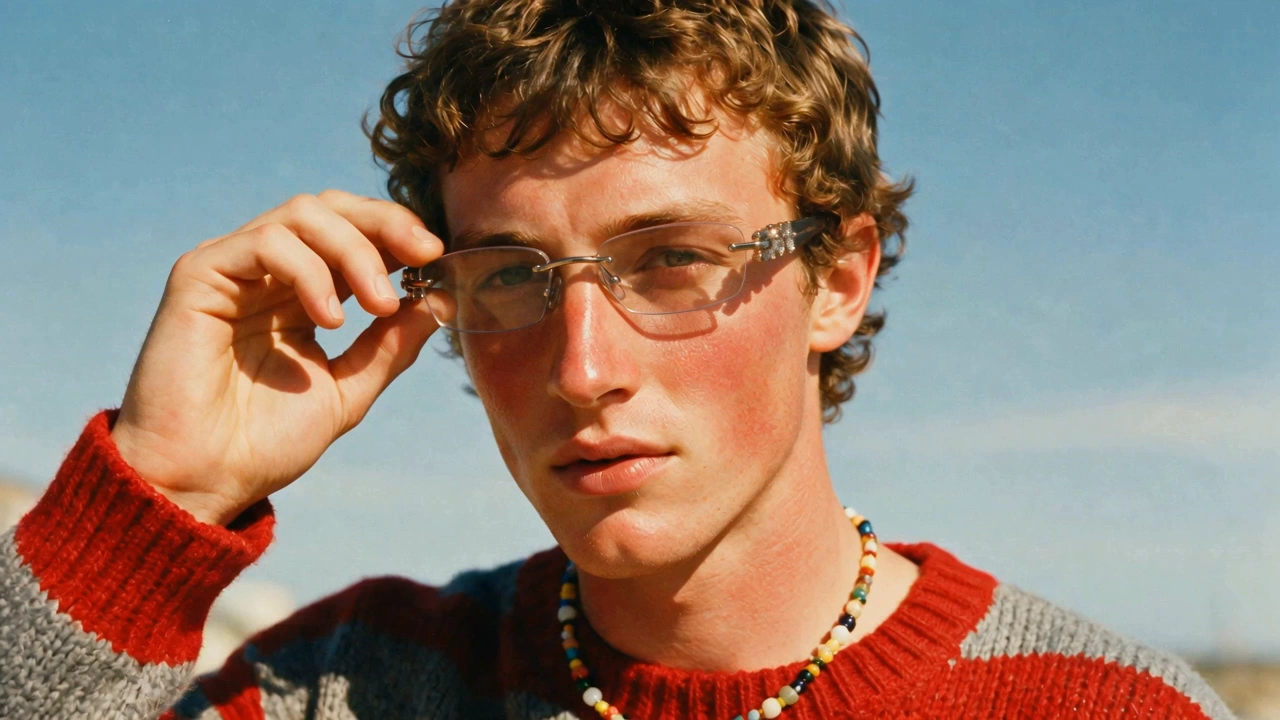
A girl turns toward the camera, her earrings swaying gently with the motion. The camera rotates, bathed in dreamy sunlight.
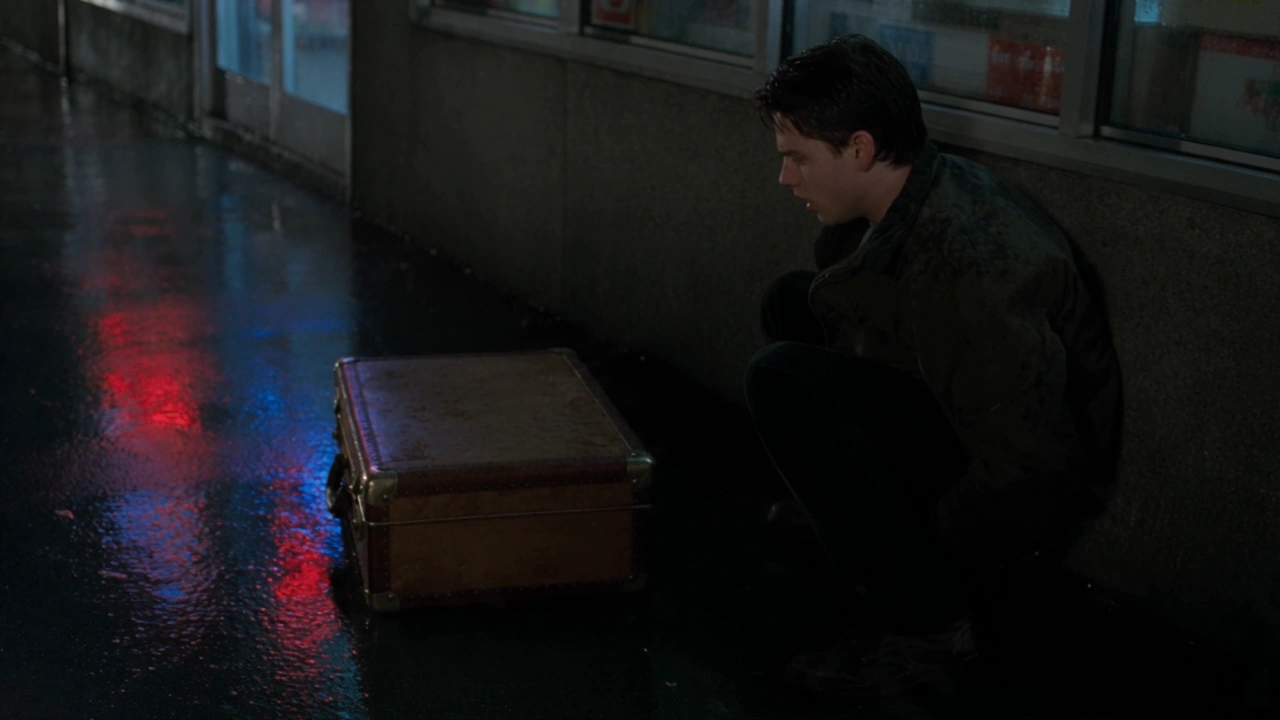
A man picks up a tablet and studies it carefully, his expression serious.
A person walks through a doorway and continues walking into the distance.
Two people in the frame make eye contact, then look up toward the sky.
Shiba yawns & stretches (cozy close-up) → Jumps down fetching yarn ball (tracking shot) → Unraveling yarn morphs into rainbow vortex (whimsical transition). Felted style
The ship erratically dodged asteroids, but collided with a meteorite anyway. Aliens floating in the universe
The lines in the picture flow like water
The cat stood up, jumped off the desk, and ran outside. The camera follows the movement of the cat
Jellyfish swimming in the sea
Najpierw stałe ujęcie przez 2 sekundy. Potem zbliżenie na jedno z kaczątek, które mruga do kamery i robi mały podskok. W tle lekko ruszające się trawy i jeden motylek przelatujący obok. Duża kaczka spogląda z radością i miłością na małe kaczątka. Patrzy też w kamerę.
Model Terkait


README
Seedance v1 Lite I2V 720p — /seedance-v1-lite-i2v-720p
Seedance v1 Lite I2V 720p generates short videos from a single reference image plus a motion-focused prompt. Upload a starting image, describe what happens (subject action + camera behavior), and the model animates the scene while keeping the input image as the visual anchor. You can also provide an optional last_image to better control how the clip ends.
Key capabilities
- Image-to-video generation anchored to a reference image (720p output)
- Optional last_image for smoother ending continuity and better narrative “landing”
- Prompt-controlled motion (character actions, environmental effects, camera beats)
- Optional camera_fixed mode when you want motion without camera movement
Use cases
- Character animation from a single keyframe (actions, expressions, subtle body motion)
- Short story beats for trailers, storyboards, and concept previews
- Product or object animation with controlled motion and stable framing
- Start-to-end guided shots using last_image for more predictable outcomes
Pricing
| Duration | Price per video |
|---|---|
| 5s | $0.16 |
| 10s | $0.32 |
| 15s | $0.48 |
| 20s | $0.64 |
Inputs
- image (required): starting reference image (first-frame anchor)
- prompt (required): motion and scene direction
- last_image (optional): end-frame reference to guide the finishing state
Parameters
- prompt: describes subject action, environment motion, and camera direction
- image: input image (upload or URL)
- last_image: optional end reference image (upload or URL)
- duration: video length in seconds
- aspect_ratio: output aspect ratio selection
- camera_fixed: whether to lock the camera position
- seed: random seed (-1 for random; fixed value for reproducible results)
- safety checker: enabled filtering for safer generations (if available in your UI)
Prompting guide (I2V)
Write prompts like a director’s beat sheet:
- Subject action: what changes over time (stands up, looks around, runs forward, picks up an item)
- Camera: close-up, push-in, follow, orbit, rack focus (or keep it fixed)
- Environment: wind, fog, particles, light effects, background motion
- Continuity: explicitly say what must remain consistent (identity, colors, scene layout)
Example prompts
- A fox stands up and looks around, then runs forward and finds a glowing gem. Close-up of the fox picking up the jewel, cinematic lighting, gentle snow particles, smooth motion.
- A hero product on a table. Slow push-in, subtle highlight movement across the surface, light dust motes, clean studio look, camera_fixed enabled.
- A character turns toward the camera and smiles. Hair sways lightly in the wind, warm sunset backlight, shallow depth of field, natural motion.
Seedance v1 Lite I2v 720p API — Quick start
Grab a WaveSpeedAI API key, then call POST https://api.wavespeed.ai/api/v3/bytedance/seedance-v1-lite-i2v-720p with your input as JSON. The endpoint returns a prediction id. Start polling the result endpoint around every 2 seconds, increase the interval for long-running tasks, and stop on any terminal status. On completed, read output values from data.outputs. Examples for Seedance v1 Lite I2v 720p below.
HTTP example
set -euo pipefail

: "${WAVESPEED_API_KEY:?Set WAVESPEED_API_KEY}"

REQUEST_BODY=$(cat <<'JSON'
{
    "image": "https://interactive-examples.mdn.mozilla.net/media/cc0-images/painted-hand-298-332.jpg",
    "duration": 5,
    "aspect_ratio": "21:9",
    "camera_fixed": false,
    "seed": -1
}
JSON
)

# 1. Submit the prediction.
SUBMIT_RESPONSE=$(curl --silent --show-error --fail-with-body \
  -X POST "https://api.wavespeed.ai/api/v3/bytedance/seedance-v1-lite-i2v-720p" \
  -H "Content-Type: application/json" \
  -H "Authorization: Bearer $WAVESPEED_API_KEY" \
  -d "$REQUEST_BODY")

TASK=$(printf '%s' "$SUBMIT_RESPONSE" | jq 'if has("data") then .data else . end')
PREDICTION_ID=$(printf '%s' "$TASK" | jq -r '.id')
if [ -z "$PREDICTION_ID" ] || [ "$PREDICTION_ID" = "null" ]; then
  printf 'Submission response did not contain a prediction id
' >&2
  exit 1
fi
RESULT_URL=$(printf '%s' "$TASK" | jq -r '.urls.get // empty')
if [ -z "$RESULT_URL" ]; then
  RESULT_URL="https://api.wavespeed.ai/api/v3/predictions/$PREDICTION_ID/result"
fi

# 2. Poll until the prediction finishes.
while true; do
  RESPONSE=$(curl --silent --show-error --fail-with-body "$RESULT_URL" \
    -H "Authorization: Bearer $WAVESPEED_API_KEY")
  RESULT=$(printf '%s' "$RESPONSE" | jq 'if has("data") then .data else . end')
  STATUS=$(printf '%s' "$RESULT" | jq -r '.status')
  case "$STATUS" in
    completed) printf '%s\n' "$RESULT" | jq '.outputs'; break ;;
    failed|cancelled|timeout) printf '%s\n' "$RESULT" | jq . >&2; exit 1 ;;
    created|processing) sleep 2 ;;
    *) printf 'Unexpected status: %s
' "$STATUS" >&2; exit 1 ;;
  esac
done
Node.js example
const submitUrl = "https://api.wavespeed.ai/api/v3/bytedance/seedance-v1-lite-i2v-720p";
const apiKey = process.env.WAVESPEED_API_KEY;
if (!apiKey) throw new Error('Set WAVESPEED_API_KEY');

async function requestJson(url, options = {}) {
  const response = await fetch(url, options);
  if (!response.ok) throw new Error(await response.text());
  return response.json();
}

// 1. Submit the prediction.
const body = await requestJson(submitUrl, {
  method: "POST",
  headers: {
    "Authorization": `Bearer ${apiKey}`,
    "Content-Type": "application/json",
  },
  body: JSON.stringify({
        "image": "https://interactive-examples.mdn.mozilla.net/media/cc0-images/painted-hand-298-332.jpg",
        "duration": 5,
        "aspect_ratio": "21:9",
        "camera_fixed": false,
        "seed": -1
}),
});
const task = body.data ?? body;
if (!task.id) throw new Error("Submission response did not contain a prediction id");
const resultUrl = task.urls?.get ||
  `https://api.wavespeed.ai/api/v3/predictions/${task.id}/result`;

// 2. Poll until the prediction finishes.
while (true) {
  const resultBody = await requestJson(resultUrl, {
    headers: { "Authorization": `Bearer ${apiKey}` },
  });
  const result = resultBody.data ?? resultBody;
  if (result.status === "completed") {
    console.log(result.outputs);
    break;
  }
  if (["failed", "cancelled", "timeout"].includes(result.status)) throw new Error(JSON.stringify(result));
  if (!["created", "processing"].includes(result.status)) throw new Error("Unexpected status: " + result.status);
  await new Promise(resolve => setTimeout(resolve, 2000));
}
Python example
import json
import os
import time
from urllib.request import Request, urlopen

api_key = os.environ["WAVESPEED_API_KEY"]
headers = {"Authorization": f"Bearer {api_key}", "Content-Type": "application/json"}
payload = {
    "image": "https://interactive-examples.mdn.mozilla.net/media/cc0-images/painted-hand-298-332.jpg",
    "duration": 5,
    "aspect_ratio": "21:9",
    "camera_fixed": False,
    "seed": -1
}

def request_json(url, data=None):
    request = Request(url, data=data, headers=headers, method="POST" if data else "GET")
    with urlopen(request) as response:
        return json.load(response)

# 1. Submit the prediction.
body = request_json("https://api.wavespeed.ai/api/v3/bytedance/seedance-v1-lite-i2v-720p", json.dumps(payload).encode())
task = body.get("data", body)
if not task.get("id"):
    raise RuntimeError("Submission response did not contain a prediction id")
result_url = task.get("urls", {}).get("get") or f"https://api.wavespeed.ai/api/v3/predictions/{task['id']}/result"

# 2. Poll until the prediction finishes.
while True:
    result_body = request_json(result_url)
    result = result_body.get("data", result_body)
    status = result.get("status")
    if status == "completed":
        print(result.get("outputs", []))
        break
    if status in {"failed", "cancelled", "timeout"}:
        raise RuntimeError(result)
    if status not in {"created", "processing"}:
        raise RuntimeError(f"Unexpected status: {status}")
    time.sleep(2)
Seedance v1 Lite I2v 720p API — Frequently asked questions
What is the Seedance v1 Lite I2v 720p API?
Seedance v1 Lite I2v 720p is a ByteDance model for video generation from images, exposed as a REST API on WaveSpeedAI. Seedance Lite i2v 720p creates coherent multi-shot image-to-video clips with smooth, stable motion and prompt fidelity. Ready-to-use REST inference API, best performance, no coldstarts, affordable pricing. You can call it programmatically or try it from the playground above.
How do I call the Seedance v1 Lite I2v 720p API?
POST your input parameters to the model's REST endpoint (shown in the API tab of this playground) with your WaveSpeedAI API key in the Authorization header. Submission returns a prediction ID. Poll the result endpoint starting around every 2 seconds, increase the interval for long-running tasks, and stop on any terminal status. The playground generates production-oriented Python, JavaScript, and cURL examples with timeouts, transient-error handling, and safe GET retries. Full request/response shape is documented at https://wavespeed.ai/docs/docs-api/bytedance/bytedance-seedance-v1-lite-i2v-720p.
How much does Seedance v1 Lite I2v 720p cost per run?
Seedance v1 Lite I2v 720p starts at $0.16 per run. That figure is the base price — the final charge scales with the parameters you set in the form (output size, length, count, references, or whatever knobs this model exposes), so a higher-quality or larger output costs more than a minimal one. The exact cost for your current input is shown live next to the Generate button before you submit, and the actual per-call charge is recorded on the prediction afterwards.
What inputs does Seedance v1 Lite I2v 720p accept?
Key inputs: `prompt`, `image`, `aspect_ratio`, `duration`, `seed`, `camera_fixed`. The full JSON schema (types, defaults, allowed values) is rendered above the Generate button and mirrored in the API reference at https://wavespeed.ai/docs/docs-api/bytedance/bytedance-seedance-v1-lite-i2v-720p.
How long does Seedance v1 Lite I2v 720p take to generate?
Median end-to-end generation time on WaveSpeedAI is around 75 seconds per request, based on recent successful runs. Queue time varies with global demand; live status is visible in the prediction record.
Can I use Seedance v1 Lite I2v 720p outputs commercially?
Commercial usage rights depend on the model's license, set by its provider (ByteDance). The license summary appears on the model card above; see WaveSpeedAI's Terms of Service for platform-level conditions.