Hunyuan3D V2 Multi-View is Tencent's image-to-3D generative model on WaveSpeedAI that builds 3D reconstructions from multi-view images. Ready-to-use REST inference API, best performance, no coldstarts, affordable pricing.
Inactivo
$0.01por ejecución·~100 / $1
EjemplosVer todo

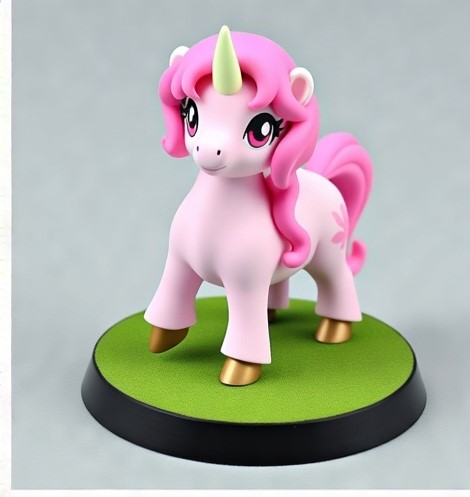
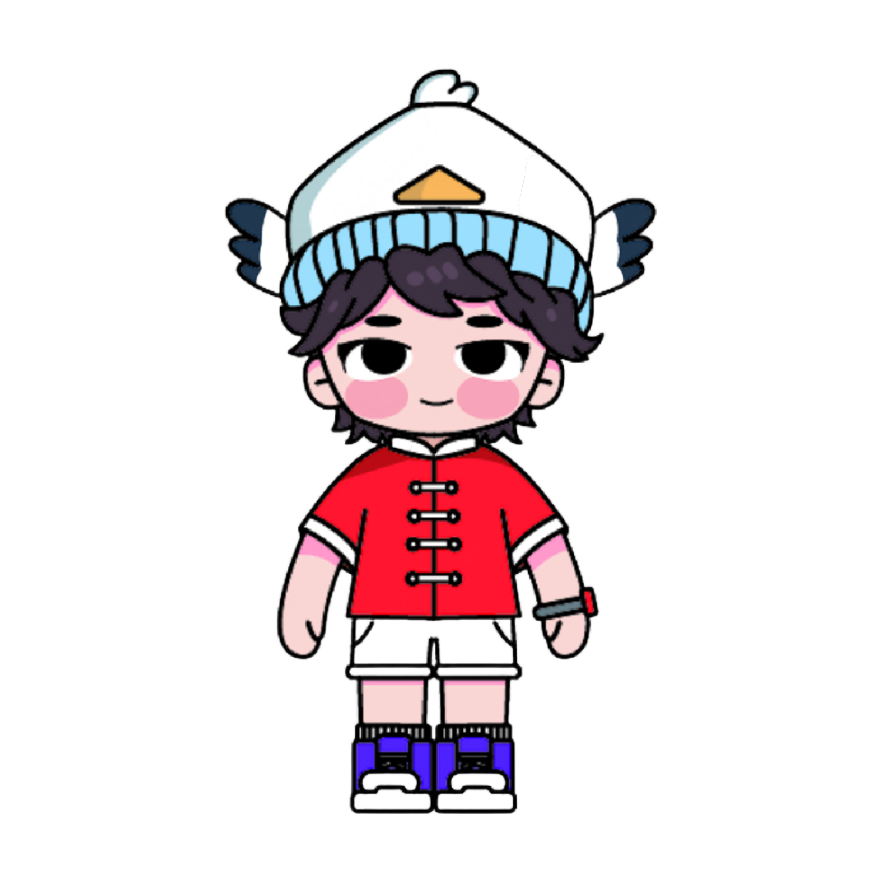
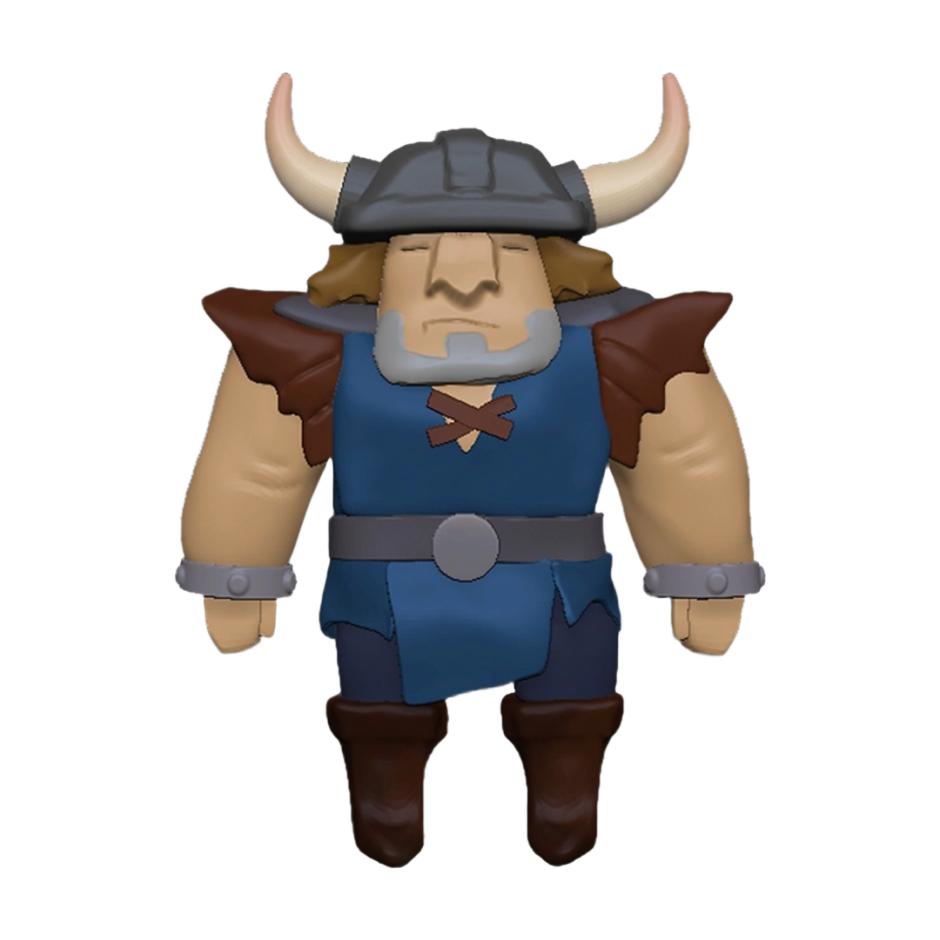
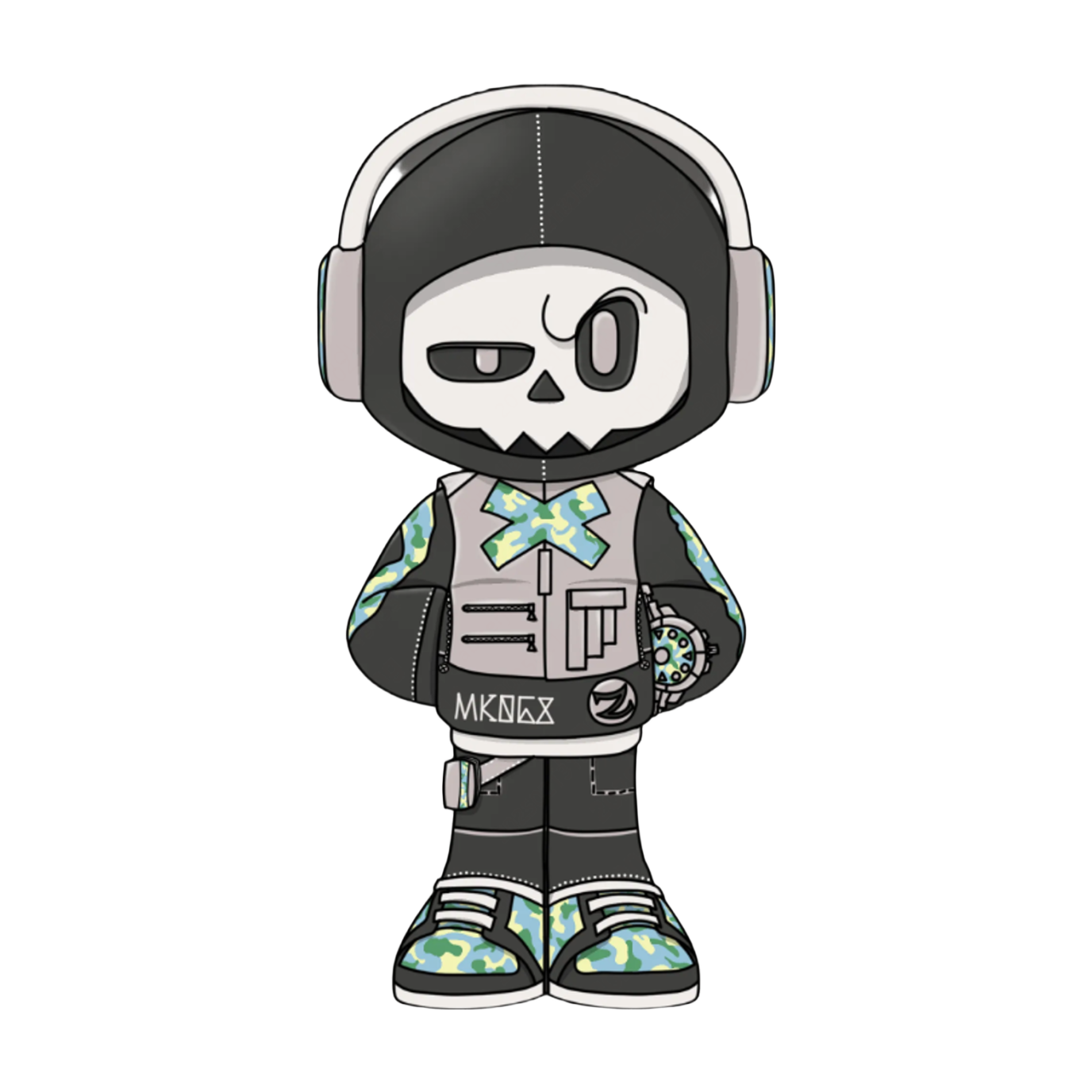
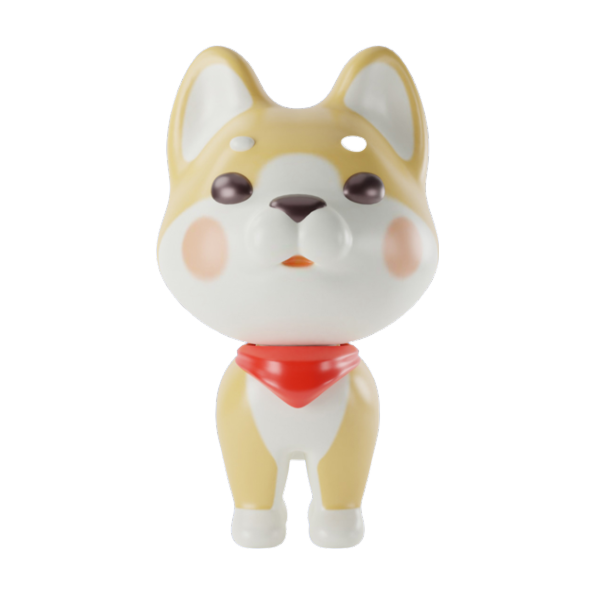
Modelos relacionados

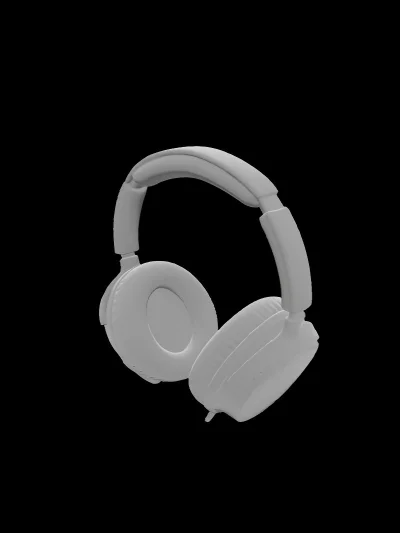
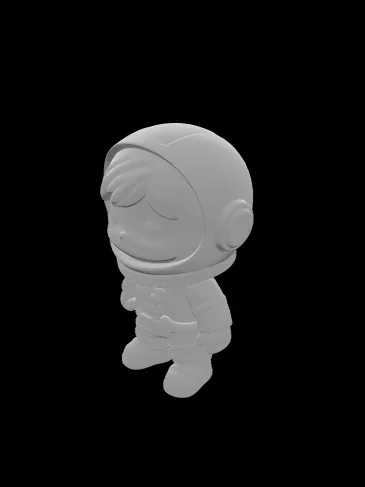
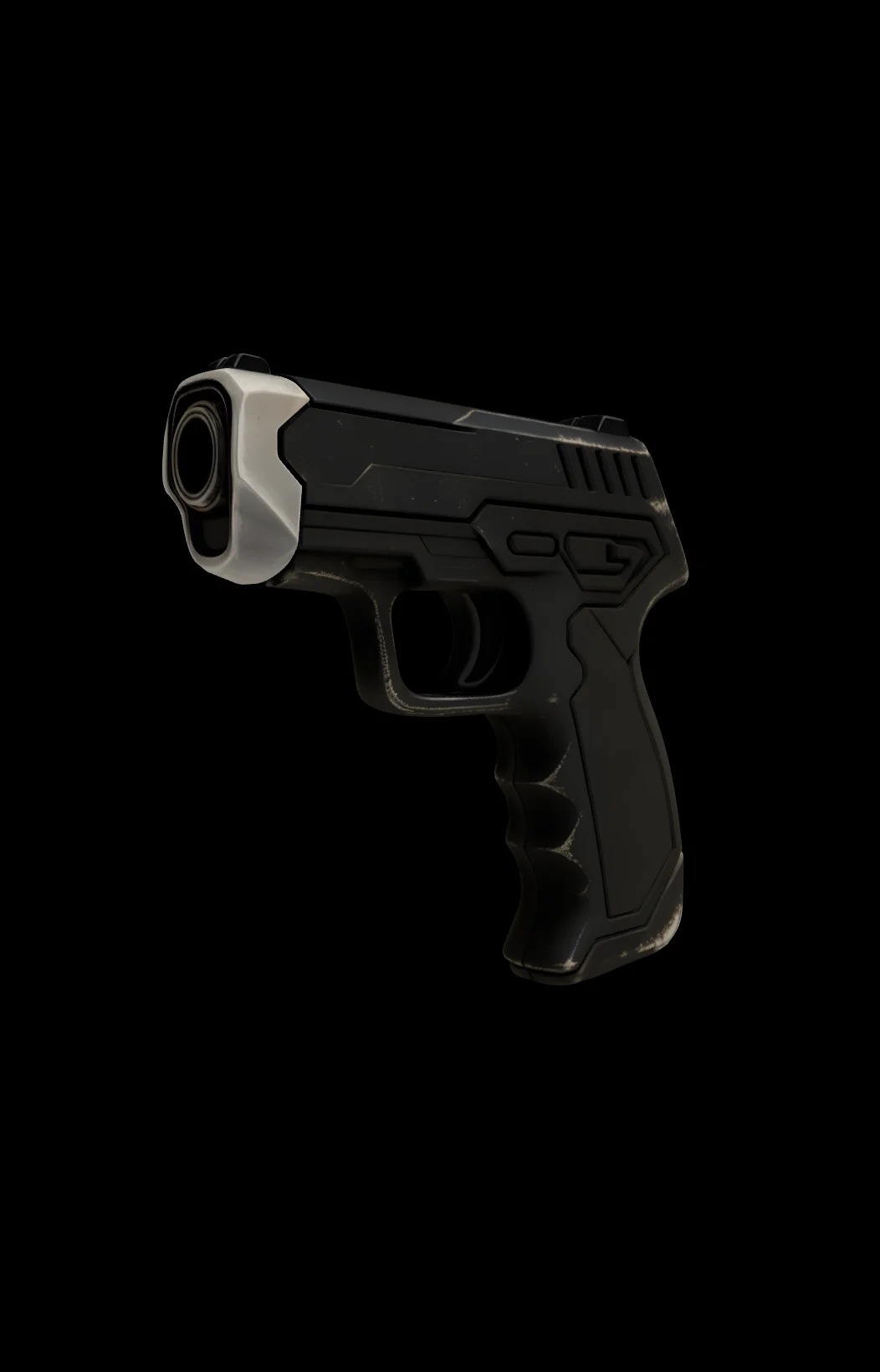

README
Hunyuan3D V2 Multi-View — Images-to-3D
Hunyuan3D V2 Multi-View is an advanced multi-view 3D reconstruction model that creates detailed 3D models from multiple reference images. Provide front, back, and left views of your subject, and the model generates accurate 3D geometry with optional textures.
Why It Stands Out
- Multi-view input: Uses front, back, and left images for more accurate 3D reconstruction.
- High-precision geometry: Multiple viewpoints enable better shape capture and detail.
- Optional texturing: Generate white mesh or full textured mesh based on your needs.
- Adjustable resolution: Control mesh detail with octree_resolution parameter.
- Fine-tuned control: Adjust guidance scale and inference steps for precise results.
- Reproducibility: Use the seed parameter to recreate exact results.
Parameters
| Parameter | Required | Description |
|---|---|---|
| front_image_url | Yes | Front view image of the subject (upload or public URL). |
| back_image_url | Yes | Back view image of the subject (upload or public URL). |
| left_image_url | Yes | Left view image of the subject (upload or public URL). |
| seed | No | Set for reproducibility; leave empty for random. |
| num_inference_steps | No | Quality/speed trade-off (default: 50). |
| guidance_scale | No | Generation strength (default: 7.5). |
| octree_resolution | No | Mesh detail level (default: 256). |
| textured_mesh | No | Generate textured mesh instead of white mesh (3x price). |
How to Use
- Upload front view image — the front-facing view of your subject.
- Upload back view image — the back-facing view of your subject.
- Upload left view image — the left side view of your subject.
- Adjust parameters (optional) — set octree_resolution for detail level.
- Enable textured_mesh (optional) — check for colored/textured output.
- Click Run and wait for your 3D model to generate.
- Preview and download the result.
Best Use Cases
- Character Modeling — Create 3D characters from reference artwork or photos.
- Product Visualization — Generate 3D models of products from multiple angles.
- Game Assets — Create game-ready 3D models from concept art.
- 3D Printing — Generate printable models from multi-view references.
- AR/VR Content — Create 3D objects for immersive experiences.
- Animation — Build 3D characters and props from design sheets.
Pricing
| Output Type | Price |
|---|---|
| White mesh | $0.01 |
| Textured mesh | $0.03 |
Billing Rules
- Textured mesh costs 3x the price of white mesh
Pro Tips for Best Quality
- Use consistent lighting across all three reference images.
- Ensure the subject is centered and at similar scale in each view.
- Use clean backgrounds (ideally transparent or solid color) for better results.
- Higher octree_resolution produces more detailed meshes but takes longer.
- Start with white mesh to check geometry, then generate textured version.
- Align viewpoints accurately — front, back, and left should be 90° apart.
Notes
- Ensure all uploaded image URLs are publicly accessible.
- Processing time varies based on resolution settings and current queue load.
- Please ensure your content complies with usage guidelines.
Hunyuan3d v2 Multi View API — Quick start
Grab a WaveSpeedAI API key, then call POST https://api.wavespeed.ai//api/v3/wavespeed-ai/hunyuan3d-v2-multi-view with your input as JSON. The endpoint returns a prediction id; poll the prediction endpoint until status flips to completed, then read the output URL from data.outputs[0]. Examples for Hunyuan3d v2 Multi View below.
HTTP example
# Submit the prediction
curl -X POST "https://api.wavespeed.ai//api/v3/wavespeed-ai/hunyuan3d-v2-multi-view" \
  -H "Content-Type: application/json" \
  -H "Authorization: Bearer $WAVESPEED_API_KEY" \
  -d '{
    "seed": 0,
    "num_inference_steps": 50,
    "guidance_scale": 7.5,
    "octree_resolution": 256,
    "textured_mesh": false
}'

# Response includes a prediction id. Poll for the result:
curl -X GET "https://api.wavespeed.ai/api/v3/predictions/{request_id}/result" \
  -H "Authorization: Bearer $WAVESPEED_API_KEY"

# When status is "completed", read the output from data.outputs[0].
Node.js example
// npm install wavespeed
const WaveSpeed = require('wavespeed');

const client = new WaveSpeed(); // reads WAVESPEED_API_KEY from env

const result = await client.run("wavespeed-ai/hunyuan3d-v2-multi-view", {
        "seed": 0,
        "num_inference_steps": 50,
        "guidance_scale": 7.5,
        "octree_resolution": 256,
        "textured_mesh": false
});

console.log(result.outputs[0]); // → URL of the generated output
Python example
# pip install wavespeed
import wavespeed

output = wavespeed.run(
    "wavespeed-ai/hunyuan3d-v2-multi-view",
    {
    "seed": 0,
    "num_inference_steps": 50,
    "guidance_scale": 7.5,
    "octree_resolution": 256,
    "textured_mesh": false
}
)

print(output["outputs"][0])  # → URL of the generated output
Hunyuan3d v2 Multi View API — Frequently asked questions
What is the Hunyuan3d v2 Multi View API?
Hunyuan3d v2 Multi View is a WaveSpeedAI model for 3D asset generation from images, exposed as a REST API on WaveSpeedAI. Hunyuan3D V2 Multi-View is Tencent's image-to-3D generative model on WaveSpeedAI that builds 3D reconstructions from multi-view images. Ready-to-use REST inference API, best performance, no coldstarts, affordable pricing. You can call it programmatically or try it from the playground above.
How do I call the Hunyuan3d v2 Multi View API?
POST your input parameters to the model's REST endpoint (shown in the API tab of this playground) with your WaveSpeedAI API key in the Authorization header. Submission returns a prediction ID; poll the prediction endpoint until status flips to "completed", then read the output URL from the result. The playground generates a ready-to-paste code sample in Python, JavaScript, or cURL for whatever inputs you've set. Full request/response shape is documented at https://wavespeed.ai/docs/docs-api/wavespeed-ai/hunyuan3d-v2-multi-view.
How much does Hunyuan3d v2 Multi View cost per run?
Hunyuan3d v2 Multi View starts at $0.010 per run. That figure is the base price — the final charge scales with the parameters you set in the form (output size, length, count, references, or whatever knobs this model exposes), so a higher-quality or larger output costs more than a minimal one. The exact cost for your current input is shown live next to the Generate button before you submit, and the actual per-call charge is recorded on the prediction afterwards.
What inputs does Hunyuan3d v2 Multi View accept?
Key inputs: `seed`, `guidance_scale`, `num_inference_steps`, `back_image_url`, `front_image_url`, `left_image_url`. The full JSON schema (types, defaults, allowed values) is rendered above the Generate button and mirrored in the API reference at https://wavespeed.ai/docs/docs-api/wavespeed-ai/hunyuan3d-v2-multi-view.
How long does Hunyuan3d v2 Multi View take to generate?
Average end-to-end generation time on WaveSpeedAI is around 428 seconds per request — measured across recent runs. Queue time scales with global demand; live status is visible in the prediction record.
Can I use Hunyuan3d v2 Multi View outputs commercially?
Commercial usage rights depend on the model's license, set by its provider (WaveSpeedAI). The license summary appears on the model card above; see WaveSpeedAI's Terms of Service for platform-level conditions.