
 Nano Banana 2 is live


text-to-image

HunyuanImage-2.1 is an efficient diffusion text-to-image model producing high-resolution 2K images with detailed, photorealistic results. Ready-to-use REST inference API, best performance, no coldstarts, affordable pricing.
Input
Idle
Ihre Anfrage kostet $0.025 pro Durchlauf.
Für $1 können Sie dieses Modell ungefähr 40 Mal ausführen.
Noch etwas:
BeispieleAlle anzeigen
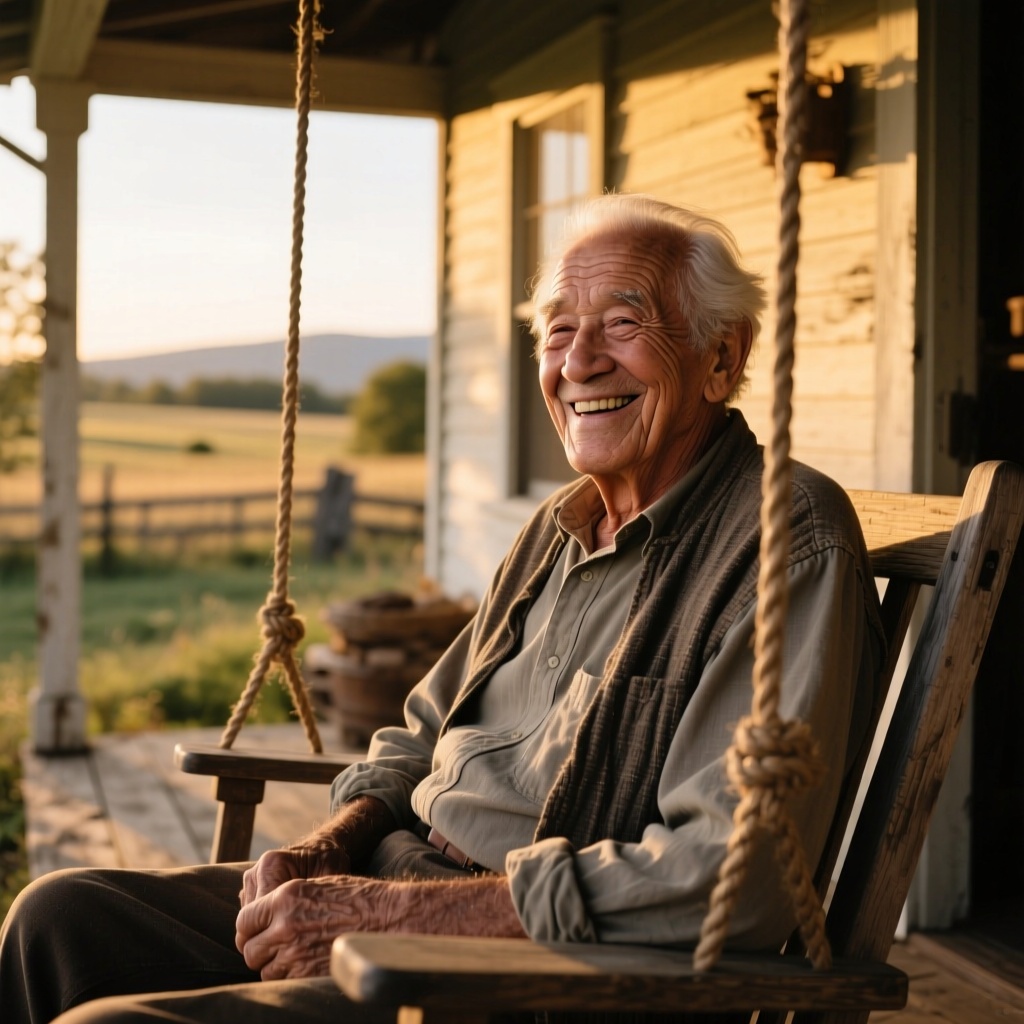
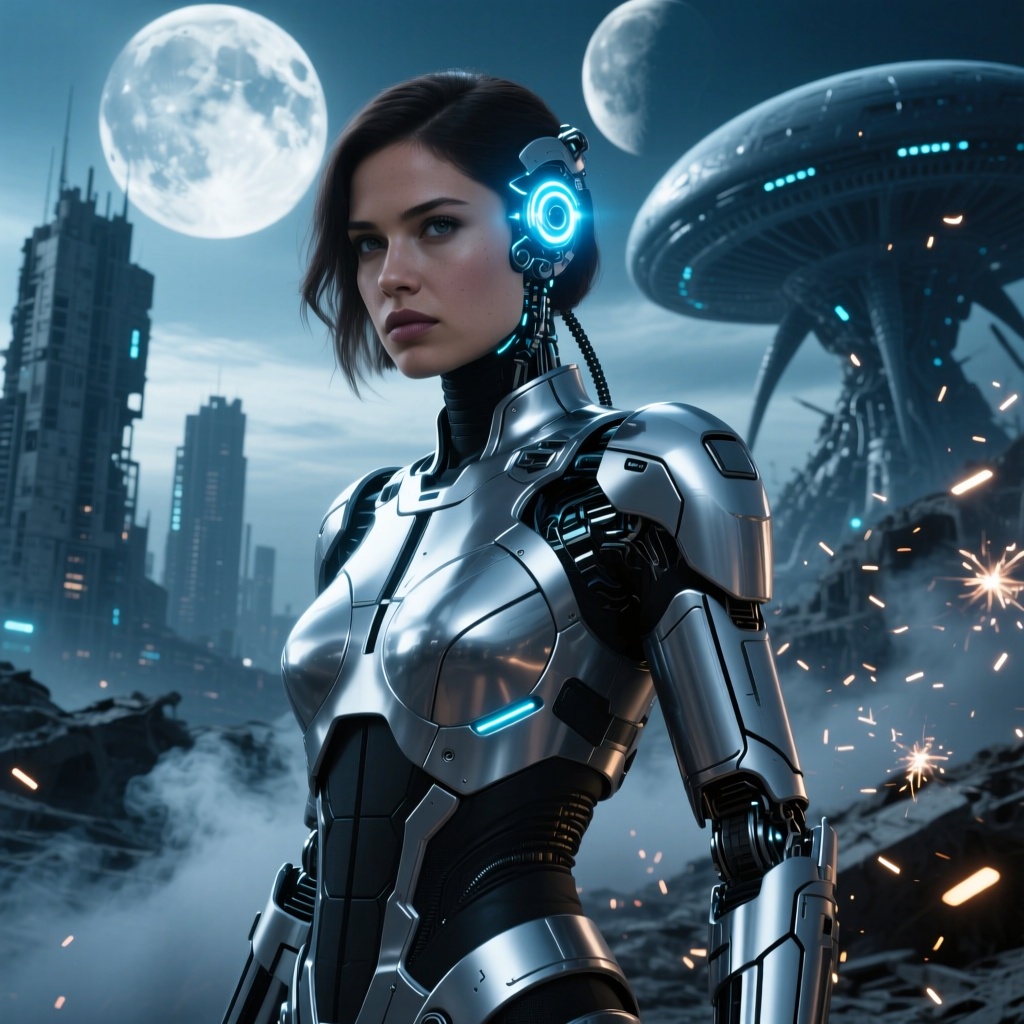
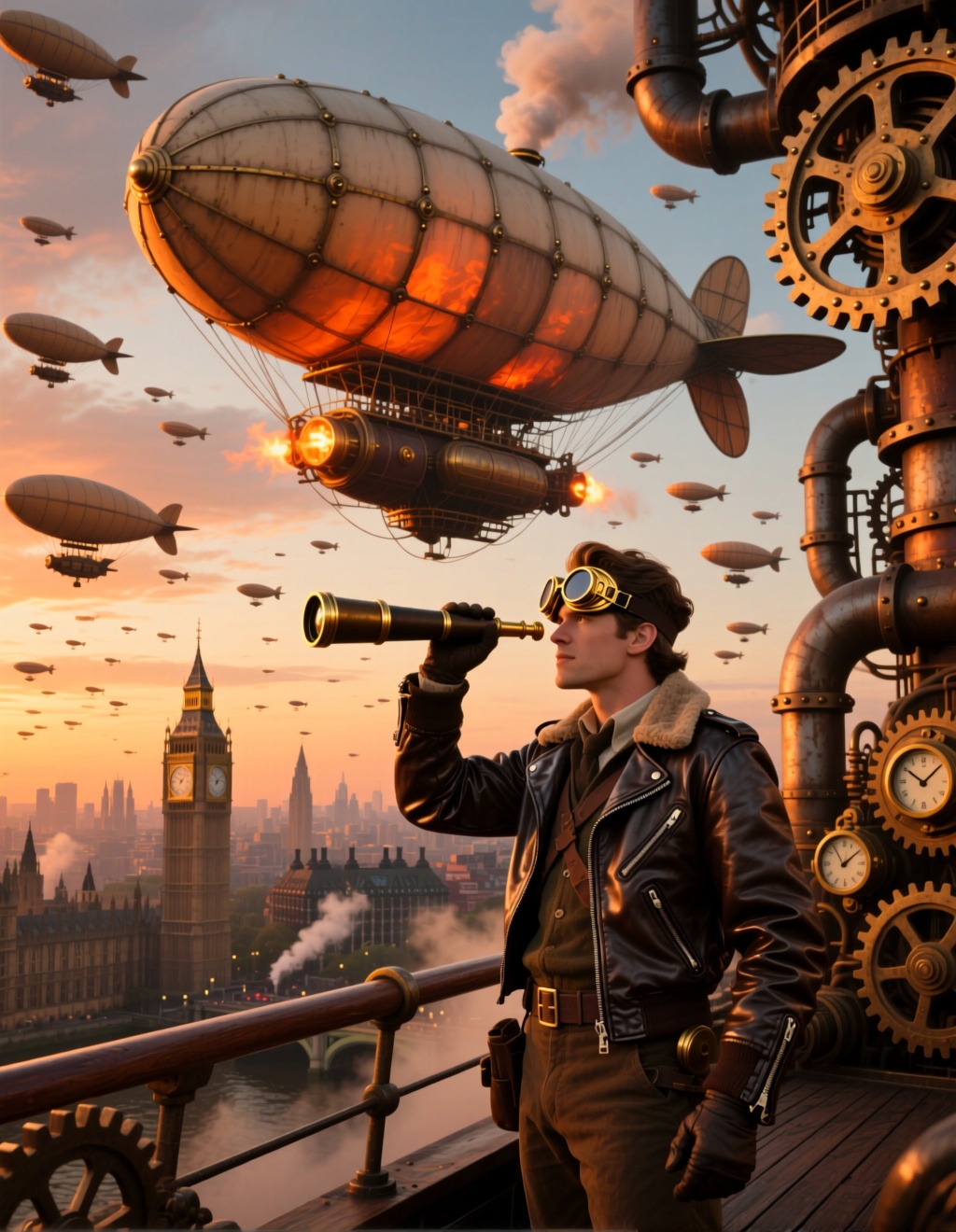
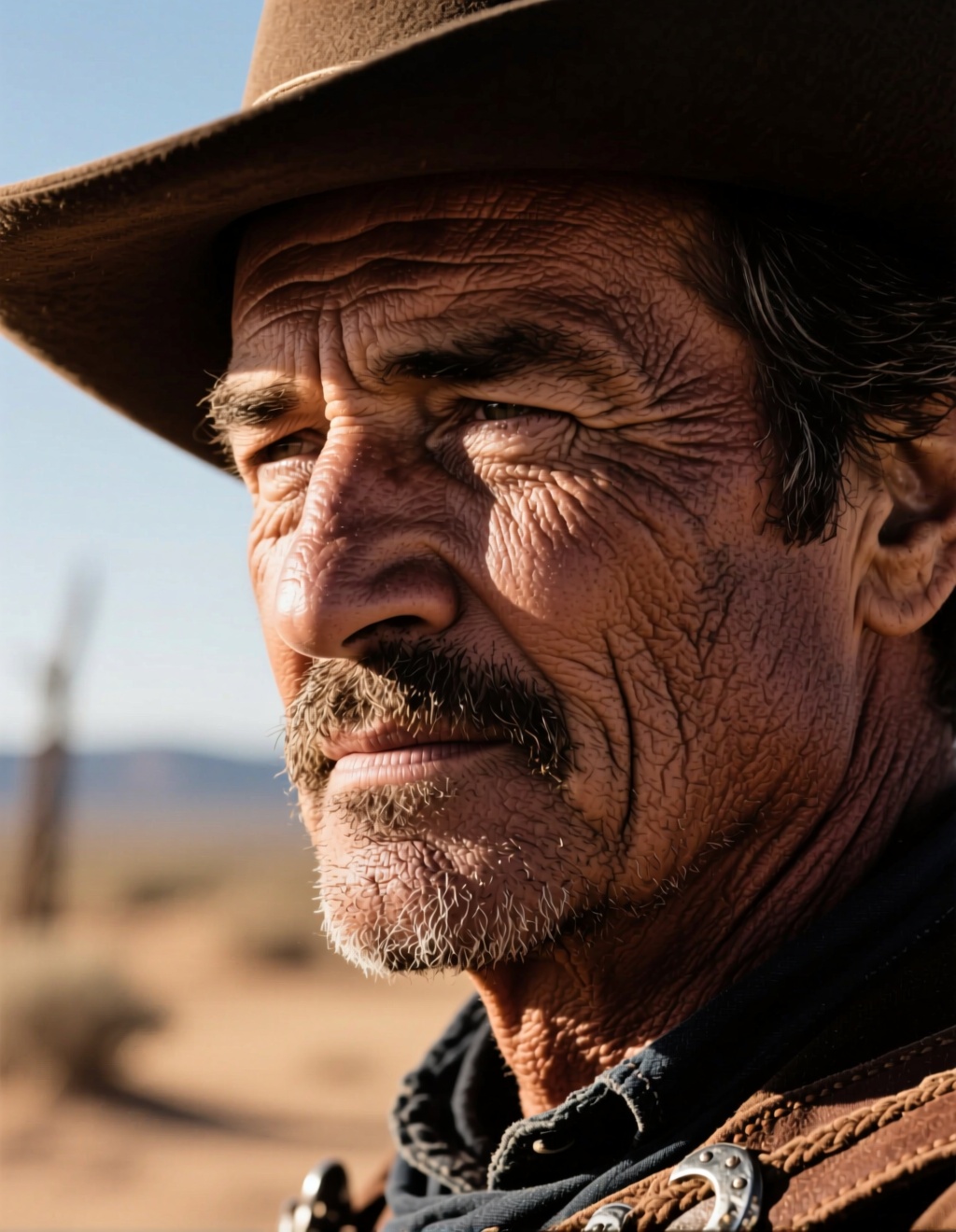
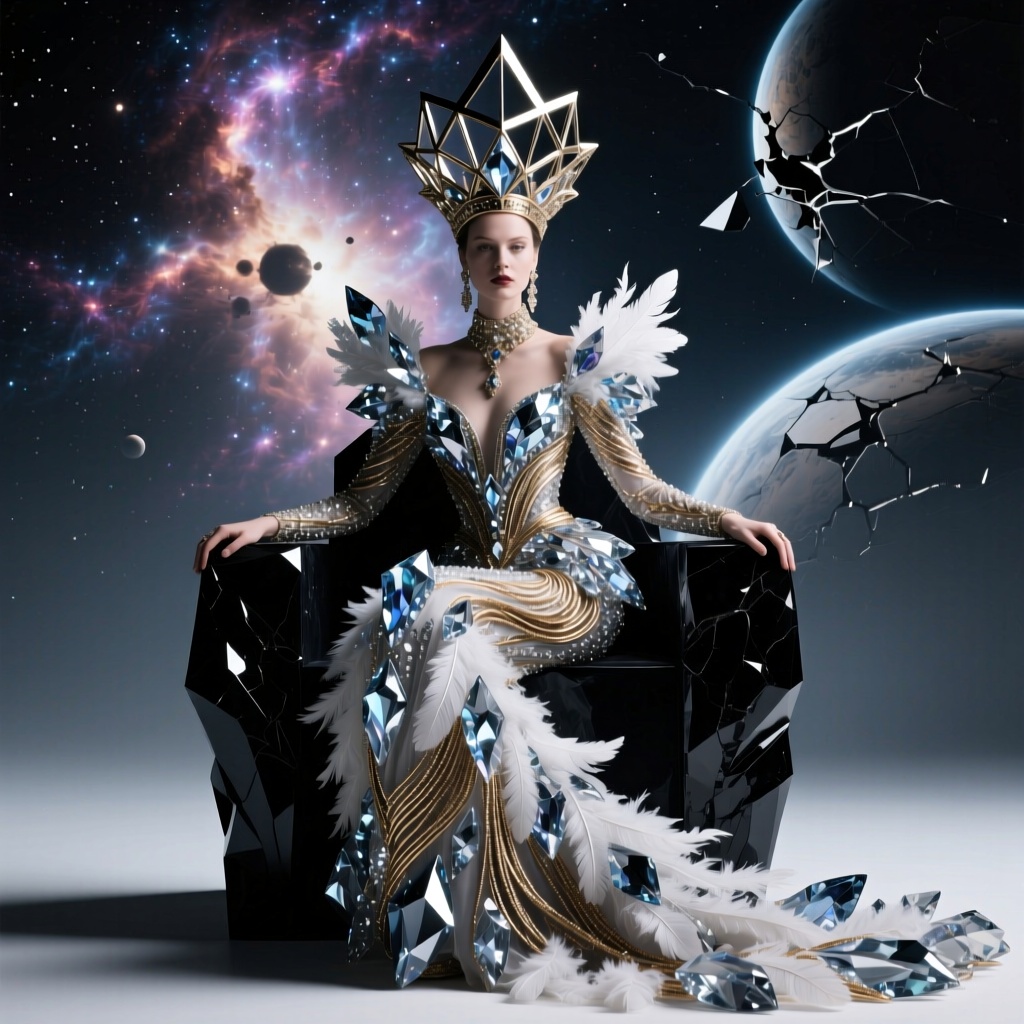
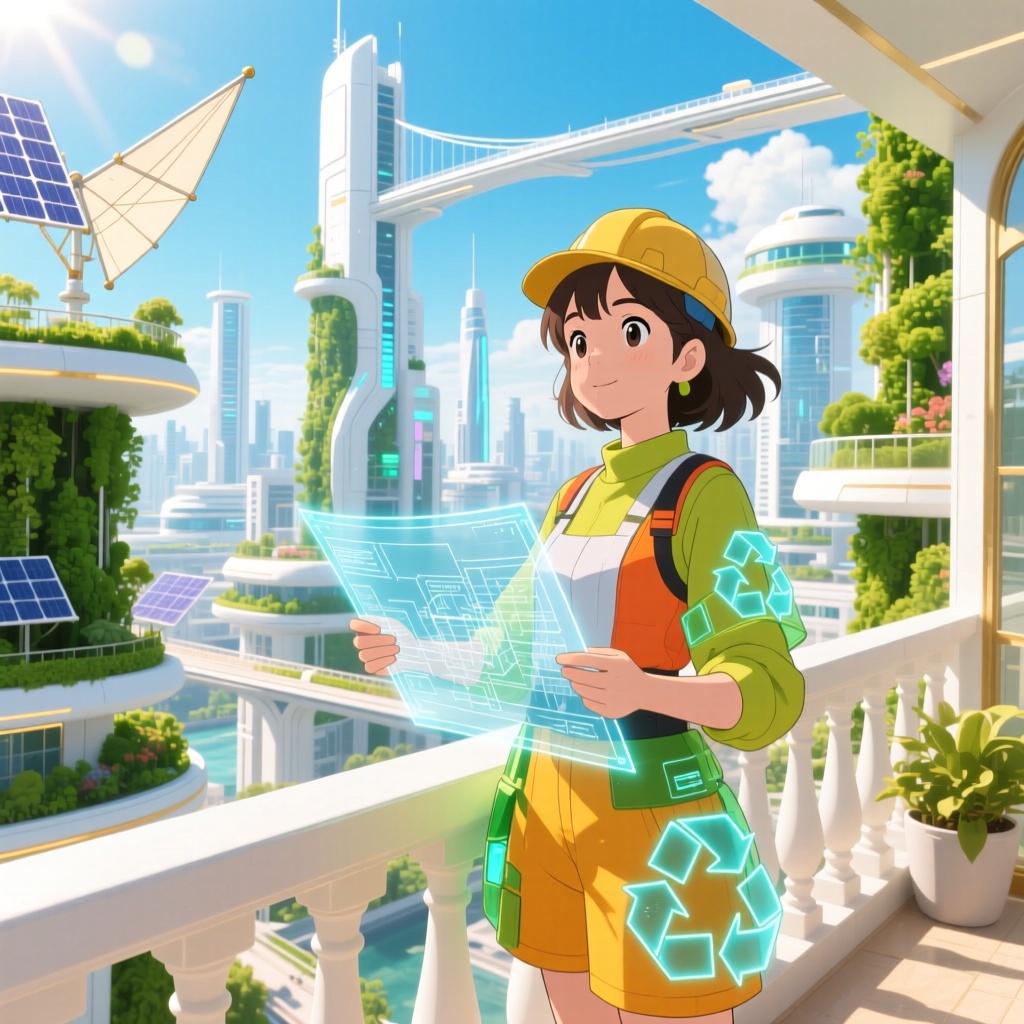
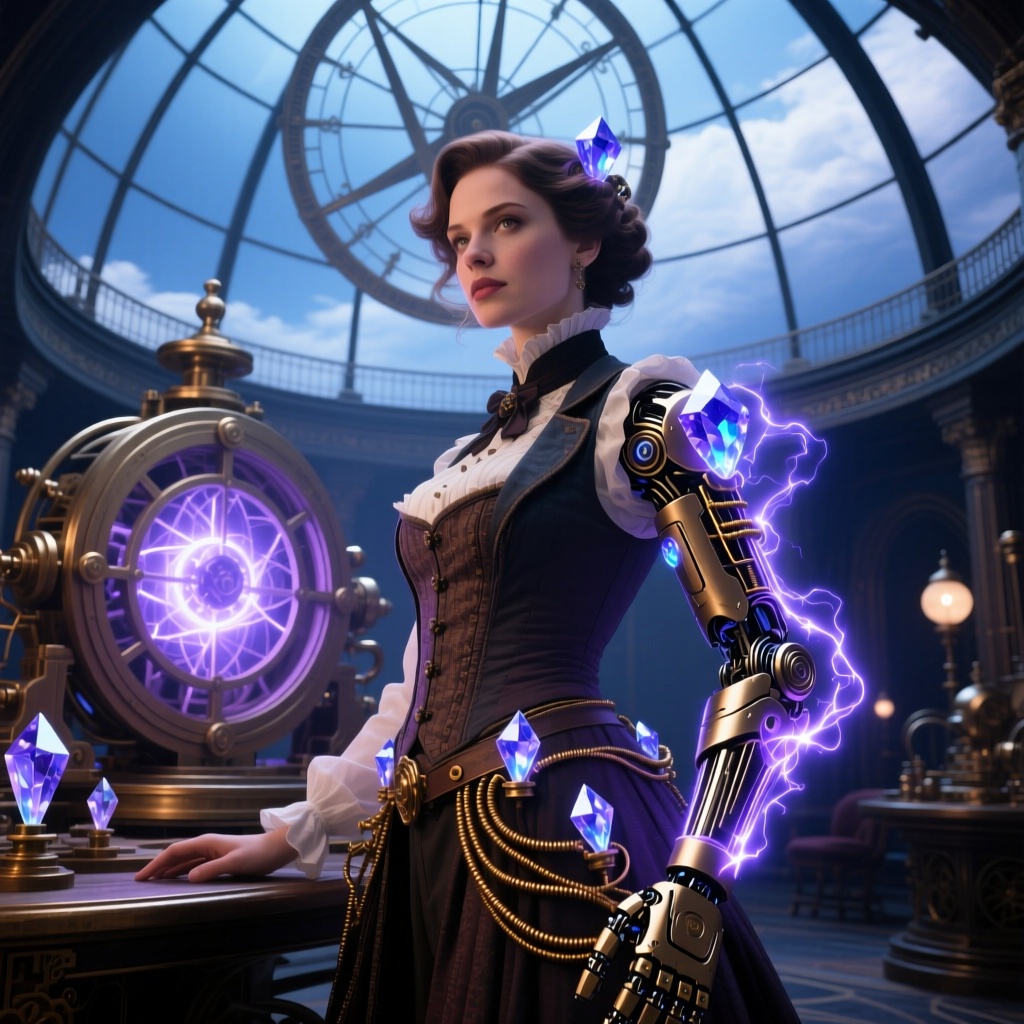
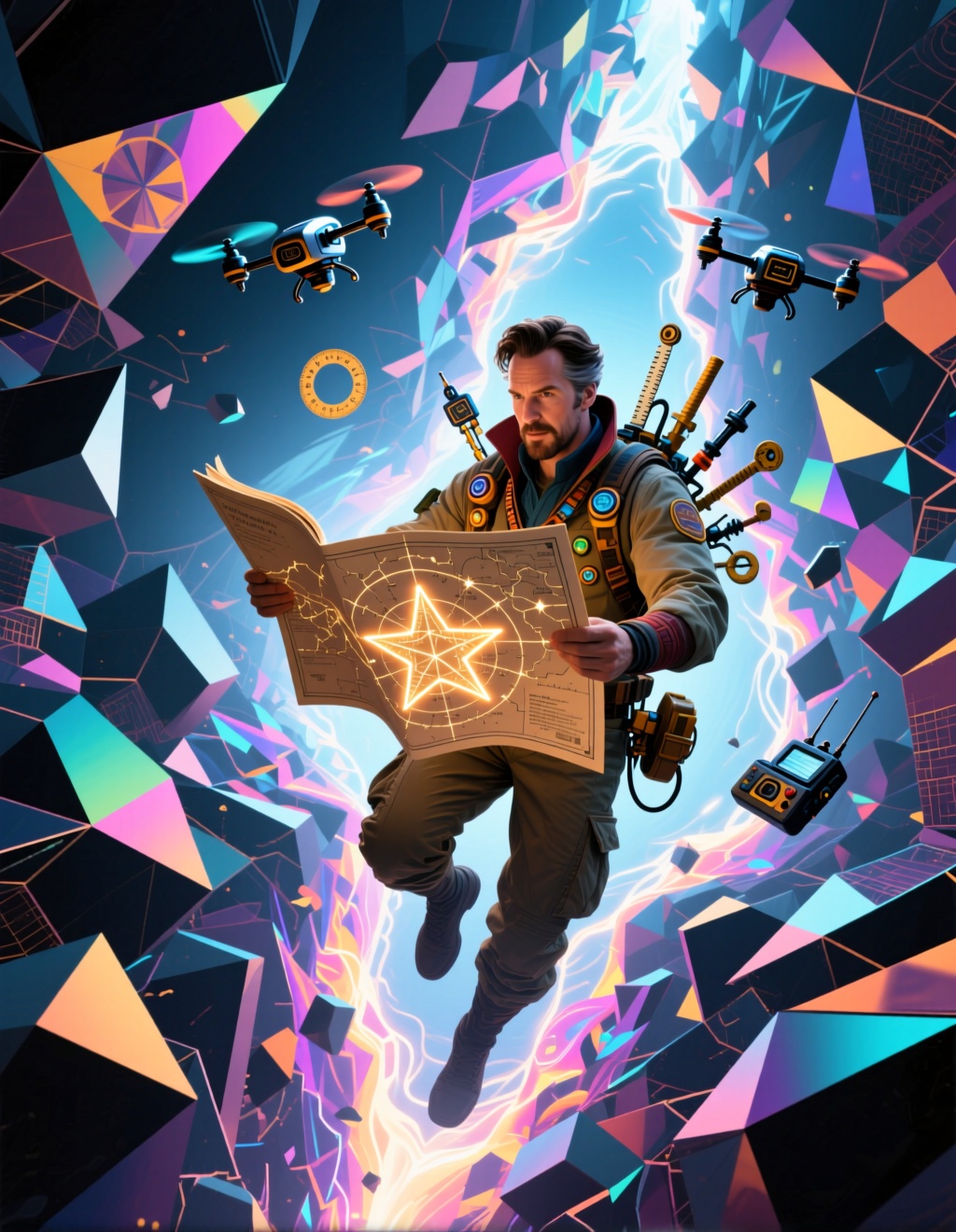
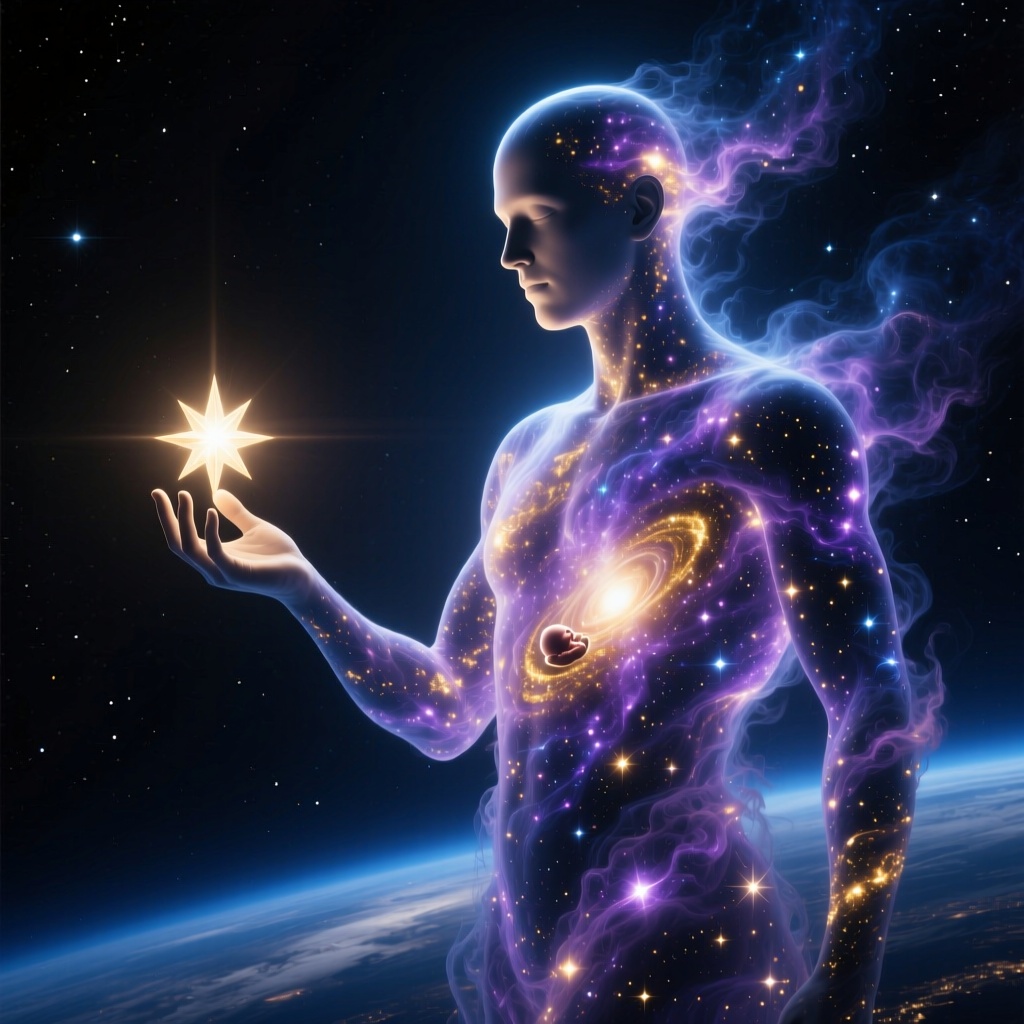
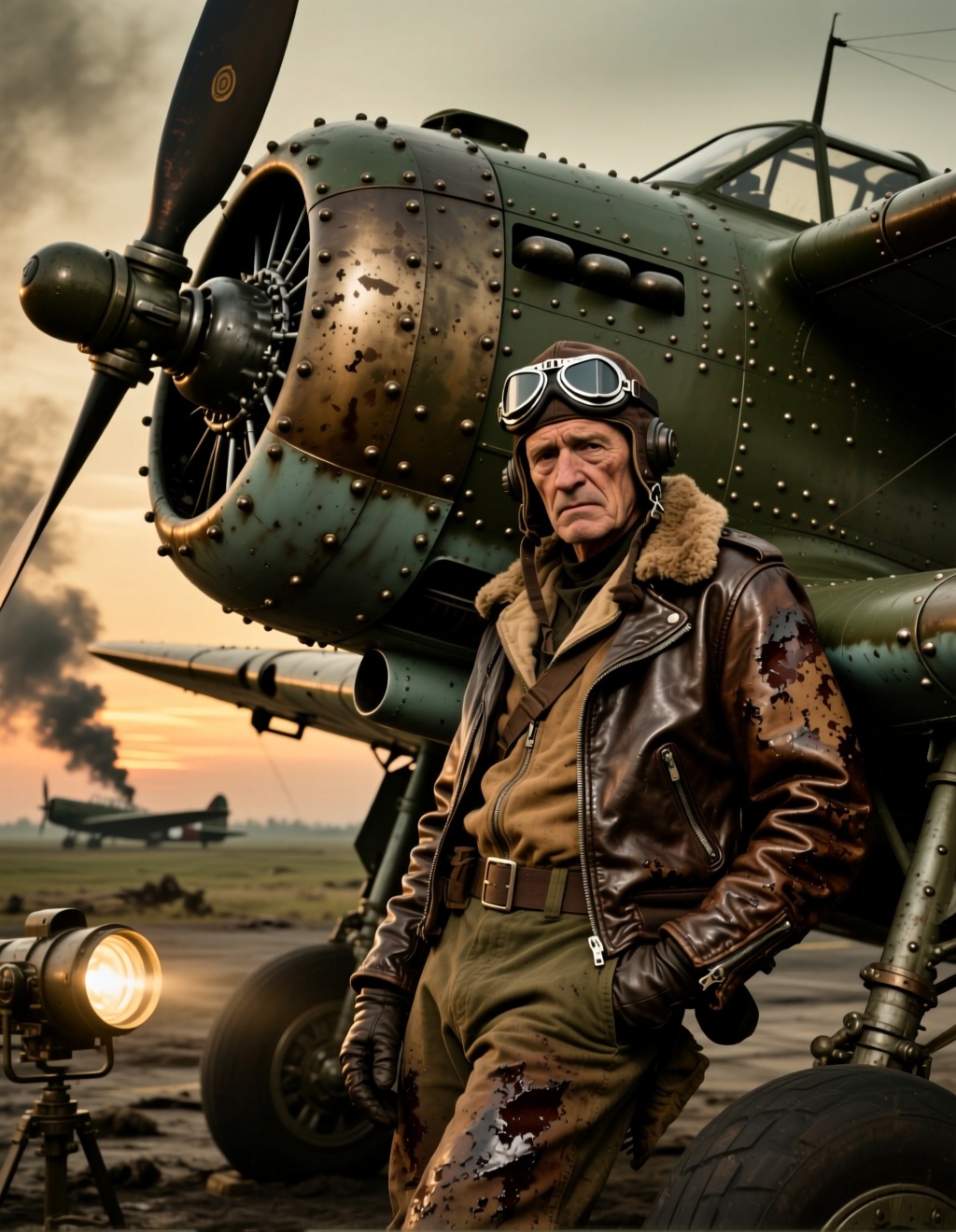
README
Hunyuan Image 2.1
Hunyuan Image 2.1 is a state-of-the-art text-to-image generation model from Tencent that transforms written descriptions into stunning, high-quality visuals. With flexible resolution control and multiple output formats, it delivers exceptional detail, composition, and artistic quality.
Why It Stands Out
- High-quality generation: Produces sharp, detailed images with excellent composition and visual appeal.
- Prompt Enhancer: Built-in AI-powered prompt optimization helps craft better descriptions for improved results.
- Flexible resolution: Customize width and height independently for any aspect ratio.
- Multiple output formats: Export as JPEG, PNG, or WebP based on your needs.
- Reproducibility: Use the seed parameter to recreate exact results or explore variations.
Parameters
| Parameter | Required | Description |
|---|---|---|
| prompt | Yes | Text description of the image you want to generate. |
| width | No | Output width in pixels (default: 1024). |
| height | No | Output height in pixels (default: 1024). |
| seed | No | Set for reproducibility; -1 for random. |
| output_format | No | Output format: jpeg, png, or webp (default: jpeg). |
How to Use
- Write a prompt describing the image you want. Use the Prompt Enhancer for AI-assisted optimization.
- Set dimensions — adjust width and height for your desired aspect ratio.
- Choose output format — select JPEG, PNG, or WebP.
- Set a seed (optional) for reproducible results.
- Click Run and download your image.
Best Use Cases
- Creative Art & Illustration — Generate unique artwork, concept art, and digital illustrations.
- Marketing & Social Media — Produce eye-catching visuals for campaigns and posts.
- Product Visualization — Create product mockups and lifestyle imagery.
- Poster & Print Design — Generate high-resolution artwork for posters, banners, and print materials.
- Design Prototyping — Quickly visualize ideas before committing to full production.
Pricing
| Output | Price |
|---|---|
| Per image | $0.025 |
Pro Tips for Best Quality
- Be descriptive in your prompt — include style, mood, lighting, composition, and specific details.
- Use style keywords like "cinematic," "photorealistic," "oil painting," or "anime" to guide the aesthetic.
- Adjust aspect ratio to match your use case — vertical for posters, horizontal for banners, square for social media.
- Fix the seed when iterating to compare the effect of different prompt variations.
- Use PNG format for images requiring transparency or maximum quality.
Notes
- Processing time varies based on resolution and current queue load.
- Please ensure your prompts comply with content guidelines.