Hyper3D Rodin v2 turns a single image into production-ready 3D assets with clean topology, UVs and textures. Ready-to-use REST inference API, best performance, no coldstarts, affordable pricing.
Bereit
$0.4pro Durchlauf·~25 / $10
BeispieleAlle anzeigen
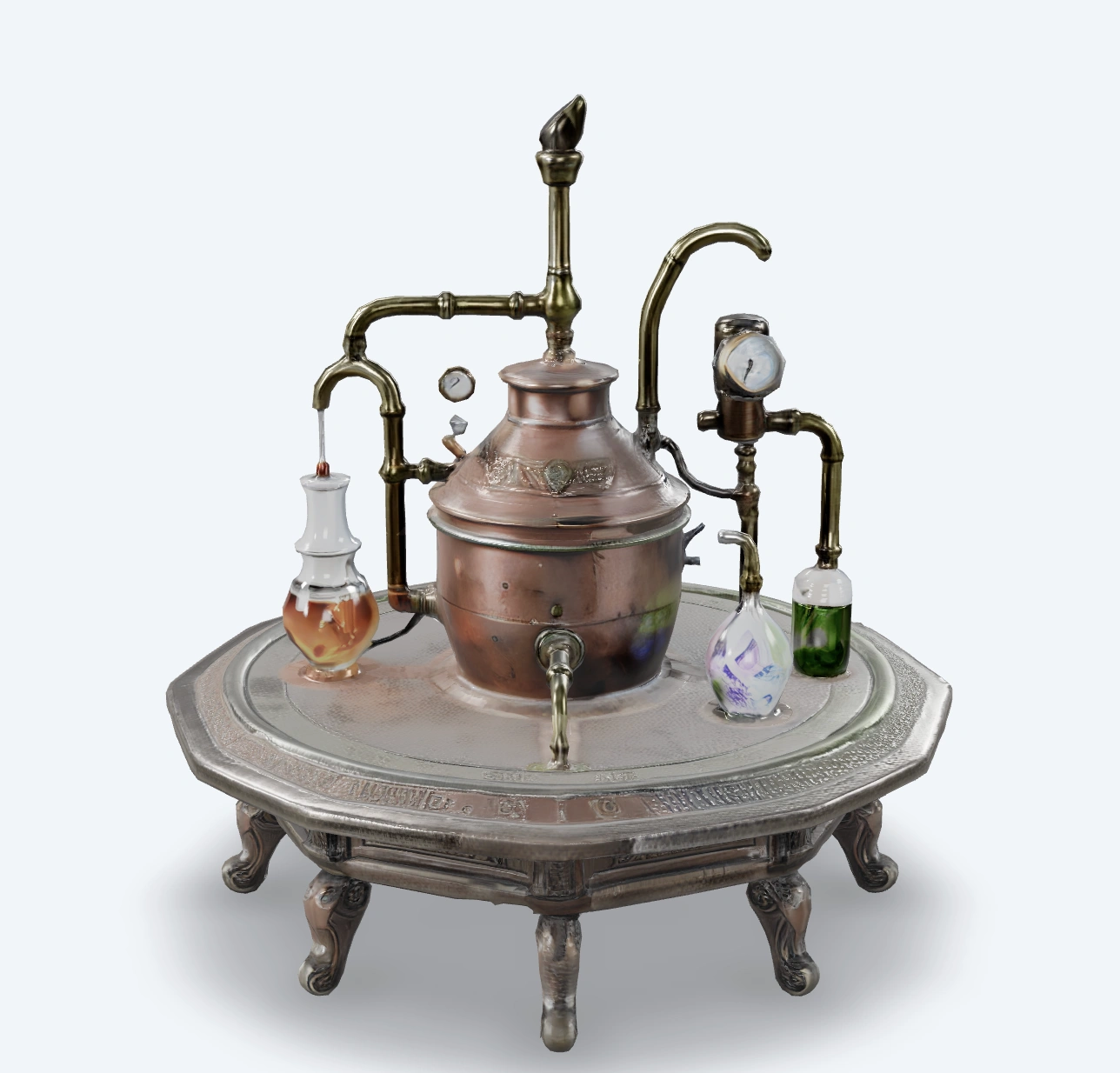
3D model output
Open preview to inspect the generated asset.
3D model output
Open preview to inspect the generated asset.
3D model output
Open preview to inspect the generated asset.
Ähnliche Modelle
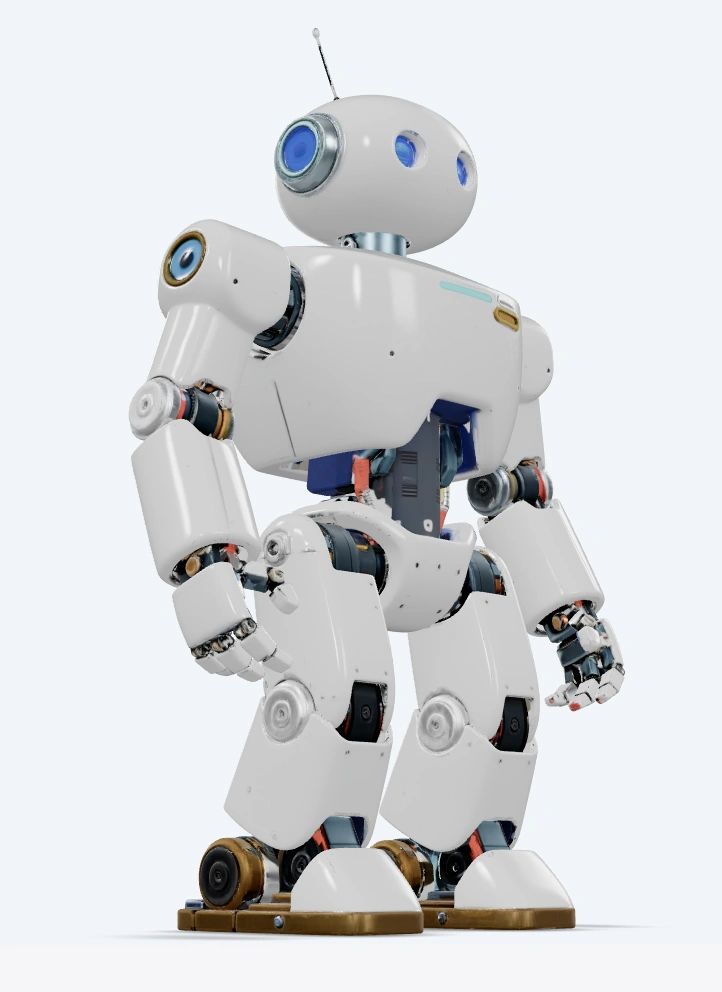
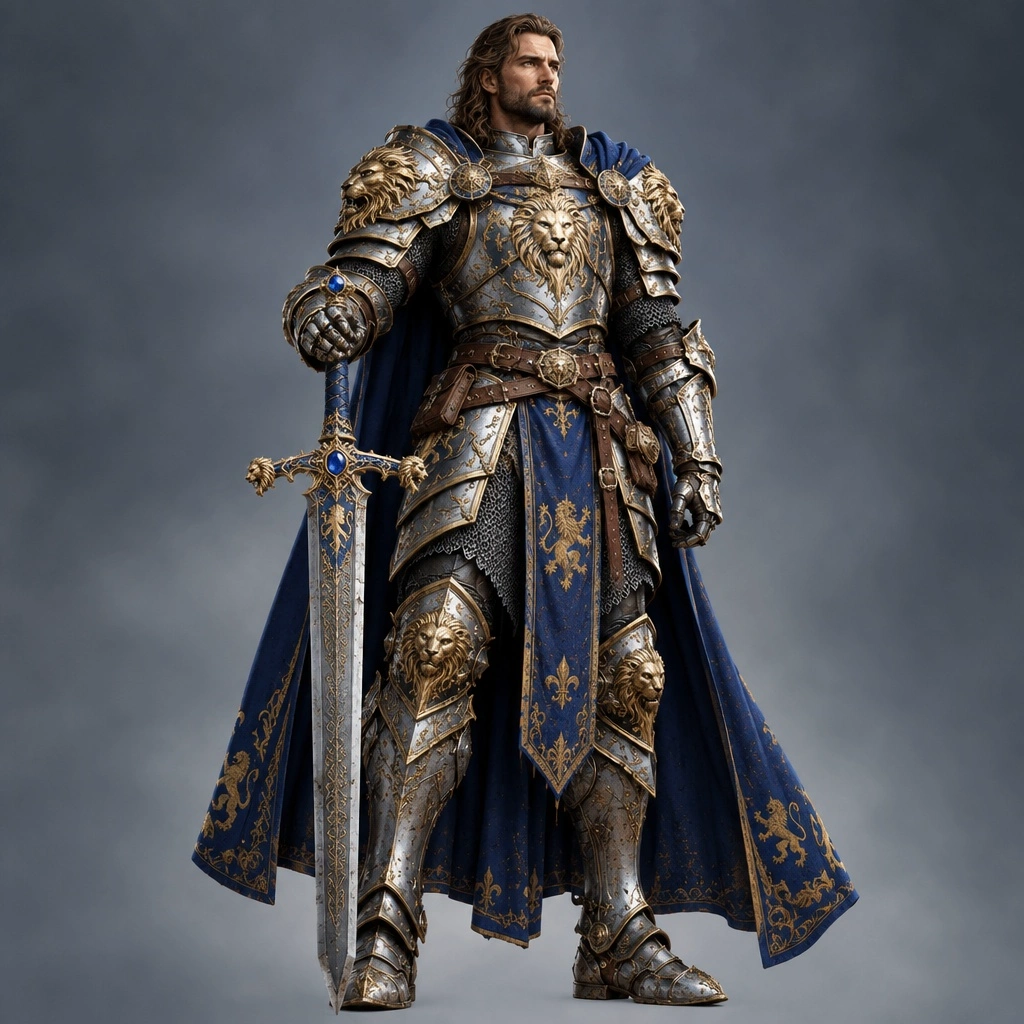
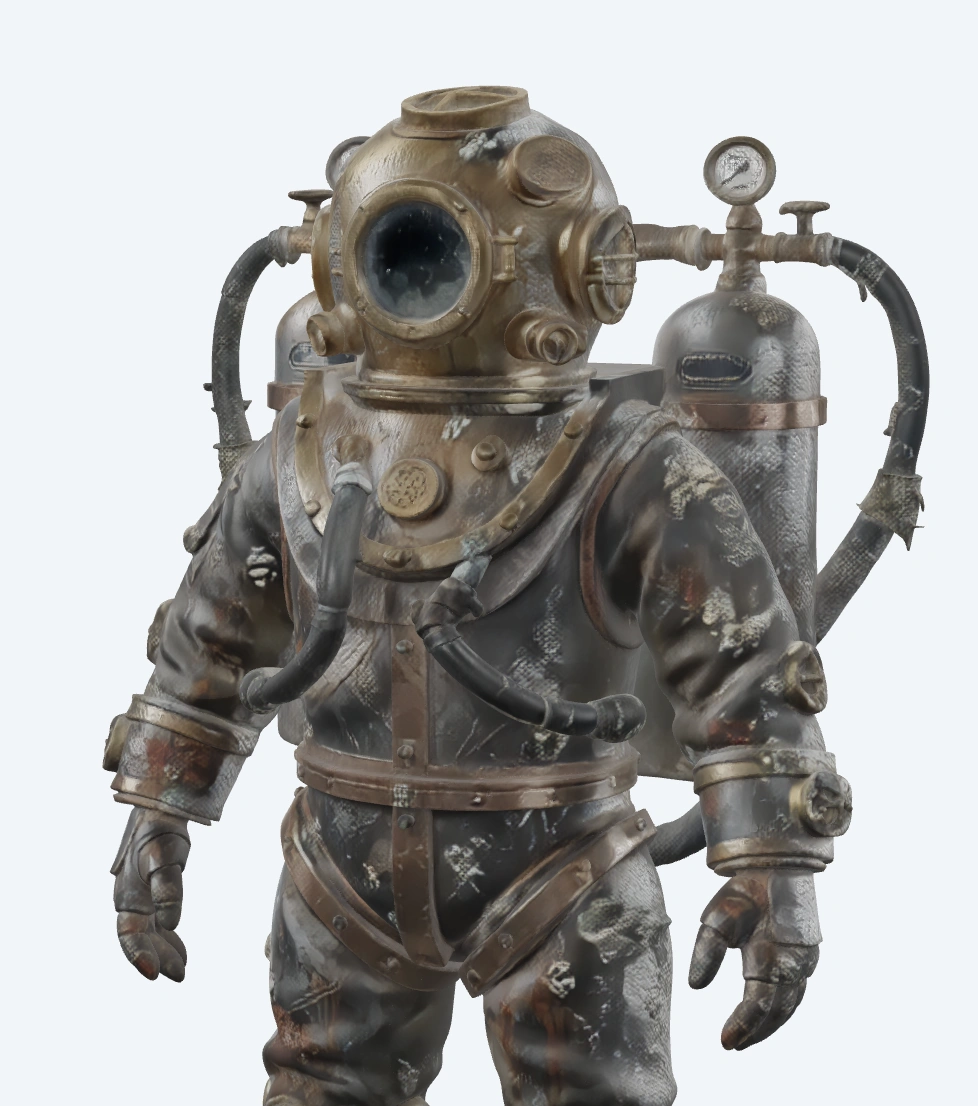
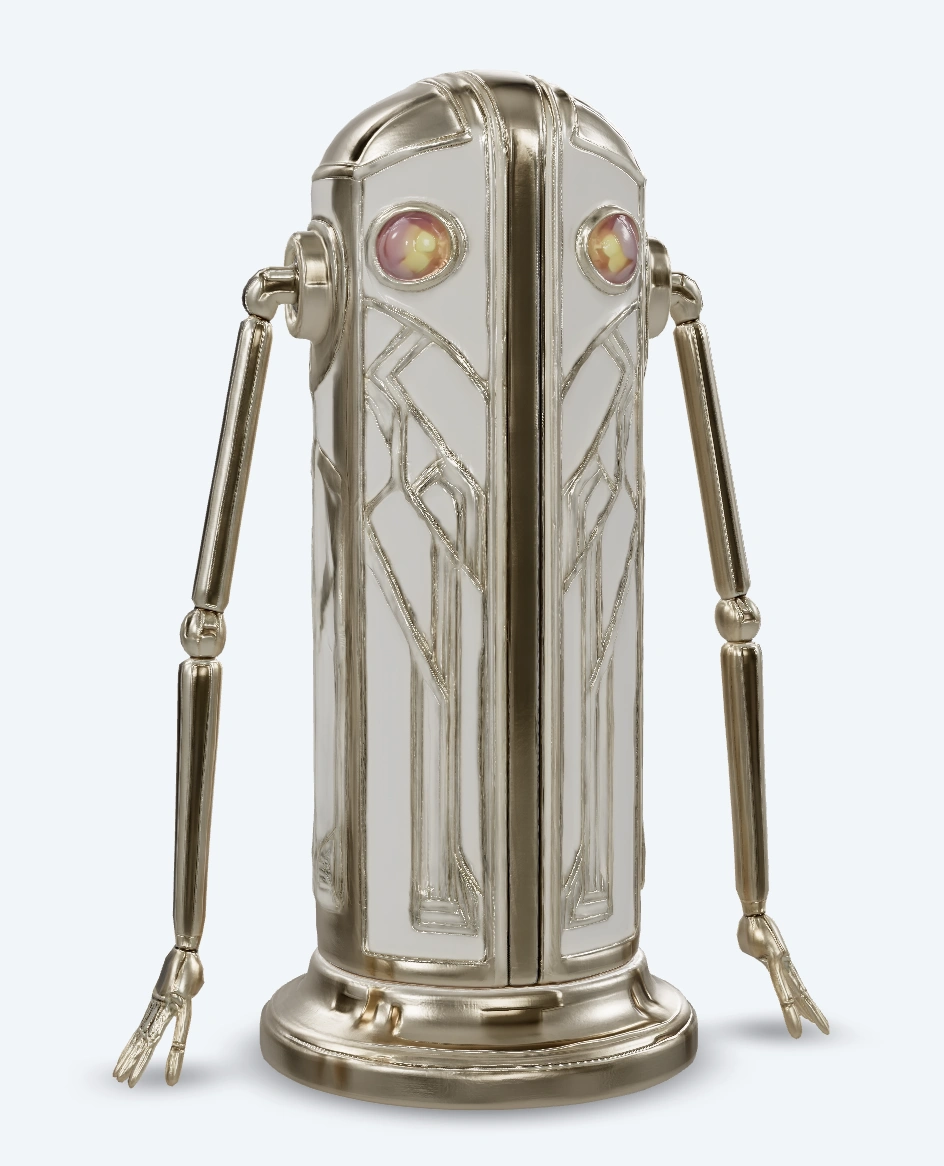

README
Hyper3D-Rodin-Gen-2 — Text / Image to 3D
Hyper3D-Rodin-Gen-2 is Hyper3D’s commercial 3D generation system that turns text prompts or 2D images into production-ready 3D assets with UVs and textures. It targets game art, film/TV, XR, product visualisation and even 3D printing workflows.
🔧 What it does
-
Text-to-3D & Image-to-3D in one model Enter a prompt, upload one or more images, or combine both. Multi-view images help reconstruct more accurate shapes.
-
Geometry + textures, ready for DCC / engines Outputs UV-unwrapped meshes plus PBR or shaded textures for use in Unity, Unreal, Blender, Maya, 3D printing pipelines, etc.
-
Topology & resolution control Choose between quad meshes (good for sculpting / rigging) or triangle meshes (game-ready), and pick an approximate polycount tier.
-
Geometric & pose control Optional bounding-box constraints and T/A-pose enforcement help keep characters and props within expected proportions and ready for rigging.
🧩 Parameters
1. Core inputs
-
prompt Natural-language description of the object (shape, style, material, usage).
-
images* One or more reference images (front / side / 3-view / concept art).
- With only text → Text-to-3D
- With images (and optional text) → Image-to-3D / guided Text-to-3D
-
material Rendering/material mode for textures:
- PBR – Physically-based maps (albedo, normal, roughness, metallic, etc.).
- Shaded – Baked / stylised look.
- All – Export both PBR and shaded variants.
2. Quality & mesh settings
-
quality_and_mesh Controls mesh type and target polycount:
-
4K Quad, 8K Quad, 18K Quad, 50K Quad → Quad-dominant topology at roughly 4K / 8K / 18K / 50K faces. Best for character work, sculpting, retopology and rigging.
-
2K Triangle, 20K Triangle, 150K Triangle, 500K Triangle → Triangle meshes at increasing density. Good for game engines, previs, or high-detail props.
Higher tiers give more detail but larger file sizes and longer generation time.
-
-
addons Optional enhancement packs. Currently:
- HighPack – Increases mesh and texture fidelity (higher polycount / resolution) for final-quality assets.
3. Output format
-
geometry_file_format Choose which 3D file you want back:
- glb – Compact, modern, web-friendly (recommended default).
- fbx – Widely used for DCC and game engines.
- obj – Simple geometry + MTL, highly compatible.
- stl – For 3D printing workflows.
- usdz – Apple-friendly AR format.
4. Advanced geometric control
-
bbox_condition A ControlNet-style bounding box that limits the maximum size of the generated model (width / height / depth). Useful when you need consistent scaling across a whole asset library.
-
TAPose When enabled, forces humanoid characters into a T-pose / A-pose for easier rigging and animation downstream.
-
use_original_alpha If your input image has transparency, this option lets the model respect the original alpha silhouette during generation (handy for cut-out product shots or stylised characters).
-
preview_render Adds a quick preview render (e.g., turntable / shaded view) to the download bundle so you can inspect the result without opening a DCC tool.
5. Randomness & reproducibility
-
seed Random seed for generation:
- Leave empty / default → random each time.
- Set to a fixed integer → reproduce the same model configuration (useful for iteration with small prompt tweaks).
🚀 Typical workflow
-
Decide on input mode
- For concepting: start with prompt only.
- For fidelity: upload one or more reference images and optionally add a short prompt.
-
Pick material & mesh quality
- PBR + 8K Quad or 18K Quad for game/film characters.
- PBR + 20K Triangle for background props.
- Add HighPack when you’re close to final asset quality.
-
Set geometry_file_format to match your pipeline (e.g., glb for web, fbx for DCC, stl for printing).
-
(Optional) Add bbox_condition, enable TAPose for characters, and toggle use_original_alpha if your reference image uses transparency.
-
(Optional) Turn on preview_render to get a ready-to-view render in the output zip.
-
Set a seed if you want to be able to regenerate or slightly tweak the same base model.
-
Click Run — once the job finishes, download the mesh + textures bundle and import into your DCC, engine, or 3D-printing tool.
Price
- Per genration cost $0.3.
💡 Tips
- Use clean, centered references with good lighting for image-to-3D. Multi-view images greatly improve shape accuracy.
- Start with medium polycount tiers (8K Quad, 20K Triangle) for fast iteration, then switch to higher tiers + HighPack for final export.
- For rigged characters, combine TAPose + quad meshes and export as fbx or glb.
- If scale consistency matters across a project, define a shared bbox_condition and reuse it for all related assets.
Mode 3D Models
-
tripo3d/v2.5/image-to-3d Tripo3D’s v2.5 image-to-3D model turns a single product or concept image into a textured, game-ready 3D asset for e-commerce, AR/VR and real-time engines.
-
tripo3d/v2.5/multiview-to-3d Tripo3D’s multi-view 3D reconstruction model uses several photos of the same object to generate higher-fidelity meshes and textures for digital twins and 3D catalogs.
-
hunyuan3d/v2.1 Tencent Hunyuan3D v2.1 (hosted by WaveSpeedAI) converts text prompts into detailed 3D models, ideal for stylised characters, props and environment assets in games and animation.
-
hunyuan3d-v2-multi-view Tencent Hunyuan3D v2 multi-view leverages multiple reference images to create accurate, textured 3D assets for digital humans, product visualization and virtual production workflows.
Rodin v2 Image To 3d API — Quick start
Grab a WaveSpeedAI API key, then call POST https://api.wavespeed.ai/api/v3/hyper3d/rodin-v2/image-to-3d with your input as JSON. The endpoint returns a prediction id. Start polling the result endpoint around every 2 seconds, increase the interval for long-running tasks, and stop on any terminal status. On completed, read output values from data.outputs. Examples for Rodin v2 Image To 3d below.
HTTP example
set -euo pipefail

: "${WAVESPEED_API_KEY:?Set WAVESPEED_API_KEY}"

REQUEST_BODY=$(cat <<'JSON'
{
    "images": [
        "https://interactive-examples.mdn.mozilla.net/media/cc0-images/painted-hand-298-332.jpg"
    ],
    "material": "PBR",
    "quality_and_mesh": "4K Quad",
    "geometry_file_format": "glb",
    "addons": "HighPack"
}
JSON
)

# 1. Submit the prediction.
SUBMIT_RESPONSE=$(curl --silent --show-error --fail-with-body \
  -X POST "https://api.wavespeed.ai/api/v3/hyper3d/rodin-v2/image-to-3d" \
  -H "Content-Type: application/json" \
  -H "Authorization: Bearer $WAVESPEED_API_KEY" \
  -d "$REQUEST_BODY")

TASK=$(printf '%s' "$SUBMIT_RESPONSE" | jq 'if has("data") then .data else . end')
PREDICTION_ID=$(printf '%s' "$TASK" | jq -r '.id')
if [ -z "$PREDICTION_ID" ] || [ "$PREDICTION_ID" = "null" ]; then
  printf 'Submission response did not contain a prediction id
' >&2
  exit 1
fi
RESULT_URL="https://api.wavespeed.ai/api/v3/predictions/$PREDICTION_ID/result"

# 2. Poll until the prediction finishes.
while true; do
  RESPONSE=$(curl --silent --show-error --fail-with-body "$RESULT_URL" \
    -H "Authorization: Bearer $WAVESPEED_API_KEY")
  RESULT=$(printf '%s' "$RESPONSE" | jq 'if has("data") then .data else . end')
  STATUS=$(printf '%s' "$RESULT" | jq -r '.status')
  case "$STATUS" in
    completed) printf '%s\n' "$RESULT" | jq '.outputs'; break ;;
    failed|cancelled|timeout|deleted) printf '%s\n' "$RESULT" | jq . >&2; exit 1 ;;
    *) sleep 2 ;;
  esac
done
Node.js example
const submitUrl = "https://api.wavespeed.ai/api/v3/hyper3d/rodin-v2/image-to-3d";
const apiKey = process.env.WAVESPEED_API_KEY;
if (!apiKey) throw new Error('Set WAVESPEED_API_KEY');

async function requestJson(url, options = {}) {
  const response = await fetch(url, options);
  if (!response.ok) throw new Error(await response.text());
  return response.json();
}

// 1. Submit the prediction.
const body = await requestJson(submitUrl, {
  method: "POST",
  headers: {
    "Authorization": `Bearer ${apiKey}`,
    "Content-Type": "application/json",
  },
  body: JSON.stringify({
        "images": [
                "https://interactive-examples.mdn.mozilla.net/media/cc0-images/painted-hand-298-332.jpg"
        ],
        "material": "PBR",
        "quality_and_mesh": "4K Quad",
        "geometry_file_format": "glb",
        "addons": "HighPack"
}),
});
const task = body.data ?? body;
if (!task.id) throw new Error("Submission response did not contain a prediction id");
const resultUrl = `https://api.wavespeed.ai/api/v3/predictions/${task.id}/result`;

// 2. Poll until the prediction finishes.
while (true) {
  const resultBody = await requestJson(resultUrl, {
    headers: { "Authorization": `Bearer ${apiKey}` },
  });
  const result = resultBody.data ?? resultBody;
  if (result.status === "completed") {
    console.log(result.outputs);
    break;
  }
  if (["failed", "cancelled", "timeout", "deleted"].includes(result.status)) throw new Error(JSON.stringify(result));
  await new Promise(resolve => setTimeout(resolve, 2000));
}
Python example
import json
import os
import time
from urllib.request import Request, urlopen

api_key = os.environ["WAVESPEED_API_KEY"]
headers = {"Authorization": f"Bearer {api_key}", "Content-Type": "application/json"}
payload = {
    "images": [
        "https://interactive-examples.mdn.mozilla.net/media/cc0-images/painted-hand-298-332.jpg"
    ],
    "material": "PBR",
    "quality_and_mesh": "4K Quad",
    "geometry_file_format": "glb",
    "addons": "HighPack"
}

def request_json(url, data=None):
    request = Request(url, data=data, headers=headers, method="POST" if data else "GET")
    with urlopen(request) as response:
        return json.load(response)

# 1. Submit the prediction.
body = request_json("https://api.wavespeed.ai/api/v3/hyper3d/rodin-v2/image-to-3d", json.dumps(payload).encode())
task = body.get("data", body)
if not task.get("id"):
    raise RuntimeError("Submission response did not contain a prediction id")
result_url = f"https://api.wavespeed.ai/api/v3/predictions/{task['id']}/result"

# 2. Poll until the prediction finishes.
while True:
    result_body = request_json(result_url)
    result = result_body.get("data", result_body)
    status = result.get("status")
    if status == "completed":
        print(result.get("outputs", []))
        break
    if status in {"failed", "cancelled", "timeout", "deleted"}:
        raise RuntimeError(result)
    time.sleep(2)
Rodin v2 Image To 3d API — Frequently asked questions
What is the Rodin v2 Image To 3d API?
Rodin v2 Image To 3d is a Hyper3d model for 3D asset generation from images, exposed as a REST API on WaveSpeedAI. Hyper3D Rodin v2 turns a single image into production-ready 3D assets with clean topology, UVs and textures. Ready-to-use REST inference API, best performance, no coldstarts, affordable pricing. You can call it programmatically or try it from the playground above.
How do I call the Rodin v2 Image To 3d API?
POST your input parameters to the model's REST endpoint (shown in the API tab of this playground) with your WaveSpeedAI API key in the Authorization header. Submission returns a prediction ID. Poll the result endpoint starting around every 2 seconds, increase the interval for long-running tasks, and stop on any terminal status. The playground generates Python, JavaScript, and cURL examples for submitting requests and polling results. Full request/response shape is documented at https://wavespeed.ai/docs/docs-api/hyper3d/hyper3d-rodin-v2-image-to-3d.
How much does Rodin v2 Image To 3d cost per run?
Rodin v2 Image To 3d starts at $0.4 per run. That figure is the base price — the final charge scales with the parameters you set in the form (output size, length, count, references, or whatever knobs this model exposes), so a higher-quality or larger output costs more than a minimal one. The exact cost for your current input is shown live next to the Generate button before you submit, and the actual per-call charge is recorded on the prediction afterwards.
What inputs does Rodin v2 Image To 3d accept?
Key inputs: `prompt`, `images`, `seed`, `addons`, `bbox_condition`, `geometry_file_format`. The full JSON schema (types, defaults, allowed values) is rendered above the Generate button and mirrored in the API reference at https://wavespeed.ai/docs/docs-api/hyper3d/hyper3d-rodin-v2-image-to-3d.
How long does Rodin v2 Image To 3d take to generate?
Reported generation time on WaveSpeedAI is around 172 seconds per request. This is an estimate, not a latency guarantee; queue time and input settings can change the total wait. live status is visible in the prediction record.
Can I use Rodin v2 Image To 3d outputs commercially?
Commercial usage rights depend on the model's license, set by its provider (Hyper3d). Check the provider's applicable terms and WaveSpeedAI's Terms of Service before commercial use.