Dreamina V3.0 Pro creates 1080P videos from text or image prompts with natural dynamic expression and multi-scene narratives. Ready-to-use REST inference API, best performance, no coldstarts, affordable pricing.
Bereit
$0.6pro Durchlauf·~16 / $10
BeispieleAlle anzeigen
A street violinist performing on a street corner at dusk. The violinist sways gently with their eyes closed, their hands moving quickly and precisely on the strings. The sound of passersby's footsteps blends with the music. Blue hour, with the sky in deep blue, contrasting with the warm yellow light from street lamps and shops. Strong light and shadow contrast, outlining the subject. The camera slowly pushes in from a distance to a close-up on the violinist's face, then to a close-up on their hands, and finally a low-angle shot panning up to show them integrated with the surroundings. Poetic, passionate, and atmospheric.
A tranquil lake surrounded by a dense forest and distant snowy mountains. The wind gently ripples the surface of the water and rustles the leaves of the trees. Distant clouds drift slowly over the mountaintops. Sunrise with soft, golden light filtering through the trees, casting dappled shadows on the ground. A slow, upward pan shot from the lake to the mountain peaks. Cinematic, serene, and breathtaking.
Two old friends chatting in an old-fashioned cafe in the afternoon. One friend slowly sips from a steaming coffee cup, steam rising into the air. The other smiles, telling a story with animated hand gestures, causing small items on the table to slightly jiggle. A classic film grain texture, with slight graininess. Afternoon sunlight filters through the blinds, casting striped shadows on the table. Warm tones create a nostalgic and comfortable atmosphere. Focus pulling between the two, from a close-up on one's face to a blurred but expressive shot of the other's back. The camera slowly zooms out to capture the cozy cafe scene. Authentic, intimate, and timeless.
A girl in a white dress stands in the middle of a golden wheat field. A gentle breeze sways her long hair and dress, and the wheat stalks rustle around her. She slowly turns with a soft smile on her face. Golden hour light with a warm, soft glow. Shot with a shallow depth of field, creating a beautiful bokeh effect with backlight outlining her figure. A slow, 360-degree orbit shot around the subject, keeping focus. Dreamy, ethereal, and emotionally resonant.
A lone traveler standing on a high-altitude meadow, facing a vast sunset in the distance. The clouds in the sky slowly shift colors with the fading light of the sunset. The traveler's clothes and hair are gently blown by the mountain breeze. Their silhouette stands against the magnificent scenery. Golden hour, with the sky showcasing a gradient of gold, orange-red, and purple. High color saturation and dramatic lighting. The silhouette effect highlights a sense of loneliness and awe. The camera slowly pushes in from a wide shot to the traveler, then orbits them in a slow, circular motion, finally rising to an aerial view of the entire mountain range. majestic, poetic, and emotionally powerful.
An ancient city floating silently above a sea of clouds. The buildings are overgrown with luminous vines and fantastical, glowing flowers. The city drifts slowly and silently within the cloudscape, and the luminous vines pulse rhythmically like a heartbeat. Distant clouds form swirling vortexes above the city. Soft and psychedelic colors in pink, purple, and gold, reminiscent of a surreal sunrise or sunset. Light filters through the cracks of the buildings, creating a gentle halo effect. A slight bokeh and blurring effect to enhance the dreamlike quality. The camera slowly pulls back from a magnificent building to reveal the city floating, then transitions to a rotating aerial shot, capturing the city spinning within the clouds. Ethereal, surreal, and mystical.
A man in a hooded jacket climbs a rugged mountain path at dawn, breath misting in the cold air. The rising sun casts long shadows over snow-dusted peaks. Wide-angle shot reveals vast alpine scenery, followed by close-up of his determined face. Wind rustles his backpack straps. Sound of crunching snow underfoot and distant eagle cries. Epic orchestral undertone, dynamic movement through drone tracking shots.
Ähnliche Modelle
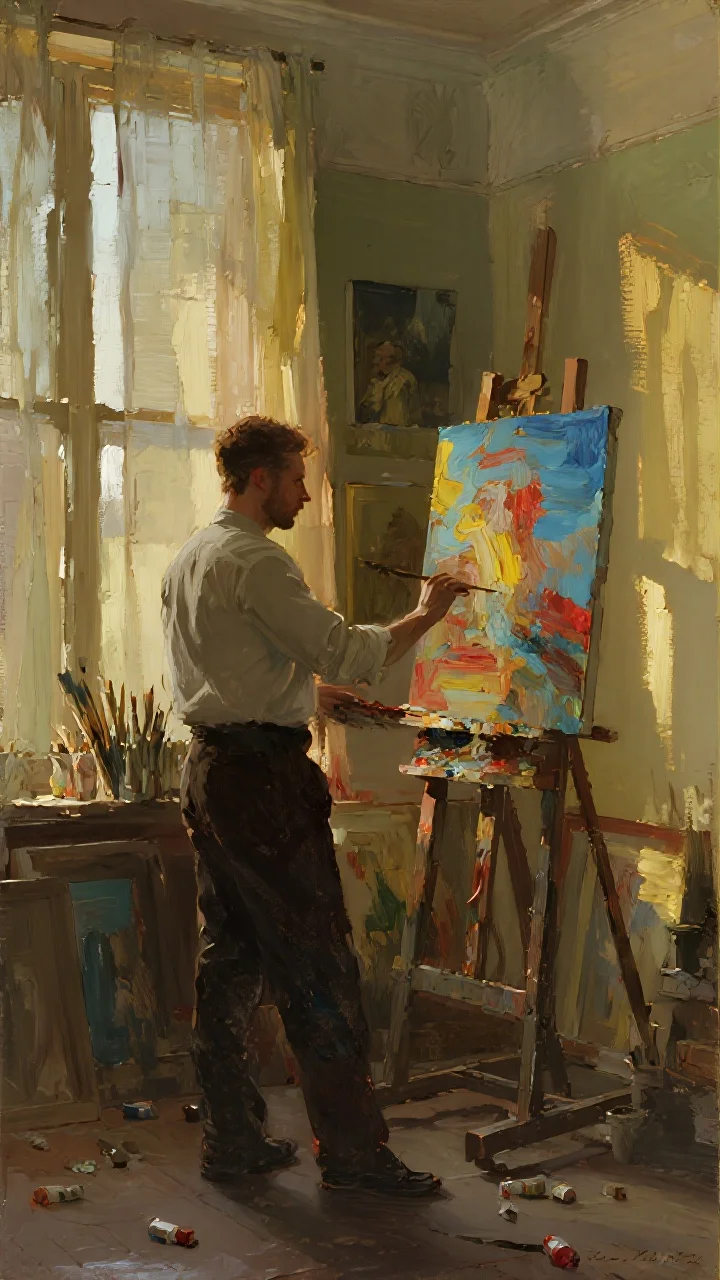
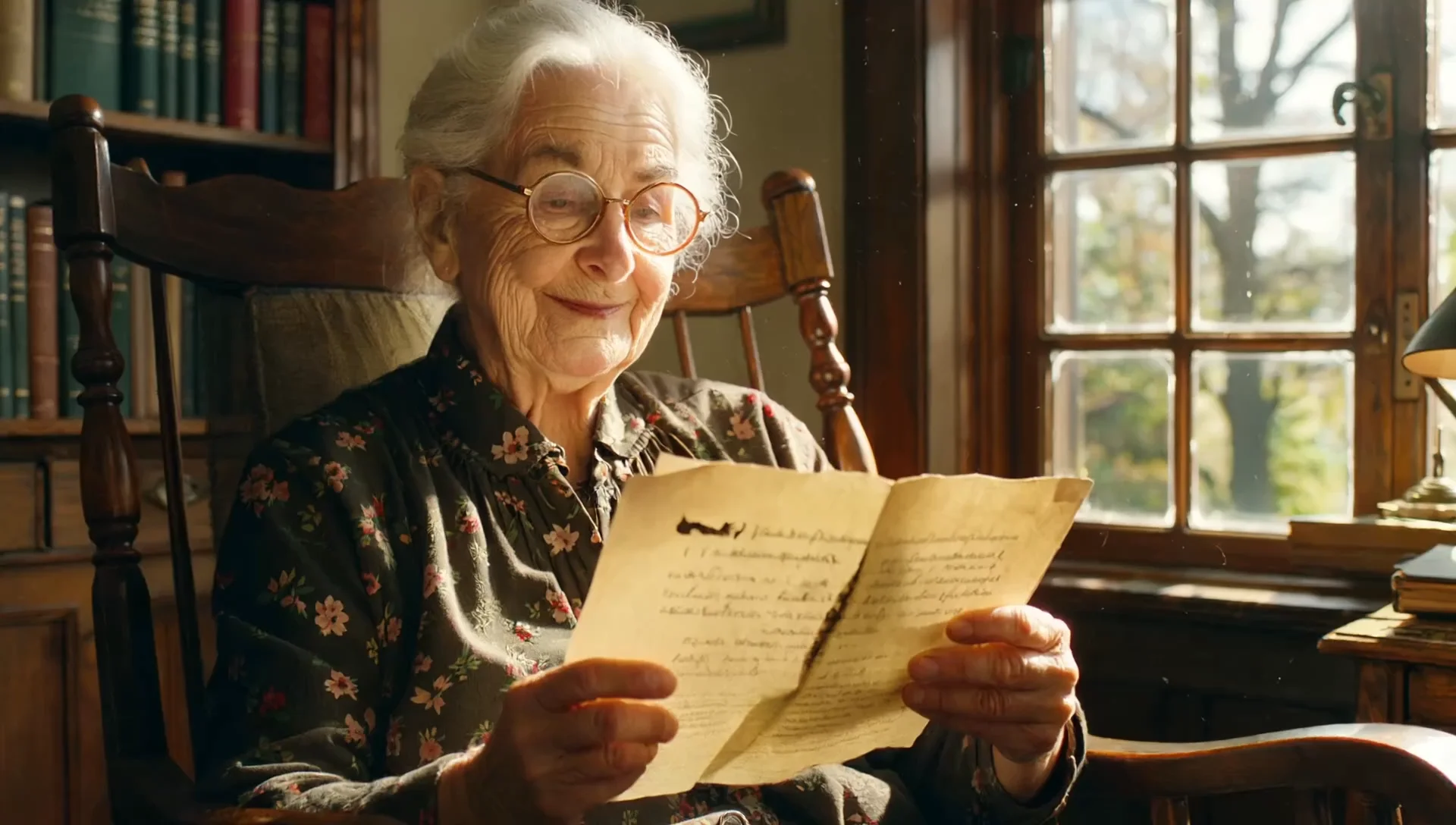
README
Dreamina V3.0 Pro — Image-to-Video
Dreamina V3.0 Pro Image-to-Video is premium image-to-video generation model that transforms static images into stunning, cinematic videos. Upload an image and describe the motion you want — the model brings your visual to life with smooth, high-quality animation and natural movement.
Why It Stands Out
- Premium quality: Pro-level output with exceptional detail, motion, and visual fidelity.
- Image-driven generation: Animate any image while preserving its original style and composition.
- Prompt-guided motion: Describe camera movements, actions, and atmospheric effects to control the animation.
- Prompt Enhancer: Built-in AI-powered prompt optimization for better results.
- Flexible aspect ratios: Choose from multiple aspect ratio presets to fit your content needs.
- Reproducibility: Use the seed parameter to recreate exact results.
Parameters
| Parameter | Required | Description |
|---|---|---|
| prompt | Yes | Text description of desired motion, action, and style. |
| image | Yes | Source image to animate (upload or public URL). |
| aspect_ratio | No | Output aspect ratio: 16:9, 9:16, 1:1, etc. (default: 16:9). |
| seed | No | Set for reproducibility; -1 for random. |
How to Use
- Upload your source image — drag and drop a file or paste a public URL.
- Write a prompt describing the motion, camera movement, and atmosphere you want. Use the Prompt Enhancer for AI-assisted optimization.
- Select aspect ratio — choose the format that fits your platform or use case.
- Set a seed (optional) for reproducible results.
- Click Run and wait for your video to generate.
- Preview and download the result.
Best Use Cases
- Social Media Content — Transform photos into engaging video posts for TikTok, Reels, and Shorts.
- Marketing & Advertising — Animate product images and hero shots without expensive video production.
- Storytelling & Art — Bring illustrations, portraits, and artwork to life with cinematic motion.
- Music Videos — Create dynamic visuals from album art or promotional images.
- E-commerce — Generate animated product showcases from static photography.
Pricing
| Output | Price |
|---|---|
| Per video | $0.60 |
Pro Tips for Best Quality
- Use high-resolution, well-lit source images for optimal results.
- Be specific in your prompt — describe camera movement (pan, zoom, tracking), subject actions, and environmental effects.
- Include atmospheric details like lighting changes, wind effects, or ambient motion.
- Match the aspect ratio to your target platform (16:9 for YouTube, 9:16 for TikTok/Reels).
- Fix the seed when iterating to compare different prompt variations.
Notes
- Ensure uploaded image URLs are publicly accessible.
- Processing time varies based on current queue load.
- Please ensure your prompts comply with content guidelines.
Dreamina v3.0 Pro Image To Video API — Quick start
Grab a WaveSpeedAI API key, then call POST https://api.wavespeed.ai/api/v3/bytedance/dreamina-v3.0-pro/image-to-video with your input as JSON. The endpoint returns a prediction id; poll the prediction endpoint until status flips to completed, then read the output URL from data.outputs[0]. Examples for Dreamina v3.0 Pro Image To Video below.
HTTP example
# Submit the prediction
curl -X POST "https://api.wavespeed.ai/api/v3/bytedance/dreamina-v3.0-pro/image-to-video" \
  -H "Content-Type: application/json" \
  -H "Authorization: Bearer $WAVESPEED_API_KEY" \
  -d '{
    "prompt": "A cinematic shot of a city at sunset, soft golden light",
    "image": "https://example.com/your-input.jpg",
    "aspect_ratio": "16:9",
    "seed": -1
}'

# Response includes a prediction id. Poll for the result:
curl -X GET "https://api.wavespeed.ai/api/v3/predictions/{request_id}/result" \
  -H "Authorization: Bearer $WAVESPEED_API_KEY"

# When status is "completed", read the output from data.outputs[0].
Node.js example
// npm install wavespeed
const WaveSpeed = require('wavespeed');

const client = new WaveSpeed(); // reads WAVESPEED_API_KEY from env

const result = await client.run("bytedance/dreamina-v3.0-pro/image-to-video", {
        "prompt": "A cinematic shot of a city at sunset, soft golden light",
        "image": "https://example.com/your-input.jpg",
        "aspect_ratio": "16:9",
        "seed": -1
});

console.log(result.outputs[0]); // → URL of the generated output
Python example
# pip install wavespeed
import wavespeed

output = wavespeed.run(
    "bytedance/dreamina-v3.0-pro/image-to-video",
    {
    "prompt": "A cinematic shot of a city at sunset, soft golden light",
    "image": "https://example.com/your-input.jpg",
    "aspect_ratio": "16:9",
    "seed": -1
}
)

print(output["outputs"][0])  # → URL of the generated output
Dreamina v3.0 Pro Image To Video API — Frequently asked questions
What is the Dreamina v3.0 Pro Image To Video API?
Dreamina v3.0 Pro Image To Video is a ByteDance model for video generation from images, exposed as a REST API on WaveSpeedAI. Dreamina V3.0 Pro creates 1080P videos from text or image prompts with natural dynamic expression and multi-scene narratives. Ready-to-use REST inference API, best performance, no coldstarts, affordable pricing. You can call it programmatically or try it from the playground above.
How do I call the Dreamina v3.0 Pro Image To Video API?
POST your input parameters to the model's REST endpoint (shown in the API tab of this playground) with your WaveSpeedAI API key in the Authorization header. Submission returns a prediction ID; poll the prediction endpoint until status flips to "completed", then read the output URL from the result. The playground generates a ready-to-paste code sample in Python, JavaScript, or cURL for whatever inputs you've set. Full request/response shape is documented at https://wavespeed.ai/docs/docs-api/bytedance/bytedance-dreamina-v3.0-pro-image-to-video.
How much does Dreamina v3.0 Pro Image To Video cost per run?
Dreamina v3.0 Pro Image To Video starts at $0.60 per run. That figure is the base price — the final charge scales with the parameters you set in the form (output size, length, count, references, or whatever knobs this model exposes), so a higher-quality or larger output costs more than a minimal one. The exact cost for your current input is shown live next to the Generate button before you submit, and the actual per-call charge is recorded on the prediction afterwards.
What inputs does Dreamina v3.0 Pro Image To Video accept?
Key inputs: `prompt`, `image`, `aspect_ratio`, `seed`. The full JSON schema (types, defaults, allowed values) is rendered above the Generate button and mirrored in the API reference at https://wavespeed.ai/docs/docs-api/bytedance/bytedance-dreamina-v3.0-pro-image-to-video.
How long does Dreamina v3.0 Pro Image To Video take to generate?
Average end-to-end generation time on WaveSpeedAI is around 80 seconds per request — measured across recent runs. Queue time scales with global demand; live status is visible in the prediction record.
Can I use Dreamina v3.0 Pro Image To Video outputs commercially?
Commercial usage rights depend on the model's license, set by its provider (ByteDance). The license summary appears on the model card above; see WaveSpeedAI's Terms of Service for platform-level conditions.