在 OpenCode 中使用 WaveSpeed Skill 生成圖像與影片
OpenCode 會從 .claude/skills 載入技能,而這正是 wavespeed skill install 寫入的位置。只需一條指令,智能體就能搜尋模型目錄、讀取輸入結構描述,並執行任何圖像、影片、音訊或 3D 模型。
OpenCode 會從多個目錄解析 agent skills,而 .claude/skills 就在清單之中,無論是專案本地還是全域目錄皆然。這讓 WaveSpeed 的設定真正只需一行指令,因為 wavespeed CLI 本來就把它的 skill 安裝在那個位置:
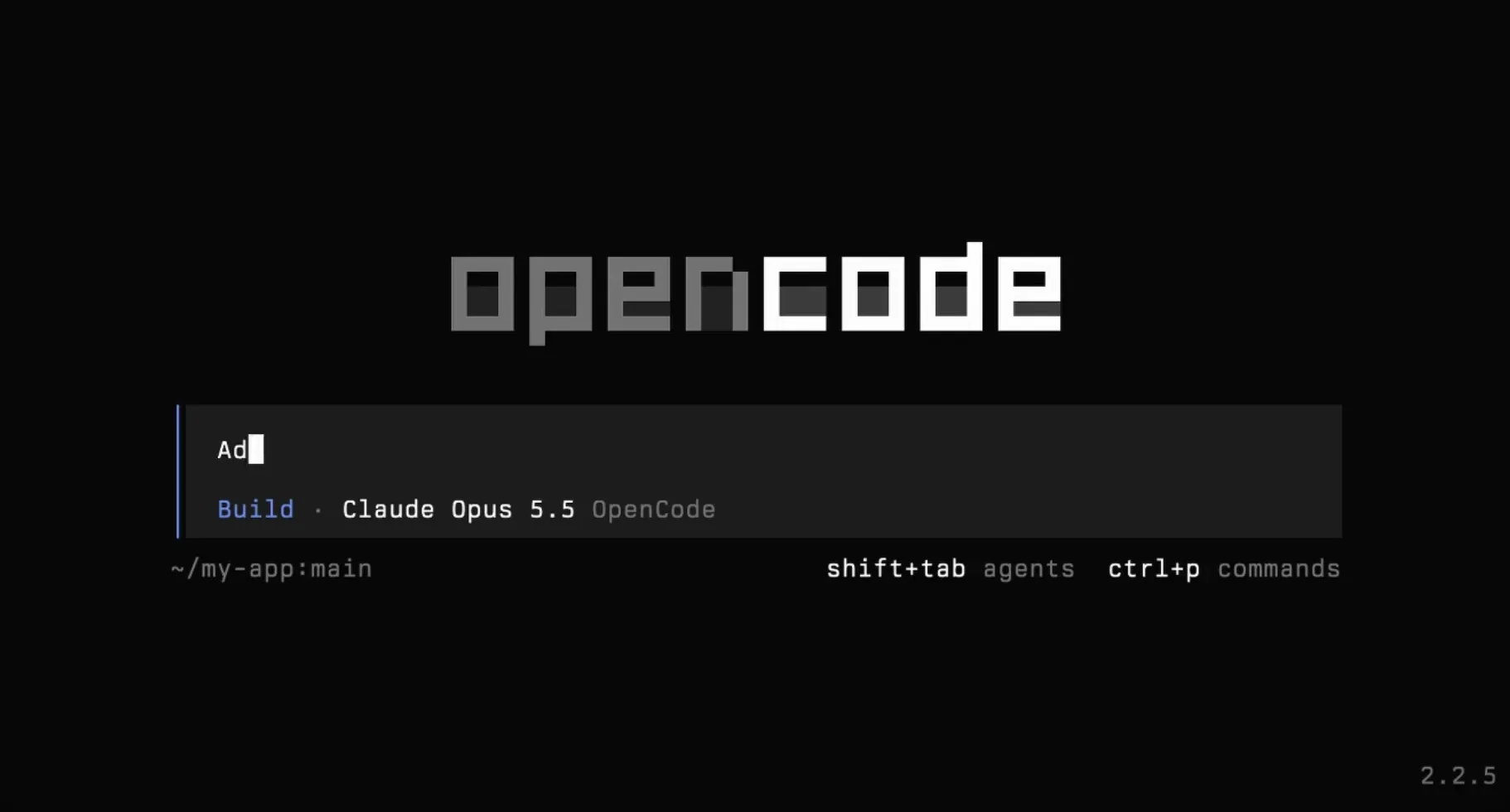
npm install -g @wavespeed/cli
wavespeed login            # opens the key page at wavespeed.ai, validates the paste
wavespeed skill install    # writes .claude/skills/wavespeed/SKILL.md and .agents/skills/wavespeed/SKILL.md
若透過 npm 安裝,CLI 需要 Node.js 18 或更新版本。在開始生成之前,請在 OpenCode 使用的 shell 中檢查 node --version、wavespeed --version 和 wavespeed status。skill 負責告訴 agent 如何使用 CLI;至於它能否載入這些指示並執行指令,仍由 OpenCode 的 skill 與 shell 權限來控制。
不需要外掛,不需要 MCP 伺服器,也不需要 OpenCode 專屬的打包。這個 skill 就是同一個同時供 Claude Code、Cursor 和 Codex 使用的檔案。
agent 會用它做什麼
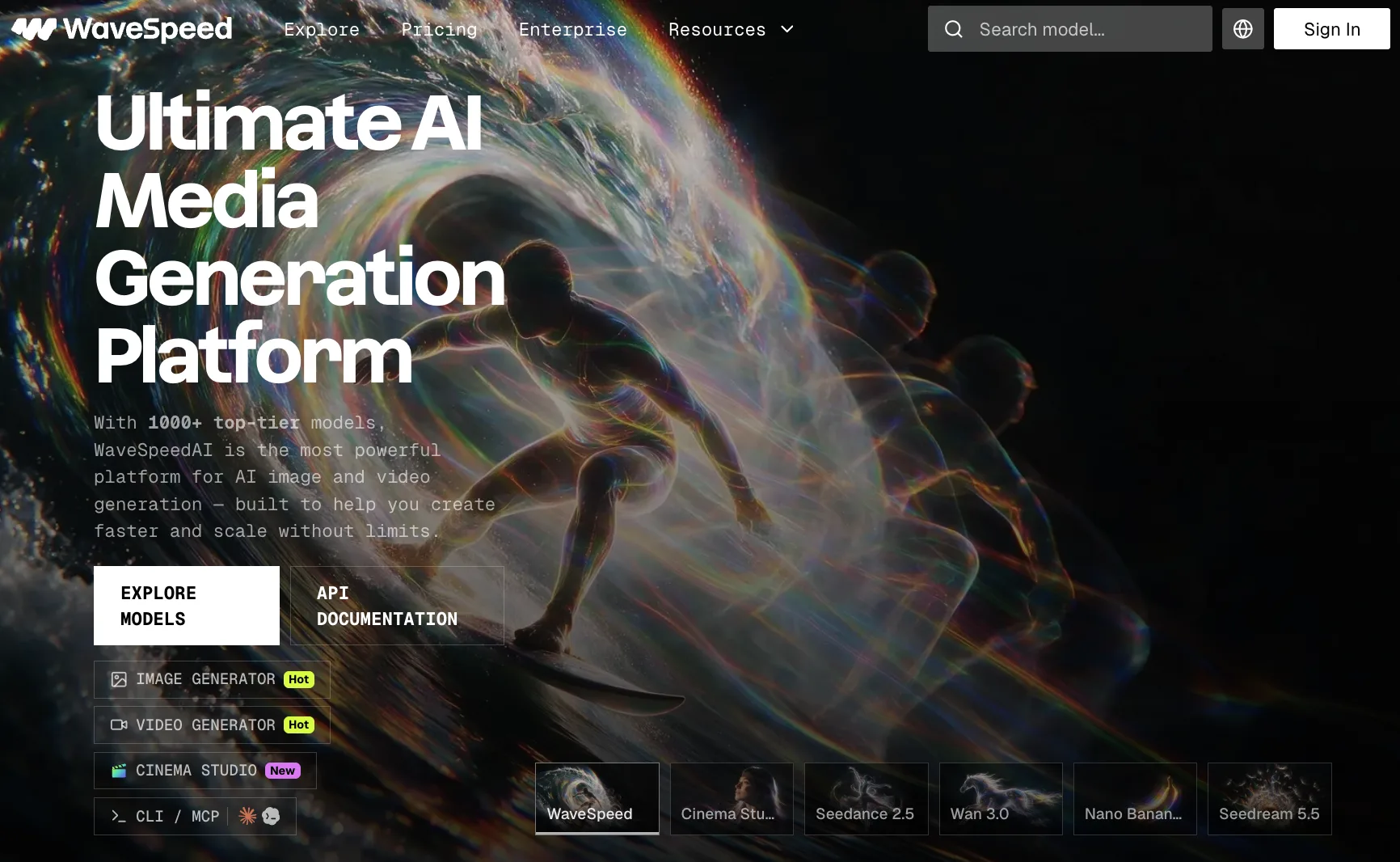
wavespeed.ai 上的每個模型,都只是一條 wavespeed run <model-id> 指令。這個 skill 教給 agent 的是「尋找 → 檢視 → 執行」的流程:
# 1. FIND a model in the live catalog
wavespeed models "seedream"
wavespeed models --type image-to-video --popular

# 2. INSPECT each model's current input schema
wavespeed run bytedance/seedream-v5.0-pro -h
wavespeed run bytedance/seedance-2.5/image-to-video -h

# 3. GENERATE an image and save it locally
wavespeed run bytedance/seedream-v5.0-pro \
  -p "a cyberpunk skyline at golden hour" \
  -i aspect_ratio="16:9" -i resolution="2k" -i output_format=png \
  --json --download ./hero.png
test -s ./hero.png
這個順序很重要:靠猜測參數名稱的 agent 可能會送出錯誤的輸入,所以這個 skill 把當前的 schema 納入流程之中。只有在圖像指令於 saved 欄位回報 ./hero.png,且檔案檢查成功時,才繼續下一步。
本機檔案透過 @path 標記處理,會在同一步驟中上傳並替換為託管的 URL:
# Edit a local image
wavespeed run bytedance/seedream-v5.0-pro/edit \
  -p "replace the background with a sunlit kitchen" \
  -i images='["@./input.jpg"]' --json

# Animate the image generated above and save the video
wavespeed run bytedance/seedance-2.5/image-to-video \
  -p "subtle parallax, gentle wind" \
  -i image=@./hero.png -i resolution=720p -i duration=5 -i output_format=mp4 \
  --json --download ./hero.mp4
test -s ./hero.mp4
每次嘗試都請使用全新的輸出檔名。JSON 結果會在 outputs 中給出遠端 URL,並在 saved 中給出已下載的檔案;生成完成本身並不能證明本機下載成功。
成本控制
在執行之前,請以預定的輸入對這兩個步驟分別報價:
wavespeed price bytedance/seedream-v5.0-pro \
  -i aspect_ratio="16:9" -i resolution="2k" -i output_format=png --json

wavespeed price bytedance/seedance-2.5/image-to-video \
  -i image=@./hero.png -i resolution=720p -i duration=5 -i output_format=mp4 \
  --upload --json

wavespeed balance
許多模型是依某個輸入來計費,例如音訊長度或影格數。遺漏計費輸入的報價可能會偏低。這裡的 --upload 讓影片報價可以檢視本機圖片;它會消耗上傳額度,但不會提交生成任務。實際執行後所收取的金額才是最終依據。
容易踩的坑
- 單純的路徑不會被上傳。
-i image=./photo.jpg傳送的是字面字串。請改用 ./photo.jpg。 - 不要自行編造模型 ID,請先透過
wavespeed models或wavespeed schema <id>確認。 - 執行時請使用
--json,讓 agent 能讀取outputs[0],並在依賴本機檔案之前檢查saved。 - 連線中斷並不代表任務失敗。 如果錯誤訊息中包含 prediction ID,請用
wavespeed show <id>查看。否則,在重新提交同一個付費任務之前,請先檢查wavespeed history。 - 專案預設值與別名存放在
wavespeed.json中(wavespeed init會寫入一個)。
各項資源所在
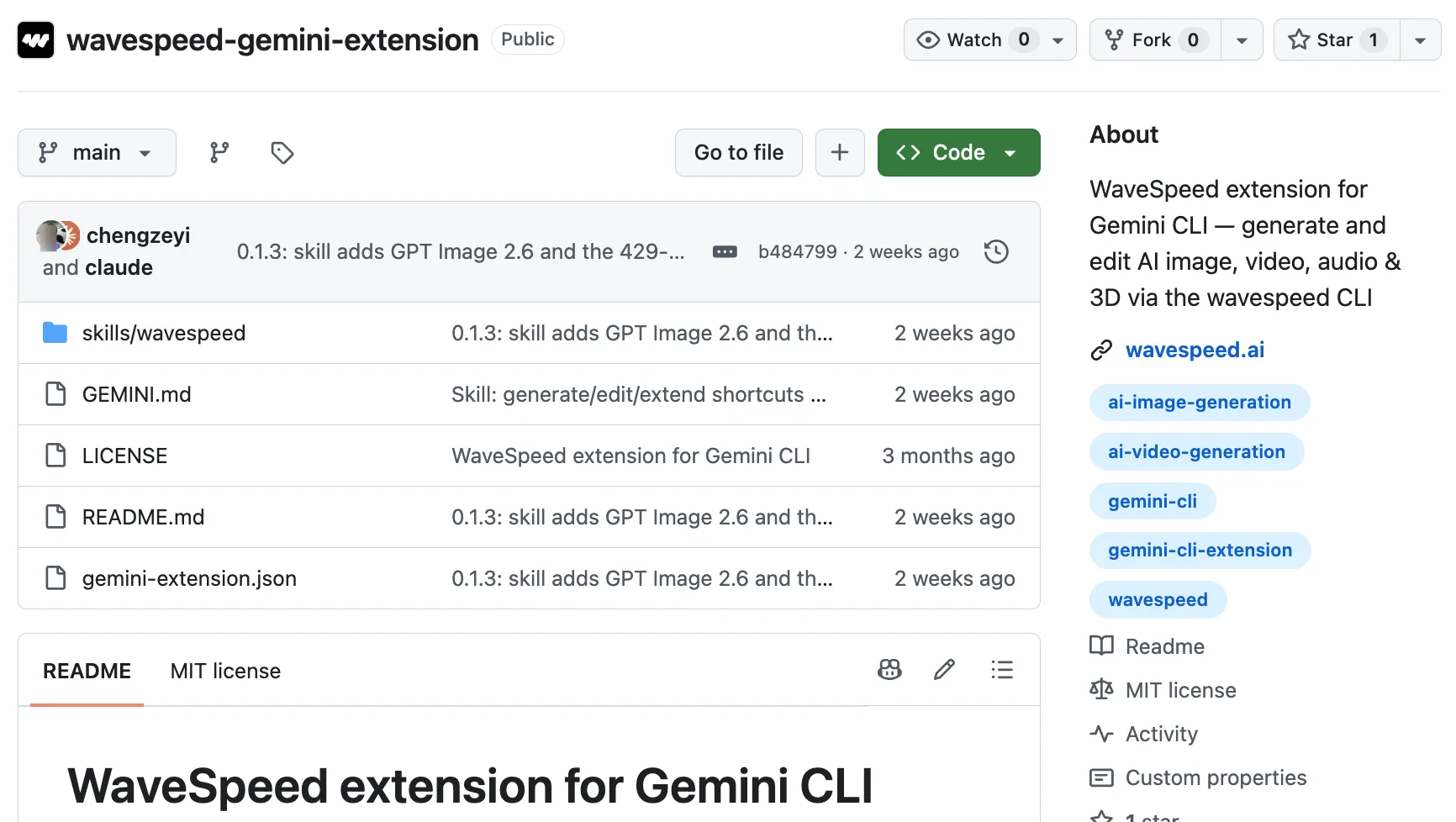
- CLI(MIT):WaveSpeedAI/wavespeed-cli ·
@wavespeed/cli - 模型目錄:wavespeed.ai/models
- 其他 agent:DeepSeek Harness · Gemini CLI · Claude Code plugins · MCP server
常見問題
Why is there no OpenCode-specific package?
OpenCode's skill search path includes .claude/skills (project and global), which is exactly where `wavespeed skill install` writes. The same file serves Claude Code, Cursor, Codex, and OpenCode with zero adaptation.
Which models can the agent use?
The full live WaveSpeed catalog — image, video, audio, and 3D. The skill teaches the agent to search it with `wavespeed models`, so newly released models work without a skill update.
Project-level or global install?
Run `wavespeed skill install` inside a project to check the skill into git for your team, or copy the same directory to ~/.claude/skills to have it in every project.
Can I control spend?
Yes — `wavespeed price <model-id> -i key=value` quotes a run before executing it, and `wavespeed balance` shows account credit.