在 DeepSeek Harness 中使用 WaveSpeed Skill 生成圖像與影片
實用設定指南:在 DeepSeek Harness (dsh) 中安裝 WaveSpeed skill,您的智能體即可搜尋模型目錄、讀取輸入結構,並執行任何圖像、影片、音訊或 3D 模型,且每次執行前都會先進行價格確認。
DeepSeek Harness(dsh)運行的程式設計代理,只擅長一種介面:shell。WaveSpeed CLI 正是為這種介面而生——wavespeed.ai 上的每個模型,都只需一條 wavespeed run <model-id> 指令。wavespeed-dsh-skill 將兩者串接起來,讓代理在執行任務的過程中,無需你離開工作階段,就能生成主視覺圖、讓靜態圖動起來,或放大影片畫質。
這是一份設定筆記,而非推銷文案:要安裝什麼、代理實際會用它做什麼,以及有哪些需要留意的地方。
前置需求
- Node.js ≥ 18
- CLI:
npm install -g @wavespeed/cli - WaveSpeed API 金鑰——
wavespeed login會開啟金鑰頁面並驗證你貼上的內容,因此你不必在聊天視窗中處理金鑰
安裝 skill
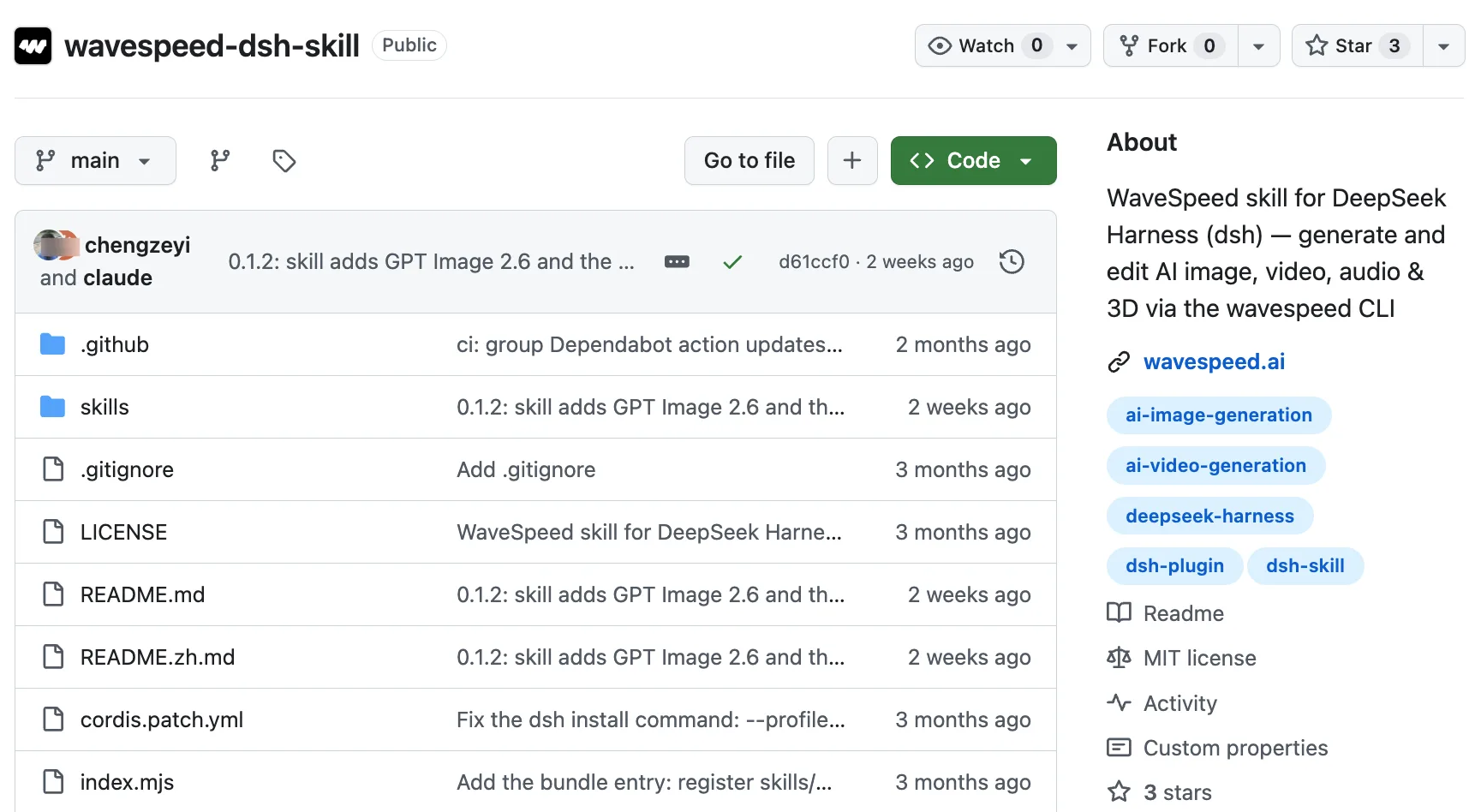
作為 dsh 外掛安裝(套件會自動註冊該 skill):
dsh plugin --profile web add github:WaveSpeedAI/wavespeed-dsh-skill或手動複製到專案中(納入 git 版本控制,與團隊共用):
mkdir -p .dsh/skills
git clone --depth 1 https://github.com/WaveSpeedAI/wavespeed-dsh-skill /tmp/wss \
  && cp -r /tmp/wss/skills/wavespeed .dsh/skills/ && rm -rf /tmp/wss
如果你同時也使用 Claude Code、Cursor 或 Codex,CLI 可以直接為這些代理安裝同一個 skill:wavespeed skill install。
代理如何使用它
 這個 skill 教代理一種固定模式——尋找、檢視、執行:
# 1. FIND a model in the live catalog
wavespeed models "seedream"
wavespeed models --type image-to-video --popular

# 2. INSPECT its real input schema (fetched live, per model)
wavespeed run bytedance/seedream-v5.0-pro -h

# 3. RUN it, reading the result as JSON
wavespeed run bytedance/seedream-v5.0-pro \
  -p "a cyberpunk skyline at golden hour" \
-i aspect_ratio="16:9" -i resolution="2k" --json這個順序比看起來更重要。靠猜測參數名稱的代理,會把執行次數浪費在驗證錯誤上;run <id> -h 讓 schema 成為流程的一部分,使代理先讀取、再撰寫。
本機檔案透過 @path 標記處理——CLI 會上傳檔案,並一步完成替換為其託管網址:
# Edit a local image
wavespeed run bytedance/seedream-v5.0-pro/edit \
  -p "replace the background with a sunlit kitchen" \
  -i images='["@./input.jpg"]' --json

# Animate a local still
wavespeed run bytedance/seedance-2.5/image-to-video \
  -p "subtle parallax, gentle wind" -i image=@./hero.jpg --json
成本控制
兩條指令可讓代理對花費保持透明:
wavespeed price bytedance/seedream-v5.0-pro -i resolution=2k   # quote, no charge
wavespeed balance                                                      # account credit
關於 price 有一點需要坦白說明:許多模型是依輸入量計費——音訊時長、影格數、文字長度。若在沒有這些輸入的情況下報價,公式會退化為模型的基本價格,也就是其價格區間的下限,而非一般執行的典型費用。該指令會指出它未能納入計算的輸入(在 --json 中為 unpriced_inputs);請補上這些輸入以取得真實報價。實際執行時的扣款金額以實際收費為準。
需要留意的地方
- 單純的路徑不會被上傳。
-i image=./photo.jpg傳送的是字面字串,模型會拒絕它。請使用@./photo.jpg。 - 不要自行編造模型 ID。 這個 skill 會指示代理先透過
wavespeed models或wavespeed schema <id>確認——憑空捏造的 ID 會在提交時失敗,但那已經白跑一趟往返了。 - 執行時一律加上
--json。 人類可讀的輸出是給人看的;outputs[0]才是給代理用的。 - 專案預設值存放在
wavespeed.json(wavespeed init會產生一份):包含一個defaultModel,以及將模型與預設輸入打包在一起的具名別名。對代理友善,對 git 也友善。
相關資源位置

- Skill:WaveSpeedAI/wavespeed-dsh-skill
- CLI(MIT 授權,開源):WaveSpeedAI/wavespeed-cli · npm 上的
@wavespeed/cli - 模型目錄:wavespeed.ai/models
常見問題
Does the skill need an MCP server?
No. The skill drives the open-source wavespeed CLI over ordinary shell commands, which dsh agents already know how to run. There is no daemon to keep alive.
Which models can the agent use?
The full live WaveSpeed catalog — image, video, audio, and 3D. The skill teaches the agent to search it with `wavespeed models` rather than hard-coding a model list, so newly released models work without a skill update.
How does the agent know what a model's inputs are?
`wavespeed run <model-id> -h` fetches the model's real input schema live. The skill instructs the agent to inspect before running, so it doesn't guess parameter names.
Can I control spend?
Yes — `wavespeed price <model-id> -i key=value` quotes a run before executing it, and `wavespeed balance` / `wavespeed usage` show the account state. The skill tells the agent to surface prices instead of silently spending.