Introducing Alibaba WAN 2.5 Image Edit on WaveSpeedAI
Try Alibaba Wan.2.5 Image Edit for FREE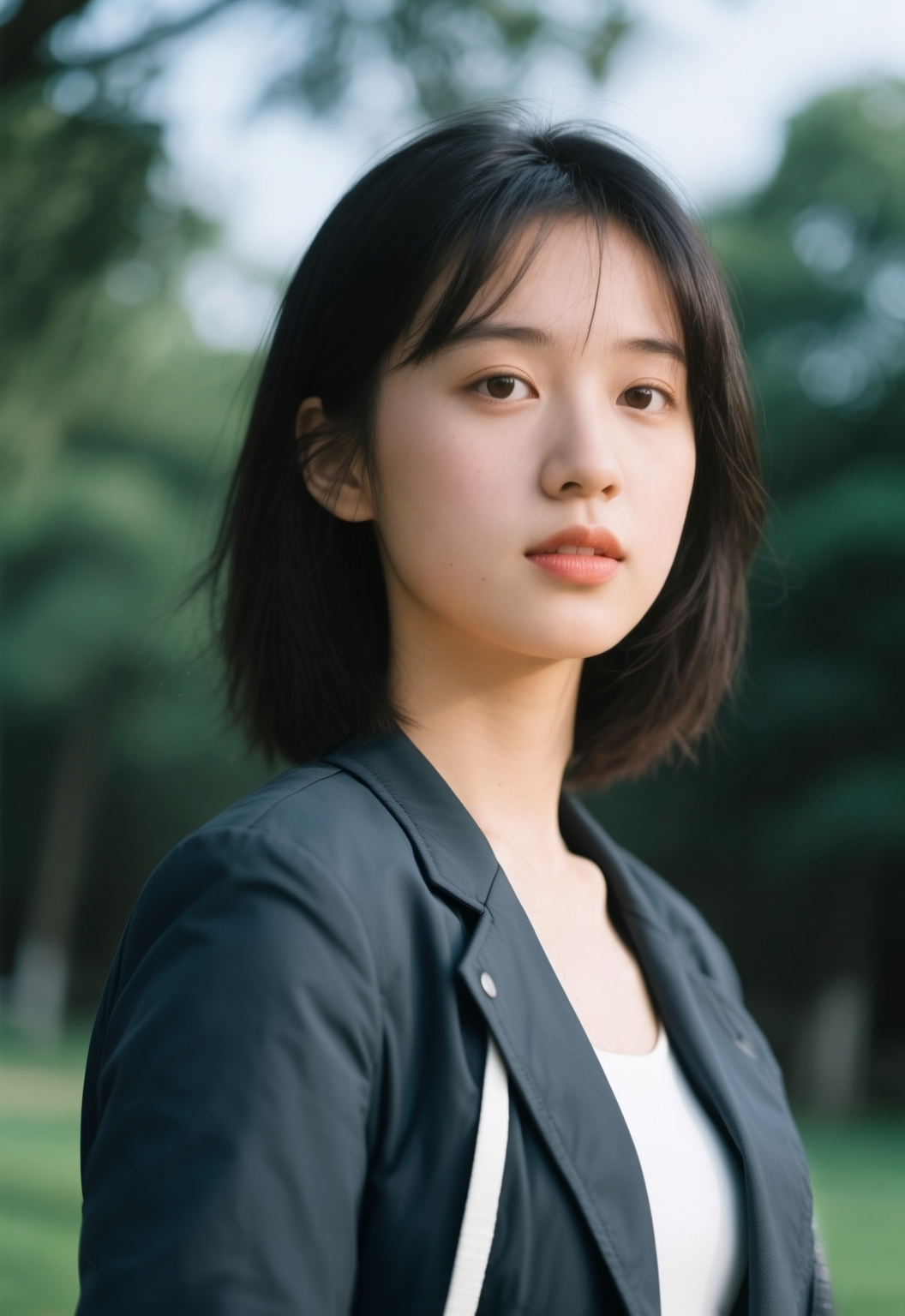
Introducing Alibaba WAN 2.5 Image Edit on WaveSpeedAI
The landscape of AI-powered image editing has entered a new era. We’re excited to announce the availability of Alibaba WAN 2.5 Image Edit on WaveSpeedAI—a sophisticated prompt-based visual editing model that transforms how creators refine and enhance their images.
Built on Alibaba’s groundbreaking Wan foundation model series, which has garnered over 600 million downloads and spawned more than 170,000 derivative models globally, WAN 2.5 Image Edit represents the cutting edge of structure-preserving AI editing technology.
What is Alibaba WAN 2.5 Image Edit?
Alibaba WAN 2.5 Image Edit is an advanced image-to-image AI model designed for precise, prompt-driven visual modifications. Unlike traditional image generators that create from scratch, this model excels at understanding your existing visuals and implementing targeted adjustments while preserving the core composition and structure of the original image.
The model leverages Alibaba’s unified multimodal architecture—essentially giving the AI a single integrated system that can simultaneously process and understand visual content, enabling it to make intelligent edits that maintain coherence with your original work.
Whether you need to adjust lighting, transform color palettes, modify textures, or reimagine the artistic style of an image, WAN 2.5 Image Edit delivers professional-grade results through simple natural language instructions.
Key Features
-
Structure-Preserving Edits: Make comprehensive changes to lighting, color grading, or object appearances without disrupting the overall composition. The model intelligently maintains spatial relationships and subject positioning while implementing your requested modifications.
-
Text-Guided Styling: Transform materials, moods, and artistic styles using concise prompts. Describe the aesthetic you want—whether it’s “warm golden hour lighting,” “cyberpunk neon aesthetic,” or “watercolor painting style”—and watch your vision materialize.
-
Intelligent Prompt Expansion: Enable automatic prompt enrichment when you need the model to fill in additional creative details, helping you achieve more sophisticated results even with simpler instructions.
-
Flexible Resolution Support: Choose from multiple output resolutions to match your specific workflow requirements. The model supports image dimensions from 384 to 5000 pixels, accommodating everything from quick social media edits to high-resolution print work.
-
Positive and Negative Prompt Control: Fine-tune your results by specifying both what should appear and what should be avoided, giving you precise control over the final output.
Real-World Use Cases
Marketing and Design Teams
Rapidly iterate on campaign visuals without returning to the original photoshoot. Adjust color schemes to match brand guidelines, modify lighting conditions for different contexts, or transform a single hero image into multiple variations for A/B testing.
E-commerce Product Photography
Upgrade product imagery at scale without expensive reshoots. Enhance lighting consistency across your catalog, adjust backgrounds, or refine product presentations. With 76% of small businesses reporting cost savings of over 80% when adopting AI photography tools, the ROI is compelling.
Content Creators
Polish thumbnails, social media posts, and cover images with professional precision. Whether you’re adjusting the mood of a YouTube thumbnail or creating variations of an Instagram post, WAN 2.5 Image Edit accelerates your creative workflow.
Artists and Designers
Experiment with variations of original artwork, explore different color palettes, or transform styles while maintaining the fundamental composition you’ve crafted. The model respects your creative vision while enabling rapid exploration.
Photographers
Perform complex lighting adjustments, color corrections, and stylistic transformations without extensive manual editing. The AI understands photographic principles and delivers results that maintain professional quality.
Getting Started on WaveSpeedAI
Getting started with Alibaba WAN 2.5 Image Edit on WaveSpeedAI takes just minutes:
- Upload Your Image: Provide the image you want to refine (dimensions must be between 384 and 5000 pixels)
- Describe Your Adjustments: Write a clear prompt explaining the changes you want—be specific about colors, lighting, objects, or styles to modify
- Configure Settings: Choose your target resolution and enable prompt expansion if desired
- Generate: Submit your request and receive your enhanced output
Pro Tips for Best Results
- Start with clear, specific instructions about the elements you want to adjust
- Pair positive prompts (what you want) with negative prompts (what to avoid) for maximum control
- Keep source images at or above your target resolution for optimal fidelity
- For style transfers, reference specific art movements or aesthetic terms for more predictable results
Why WaveSpeedAI?
When you run Alibaba WAN 2.5 Image Edit through WaveSpeedAI, you get:
- No Cold Starts: Your requests begin processing immediately—no waiting for infrastructure to spin up
- Fast Inference: Optimized infrastructure delivers results quickly, keeping your creative momentum flowing
- Affordable Pricing: Each edit costs just $0.03, making professional-quality image editing accessible for projects of any scale
- Simple REST API: Integrate directly into your existing workflows with our straightforward API
Conclusion
Alibaba WAN 2.5 Image Edit represents a significant advancement in AI-powered image editing. By combining structure-preserving technology with intuitive prompt-based control, it empowers creators to achieve professional results without specialized software expertise or expensive production resources.
Whether you’re a solo creator polishing content, a marketing team scaling visual production, or an e-commerce business upgrading product photography, WAN 2.5 Image Edit delivers the precision and flexibility modern creative workflows demand.
Ready to transform your image editing workflow?
Related Articles

Introducing Google Lyria 3 Clip on WaveSpeedAI

Introducing Google Lyria 3 Pro on WaveSpeedAI

Best Free AI Video Generator Online in 2026: Sora, Kling, Veo, Seedance — All in One Place

Introducing Kling Image O3 on WaveSpeedAI
Introducing AI Girl Filter on WaveSpeedAI