
Build an AI Creative Pipeline with GLM-5 + WaveSpeed
Build a full AI creative pipeline: GLM-5 writes prompts, WaveSpeed generates images and video, all orchestrated via API.
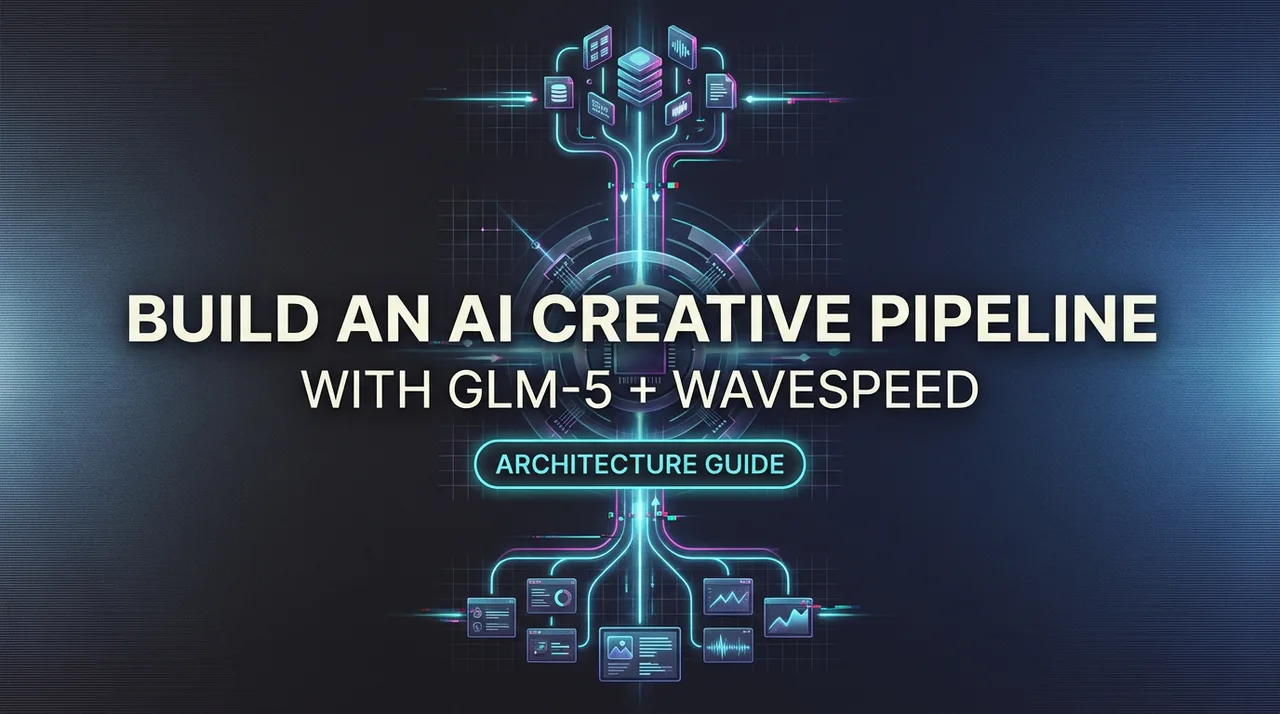
Hello, I’m Dora. I kept bouncing between tools just to get a short product clip out the door. Brief in one place. Images in another. Video somewhere else. Notes scattered. None of it was hard, but it was… noisy. So I tried something smaller: a steady, end-to-end path that gets me from a plain brief to a finished clip without the constant swiveling. I’m calling it a GLM-5 creative pipeline. I tested it over two weeks, on three short concepts and a few odd scraps from client work. It isn’t flashy. It did make the work feel lighter.
Build creative pipelines with GLM 5.1 on WaveSpeedAI — transparent per-token pricing, OpenAI-compatible. GLM 5.1 API → · Open the Playground →
What we’re building (end-to-end overview)
I wanted one path from a short brief to a 6–10 second video, with room for small iterations but no feature hunts. The shape looks like this:
- I write a simple brief (two or three sentences). Tone, subject, any constraints.
- GLM-5 turns that into clear scene descriptions.
- FLUX or Seedream generates stills using WaveSpeed to keep inference predictable.
- WAN 2.5 or Seedance builds motion from the approved stills.
- GLM-5 reviews the outputs and suggests tight edits, not rewrites.
A few rules I set for myself:
- Keep prompts short and structured. I use the same fields every time: Subject, Setting, Style, Motion notes, Constraints.
- Batch small. Three concepts max per run. That kept my head clear and made it easy to compare.
- Freeze seeds when I like something. Variations later, not during.
In practice, the pipeline reduced clicks and second-guessing more than it reduced raw time. On my third run, I shaved about 15 minutes off a typical 90-minute concept-to-clip pass. The bigger win was mental: fewer branches, fewer “what if I try X” detours. That’s what I was after.
Step 1 — GLM-5 generates scene descriptions from brief
I started with a tiny brief: “Warm morning light on a ceramic mug by a window. Soft steam. Minimalist, calm mood. For a 9:16 social story. Brand colors: muted teal accent.”
GLM-5 excels in creative writing with stylistic versatility, according to Zhipu AI’s official documentation. What I needed from GLM-5 wasn’t cleverness. I wanted structure: consistent scene cards that a renderer could follow. Here’s the format I asked for and stuck to:
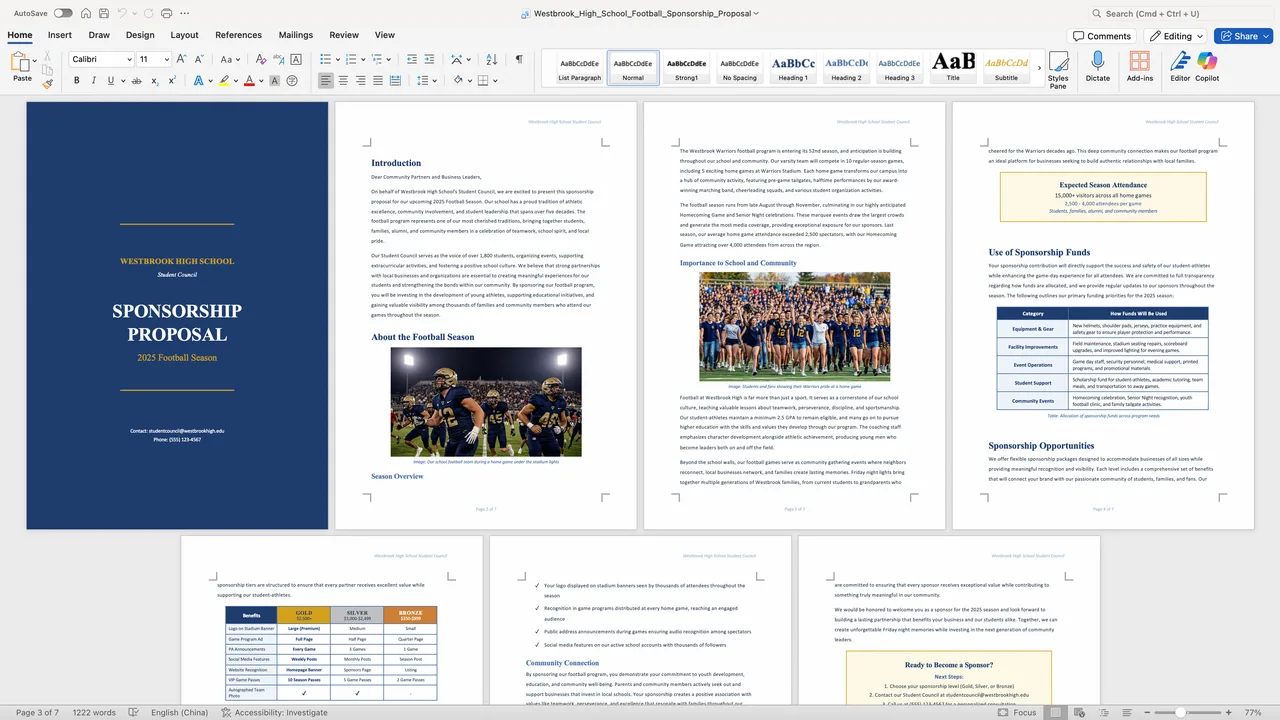
- Scene title
- Shot type (e.g., medium close-up)
- Composition (rule of thirds, negative space notes)
- Lighting
- Palette
- Textures/materials
- Motion notes (if any)
- Hard constraints (no faces, no text in frame, output dimensions)
First pass felt wordy. GLM-5 over-explained mood. I nudged it: “Keep each field to a single sentence. Use specific nouns and camera terms.” That fixed most of it. By the second run, I was getting crisp cards that mapped cleanly to image prompts.
Small win: I asked GLM-5 to add “disallowed” items I’ve tripped over before (extra hands, stray logos, reflections with faces). That cut down later cleanup. Not perfect, but fewer surprises.
This part didn’t save time up front: it saved judgment fatigue later. I wasn’t guessing between five different prompt styles. I had one.
Step 2 — FLUX / Seedream generates images via WaveSpeed
I ran both FLUX and Seedream because they have different tempers. FLUX gave me clean, design-forward stills. Seedream wandered a bit more but sometimes found beautiful texture in ceramics and wood. I drove both through WaveSpeed so I could standardize steps, seeds, and schedulers without micromanaging a dozen flags.

Field notes:
- WaveSpeed’s repeatability mattered. When I liked a frame, I froze the seed and only nudged guidance and steps. That kept “good accidents” reproducible.
- I set aspect at the target output (9:16) from the start. Cropping later always made the steam look odd.
- I kept prompts to what came from GLM-5. No poetic flourishes. Sterile, but it reduced weird edges.
Friction: hands and windows. Reflections love to invent people. I added “no figures, no silhouettes, no human reflections” to the constraints and pushed a slightly higher negative guidance. That trimmed the noise.
Run time per still ranged from quick to “coffee refill” depending on my machine. I generated 8–12 candidates per scene, then cut hard to 2. If I couldn’t choose quickly, it meant the prompt wasn’t tight enough. Back to GLM-5 with a small edit rather than fishing images.
Step 3 — WAN 2.5 / Seedance generates video from stills
This part is where I usually lose the plot: too many motion options. I limited myself to two modes: slight parallax and gentle camera move. WAN 2.5 handled parallax convincingly. Seedance did better with micro-movements like steam and soft focus shifts.
My handoff checklist from still to motion:
- Export clean PNG at target res (1080x1920 for tests).
- Provide a tight motion note (e.g., “2–3° dolly-in, keep mug handle in third, loop-friendly steam drift”).
- Cap duration at 6–8 seconds. Long clips got mushy and drew attention to model artifacts.
Surprises:
- Texture flicker. Grainy glazes look great as stills and get noisy in motion. I dialed back texture intensity in step 2 when I knew I’d animate.
- Edge warping near corners. Centered compositions held up better. Off-axis mugs bent like rubber.
The best runs felt invisible. When it worked, I stopped thinking about the model and just watched the light breathe. When it didn’t, it fell apart fast, usually because I asked for too much motion.
Step 4 — GLM-5 reviews outputs and suggests iterations
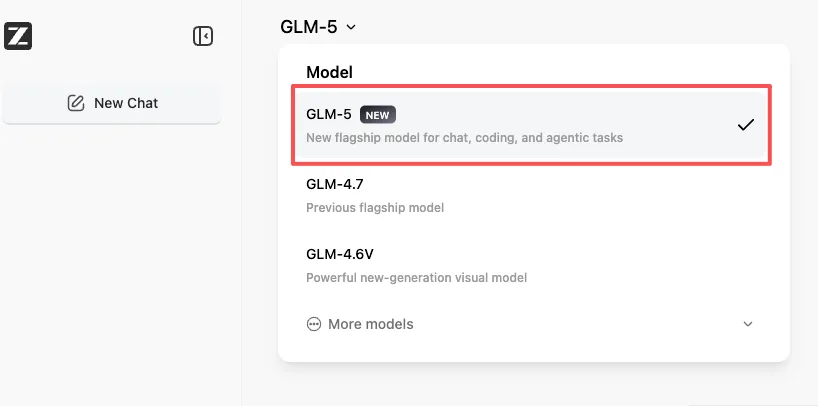
I brought GLM-5 back in as a calm second set of eyes. I asked it to:
- Compare final clips to the original brief.
- Flag mismatches (palette, mood, constraints).
- Propose one small change per clip, not five.
This was more helpful than I expected. GLM-5 consistently spotted color drift. On one run it noted the teal accent felt cold against the warm light: a subtle hue shift in the background fixed it.
But it also overreached sometimes, suggesting new props or text overlays. I pushed back by setting a rule: “No new nouns. Adjust only lighting, color, or motion intensity.” That kept iterations grounded.
The loop here was quick: one pass of notes, one pass of fixes. If I still wasn’t happy, I shelved the concept instead of grinding. That restraint kept the pipeline from bloating.
Full code (Python, WaveSpeed SDK)
I kept the orchestration plain. One Python script ties the steps together with a few small helpers:
- A Brief class that stores Subject, Setting, Style, Motion, Constraints.
- A glm5() helper that formats the prompt and parses scene cards into dicts.
- An images() helper that calls WaveSpeed with either FLUX or Seedream, passing seeds, steps, and negative prompts.
- A video() helper that hands stills to WAN 2.5 or Seedance with motion notes.
- A review() helper that feeds thumbnails or short gifs back to GLM-5 for alignment notes.
Two details kept it stable:
- I wrote results to disk with deterministic paths: run_id/scene_01/flux_seed1234.png. It made backtracking easy.
- I logged parameters next to outputs in a small YAML file. When a clip looked right, I knew exactly why.
I’m not dropping code here to avoid turning this into a paste-fest. The structure above is enough to re-create it with your own stack. If you already use WaveSpeed, it’s mostly about choosing where to freeze randomness and where to allow drift.
Cost breakdown for 10 assets

Costs vary a lot by provider and model settings, so take this as a practical range from my tests, not a promise. Ten assets here means 10 short vertical clips (one scene each), with 8–12 still candidates per scene.
- GLM-5 prompting and review: light. GLM-5 API pricing is $1.00/M input and $3.20/M output, significantly cheaper than Claude Opus 4.6 ($5/M input, $25/M output). For my runs, each asset used ~2–3 brief interactions plus one review. If you’re on usage-based pricing, this is usually in the low dollars for 10 assets.
- Image generation: the main swing factor. At medium steps with 8–12 candidates per scene, I saw costs land in the mid-to-high single digits per asset on pay-per-inference plans. Lower if you batch on your own GPU.
- Video generation: also variable. Simple parallax clips cost less: physics-y motion costs more. In my notes, this came out similar to stills per asset, sometimes a bit higher.
Rough total per 10 assets, mixed models, conservative settings: low hundreds if fully cloud-based with generous variation, notably less if you self-host image steps and only pay for motion. If you’re strict, 6 candidates instead of 12, one motion pass, you can cut that by a third. If you chase variations, it doubles fast. Seeds and small iteration rules help tame the bill.
Extending: add LoRAs, upscaling, batch processing
Once the base felt calm, I tried a few extensions.
- LoRAs for brand texture: I trained a small accent pack for ceramics glaze and background paper. It helped keep materials consistent across scenes. The trick was modest weight. Heavy-handed LoRAs pulled everything into the same look.
- Gentle upscaling: I only upscale after motion, not before. Pre-upscale made artifacts louder. Post-upscale with a light, detail-preserving model kept edges clean without inventing pores on a mug.
- Batch processing: I added a queue where each concept moves as a unit. No mixing steps from different briefs. It sounds strict, but it saved me from the “just one more try” spiral.
A few things I didn’t keep:
- Auto-captioning inside the pipeline. It tugged the visuals toward “content” instead of images-that-move. I do captions outside, closer to publishing.
- Aggressive style mixing. It looked good in a grid and tired in motion.
Who this fits: makers who like predictable paths and small, steady gains. Who it won’t thrill: people chasing spectacle or high-variance art. That’s fine.
I set out to make the GLM-5 creative pipeline quieter, not smarter. On good days, it feels like that: a mug, some light, and fewer tabs open than usual. I’ll take it.
/filters:quality(82)/media/images/43fa0e7f-a0db-48d7-9bab-921d1225db30.webp)
/filters:quality(82)/media/images/5799ff56-3a73-40ca-a666-e4965d878496.webp)
/filters:quality(82)/media/images/7a8850fc-caf6-482f-ac4d-5ddbe64ec47c.webp)
/filters:quality(82)/media/images/64b08aeb-92bb-48b8-924c-2e2535731f28.webp)
/filters:quality(82)/media/images/6cd1ca63-9e7e-493b-8a68-97bad82fb7b4.webp)
/filters:quality(82)/media/images/567077af-c3bd-4701-ba96-1b981a515d79.webp)