
WaveSpeed 스킬로 DeepSeek Harness에서 이미지와 영상 생성하기
실전 설정 가이드: DeepSeek Harness(dsh)에 WaveSpeed 스킬을 설치하면 에이전트가 모델 카탈로그를 검색하고, 입력 스키마를 읽고, 이미지·영상·오디오·3D 모델을 실행할 수 있습니다. 실행 전에는 매번 가격을 확인합니다.
DeepSeek Harness(dsh)는 셸이라는 단 하나의 인터페이스에 특화된 코딩 에이전트를 실행합니다. WaveSpeed CLI는 바로 그 인터페이스를 위해 만들어졌습니다. wavespeed.ai의 모든 모델은 wavespeed run <model-id> 명령 하나로 실행됩니다. wavespeed-dsh-skill은 이 둘을 연결해 주므로, 작업 중인 에이전트가 세션을 떠나지 않고도 히어로 이미지를 생성하거나, 정지 이미지를 애니메이션으로 만들거나, 클립을 업스케일할 수 있습니다.
이 글은 홍보가 아니라 설정 안내입니다. 무엇을 설치해야 하는지, 에이전트가 실제로 이 스킬로 무엇을 하는지, 그리고 주의해야 할 부분이 무엇인지 다룹니다.
사전 준비
- Node.js ≥ 18
- CLI:
npm install -g @wavespeed/cli - WaveSpeed API 키 —
wavespeed login을 실행하면 키 페이지가 열리고 붙여넣은 키를 검증하므로, 채팅 창에서 키를 직접 다룰 일이 없습니다
스킬 설치
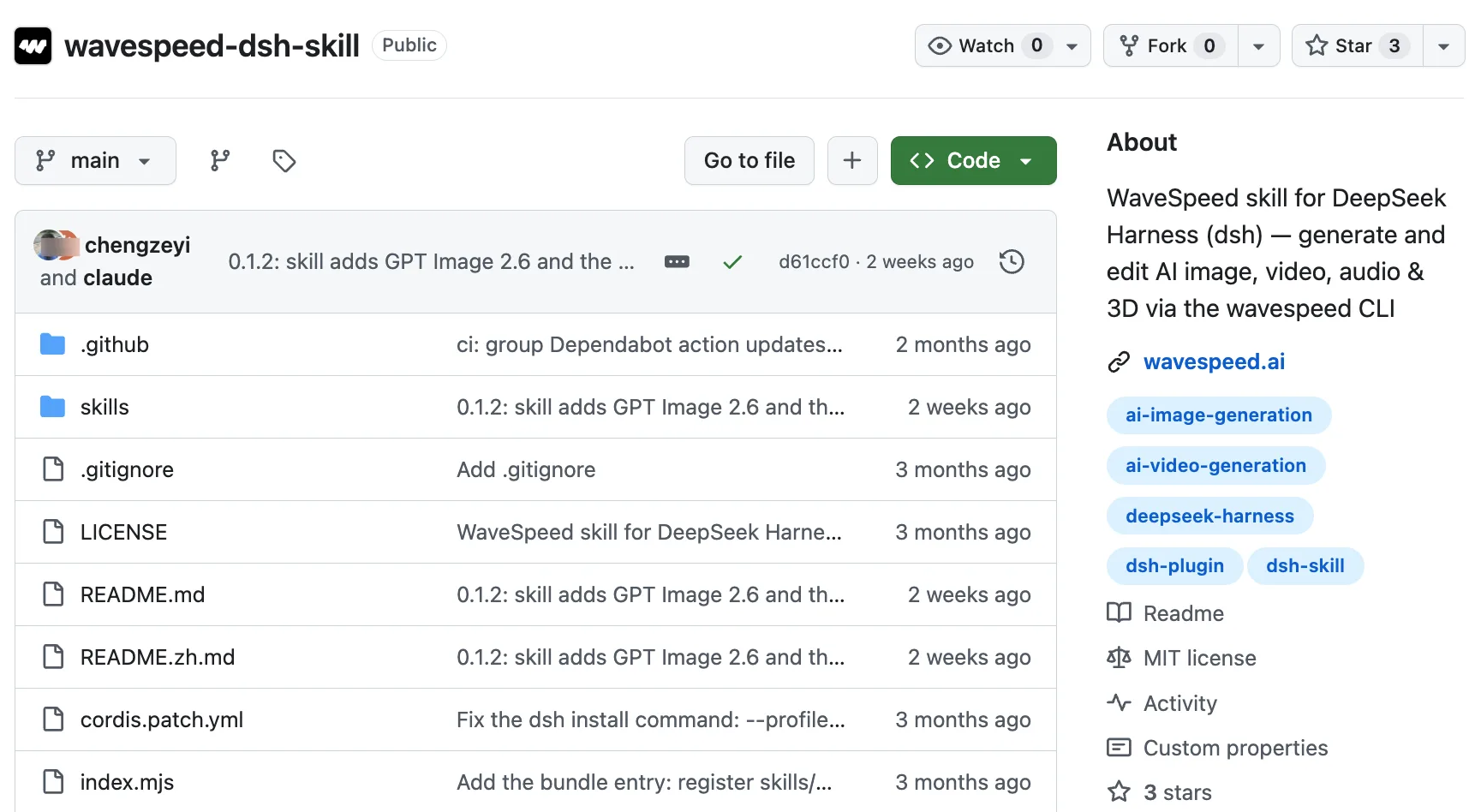
dsh 플러그인으로 설치합니다(번들이 스킬을 자동으로 등록합니다).
dsh plugin --profile web add github:WaveSpeedAI/wavespeed-dsh-skill또는 프로젝트에 직접 복사합니다(git에 체크인되어 팀과 공유됩니다).
mkdir -p .dsh/skills
git clone --depth 1 https://github.com/WaveSpeedAI/wavespeed-dsh-skill /tmp/wss \
  && cp -r /tmp/wss/skills/wavespeed .dsh/skills/ && rm -rf /tmp/wss
Claude Code, Cursor, Codex도 함께 사용한다면, CLI가 해당 에이전트에도 동일한 스킬을 바로 설치해 줍니다: wavespeed skill install.
에이전트가 이 스킬로 하는 일
 이 스킬은 찾기, 확인하기, 실행하기라는 하나의 패턴을 가르칩니다.
# 1. FIND a model in the live catalog
wavespeed models "seedream"
wavespeed models --type image-to-video --popular

# 2. INSPECT its real input schema (fetched live, per model)
wavespeed run bytedance/seedream-v5.0-pro -h

# 3. RUN it, reading the result as JSON
wavespeed run bytedance/seedream-v5.0-pro \
  -p "a cyberpunk skyline at golden hour" \
  -i aspect_ratio="16:9" -i resolution="2k" --json
이 순서는 보기보다 훨씬 중요합니다. 파라미터 이름을 추측하는 에이전트는 검증 오류로 실행 횟수를 낭비합니다. run <id> -h는 스키마를 작업 흐름의 일부로 만들어, 에이전트가 쓰기 전에 먼저 읽도록 합니다.
로컬 파일은 @path 마커로 전달합니다. CLI가 파일을 업로드하고 호스팅된 URL로 한 번에 바꿔 넣습니다.
# Edit a local image
wavespeed run bytedance/seedream-v5.0-pro/edit \
  -p "replace the background with a sunlit kitchen" \
  -i images='["@./input.jpg"]' --json

# Animate a local still
wavespeed run bytedance/seedance-2.5/image-to-video \
  -p "subtle parallax, gentle wind" -i image=@./hero.jpg --json
비용 관리
두 가지 명령으로 에이전트의 지출을 투명하게 관리할 수 있습니다.
wavespeed price bytedance/seedream-v5.0-pro -i resolution=2k   # quote, no charge
wavespeed balance # account creditprice에 대해 한 가지 짚어둘 점이 있습니다. 많은 모델은 오디오 길이, 프레임 수, 텍스트 길이처럼 입력값에 따라 요금이 부과됩니다. 이러한 입력 없이 견적을 내면 공식이 모델의 기본 가격, 즉 가격 범위의 하한선으로 축소되며, 이는 일반적인 실행 비용이 아닙니다. 이 명령은 반영하지 못한 입력값을 알려 줍니다(--json의 unpriced_inputs). 정확한 견적을 받으려면 해당 값을 함께 지정하세요. 실제 실행에 청구되는 금액이 최종 기준입니다.
주의할 점
- 경로만 쓰면 업로드되지 않습니다.
-i image=./photo.jpg는 문자열 그대로 전송되어 모델이 거부합니다.@./photo.jpg를 사용하세요. - 모델 ID를 지어내지 마세요. 이 스킬은 에이전트가 먼저
wavespeed models또는wavespeed schema <id>로 확인하도록 지시합니다. 존재하지 않는 ID는 제출 시점에 실패하지만, 그것도 한 번 왕복한 뒤에야 알 수 있습니다. - 실행 시에는 항상
--json을 사용하세요. 사람이 읽기 좋은 출력은 사람을 위한 것이고, 에이전트는outputs[0]를 읽습니다. - 프로젝트 기본값은
wavespeed.json에 있습니다(wavespeed init이 하나 생성합니다).defaultModel과, 모델에 기본 입력값을 묶은 이름 있는 별칭을 지정할 수 있습니다. 에이전트 친화적이고 git 친화적입니다.
관련 링크

- 스킬: WaveSpeedAI/wavespeed-dsh-skill
- CLI (MIT, 오픈 소스): WaveSpeedAI/wavespeed-cli · npm의
@wavespeed/cli - 모델 카탈로그: wavespeed.ai/models
자주 묻는 질문
Does the skill need an MCP server?
No. The skill drives the open-source wavespeed CLI over ordinary shell commands, which dsh agents already know how to run. There is no daemon to keep alive.
Which models can the agent use?
The full live WaveSpeed catalog — image, video, audio, and 3D. The skill teaches the agent to search it with `wavespeed models` rather than hard-coding a model list, so newly released models work without a skill update.
How does the agent know what a model's inputs are?
`wavespeed run <model-id> -h` fetches the model's real input schema live. The skill instructs the agent to inspect before running, so it doesn't guess parameter names.
Can I control spend?
Yes — `wavespeed price <model-id> -i key=value` quotes a run before executing it, and `wavespeed balance` / `wavespeed usage` show the account state. The skill tells the agent to surface prices instead of silently spending.
관련 기사

Atlas Cloud vs WaveSpeedAI (2026): 이미지 및 비디오 모델을 위한 크레딧, 요금, 속도 제한, API 비교
2026년 kie.ai 문제점: 99%에서 멈춘 작업, 차감된 크레딧, 충전 후 오류, 환불 및 고객 지원
2026년 최고의 muapi 대안: 전환하기 전에 확인할 사항
muapi vs WaveSpeedAI (2026): 가격, API, SDK, 환불 및 한도 비교
2026년 Runway API 한도: 사용 등급, 동시 실행, 일일 한도, 지출 한도, 숨은 비용