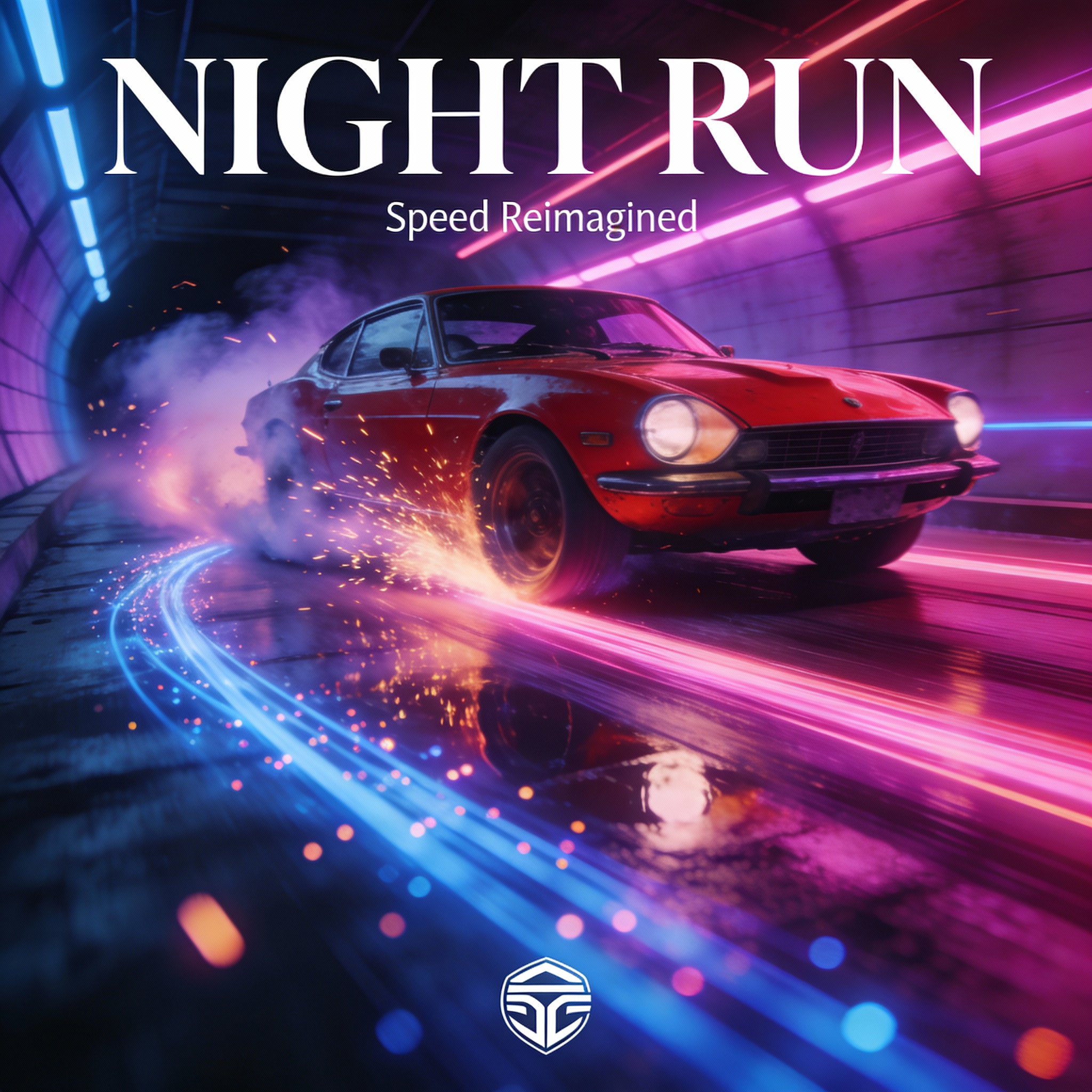
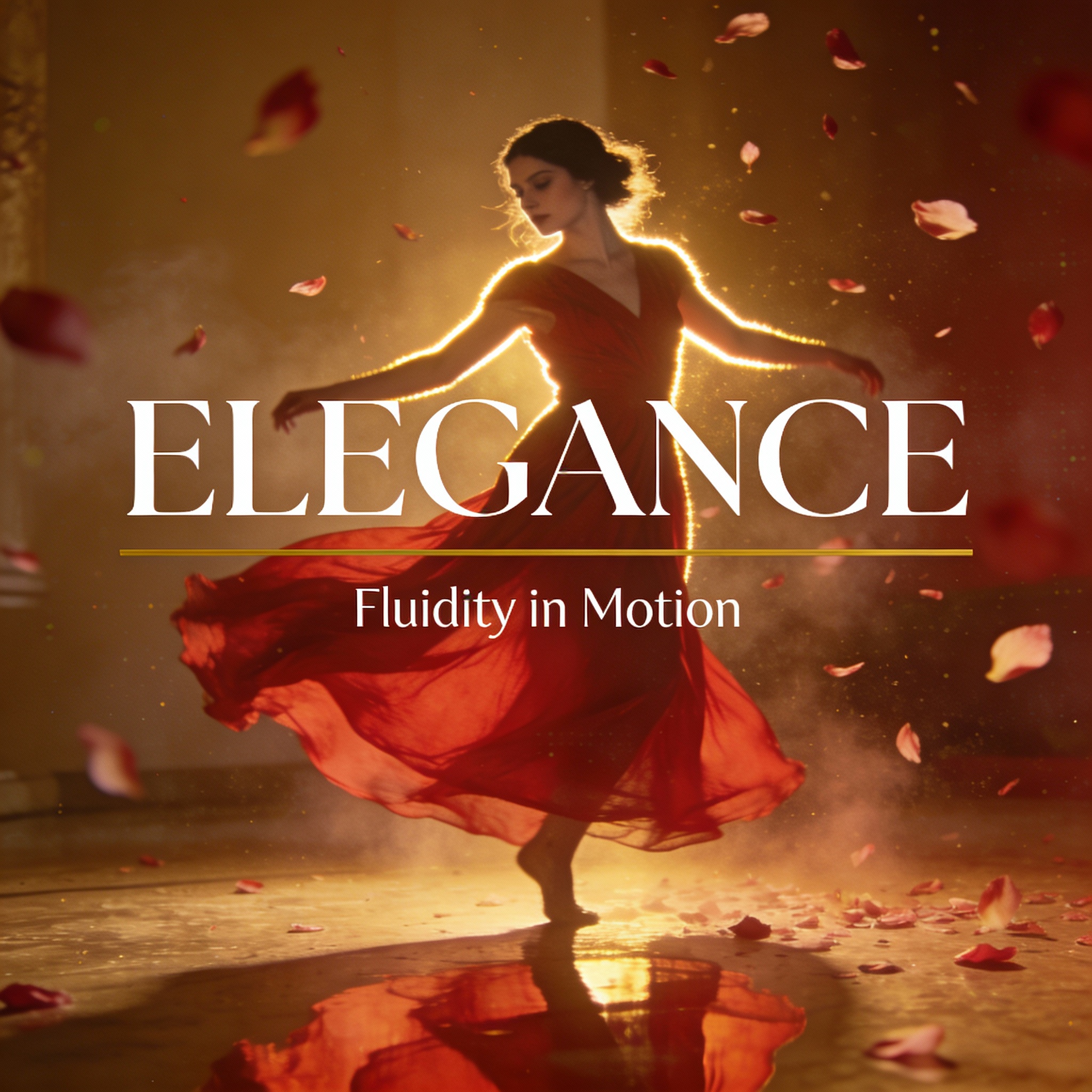
Seedream 4.5 vs Nano Banana Pro: The Ultimate Creative Image Showdown

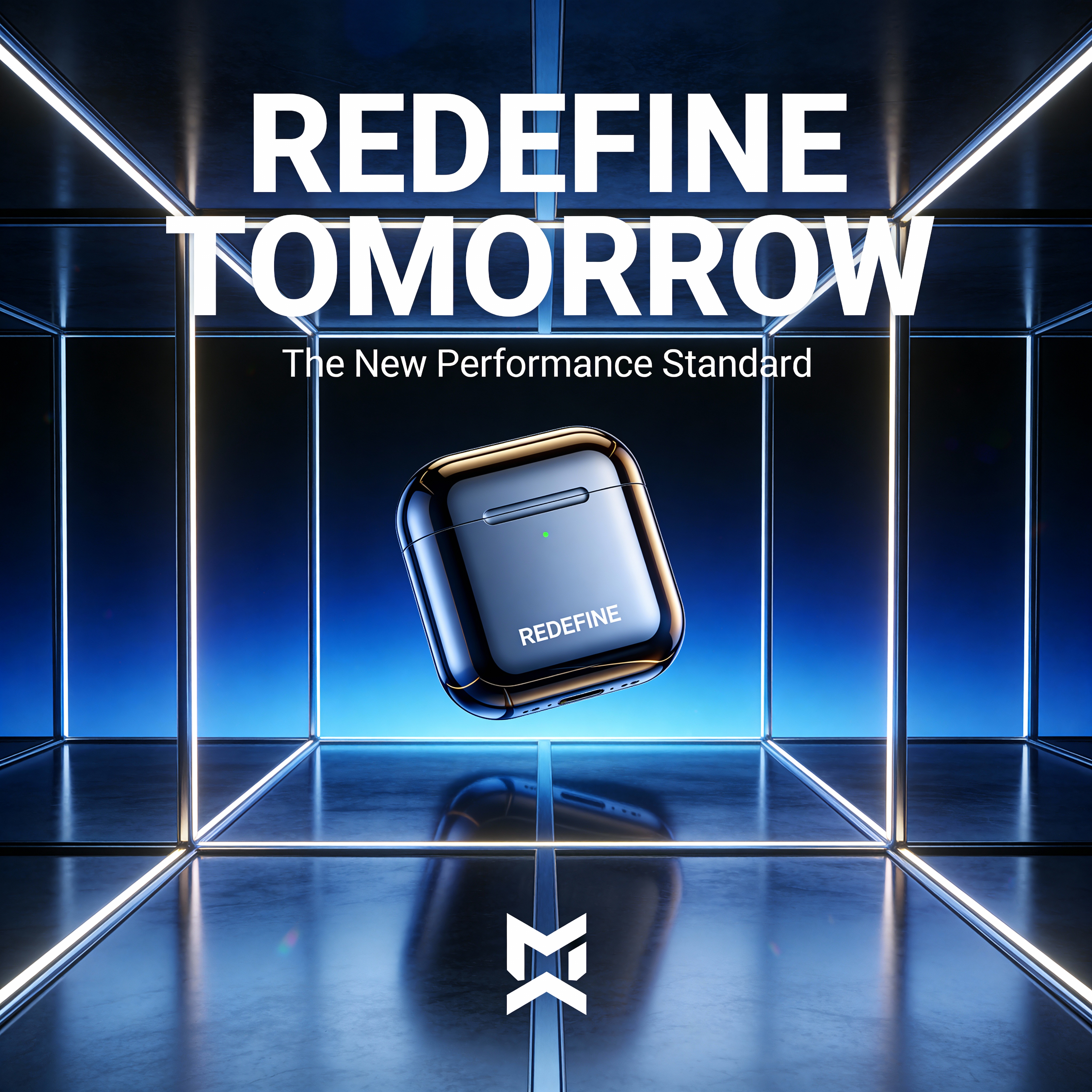
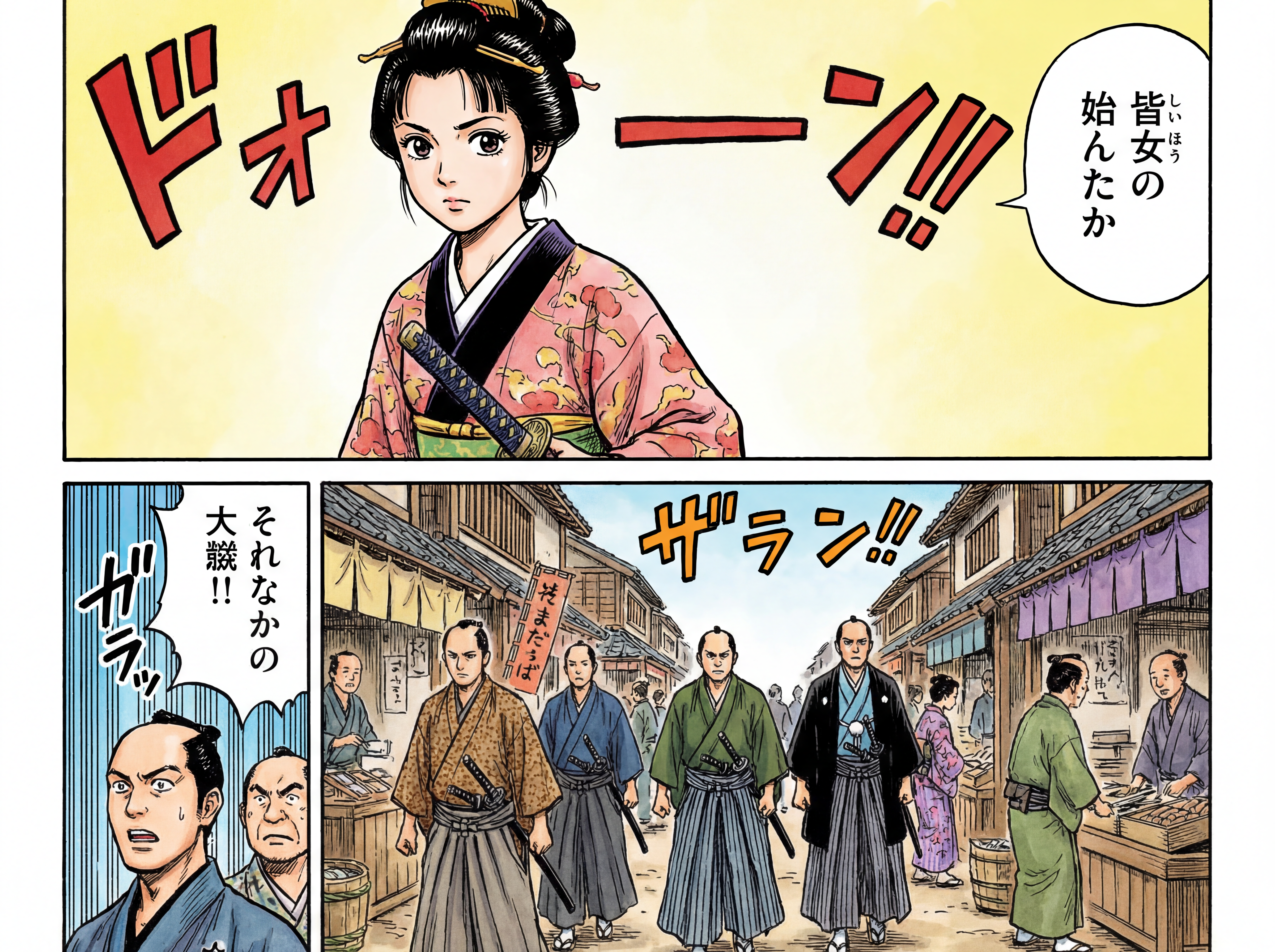
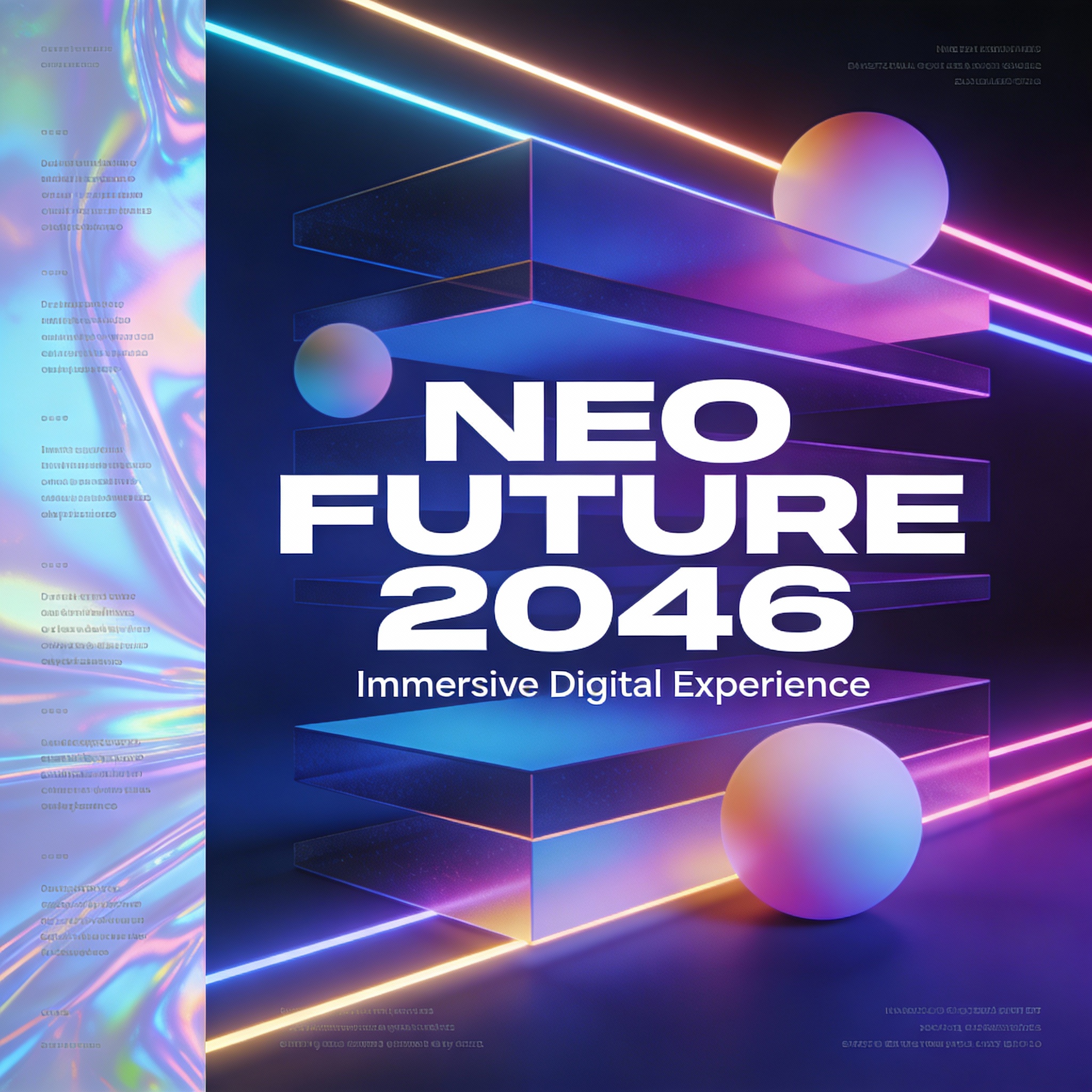
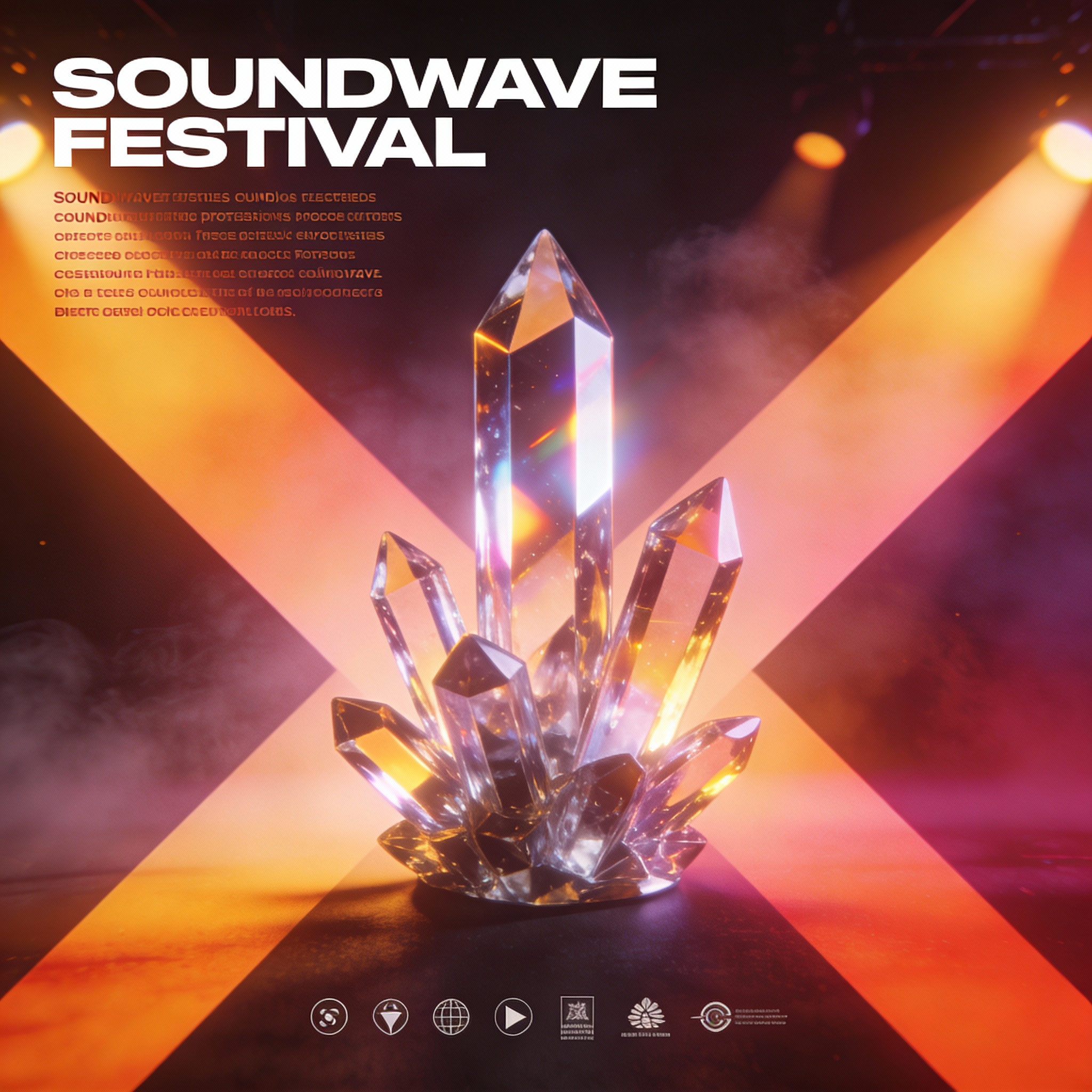
As generative image models continue evolving, creators want clarity on which tools deliver the best results for real design, marketing, and content workflows. WaveSpeedAI now supports both Seedream 4.5 and Google Nano Banana Pro, two powerful text-to-image models with distinct strengths. This comparison breaks down their capabilities, ideal use cases, and differences so you can select the right model for your project.

To make this the ultimate creative image showdown, we analyze typography, composition, multilingual text, realism, camera control, and consistency—all areas where these models differ significantly.

Core Differences Between Seedream 4.5 and Nano Banana Pro

To understand each model’s role, here is the clearest breakdown of their defining strengths.

Seedream 4.5 — Design-Focused Strengths

Seedream 4.5 is built for professional graphic design, where layout, typography, and brand clarity are essential.

Key characteristics:

  • Top-tier typography with sharp, legible, layout-aware text
  • Poster-grade composition with clear hierarchy for title, subtitle, and body text
  • High prompt adherence for structured layouts, grid systems, and brand visuals
  • High-resolution output up to 4096×4096 for campaigns and commercial assets
  • Best suited for posters, banners, KV campaigns, e-commerce hero shots, and UI-style visuals

Seedream 4.5 excels at poster-quality design, typography, and structured visual layouts.
Nano Banana Pro — Photography & Multilingual Strengths

Nano Banana Pro (Gemini 3.0 Pro Image) focuses on photographic realism, multilingual text control, and semantic editing, making it more flexible across creative use cases.

Key characteristics:

  • Photographic realism with camera-style parameters (lens, DOF, lighting)
  • Multilingual on-image text, automatically adapted to perspective and style
  • Semantic editing through natural-language instructions
  • Character and style consistency, suitable for multi-image narratives
  • Highly flexible aspect ratios, from 1:1 to 21:9+

👉 Nano Banana Pro excels at realistic imagery, multilingual text, and flexible scene generation.

When to Choose Seedream 4.5

Use Seedream 4.5 when your task requires:

  • Clean, sharp typography
  • Structured visual layout
  • Branding, campaign, or marketing assets
  • Poster-style designs with text hierarchy
  • High-resolution visuals for print or digital ads

It is especially strong for:

  • KV campaigns
  • E-commerce hero images
  • Logos + Titles + Subtitles
  • UI-style mockups
  • Landing page banners

When to Choose Nano Banana Pro

Use Nano Banana Pro when you need:

  • Photographic realism
  • Camera-style control: lens, angle, DOF
  • Multilingual on-image text
  • Scene-level semantic edits
  • Strong consistency across multiple images

Perfect for:

  • Product photography mockups
  • Social media content
  • Storyboards & concept art
  • Multilingual advertising
  • Lifestyle visuals

Conclusion

Seedream 4.5 and Nano Banana Pro excel in different areas—Seedream in layout-driven design and typography, Nano Banana Pro in realistic imagery and multilingual text control. Together, they cover a wide spectrum of creative needs.

WaveSpeedAI makes it effortless to run both models with instant access, no cold starts, and stable, production-ready performance.

Try them today on WaveSpeedAI → https://wavespeed.ai
Introducing PixVerse v5.5: Fast, Realistic Text-to-Video

As demand for high-quality video generation grows, WaveSpeedAI continues to bring the latest multimodal models to creators and developers with fast, reliable deployment. PixVerse v5.5 is the newest addition—delivering smoother motion, sharper detail, and flexible controls that make text-to-video generation practical for real production workflows.

In this article, we explore how PixVerse v5.5 works on WaveSpeedAI and how it helps teams generate high-quality video clips in seconds.

What’s New in PixVerse v5.5 Text-to-Video

PixVerse v5.5 focuses on realism, consistency, and production-ready output. Key improvements include:

Multiple Resolutions

Generate previews or final renders across:
360p, 540p, 720p, 1080p

Flexible Aspect Ratios

Optimized for all major platforms:
16:9, 4:3, 1:1, 3:4, 9:16

Selectable Duration

Create clips of 5, 8, or 10 seconds.
(Note: 1080p supports up to 8 seconds.)

Prompt Reasoning (thinking_type)

Automatically enhance structure and clarity of complex prompts.

Negative Prompt Support

Suppress unwanted visual artefacts such as:
watermark, text, distortion, logo, glitch

Seed Control

Fix seeds for reproducibility, or vary them to generate multiple takes.

These enhancements make PixVerse v5.5 text-to-video suitable for rapid prototyping and high-consistency creative workflows.

How to Use PixVerse v5.5 Text-to-Video Effectively

Creating compelling clips starts with a structured prompt and clear visual pacing. A recommended workflow:

1. Write the Prompt

Describe camera motion and scene beats:

  • Wide → medium → close-up
  • Motion paths (dolly-in, pan, orbit)
  • Lighting and atmosphere
  • Number of characters and key actions

2. Select Resolution & Aspect Ratio

  • 9:16 for TikTok / Shorts / Reels
  • 16:9 for YouTube or desktop playback
  • 1:1 or 4:3 for feeds and thumbnails

3. Choose Duration

  • 5 seconds for fast iteration
  • 8–10 seconds for narrative or branded clips

4. Adjust Thinking & Negative Prompts

Enable thinking_type="enabled" for long or complex scenes.
Use negative prompts to block textwatermarks, or distortions.

5. Fix or Vary Seed

  • Fix seed → consistent results while refining
  • Change seed → new variations once the prompt is stable

Conclusion

PixVerse v5.5 delivers fast, stable, production-ready text-to-video generation. For the easiest way to use it, WaveSpeedAI provides instant access, no cold starts, and a seamless generation experience.

Try PixVerse v5.5 directly on WaveSpeedAI :

https://wavespeed.ai/models/pixverse/pixverse-v5.5/text-to-video

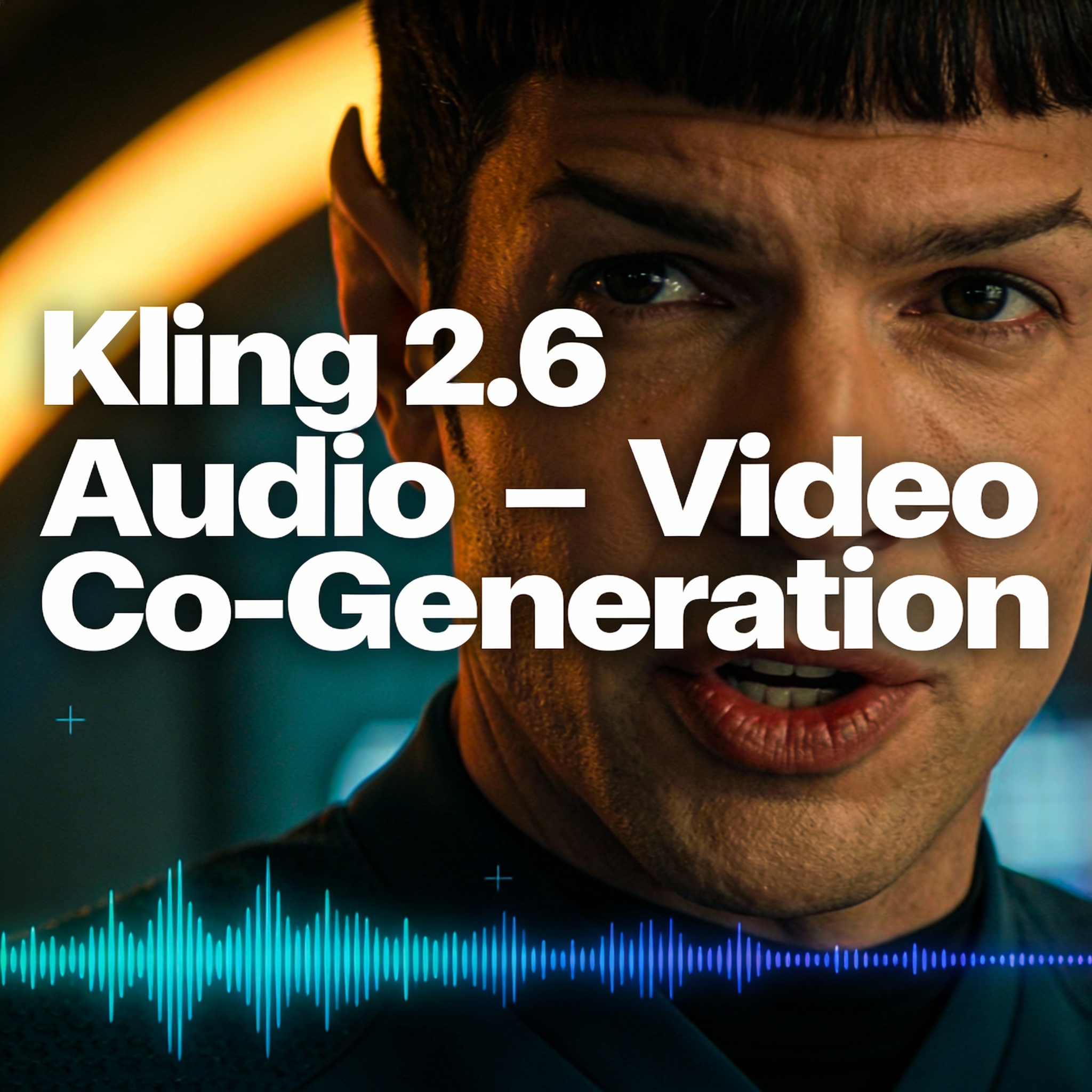
Kling 2.6 Audio Model — A Remarkable, Immersive Audio-Video Experience

The Kling 2.6 audio model marks a major leap forward in multimodal generation—bringing audio–video co-generationinto the Kling series for the very first time.
Rather than producing only silent video clips, Kling 2.6 expands creativity into an immersive dimension where voices, ambient sounds, and visual motion are generated together as a coherent experience.

Creators can now describe not only the scene, characters, and motion, but also the voice tone, mood, and audio atmosphere, giving full control over cinematic storytelling.

Why the Kling 2.6 Audio Model Matters

1. Audio–Video Co-Generation for the First Time

Kling 2.6 introduces a groundbreaking step in the Kling series:
vision + sound generated in one unified pass.

It can produce:

  • Native character-synced voiceovers
  • Matching ambient sound
  • Scene-appropriate audio effects
  • Tonally consistent soundscapes

2. Native Voices That Sync Flawlessly

The new audio system generates voices that match:

  • Lip motion
  • Facial expressions
  • Character identity
  • Emotional tone
  • Scene pacing

This produces an audio–video output that feels native, natural, and immediately immersive.

3. Full Experience Generation — Not Just a Clip

Kling 2.6 blends visuals and audio into one coherent timeline:

  • Visual narrative + sound design
  • Emotional tone aligned across modalities
  • No mismatched audio
  • No external sound editing required

It’s ideal for creators who need fully finished micro-stories ready for publishing.

Use Cases

  • Marketing & announcement videos with built-in voiceovers
  • Storytelling clips with coherent audio narrative
  • Product explainers with synced narration
  • Cinematic social media content
  • Character-driven scenes with expressive native voices

Conclusion

The Kling 2.6 audio model redefines what’s possible in AI video creation—pairing stunning visuals with immersive, synchronized audio to create complete storytelling experiences. From marketing to entertainment to product demos, this model turns simple prompts into expressive, native-sounding video content.

WaveSpeedAI makes it effortless.
No installation, no setup — just open your browser and create.

👉 Try the Kling 2.6 Audio Model on WaveSpeedAI today and experience the next leap in multimodal creation.

Introducing Seedream 4.5 — A Stunning New Text-to-Image Upgrade

Seedream 4.5 text-to-image is now officially available on WaveSpeedAI, bringing advanced improvements in high-resolution generation, typography precision, and designer-grade layout control. This model was upgraded through large-scale training and architecture refinement to deliver professional poster composition and sharp text rendering.

For background on how text-to-image models operate, visit:
https://en.wikipedia.org/wiki/Text-to-image_model

Why Seedream 4.5 Text-to-Image Stands Out

1. Enhanced Typography for Real Design Work

Seedream 4.5 excels at rendering text cleanly—something many AI models still struggle with.
It produces:

  • Sharp, readable headlines
  • Clean body text
  • Crisp logo typography
  • Well-spaced layout text
  • Poster-grade clarity

2. Designer-Level Poster Composition

Seedream 4.5 understands layout hierarchy—making it ideal for campaign visuals and UI layouts.
The model accurately follows instructions for:

  • Title / subtitle structure
  • Body text blocks
  • Logo placement
  • Composition balance
  • Hierarchical spacing

3. Strong Prompt Adherence

From subject placement to layout logic, Seedream 4.5 closely follows detailed instructions.
It handles:

  • Exact text structure
  • Specific subject positioning
  • Style references
  • Branding requirements
  • Multi-element layouts

4. Aesthetic Quality Benchmarked

Seedream 4.5 is tested on industry-standard benchmarks such as MagicBench, delivering strong results in:

  • Color accuracy
  • Visual refinement
  • Composition balance
  • Artistic appeal

5. High-Resolution Output up to 4096×4096

Seedream 4.5 supports a broad range of output sizes:

  • 2560 × 1440
  • 2688 × 2016
  • 2688 × 1792
  • 2048 × 2048
  • 4096 × 4096 (4K square)

Higher resolutions produce visibly cleaner typography and more refined designs.

Model Comparison on WaveSpeedAI

  • Seedream 4.5 — best for posters, typography, brand visuals
  • Nano Banana Pro — low-cost batch generation
  • Z-Image-Turbo — ultra-fast bilingual text-to-image
  • FLUX.2 [Pro] — cinematic, flexible stylistic range
  • Seedream V4 — previous model with strong illustration range

Conclusion

Seedream 4.5 text-to-image brings designer-grade typography, polished poster composition, and high-resolution clarity to WaveSpeedAI. Whether you’re building campaigns, banners, UI layouts, or social media visuals, Seedream 4.5 delivers accuracy and aesthetic quality that traditional models struggle to match.

WaveSpeedAI makes it effortless—no installation, no hardware requirements.
Just open your browser and create.

👉 Try Seedream 4.5 on WaveSpeedAI today.

Nano Banana Pro Unveiled: Google’s Next-Gen AI Image Model Sets New Standards for Creators

As an AI researcher closely tracking advancements in generative models, I’m thrilled to share insights on Nano Banana Pro—Google’s upcoming image-generation and editing powerhouse built on the Gemini 3.0 Pro stack. This isn’t just another iterative update; it’s a paradigm shift for creators demanding precision, control, and photorealism.

Why Nano Banana Pro Matters

  1. Natural Language Editing: Forget masking tools or layering—edit images via text prompts alone. Example: “Add a neon-lit cyberpunk cityscape behind the subject and adjust shadows to match” → done.
  2. Context-Aware Understanding: The model analyzes spatial relationships, object semantics, and scene logic to avoid unrealistic outputs (e.g., a cat wearing a wizard hat that actually fits its head).
  3. Advanced Image Generation:
    • Realistic textures: From skin pores to fabric weaves.
    • Complex scenes: Multi-object compositions (e.g., a bustling market with 20+ characters, each with distinct actions).
    • Lighting consistency: Auto-adjusts reflections and shadows for cohesive environments.

Potential Use Cases

  • E-commerce: Generate a model wearing a custom dress in a full-body shot, with perfect lighting sync to a banana-scattered yellow background.
  • Advertising: Create a serene spa ad with a vitamin C serum bottle placed on stacked stones, mist, and tropical sunlight.
  • Creative projects: Add Halloween elements to a photo (e.g., a cat with a wizard hat + spooky ambiance) without manual editing.

What We Don’t Know Yet

  • Release date: Google hasn’t confirmed, but WaveSpeedAI (the first platform to host it) suggests “soon.”
  • API access: Expected to launch alongside the model, with priority for WaveSpeedAI users.

https://wavespeed.ai/landing/nano-banana-pro

My Take

This is Google’s answer to MidJourney v6 and DALL·E 3’s limitations—particularly in text handling and complex scene generation. If you’re a pro creator tired of compromising between control and quality, Nano Banana Pro could be your new gold standard.

Sora 2: OpenAI’s Pinnacle in Multimodal Generation, Blending Physical Accuracy, Realistic Motion, and Audio Generation Model with Enhanced Sora 2 Pro Use Cases

Introduction

The world of artificial intelligence (AI) continues to evolve at an astonishing pace, and OpenAI’s latest offering, Sora 2, marks a significant milestone in this journey. As we await the arrival of VEO 3.1, Sora 2 emerges as a compatible and powerful model that promises to redefine the boundaries of video and audio generation.

A Smarter World Simulator

One of the most striking features of Sora 2 is its ability to simulate the real world with remarkable accuracy. Unlike its predecessors, which often bent reality to suit their algorithms, Sora 2 adheres to the laws of physics. When a player misses a shot in a simulated game, the ball rebounds naturally rather than magically teleporting. This attention to detail extends to complex, multi-shot directions, ensuring a consistent and coherent world state throughout the generated content.

Super Physical Accuracy

Traditional AI video models have struggled with motion realism, often producing warped hands, physics-defying limbs, and floating objects. Sora 2 changes the game by delivering strikingly realistic motion. It accurately simulates human movement, object interactions, and the flow of momentum within a scene. The result is a seamless experience where physics feels real, eliminating glitches and unnatural phenomena.

True Multimodal Generation

Sora 2 doesn’t stop at visuals; it’s a true multimodal generation model. It generates synchronized video and audio, including dialogue, ambient sound, and music, based on natural and simple text prompts. Users have full control over camera movement, lighting, and transitions, enabling the creation of multi-scene stories with ease. This capability opens up a world of possibilities for filmmakers, animators, and content creators.

Diverse Use Cases

The versatility of Sora 2 is evident in its wide range of use cases. From movie trailers to custom 2D animations, claymation, lectures, documentaries, and sports shorts, Sora 2 can handle it all. Imagine creating a Viking movie trailer set in the early medieval period, complete with winter cool daylight and authentic sound effects. Or, bring a Japanese anime hero to life, awakening his dormant powers with a blue and black fiery aura. The possibilities are endless.

Sora 2 Pro: Elevating Fidelity and Complexity

For those seeking even higher fidelity and the ability to tackle more challenging shots, Sora 2 Pro is the answer. While it may require longer generation times, the results are worth the wait. ChatGPT Pro and API users will be gradually onboarded to this enhanced version, ensuring a seamless transition and access to cutting-edge features.

Conclusion

Sora 2 represents a significant leap forward in AI video and audio generation. Its emphasis on accurate physical behavior, higher realism, and stronger controllability sets it apart from previous generations. With the ability to synchronize dialogue and sound effects with visuals by default, Sora 2 is poised to revolutionize the way we create and consume digital content.

https://wavespeed.ai/landing/sora2

InfiniteTalk: WaveSpeedAI’s Pioneering Leap in AI Avatar Realism and Interaction

I’m thrilled to bring to your attention a groundbreaking development in the AI sphere: InfiniteTalk, crafted by the innovative minds at WaveSpeedAI. As someone deeply entrenched in AI research, discovering tools that redefine the boundaries of digital interaction is always exhilarating, and InfiniteTalk does just that.

https://wavespeed.ai/landing/infinite-talk

Unveiling InfiniteTalk

InfiniteTalk emerges as a cutting-edge AI avatar model, setting a new benchmark for realism and emotional depth in digital representations. It transcends the conventional lip-syncing paradigm, introducing a nuanced layer of micro-expressions, gaze dynamics, and fluid head-and-shoulder movements. The outcome? Avatars that not only appear lifelike but also convey emotions with remarkable authenticity, transforming digital interactions into truly engaging experiences.

Standout Features

  • Expressive Realism: InfiniteTalk excels in rendering subtle facial cues and body language, enabling avatars to express a spectrum of emotions with uncanny accuracy.
  • Multi-Speaker Mastery: Designed with dialogue in mind, InfiniteTalk Multi seamlessly assigns unique lip and expression tracks to each speaker, preserving individual identities while capturing the nuances of conversation.
  • Extended Dialogue Capabilities: With the ability to generate continuous sequences up to 10 minutes, InfiniteTalk ensures a cohesive and expressive narrative flow, free from disjointed interruptions.
  • Diverse Application Scenarios: From revolutionizing customer service with digital human agents to empowering directors with on-demand digital actors, and even transforming static images into dynamic singing avatars for music videos, InfiniteTalk’s versatility knows no bounds.

Exciting Use Cases

  • Customer Service Evolution: Envision a scenario where digital human representatives swiftly resolve routine inquiries, allowing human agents to focus on more intricate challenges.
  • Digital Actors Revolution: Directors can now leverage digital actors for flexible reshoots and scene insertions, optimizing both time and budget.
  • Music Videos and Live Commerce: Seamlessly transform a single image and audio track into a captivating singing avatar or deploy an ever-ready AI host for multilingual product demonstrations.

Technical Insights

  • Asynchronous Excellence: While not real-time, InfiniteTalk’s asynchronous generation facilitates seamless integration via API/webhook, ensuring smooth operation within existing workflows.
  • Universal Language Support: Embracing linguistic diversity, InfiniteTalk accommodates any language present in the audio input, with output quality contingent on audio clarity and pronunciation.

Conclusion

InfiniteTalk stands as a testament to WaveSpeedAI’s commitment to pushing the frontiers of AI avatar technology. Its unparalleled ability to capture human-like expressions and facilitate multi-speaker interactions heralds a new era of digital engagement. As we witness the evolution of this remarkable tool, I’m eager to see the myriad ways it will reshape industries and redefine our digital experiences.

https://wavespeed.ai/landing/infinite-talk