
Seedream V4 快速入門
Seedream V4 快速入門
它能做什麼
Seedream 4.0 支援三種輸入類型:文本、單張圖像和多張圖像。
它提供多圖融合、圖像編輯和基於序列的批量生成,具有主題一致性,使創作更加靈活可控。
模型選擇
bytedance/seedream-v4
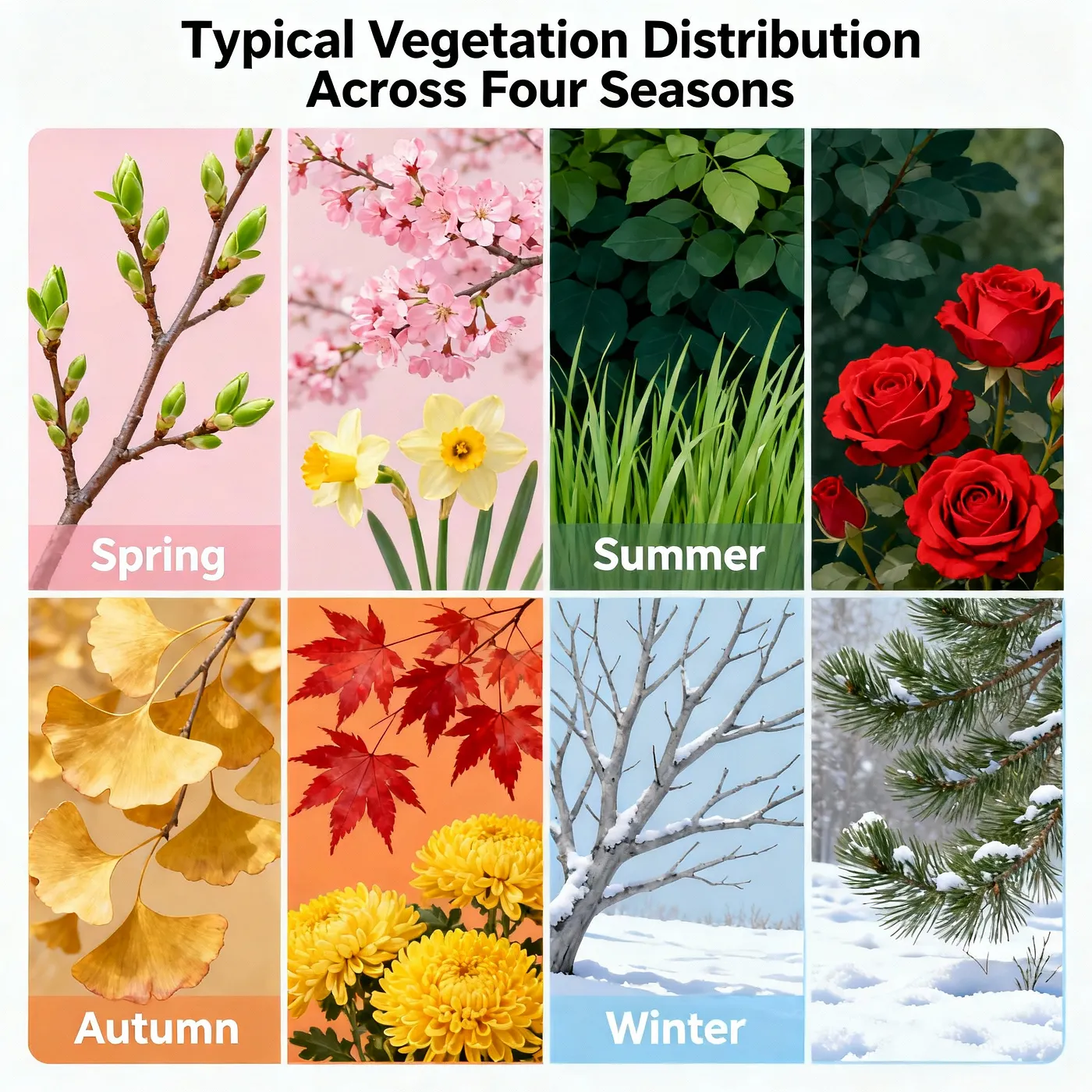
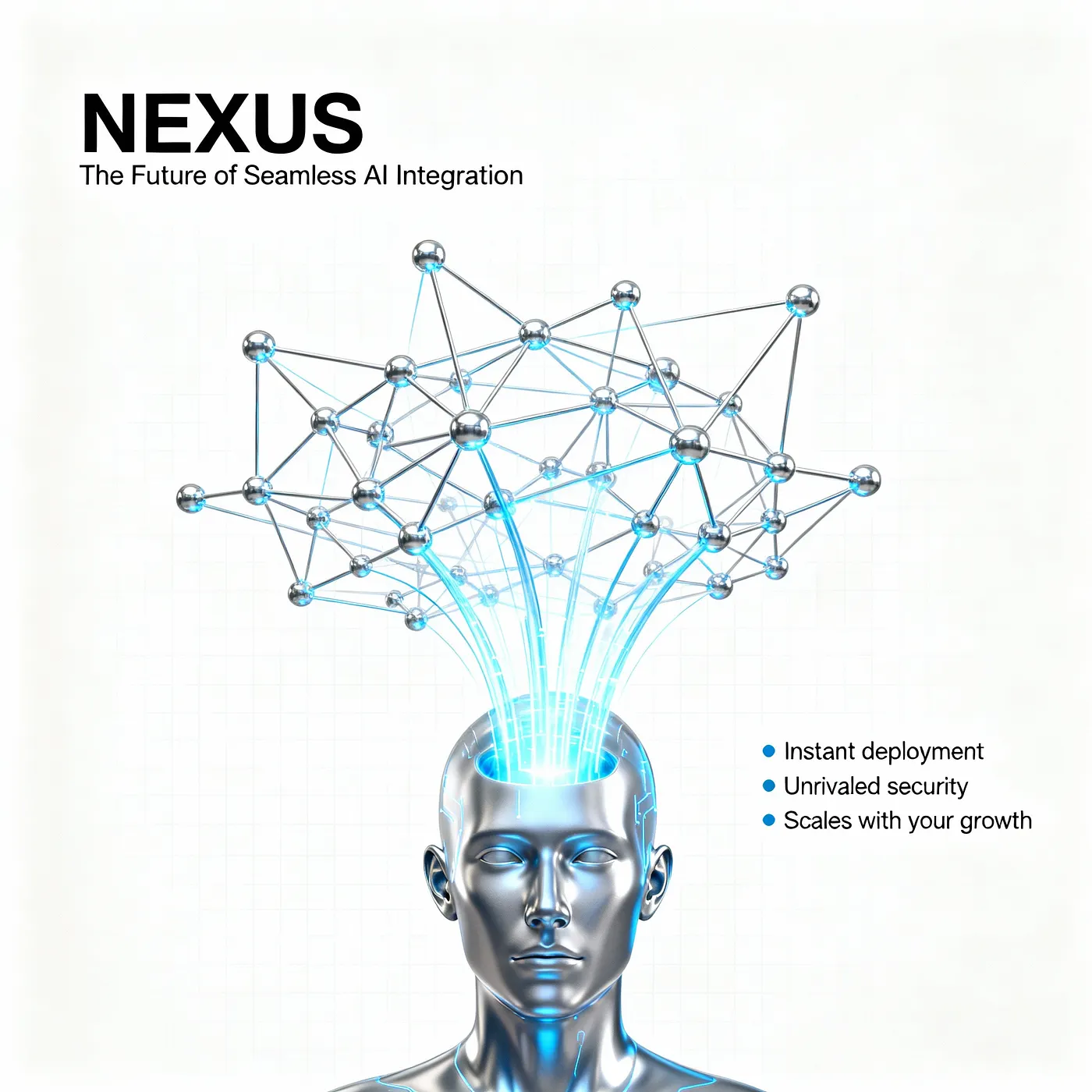
這個模型是 T2I 模型,設計用於多面板或多宮格海報、帶文案的概念設計、系列 KV 和社交媒體資產等場景。
默認輸出為 2048×2048 (2K),你也可以自行調整尺寸。它非常適合網格佈局、標題和副標題的空白區域,以及提高文本可讀性。
使用時,請在提示詞中指定主題、佈局(如 2×2 網格或三聯畫)、文本放置(標題、副標題、CTA)和首選樣式。這樣模型就能更準確地生成你想要的內容。
下面是一些提示詞模板和示例。歡迎自由試驗!
提示詞模板
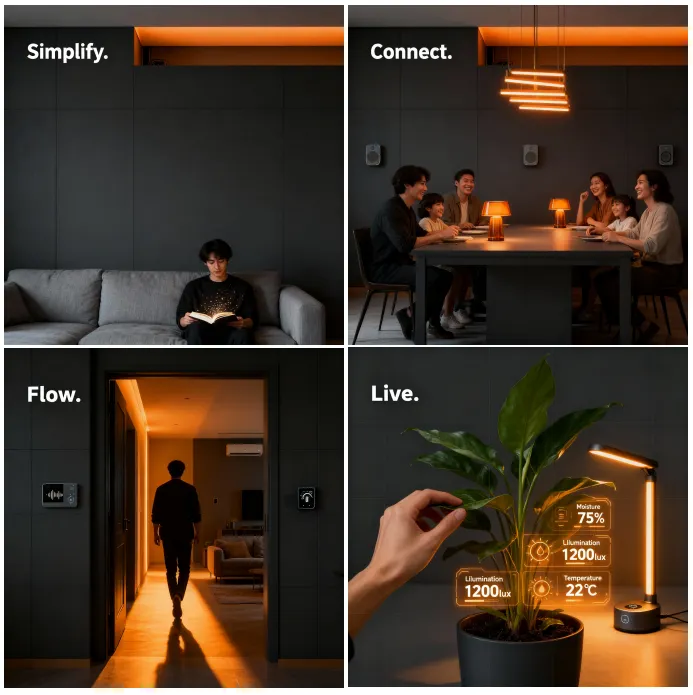
2×2 網格海報
2x2 grid poster layout, clean margins for typography, title at top center: "{TITLE}", subtitle: "{SUBTITLE}". Panel 1: {SCENE_A}; Panel 2: {SCENE_B}; Panel 3: {SCENE_C}; Panel 4: {SCENE_D}. consistent color grading, cinematic lighting, brand color {BRAND_COLOR}, high legibility background, minimal clutter三聯畫
horizontal triptych panels, left-to-right narrative: {SCENE_A} -> {SCENE_B} -> {SCENE_C}, unified palette {BRAND_COLOR}, soft vignette, clear gutters, strong typographic hierarchy, space reserved for CTA "{CTA}"漫畫
4-panel comic strip layout, speech bubble placeholders, Panel 1: {SCENE_A}; Panel 2: {SCENE_B}; Panel 3: {SCENE_C}; Panel 4: {SCENE_D}. bold line art, flat shading, clear gutters, high readability極簡海報
minimal poster, large title center: "{TITLE}", small subtitle below: "{SUBTITLE}", single focal object: {OBJECT}, monochrome + accent {BRAND_COLOR}, high legibility background, grid-based layout示例
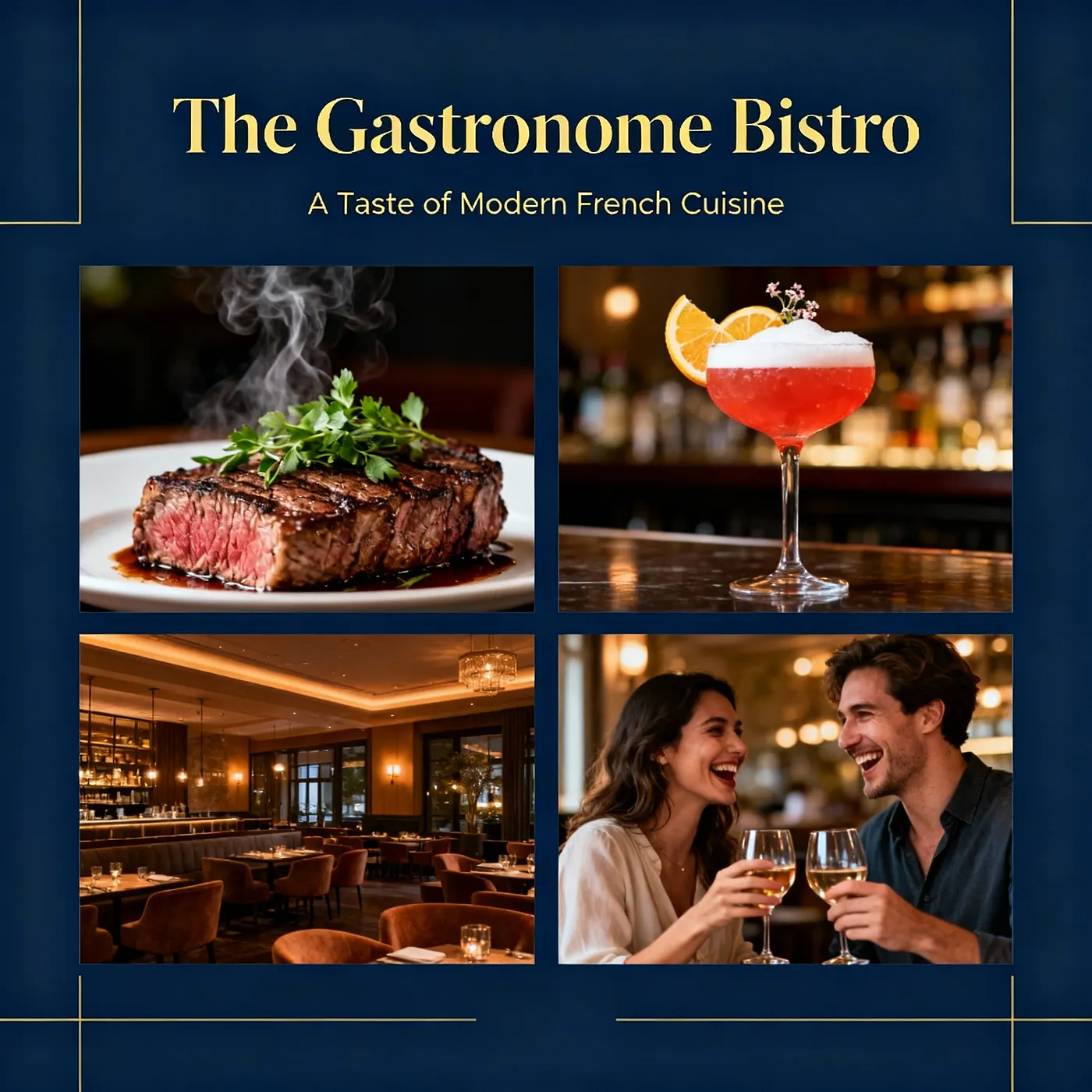
餐廳廣告
產品設計
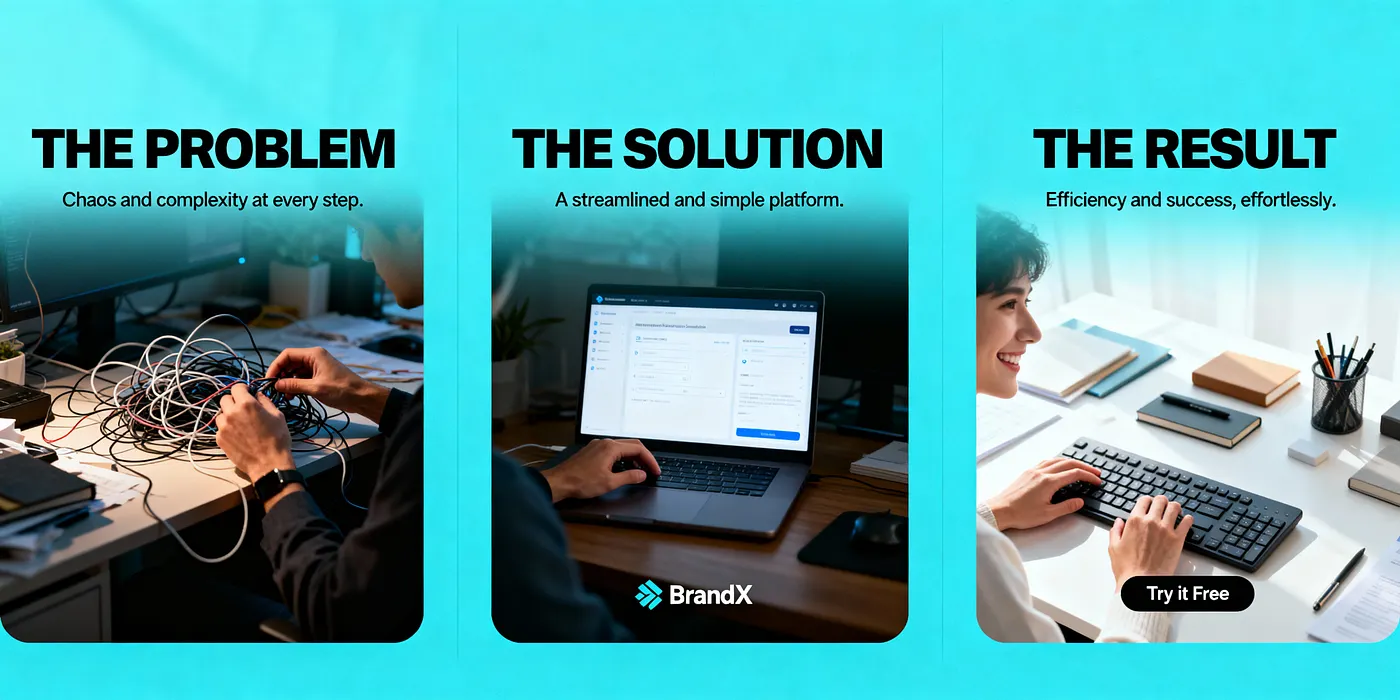
海報設計
bytedance/seedream-v4/edit
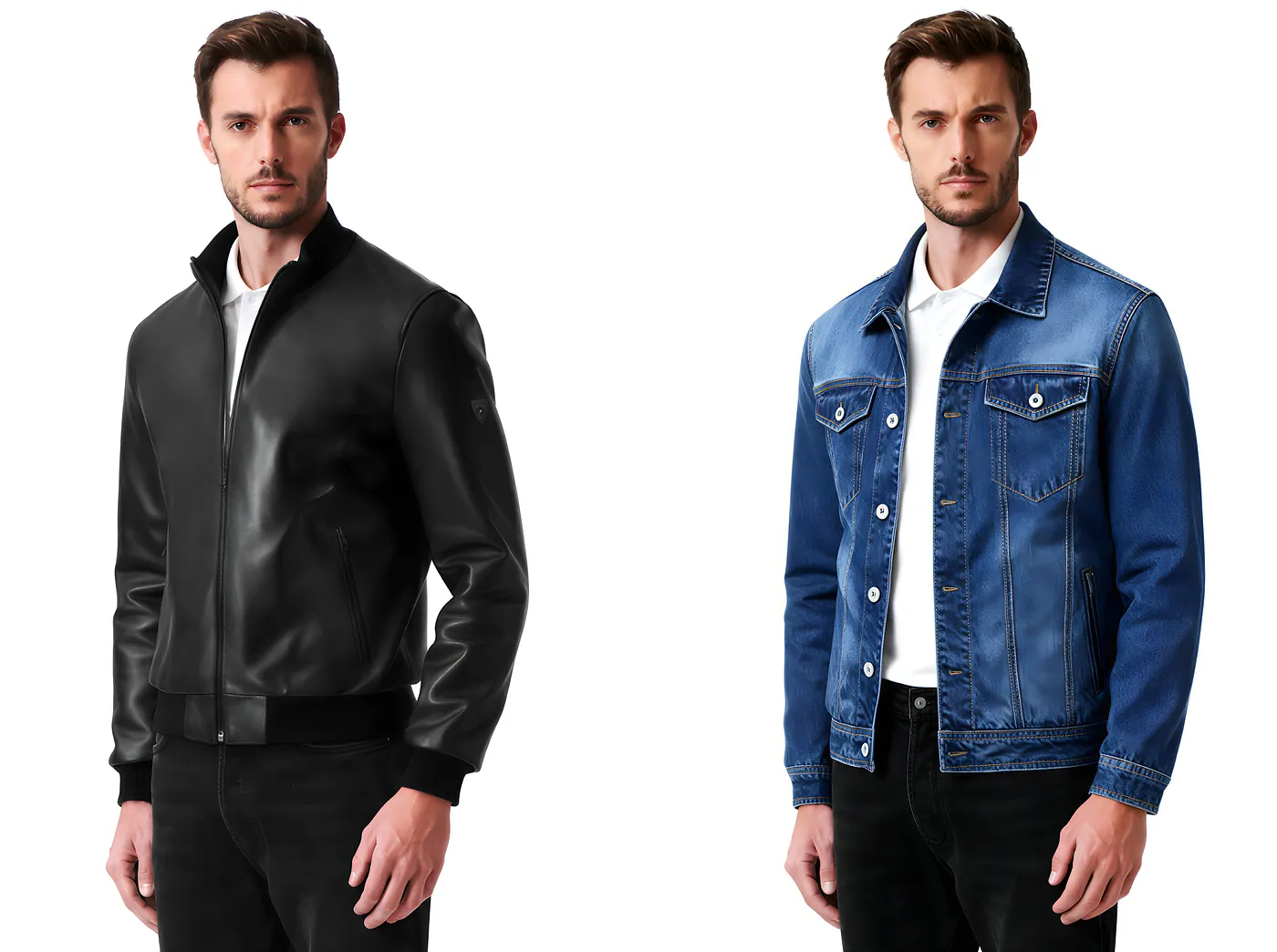
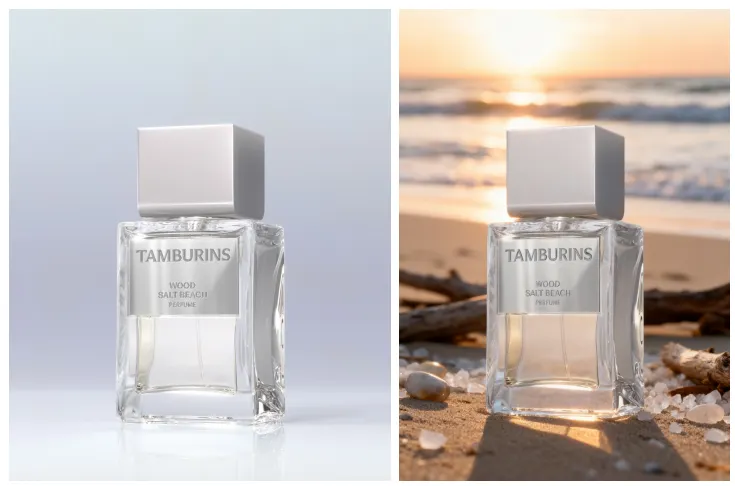
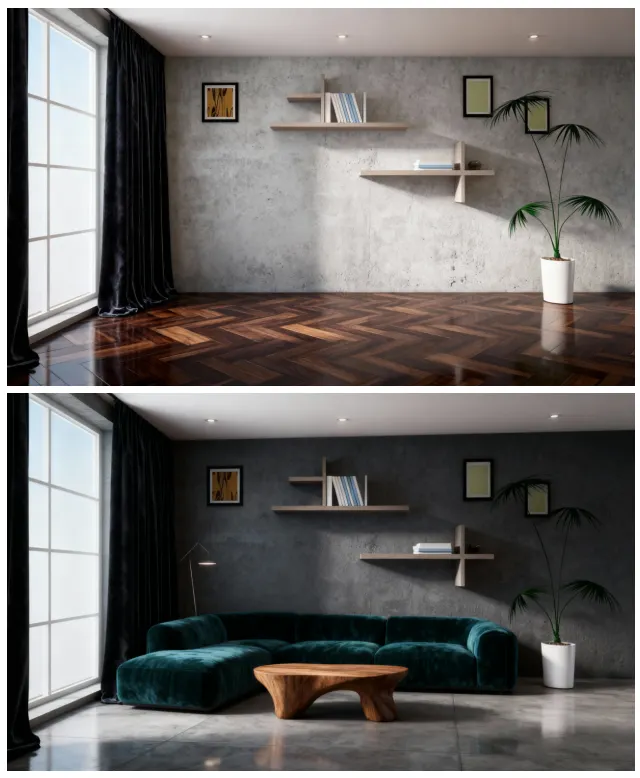
編輯是一個 I2I(圖像到圖像)模型,設計用於對現有圖像進行修改。例如,它可以交換服裝和配飾、調整髮型和化妝、修改產品顏色、材質和圖案,以及更換地板、牆壁和傢俱的室內飾面。
它支援局部編輯和強度控制,讓你在保持主體和光照一致的同時快速創建多個變體。
同樣,i2i 模型在你從一開始就清楚地指定目標時表現更好。下面是一些你可以直接使用的示例和公式!
提示詞模板
1. 肖像
portrait KV series, {STYLE} style, consistent color grading {BRAND_COLOR}, fixed camera look (85mm shallow depth), interchangeable persona: {PERSONA}, reserved lower-third text "{NAME} — {ROLE}"2. 更改衣服/珠寶/化妝
Outfit swap for portrait, replace clothing with {OUTFIT_DESC}; keep pose and composition; accessories {JEWELRY_DESC}; makeup/hair {MAKEUP_HAIR}; preserve skin tone and lighting; clean edges, no artifacts3. 背景替換
Background replacement for subject, keep subject edges; new environment: {SCENE_DESC}; match light direction and color temperature; soft contact shadows; no haloing4. 室內和室外替換
Interior finish swap, update wall {WALL_MATERIAL}, floor {FLOOR_MATERIAL}, furniture upholstery {FABRIC}; layout and lighting unchanged; realistic PBR textures示例
衣服更換
背景更換
家居設計
bytedance/seedream-v4/sequential
Sequential 模型是用於批量圖像生成的 Seedream 變體。它根據你的提示詞一次生成多張圖像,非常適合大規模創作。
但請注意:在提示詞中清楚地指定要生成的圖像數量,並將 max_images 設置為相同的數字。否則,系統將根據 max_images 收費——即使實際上只生成了一張圖像。
使用指南
多張生成:
- 提示詞:
Generate four images of …/Generate a set of images of … - max_image = 4
單張生成:
- 提示詞:
Generate an image of … - max_image = 1
提示詞模板
1. 廣告創意
Generate 4 poster concepts of the same campaign. Image 1: headline "{H1A}", {BG_A}; Image 2: headline "{H1B}", {BG_B}; Image 3: headline "{H1C}", {BG_C}; Image 4: headline "{H1D}", {BG_D}. Keep brand color {BRAND_COLOR}, consistent grid and margins, cinematic lighting.2. 角色設計(多個姿勢/表情)
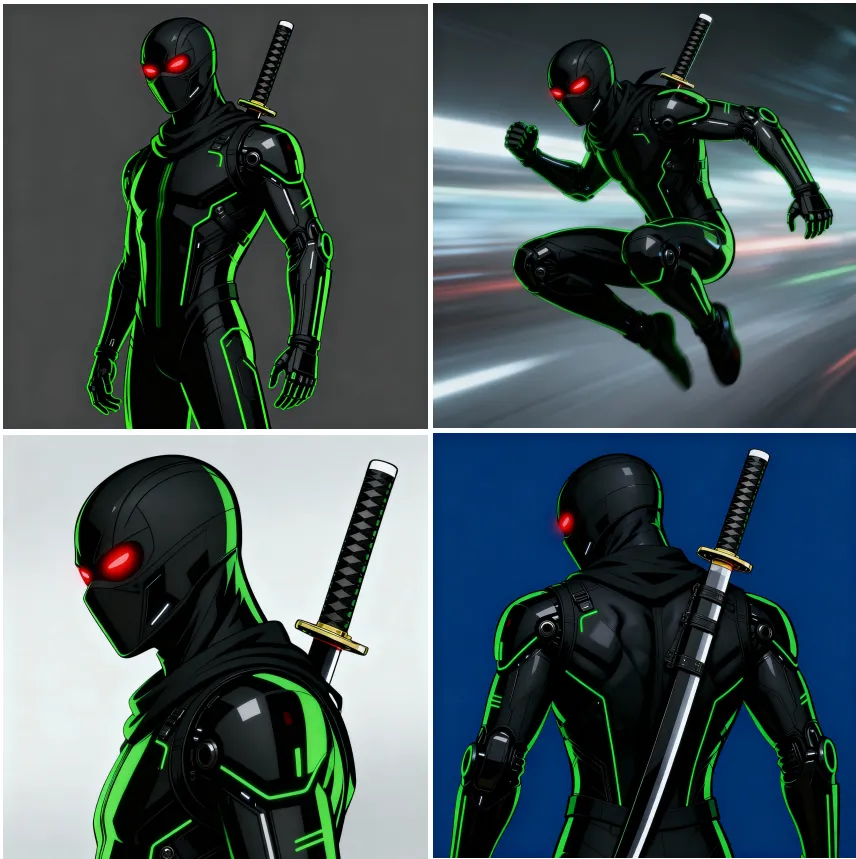
Generate 6 character sheets of {CHARACTER}. Image 1: neutral pose; Image 2: action pose; Image 3: side profile; Image 4: back view; Image 5: happy expression; Image 6: serious expression. Same outfit and palette, clean turnaround style.3. 步驟圖(1→N)
Generate 3 step-by-step visuals for {PROCESS}. Image 1: step 1 {STEP1}; Image 2: step 2 {STEP2}; Image 3: step 3 {STEP3}. Uniform style and icons, numbered labels.示例
廣告創意
角色設計
bytedance/seedream-v4/edit-sequential
如果 bytedance/seedream-v4/sequential 幫助你從 0 到 1 開始你的設計,那麼處理多圖輸入和批量輸出的能力會提供更大的助力!
使用 bytedance/seedream-v4/edit-sequential,你可以一次提供多張參考圖像、執行多圖融合、改變樣式和構圖、同時生成多個版本,並快速進行 A/B 對比。
無論是系列 KV、海報資產,還是探索產品顏色、材質和圖案,你都可以在保持一致性的同時高效迭代——使其成為你工作流程中的寶貴工具。
同樣,在生成過程中,注意你的提示詞和 max_images 之間的關係,以避免不必要的成本。
讓我們看一些示例。
提示詞模板
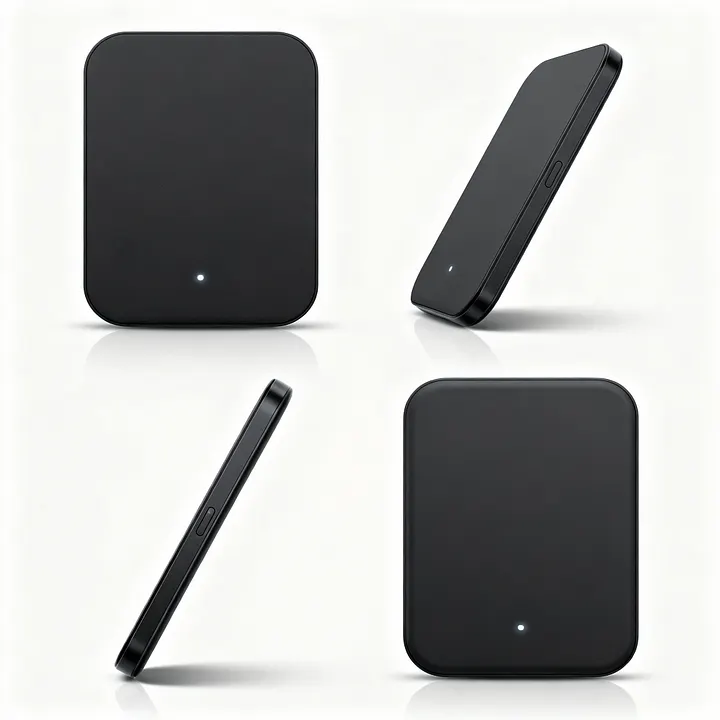
產品多角度查看(正面/側面/背面/45°)
Generate 4 images of the same product from fixed angles. Image 1: front view; Image 2: 45-degree view; Image 3: side view; Image 4: back view. Identical lighting and scale, white studio background, shadow under product.電商系列
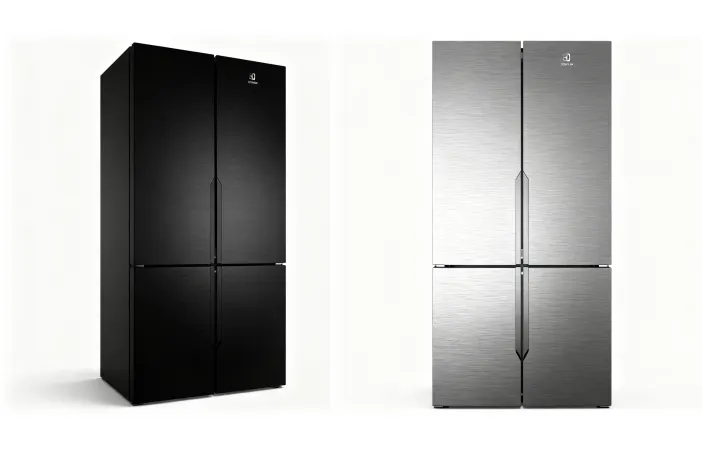
Generate 6 images of the same product in different colorways/materials. Image 1: {COLOR_A}/{MATERIAL_A}; Image 2: {COLOR_B}/{MATERIAL_B}; Image 3: {COLOR_C}/{MATERIAL_C}; Image 4: {COLOR_D}/{MATERIAL_D}; Image 5: {COLOR_E}/{MATERIAL_E}; Image 6: {COLOR_F}/{MATERIAL_F}. Studio lighting, identical angle and composition, clean background, high consistency.背景/場景切換
Generate 5 images of {SUBJECT} in different environments. Image 1: {SCENE_A}; Image 2: {SCENE_B}; Image 3: {SCENE_C}; Image 4: {SCENE_D}; Image 5: {SCENE_E}. Keep subject pose and proportions, match light and color temperature per scene.標誌/包裝佈局
Generate 4 packaging concepts for {PRODUCT}. Image 1: logo top-centered; Image 2: logo vertical layout; Image 3: diagonal sash layout; Image 4: minimal label bottom-right. Keep same can/bottle geometry, realistic reflections.UI 風格調色板
Generate 8 icons in {STYLE} for {THEME}. Image 1: {ICON1}; Image 2: {ICON2}; … Image 8: {ICON8}. Pixel-perfect, unified line weight and corner radius, consistent grid.示例
不同顏色
產品不同角度
UI 設計

參考資源
相關文章
Seedance 2.0即將推出:字節跳動下一代視頻模型,具有原生音頻功能
Seedance 2.0 完整指南:多模態視頻創建
Seedream 5.0-Preview 完整指南:智能圖像生成

Seedream 5.0 vs Nano Banana Pro vs GPT Image 1.5 vs Flux Klein vs Qwen Image:完整比較

Vidu Q3評測:與Sora 2、Wan 2.6、Seedance 1.5、Veo 3.1和Grok Imagine Video的對比
