
WaveSpeedAI Desktop Is Here: A Faster, All-in-One AI Creation Experience

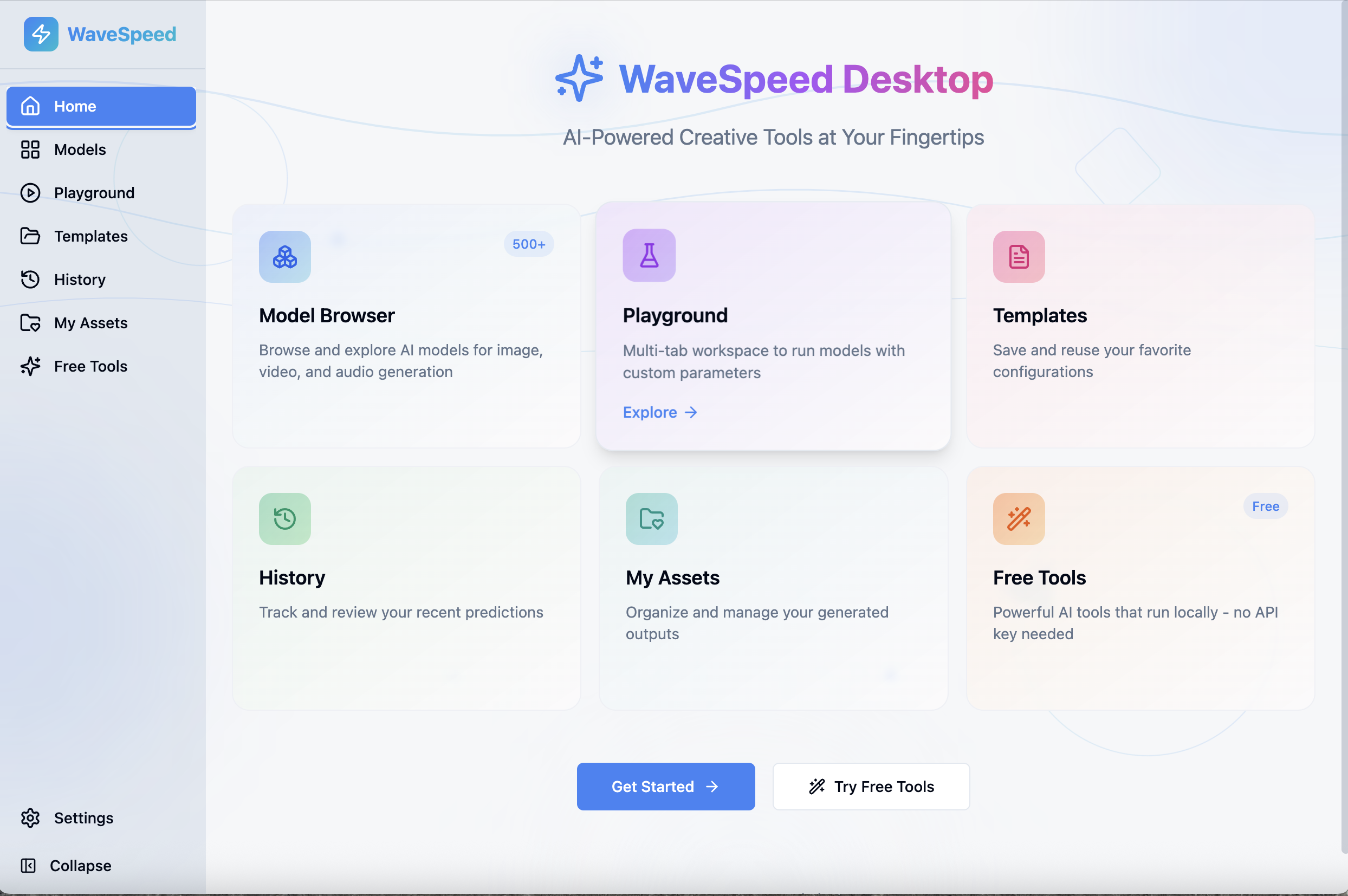
WaveSpeedAI Desktop is officially here—bringing speed, focus, and an All-in-One Development and Creation Platform directly to your computer.
Built as a native, cross-platform desktop application, WaveSpeedAI Desktop is designed for creators and developers who want more than browser-based AI tools. It combines model exploration, generation workflows, asset management, and practical AI utilities into a single, streamlined experience optimized for real-world creative and development workflows.
One Desktop App. Everything in One Place
WaveSpeedAI Desktop centralizes everything you need for AI creation and development into a unified environment:
- Discover and explore hundreds of AI models by function
- Generate images, videos, and more with full parameter control
- Manage assets locally with automatic saving
- Access practical AI tools without extra setup
By moving beyond the browser, the desktop experience delivers faster response times, greater stability, and a cleaner, distraction-free workflow.
Smarter Model Discovery by Function
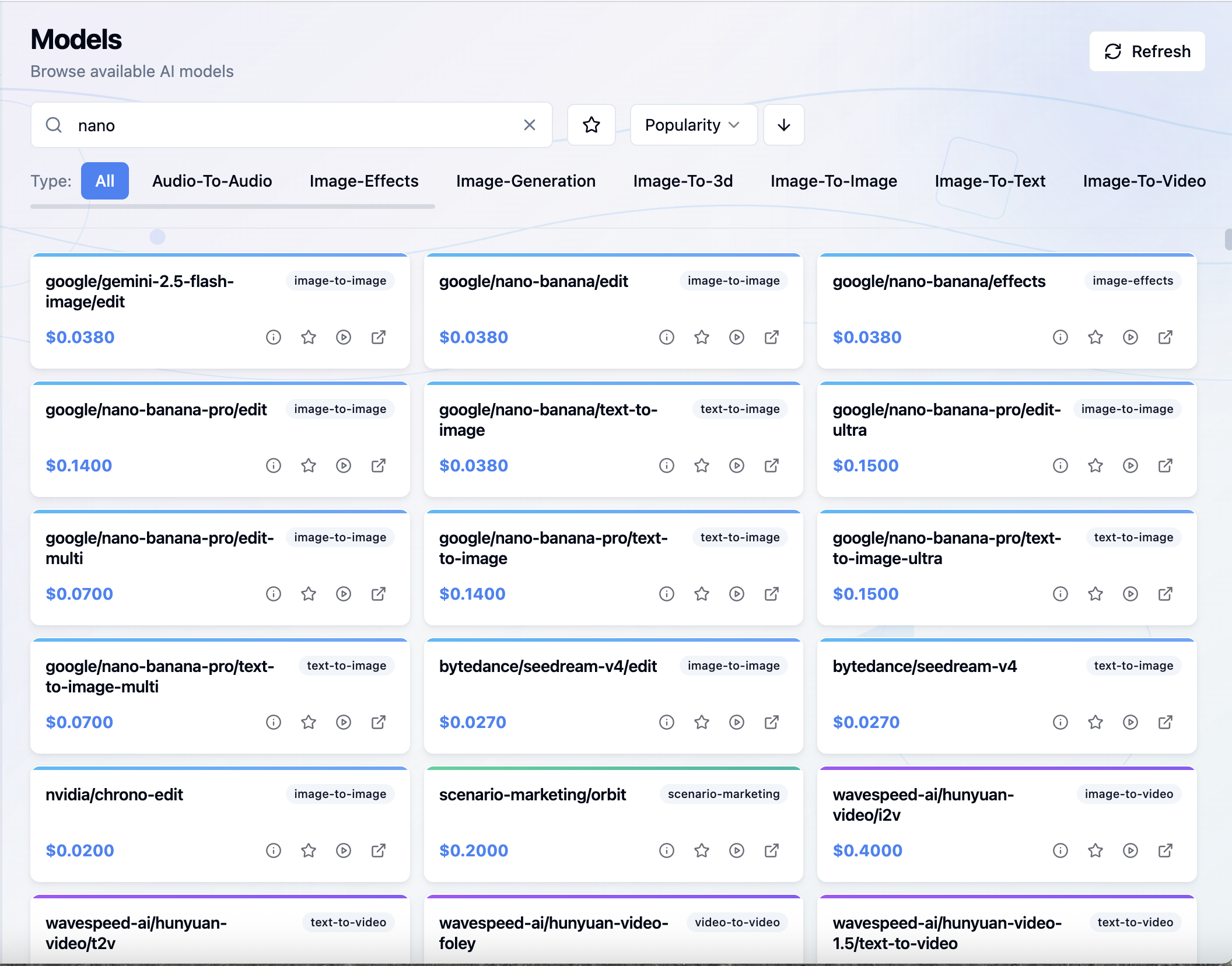
Instead of navigating long lists of model names, WaveSpeedAI Desktop introduces a function-based Model Browser.
Models are organized by what you want to create or process, including:
- Image Generation and Image Effects
- Image-to-Image and Image-to-Video
- Image-to-3D
- Image-to-Text
- Audio-to-Audio
This structure makes it easier to experiment, compare approaches, and switch creative or technical directions without friction.
A Playground Built for Creation
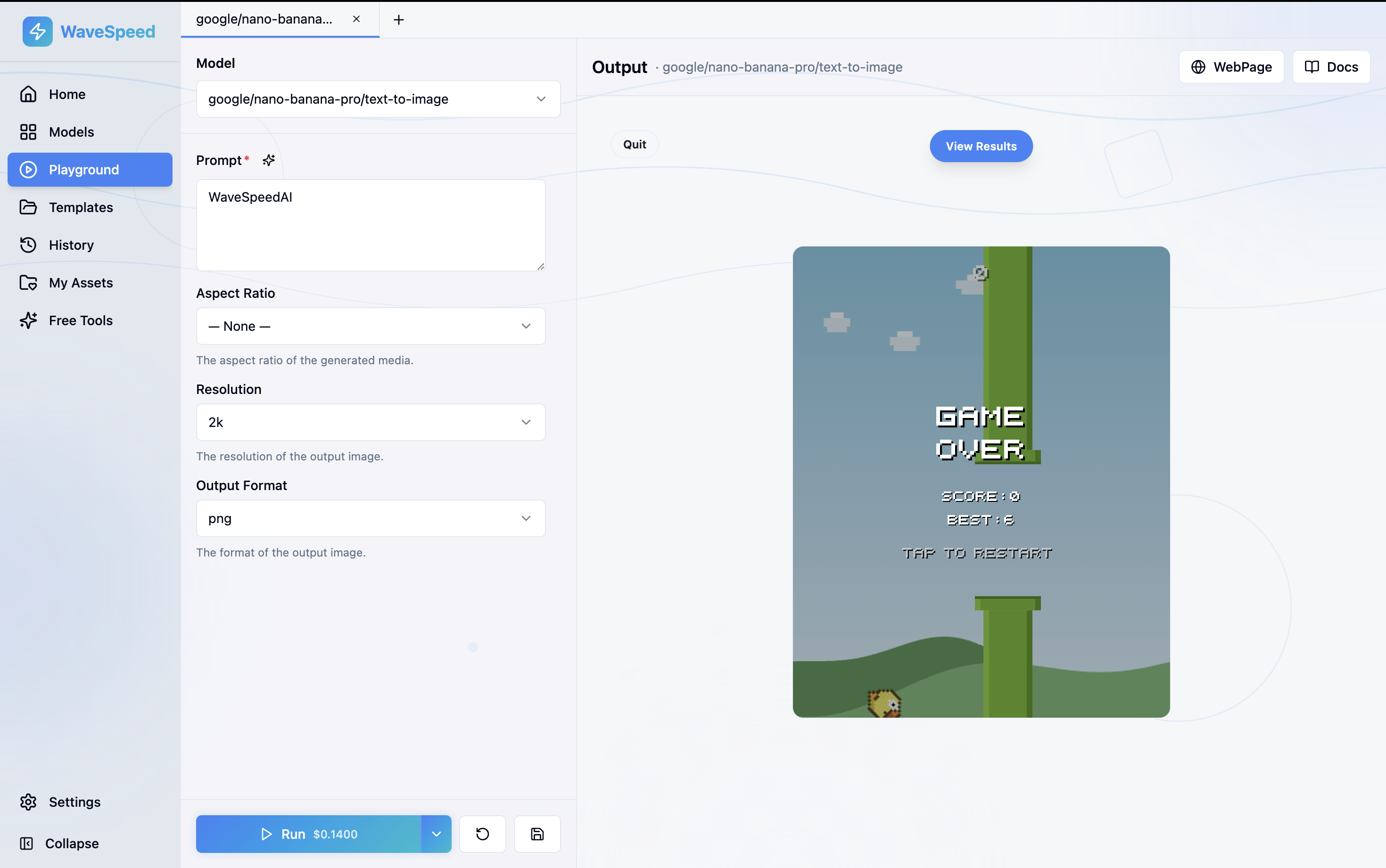
At the heart of WaveSpeedAI Desktop is the Playground—a focused space where prompts turn into results.
Creators and developers can fine-tune parameters such as resolution, aspect ratio, and output format while previewing results in real time. All outputs are automatically saved locally, ensuring nothing is lost during experimentation or iteration.
A Small Touch That Makes a Difference
While generations are running, the Playground includes a lightweight built-in mini-game, keeping the interface active during longer generation processes and improving the overall waiting experience—reflecting WaveSpeedAI’s attention to usability, even in small details.
Built-In Free Tools for Everyday Creative Tasks
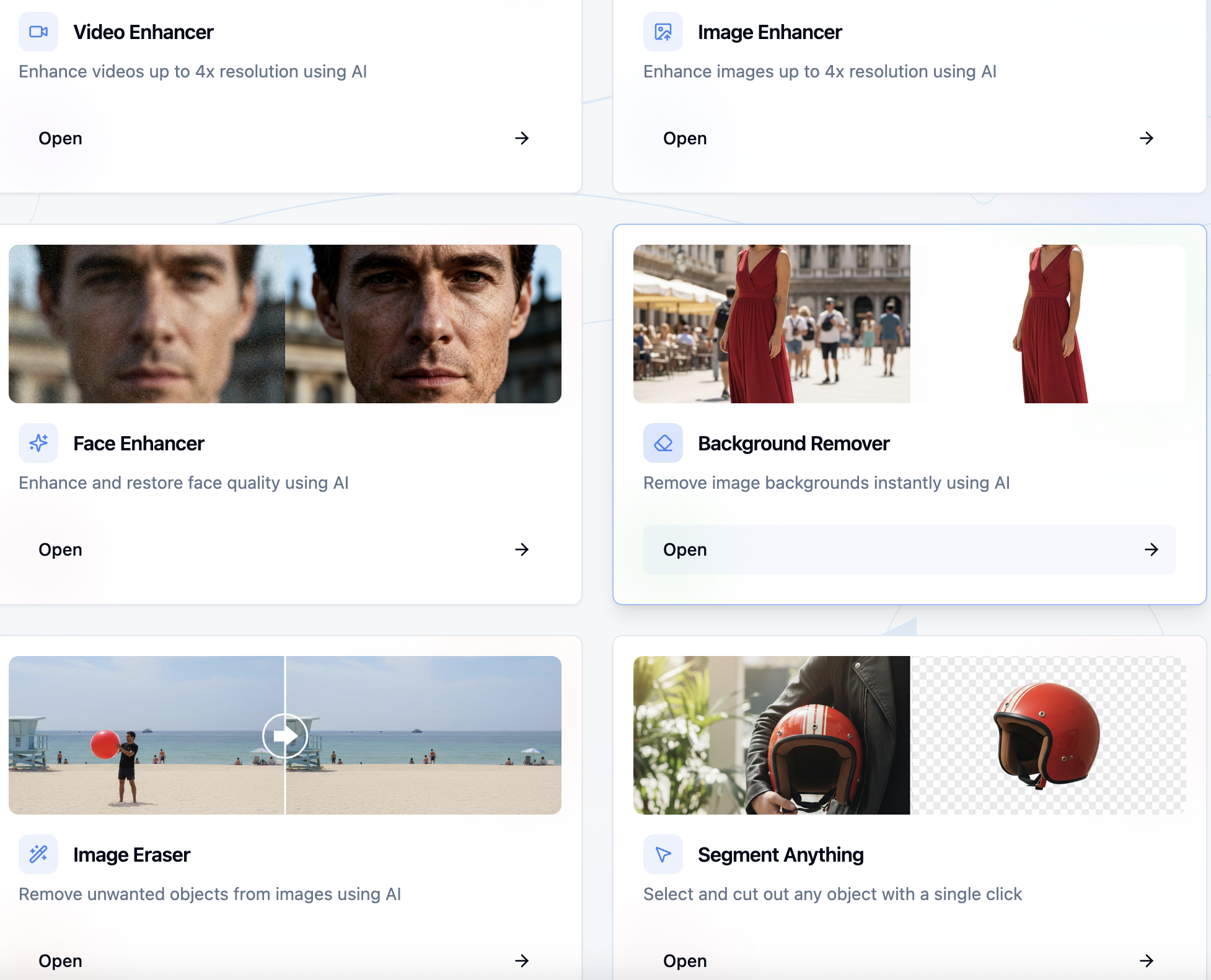
WaveSpeedAI Desktop goes beyond model inference by including a full set of built-in Free Tools, available directly inside the app.
These tools cover common creative and production needs:
🎥 Video Tools
- Video upscaling (up to 4×)
- Format conversion
- Trimming and merging media
🖼️ Image Tools
- Image and face enhancement
- Background removal
- Object erasing and segmentation
- Format conversion
🔊 Audio Tools
- Audio format conversion
These utilities make WaveSpeedAI Desktop useful both within and beyond full generation workflows, turning it into a versatile creative and development toolkit.
Local-First Asset Management
Every generated image is automatically saved to your local drive for long-term access and ownership. For added reliability, WaveSpeedAI Desktop also provides a secure 7-day temporary cloud backup, combining control with peace of mind.
What Early Users Are Saying
Early feedback highlights exactly what WaveSpeedAI Desktop is built for: speed, clarity, and efficiency.
One early user shared:
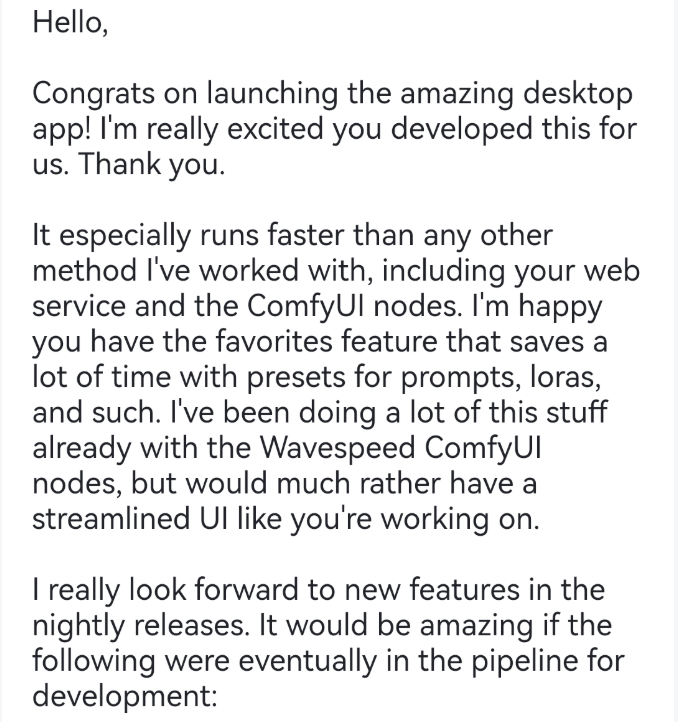
“It runs faster than any other method I’ve worked with—including web services and ComfyUI nodes. I especially like the favorites feature that saves a lot of time. I’d much rather use a streamlined UI like this.”
For creators who generate frequently and iterate often, these workflow improvements quickly become essential.
Designed for Real Creative and Development Work
WaveSpeedAI Desktop isn’t just a new interface—it’s a more focused way to work with AI. By combining powerful models, thoughtful design, local asset control, and practical tools, it delivers a smoother and more efficient experience for both creators and developers.
Whether you’re experimenting, producing, or iterating at scale, WaveSpeedAI Desktop is built to keep you moving faster—with less friction.
Explore WaveSpeedAI Desktop and experience AI creation without browser limits.
Download WaveSpeedAI Desktop
If you need to download the desktop app, please visit: https://wavespeed.ai/landing/desktop
Related Articles

Best Free AI Video Generator Online in 2026: Sora, Kling, Veo, Seedance — All in One Place

Goodbye Sora: Top 5 Best Sora Alternatives for Making AI Videos in 2026
