Qwen3.5-Omni API Pricing, Limits, and Deployment Options (2026)
Qwen3.5-Omni API pricing, rate limits, and deployment options explained for builders. DashScope vs. self-hosting trade-offs for Plus, Flash, and Light.
Hey guys! This is Dora — sharing with you the surprise when I saw the Qwen3.5-Omni launch drop at the end of March. At that moment, my first instinct wasn’t “wow, cool model.” but: what’s this actually going to cost me per call?
Because here’s the thing — I’ve gotten burned before. I built a pipeline on a shiny new multimodal API, didn’t read the billing docs carefully enough, and then watched my monthly bill quadruple once audio processing hit the longer context ranges. So this time, I sat down with the DashScope pricing docs and the official API reference before writing a single line of integration code.
If you’re an eng lead or infra decision-maker evaluating whether to build on Qwen3.5-Omni or self-host it, this covers the stuff that actually matters for your cost model — including a pricing structure that is genuinely unintuitive until you sit with it for a while.
How Qwen3.5-Omni Is Priced
DashScope Tiered Pricing: Input Token-Based Model
The most important thing to understand upfront: DashScope doesn’t charge a flat per-token rate. For Qwen3.5-Omni (and several other Qwen models including qwen3.5-plus), pricing is tiered based on the number of input tokens in the current request. Not cumulative session tokens — the single request’s input size determines which pricing bracket you fall into.
This is non-obvious and has real implications. A short 5K-token request and a maxed-out 240K-token request aren’t just priced differently in proportion — they fall into entirely different rate brackets. The structure rewards keeping requests short, which can conflict directly with the reason you’d reach for a 256K context model in the first place.
The official DashScope pricing page shows this tiered structure applied across the Qwen-Plus and related model families. Specific Omni-modality pricing per audio token and video frame is documented separately in the multimodal billing section.
Plus vs. Flash vs. Light: Cost-Performance Spread
Qwen3.5-Omni ships in three variants with distinct positioning:
Plus is the benchmark headline model — it’s what beat Gemini 3.1 Pro on audio understanding. Flash trades some of that capability for lower latency and presumably lower per-call cost. Light is the open-weight tier: free to run, but you own the infrastructure.
For API users, the practical decision is Plus vs. Flash. If your use case is high-accuracy transcription of long recordings or voice cloning for a customer-facing product, Plus is where you want to be. If you’re doing real-time conversation with tighter latency budgets, Flash is worth testing first.
Free Quota: What’s Included and When It Runs Out
New DashScope accounts in the International region (Singapore endpoint) get a free quota of 1 million input tokens and 1 million output tokens, valid for 90 days after activating Model Studio. The Global deployment mode (US Virginia) has no free quota — that matters if your team is US-based and wants to test from the closest endpoint.
Burn through that free quota faster than you’d expect if you’re running audio-heavy tests. A single 10-hour audio file hits the full 256K context ceiling, which alone consumes roughly 256K of your 1M input token allowance in one request.
Context Window Economics
256K Tokens in Practice: Audio Hours, Video Seconds, and What It Actually Costs
The official number is that 256K tokens handles “over 10 hours of continuous audio” or “roughly 400 seconds of 720p video with audio.” Let’s translate that into cost intuition.
Audio tokenizes at roughly 25,600 tokens per hour (256K ÷ 10 hours). That’s approximately 427 tokens per minute of audio. For video at 1 FPS sampling, 400 seconds of 720p content fills the full context.
Putting this against the tiered pricing brackets, consider two scenarios:
Short request (e.g., 5-minute meeting clip ≈ ~2,100 tokens): Falls into the lowest pricing tier. Cheap per call.
Long request (e.g., 3-hour podcast ≈ ~77,000 tokens): Crosses into the mid-tier bracket. The per-token rate jumps, so your cost per minute of audio is meaningfully higher than the short-request scenario — not because you’re using more tokens, but because the tier is different.
Near-max request (e.g., 8-hour audio file ≈ ~205,000 tokens): You’re in the highest tier. A full workday of audio at the top bracket pricing will cost considerably more than 40 equivalent 12-minute clips processed individually. This is the architectural decision the tiered model forces: batching long inputs vs. chunking.
For builders processing high-volume audio, chunking may actually be cheaper than exploiting the full context window — which is ironic, since the big context is partly the selling point.
When Long-Context Audio Input Becomes Expensive
There’s a breakeven point somewhere between short and long context where chunking wins on cost. Exact numbers depend on your specific modality pricing (audio token rates differ from text token rates in DashScope’s billing), so I’d recommend running a quick calculator before committing to an architecture: pass your expected audio length distribution through both the tiered pricing formula and a chunk-based approach.
Rate Limits and Throughput
What’s Known About QPS / Concurrency Limits
Rate limit specifics for Qwen3.5-Omni are not publicly documented in the same detail as text-only models. DashScope’s general pattern for API users is QPS (queries per second) and concurrency limits applied at the account level, adjustable via quota increase requests for enterprise accounts. If you need confirmed numbers for capacity planning, file a quota increase request with DashScope support — they respond with the actual limits for your account tier.
DashScope International vs. China Mainland Endpoints
There are three main endpoint regions for non-China teams to be aware of:
- International (Singapore):
https://dashscope-intl.aliyuncs.com/compatible-mode/v1— data and endpoint in Singapore, inference scheduled globally (excluding mainland China). This is the default for most international builders. Free quota applies. - Global (US Virginia / Germany Frankfurt):
https://dashscope-us.aliyuncs.com/compatible-mode/v1— data and endpoint in the US Virginia region, compute scheduled globally. No free quota. Better for US-based latency requirements. - China Mainland (Beijing):
https://dashscope.aliyuncs.com/compatible-mode/v1— restricted to teams operating within China. Significantly lower per-token pricing.
US Region Availability (Virginia Endpoint)
The US (Virginia) endpoint is available for Qwen text models. As of nowadays, confirm directly via the DashScope API reference whether Qwen3.5-Omni multimodal inference is routed through the US endpoint or falls back to Singapore. The general multimodal endpoint pattern is:
POST https://dashscope-us.aliyuncs.com/api/v1/services/aigc/multimodal-generation/generationFor teams with data residency requirements, clarify with Alibaba Cloud whether audio/video content processed via the US endpoint is stored outside the US at any point in the inference pipeline.
Self-Hosting with vLLM
Why the Qwen Team Recommends vLLM Over HuggingFace Transformers for MoE
Qwen3.5-Omni-Plus uses a Hybrid-Attention Mixture-of-Experts (MoE) architecture. The Qwen team explicitly recommends vLLM over HuggingFace Transformers for any production workload — and the reason is specific to MoE: expert routing in MoE models causes irregular memory access patterns that HuggingFace Transformers doesn’t optimize well. vLLM’s PagedAttention and MoE-aware scheduling handle this significantly better, translating to real throughput differences at load. For large-scale invocation or low-latency requirements, the official guidance is vLLM or the DashScope API directly — not raw Transformers.
Infrastructure Requirements for Plus (30B-A3B Class)
The Plus variant (30B total parameters, 3B active per token) needs at least 40GB VRAM for comfortable inference in BF16. In practice:
- Single A100 80GB: Viable for Plus in FP8 or INT8 quantization. BF16 at full context is tight.
- Single H100 80GB: Comfortable in BF16 with room for KV cache at shorter contexts.
- RTX 4090 (24GB): Not sufficient for Plus. Works for Flash or Light variants with quantization.
For the Omni models specifically, you also need to account for the Talker component’s audio codec memory — it’s not just the language model weights. The 48GB VRAM RTX 4090D has been reported running the Qwen3-Omni 30B-A3B at AWQ 4-bit quantization, but with minimal KV cache headroom and throughput around 64 tokens/s generation.
Docker Image Availability and Setup
The Qwen team provides a Docker image that bundles the full runtime for both HuggingFace Transformers and vLLM. Use it — setting up the Omni-specific vLLM fork (qwen3_omni branch) manually is fiddly. Installation with the official stack:
# Clone the Omni-specific vLLM fork
git clone -b qwen3_omni https://github.com/wangxiongts/vllm.git
cd vllm

# Install dependencies
pip install -r requirements/build.txt
pip install -r requirements/cuda.txt
VLLM_USE_PRECOMPILED=1 pip install -e . -v --no-build-isolation

# Install required packages
pip install transformers==4.57.3 accelerate
pip install qwen-omni-utils -U
pip install -U flash-attn --no-build-isolation
Then serve:
vllm serve Qwen/Qwen3-Omni-30B-A3B-Instruct \
  --tensor-parallel-size 2 \
  --gpu-memory-utilization 0.90 \
  --max-model-len 32768
The max-model-len 32768 cap is practical for single-GPU setups — pushing toward 256K context on a single 80GB card requires aggressive quantization and limits batch size significantly. Per vLLM’s own deployment documentation, PagedAttention handles KV cache memory efficiently, but audio-visual models with multi-codebook talker outputs have higher KV cache pressure than text-only equivalents.
DashScope API vs. Self-Hosting: Decision Framework
When DashScope Makes Sense
- You need to be in production within days, not weeks
- Your monthly token volume is under ~50M tokens (API unit economics still favorable)
- You don’t have GPU infrastructure and don’t want to build it
- Voice cloning feature matters — it’s Plus and Flash-only via API; Light open weights don’t expose it
- You need Singapore or US regional data routing with contractual guarantees
When Self-Hosting Makes Sense
- Monthly volume consistently above 50-100M tokens and cost per token is meaningful
- Data residency requirements that DashScope’s regional endpoints don’t satisfy
- Latency control for sub-200ms response targets that depend on co-location
- You’re running Flash or Light tier workloads where hardware fits your existing fleet
- Custom fine-tuning or model modifications (only possible with open weights — Light tier)
The practical inflection point: at high volume, running Plus on a dedicated H100 at ~$2-3/hr cloud cost becomes cheaper than the DashScope per-call rate. The math changes depending on utilization — a GPU sitting idle 40% of the time changes the calculus significantly.
Hidden Cost Considerations
Audio/Video Preprocessing Overhead
Audio sent to Qwen3.5-Omni needs to be in the right format before it hits the API. The qwen-omni-utils library handles resampling, channel normalization, and chunk encoding — but that preprocessing adds latency and compute on your side. For video, 1 FPS sampling at 720p is the documented reference rate, but actual frame extraction from arbitrary video formats requires FFmpeg or equivalent. Factor this into your per-call latency budget.
Streaming Speech Output and Per-Call Costs
The Thinker-Talker architecture streams speech output in real time — the first audio bytes arrive before the full response is generated, which is what makes live voice conversation feel natural. But streaming adds a per-call overhead: connections stay open longer, and the audio codec (Code2Wav renderer) generates multi-codebook sequences that contribute to output token count. If you’re using speech output mode, your effective output token count is higher than text-only mode for the same underlying response. Check whether DashScope bills speech output tokens at the same rate as text output tokens — the billing documentation distinguishes modalities in the multimodal pricing section.
FAQ
Is there a free tier for Qwen3.5-Omni on DashScope?
Yes, for the International region (Singapore endpoint). New accounts get 1M input tokens and 1M output tokens free, valid 90 days after activating Model Studio. The US (Virginia) Global deployment mode has no free quota.
What’s the rate limit on the DashScope API**?**
Not publicly documented at a specific QPS number for Qwen3.5-Omni as of March 2026. Default limits apply at account creation; contact DashScope support with your expected throughput to request a quota increase before going to production.
Can I run Qwen3.5-Omni-Plus on a single A100?
In FP8 or INT8 quantization, yes — an A100 80GB can run Plus with constrained KV cache headroom. In BF16 at 256K context, no. Expect to cap max-model-len to something like 32K–64K on a single 80GB GPU to maintain stable throughput.
Previous Posts:
Related Articles
Claude Code architecture Deep Dive: What the Leaked Source Reveals
Claude Mythos vs Claude Opus 4.6: What the Leak Reveals for Developers
claw-code vs Claude Code: What's Actually Different?
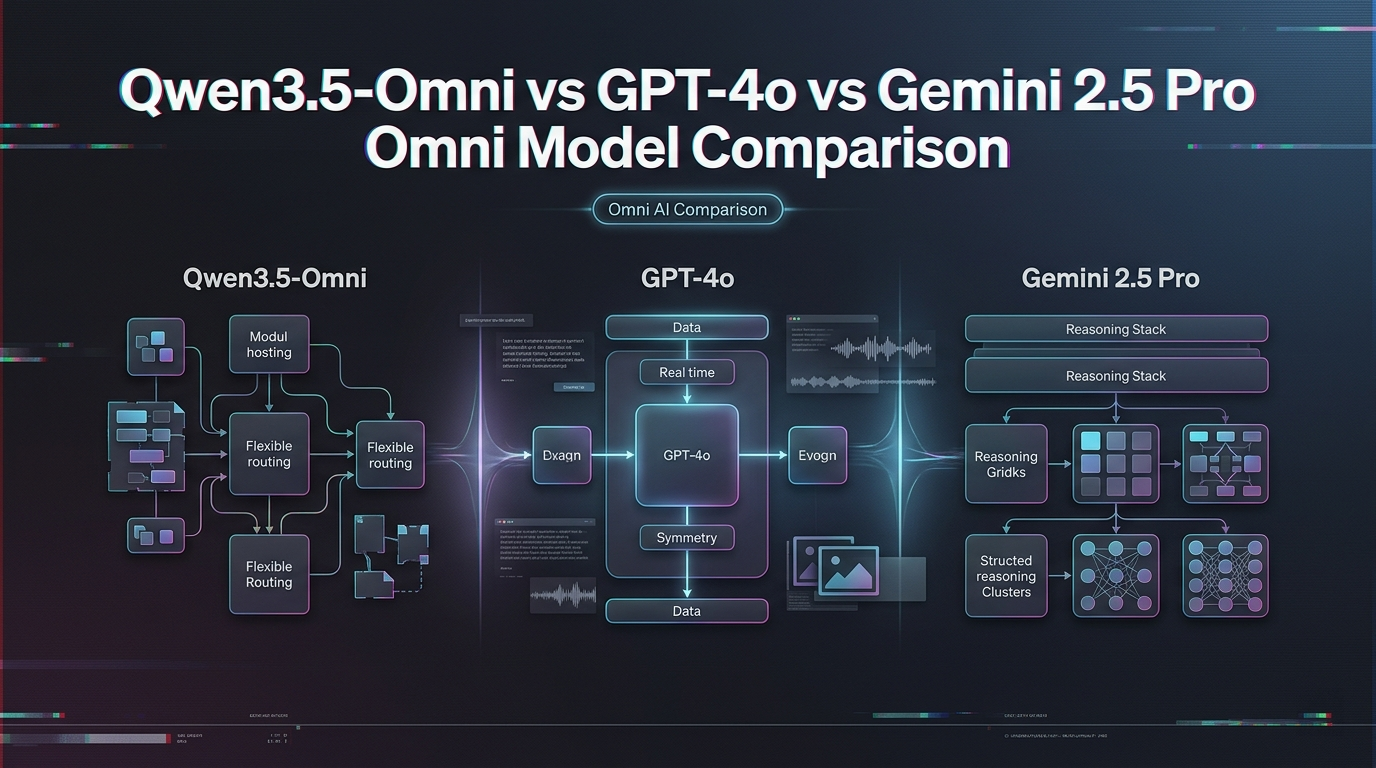
Qwen3.5-Omni vs GPT-4o vs Gemini 2.5 Pro: Omni Model Comparison
Claude Code Leaked Source: BUDDY, KAIROS & Every Hidden Feature Inside