
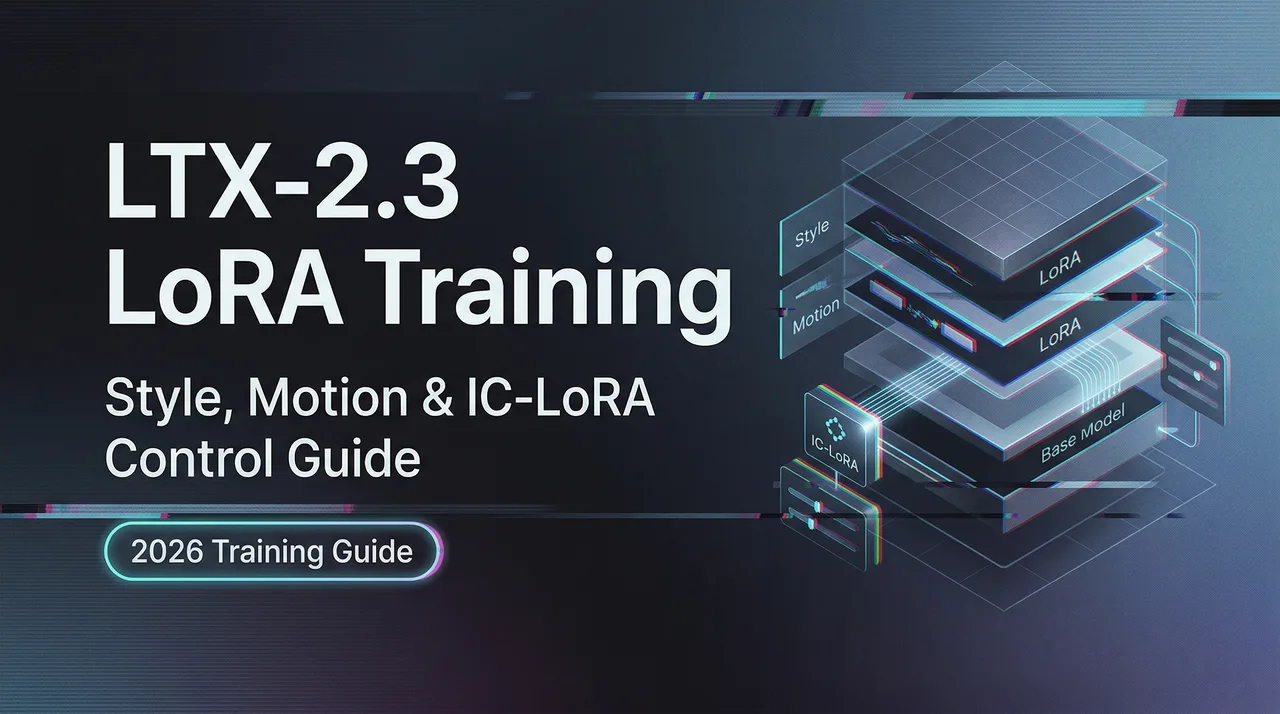
LTX-2.3 LoRA Training Guide: Style, Motion & IC-LoRA Control (2026)
Train custom LoRAs on LTX-2.3 using the official ltx-trainer. Covers style LoRAs, IC-LoRA structural control, rank settings, dataset prep, and common training failures.
Hey, my buddy. It’s Dora here.
I didn’t plan to spend a week training LoRAs . For teams that want to test this workflow in production, see LTX 2.3 vs Wan 2.2 comparison. I just needed a product demo to follow a specific motion pattern, and text prompts weren’t cutting it. That small friction led me down the LTX-2.3 training path, and what I found surprised me — not because it’s revolutionary, but because it’s quietly practical once you know which settings actually matter.
This isn’t a comprehensive reference. It’s what I learned testing style, motion, and IC-LoRA control workflows in March 2026.
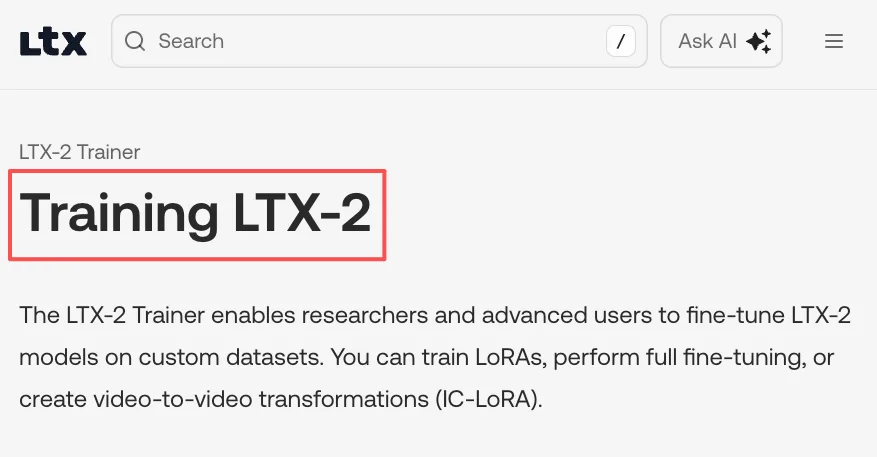
What LTX-2.3’s Official Trainer Includes

The LTX-2 GitHub repository is organized as a monorepo with three packages: ltx-core for model implementation, ltx-pipelines for generation workflows, and ltx-trainer for LoRA and IC-LoRA fine-tuning. Width and height settings must be divisible by 32, and frame count must follow the 8n+1 rule — meaning 1, 9, 17, 25 frames, and so on.
I spent my first training run ignoring this. The trainer errored out, I padded the frames manually, and it worked. Small constraint, but worth knowing upfront.
Three LoRA Types and When to Use Each
Style LoRAs (appearance, texture, color)
Style LoRAs teach LTX-2.3 visual aesthetics — color grading, texture treatment, lighting mood. I trained one on product photography with consistent white backgrounds and soft shadows. For character or style LoRAs, 20-50 images is usually enough to get solid results, though for highly specific subjects I’ve pushed to 80-120 images.
Image-only datasets work fine here. For my first few LoRAs, I used still frames rather than video clips — it’s simpler to curate, and the model learns identity without needing to process motion.
Motion / Effect LoRAs (movement, transformation)
Motion LoRAs focus on how things move rather than how they look. Camera pans, object rotation, transformation sequences. These need short coherent video clips, not stills. I tested a dolly-in motion LoRA with 15-second clips at consistent framing, and the model picked up the movement pattern across different subjects.
Training motion felt less settled than style. More retries, more variable results.
IC-LoRAs (structural control: depth, pose, canny edge)
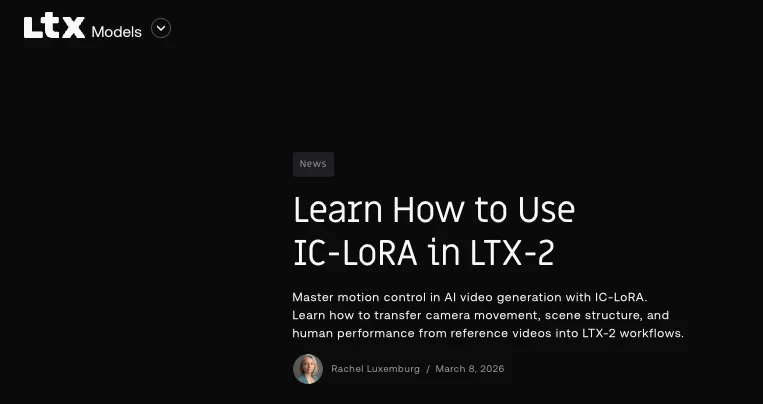
IC-LoRA is different. Instead of teaching the model a new aesthetic or motion, it conditions generation on reference signals — depth maps, pose skeletons, edge detections. IC-LoRA enables conditioning video generation on reference video frames at inference time, allowing fine-grained video-to-video control on top of the text-to-video base model.
I used depth IC-LoRA to lock camera movement while changing the visual content entirely. The official IC-LoRA guide explains the three control modes well: Canny for edge preservation, Depth for camera and spatial geometry, Pose for human motion transfer.
Dataset Preparation Rules
Frame Count Constraint (8n+1 rule)
Frame count must be divisible by 8 + 1. This isn’t a soft guideline — if your clips are 10 frames or 15 frames, the trainer will either error or pad them internally. I batch-processed my dataset to 17 frames (2 × 8 + 1) before uploading, and training went smoothly.
Resolution Divisibility (32px rule)
Width and height must be divisible by 32. I learned this after resizing a batch to 1024×576 and watching the trainer quietly pad it to 1024×608. Better to resize correctly upfront.
Video vs Image Datasets: When to Use Each
Image-only datasets are valid for LTX-2.3 LoRA training. This is much easier than forcing motion learning too early, especially for identity or style LoRAs. I started every project with stills, validated the look, then added short video clips if motion mattered.
For motion-heavy work, short coherent clips still beat long multi-scene segments.
Baseline Training Settings
Rank 32 as the Correct Default and When to Go Higher
For LTX-2.3, rank 32 is the correct default. It usually gives enough capacity without making the LoRA too rigid too early. I tested rank 64 on a complex style LoRA and saw minimal improvement — the extra capacity didn’t help because my dataset wasn’t large or diverse enough to fill it.
Learning Rate Starting Point and When to Change It
For LTX-2.3 LoRA training, 1e-4 is the right place to begin. This is one of those cases where the boring answer is the right answer. I didn’t touch the learning rate on my first four LoRAs, and all of them converged cleanly.
Step Count: How to Know When to Stop Early
A lot of users waste time jumping directly to high step counts before checking whether checkpoint 250, 500, or 750 already looks good. I sample at checkpoint 500, and if the LoRA already looks strong, I stop there. If a LoRA already looks strong at checkpoint 750 or 1000, pushing it much further can just make it more brittle.
Overfitting shows up as the model memorizing training data rather than generalizing. Validation samples start looking identical to training frames.
IC-LoRA: Depth, Pose, and Edge Control
How IC-LoRA Differs From Standard Style LoRA
IC-LoRA separates motion from visual styling. You steer the look with text and style LoRAs, and steer the movement with structured guides. The LTX-2.3 IC-LoRA union control model supports multiple control signals — depth, pose, edge — in a single adapter.
I ran depth IC-LoRA on a product turntable sequence. The camera path stayed locked to the reference depth map, but the visual content changed completely based on my prompt.
ComfyUI IC-LoRA Workflow Integration
The RunComfy LTX 2.3 IC-LoRA workflow handles depth, pose, and edge extraction automatically. Load a reference clip, choose a control mode, write a style-focused prompt, and the model handles motion separately.
One detail I missed at first: keep prompts focused on appearance because IC-LoRA handles motion and structure. Trying to describe camera movement in the prompt while IC-LoRA is controlling it creates conflict.
Common Training Failures and Fixes
LoRA Bleeding Into Everything (DOP Solution)
DOP (Dropout of Prompts) is the first advanced option worth reaching for when a LoRA starts to bleed into everything. I trained a product style LoRA that worked well on similar items but started affecting unrelated subjects. Adding caption dropout helped the LoRA generalize.
Overfitting at High Step Counts
Do not treat more steps as a universal quality upgrade. I ran a motion LoRA to 2,000 steps and watched it start reproducing exact training frames rather than learning the underlying pattern. Rolled back to checkpoint 750.
Caption Dropout and Cache Text Embeddings Conflict
If caption dropout is being used, Cache Text Embeddings should stay OFF. This is one of the few small settings that can quietly make training behavior worse if used incorrectly. I enabled both once and got inconsistent results — the model couldn’t decide whether to rely on cached embeddings or handle missing captions.
Verifying Your LoRA Before Deployment
I run three validation tests before calling a LoRA done: same prompt with and without the LoRA to confirm it’s adding what I expect, varied prompts to check generalization, and edge cases that weren’t in the training set. If the LoRA only works on prompts that closely match training captions, it’s overfit.
FAQ
Can I train LoRAs on A100 or smaller GPUs?
LTX-2.3 training officially targets Nvidia H100 GPUs with 80GB+ VRAM, though lower VRAM setups can work with gradient checkpointing and reduced resolutions. I haven’t tested A100 training myself, but the official trainer documentation notes this as the recommended hardware baseline.
How long does a style LoRA take to train on H100?
About 3-5 hours per LoRA on a single 4090 for mid-sized datasets, including validation and small restarts, according to field reports. H100 should be faster, though I don’t have direct numbers.
Do LTX-2 LoRAs work on LTX-2.3 without retraining?
No. LTX-2.3 ships with a completely redesigned VAE trained on higher-quality data, and the text connector architecture changed. Old LoRAs from LTX-2 don’t transfer cleanly — I tested this and got visual artifacts.
Can IC-LoRA be combined with style LoRAs?
Yes. You can stack up to three LoRA adapters simultaneously, blending custom aesthetics with structural control. I ran a style LoRA before the IC-LoRA loader and kept its weight moderate so IC-LoRA could maintain geometry and timing.
Is LoRA training available via cloud platforms?
Yes. RunComfy AI Toolkit and fal.ai both offer browser-based training without managing GPU infrastructure. Upload your dataset, configure parameters, download the LoRA when it’s done.
Training LoRAs for LTX-2.3 isn’t magic. It’s dataset prep, baseline settings, and knowing when to stop early. The 8n+1 frame rule and 32px divisibility constraint feel arbitrary at first, but they’re just the model’s geometry requirements. Work with them, not around them.
What caught me off guard wasn’t the complexity — it was how much time I saved by sticking to rank 32 and 1e-4 learning rate instead of tweaking every parameter on the first run.
Previous Posts:
Related Articles
/filters:quality(82)/media/images/1791192288445452271_ToxGQZ8i.webp)
Holo4 27B vs 35B-A3B: Which Fits Your Agent?
/filters:quality(82)/media/images/1791194933461111356_WeoxGPY8.webp)
Holo4 API vs Local Deployment: Which Fits Your Agent?
/filters:quality(82)/media/images/1790934318687045151_6DhqzIS1.webp)
Best AI Video APIs for High-Volume Workflows in 2027
/filters:quality(82)/media/images/1790879706333726948_TmjHVhrF.webp)
Introducing AI Cinema Studio on WaveSpeedAI: Direct Cinematic AI Video Shots
/filters:quality(82)/media/images/1790934887466368319_r2GQZ8hr.webp)
LTX Studio Review 2027: Does the Video Workflow Hold Up?
/filters:quality(82)/media/images/1790935090456133598_u9CLU4dm.webp)