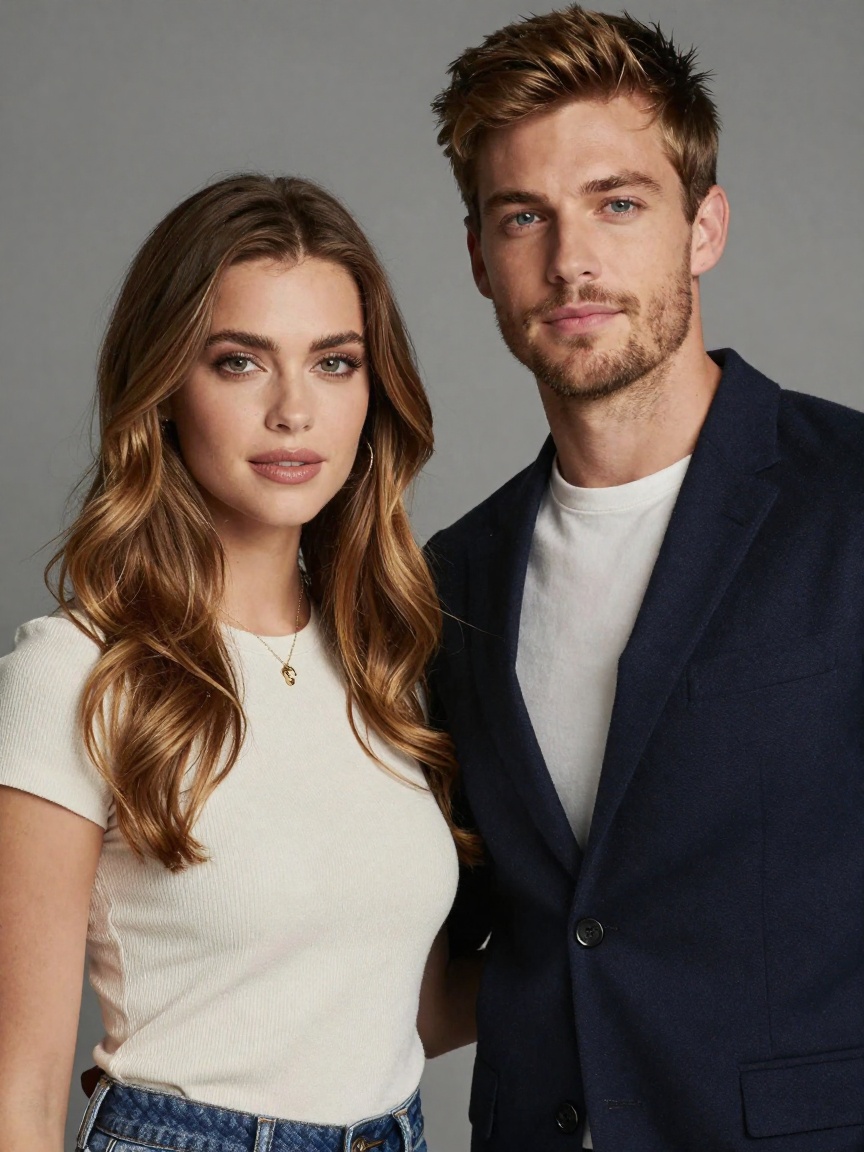
Introducing WaveSpeedAI Kandinsky5 Pro Image-to-Video on WaveSpeedAI
Try Wavespeed Ai Kandinsky5 Pro Image To Video for FREEBringing Your Images to Life: Kandinsky 5 Pro Image-to-Video Is Now Available on WaveSpeedAI
Static images have their place, but motion tells a story. Whether you’re a content creator looking to transform key art into dynamic social posts, a marketer wanting to add cinematic flair to product shots, or a creative professional building story beats from concept illustrations, the ability to animate still images with natural, coherent motion has become essential.
Today, we’re excited to announce that Kandinsky 5 Pro Image-to-Video is now available on WaveSpeedAI, giving you the power to transform any single image into a polished 5-second video clip with just a text prompt.
What Is Kandinsky 5 Pro Image-to-Video?
Kandinsky 5 Pro Image-to-Video is an advanced AI model that takes a static image and animates it based on your natural language instructions. Unlike simple animation effects that merely pan or zoom across an image, this model understands the content of your image and generates coherent, realistic motion while preserving the original composition and subject matter.
The model anchors your input image as the foundation, then intelligently adds movement—whether that’s a character turning their head, wind rustling through hair, water rippling across a surface, or a camera slowly pushing in for dramatic effect. The result is a seamless 5-second MP4 video ready for immediate use or further post-production.
Built on the Kandinsky architecture—known for its strong understanding of visual semantics and composition—this image-to-video variant excels at maintaining consistency throughout the generated clip while adding natural, believable motion.
Key Features
- Intelligent Motion Synthesis: The model doesn’t just move pixels—it understands what elements in your image should move and how they should move naturally
- Prompt-Guided Control: Direct exactly what happens in your video using plain English. Specify subject motion, camera behavior, and visual style all through text
- Dual Resolution Options: Choose 512p for rapid iteration and previews, or 1024p for production-quality output with sharper details
- Composition Preservation: Your original image serves as the anchor, ensuring the generated video maintains the artistic intent and framing you started with
- Production-Ready Output: Receive MP4 files that are immediately usable for social media, advertisements, or as elements in larger video projects
- Cinematic Camera Control: Add professional camera movements like dolly shots, subtle handheld motion, or smooth tracking—all through your text prompt
Real-World Use Cases
Social Media Content Creation
Transform your best photography or illustrations into eye-catching video posts. A still product photo becomes a dynamic showcase with subtle motion and atmospheric effects. A portrait gains life with natural breathing, blinking, or gentle movement. These short clips consistently outperform static images in engagement metrics across platforms.
Marketing and Advertising
Create compelling hero shots and promotional materials without the cost of a full video production. Animate product images with professional camera movements, add motion to lifestyle photography, or bring brand illustrations to life for digital advertising campaigns.
Concept Art and Storyboarding
For filmmakers, game developers, and creative directors, quickly visualize how key art might translate to motion. Test story beats, explore camera angles, and communicate creative vision to teams and stakeholders with animated concept previews.
E-commerce Enhancement
Product listings with video consistently see higher conversion rates. Transform your existing product photography into short video clips that showcase items from dynamic angles or with subtle environmental motion that catches shoppers’ attention.
Content Repurposing
Breathe new life into existing image assets. Turn archived photography, illustrations, or design work into fresh video content without starting from scratch.
Getting Started on WaveSpeedAI
Using Kandinsky 5 Pro Image-to-Video on WaveSpeedAI is straightforward:
-
Prepare your image: Ensure your source image is publicly accessible via URL. This becomes the anchor frame for your video.
-
Craft your prompt: Describe the motion you want to see. Be specific about:
- What moves (e.g., “the woman turns her head slowly”)
- How it moves (e.g., “gentle breeze rustles the leaves”)
- Camera behavior (e.g., “slow dolly-in toward the subject”)
- Visual style (e.g., “cinematic lighting, film grain”)
-
Select resolution: Choose 512p ($0.20 per clip) for quick iterations or 1024p ($0.60 per clip) for final production quality.
-
Generate: Hit run and receive your 5-second MP4 in moments.
Pro tips for better results:
- Use clear, direct language with explicit motion verbs
- Focus on single-shot instructions rather than complex multi-scene descriptions
- For calmer clips, explicitly specify “subtle motion” or “minimal movement”
- Keep your prompts grammatically simple and action-oriented
Why WaveSpeedAI?
When you run Kandinsky 5 Pro Image-to-Video on WaveSpeedAI, you benefit from our infrastructure advantages:
- No Cold Starts: Your requests process immediately without waiting for model initialization
- Predictable Pricing: Transparent per-second pricing with no hidden costs—512p at $0.04/second, 1024p at $0.12/second
- Production-Ready API: A clean REST API designed for integration into your existing workflows and applications
- Reliable Performance: Stable infrastructure built for production workloads, not just experimentation
Start Creating Today
The gap between static imagery and dynamic video content continues to narrow, and Kandinsky 5 Pro Image-to-Video represents a significant step forward in making that transition accessible, affordable, and practical for everyday use.
Whether you’re animating a single hero image for a campaign or processing batches of product photos for an e-commerce catalog, this model delivers consistent, high-quality results that would have required significant time and resources to produce manually.
Ready to bring your images to life? Try Kandinsky 5 Pro Image-to-Video on WaveSpeedAI and start transforming your static assets into compelling video content today.
Related Articles

Introducing Google Lyria 3 Clip on WaveSpeedAI

Introducing Google Lyria 3 Pro on WaveSpeedAI

Best Free AI Video Generator Online in 2026: Sora, Kling, Veo, Seedance — All in One Place

Introducing Kling Image O3 on WaveSpeedAI
Introducing AI Girl Filter on WaveSpeedAI