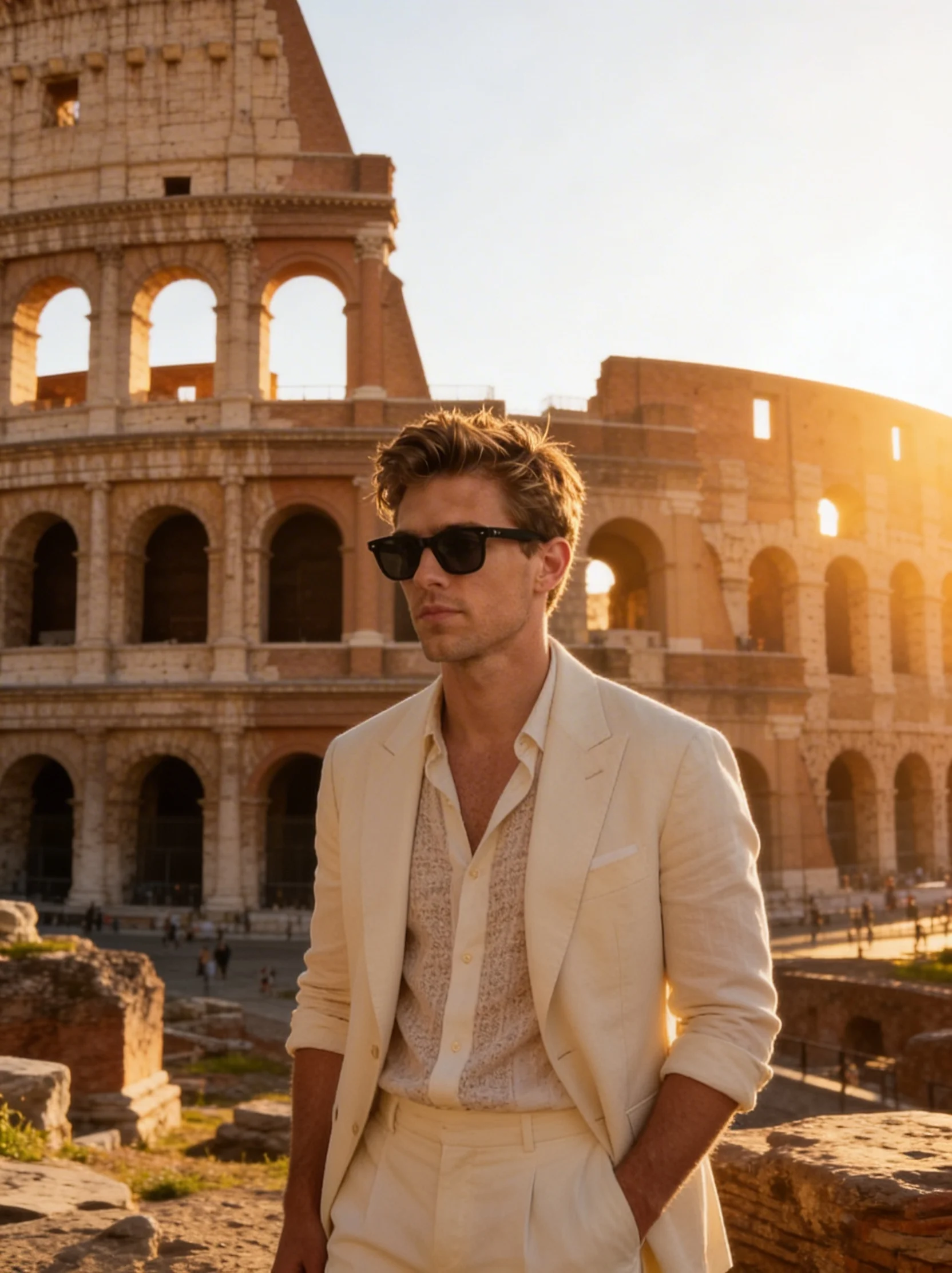
Introducing WaveSpeedAI AI Parkour Video on WaveSpeedAI
AI Parkour Video turns any portrait into an action-packed parkour clip. 6 style presets, image-to-video and video-to-video modes, 720p output.
Vault, Flip, and Sprint — No Stunt Training Required
Parkour content dominates short-form video, but most viewers will never safely pull off a rooftop gap jump. We’re excited to announce that AI Parkour Video is now live on WaveSpeedAI. Upload a portrait, pick a style, and watch yourself vault, flip, and sprint across rooftops, cities, and forests — no stunt training, no injuries, no drone rig required.
What is AI Parkour Video?
AI Parkour Video is a dual-mode video generation model built specifically for parkour-style action clips. Feed it a portrait and pick one of 6 parkour style presets, and it generates an original 720p action clip showing the subject performing that style. Alternatively, upload a reference parkour video and the model animates your portrait onto that footage at the same resolution.
This dual approach means you can either tap into the model’s built-in parkour vocabulary or bring your own specific choreography. Both modes output at 720p for clean, social-media-ready quality.
Key Features
Two Generation Modes
- Image-to-video: portrait + style + duration → fresh parkour clip at 720p.
- Video-to-video: portrait + reference video + style → animates your face and body onto the reference parkour footage, following the exact movement, at 720p.
6 Parkour Style Presets
rooftop— rooftop running, gap jumps, wall vaults, rolls (default)urban— street railings, ledges, kong vaults, barrier slideswall_run— vertical wall runs, wall climbs, fence vaultsflip— front flips, cartwheels, acrobatic celebration movesforest— trail running, log jumps, branch swings, stream crossingsstairs— staircase sprints, handrail vaults, bench jumps
Flexible Duration In image-to-video mode, generate clips from 5 to 15 seconds. In video-to-video mode, duration follows the reference video, billable up to 120 seconds — enough for a full routine, not just a short stunt.
720p Output Clean resolution that looks good on Reels, TikTok, and YouTube Shorts without further upscaling.
Real-World Use Cases
Social Media Content
Create eye-catching parkour clips for Instagram Reels, TikTok, and YouTube Shorts. The format performs well in discovery feeds.
Entertainment and Fun
Put yourself, friends, or family into wild action sequences without leaving the house — perfect for gags, birthday videos, or viral pranks.
Creative Projects
Use custom reference videos to place any portrait into specific choreography — great for music videos, art projects, and branded content with a distinct visual identity.
Gaming and Avatar Content
Generate action clips for gaming personas, digital characters, and avatar-based social accounts.
Ad Creative
Produce dynamic, high-energy visuals for sports, athleisure, and lifestyle brand advertising without an expensive stunt shoot.
Getting Started on WaveSpeedAI
- Upload your portrait — a clear, front-facing photo with a visible full body works best.
- Upload a reference video (optional) — provide a parkour video to use video-to-video mode.
- Pick a style — choose from the 6 presets, or leave as default (
rooftop). - Set duration (optional) — only applies when no reference video is provided. Choose 5–15 seconds.
- Submit — generate, preview, and download your parkour video.
Only image is required. Everything else is optional.
Pricing
Image-to-Video (no reference video)
| Duration | Cost |
|---|---|
| 5s | $1.05 |
| 10s | $2.10 |
| 15s | $3.15 |
Video-to-Video (with reference video)
$0.45 per 5 seconds of reference video, with a minimum of 5 seconds and a maximum billable duration of 120 seconds.
Why WaveSpeedAI
WaveSpeedAI hosts AI Parkour Video on the same production-ready REST infrastructure used across our catalog: no cold starts, predictable pricing, and enterprise-grade reliability. Scale parkour video generation in your content tool, social app, or agency pipeline without managing GPU infrastructure.
Pro Tips
- A clear, front-facing portrait with a visible full body produces the most convincing parkour animation.
- In video-to-video mode, use high-quality reference footage with clear, dynamic movement for best results.
- Try different style presets on the same portrait photo to find the most visually striking result.
- For social media hooks, 5–10 seconds usually outperforms longer clips — hit hard and finish strong.
Start Running Today
AI Parkour Video is the fastest path from a still portrait to a high-energy parkour action clip.
Try AI Parkour Video now on WaveSpeedAI and turn any photo into an action sequence in seconds.
Related Articles

Introducing MiniMax Music 2.6 on WaveSpeedAI
Introducing WaveSpeedAI AI Breast Xpansion on WaveSpeedAI
Introducing WaveSpeedAI AI Instagram Model on WaveSpeedAI
Introducing WaveSpeedAI AI Talking Photos on WaveSpeedAI