
Introducing Runway Gen4 Image on WaveSpeedAI
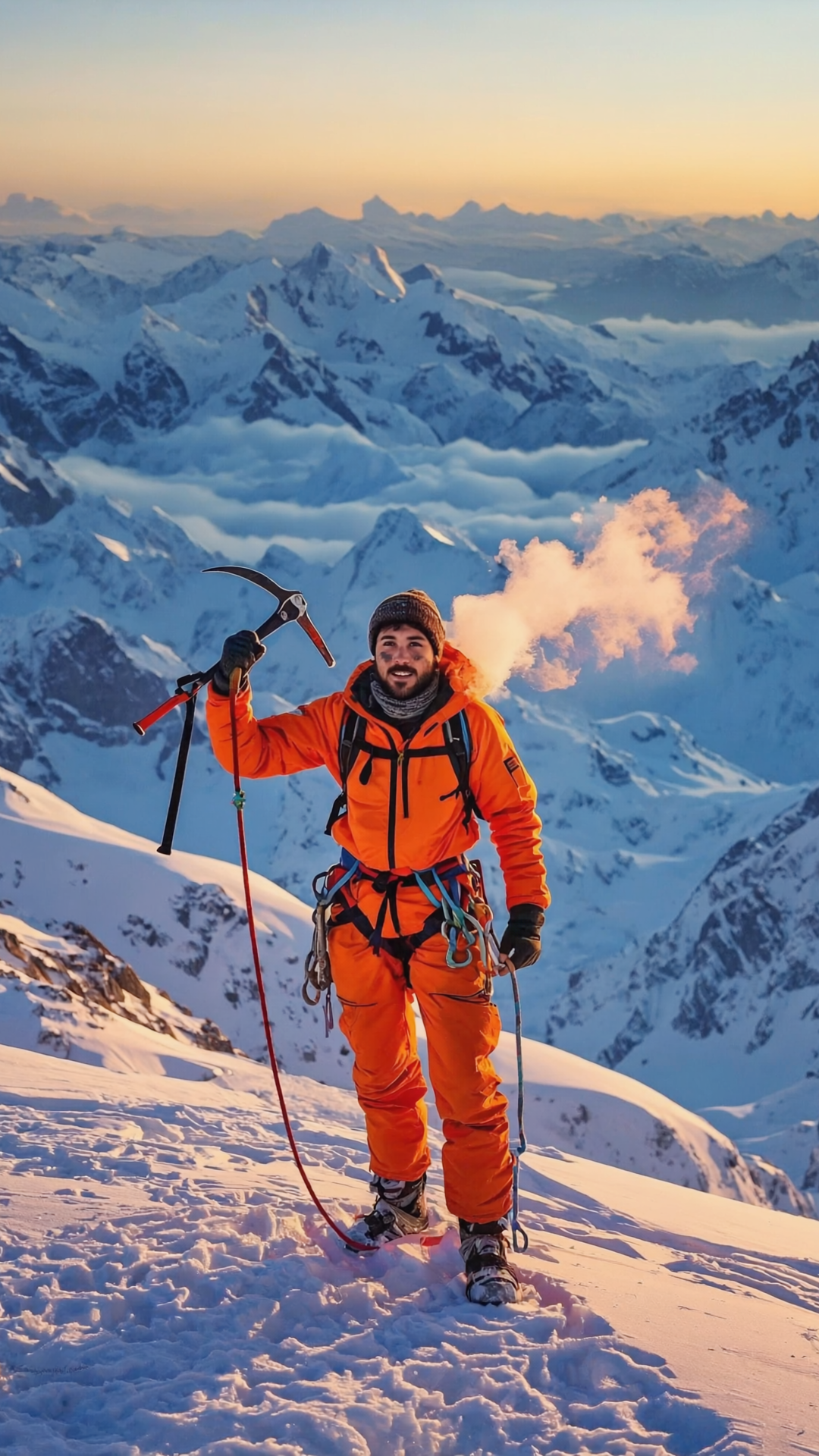
Introducing RunwayML Gen4 Image on WaveSpeedAI
The world of AI image generation just got a powerful upgrade. RunwayML Gen4 Image brings unprecedented control and consistency to text-to-image creation, allowing you to generate precise, high-quality visuals using up to three reference images. Now available on WaveSpeedAI, this model offers a new level of creative control that transforms how designers, marketers, and content creators approach visual production.
What is RunwayML Gen4 Image?
RunwayML Gen4 Image represents Runway’s most flexible and capable image generation model to date. Unlike traditional text-to-image systems that rely solely on written prompts, Gen4 Image introduces reference image support that fundamentally changes the creative workflow.
At its core, Gen4 Image uses entity-level encoding—a sophisticated approach where each reference image becomes a distinct visual instruction. The model can recognize and preserve specific characteristics like facial features, artistic styles, environmental details, and object properties across multiple generations. This means you can finally maintain visual consistency without fighting against the AI’s tendency to reinterpret your subjects.
The model delivers stunning 1080p outputs with support for multiple aspect ratios, making it suitable for everything from social media content to professional marketing materials.
Key Features
- Reference Image Support: Upload up to 3 reference images to guide style, character appearance, or environmental consistency
- Built-in Prompt Enhancer: AI-powered prompt optimization automatically improves your text descriptions for better results
- Flexible Aspect Ratios: Generate images in 1:1, 16:9, 9:16, 4:3, or 3:4 to match any platform requirement
- Resolution Options: Choose between 720p for fast iterations or 1080p for production-ready quality
- Reproducible Results: Set a seed value to recreate exact outputs or iterate systematically
- High Visual Fidelity: Produces detailed, visually striking images with excellent composition and lighting
Why Gen4 Image Stands Out
The challenge with most AI image generators has always been consistency. Generate a character once, and trying to recreate them in a different pose or setting often produces someone who looks like a distant cousin at best. Gen4 Image addresses this fundamental problem.
By using reference images as visual anchors, the model can maintain character identity across different lighting conditions, locations, and artistic treatments. This capability extends beyond just faces—it works with objects, environments, and artistic styles. Want to create a product showcase across multiple settings? Gen4 Image can keep your product looking identical while changing everything around it.
The prompt enhancer feature also deserves attention. Rather than requiring users to master elaborate prompt engineering techniques, Gen4 Image can automatically optimize your descriptions for better results. This democratizes high-quality generation, making professional-grade outputs accessible to users regardless of their prompt-writing experience.
Use Cases
Brand Consistency at Scale
Marketing teams can generate campaign visuals that maintain consistent character appearances, product presentations, and visual styles across dozens of assets. Upload your brand style guide as reference images, and Gen4 Image will align its outputs accordingly.
Content Creator Workflows
Social media managers and content creators can produce platform-optimized visuals instantly. Need a vertical video thumbnail for TikTok, a square post for Instagram, and a widescreen banner for YouTube? Generate all three from the same concept while maintaining visual coherence.
Concept Art and Visualization
Designers and artists can rapidly iterate on concepts while preserving specific elements. Use a reference image to lock in a character design, then explore different environments, poses, and scenarios without losing the core visual identity.
Product Photography Alternatives
E-commerce businesses can generate product visualization across various settings and styles. Maintain exact product appearance while experimenting with different backgrounds, lighting scenarios, and compositional arrangements.
Style Transfer and Adaptation
Artists can upload reference images that define a specific aesthetic, then generate new content that inherits those stylistic qualities. This opens possibilities for maintaining visual consistency across illustrated series, branded content, or thematic collections.
Getting Started on WaveSpeedAI
Using RunwayML Gen4 Image through WaveSpeedAI is straightforward:
import wavespeed

output = wavespeed.run(
    "runwayml/gen4-image",
    {
        "prompt": "A professional portrait of a confident businesswoman in a modern office",
        "aspect_ratio": "16:9",
        "resolution": "1080p"
    },
)

print(output["outputs"][0])
For reference-guided generation:
import wavespeed

output = wavespeed.run(
    "runwayml/gen4-image",
    {
        "prompt": "The same character walking through a neon-lit cyberpunk city at night",
        "reference_images": ["https://your-reference-image-url.com/character.png"],
        "aspect_ratio": "9:16",
        "resolution": "1080p"
    },
)

print(output["outputs"][0])
WaveSpeedAI provides the ideal infrastructure for running Gen4 Image:
- No cold starts: Your requests begin processing immediately
- Fast inference: Optimized infrastructure delivers results quickly
- Affordable pricing: Generate 720p images at $0.05 or 1080p images at $0.08 per image
- Simple API: Clean REST interface that integrates into any workflow
Tips for Best Results
Be specific with prompts: Include details about style, mood, lighting, and composition. The more context you provide, the better the model can interpret your vision.
Use reference images strategically: One reference image establishes a baseline, but using two or three allows you to blend characteristics from multiple sources.
Match resolution to purpose: Use 720p for rapid prototyping and exploration, then switch to 1080p for final production assets.
Choose aspect ratios intentionally: Select your aspect ratio before generation based on where the image will be used—retrofitting crops afterward wastes visual real estate.
Leverage reproducibility: When iterating on a concept, fix the seed value to compare how different prompt variations affect the same base generation.
Start Creating Today
RunwayML Gen4 Image represents a genuine advancement in controlled image generation. The combination of reference image support, automatic prompt enhancement, and flexible output options makes it a versatile tool for professionals across creative industries.
Experience the difference that reference-guided generation makes. Try RunwayML Gen4 Image on WaveSpeedAI and discover how precise, consistent image creation can transform your creative workflow.
Related Articles

GPT-5.4 for Developers: What the Leaked Signals Mean for AI Workflows

SkyReels V4 Use Cases: 6 Ways Creators Can Use It Right Now

GPT-5.4 Release Date: What the Signals Say

GPT-5.4 vs GPT-5.3: What Might Actually Change
