
Introducing Clarity AI Creative Upscaler on WaveSpeedAI
Try Clarity Ai Creative Upscaler for FREE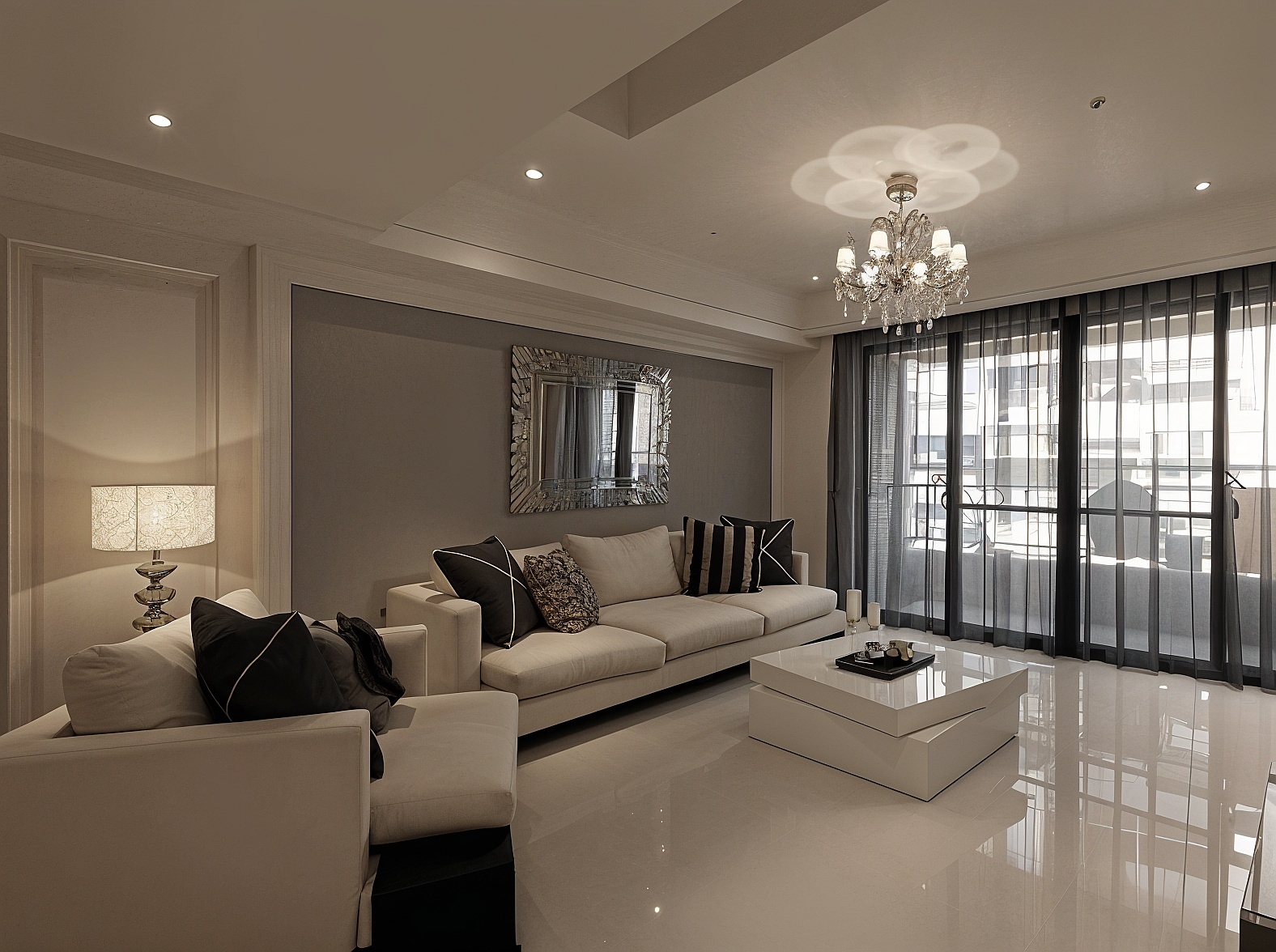
Introducing Clarity AI Creative Upscaler on WaveSpeedAI
The quest for perfect image upscaling has long been a challenge for photographers, digital artists, and content creators alike. Traditional upscaling methods often produce blurry, artifact-ridden results that fall short of professional standards. Today, we’re excited to announce the availability of Clarity AI Creative Upscaler on WaveSpeedAI—a powerful AI-driven tool that doesn’t just enlarge your images, but intelligently enhances them with unprecedented control over style and detail.
What is Clarity AI Creative Upscaler?
Clarity AI Creative Upscaler represents the next generation of AI-powered image enhancement technology. Unlike conventional upscalers that simply interpolate pixels, Clarity AI uses advanced deep learning techniques to understand the content of your images and generate new, contextually appropriate details as it scales.
What sets Clarity AI apart is its dual capability: it can perform faithful restorations that preserve original image integrity, or generate fresh micro-textures and stylization for creative enhancement. This flexibility makes it equally valuable for archival photo restoration and artistic reinterpretation.
The tool has gained recognition in the AI community as a powerful open-source alternative to premium upscaling solutions. Built on sophisticated multi-stage upscaling processes, Clarity AI performs incremental 2x enlargements rather than attempting aggressive single-pass scaling, allowing the model to focus on details at each stage without losing sight of the overall structure.
Key Features
-
High-Quality Super-Resolution: Advanced artifact cleanup and intelligent detail generation that produces clean, sharp outputs even from heavily compressed source images
-
Style Presets for Every Use Case: Choose between three specialized modes:
- Default: Balanced sharpening and texture enhancement for general-purpose upscaling
- Portrait: Skin-aware enhancement that’s gentle on faces, preserving natural features and expressions
- Anime: Line integrity and flat-color preservation optimized for illustrated content
-
Fine-Grained Creative Control: Adjust the balance between faithfulness and creativity—keep shapes, identity, and composition locked, or allow bolder reinterpretation with generative micro-textures
-
Prompt Guidance: Steer color, mood, and texture with simple text prompts like “warm film look,” “soft skin texture,” or “golden hour lighting”
-
Flexible Scaling: Commonly 2x output with support for larger scale factors, optimized to avoid artifacts at higher magnifications
-
Dynamic Contrast Control: Adjust global contrast and local pop for punchier highlights or flatter, editorial aesthetics
-
Fractality Settings: Control fine, fractal-like detail density—essential for illustrated or CG assets that benefit from enhanced line work
Real-World Use Cases
Professional Photography
Photographers working with older digital files or cropped images can breathe new life into their archives. The portrait mode intelligently enhances skin textures while maintaining natural appearances, making it ideal for headshots, wedding photography, and editorial work. The resemblance control ensures facial features remain authentic even at higher upscale factors.
Digital Art and Illustration
Digital artists can upscale their work for large-format printing without losing the integrity of their original vision. The anime style preset preserves clean line work and flat color areas that define illustrated content, while the fractality control reinforces line detail for comic art and manga.
E-Commerce and Product Photography
Online retailers can enhance product images for high-resolution displays and zoom functionality. Starting with creativity low and resemblance high ensures product details remain accurate while gaining sharpness and clarity that drives conversions.
Photo Restoration
Family historians and archivists can restore old photographs with remarkable fidelity. The multi-stage upscaling process excels at recovering detail from vintage prints while the dynamic control helps balance contrast that may have faded over decades.
Content Creation and Social Media
Creators can repurpose lower-resolution content for high-DPI displays and print materials. The prompt guidance feature allows quick stylistic adjustments—adding film grain, adjusting color temperature, or enhancing specific textures—without separate editing steps.
Game Development and Digital Assets
Game developers and 3D artists can upscale texture assets and concept art. The fractality settings provide enhanced detail density that works particularly well with CG renders and game screenshots.
Getting Started on WaveSpeedAI
Using Clarity AI Creative Upscaler on WaveSpeedAI is straightforward:
-
Upload Your Image: Navigate to the model page and upload your source image. Higher quality inputs yield better results, but the tool handles compressed sources well.
-
Select Your Style: Choose the preset that matches your content type. For portraits, the portrait mode provides skin-aware guardrails; for illustrated content, anime mode preserves line integrity.
-
Configure Enhancement Settings: For faithful restoration, keep creativity low (0–0.3) and resemblance mid-to-high. For artistic enhancement, increase creativity and fractality. Leave the prompt empty for pure upscaling, or add guidance for stylistic direction.
-
Set Scale Factor: 2x is the recommended starting point. Larger scales may require lower creativity settings to avoid artifacts.
-
Generate and Iterate: Run the upscale, then refine by adjusting one slider at a time. Lock a good seed to maintain consistency across iterations.
WaveSpeedAI makes this process seamless with fast inference times, no cold starts, and affordable pricing that scales with your usage. Our infrastructure ensures your upscaling jobs complete quickly, whether you’re processing a single hero image or batch-enhancing an entire photo library.
Practical Tips for Best Results
- Faces and logos: Keep creativity low and resemblance high; use the portrait style preset
- Line art and anime: Choose anime style and increase fractality slightly to reinforce lines
- Artifact reduction: If halos or ringing appear, reduce dynamic and creativity settings, or try a smaller scale factor
- Color grading workflow: Apply color grading after upscaling to prevent banding in gradients
Start Enhancing Your Images Today
Clarity AI Creative Upscaler brings professional-grade image enhancement within reach of every creator. Whether you’re restoring treasured memories, preparing artwork for print, or enhancing product photography for your online store, this tool provides the control and quality you need.
Experience the difference that intelligent, style-aware upscaling makes. Visit Clarity AI Creative Upscaler on WaveSpeedAI to start transforming your images today—with fast inference, zero cold starts, and pricing that respects your budget.
Related Articles

daVinci-MagiHuman: The Open-Source Model That Just Crushed Every Digital Human Generator

Introducing Google Lyria 3 Clip on WaveSpeedAI

Introducing Google Lyria 3 Pro on WaveSpeedAI

Best Free AI Image Generator Online in 2026: 10+ Models, One Click, Zero Hassle

Best Free AI Video Generator Online in 2026: Sora, Kling, Veo, Seedance — All in One Place
