
Z-Image-Base vs Z-Image-Turbo: A Comparison of Quality, Diversity and Cost
Hey, guys. I’m Dora. Haha, It started with a small snag on Tuesday night: a banner image that kept coming out a touch soft when I needed clean text and crisp edges. I’d been swapping between Z-Image-Base and Z-Image-Turbo for a few weeks, mostly by feel. That night, the feel wasn’t enough. So I set aside an hour, then another, then the rest of the week, and ran the same prompts through both models under a few simple constraints.
This isn’t a review. It’s what I noticed while doing regular work: slide headers, lightweight social images, a concept sheet for a product page, and a couple of storyboards. If you’re already juggling too many tools and just want to know where Z-Image-Base vs Z-Image-Turbo actually diverge, here’s the short, careful version.
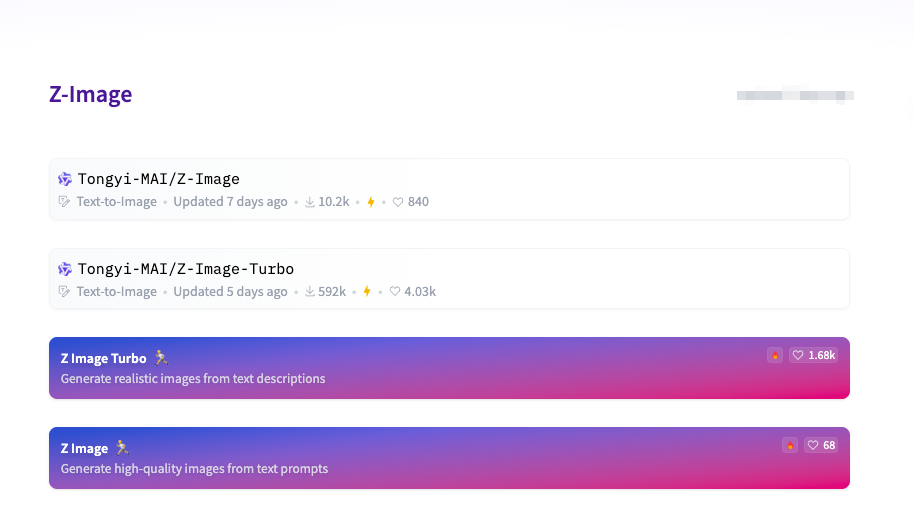
Function Comparison Overview
CFG Support Comparison
I kept the prompts identical and varied only the classifier-free guidance (CFG). With Base, raising CFG from 5 to 9 tightened composition and stayed faithful to the prompt without choking off style. At 11+, Base started to look a bit overfit, elements got rigid, but not broken.
Turbo behaved differently. Below CFG 6, it drifted: nice images, but sometimes too “creative” for client work. From 7 to 8, Turbo snapped into place, good alignment, less wandering, but past 9 it got brittle fast. I’d see washed highlights and clipped shadows, like the model was overcorrecting to please the words rather than the eye. My note from Wednesday: “Turbo sweet spot: 7–8. Base: 6–9, more forgiving.”
Why it matters: if you iterate by nudging CFG, Base gives you a wider, calmer range. Turbo wants you to pick a lane early and stick with it.
Negative Prompt Support
I don’t lean hard on negative prompts, but they help trim weird flourishes, extra hands, stray logos, text clutter. Base respected light negatives (“no watermark,” “no border”) without collapsing other details. It felt like it subtracted cleanly.
Turbo heard negatives loudly. “No text” sometimes softened nearby glyph-like shapes I actually wanted (patterns, signage in the distance). When I toned the negatives down (“minimize text artifacts”), Turbo behaved. The effect reminded me to write negatives in the same level of intensity as the desired style, especially with Turbo.
Reference Image Guidance
I tested two modes: loose inspiration (a color swatch and layout hint) and near-match (product mock-ups where proportions mattered). With Base, reference images acted like a steady hand. It borrowed palette and rough layout while leaving room for prompt-driven style. Good for mood boards.
Turbo, with the same references, leaned into mimicry. For near-match tasks, that was helpful: product angles and lighting followed the reference more tightly, even at low steps. But for exploratory work, Turbo’s eagerness to follow sometimes flattened variation across tries.
If your workflow uses references as rails, Turbo is easy to steer. If you want tighter structural control beyond simple reference guidance, this short Z-Image-Turbo ControlNet guide explains how to lock composition more precisely.
Sampling Step Difference
I stuck to the defaults noted in the docs and UI: Base at 50 steps, Turbo at 8. Released by Tongyi-MAI from Alibaba, Z-Image-Turbo uses only 8 sampling steps through Decoupled-DMD distillation to achieve sub-second latency on data-center GPUs while fitting within 16 GB VRAM consumer cards. I did try pushing Base down to 30 and Turbo up to 12. Base at 30 steps lost some micro-contrast in fabrics and foliage, nothing dramatic, but enough to notice in print-sized exports. Turbo at 12 steps improved stability a bit (fewer small edge glitches) but didn’t change composition much.
In practice: if you value the “last 10%” of detail, Base at 50 steps felt worth it. If you default to smaller canvases or social crops, Turbo’s 8 steps were fine, faster than my brain could context-switch, which has its own value.
Image Quality Comparison
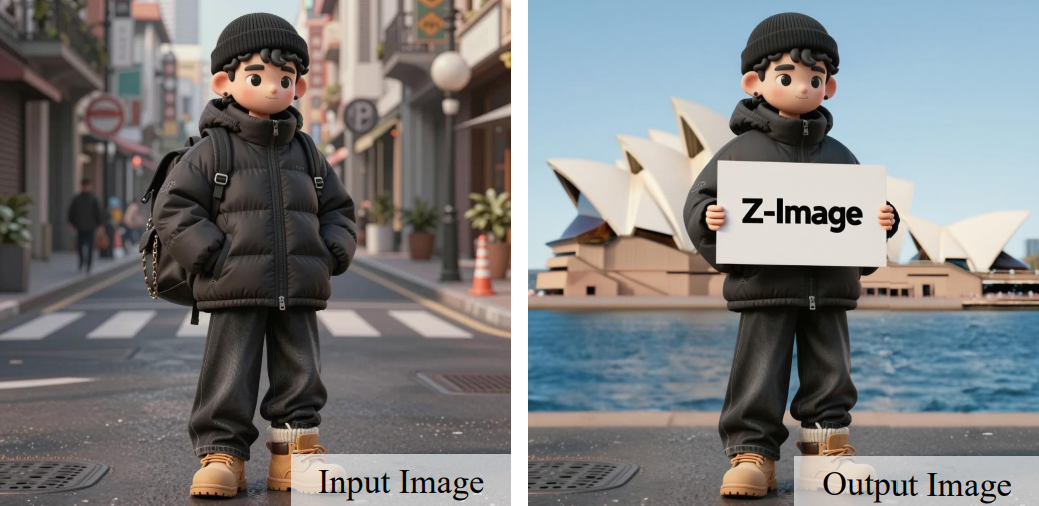
Detail Richness
I ran a few micro-tests: metal textures, hair strands against backlight, and serif text at medium size. Base consistently produced richer micro-detail. The metals had clearer anisotropy: hair looked less smudged: shadows kept a soft gradient instead of banding. On larger canvases (2048 px), Base held up better when I zoomed to 100%.
Turbo wasn’t bad, it just felt tuned for “good at a glance.” At phone size, its images looked punchy and finished. Up close, I’d see a bit of smoothing, and tiny elements merged sooner. For web hero images and slides, Turbo was fine. For print or tight crops, Base won.
Style Diversity
I expected Base to be the generalist, but Turbo surprised me in short runs. It hopped styles quickly with small prompt changes, photo to line-art to soft watercolor, with little carryover. That helped when I wanted fast variations for a deck.
Over a longer session, though, Base covered more ground. Slight phrasing changes yielded fresh looks without losing quality. My Thursday note: “Base explores deeper, Turbo explores faster.” If you like to wander a bit and refine, Base rewards patience. If you need a spectrum quickly, Turbo makes a believable first pass.
Text Rendering Capability
Neither model is a dedicated text renderer, and I wouldn’t hang a campaign on it. Still, I tried short words (3–6 letters), high contrast, simple fonts.
Base handled simple uppercase words more reliably, especially at 50 steps. I could coax a passable LOGO or SALE at 1024 px. Turbo tended to bend or drop letters, particularly at smaller sizes. When I bumped Turbo to 12 steps and simplified prompts, it improved but didn’t catch Base.
Workaround that helped in both: add a thin solid background block behind the text region in the prompt description. It seems to reduce the model’s urge to stylize the letterforms. Practical note: for any asset where text is key, I still composite real text after generation.
Speed and Delay
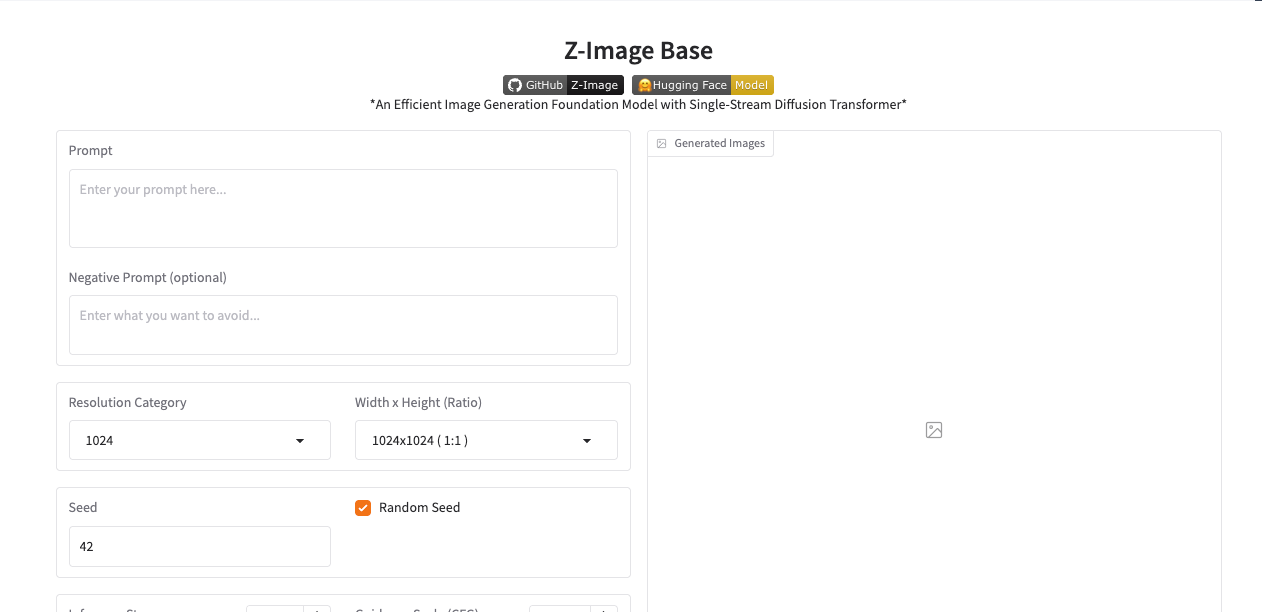
Base: ~3–5 seconds (50 steps)
Measured on a wired connection, evenings in CET. Base averaged 3.6–4.8 seconds for 1024 px images at 50 steps across ~120 generations. Spikes to 6–7 seconds happened during one window (around 9 pm) but settled quickly. The waiting didn’t bother me because I usually batch prompts and review in one sweep.
Two small notes:
- Perceived speed matters. Base’s steadier timing let me fall into a rhythm: write → queue → sip tea → review. That rhythm reduces context-switch fatigue.
- If I dropped to 30 steps, I saved ~1.2 seconds on average, but the quality hit wasn’t worth it for assets I might reuse.
Turbo: <1 second (8 steps)
Turbo was startling. Most images landed in 400–800 ms at 1024 px, even during busier hours. The speed encouraged me to iterate in-line while writing prompts. I’d adjust a phrase and get near-instant feedback.
It didn’t always save clock time, sometimes I clicked more because I could, but it did lower mental load for “find the direction” work. For quick storyboards or thumbnails, that near-instant feel made the process lighter. The one trade-off: fast results nudged me to accept “good enough” more often, which is fine for drafts and risky for finals.
Cost Analysis
Base: $0.01/image
At a penny per image, Base cost me $1.11 for a set of 111 images in this test batch. If I were producing weekly concept sheets (say 400 images), that’s about $4. The real cost with Base is less about money and more about patience, each image asks for a few extra seconds, which adds up if you’re driving.
Turbo: $0.005/image
Half a cent per image sounds trivial until you multiply it. My 250 quick variations for a slide deck ran $1.25. If you’re prototyping features inside a product (lots of test shots), Turbo is gentler on budgets and CI pipelines.
Comparing Z-Image-Base vs Z-Image-Turbo purely on cost is too simple, but the shape is clear: Turbo is cheaper to explore: Base is still cheap enough to finish with. What helped me: do 80% of the wandering with Turbo, then switch to Base for the keepers.
Decision Tree Selection
 Here’s the selection path I found myself using by Friday. It’s not universal, just the one that kept me calm and moving.
- Do I need a direction in under a minute? Turbo. I’ll write a looser prompt, set CFG to 7–8, and skim 6–10 results quickly.
- Do I need detail that survives a 100% crop or print? Base. Keep 50 steps, CFG 6–9, and let it render without multitasking.
- Am I using a reference image as rails (match the angle, lighting, proportions)? Turbo. It follows more tightly.
- Am I using a reference as a mood (color, vibe, rough layout)? Base. It leaves room to breathe.
- Is text in the image important? Base. Then I still add real text later.
- Am I cost- or quota-constrained and just need lots of safe variations? Turbo. It’s easy on budgets and fast to discard.
- Am I iterating with delicate negatives (remove one thing without dulling others)? Base. It subtracts more gently.
If you prefer a one-glance rule for Z-Image-Base vs Z-Image-Turbo: Turbo is for finding: Base is for keeping. Not always, but often enough that I trust it.
Final small observation: speed tempts me to decide early. Quality invites me to look twice. Some days I need the push: other days I need the pause. Your work may lean one way. If you’re somewhere in the middle, start with Turbo to sketch and end with Base to commit.
Related Articles

Introducing Bria Embed Product on WaveSpeedAI

Introducing Google Nano Banana 2 Edit Fast on WaveSpeedAI
