
How to Keep Character Consistency in Seedance 2.0 (Reference Pack + Rules)
Want to create cinematic videos like Seedance 2.0? Try the WaveSpeed Cinematic Video Generator to create Seedance 2.0 grade cinematic videos right now.
I didn’t set out to fix identity drift. I just wanted the same character to walk across a room twice without turning into a cousin. The first pass looked fine at thumbnail size. Then I scrubbed through and noticed the jawline softened, the hair lost a curl, and by the last second the eyes had a different tilt. Not uncanny, just… off. Seedance 2.0 is fast and competent, but character consistency is where it can wobble.
I’m Dora. I spent a few late nights this month running small loops and noting what held. Here’s what actually steadied it for me, and what didn’t, when I cared about Seedance 2.0 character consistency more than anything else.
Why ID drift happens (what the model “forgets”)
Seedance 2.0 is juggling two jobs at once: keeping a recognizable face and delivering motion that feels alive. When it has to pick, it often picks motion. That’s where ID drift slips in.
What I kept seeing, run after run:
- It nails the broad silhouette first (hair volume, height, general build).
- Then micro-features wander under pressure: eye spacing, philtrum length, ear shape, hairline corners. In short clips, this shows up around transitions and head turns.
- Lighting shifts behave like soft edits to identity. A side key light turned my character into a slightly different person.
Under the hood (practically speaking, not pretending I can see the weights): text prompts push toward category matches (“young woman, curly bob, denim jacket”), while references anchor the exact person. If your prompt over-describes, the category wins. If references are weak or inconsistent, the model “averages” the face.
I also noticed the model “forgets” in predictable places:
- When hands cross the face, it treats the next frame as a mini-reshuffle.
- Quick yaw turns break ear/temple fidelity.
- Wardrobe textures with repeating patterns sometimes pull focus away from facial landmarks.
So drift isn’t random. It’s a slow bleed from specifics to type. Knowing that changed how I prep inputs and how I write prompts. If you’re also battling subtle frame instability, this short guide on fixing flicker and jitter in Seedance 2.0 goes hand in hand with identity control.
Build a reference pack (images + short clip + style anchor)
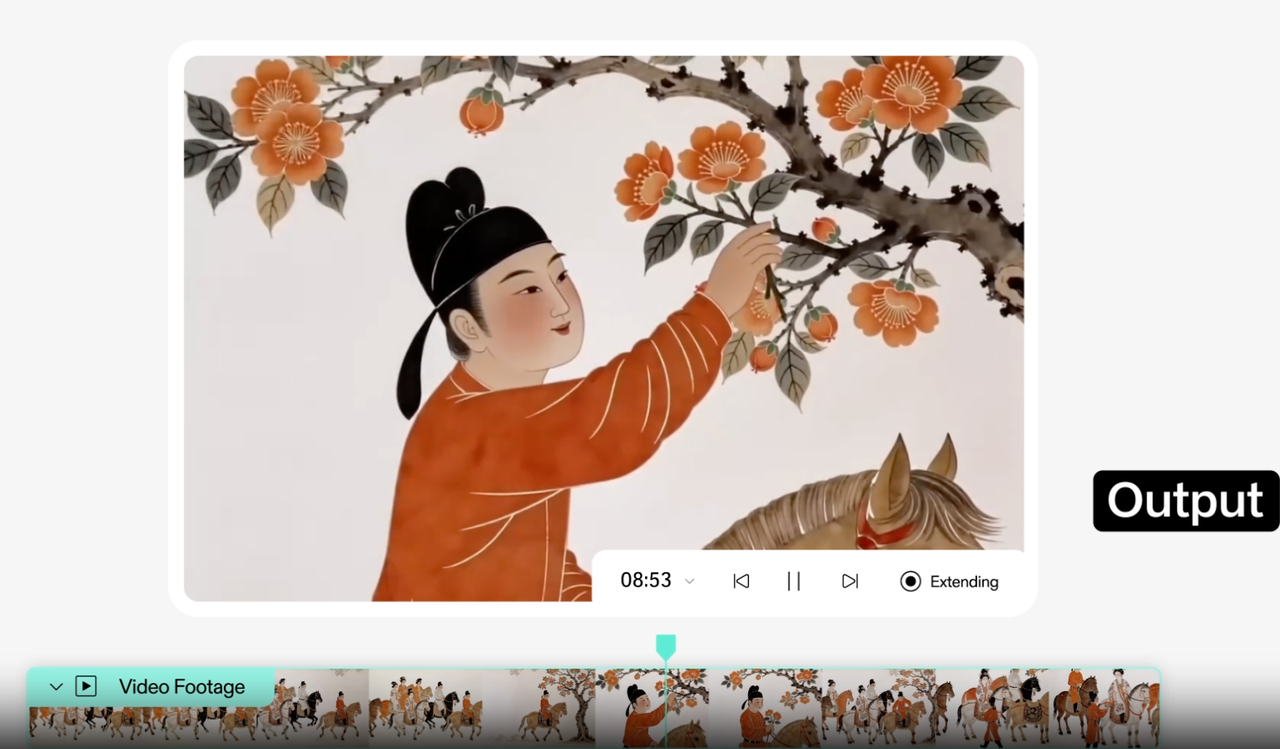
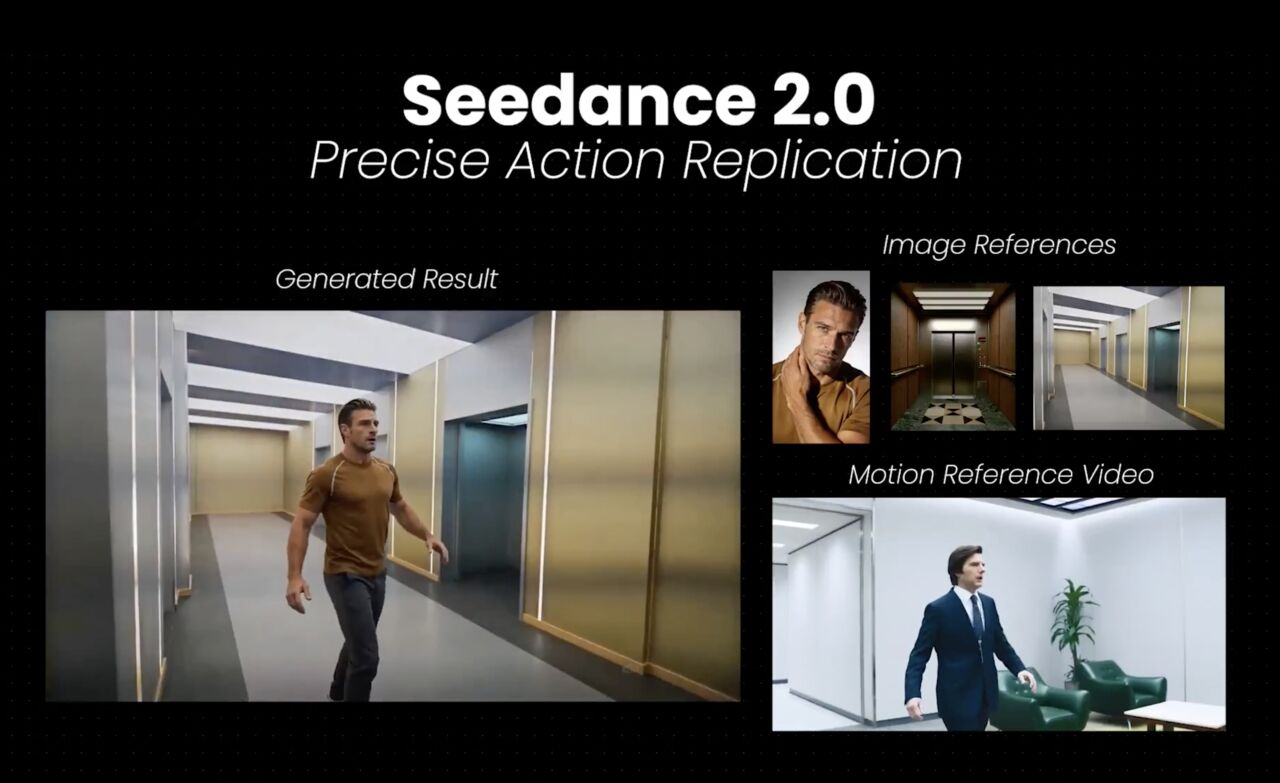
My biggest win came from a boring move: I built a small, disciplined reference pack. ByteDance’s official announcement highlights that Seedance 2.0 “excels in instruction following, enabling precise reproduction and stable subject consistency even for complex stories with rich character interactions.” When I gave Seedance 2.0 fewer, clearer anchors, my character held together.
Here’s what worked best for me:
- Three stills max, not ten. I choose: one straight-on, one three-quarter, one profile. Same session, same lighting. I avoid smiling in one and neutral in another, too much expression variety makes the model pick a midpoint face.
- A 2–3 second reference clip with a neutral head nod or a slow blink. I trim dead frames and keep the background plain. This gave the model a moving baseline for jaw and eye behavior.
- A style anchor: one visual that sets grade and contrast. I used a still frame from a previous export that I liked. If I skipped this, identity held but vibes drifted: with it, both stayed closer.
What didn’t help:
- Collages. They look organized to me, but the model seems to treat them like a busy scene.
- Mixed lighting. I had one warm indoor shot and one cool outdoor shot: the model averaged them into a neutral, which slightly changed skin tone and perceived age.
- High-res headshots only. Oddly, inserting one mid-res frame among two crisp ones helped, maybe because it softened overfitting to pores and preserved shape.
I keep this pack in a single folder with simple names (front.jpg, threequarter.jpg, profile.jpg, ref.mp4, look.jpg). It cuts the setup time to a minute, and I don’t second-guess what to include. That small reduction in mental friction matters when I’m iterating a lot.
Prompt rules that stabilize identity (what to pin, what to avoid)
I stopped writing fancy prompts. The more I tried to impress the model, the more it ignored my person and chased aesthetics. Here’s the quieter approach that held Seedance 2.0 character consistency for me.
What I pin:
- Name the person as a single entity, even if fictional: “Same character as references: one consistent identity.” It seems redundant, but it kept the model from sampling “type variants.”
- Lock age range, hair specifics, and one or two hard traits that matter most to recognition: “late 20s, tight dark curls at ear length, small silver hoop in left ear.” Too few details, and it generalizes. Too many, and it cherry-picks.
- Shot intent and tempo: “slow walking loop across frame, subtle expression, no dramatic turns.” Motion discipline is identity discipline.
What I avoid:
- Vague style words that fight the anchor: “cinematic,” “dreamy,” “gritty.” If I need a look, I set it with the style reference instead of adjectives.
- Costume micromanagement that changes silhouette mid-clip (scarves, loose jackets in wind). If wardrobe must be specific, I keep it fitted and static.
- Complex actions. Every extra beat is a chance for a new face. I start simple: walk, sit, turn 15 degrees, blink.
Two phrasing tricks that helped:
“Keep facial proportions identical to reference across all frames.” It sounds bossy. It worked more often than not.
“No new jewelry, no makeup changes, no hair movement beyond natural sway.” These little toggles closed weird gaps I didn’t think to name.
After five runs, I noticed something small: shortening my prompts by a third kept outputs closer. My hunch: fewer stray tokens pulling the model toward a vibe buffet.
QA checklist before you rerun (face, hands, logos, wardrobe)
I used to rerun on instinct. Now I do a 60–90 second pass with the same checklist each time. It saves time by preventing blind retries.

Face
- Freeze on frame 1, midpoint, and last frame. Compare eye distance and jaw angle to the front.jpg. If both drift by more than “one pixel-width at thumbnail scale,” I rerun.
- Watch a slow scrub across blinks. If the eyelid edge changes thickness mid-blink, identity is at risk.
Hands
- Check any moment a hand crosses the face. If the face reappears thinner or with a different nose bridge, I consider it a hard fail, not a maybe.
- Count finger artifacts. One glitch often predicts a second identity slip 10–15 frames later.
Logos and small marks
- If a tiny logo on a shirt flips or softens, I expect facial micro-features to wobble too. It’s a good early warning.
- Moles or freckles: if they migrate, I don’t fight it in grading. I fix input or motion instead.
Wardrobe
- Pattern crawl (moiré) can dominate attention. If I see it, I swap the top for a solid or change exposure in the style anchor.
- Necklines that shift reveal collarbones differently: that can subtly alter perceived face width.
I score each pass loosely: 0 (restart), 1 (usable for cutaways), 2 (good enough to anchor a sequence). If I land two “2”s in a row, I stop tweaking. Not perfect, just stable enough for the story to carry it.
Fix ladder if drift persists (swap refs, tighten constraints, shorten motion)
When identity still slipped after clean inputs and careful prompts, I stopped guessing and climbed a simple ladder. I try one rung at a time and re-run a 2–3 second test.
- Swap references, not everything
- Replace only the profile or only the three-quarter with a closer match in lighting. Keep the rest. Full overhauls erased progress I couldn’t easily regain.
- If expression varies, normalize it: neutral across all stills. I’ve had a single big smile push cheek volume wider for the whole clip.
- Tighten constraints in small, plain language
- Add one constraint per run: “no head turns beyond 10°,” then “no occlusions across face,” then “keep hair against head: no wind.” Stacking these slowly worked better than dumping them in at once.
- If the model fights you, switch to negatives: “avoid dramatic turns: avoid hair lift: avoid accessories changes.” Negatives seemed to be respected more strictly.
- Shorten motion, then rebuild
- Cut the action window to 1.5–2 seconds and remove beats: just a walk, just a glance. Once the face holds, add one beat back in.
- For loops, I avoid perfect cyclic overlaps: they can encourage a face “reset” on the seam.
- Reduce visual entropy
- Simplify the background and lower contrast in the style anchor by a notch. When the scene got calmer, Seedance 2.0 spent more of its “attention” on the face.
- Desaturate skin slightly in the anchor if tone keeps drifting between shots. It seemed to discourage sudden warm/cool shifts.
- Last resort: capitulate to the silhouette
- If a unique jawline won’t hold, I lean on hair shape, ear jewelry, and wardrobe fit. Viewers read identity from a distance more than we admit. It’s not cheating: it’s editing.
Across eight short tests, this ladder cut my retries by about a third. More important, it lowered the mental noise. I didn’t feel like I was gambling on each render.
Who this helps: if you care about Seedance 2.0 character consistency over fancy camera moves, this slower, steadier path will probably feel natural. If you want big arcs, whips, or expressive monologues in one go, you’ll hit the guardrails fast. You can still get there, just build it in layers.
Want to create cinematic videos like Seedance 2.0? Try the WaveSpeed Cinematic Video Generator to create Seedance 2.0 grade cinematic videos right now.
Related Articles

Introducing Bria Embed Product on WaveSpeedAI

Introducing Google Nano Banana 2 Edit Fast on WaveSpeedAI
