Uno AI transforms input images into new visuals guided by text prompts, blending reference images with your creative directions for precise, style-aware edits. Ready-to-use REST inference API, best performance, no coldstarts, affordable pricing.
Idle

$0.05per run·~20 / $1
ExamplesView all
Santa Claus is standing in front of the Christmas tree.

A woman wears the dress and holds a bag, in the flowers.

Give the alarm clock a small sun umbrella.

A doll is embedded in the crystal ball.
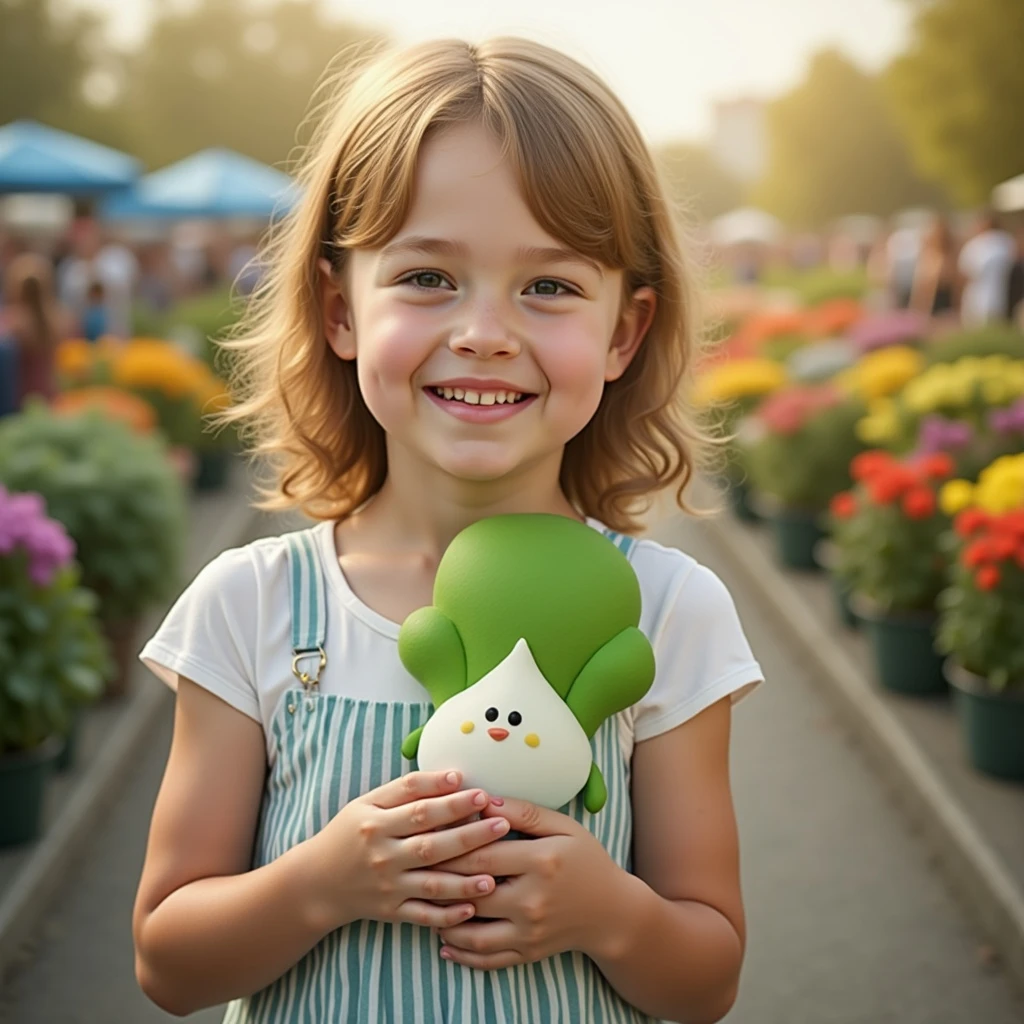
The girl is holding a cabbage doll.
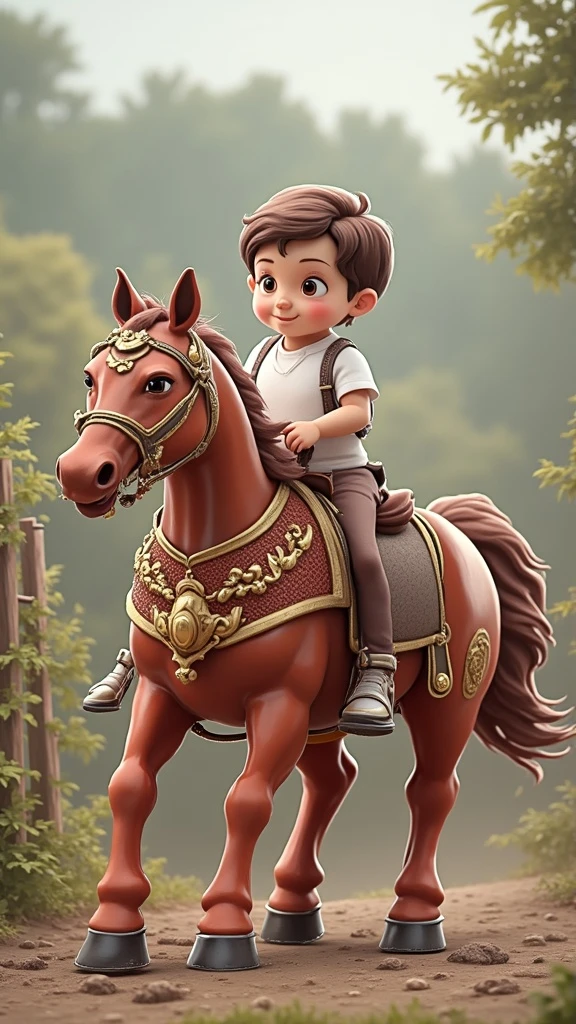
A boy riding a horse.
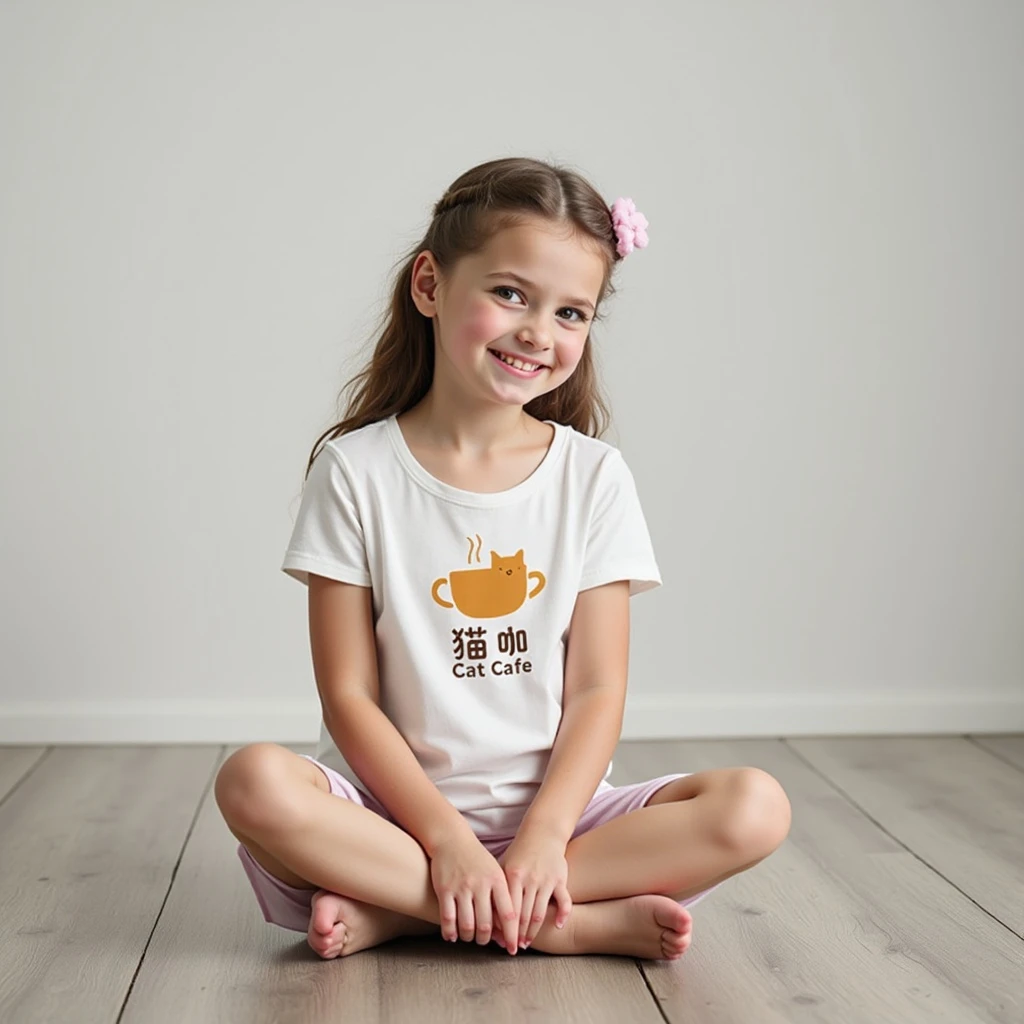
The girl has the print from the image below on her.
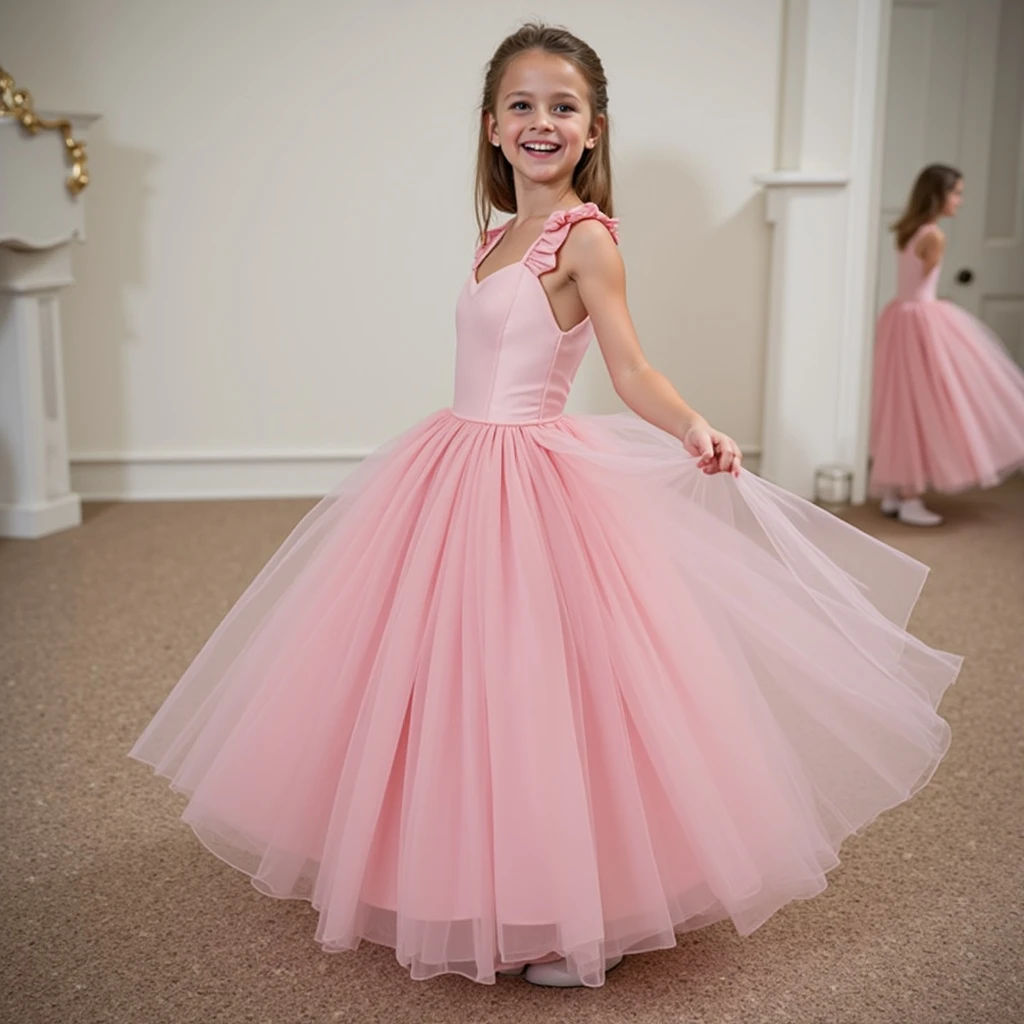
The girl puts on a dress.

A girl wearing a petal skirt in the grass.
Related Models
/filters:quality(82)/media/images/1788941905586203566_DzViKczP.webp)
/filters:quality(82)/media/images/1788941885532951956_ciRgxR5Q.webp)
/filters:quality(82)/media/images/1788684887040987486_ILX6fU3e.webp)
/filters:quality(82)/media/images/1788684872529921426_LGPY7gpy.webp)
/filters:quality(82)/media/images/1783519346875258167_uSgmwFOX.webp)
/filters:quality(82)/media/images/1790223807507857224_g1zJS2cl.webp)
README
UNO – Universal In-Context Diffusion Transformer
UNO is a subject-driven image generation model from Research. It takes a small set of reference images plus a text prompt and synthesizes new scenes where the same subjects re-appear with high identity consistency and strong style control. It works for both single-subject and multi-subject prompts.
What UNO is good at
-
Subject-consistent generation Keep the same person, character, or product recognizable across new scenes and poses.
-
Single → multi-subject scenes Start from one subject or combine several references into a coherent group image.
-
Layout & style control Use the prompt and image_size to steer framing, setting, and visual mood while preserving identity.
-
Flexible aspect ratios Supports portrait, landscape, and square formats suitable for thumbnails, posts, key art, and ads.
Input Parameters
images (required)
1–5 reference images of your subject(s). These define identity, clothing, and overall look.
- Use multiple angles or expressions for better robustness.
- You can mix people, products, or characters, as long as the prompt makes their roles clear.
prompt (required)
Text description of the scene you want to generate, for example:
- “Santa Claus is standing in front of the Christmas tree.”
- “Two cartoon astronauts posing on the moon, product bottle in the center.”
UNO will combine the prompt with your references to place the subjects into the requested scene.
image_size
Controls aspect ratio and framing:
- square_hd – high-res square
- square – standard square
- portrait_4_3, portrait_16_9
- landscape_4_3, landscape_16_9
Choose based on where the image will be used (feed post, story, banner, thumbnail, etc.).
seed
Randomness control:
- Empty / unset → a random seed each time.
- Any integer → reproducible output for the same settings.
num_images
Number of images to generate per run (e.g., 1–4). Higher values give more options at once.
num_inference_steps
Number of diffusion steps (e.g., around 20–30 by default):
- Fewer steps → faster, slightly less detailed.
- More steps → slower, more refined and stable.
guidance_scale
Classifier-free guidance strength:
- Lower values → more creative, looser interpretation of the prompt.
- Higher values → closer adherence to the prompt and reference identity.
output_format
File format of the generated images:
jpegpng
Designed For
- Character & IP creators – Keep mascots or VTuber avatars on-model across many scenes.
- Product & e-commerce teams – Generate consistent hero shots and lifestyle scenes for the same item.
- Brand & marketing – Multi-subject key art where specific people or products must stay recognizable.
- Concept artists – Rapidly explore compositions using a small library of reference looks.
How to Use
- Upload 1–5 images of your subject(s).
- Choose an image_size that matches your target placement (square, portrait, or landscape).
- Write a clear prompt describing the scene, style, and relationships between subjects.
- Optionally set seed, num_images, num_inference_steps, guidance_scale, and output_format.
- Run the model, review the generated images, and iterate by tweaking prompt or references to refine identity and style.
Pricing
- Per image just need $0.05!
- Total price is 0.05 * num_images.
Uno API — Quick start
Grab a WaveSpeedAI API key, then call POST https://api.wavespeed.ai/api/v3/wavespeed-ai/uno with your input as JSON. The endpoint returns a prediction id. Start polling the result endpoint around every 2 seconds, increase the interval for long-running tasks, and stop on any terminal status. On completed, read output values from data.outputs. Examples for Uno below.
HTTP example
set -euo pipefail

: "${WAVESPEED_API_KEY:?Set WAVESPEED_API_KEY}"

REQUEST_BODY=$(cat <<'JSON'
{
    "prompt": "A cinematic shot of a city at sunset, soft golden light",
    "images": [
        "https://interactive-examples.mdn.mozilla.net/media/cc0-images/painted-hand-298-332.jpg"
    ],
    "image_size": "square_hd",
    "num_images": 1,
    "num_inference_steps": 28,
    "guidance_scale": 3.5,
    "output_format": "jpeg"
}
JSON
)

# 1. Submit the prediction.
SUBMIT_RESPONSE=$(curl --silent --show-error --fail-with-body \
  -X POST "https://api.wavespeed.ai/api/v3/wavespeed-ai/uno" \
  -H "Content-Type: application/json" \
  -H "Authorization: Bearer $WAVESPEED_API_KEY" \
  -d "$REQUEST_BODY")

TASK=$(printf '%s' "$SUBMIT_RESPONSE" | jq 'if has("data") then .data else . end')
PREDICTION_ID=$(printf '%s' "$TASK" | jq -r '.id')
if [ -z "$PREDICTION_ID" ] || [ "$PREDICTION_ID" = "null" ]; then
  printf 'Submission response did not contain a prediction id
' >&2
  exit 1
fi
RESULT_URL="https://api.wavespeed.ai/api/v3/predictions/$PREDICTION_ID/result"

# 2. Poll until the prediction finishes.
while true; do
  RESPONSE=$(curl --silent --show-error --fail-with-body "$RESULT_URL" \
    -H "Authorization: Bearer $WAVESPEED_API_KEY")
  RESULT=$(printf '%s' "$RESPONSE" | jq 'if has("data") then .data else . end')
  STATUS=$(printf '%s' "$RESULT" | jq -r '.status')
  case "$STATUS" in
    completed) printf '%s\n' "$RESULT" | jq '.outputs'; break ;;
    failed|cancelled|timeout|deleted) printf '%s\n' "$RESULT" | jq . >&2; exit 1 ;;
    *) sleep 2 ;;
  esac
done
Node.js example
const submitUrl = "https://api.wavespeed.ai/api/v3/wavespeed-ai/uno";
const apiKey = process.env.WAVESPEED_API_KEY;
if (!apiKey) throw new Error('Set WAVESPEED_API_KEY');

async function requestJson(url, options = {}) {
  const response = await fetch(url, options);
  if (!response.ok) throw new Error(await response.text());
  return response.json();
}

// 1. Submit the prediction.
const body = await requestJson(submitUrl, {
  method: "POST",
  headers: {
    "Authorization": `Bearer ${apiKey}`,
    "Content-Type": "application/json",
  },
  body: JSON.stringify({
        "prompt": "A cinematic shot of a city at sunset, soft golden light",
        "images": [
                "https://interactive-examples.mdn.mozilla.net/media/cc0-images/painted-hand-298-332.jpg"
        ],
        "image_size": "square_hd",
        "num_images": 1,
        "num_inference_steps": 28,
        "guidance_scale": 3.5,
        "output_format": "jpeg"
}),
});
const task = body.data ?? body;
if (!task.id) throw new Error("Submission response did not contain a prediction id");
const resultUrl = `https://api.wavespeed.ai/api/v3/predictions/${task.id}/result`;

// 2. Poll until the prediction finishes.
while (true) {
  const resultBody = await requestJson(resultUrl, {
    headers: { "Authorization": `Bearer ${apiKey}` },
  });
  const result = resultBody.data ?? resultBody;
  if (result.status === "completed") {
    console.log(result.outputs);
    break;
  }
  if (["failed", "cancelled", "timeout", "deleted"].includes(result.status)) throw new Error(JSON.stringify(result));
  await new Promise(resolve => setTimeout(resolve, 2000));
}
Python example
import json
import os
import time
from urllib.request import Request, urlopen

api_key = os.environ["WAVESPEED_API_KEY"]
headers = {"Authorization": f"Bearer {api_key}", "Content-Type": "application/json"}
payload = {
    "prompt": "A cinematic shot of a city at sunset, soft golden light",
    "images": [
        "https://interactive-examples.mdn.mozilla.net/media/cc0-images/painted-hand-298-332.jpg"
    ],
    "image_size": "square_hd",
    "num_images": 1,
    "num_inference_steps": 28,
    "guidance_scale": 3.5,
    "output_format": "jpeg"
}

def request_json(url, data=None):
    request = Request(url, data=data, headers=headers, method="POST" if data else "GET")
    with urlopen(request) as response:
        return json.load(response)

# 1. Submit the prediction.
body = request_json("https://api.wavespeed.ai/api/v3/wavespeed-ai/uno", json.dumps(payload).encode())
task = body.get("data", body)
if not task.get("id"):
    raise RuntimeError("Submission response did not contain a prediction id")
result_url = f"https://api.wavespeed.ai/api/v3/predictions/{task['id']}/result"

# 2. Poll until the prediction finishes.
while True:
    result_body = request_json(result_url)
    result = result_body.get("data", result_body)
    status = result.get("status")
    if status == "completed":
        print(result.get("outputs", []))
        break
    if status in {"failed", "cancelled", "timeout", "deleted"}:
        raise RuntimeError(result)
    time.sleep(2)
Uno API — Frequently asked questions
What is the Uno API?
Uno is a WaveSpeedAI model for image editing, exposed as a REST API on WaveSpeedAI. Uno AI transforms input images into new visuals guided by text prompts, blending reference images with your creative directions for precise, style-aware edits. Ready-to-use REST inference API, best performance, no coldstarts, affordable pricing. You can call it programmatically or try it from the playground above.
How do I call the Uno API?
POST your input parameters to the model's REST endpoint (shown in the API tab of this playground) with your WaveSpeedAI API key in the Authorization header. Submission returns a prediction ID. Poll the result endpoint starting around every 2 seconds, increase the interval for long-running tasks, and stop on any terminal status. The playground generates Python, JavaScript, and cURL examples for submitting requests and polling results. Full request/response shape is documented at https://wavespeed.ai/docs/docs-api/wavespeed-ai/uno.
How much does Uno cost per run?
Uno starts at $0.05 per run. That figure is the base price — the final charge scales with the parameters you set in the form (output size, length, count, references, or whatever knobs this model exposes), so a higher-quality or larger output costs more than a minimal one. The exact cost for your current input is shown live next to the Generate button before you submit, and the actual per-call charge is recorded on the prediction afterwards.
What inputs does Uno accept?
Key inputs: `prompt`, `images`, `seed`, `guidance_scale`, `num_inference_steps`, `image_size`. The full JSON schema (types, defaults, allowed values) is rendered above the Generate button and mirrored in the API reference at https://wavespeed.ai/docs/docs-api/wavespeed-ai/uno.
How long does Uno take to generate?
Reported generation time on WaveSpeedAI is around 154 seconds per request. This is an estimate, not a latency guarantee; queue time and input settings can change the total wait. live status is visible in the prediction record.
Can I use Uno outputs commercially?
Commercial usage rights depend on the model's license, set by its provider (WaveSpeedAI). Check the provider's applicable terms and WaveSpeedAI's Terms of Service before commercial use.
More from WaveSpeed
View all- wavespeed-ai/ace-stepText to Audio
- wavespeed-ai/ace-step-1.5Text to Audio
- wavespeed-ai/ace-step/audio-inpaintAudio to Audio
- wavespeed-ai/ace-step/audio-outpaintAudio to Audio
- wavespeed-ai/ace-step/audio-to-audioAudio to Audio
- wavespeed-ai/ace-step/prompt-to-audioText to Audio
- wavespeed-ai/ai-age-filterImage to Image
- wavespeed-ai/ai-breast-expansionImage to Image
- wavespeed-ai/ai-celebrity-look-alike-finderImage to Image
- wavespeed-ai/ai-clothes-changerImage to Image
More Image to Image models
View all- bytedance/seedream-v5.0-pro/editImage to Image
- bytedance/seedream-v4.5/editImage to Image
- google/nano-banana-pro/editImage to Image
- alibaba/wan-2.7/image-editImage to Image
- openai/gpt-image-2/editImage to Image
- google/nano-banana-2/editImage to Image
- alibaba/qwen-image-3.0/editImage to Image
- alibaba/wan-2.7/image-edit-proImage to Image
- alibaba/qwen-image-3.0-pro/editImage to Image
- bytedance/seedream-v5.0-lite/editImage to Image