
AI 3D Creation — Transform 2D Images to Game-Ready 3D Models
Transform any 2D image into a game-ready 3D model in seconds. Production-quality meshes with PBR textures, UV mapping, and multi-format export — all on WaveSpeed infrastructure.
From Flat to 3D in Three Steps
WaveSpeed's 3D creation pipeline handles mesh reconstruction, texture synthesis, and format conversion — automatically, at scale.
Instant Image-to-3D Conversion
Upload any photo — product, character, architecture — and receive a fully textured 3D model in under 5 seconds. TripoSR and Wonder3D reconstruct watertight meshes with PBR materials from a single view. No manual intervention required.
Studio-Grade Mesh Quality
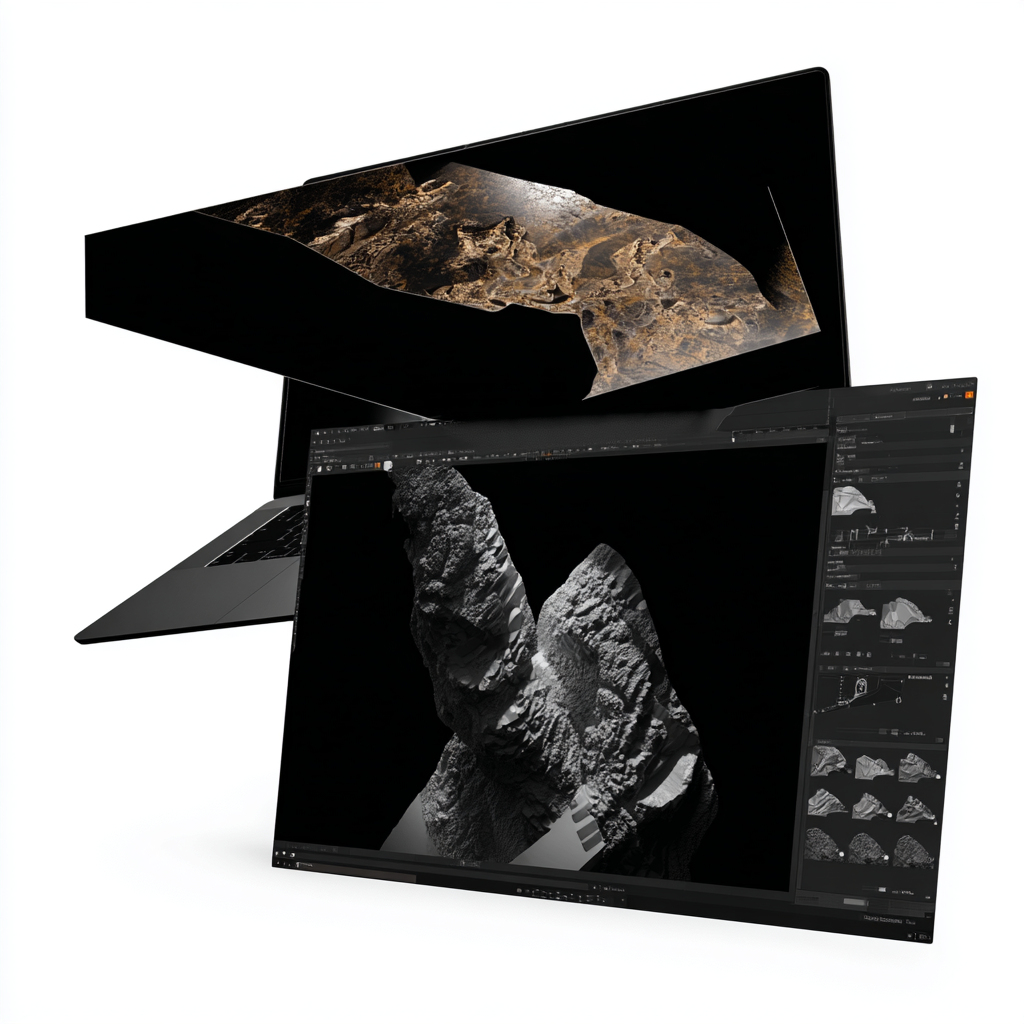
Every output includes auto-generated UV maps, PBR material channels (albedo, normal, roughness, metallic), and clean mesh topology. Assets are game-ready out of the box — import directly into Unity, Unreal Engine, or Blender without additional cleanup.
Universal Format Export
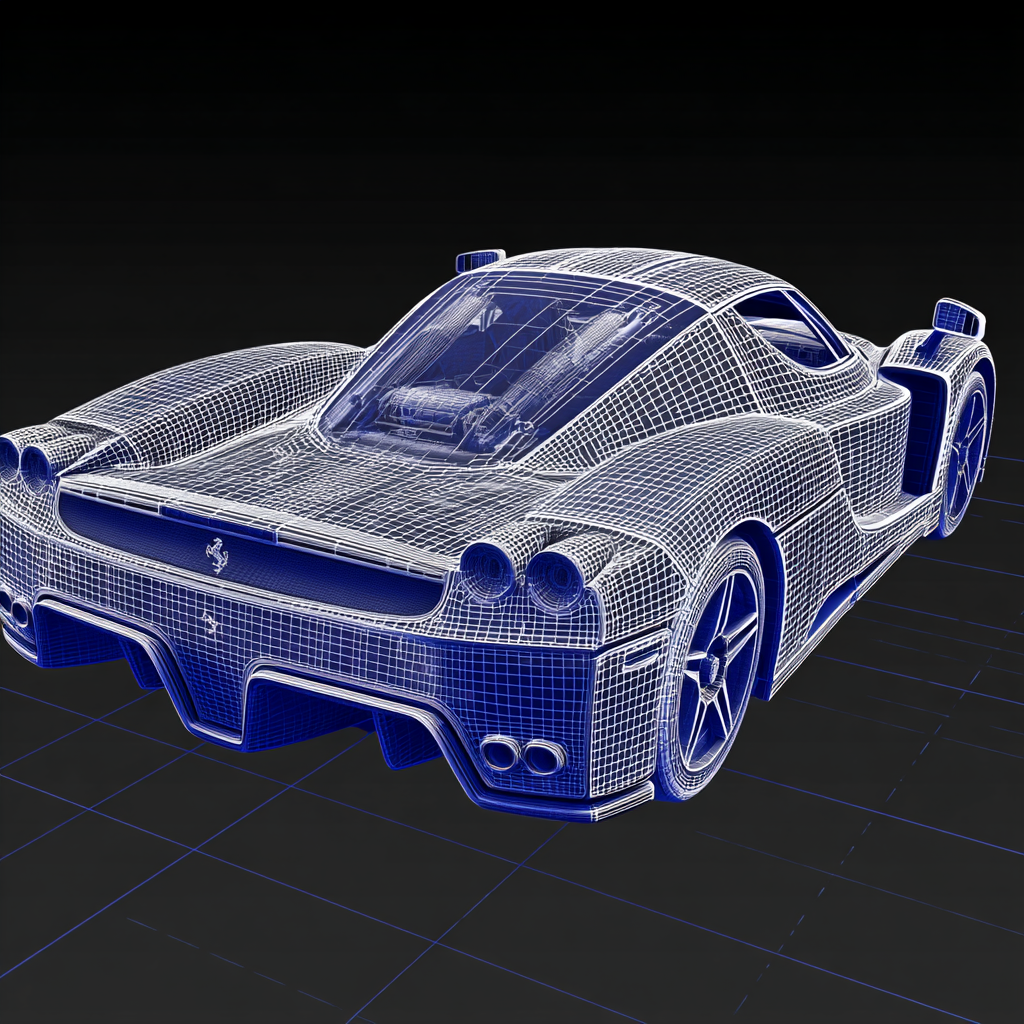
Export to any pipeline format: GLB for web viewers, OBJ for universal compatibility, FBX for game engines, USDZ for Apple AR Quick Look, or STL for 3D printing. All formats include embedded textures and materials where the standard supports it.

AI 3D Creation vs. Traditional 3D Modeling
See why teams choose AI 3D creation on WaveSpeed over traditional modeling workflows.
Performance at a Glance
AI 3D Creation on WaveSpeed delivers fast, reliable 3D generation at scale.
Examples
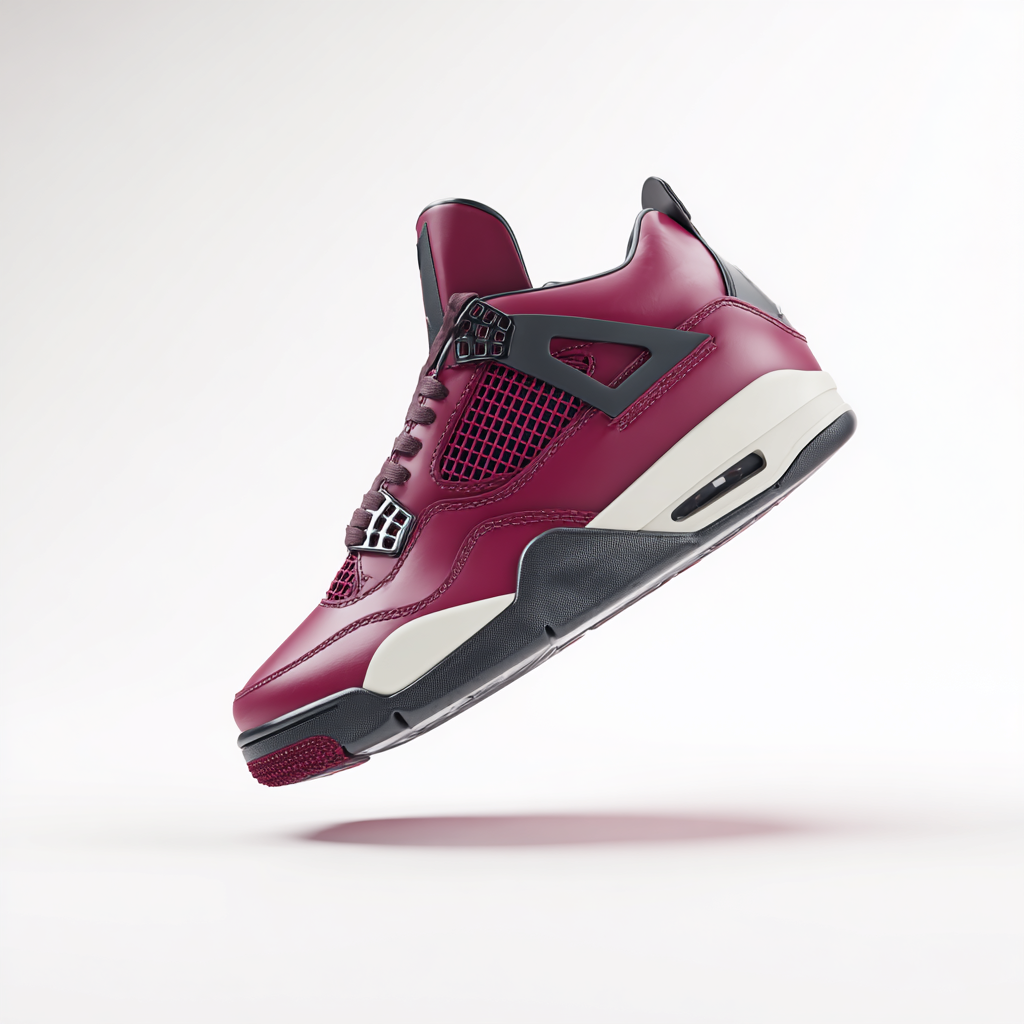
Rotating 3D model of luxury sneaker, studio lighting, white background, photorealistic textures, e-commerce product shot ready for 360-degree viewer.
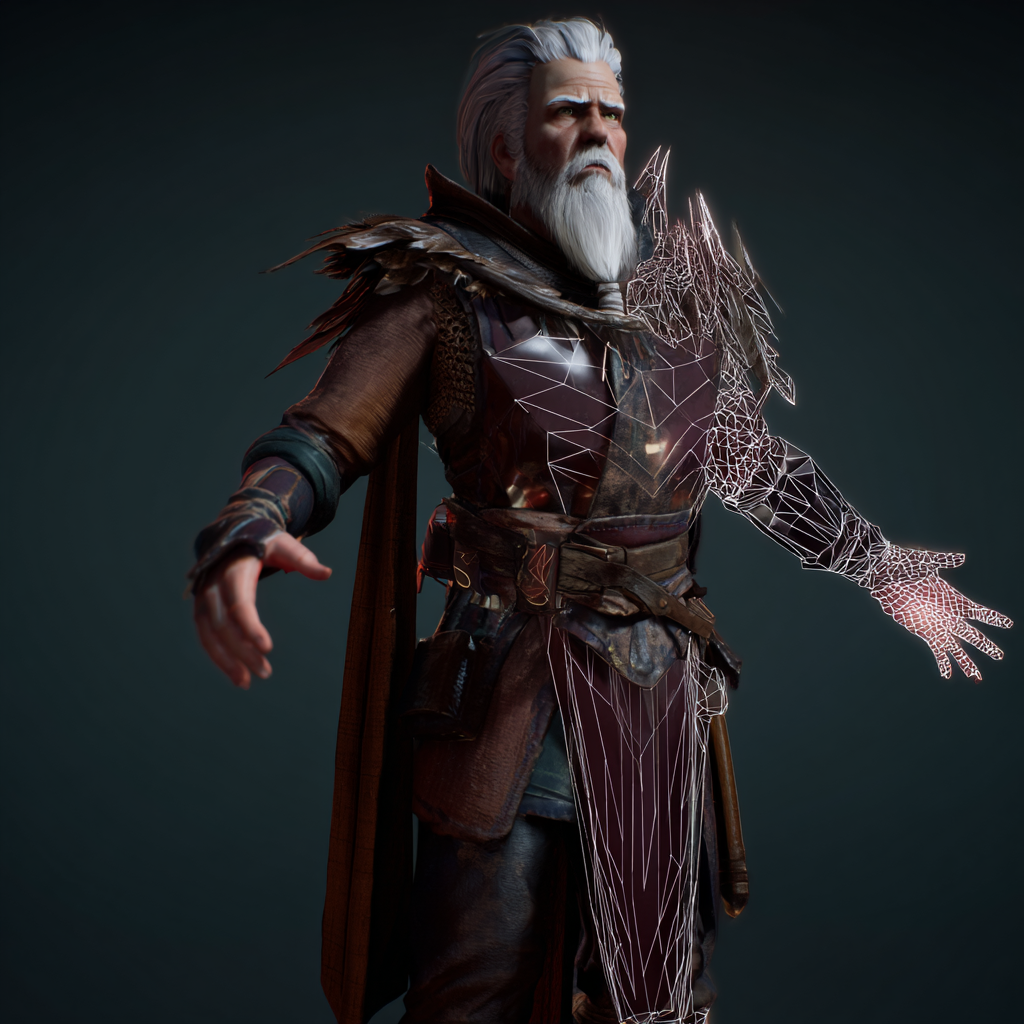
Game-ready 3D character asset in Unity engine viewport, wireframe overlay, PBR materials, dramatic lighting, polygon-optimized for real-time rendering.

AR try-on experience, person holding phone showing furniture placement in living room, USDZ format visualization, Apple AR Quick Look integration.
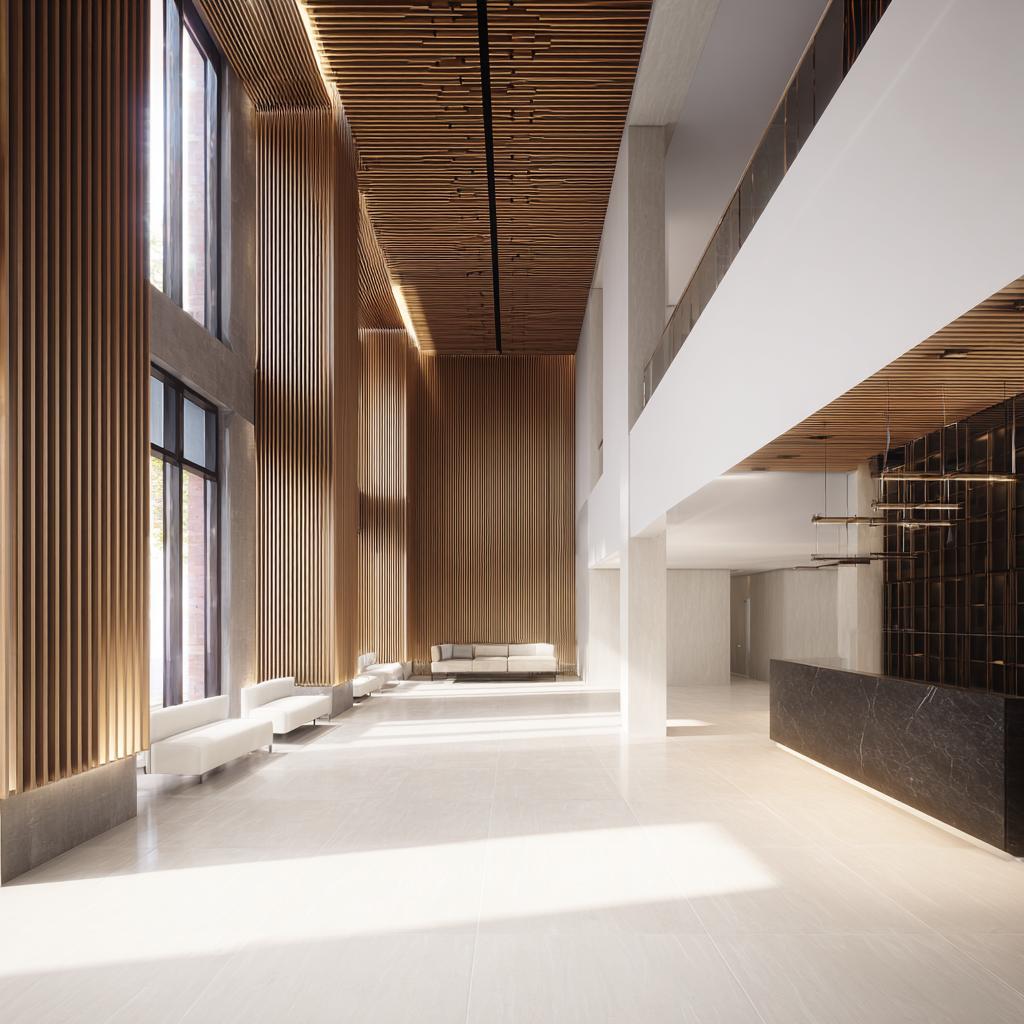
Architectural 3D walkthrough, modern building interior, photorealistic rendering, high detail, generated from 2D floor plan concept sketch.
Integrate in Minutes
Production-ready SDKs for Python and JavaScript. REST API with full OpenAPI spec. Webhook support for async jobs.
- Single-image input — no multi-view capture required
- Optimized inference — sub-5s generation on WaveSpeed GPU cluster
- Usage-based pricing — starting at $0.06 per model
- Python & JavaScript SDKs + REST API
Get Any Tool You Want
1000+ models across image, video, audio, and 3D — all through one API.


FAQ
We support single images (JPG, PNG, WebP), text descriptions, multi-view image sets, and point cloud data. For best results, use high-resolution photos with clear lighting and minimal background clutter.
Most models generate in 5-10 seconds. TripoSR produces textured meshes in under 5 seconds, while more complex multi-view models may take up to 30 seconds for higher quality output.
We support GLB (web-optimized), OBJ (universal), FBX (game engines), USDZ (Apple AR), and STL (3D printing). All exports include textures and materials where applicable.
Yes, all models generated on WaveSpeed are licensed for commercial use. You retain full rights to your generated assets and can use them in products, games, e-commerce, or any other commercial application.
AI-generated models are production-ready with professional-grade textures and geometry. While they may not match the artistic control of expert hand-modeling for hero assets, they're ideal for rapid prototyping, e-commerce, and game asset generation at scale.
Use the REST API or Python/JS SDK. Send an image URL or base64 payload, receive a 3D model URL in the response. Webhook support is available for async jobs. Full documentation at wavespeed.ai/docs.