Add a short clip
Choose, drop or paste an MP4, MOV, WebM or MKV video of up to 60 seconds.
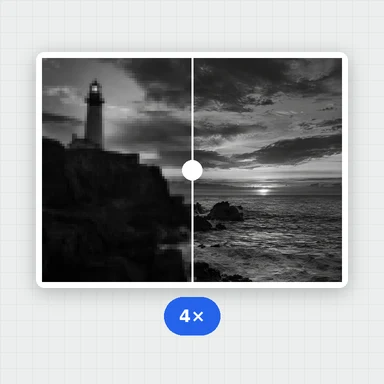
AI enlarges your clip frame by frame: each video opens at the largest scale that still fits 1920 × 1080.
A 640 × 360 clip reaches 1920 × 1080 at 3×, and the sound is kept in the MP4.
Drop a video here, or paste it
MP4, MOV, WebM or MKV · Up to 60 s and 500 MB · Nothing is uploadedEach example opens the first 3 seconds of an AI-made clip at 240p, so it upscales quickly. Press Upscale to see the result.
Choose, drop or paste an MP4, MOV, WebM or MKV video of up to 60 seconds.
The scale that fits Full HD is picked for you, with the exact output size shown.
Compare with the original and save the upscaled MP4 with its sound.
Create short videos from a prompt or a still image with WaveSpeed AI, then upscale them here.
Make the first frame or a cover image for your video.
Turn a prompt or a picture into a short video clip.
Turn a picture into a 3D model you can spin and render.
$1 in free credits for eligible new accounts. No card needed. Generators have separate account and credit requirements. The video upscaler is free.
Open the clip here, choose the scale that gives 1920 × 1080 and a quality, and AI enhances it frame by frame. Then download the MP4.
A 640 × 360 clip reaches 1920 × 1080 at 3×, a 960 × 540 clip at 2×. Pick the scale that matches the size you start from; the page shows the size of the result.
No. The AI runs in your browser and the video never leaves your device. Only the AI model is downloaded the first time you use it.
Up to 60 seconds here, and clips at 720p or smaller work best. WaveSpeed AI’s Video Upscaler Pro runs in the cloud and upscales longer videos.
Up to 1920 × 1080 · Sound kept · Free, no upload