Add a short video
Choose, drop or paste an MP4, MOV, WebM or MKV clip of up to 60 seconds.
Soft phone clips, old downloads and small recordings look sharper when AI enhances every frame.
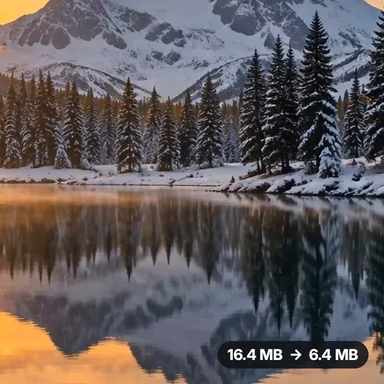
Keep the sound, choose a quality and download an MP4 that plays everywhere.
Drop a video here, or paste it
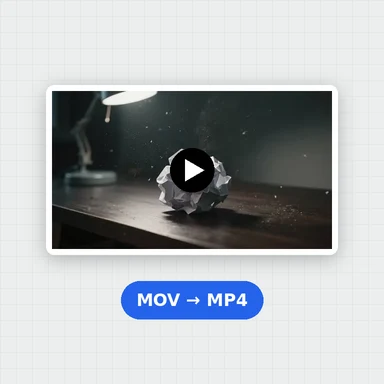
MP4, MOV, WebM or MKV · Up to 60 s and 500 MB · Nothing is uploadedEach example opens the first 3 seconds of an AI-made clip at 240p, so it upscales quickly. Press Upscale to see the result.
Choose, drop or paste an MP4, MOV, WebM or MKV clip of up to 60 seconds.
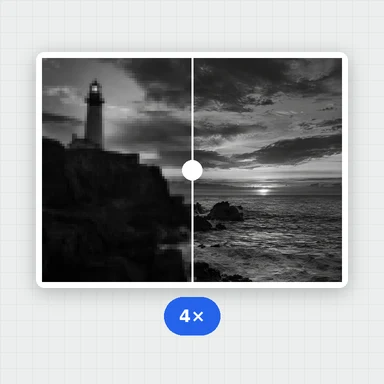
Choose Fast, Balanced or Best. The scale also sets how much larger the video becomes.
Compare with the original and save the sharper MP4 with its sound.
Create short videos from a prompt or a still image with WaveSpeed AI, then upscale them here.
Make the first frame or a cover image for your video.
Turn a prompt or a picture into a short video clip.
Turn a picture into a 3D model you can spin and render.
$1 in free credits for eligible new accounts. No card needed. Generators have separate account and credit requirements. The video upscaler is free.
Open your clip here, pick a quality and let AI enhance it frame by frame. Compare with the original and download the sharper MP4.
It works best on softness from low resolution or compression, such as small phone videos and old downloads. Heavy motion blur or an out-of-focus shot cannot be fully recovered.
Short clips at 720p or smaller, up to 60 seconds. For longer or larger videos, use WaveSpeed AI’s Video Upscaler Pro, which runs in the cloud.
Yes. There is no account or watermark, and the video never leaves your device: the AI runs in your browser.
Every frame sharpened · Sound kept · Free, no upload