Add your image
Choose, drop or paste a JPG, PNG, WebP, AVIF or HEIC image.
Brush over a watermark, stamp or logo on your own picture and AI paints over that area using the surrounding pixels. Compare with the original and download the full-size result.
Only remove watermarks from images you own or have the right to edit.
Brush over people, objects or text and AI fills the area in. Or paste an image.
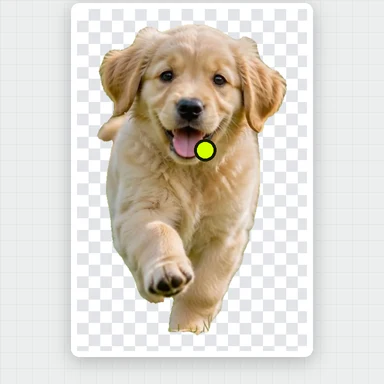
JPG, PNG, WebP, AVIF or HEIC, up to 50 MBEach one opens with an area already brushed. Press Erase, then hold Compare to see the change.
Choose, drop or paste a JPG, PNG, WebP, AVIF or HEIC image.
Paint over the whole mark with a small margin, then press Erase. Repeat for any leftovers.
Hold Compare to check against the original, undo if needed, then save PNG, JPG or WebP.
Create or edit images from a short prompt with WaveSpeed AI.
Make a fresh photo, or describe the change you want to an existing one.
Turn your cleaned-up photo into a short video clip.
Turn a picture into a 3D model.
$1 in free credits for eligible new accounts. No card needed. Generators have separate account and credit requirements. The image eraser is free.
You brush over the mark and the tool fills that area with picture content that matches what is around it. It is an object eraser, so it paints over the area you select.
Not always. Small marks on even areas such as sky, walls, water or grass come out cleanest. Large or semi-transparent marks over detailed areas may leave traces, so erase them in a few smaller parts and check the result.
Only remove watermarks from images you own or have permission to edit. A watermark often marks someone else’s work, and removing it may break their rights or a licence.
No. The AI runs in your browser and your image stays on your device. Only the AI is downloaded, once.
Yes. There is no account, no watermark added by us and no limit on images.
Brush and erase · Full-size download · No upload