Add your video
Drop or choose a clip of a person. It never leaves your device.
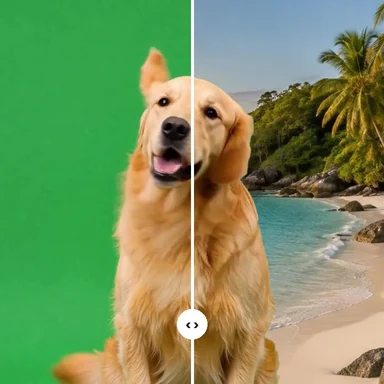
AI finds the person in every frame and fills everything behind them with one flat color.
Choose clean white, a soft gray, black or your exact brand color for talking heads, demos and social clips.
MP4, MOV, WebM or MKV with a person in it. No green screen needed.
Or paste a video. Exports cover up to 60 seconds at a time.Need a clip? Create one with AIPeople filmed in rooms and streets, no green screen. Pick one to see the background disappear.
Drop or choose a clip of a person. It never leaves your device.
Colour is already selected: click the color swatch and choose any shade.
Press Remove background, check the live preview, then export MP4 or WebM with the original sound.
Generate the backdrop for your cut-out video, or a whole new clip, from a prompt with WaveSpeed AI.
Create moving backgrounds, B-roll and full scenes from a prompt or a photo.
Make a studio, city or fantasy backdrop to put behind your video.
Turn an object into a 3D model for your set.
$1 in free credits for eligible new accounts. No card needed. Generators have separate account and credit requirements. The video background remover is free.
Add the video, keep Colour selected and pick a color, then press Remove background. The AI replaces everything behind the person with that color in every frame.
Yes. The color picker accepts any color, so you can match a brand color exactly. The whole background becomes that one flat color.
Yes. Pick white or black in the color picker. Check the edges in the preview, and adjust Outline or Edge softness if a thin rim of the old background shows.
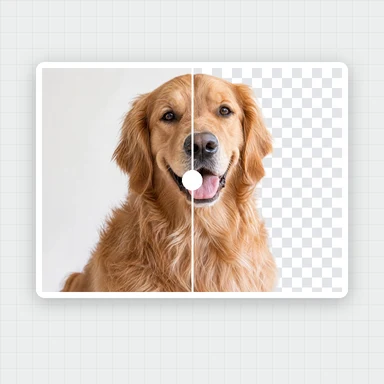
Switch to Transparent and export a WebM with alpha or a ZIP of PNG frames, then place the person over anything in your editor.
Any color · MP4 with sound · No watermark